




What if the back adhesive doesn't stick?
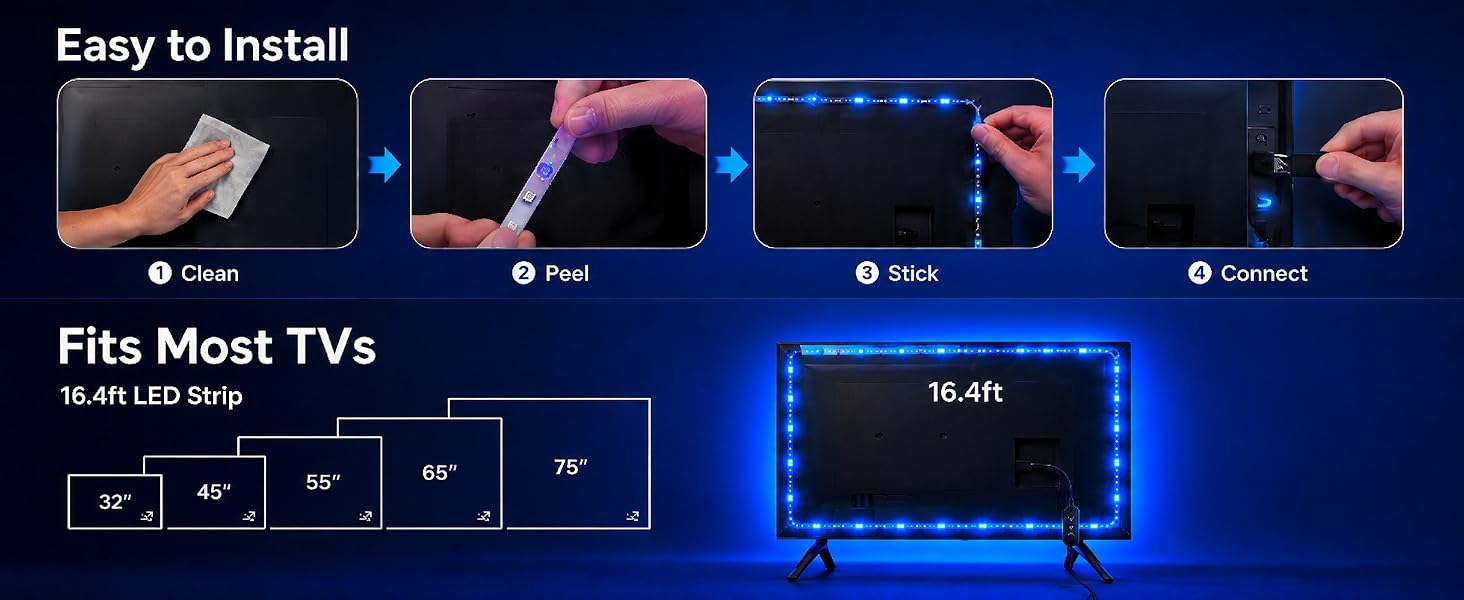
Our tape is strong and durable. Before sticking, wipe the back of your TV with isopropyl alcohol or 70% rubbing alcohol to remove dust and oil. Then press the strip firmly for about 30 seconds — it will stay in place.
How should I handle the corners?
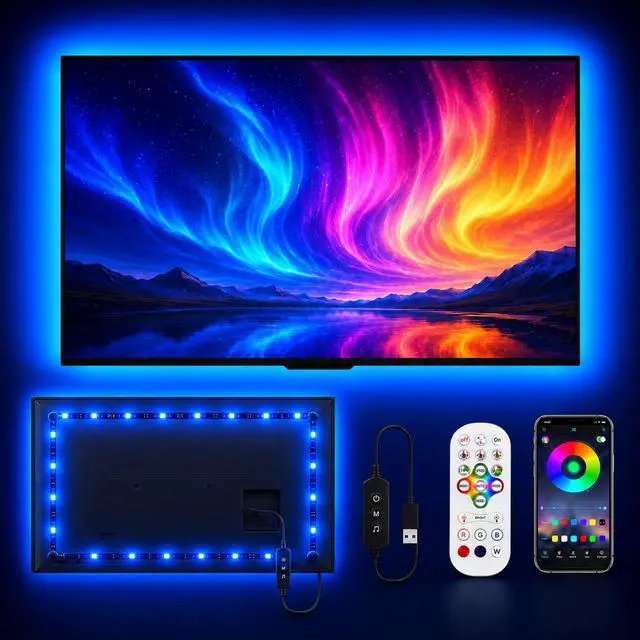
Very easy. Our strip has a flexible circuit board that can be bent at 90 degrees, just like the picture in our listing. Simply stick it along the TV edge, and it will keep lighting evenly around the corner.
Can it be seen clearly in the daytime?
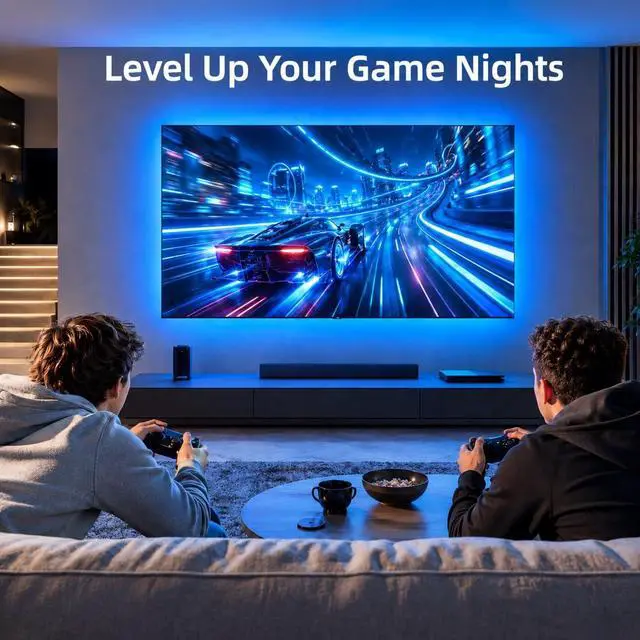
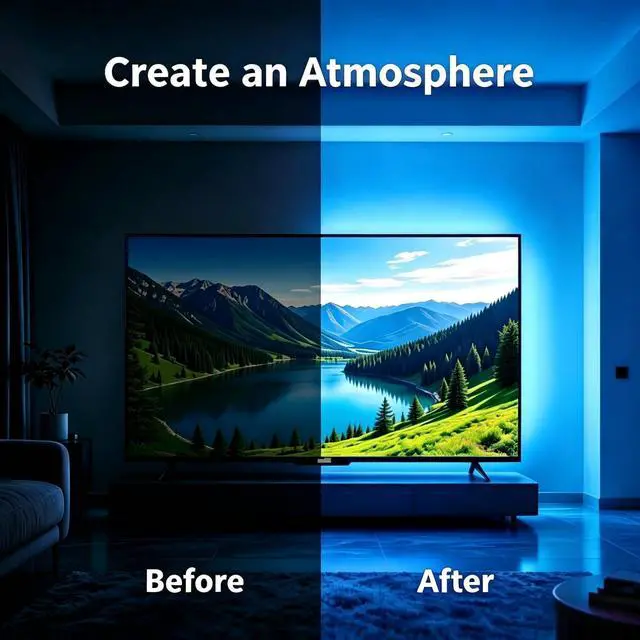
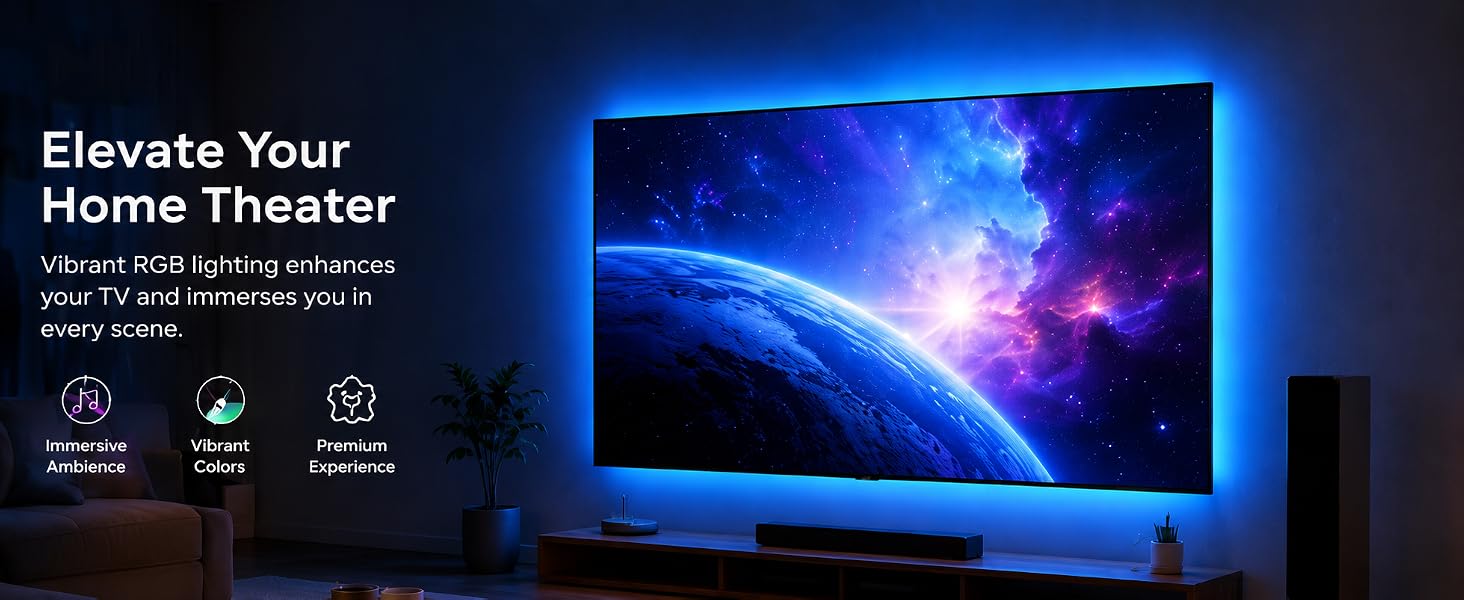
It works best in darker rooms. Like most bias lighting, the effect is much weaker in bright daylight — that's normal. It's designed to reduce eye strain and improve contrast when you're watching TV in low light or at night.
Can the light strip be shortened if it's too long?
Yes, you can cut it. Look for the copper pads with a scissor icon — that's where you cut. Use regular scissors and cut along the line. Just make sure to measure your TV size first, because the cut-off piece cannot be reused.
What if the app cannot connect?
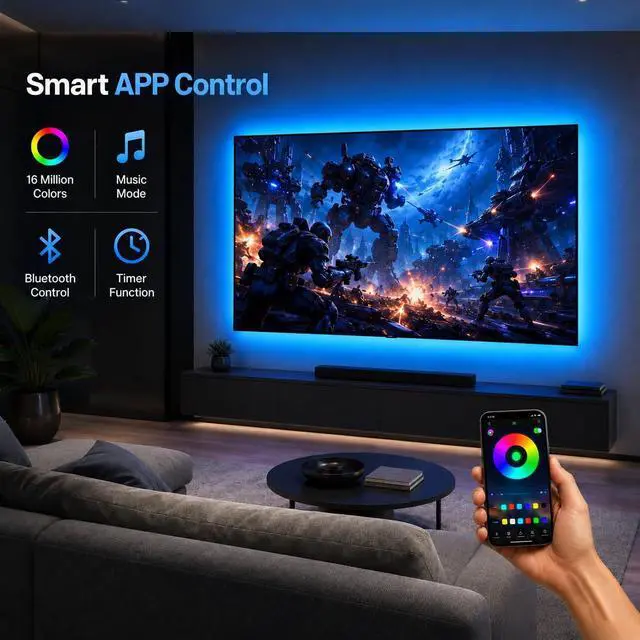
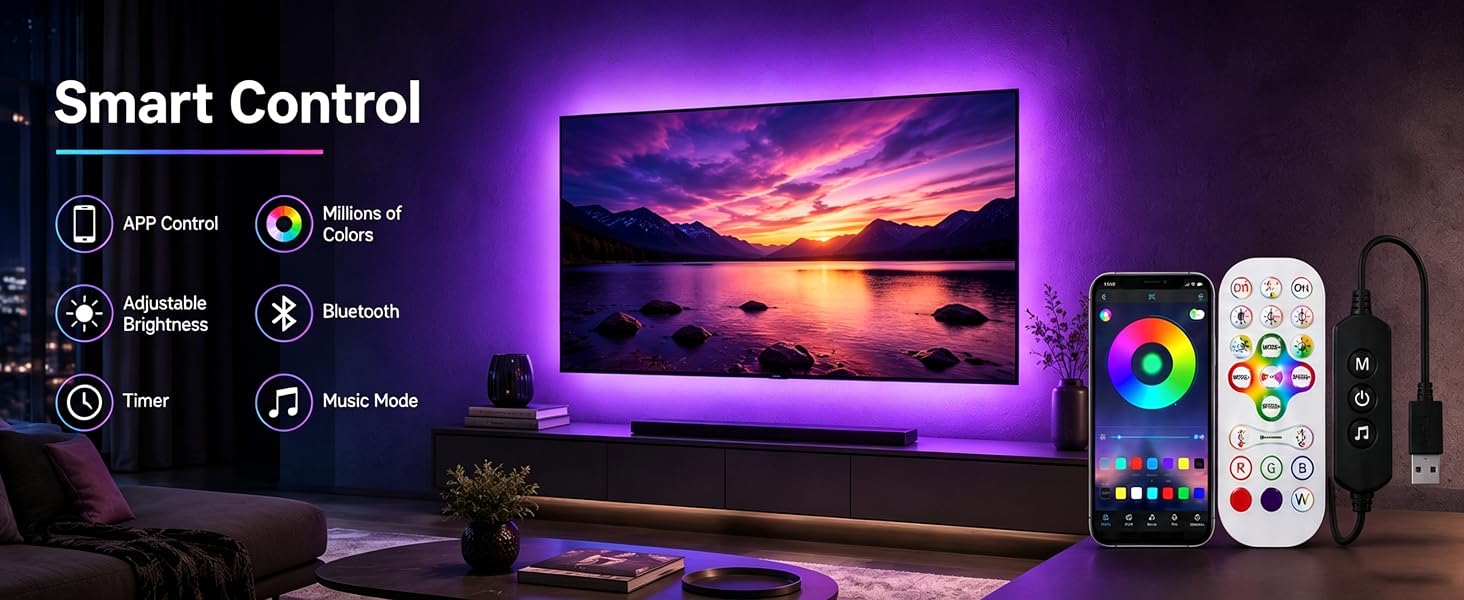
Ensure Bluetooth and the light strip are enabled. Keep your phone close, then restart the app or unplug and replug the light’s power supply to reconnect.
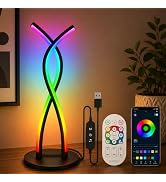
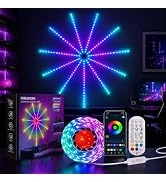
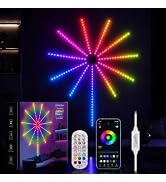
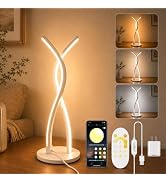
Explore MORIACC Lighting
Light Up Every Moment
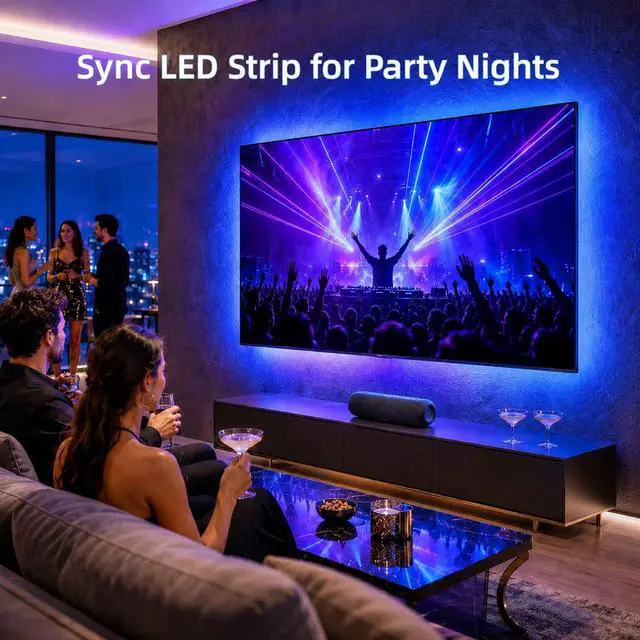
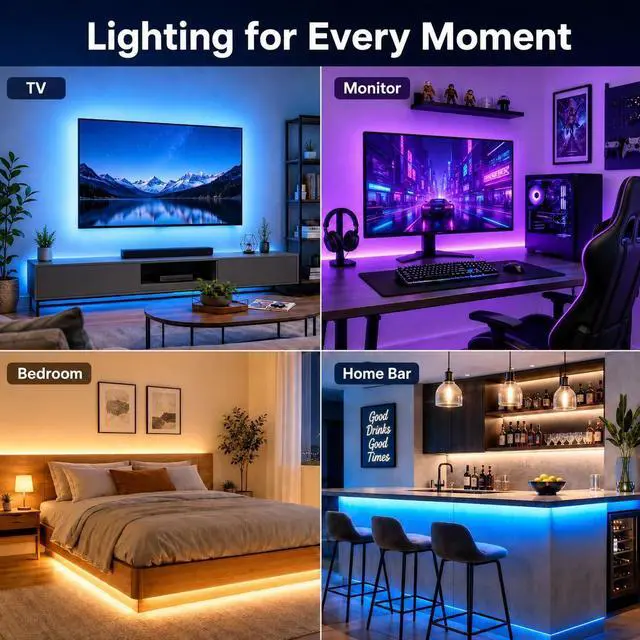
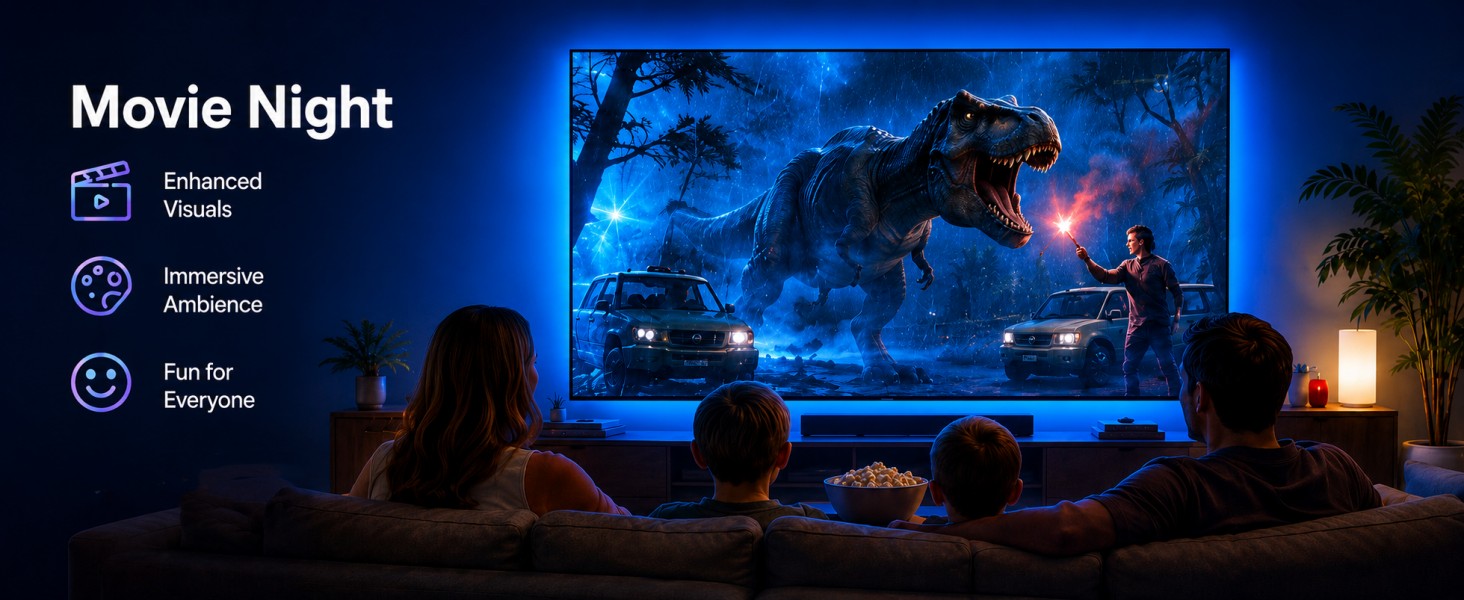
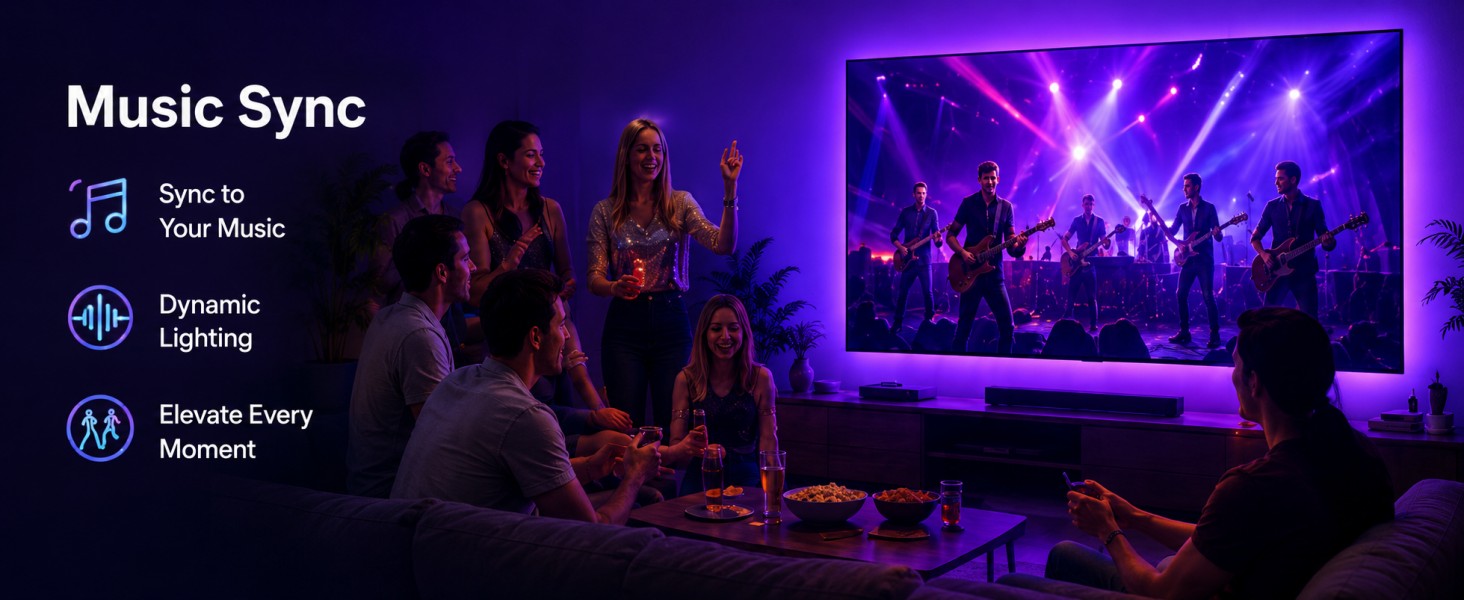
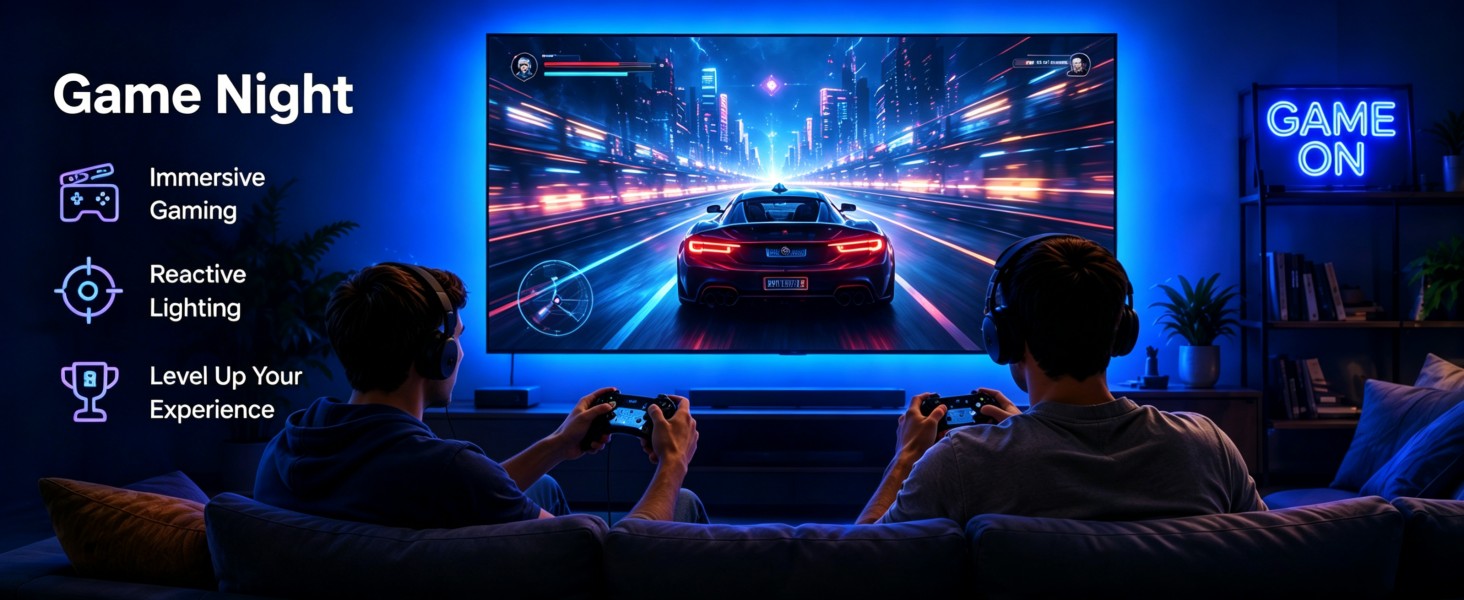
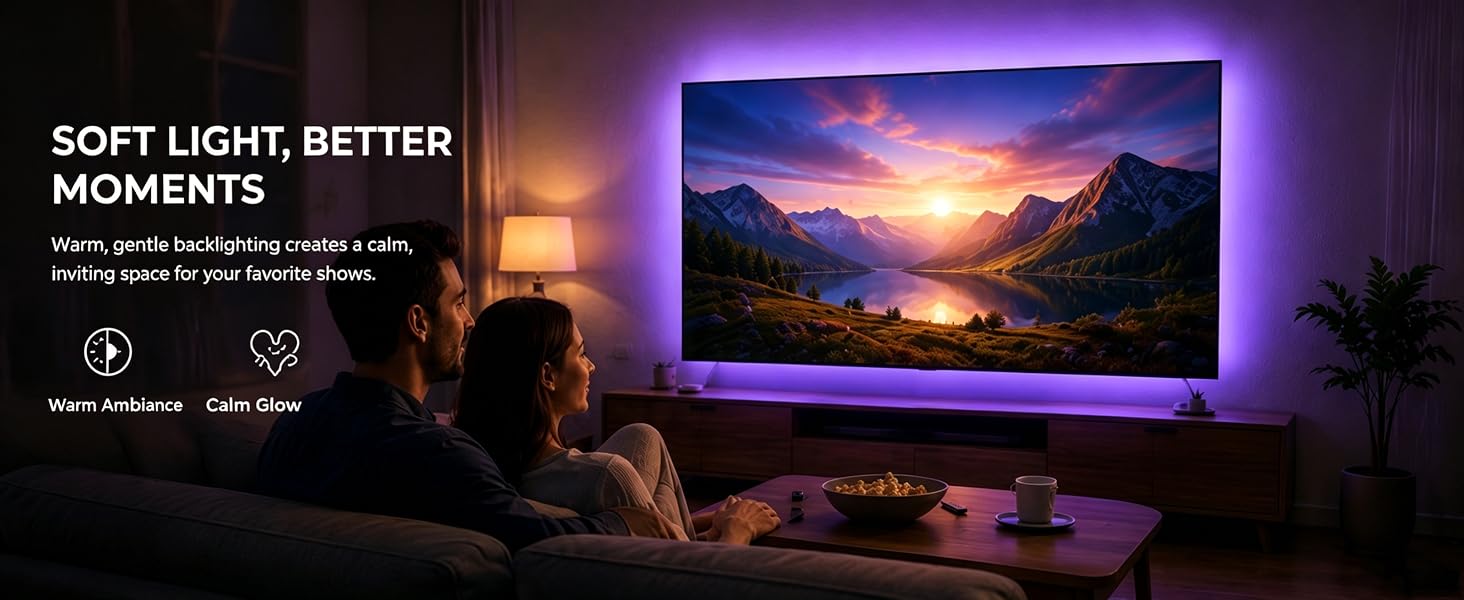
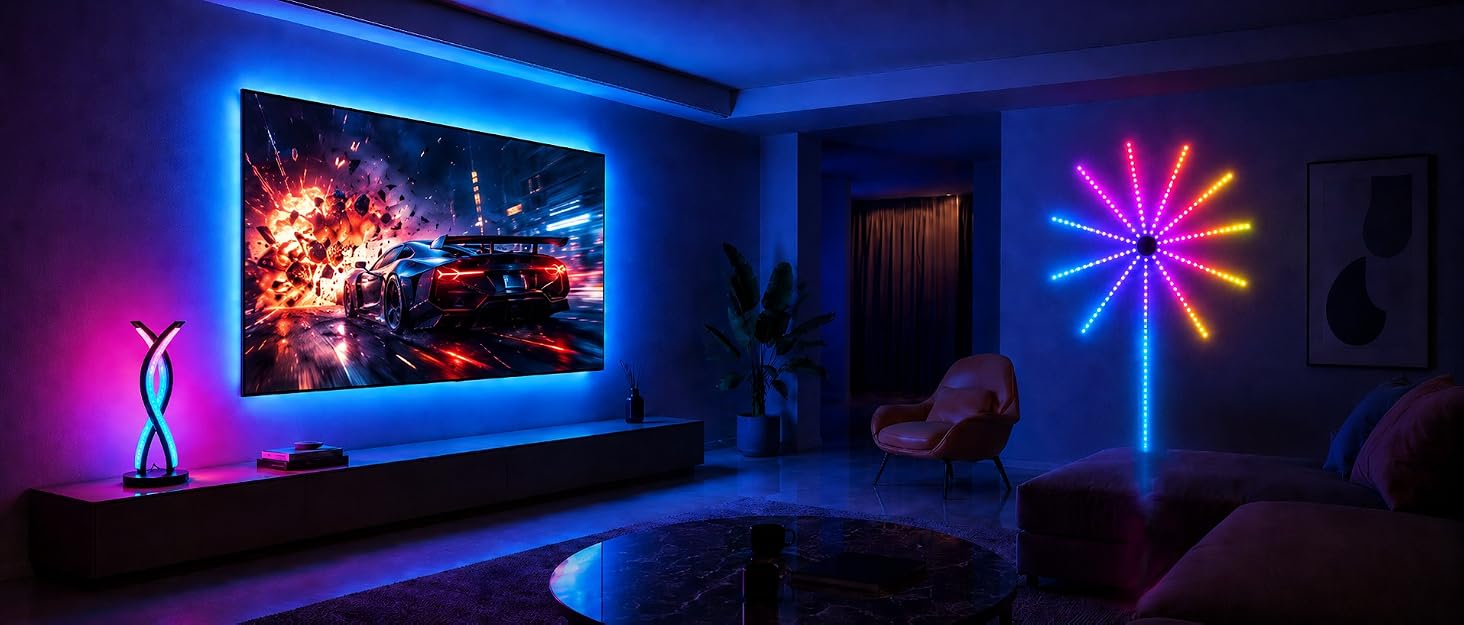
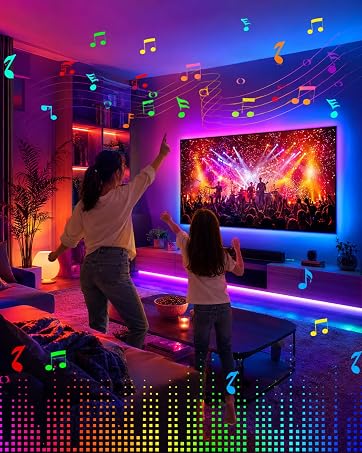
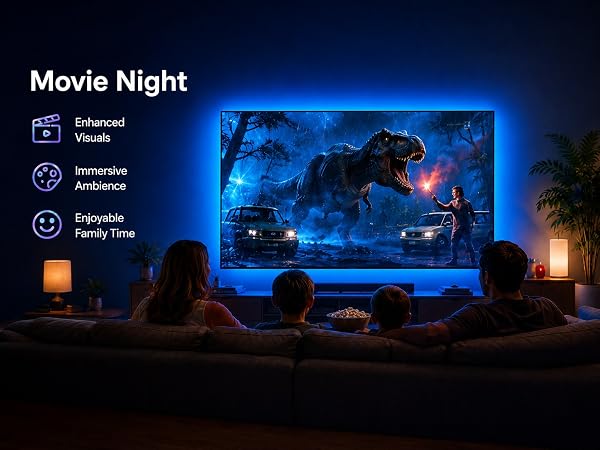
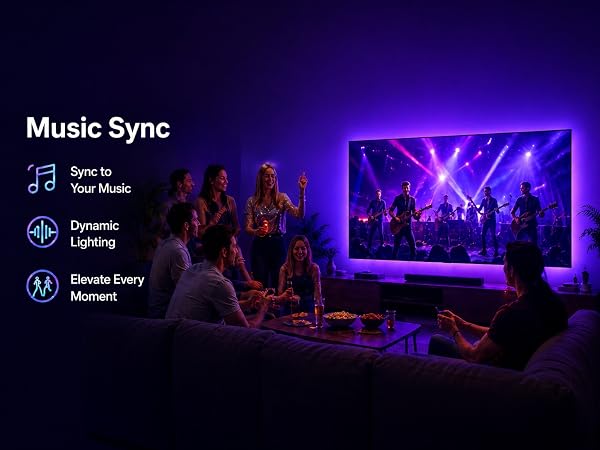
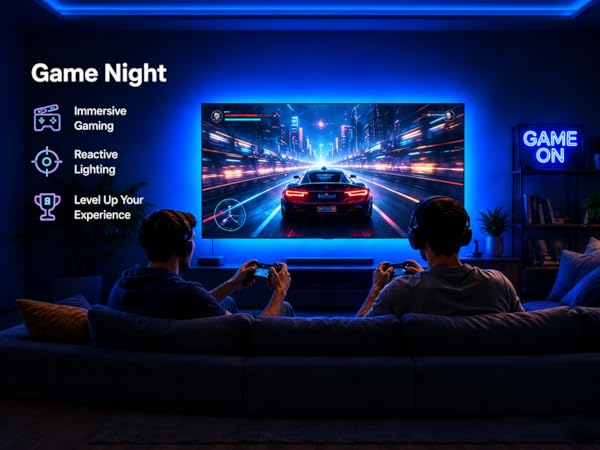
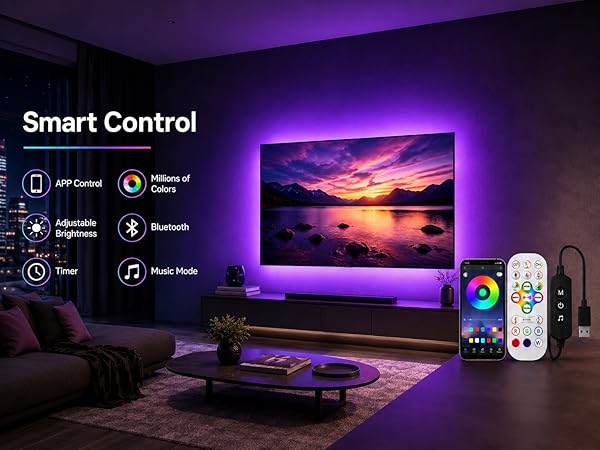
MORIACC specializes in LED lighting for entertainment and home ambience, including TV backlights, LED table lamps, and firework lights. Our products are designed for simple setup and flexible personalization through app Bluetooth control, remote control, built-in buttons, music sync, timers, dimming, color adjustment, and multiple effects. From movie nights to festive gatherings, MORIACC turns ordinary spaces into vivid, memorable moments.
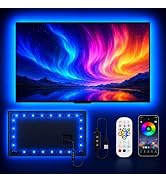
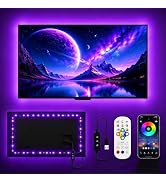
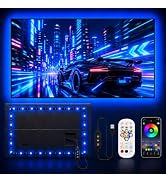
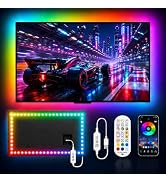
TV LED Backlight
What if the back adhesive doesn't stick?
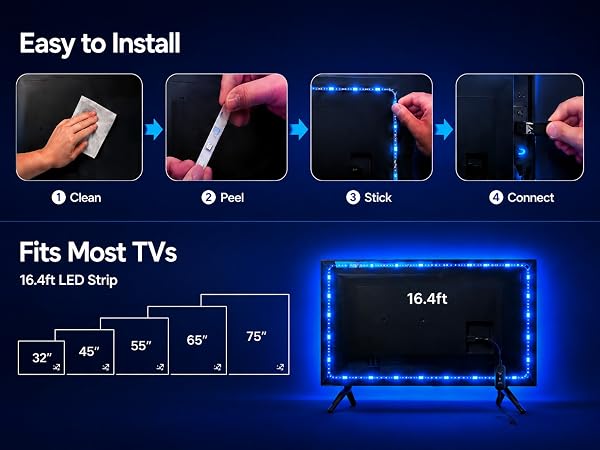
Our tape is strong and durable. Before sticking, wipe the back of your TV with isopropyl alcohol or 70% rubbing alcohol to remove dust and oil. Then press the strip firmly for about 30 seconds — it will stay in place.
How should I handle the corners?
Very easy. Our strip has a flexible circuit board that can be bent at 90 degrees, just like the picture in our listing. Simply stick it along the TV edge, and it will keep lighting evenly around the corner.
Can it be seen clearly in the daytime?
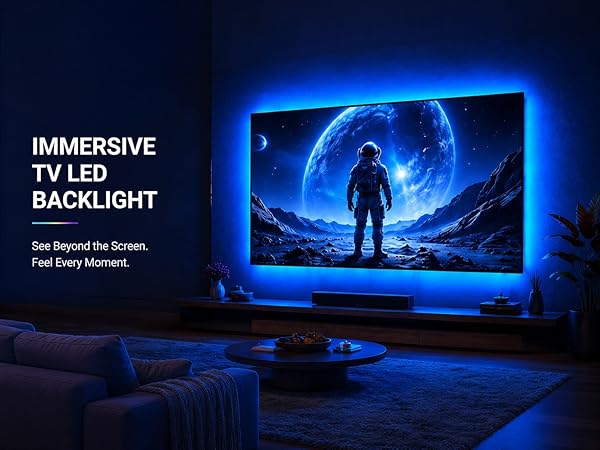
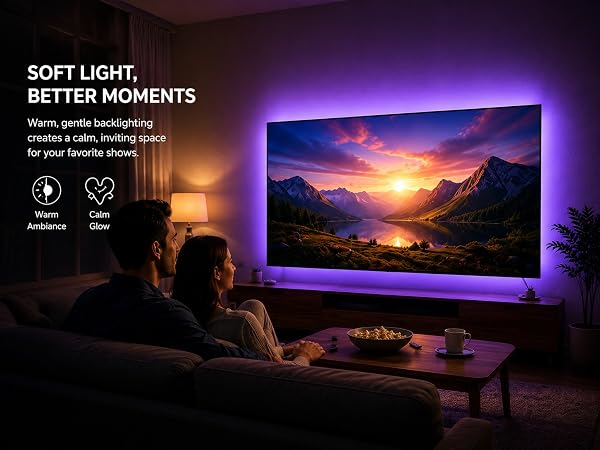
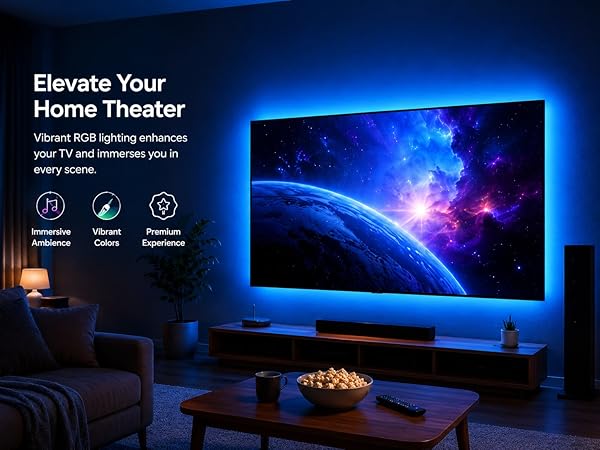
It works best in darker rooms. Like most bias lighting, the effect is much weaker in bright daylight — that's normal. It's designed to reduce eye strain and improve contrast when you're watching TV in low light or at night.
Can the light strip be shortened if it's too long?
Yes, you can cut it. Look for the copper pads with a scissor icon — that's where you cut. Use regular scissors and cut along the line. Just make sure to measure your TV size first, because the cut-off piece cannot be reused.
What if the app cannot connect?
Ensure Bluetooth and the light strip are enabled. Keep your phone close, then restart the app or unplug and replug the light’s power supply to reconnect.
Explore MORIACC Lighting
Light Up Every Moment
MORIACC specializes in LED lighting for entertainment and home ambience, including TV backlights, LED table lamps, and firework lights. Our products are designed for simple setup and flexible personalization through app Bluetooth control, remote control, built-in buttons, music sync, timers, dimming, color adjustment, and multiple effects. From movie nights to festive gatherings, MORIACC turns ordinary spaces into vivid, memorable moments.
TV LED Backlight
