here!
here!
I’m your shopping assistant for PC builds, upgrades, and everything tech.
Got questions? Ask away!
Start a conversation
here!
I’m your shopping assistant for PC builds, upgrades, and everything tech.
Got questions? Ask away!
Start a conversation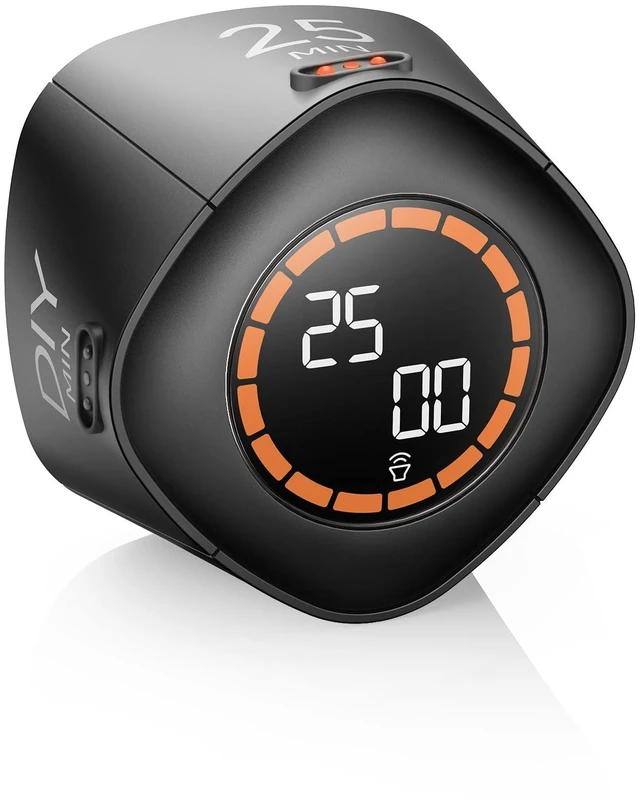



Any questions? Ask CelesteSM will help you find out quickly.

We will continuously update with interesting and innovative products.


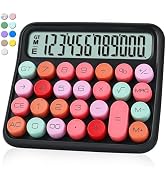
We're always working on something new and interesting
Innovation, quality, user experience, etc. are the mission and values that shape the VEWINGL brand, and are also its unique identity.
There is no doubt about the strength of our products
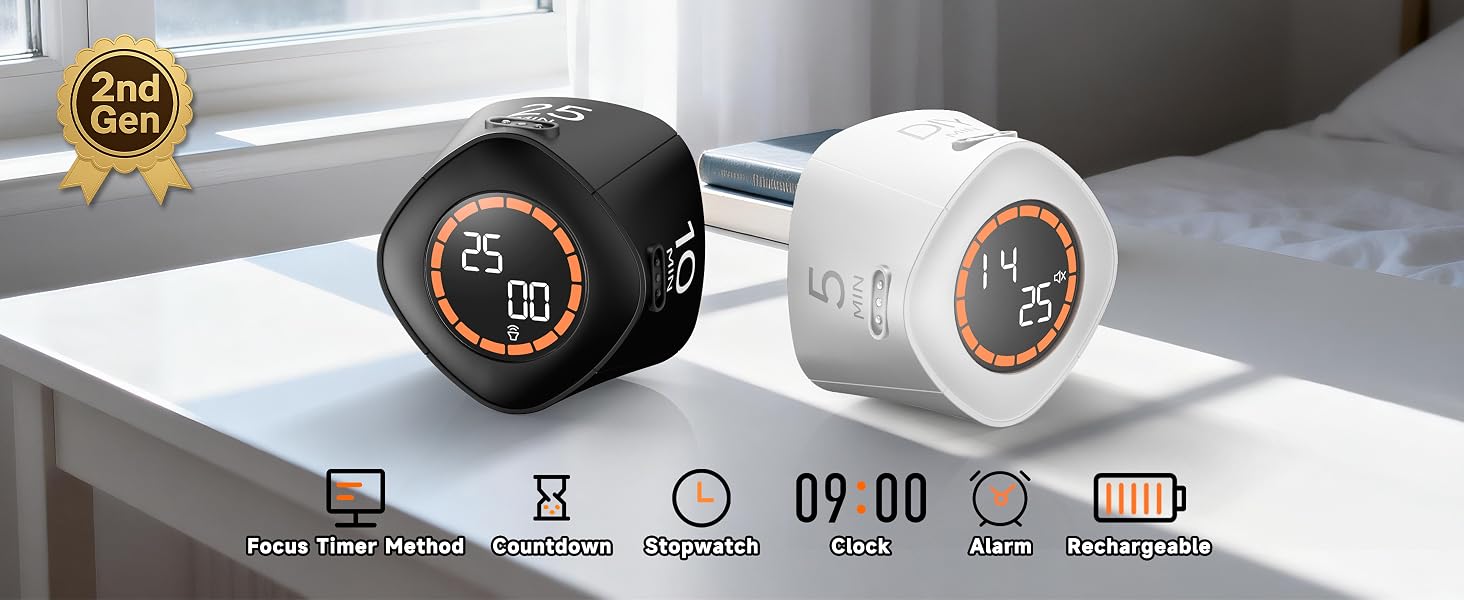
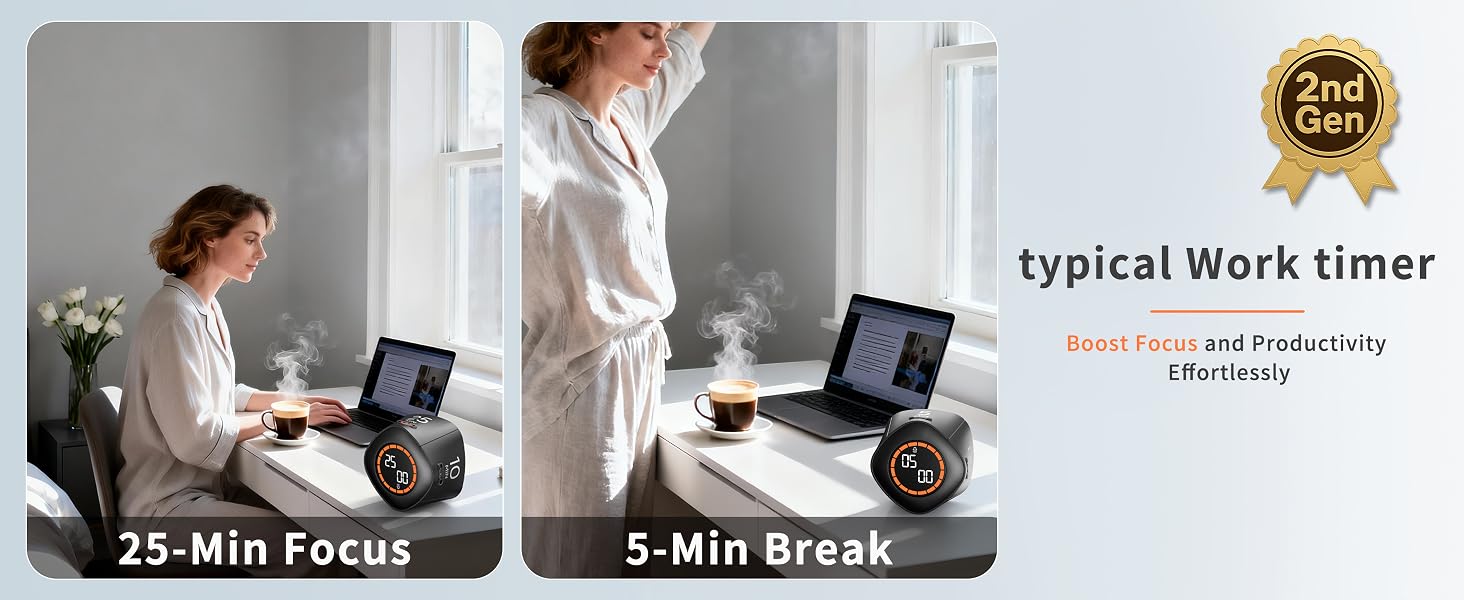
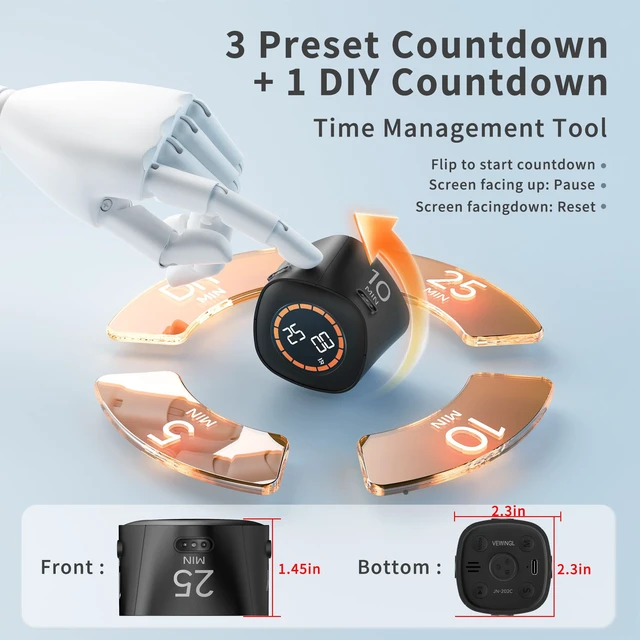
Boost productivity with 25-minute focus sessions and 5-minute breaks, designed to help you stay focused and energized while managing your time effectively.
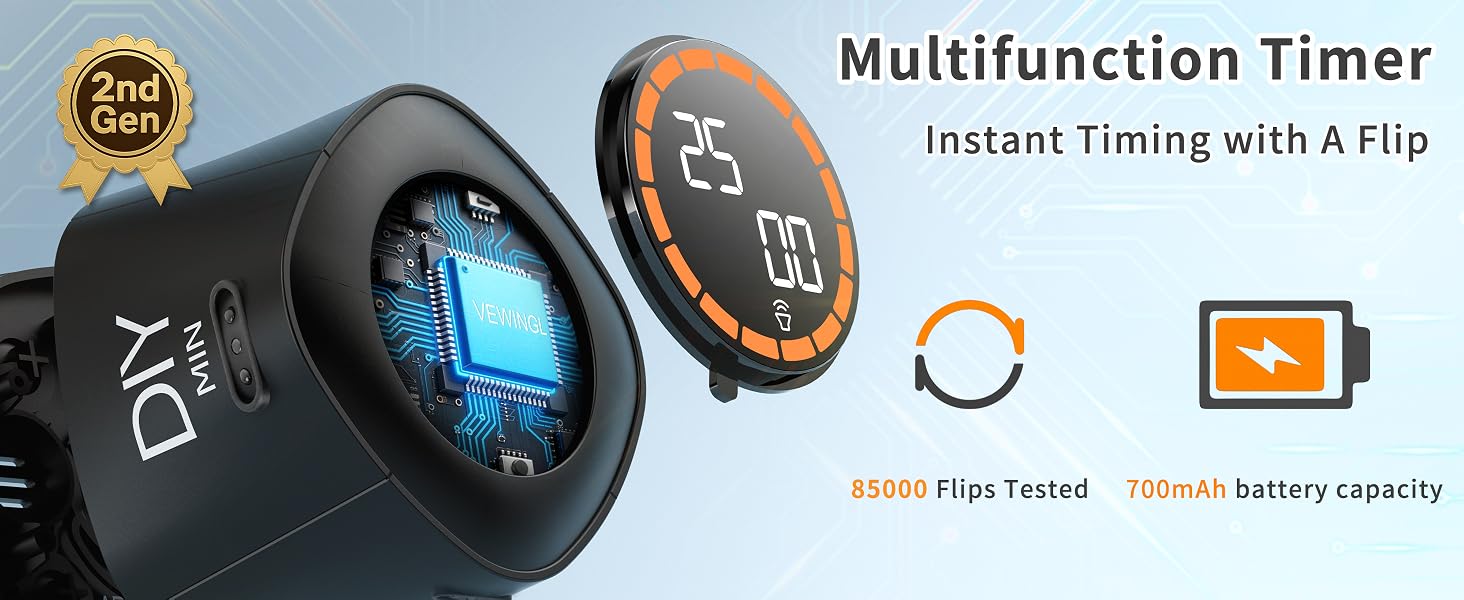
Every moment is precious, and VEWINGL helps you stay focused on the task at hand. As a cutting-edge efficiency timer, it serves as an exceptional time management tool to boost productivity.
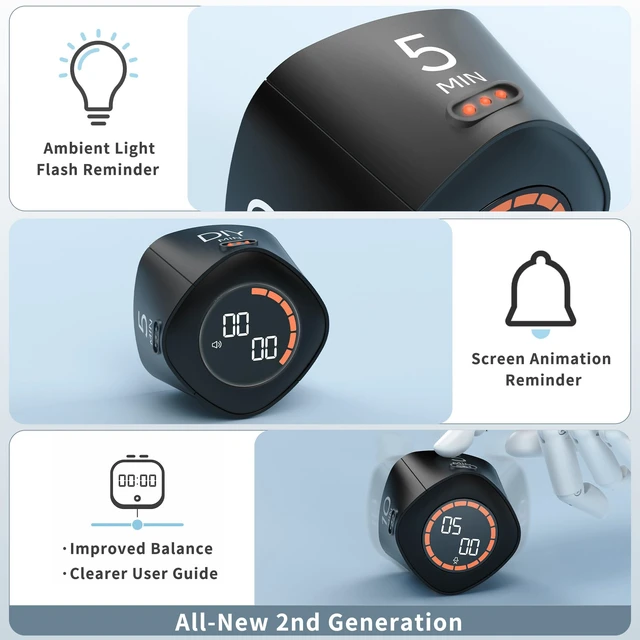
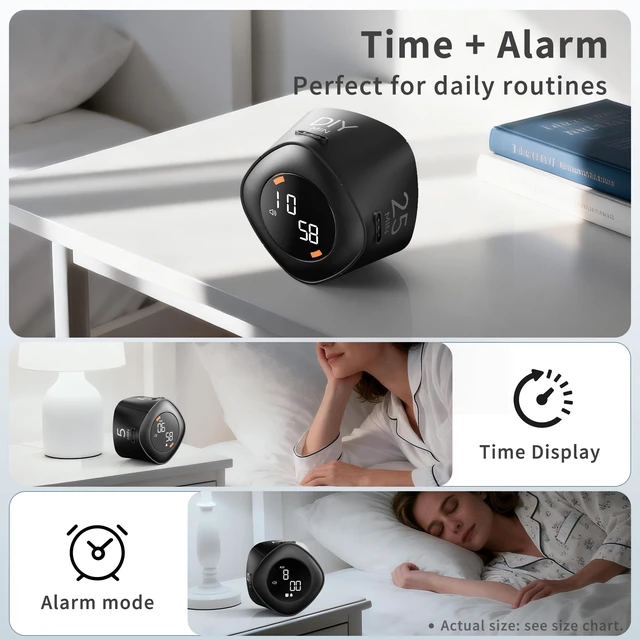
The eye-friendly luminous display can be clearly seen at night
Is it rechargeable?
Yes. Please fully charge the timer before first use.
How do I turn the timer on and off?
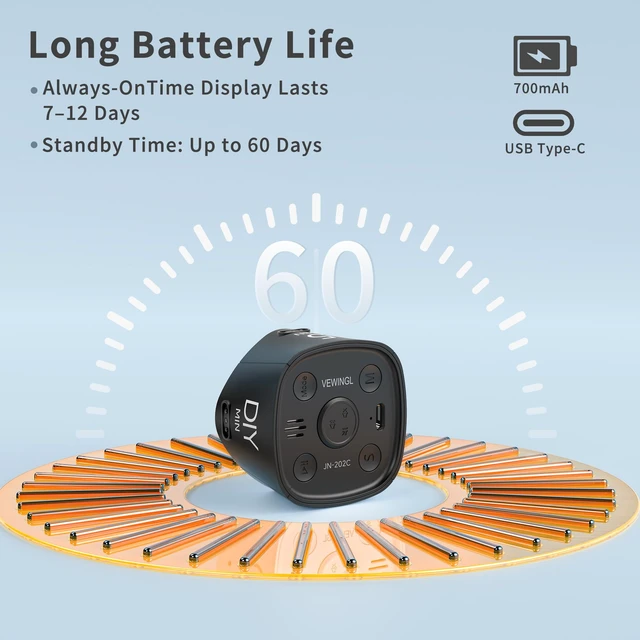
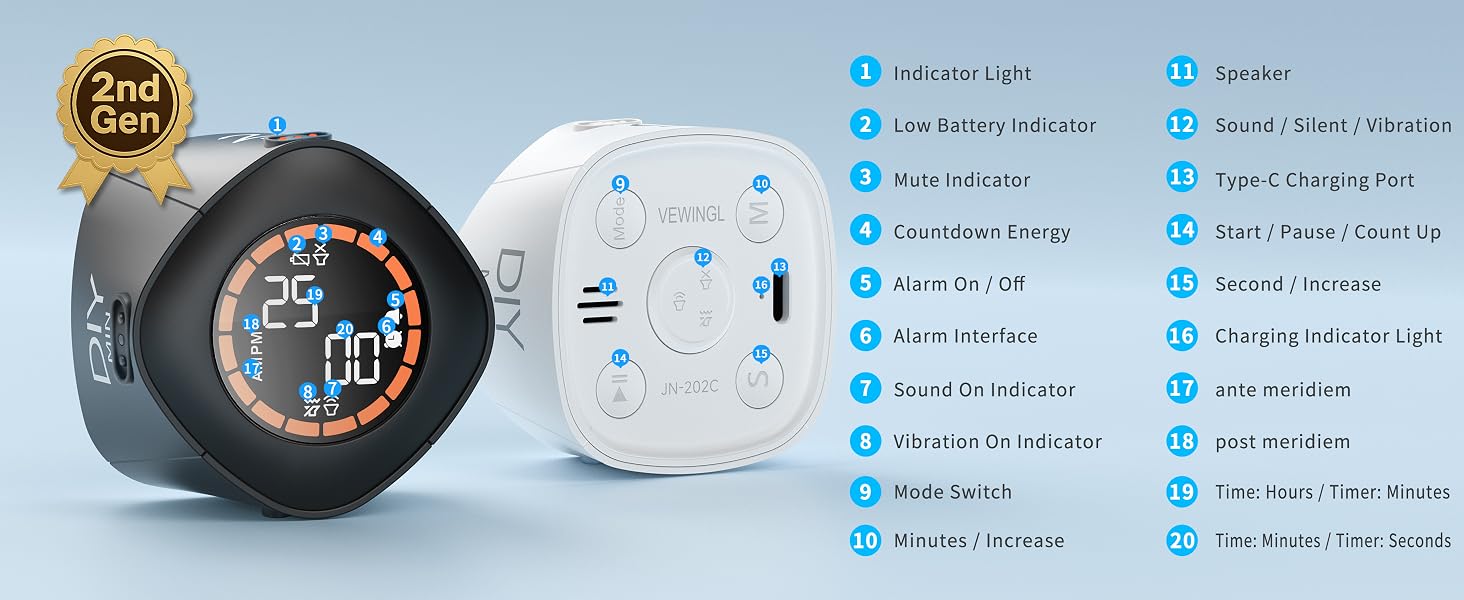
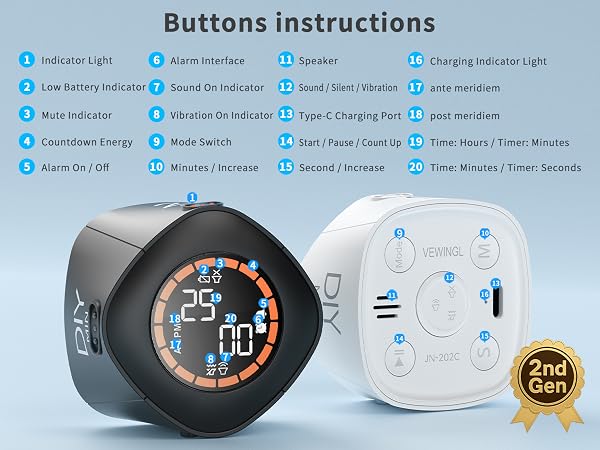
Short press the volume button to power on the timer, and long press the volume button to power it off. The screen automatically turns off after inactivity to help save power.
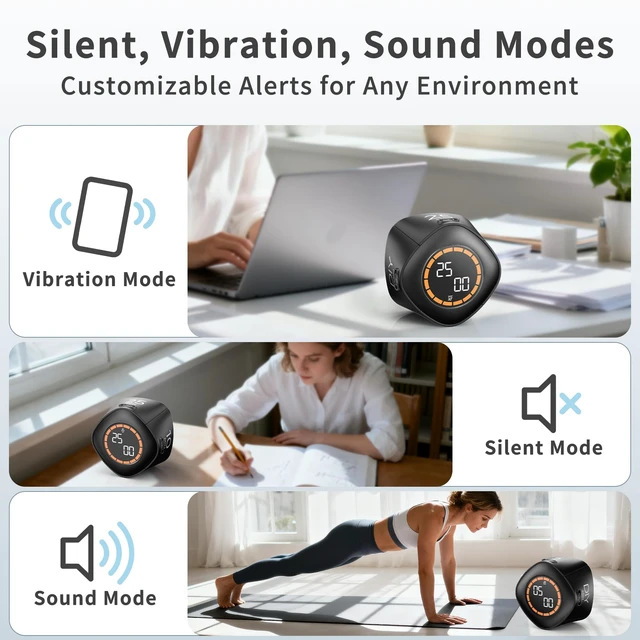
Does it support silent mode?
Yes. Sound, vibration, and silent alert modes are included for different environments.
Which side supports customizable countdown settings?
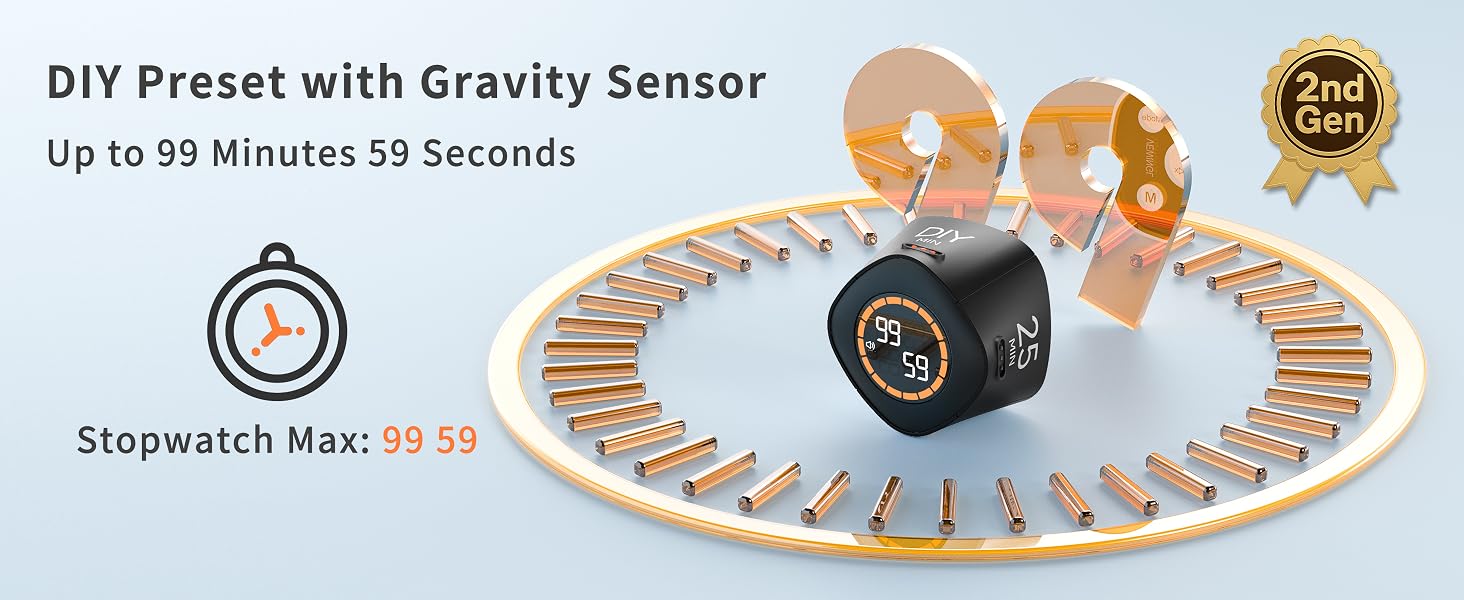
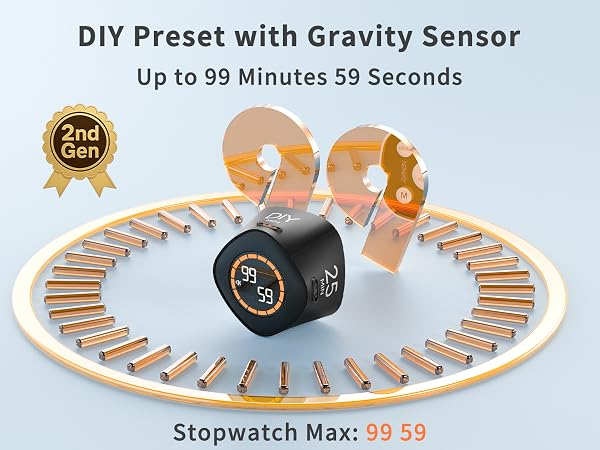
The DIY side supports customizable countdown settings up to 99 minutes and 59 seconds.
We will continuously update with interesting and innovative products.
We're always working on something new and interesting
Innovation, quality, user experience, etc. are the mission and values that shape the VEWINGL brand, and are also its unique identity.
There is no doubt about the strength of our products
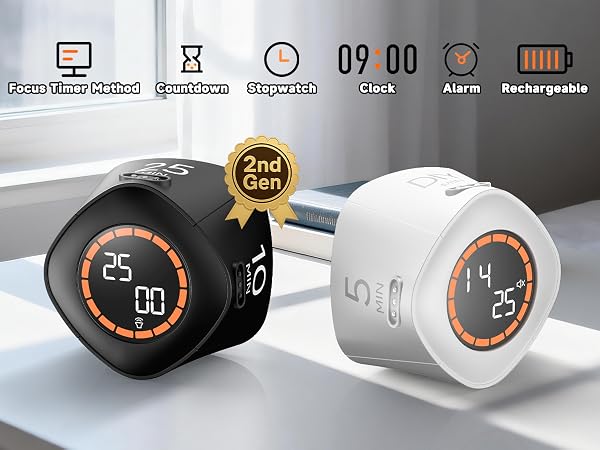
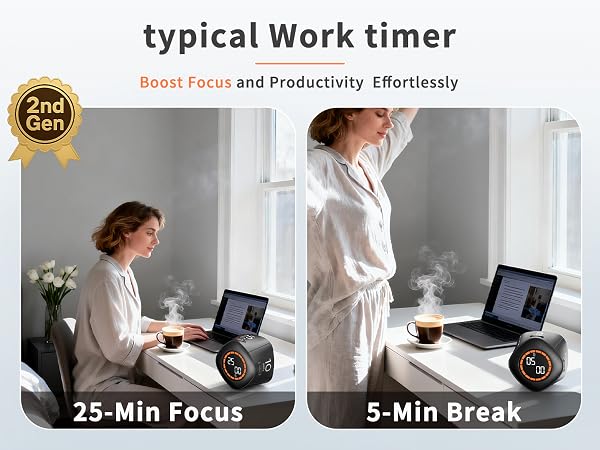
Boost productivity with 25-minute focus sessions and 5-minute breaks, designed to help you stay focused and energized while managing your time effectively.
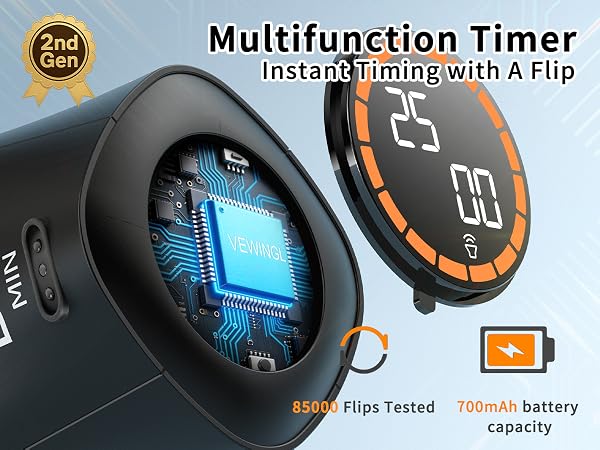
Every moment is precious, and VEWINGL helps you stay focused on the task at hand. As a cutting-edge efficiency timer, it serves as an exceptional time management tool to boost productivity.
The eye-friendly luminous display can be clearly seen at night
Is it rechargeable?
Yes. Please fully charge the timer before first use.
How do I turn the timer on and off?
Short press the volume button to power on the timer, and long press the volume button to power it off. The screen automatically turns off after inactivity to help save power.
Does it support silent mode?
Yes. Sound, vibration, and silent alert modes are included for different environments.
Which side supports customizable countdown settings?
The DIY side supports customizable countdown settings up to 99 minutes and 59 seconds.