




 here!
I’m your shopping assistant for PC builds, upgrades, and everything tech.
Got questions? Ask away!
Start a conversation
here!
I’m your shopping assistant for PC builds, upgrades, and everything tech.
Got questions? Ask away!
Start a conversationShipped by Newegg

Make informed decisions with expert advice. Learn More
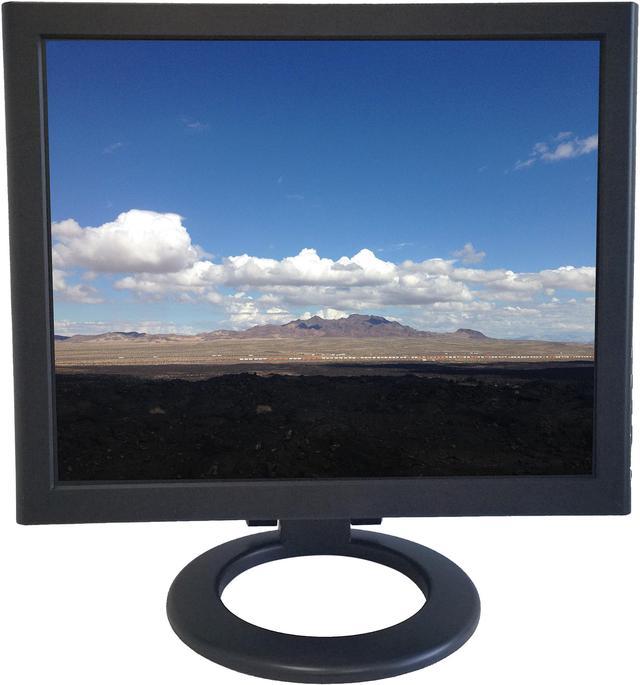
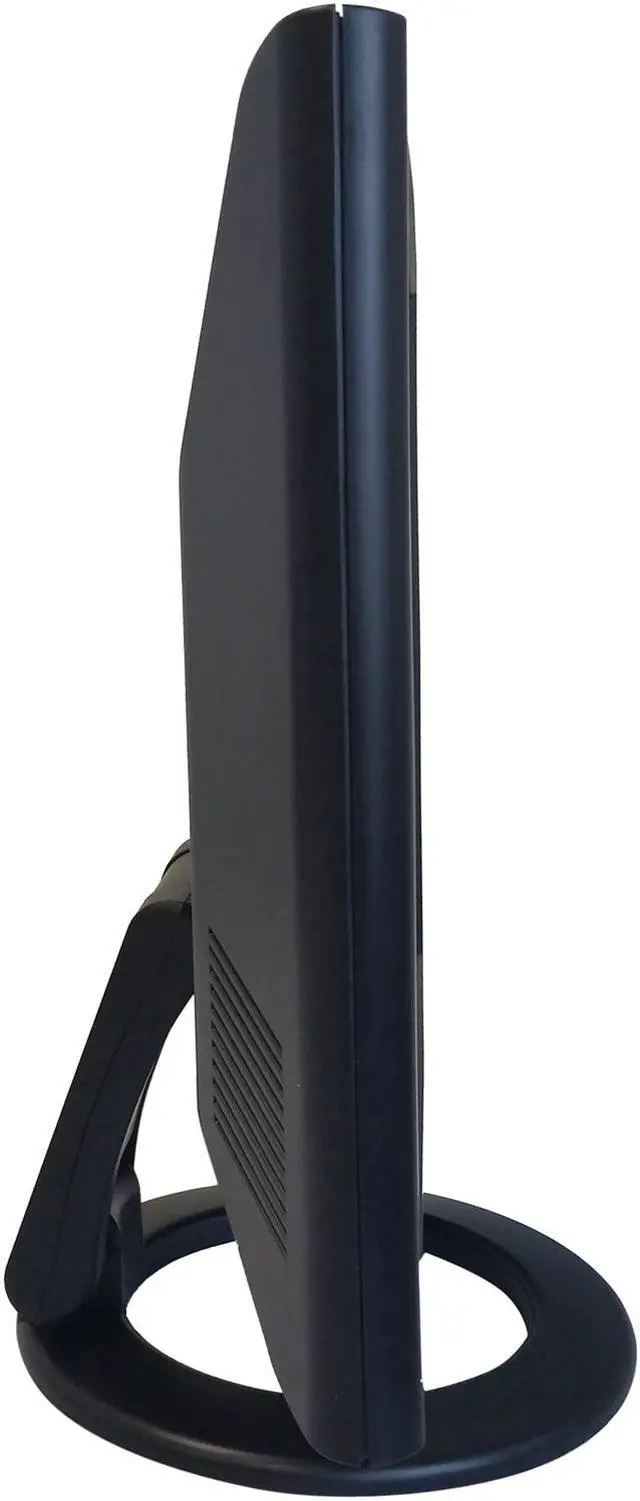
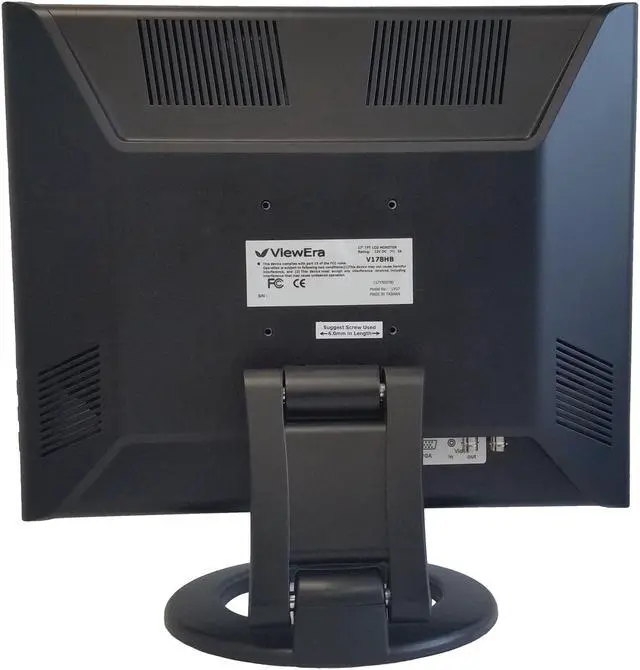
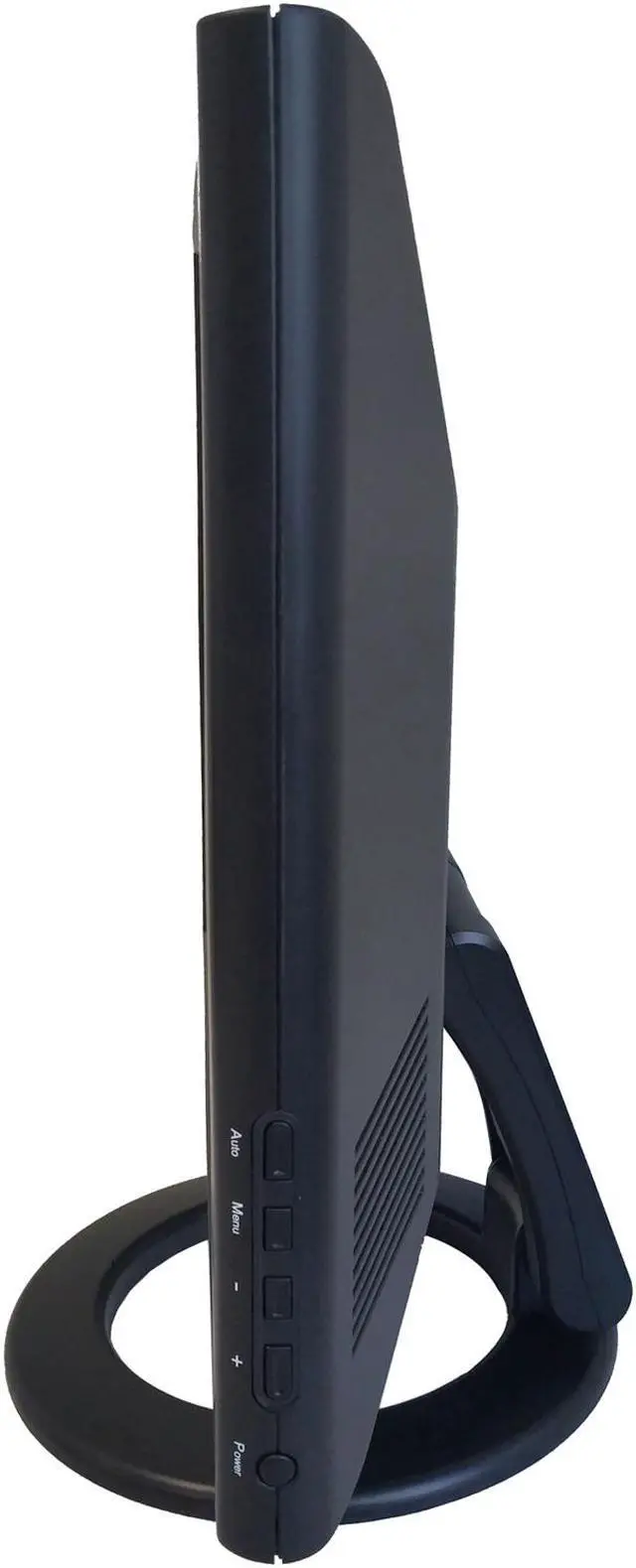


| Brand | ViewEra |
|---|---|
| Model | V178HB |
| Cabinet Color | Black |
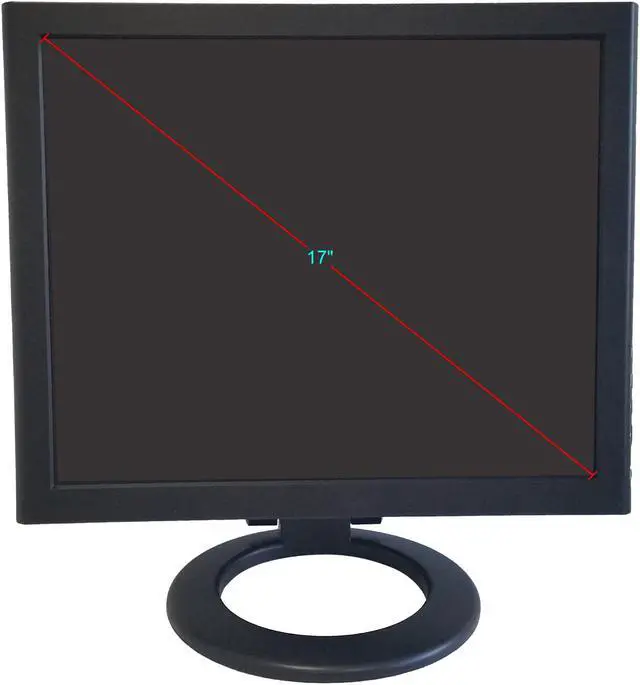
| Screen Size | 17" |
|---|---|
| Resolution | 1280 x 1024 |
| Viewing Angle | 170° (H) / 160° (V) |
| Monitor Pixel Density | 0.264mm |
| Display Colors | 16.7 Million |
| Brightness | 250 cd/m2 |
| Contrast Ratio | 1,000:1 |
| Aspect Ratio | 5:4 |
| Response Time | 5 ms |
| Vertical Refresh Rate | 50 - 75Hz |
| Curved Surface Screen | Flat Panel |
| Video Ports | 1 x D-Sub / 1 x HDMI |
|---|---|
| Connectors | D-Sub, HDMI |
| D-Sub | 1 |
| HDMI | 1 |
| Power Supply | 100 - 240 VAC, 50/60Hz |
|---|---|
| Power Consumption | 40W (Max.) |
| User Controls | Power, Menu, Down, Up, Auto Image Adjustment |
|---|---|
| Regulatory Approvals | FCC-B, CE |
| Built-in Speakers | 1 x 3W |
| VESA Compatibility - Mountable | 75 x 75mm |
| Dimensions | 15.00" x 15.31" x 8.25" w/ stand 12.50" x 15.31" x 2.31" w/o stand |
|---|---|
| Weight | 7.40 lbs. |
| First Listed on Newegg | April 26, 2019 |
|---|
We want to ensure your holiday shopping this year is hassle-free. That’s why we’re automatically extending our return policies on almost every product! For purchases placed between November 1st, 2026 and December 31, 2026 you will have until January 31, 2027 to return your product.
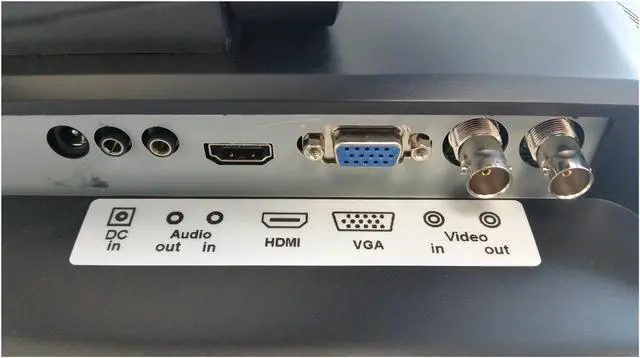
The ViewEra V178HB is a 17-inch, 1280 × 1024 security and computer monitor with HDMI, D-Sub, and BNC in/out connectivity, making it suitable for compatible surveillance setups and basic desktop use.
| Attribute | Value |
|---|---|
| Best For | A compact security-monitoring or computer-display setup needing a 17-inch screen, VGA and HDMI connectivity, built-in speakers, and VESA mounting |
| Panel And Resolution | 17-inch flat LCD/LED display with 1280 × 1024 resolution, 5:4 aspect ratio, glossy finish, 170° horizontal and 160° vertical viewing angles, 0.264 mm pixel pitch, and 16.7 million colors |
| Refresh Rate And Response | 50–75 Hz refresh rate with a 5 ms response time |
| Ports And Connectivity | One HDMI port and one D-Sub/VGA port |
| Image Brightness And Contrast | 250 cd/m² brightness and a 1,000:1 contrast ratio |
| Audio Setup | Built-in 3 W speaker |
| Mounting And Dimensions | VESA-compatible 75 × 75 mm mounting; measures 15.00 × 15.31 × 8.25 inches with the stand or 12.50 × 15.31 × 2.31 inches without it; weighs 7.40 lb |
| Power And Compliance | 100–240 VAC, 50/60 Hz power input; maximum power consumption of 40 W; FCC-B and CE approvals |
| Model Identifiers | ViewEra V178HB, black cabinet |
Q: ViewEra V178HB or V198HB: which is better for a compact security setup?
A: Choose the ViewEra V178HB when a 17-inch display is a better fit for the available space. It shares the V198HB’s 1280 × 1024 resolution, HDMI, VGA, and BNC input/output, while the V198HB provides a larger 19-inch screen.
Q: Should I choose the ViewEra V178HB or the 21.5-inch V215HBM?
A: Choose the V178HB for a smaller 17-inch, 1280 × 1024 monitor with VGA, HDMI, and BNC input/output. Choose the V215HBM when you want a 21.5-inch Full HD screen, two HDMI inputs, USB, and picture-in-picture functionality.
Q: ViewEra V178HB or V158HB: which gives me more screen area and resolution?
A: The V178HB is the larger, higher-resolution option, with a 17-inch screen and 1280 × 1024 resolution. The V158HB has a 15-inch screen and 1024 × 768 resolution. Both models include HDMI and BNC input/output, so choose the V178HB when the larger display and higher native resolution are priorities.
Q: ViewEra V178HB or V178TP: which should I choose for touch or BNC video?
A: Choose the V178HB when BNC video input/output and signal looping are central to the setup. Choose the V178TP when you want a 17-inch, 1280 × 1024 ViewEra monitor with a 5-wire resistive touchscreen and USB touch connection.
Q: Can I connect this monitor to a laptop or desktop computer?
A: Yes. The V178HB has HDMI and VGA (D-Sub) inputs, so it can connect to a computer with a matching video output. If the computer uses a different port, check whether a compatible adapter is needed.
Q: Is this monitor suitable for everyday office work?
A: It can handle basic computer tasks such as documents and general desktop use. Its 17-inch, 1280 × 1024 5:4 screen offers less workspace than larger, higher-resolution displays, so it may be less suitable for viewing many documents side by side or intensive multitasking.
Q: Can I mount it on a wall or monitor arm?
A: Yes. It supports a 75 × 75 mm VESA mount. Check that the mount supports this hole pattern and the monitor’s weight; the monitor weighs 7.4 lb with its stand.
Q: Can I use it with a security camera or DVR system?
A: It has one BNC input and one BNC output, as well as HDMI and VGA inputs. Before connecting security equipment, confirm that its video output signal is compatible with the monitor; having a BNC connector alone does not establish signal compatibility.
Q: Does it have built-in speakers for audio?
A: Yes. It has a built-in 3 W speaker. The listed specifications do not state that it has a webcam or microphone, so those would need to be provided separately if needed.


