here!
I’m your shopping assistant for PC builds, upgrades, and everything tech.
Got questions? Ask away!
Start a conversation
here!
I’m your shopping assistant for PC builds, upgrades, and everything tech.
Got questions? Ask away!
Start a conversation
Make informed decisions with expert advice. Learn More



Any questions? Ask CelesteSM will help you find out quickly.
| Brand | ViewEra |
|---|---|
| Model | V215HBM |
| Cabinet Color | Black |
| Screen Size | 22" (Actual size 21.5") |
|---|---|
| Glare Screen | Anti-glare |
| Widescreen | Yes |
| Resolution | 1920 x 1080 |
| Viewing Angle | 170° (H) / 160° (V) |
| Monitor Pixel Density | 0.248mm x 0.248mm |
| Display Colors | 16.7 Million |
| Brightness | 250 cd/m2 |
| Contrast Ratio | 1,000:1 |
| Aspect Ratio | 16:9 |
| Response Time | 5 ms |
| Panel | Active Matrix, TFT LCD |
| Display Type | FHD |
| Horizontal Refresh Rate | 31 - 80 KHz |
| Vertical Refresh Rate | 56 - 75 Hz |
| Curved Surface Screen | Flat Panel |
| Video Ports | 1 x D-Sub / 2 x HDMI |
|---|---|
| USB Ports | 1 x USB 2.0 Type-A Downstream |
| Input Video Compatibility | Analog RGB, Digital |
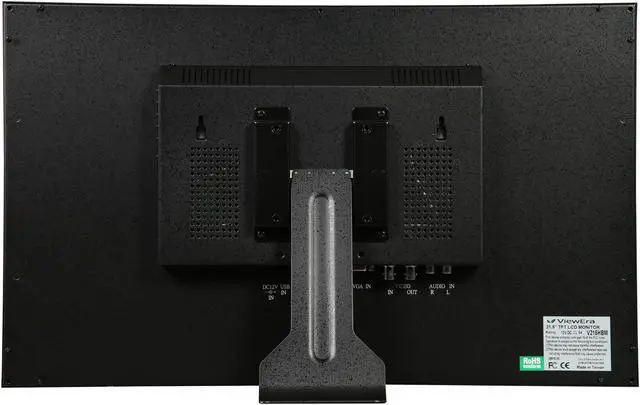
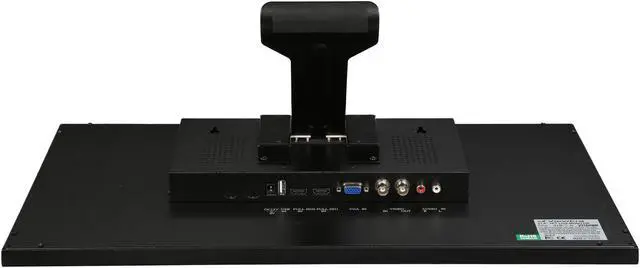
| Connectors | 2 x HDMI In, 1 x VGA In, 1 x USB In, 1 x BNC In 1 x BNC Out |
| D-Sub | 1 |
| HDMI | 2 |
| USB 2.0 | 1 |
| Power Supply | AC Input: 100-240V, 50-60Hz |
|---|---|
| Power Consumption | 45W (max.) |
| User Controls | Contrast, Brightness, Auto Sizing, Duration, Halftone, Sleep, Reset, HUE, Saturation, Sharpness, Black Light, Color Tone, Blue Screen, Scale, NR, Picture Mode, Sound Mode, Bass, Treble, Balance, Language |
|---|---|
| Regulatory Approvals | CE, FCC, RoHS |
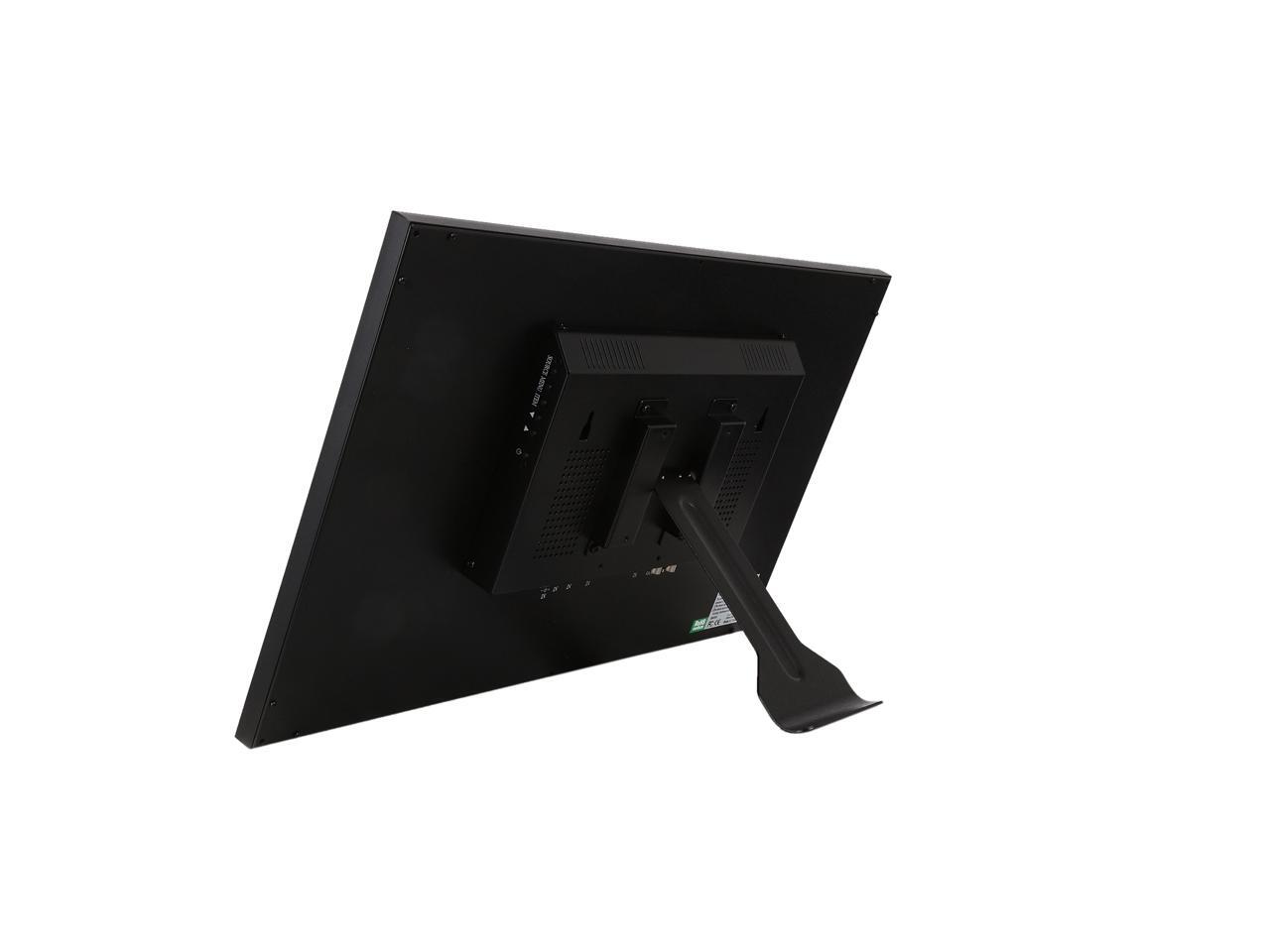
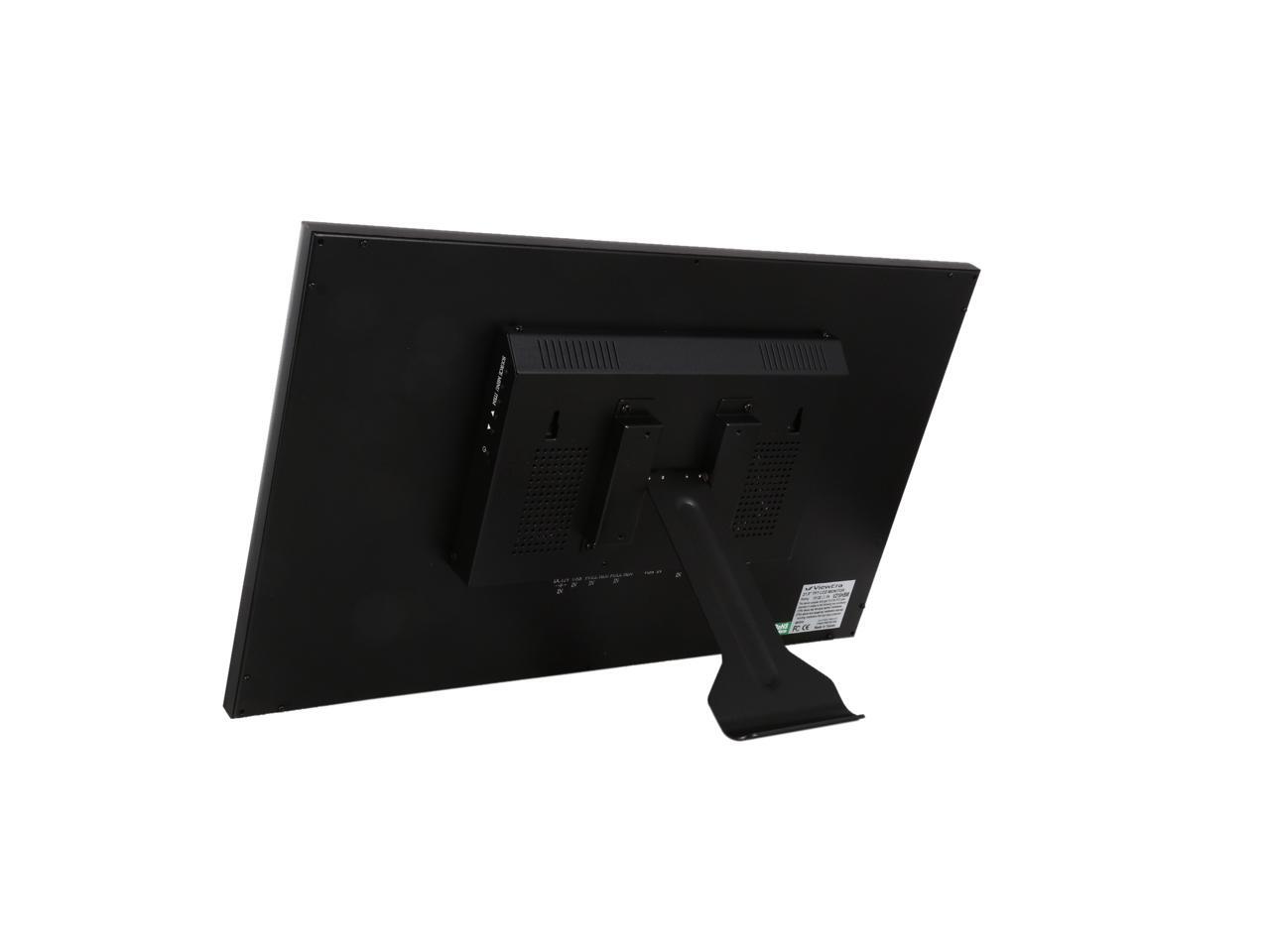
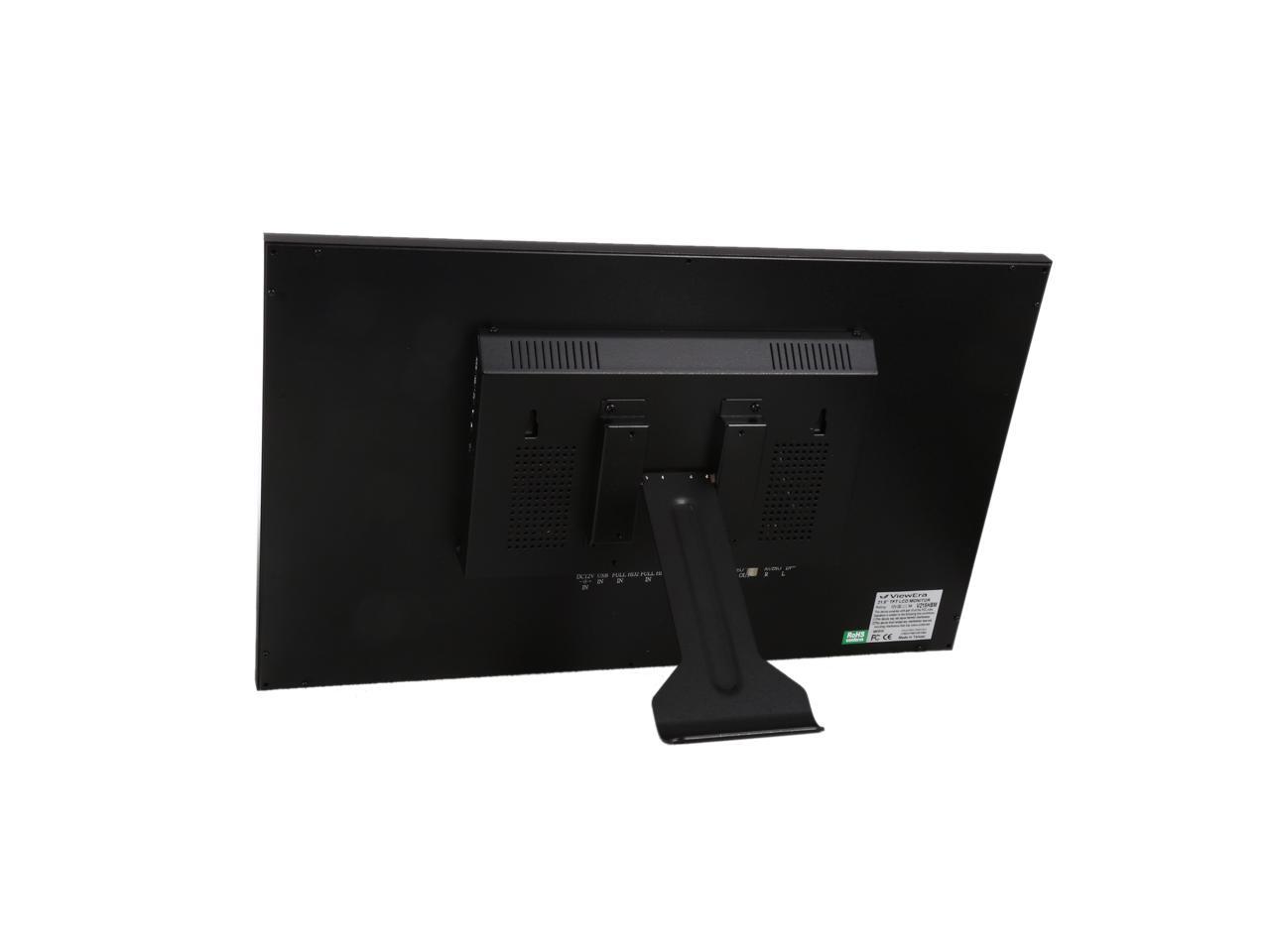
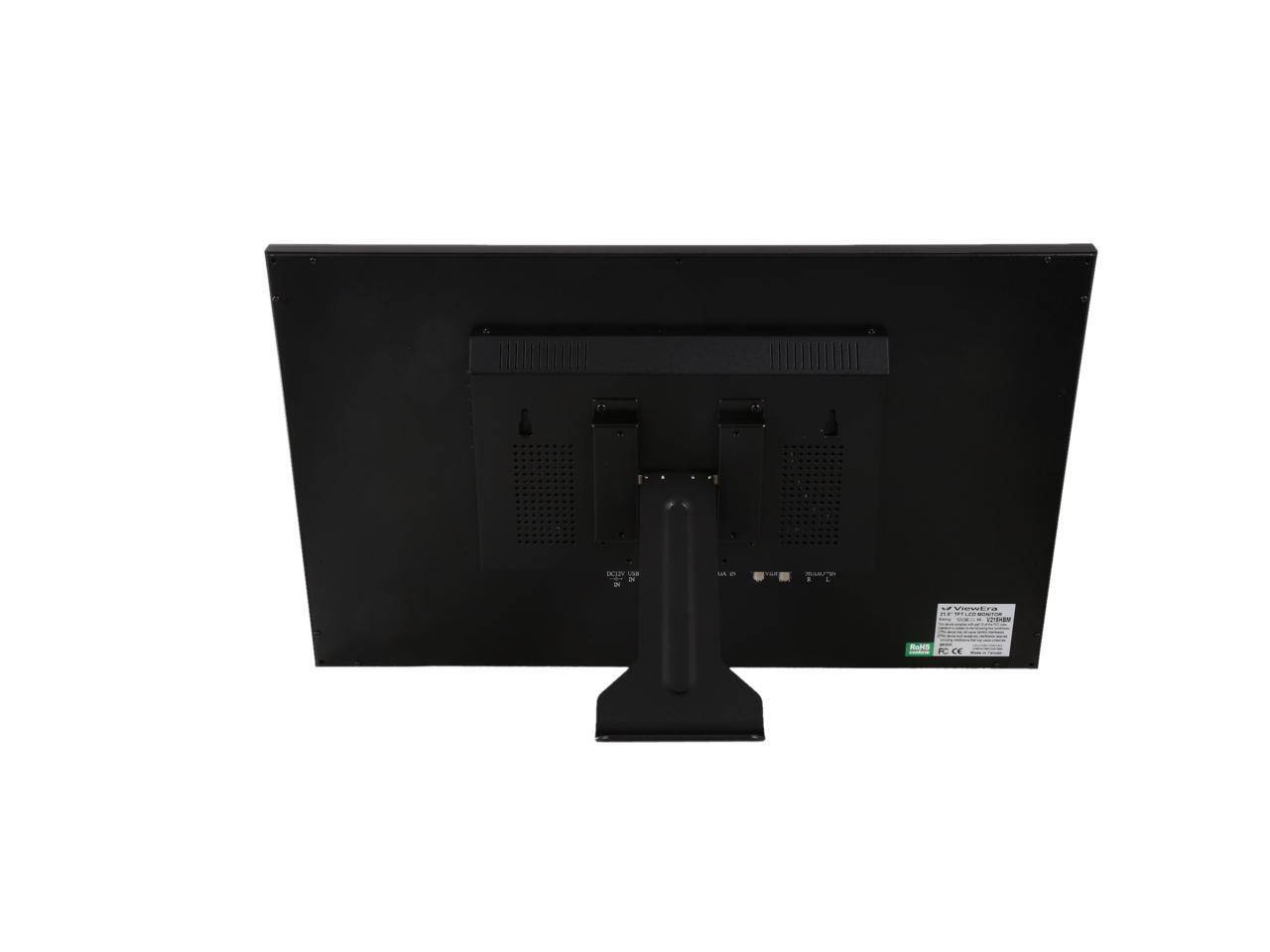
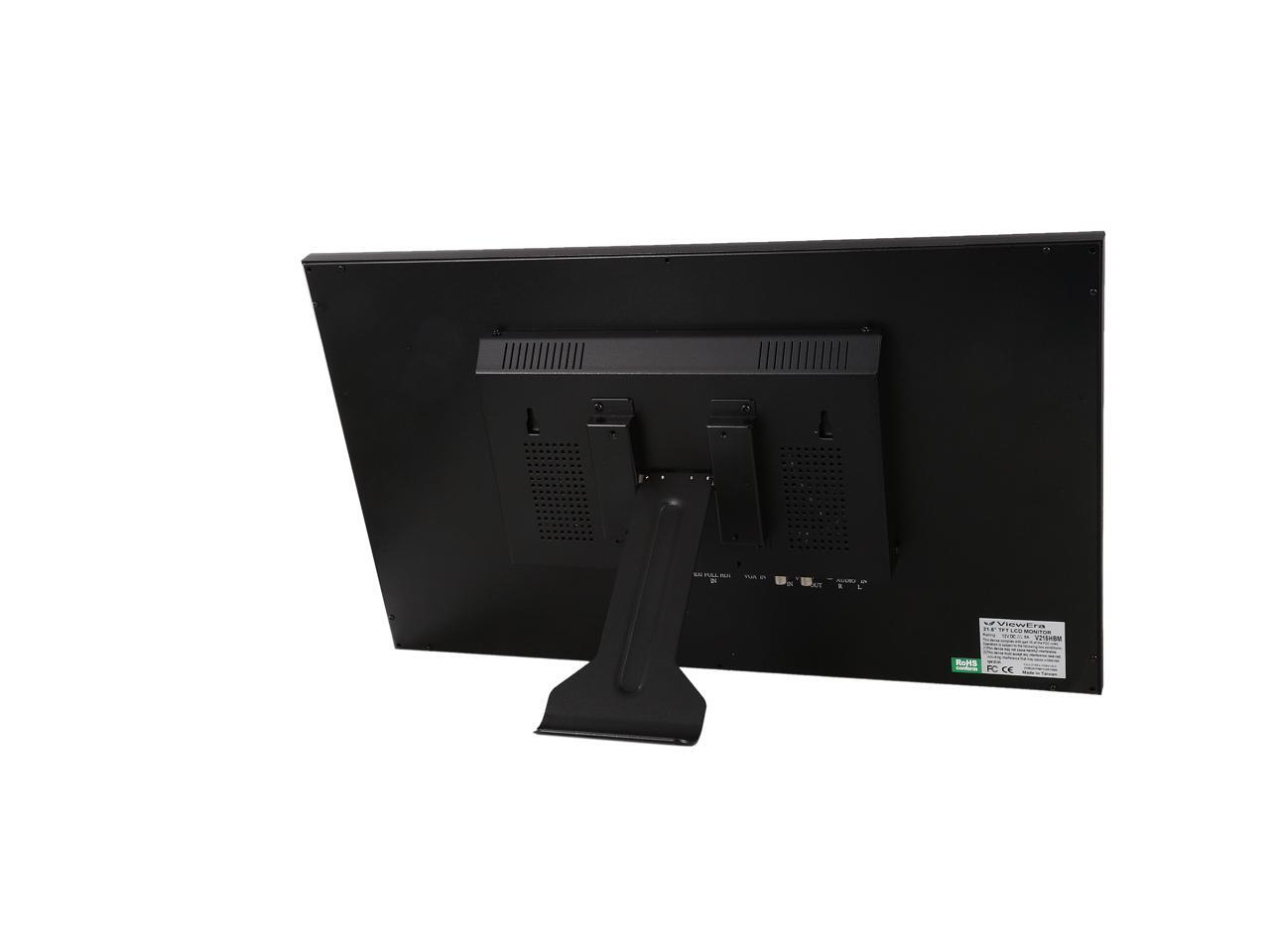
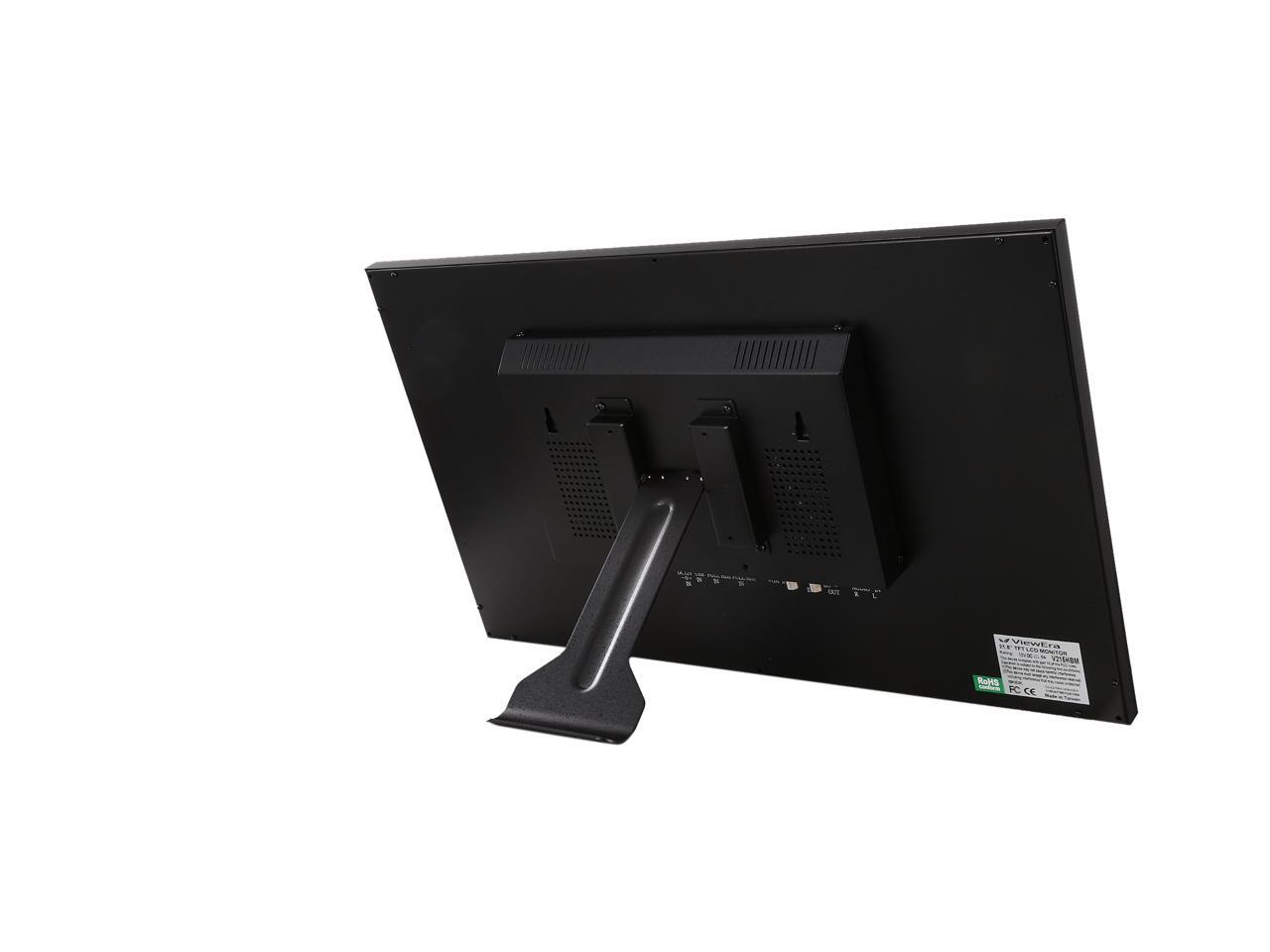
| VESA Compatibility - Mountable | VESA 75 / 100 |
| Features | The ViewEra V215HBM 21.5" wide screen Metal Case TFT-LCD/LED security monitors produce fast response time of 5 ms plus wide viewing angle of 170°(H) /160°(V) , high contrast ratio of 1000:1 (typ) and brightness of 250 cd/m2 (typ). The V215HBM delivers resolution of 1920x1080, uses 3D comb filter and 3D De-Interlace to get a sharp and vivid picture, supports HDMI and BNC connector for security application and integrates two speakers of 2 watts. In addition, V215HBM can do looping with one BNC Video IN and one BNC Video OUT, support PIP Control Function (PC/Video). It also come with one USB input and remote control. The V215HBM provides high display quality, reliability and space-saving. |
|---|
| Dimensions | 12.68" x 20.87" x 2.37" |
|---|---|
| Weight | 10.05 lbs. |
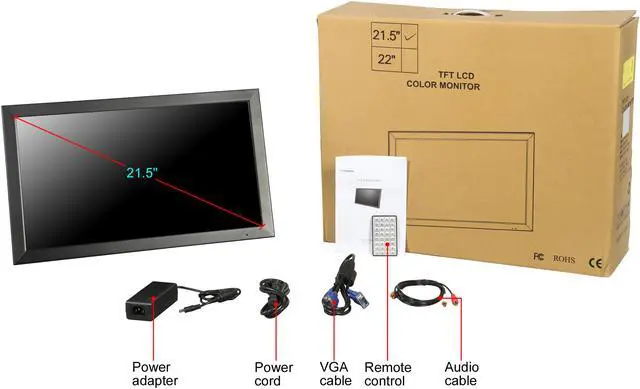
| Package Contents | Accessories: Power adapter, Power cord, VGA cable, Audio cable, Remote control, User manual |
|---|
| First Listed on Newegg | May 22, 2019 |
|---|
We want to ensure your holiday shopping this year is hassle-free. That’s why we’re automatically extending our return policies on almost every product! For purchases placed between November 1st, 2026 and December 31, 2026 you will have until January 31, 2027 to return your product.
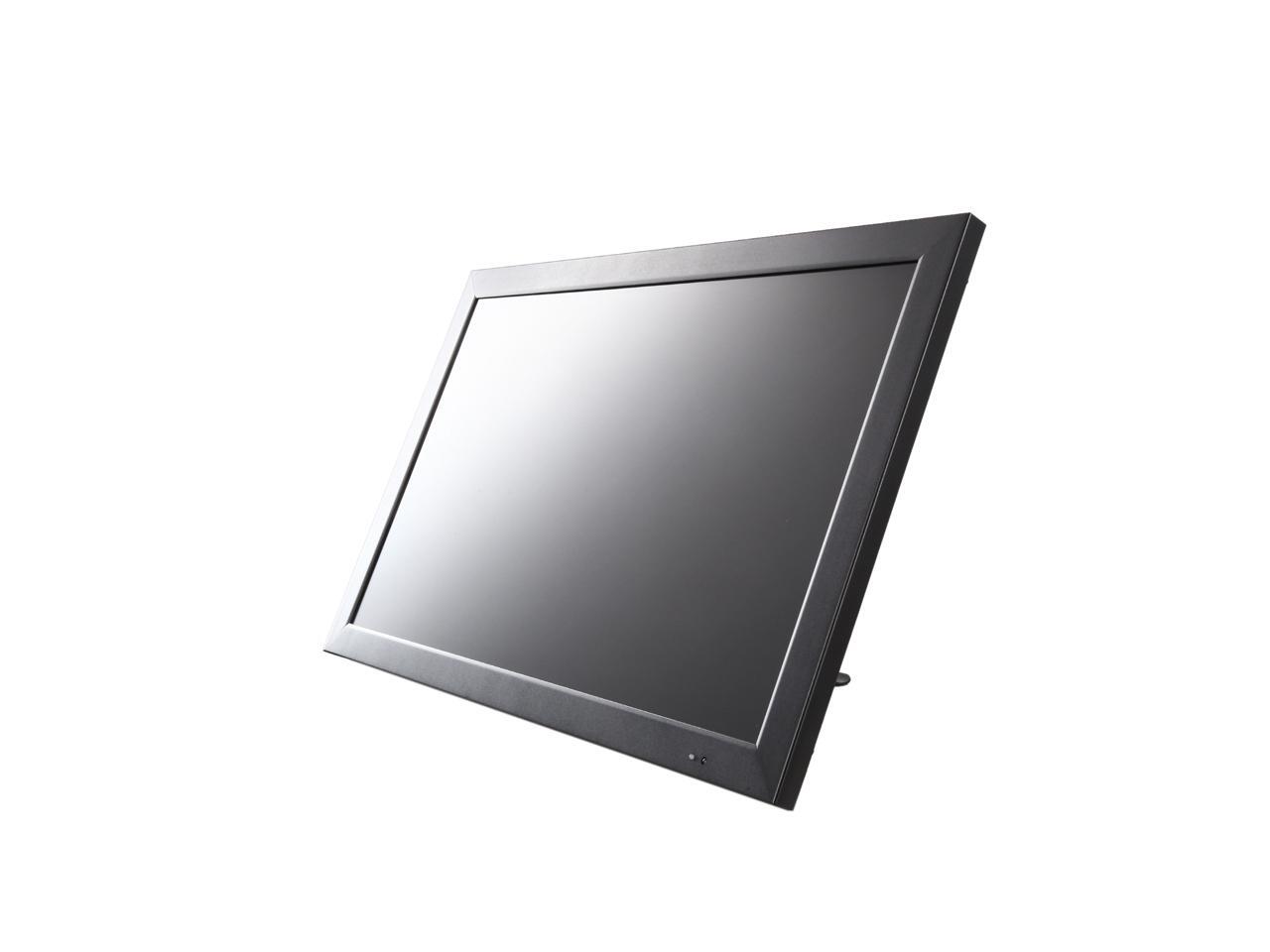
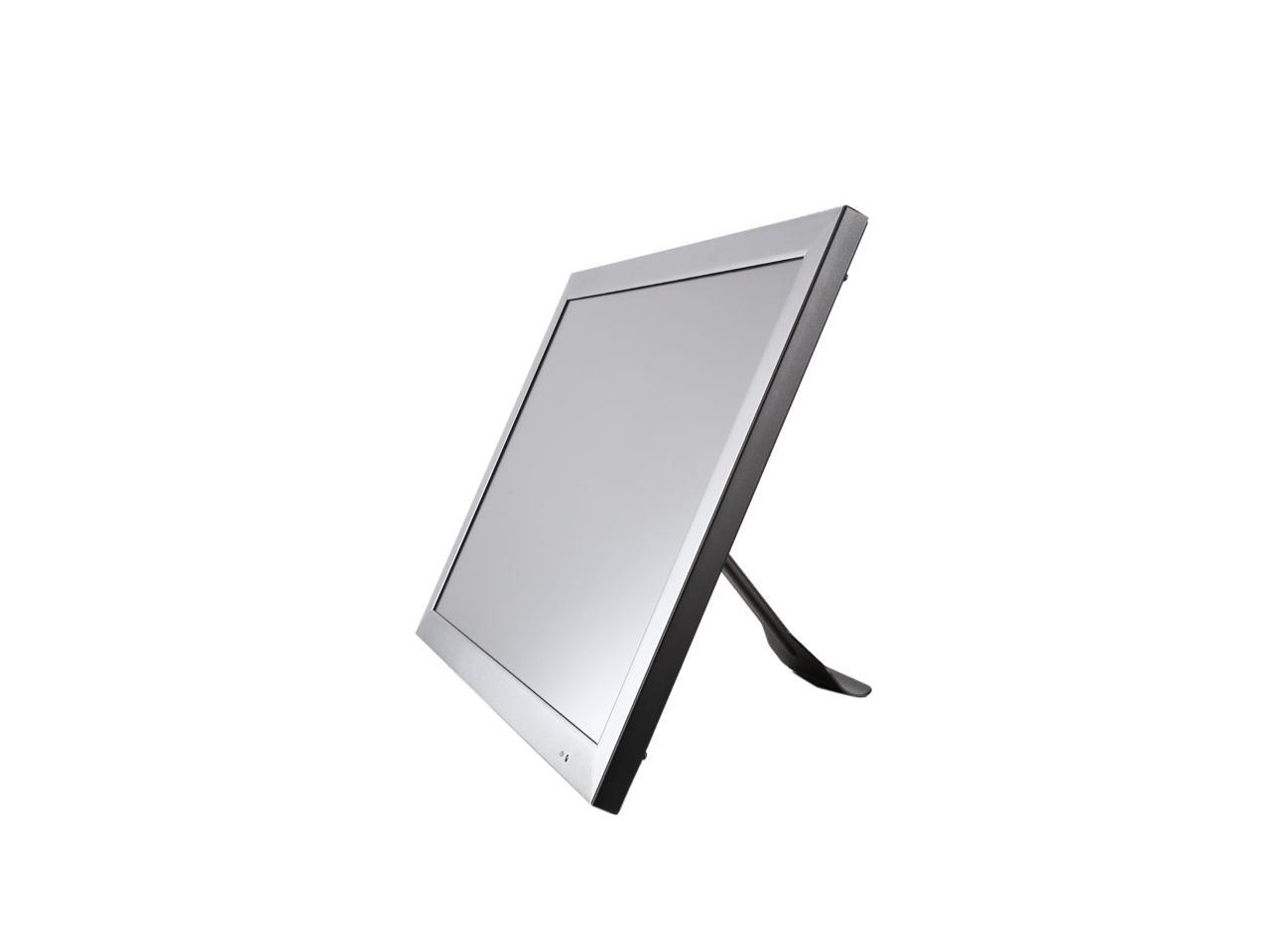
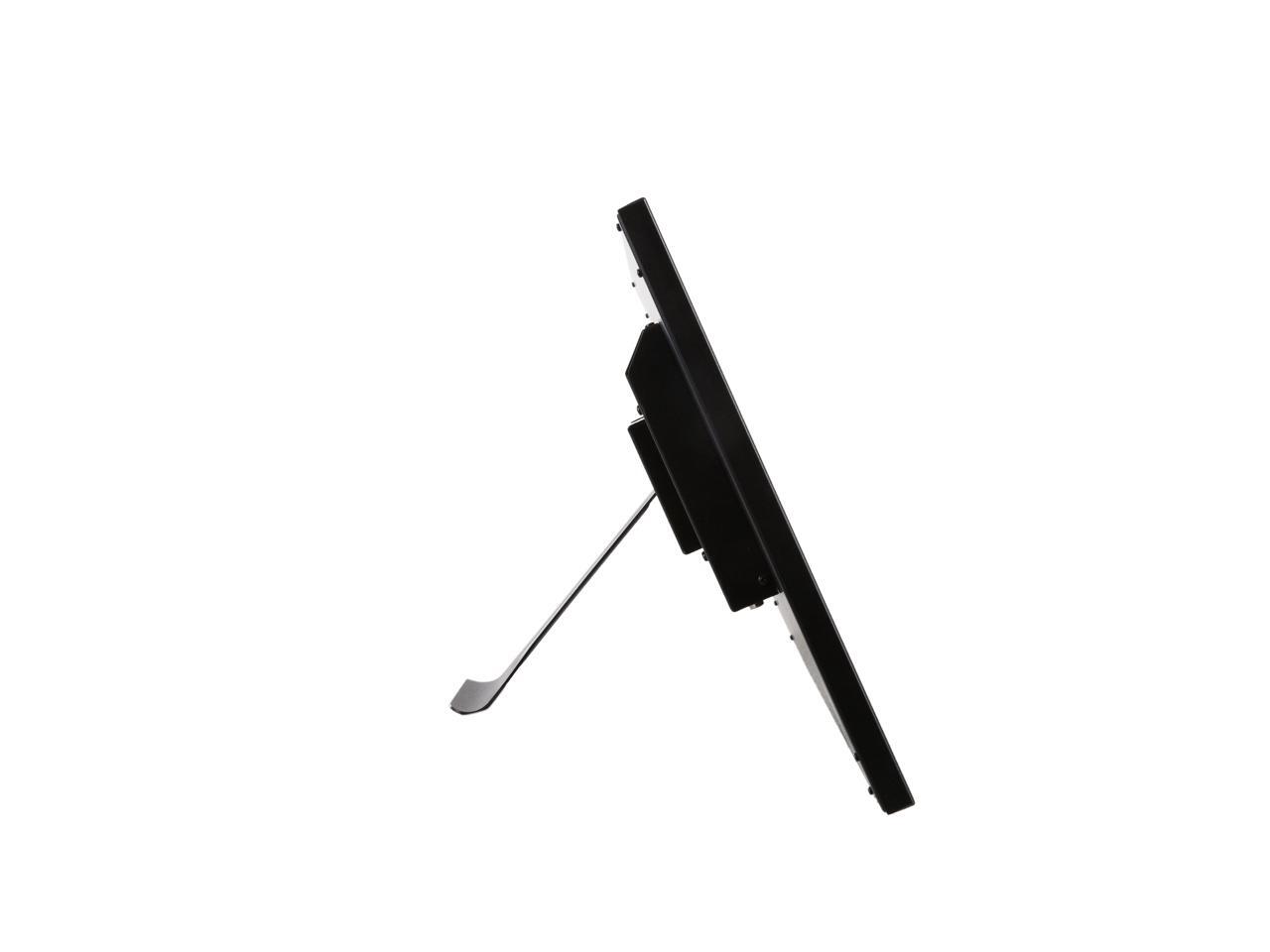
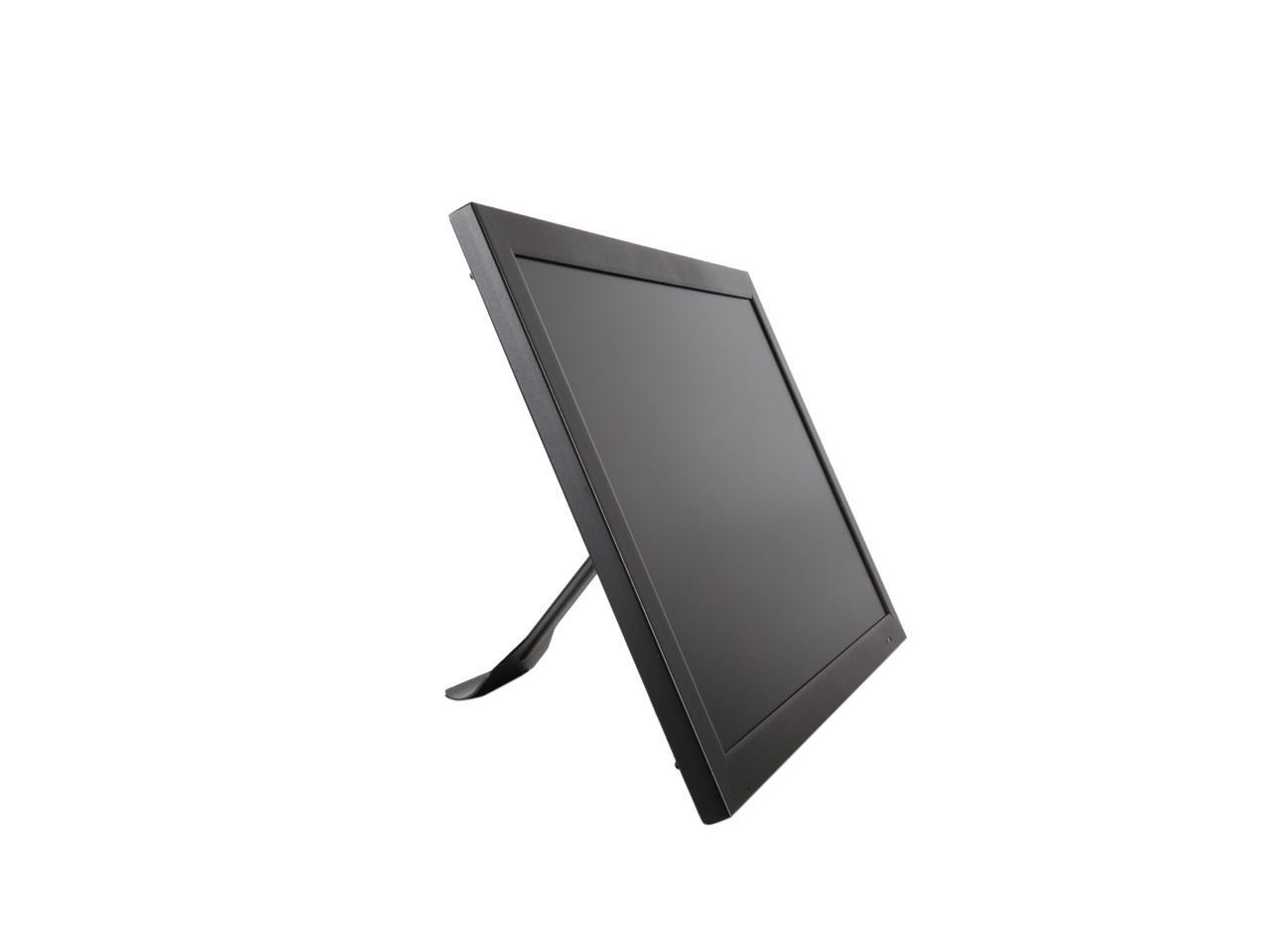
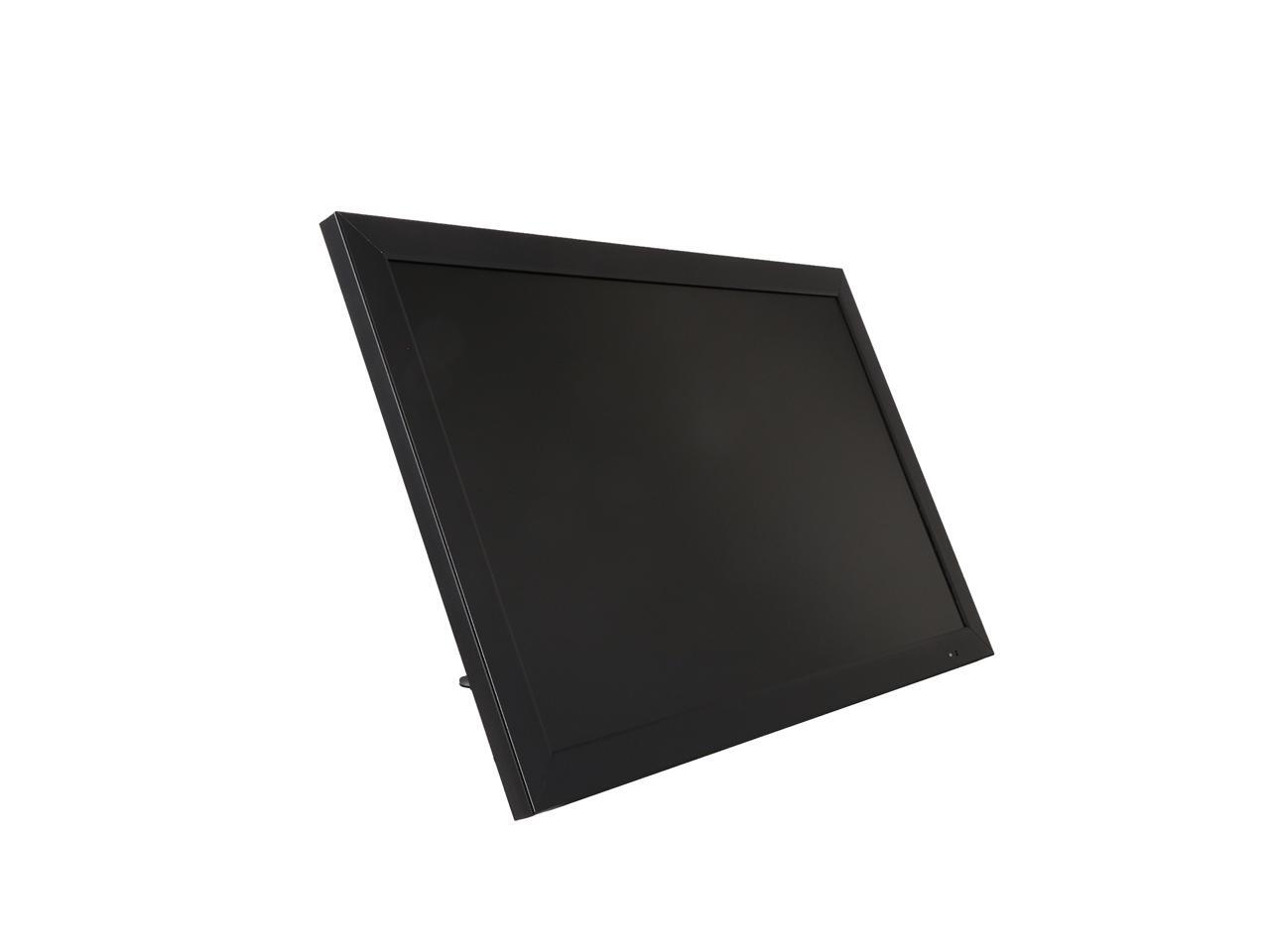
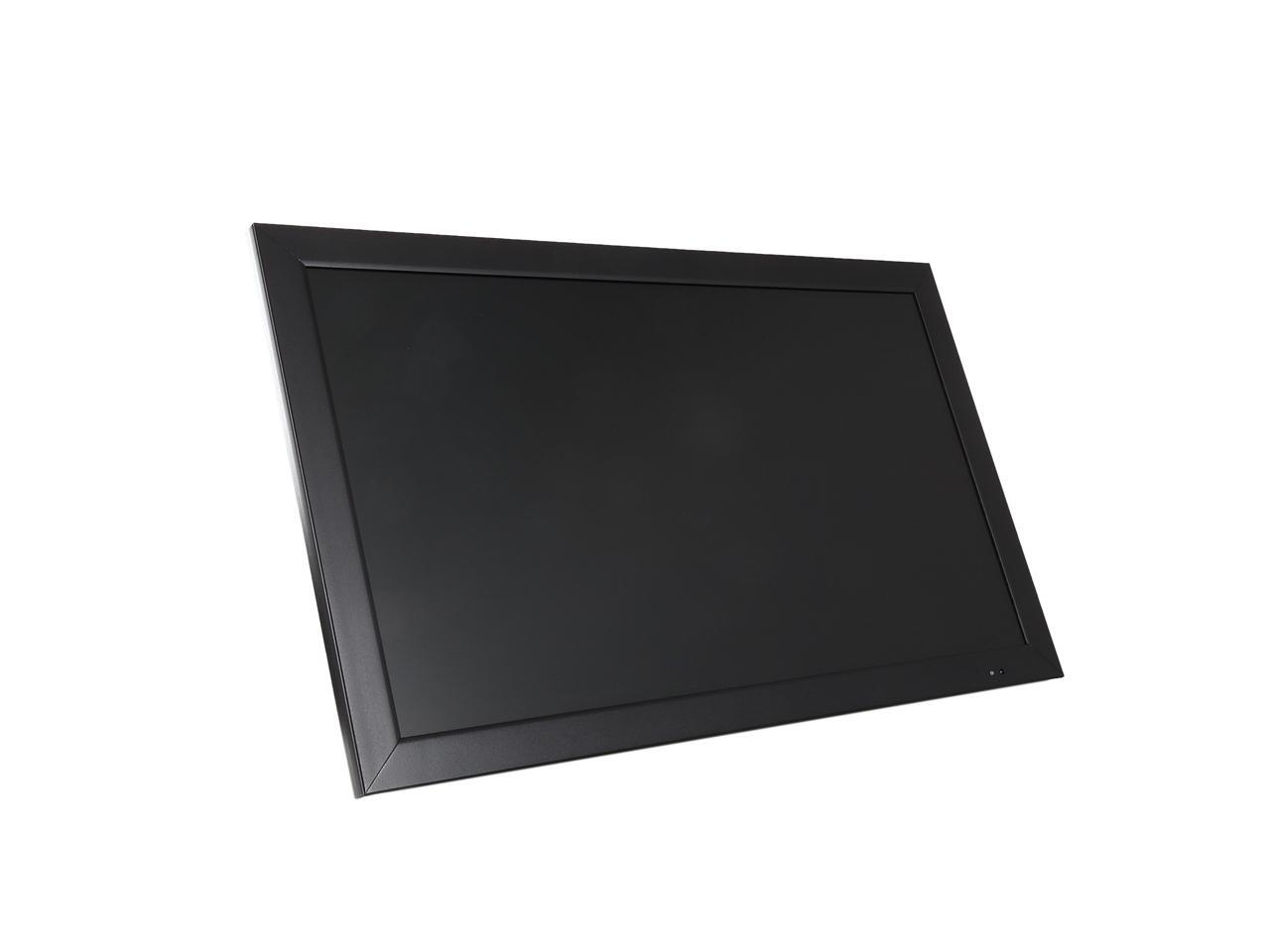
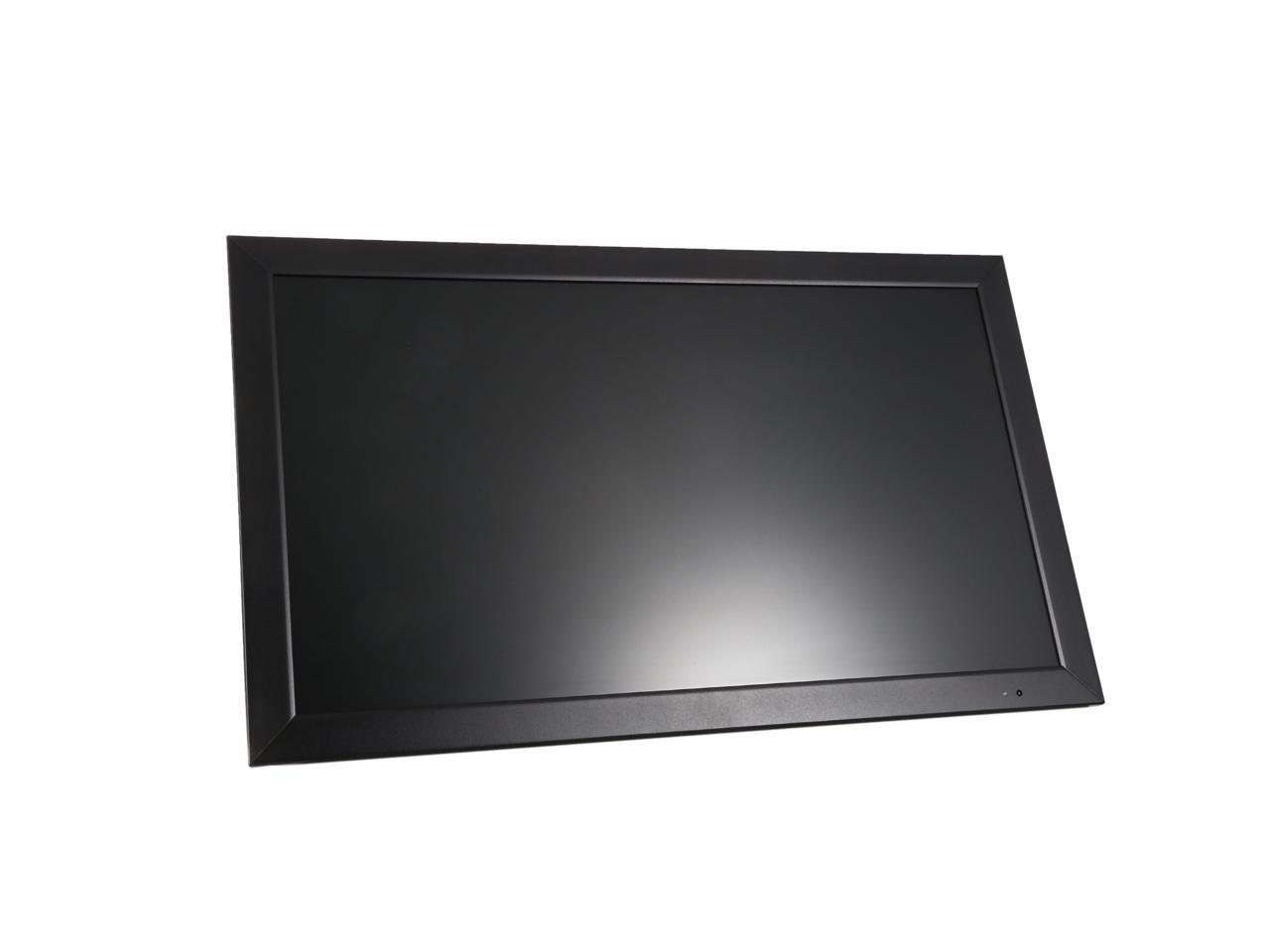
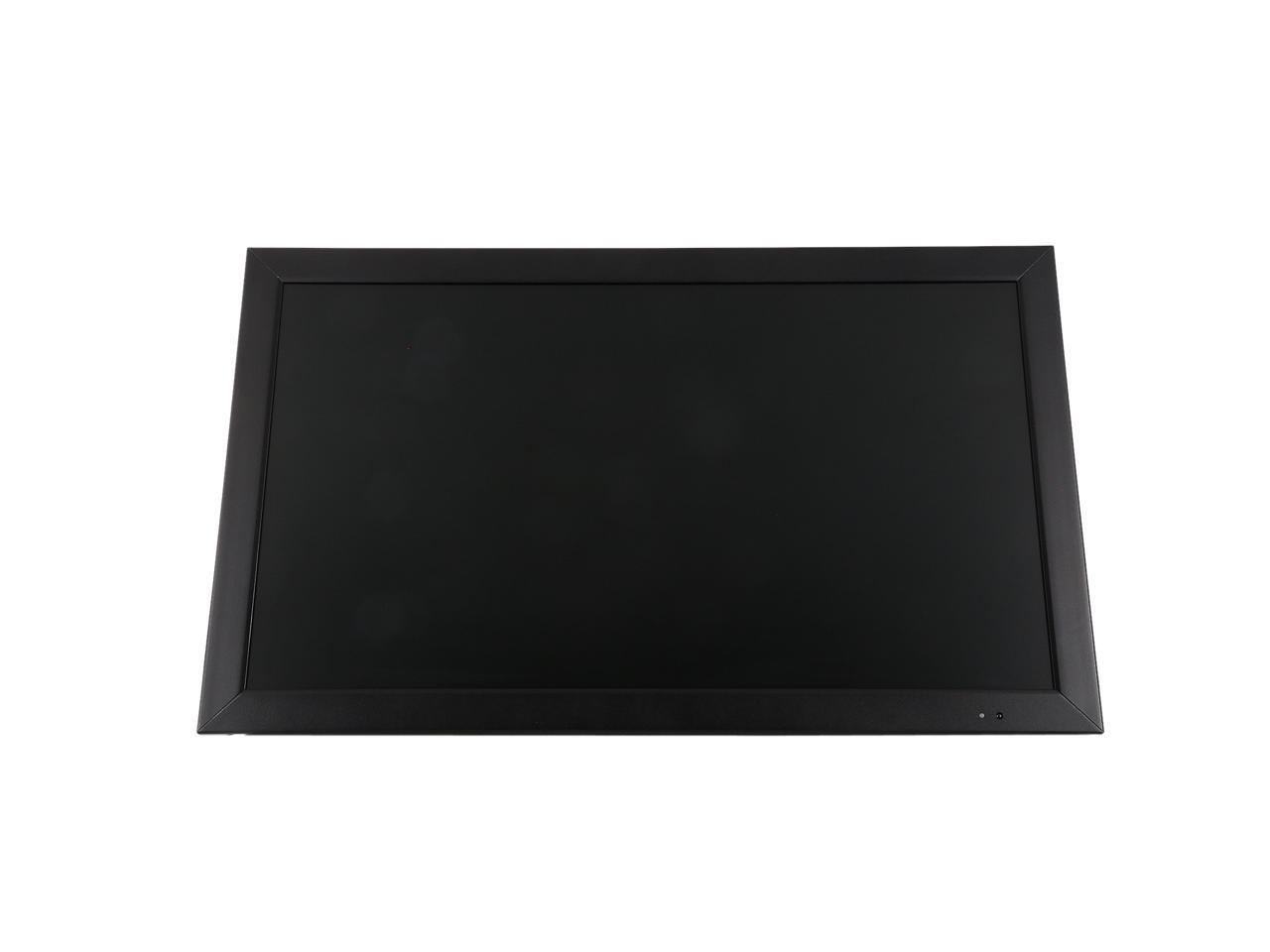
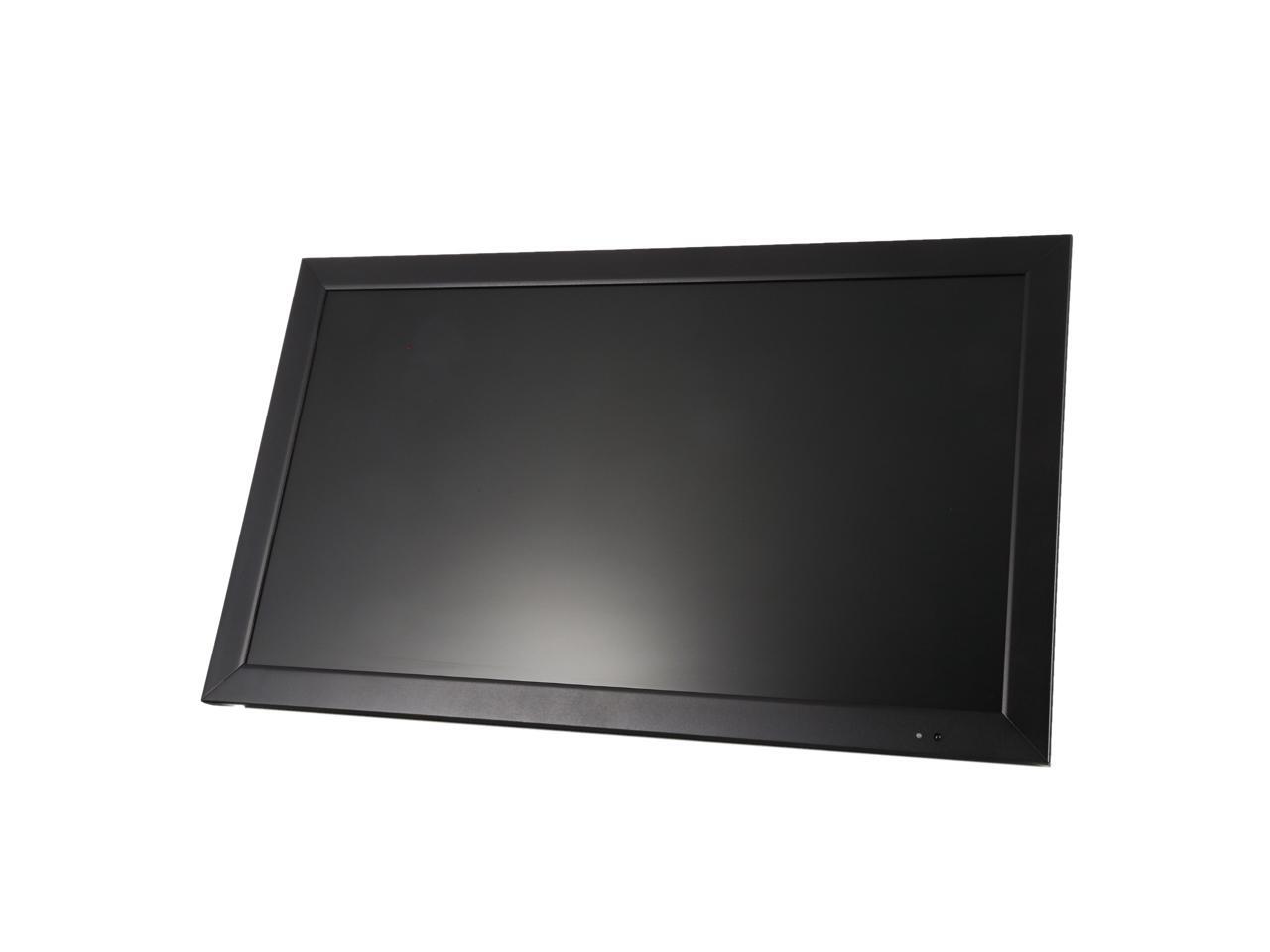
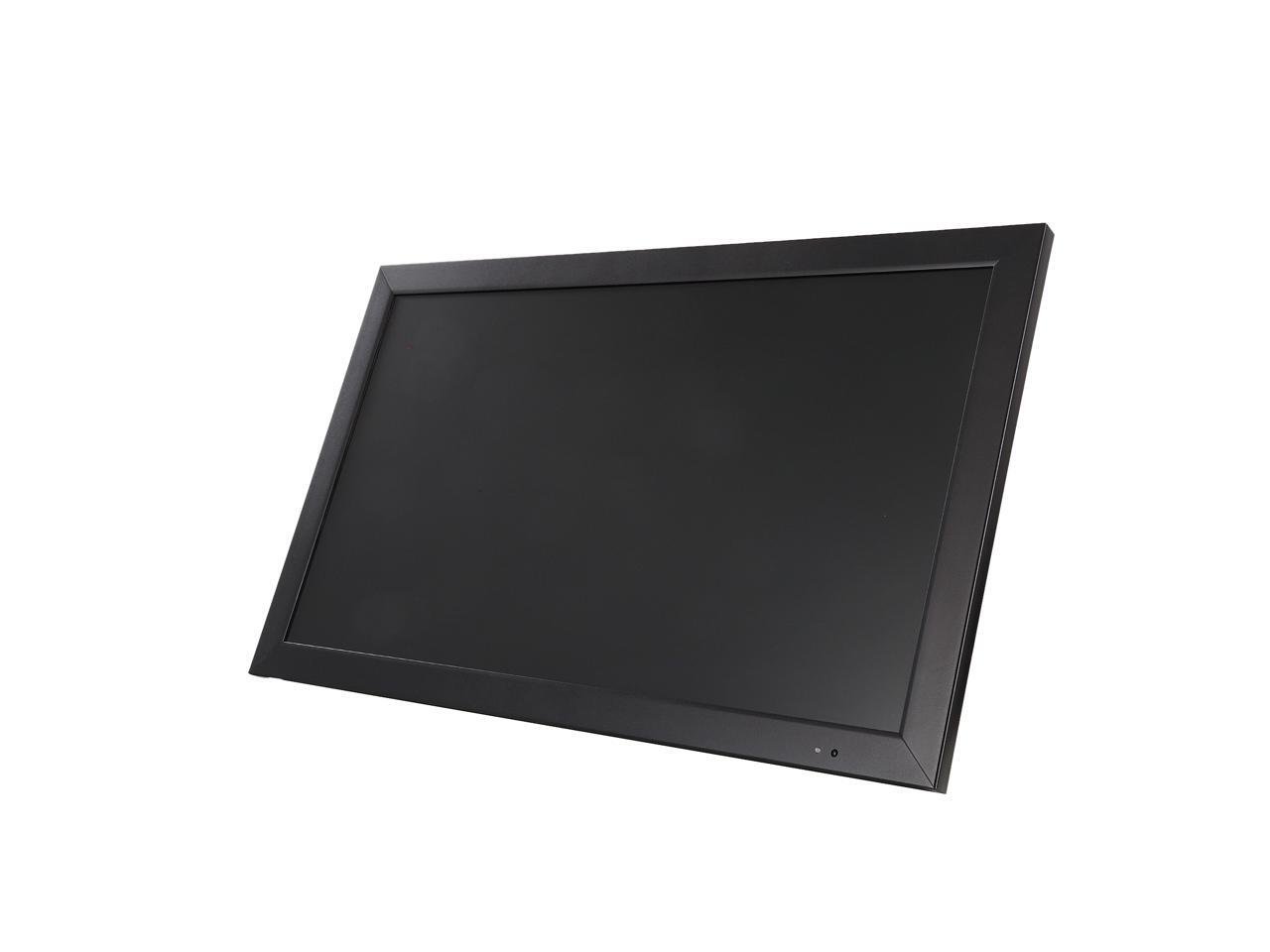
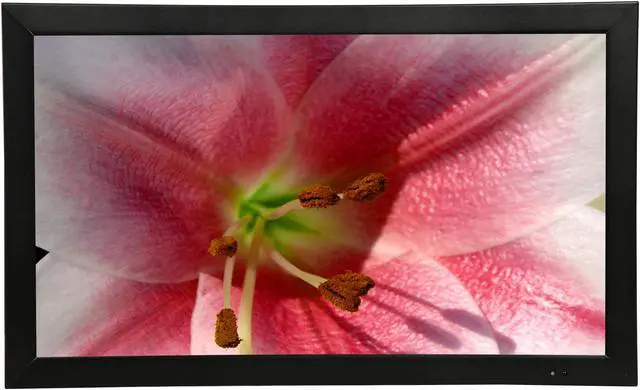
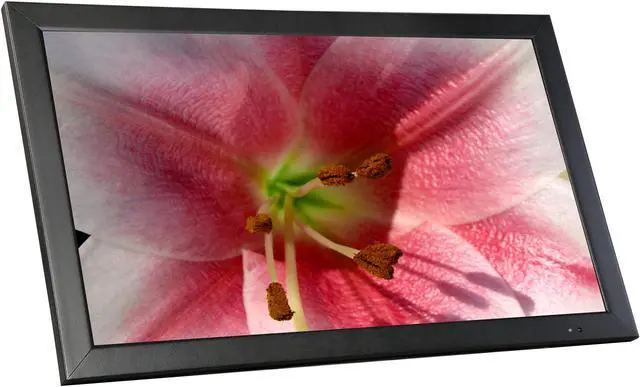
The ViewEra V215HBM is a 21.5-inch Full HD security monitor with HDMI, VGA and BNC video connections, including BNC loop-through, making it suitable for surveillance setups that need flexible camera and computer connectivity.
| Attribute | Value |
|---|---|
| Best For | Security-monitoring and general video-display setups needing HDMI, VGA, or BNC connections, with picture-in-picture support |
| Panel And Resolution | 21.5-inch widescreen active-matrix TFT LCD, flat FHD panel with 1920 × 1080 resolution, 16:9 aspect ratio, anti-glare/matte finish, 170° horizontal and 160° vertical viewing angles, 0.248 mm pixel pitch, 16.7 million colors, 250 cd/m² brightness, and 1,000:1 contrast ratio |
| Refresh Rate And Response | 5 ms response time; 31–80 kHz horizontal and 56–75 Hz vertical refresh rates, with 75 Hz listed as the maximum |
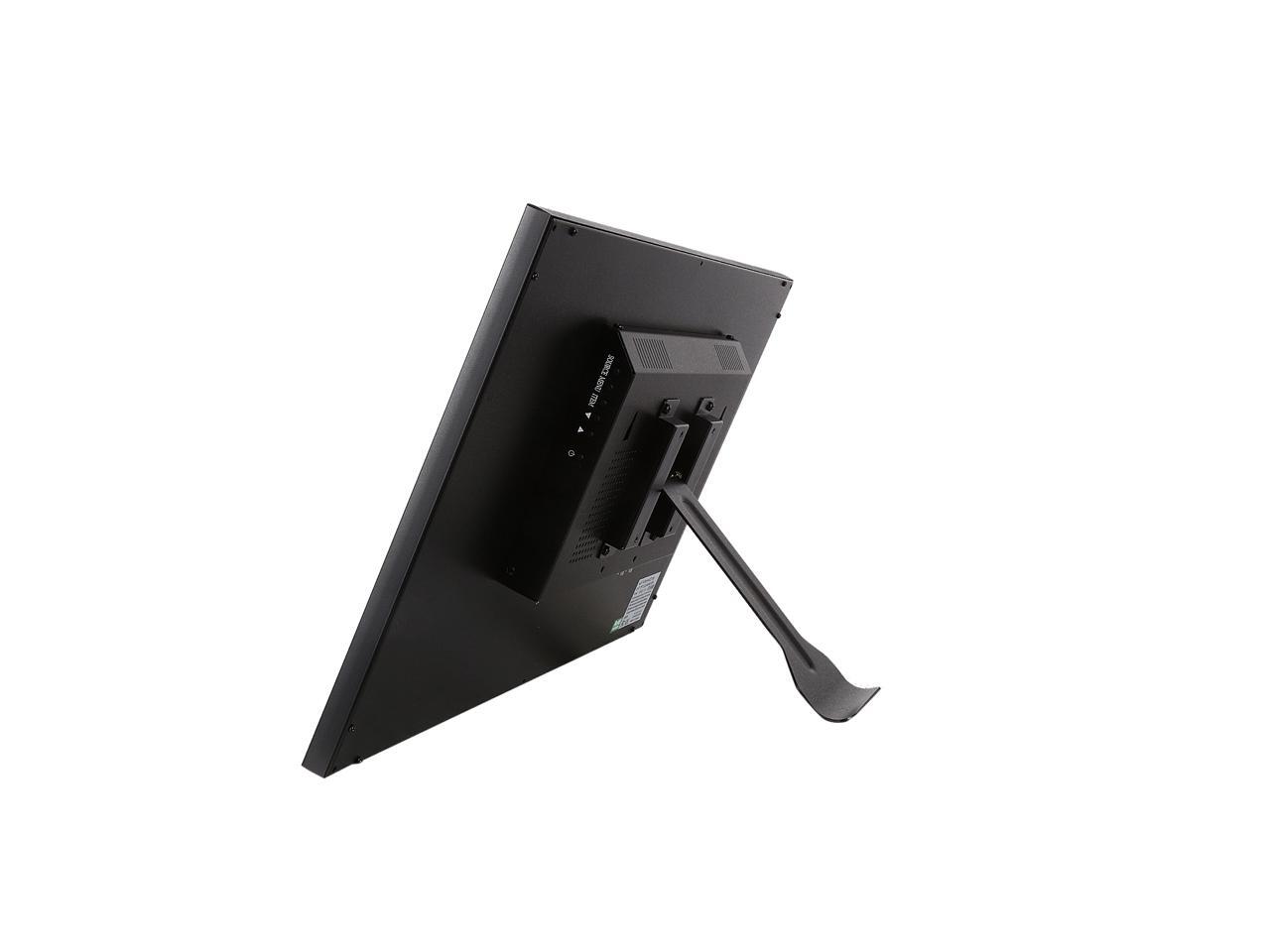
| Ports And Connectivity | 2 HDMI inputs, 1 VGA/D-Sub input, 1 USB 2.0 Type-A downstream port, and BNC video input and output for loop-through |
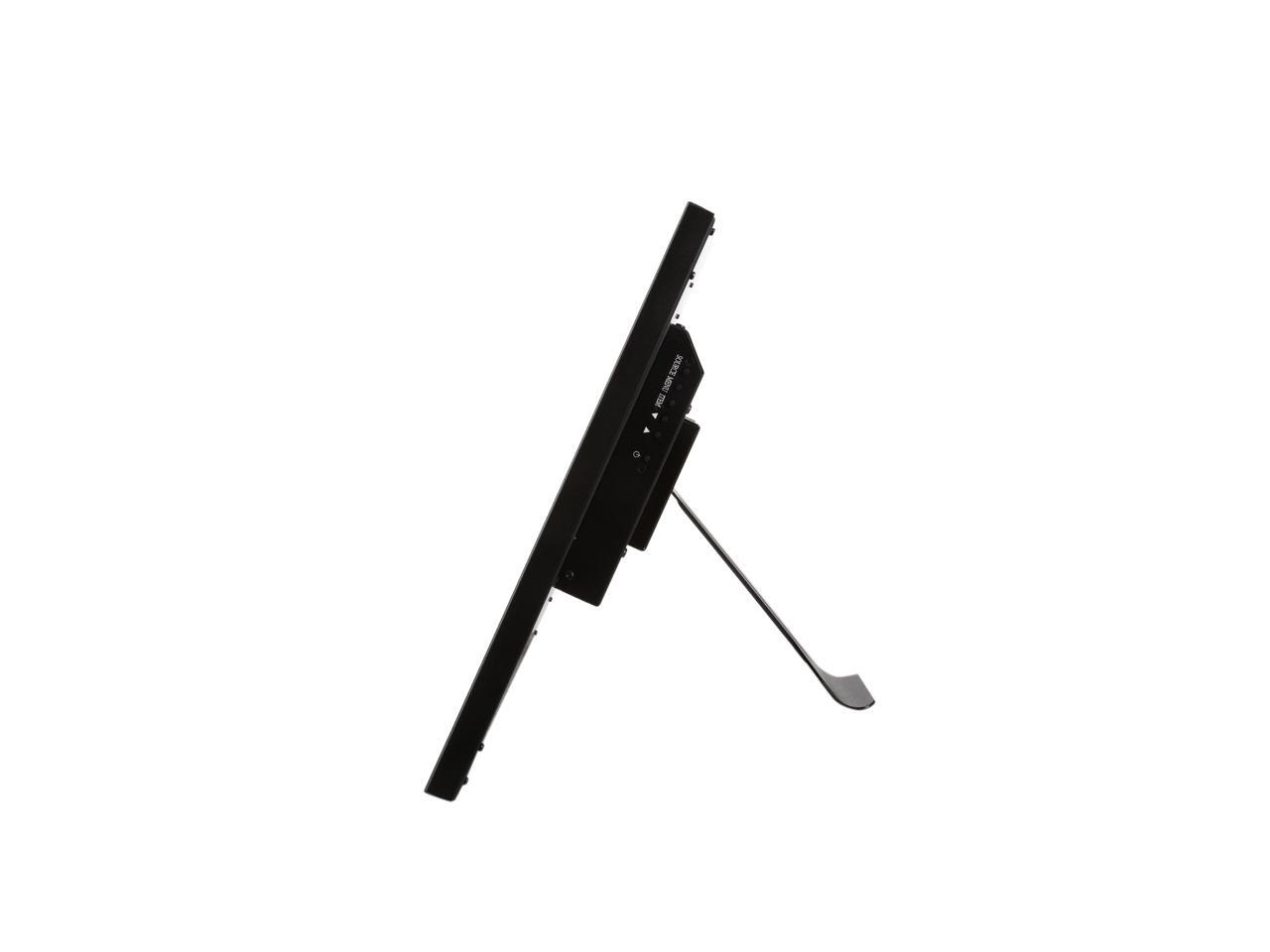
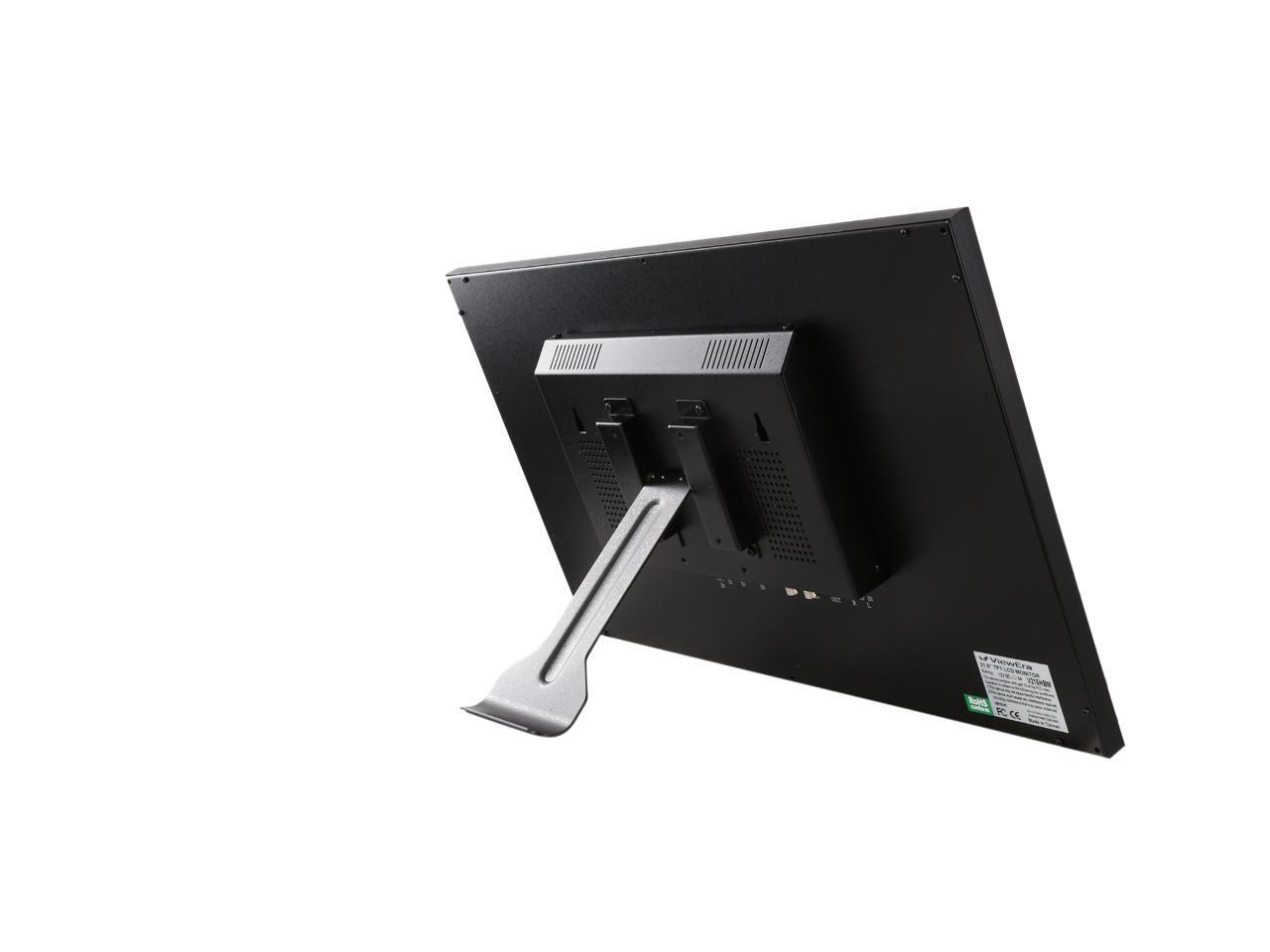
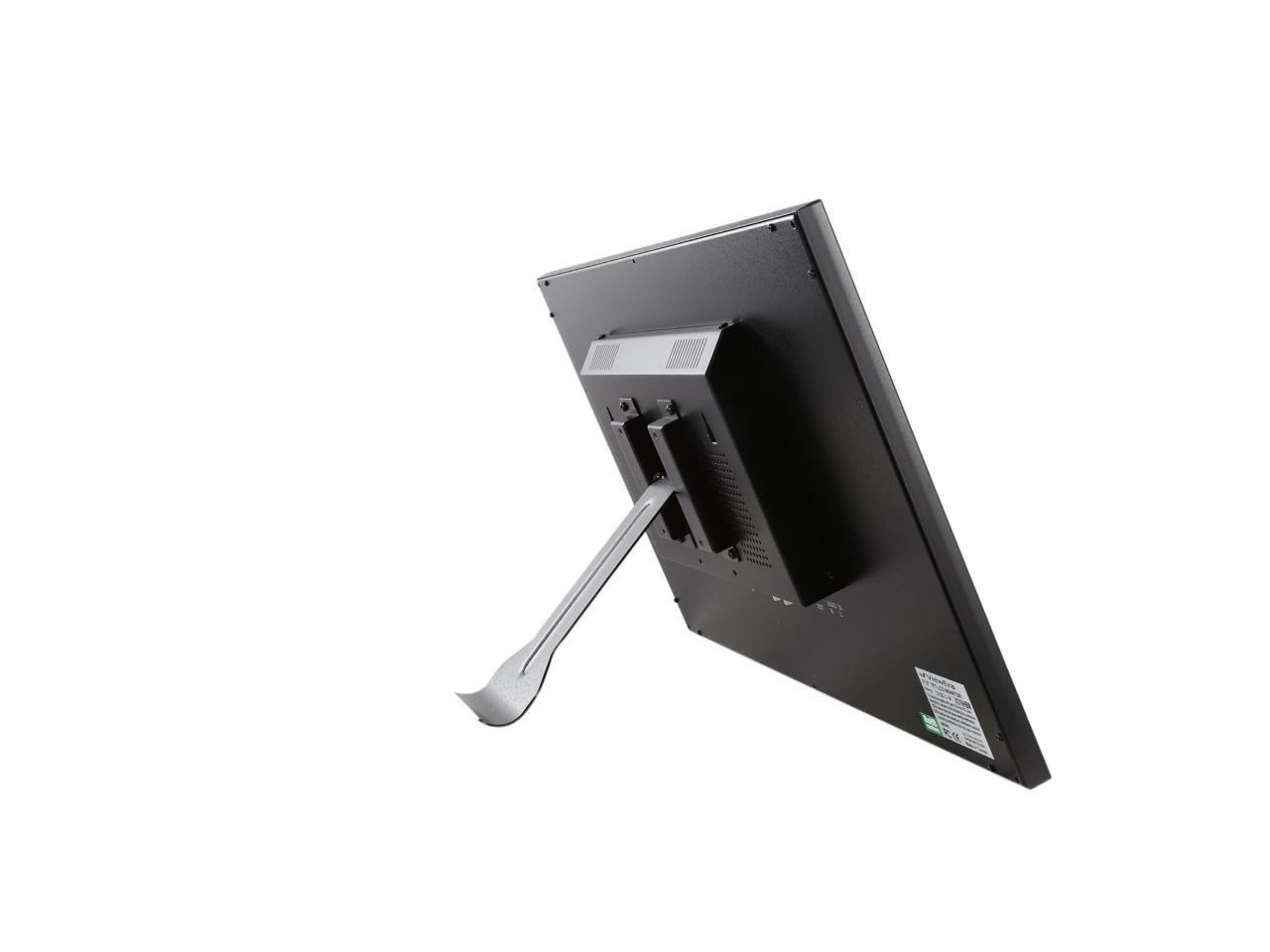
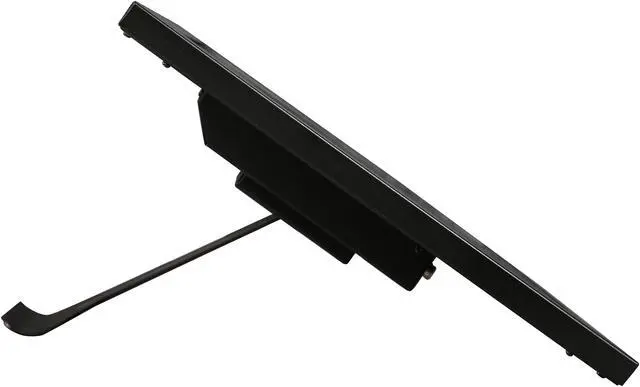
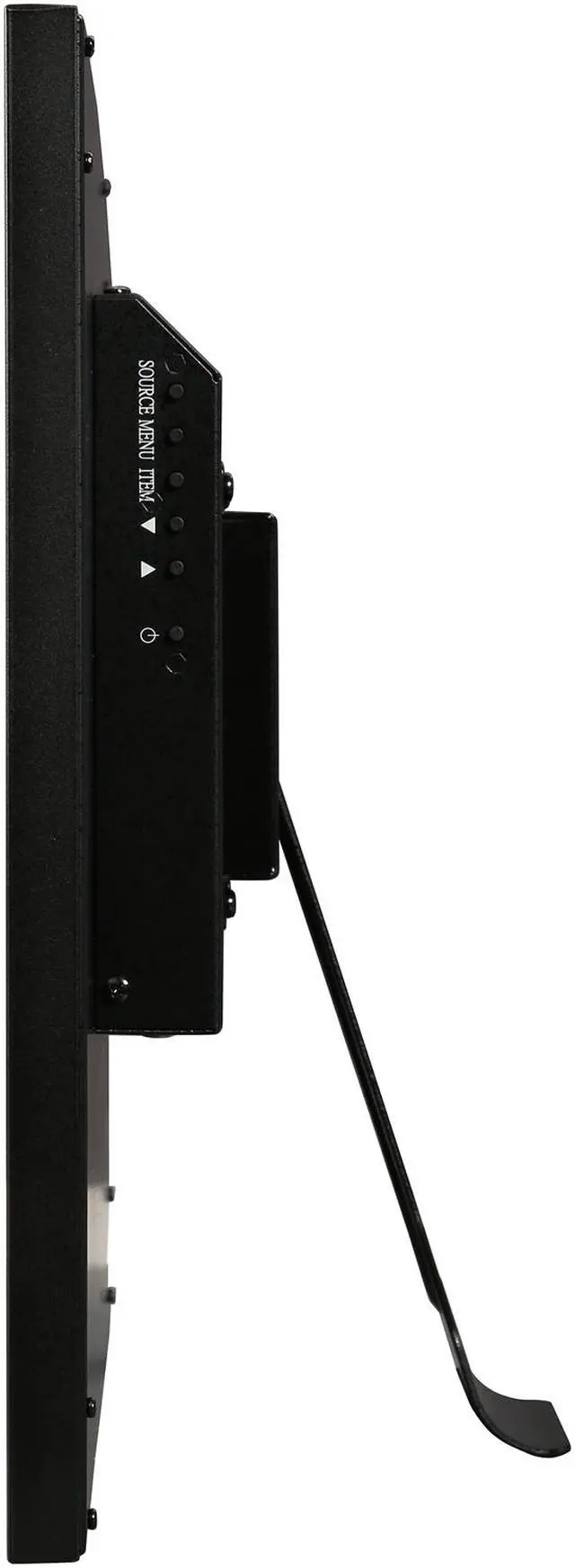
| Stand And Mounting | Tilt adjustment and wall mounting; compatible with VESA 75 × 75 mm and 100 × 100 mm mounts |
| Picture, Audio And Controls | Picture-in-picture for PC/video, 3D comb filter and de-interlacing, built-in dual 2 W speakers, and remote control; on-screen settings include picture, sound, color, and display adjustments |
| Power | AC input: 100–240 V, 50–60 Hz; maximum power consumption: 45 W |
| Dimensions And Weight | 12.68 × 20.87 × 2.37 in; 10.05 lb (4.56 kg) |
| Regulatory Approvals | CE, FCC, and RoHS |
| Model Identifiers | ViewEra V215HBM |
Q: ViewEra V215HBM vs. V178HB: which is better for a Full HD security setup?
A: Choose the V215HBM if you want a 21.5-inch 1920 × 1080 screen, two HDMI inputs, and picture-in-picture. The V178HB is a 17-inch 1280 × 1024 model with one HDMI input and BNC video looping, making it a more compact option for setups using those connections.
Q: Should I choose the ViewEra V215HBM or V198HB for a larger, higher-resolution display?
A: Choose the V215HBM for its 21.5-inch 1920 × 1080 widescreen display and two HDMI inputs. The V198HB has a 19-inch 1280 × 1024 display, one HDMI input, and BNC video looping for security equipment.
Q: ViewEra V215HBM vs. V151BN2: which gives me a Full HD widescreen picture?
A: The V215HBM is the match for Full HD: it has a 21.5-inch 1920 × 1080 widescreen display, two HDMI inputs, and BNC video looping. The V151BN2 is a compact 15-inch 1024 × 768 model with VGA and BNC video connections.
Q: Is this monitor suitable for everyday office work?
A: Yes. Its 21.5-inch 1920 × 1080 anti-glare screen is suitable for common office tasks such as documents, email, and web browsing. It has HDMI and VGA inputs, but the provided specifications do not list a webcam or microphone, so those would need to be supplied separately for video meetings.
Q: Can I connect a laptop and use it as a second screen?
A: Yes, if the laptop has an HDMI or VGA video output. The monitor has two HDMI inputs and one VGA input; if the laptop uses a different output, you may need a compatible adapter. Its USB-A port is downstream and is not specified as a video input.
Q: Can this monitor be mounted on a wall or monitor arm?
A: Yes. It supports VESA 75 × 75 mm and 100 × 100 mm mounting patterns. Confirm that the mount supports the monitor’s size and weight before installing it.
Q: Does it have built-in speakers for meetings or videos?
A: Yes. It has two built-in 2-watt speakers, which provide audio without separate desktop speakers. The listed specifications do not establish their sound quality, so users who need fuller or louder audio may prefer a separate audio setup.