




 here!
I’m your shopping assistant for PC builds, upgrades, and everything tech.
Got questions? Ask away!
Start a conversation
here!
I’m your shopping assistant for PC builds, upgrades, and everything tech.
Got questions? Ask away!
Start a conversation
Make informed decisions with expert advice. Learn More

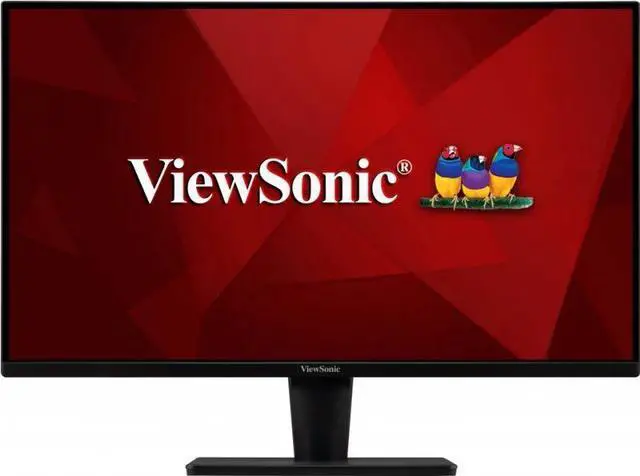
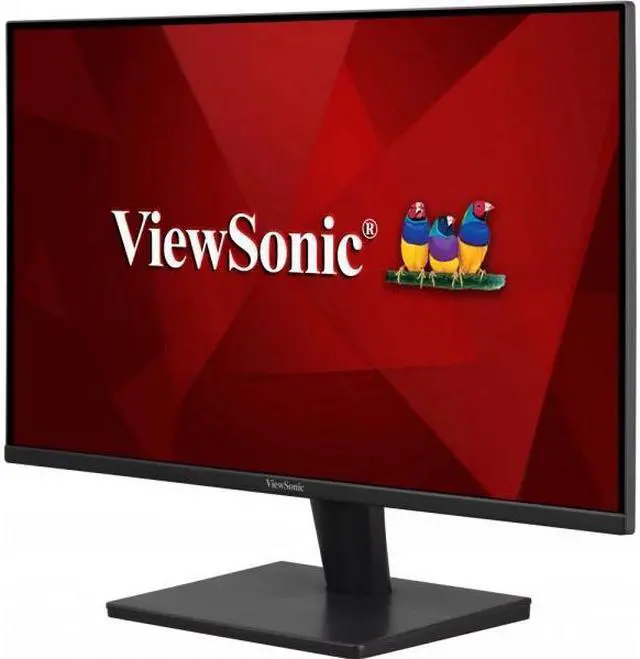
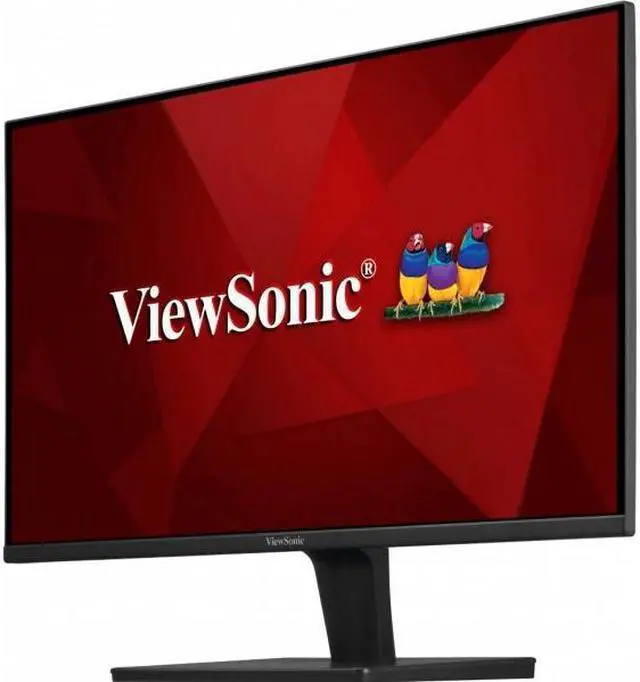
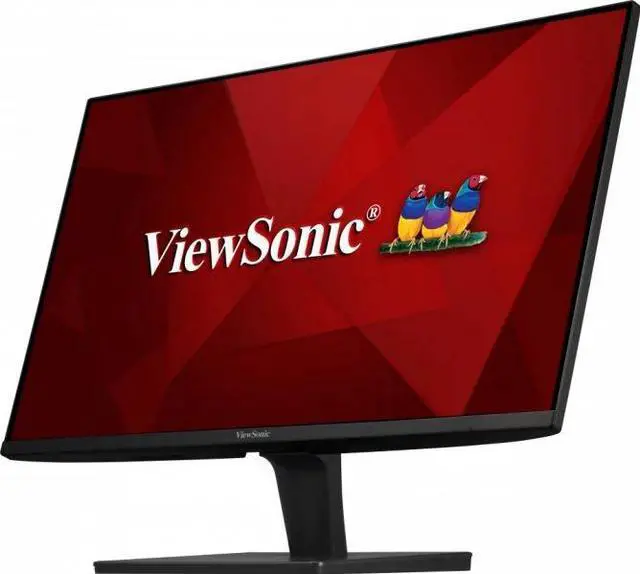
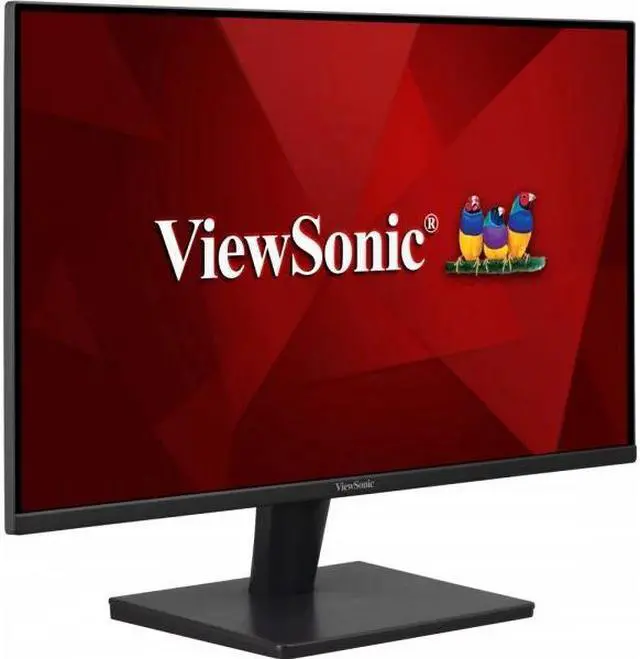
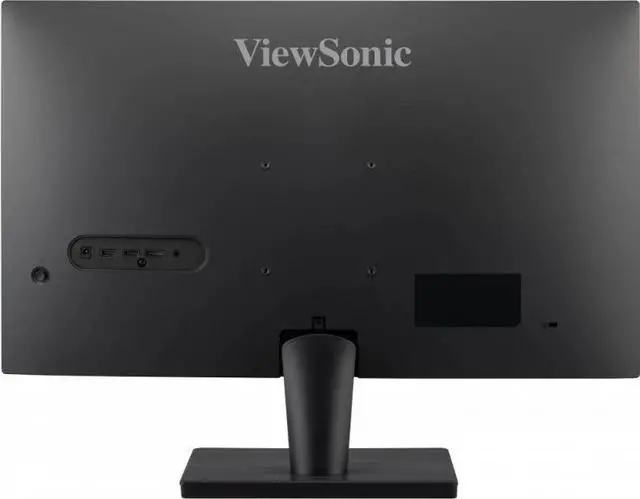
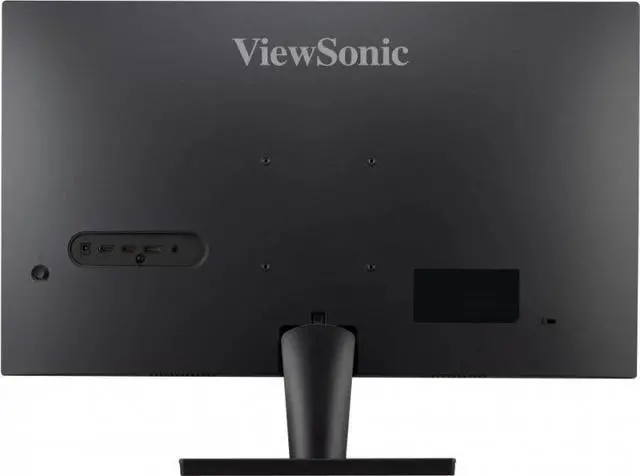
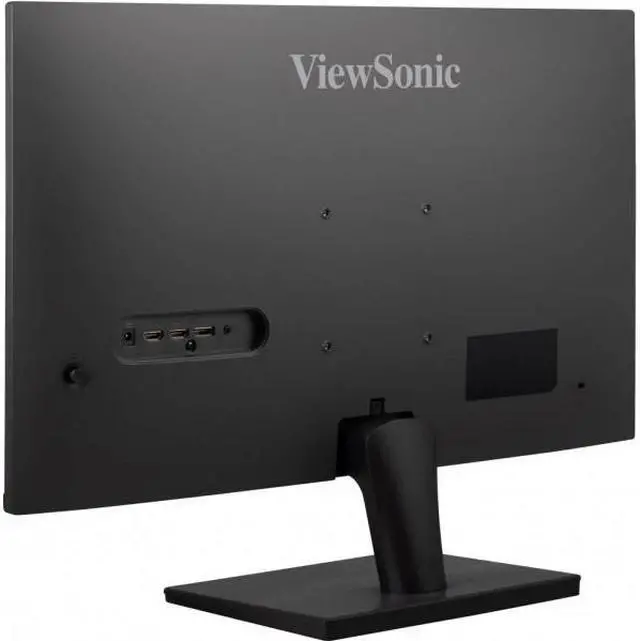
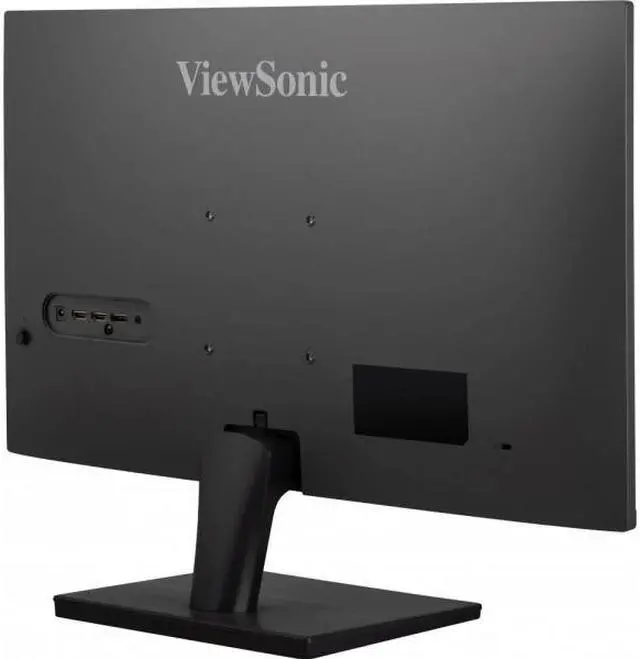
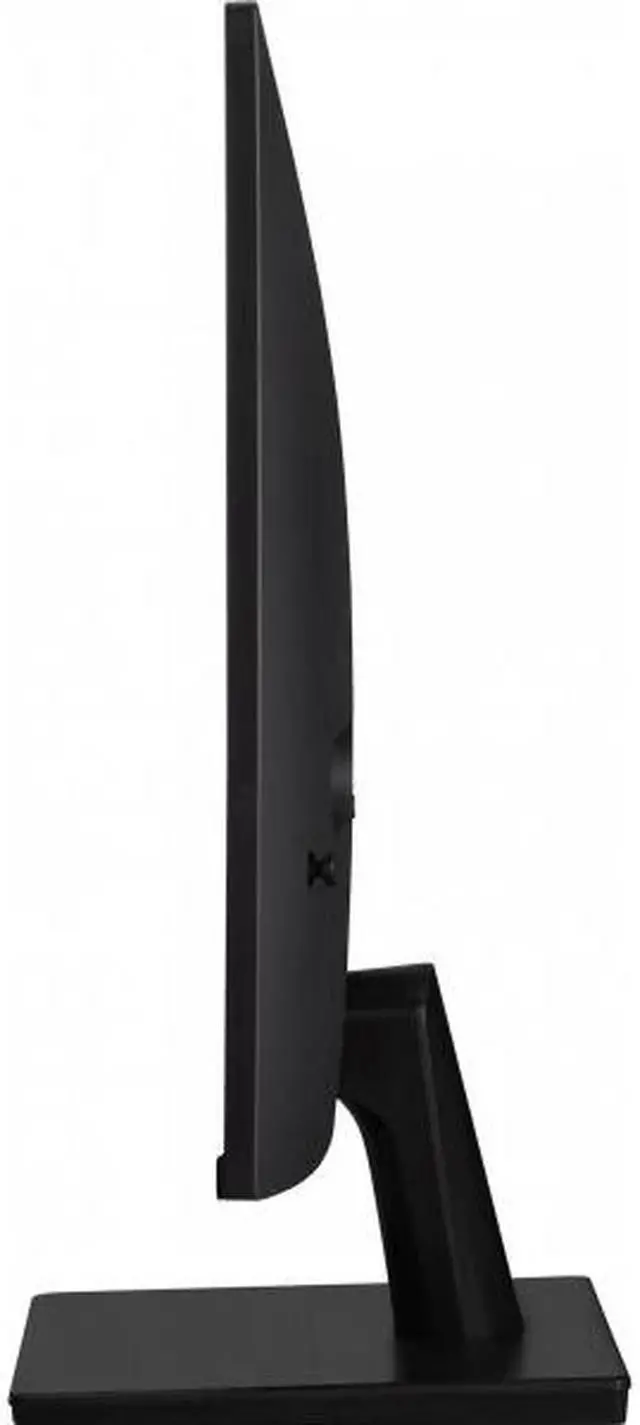



Any questions? Ask CelesteSM will help you find out quickly.
The ViewSonic VA2715-2K-MHD is a 27-inch QHD monitor with a VA panel, 75 Hz refresh rate, and FreeSync, suited to everyday work, study, and casual gaming where sharper-than-Full-HD detail and smooth adaptive sync are useful.
| Attribute | Value |
|---|---|
| Best For | Desktop use for QHD work and viewing, with a 27-inch flat VA display and FreeSync support |
| Panel And Resolution | 27-inch flat VA panel with 2560 × 1440 QHD resolution, 16:9 aspect ratio, 178° horizontal and vertical viewing angles, and 0.233 mm pixel density |
| Image Quality And Comfort | 250 cd/m² brightness, 4000:1 typical contrast (50M:1 dynamic), 16.7 million colors with 8-bit true color, 72% NTSC and 104% sRGB coverage; anti-glare finish, flicker-free technology, and blue-light filter |
| Refresh Rate And Response | 75 Hz refresh rate with 4 ms response time and FreeSync (AMD Adaptive Sync) |
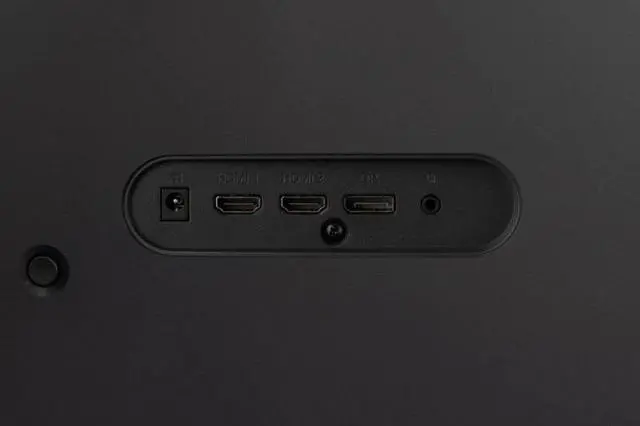
| Ports And Connectivity | 2 HDMI 1.4 inputs, 1 DisplayPort 1.2, and 3.5 mm audio output; no DVI or Thunderbolt 2 |
| Audio | Built-in stereo speakers rated at 2 W each |
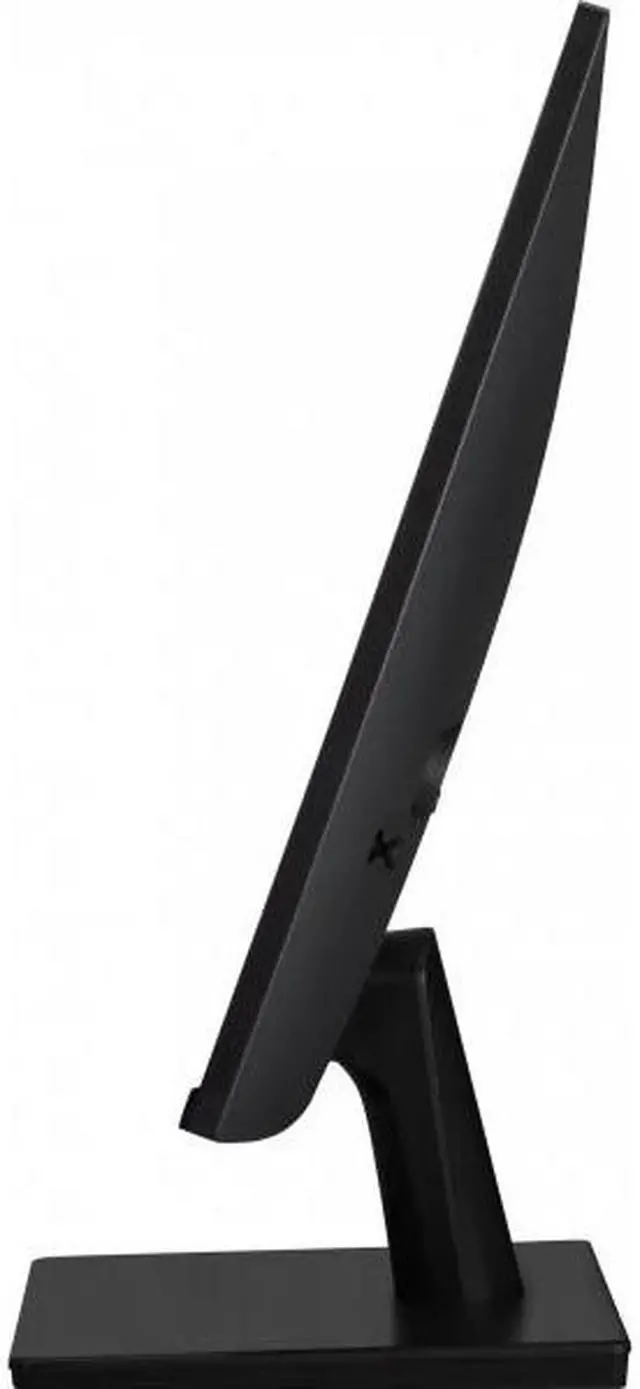
| Stand And Mounting | Tilt adjustment from -5° to 20°; VESA 100 × 100 mm mounting pattern |
| Power And Consumption | 100–240 VAC power supply; consumption is 22 W typical, up to 31 W maximum, and 0.5 W in standby |
| Physical Design | Black cabinet with a 3-sided borderless bezel; 24.10 × 18.00 × 8.10 in. with stand or 24.10 × 14.20 × 1.60 in. without stand; weighs 7.90 lb with stand and 6.80 lb without |
| Model Identifiers | ViewSonic VA2715-2K-MHD |
| Included Items | HDMI 1.4 cable, AC/DC adapter, and quick start guide |
Q: ViewSonic VA2715-2K-MHD vs VA2715-H: which is better for a sharper 27-inch desktop display?
A: Choose the VA2715-2K-MHD for QHD resolution (2560 × 1440) and more detailed workspace on a 27-inch screen. The VA2715-H is a Full HD (1920 × 1080) option in the same size class. Both are 75Hz ViewSonic displays, so the main choice is QHD detail versus Full HD resolution. ([manuals.viewsonic.com](https://manuals.viewsonic.com/VA2715-2K-mhd_Full_Guide?utm_source=openai))
Q: Should I choose the VA2715-2K-MHD or ViewSonic VX2728J-2K for gaming?
A: Choose the VA2715-2K-MHD for QHD gaming with a 75Hz refresh rate and Adaptive Sync. Choose the VX2728J-2K if your priority is a higher refresh rate: it pairs QHD resolution with 180Hz, FreeSync Premium, and a height-adjustable, swivel, and pivot stand. ([manuals.viewsonic.com](https://manuals.viewsonic.com/VA2715-2K-mhd_Full_Guide?utm_source=openai))
Q: ViewSonic VA2715-2K-MHD or VX2767U-2K for a laptop desk setup?
A: Choose the VA2715-2K-MHD for a straightforward QHD setup using HDMI or DisplayPort, with built-in speakers. Choose the VX2767U-2K if connecting and charging a compatible laptop over one USB-C cable is a priority; it supports up to 65W USB-C charging and also has QHD resolution. ([manuals.viewsonic.com](https://manuals.viewsonic.com/VA2715-2K-mhd_Full_Guide?utm_source=openai))
Q: Is this monitor suitable for office work and multitasking?
A: Yes. Its 27-inch QHD resolution provides workspace for documents, spreadsheets, and multiple windows. The anti-glare screen, blue-light filter, and flicker-free feature can suit extended desk use. The stand tilts but does not offer height adjustment, and the monitor has no built-in webcam.
Q: Can I connect this monitor to a laptop?
A: Yes, if the laptop has HDMI or DisplayPort output. The monitor has two HDMI 1.4 inputs and one DisplayPort 1.2 input, and an HDMI cable is included. It has no USB-C video input, so a laptop that only outputs video over USB-C may need a compatible adapter.
Q: Does it have built-in speakers, or do I need separate speakers?
A: It has two built-in 2-watt speakers, which can handle basic audio. For fuller or louder sound, use external speakers or headphones through the 3.5 mm audio output.
Q: Can I mount it on a monitor arm or wall mount?
A: Yes. It supports 100 × 100 mm VESA mounting. Check that the arm or mount supports this pattern and the monitor’s weight; the listing does not say that a mount is included.
Q: Is it a good choice for gaming?
A: It can suit casual gaming: it has QHD resolution, a 75 Hz refresh rate, and FreeSync. Its 75 Hz limit makes it less suited to buyers prioritizing very high refresh rates for competitive gaming.
Q: Is a 27-inch 1440p monitor a good fit for office work?
A: It is a reasonable fit for web browsing and office tasks: a Reddit discussion recommends 27-inch 1440p for that use, and this model provides 2560 × 1440 resolution. Check that you have enough desk space and adjust display scaling to suit your viewing distance.
Q: Can I use two VA2715-2K-MHD monitors with a dock?
A: A Reddit user reports using two of these monitors and looking for a dock. The monitors have HDMI and DisplayPort inputs, but the product information does not specify dock compatibility; confirm that the dock and computer can drive two displays at 2560 × 1440.
Q: Is 27-inch 1440p noticeably better than 24-inch 1920 × 1200 for work?
A: A Reddit discussion describes 27-inch 1440p as a noticeable step up for office use. This model matches that 27-inch, 2560 × 1440 configuration, though whether it is preferable depends on desk distance and personal scaling preferences.


