




 here!
I’m your shopping assistant for PC builds, upgrades, and everything tech.
Got questions? Ask away!
Start a conversation
here!
I’m your shopping assistant for PC builds, upgrades, and everything tech.
Got questions? Ask away!
Start a conversation Hot Seller
 Top Rated

Make informed decisions with expert advice. Learn More





Any questions? Ask CelesteSM will help you find out quickly.
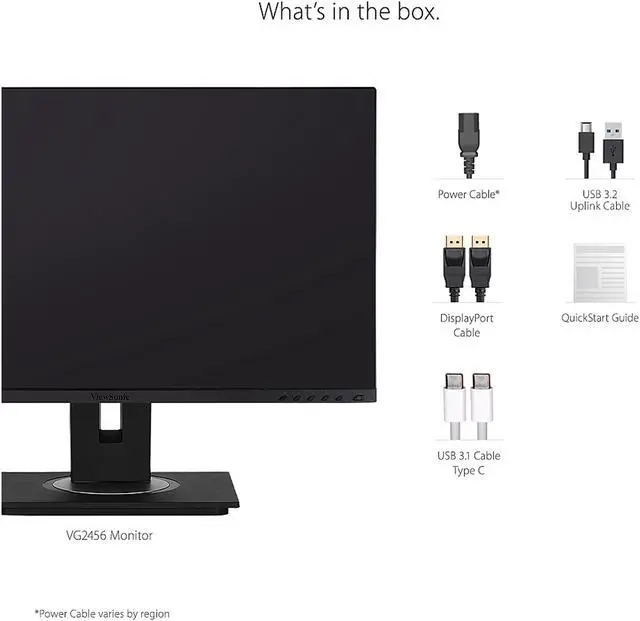
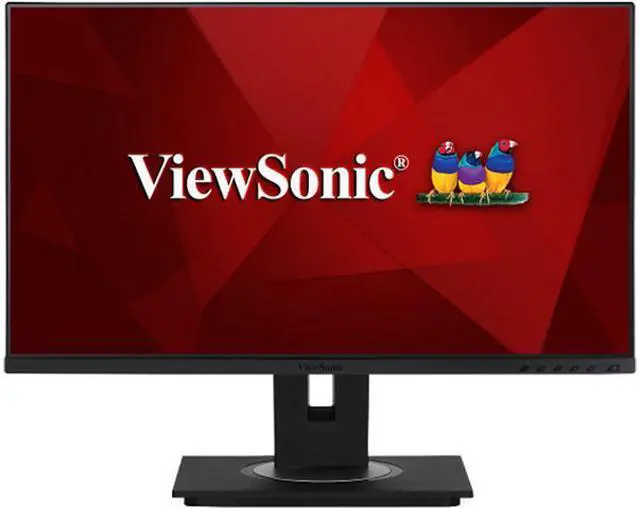
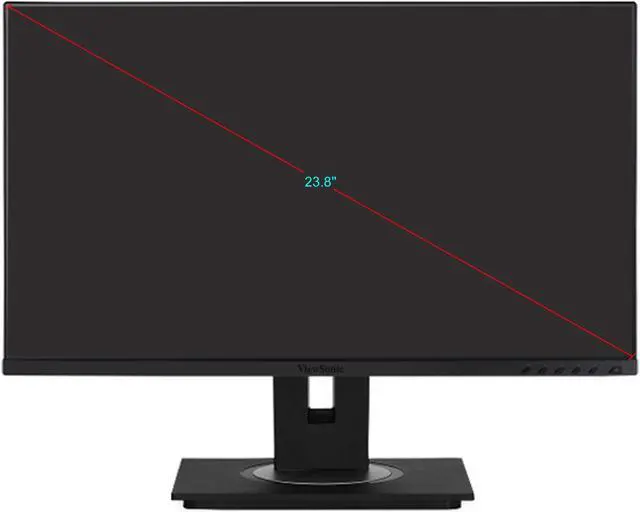
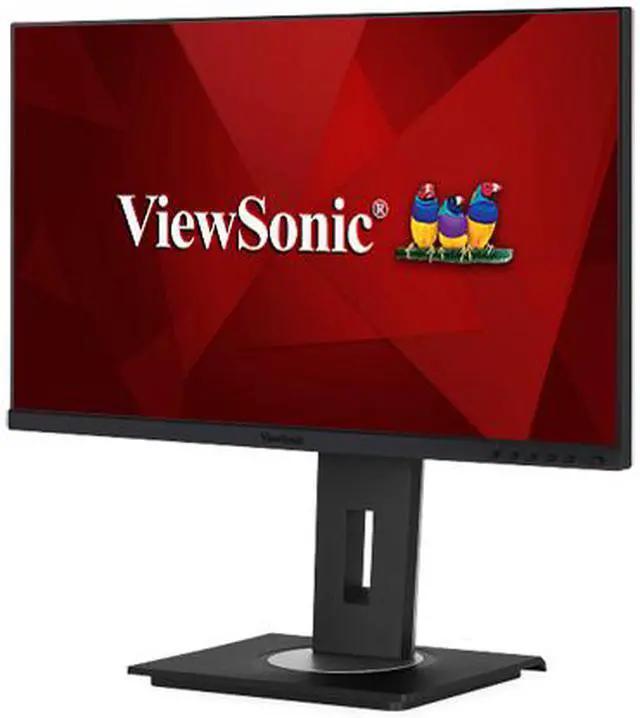
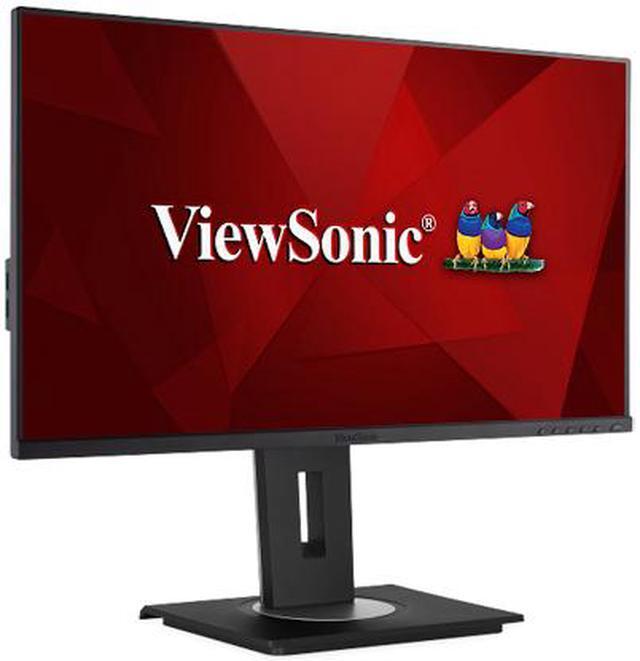
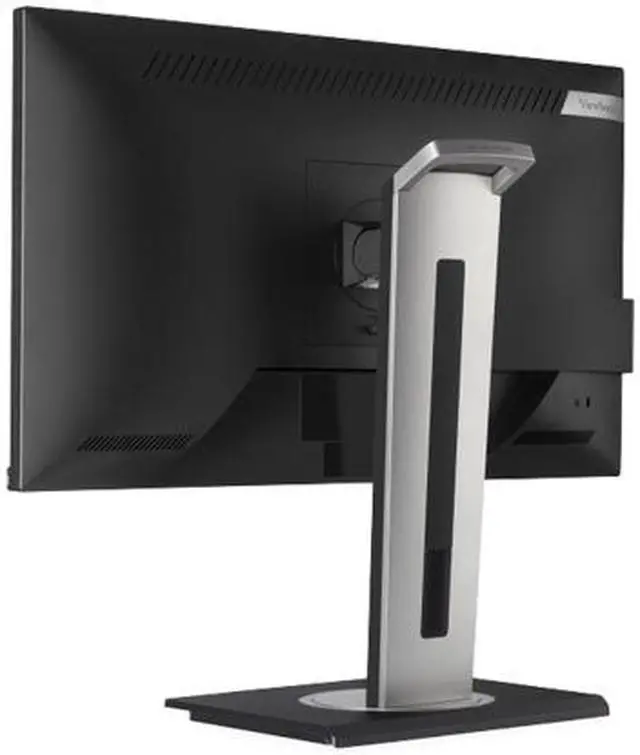
The ViewSonic VG2456 is a 23.8-inch Full HD IPS monitor with a USB-C docking hub, Gigabit Ethernet, and ergonomic adjustments, making it well suited to home and office users who want a simpler laptop workstation with fewer cables.
| Attribute | Value |
|---|---|
| Best For | Business and personal desktop or laptop workspaces that need a Full HD display with USB-C docking, Ethernet, and adjustable positioning |
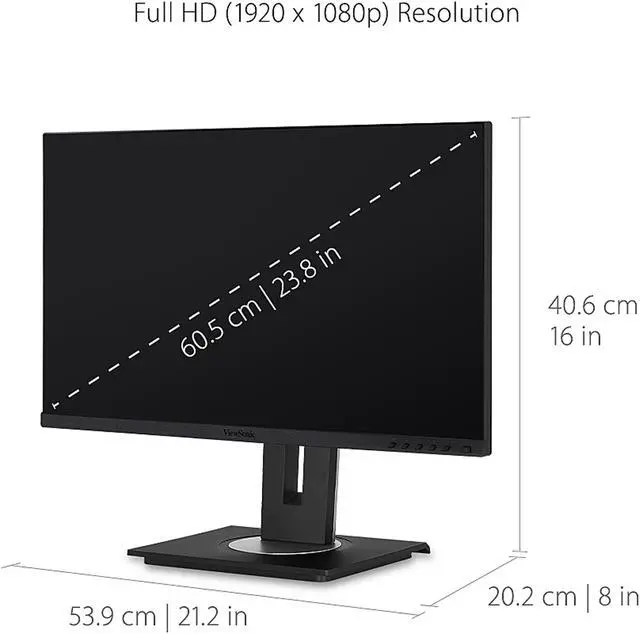
| Panel And Resolution | 23.8-inch actual (24-inch class) flat IPS display with 1920 × 1080 Full HD resolution, 16:9 aspect ratio, 16.7 million colors, 250 cd/m² brightness, 1,000:1 native contrast, 178° horizontal and vertical viewing angles, and an anti-glare finish |
| Refresh Rate And Response | 60Hz refresh rate with 5ms GTG response time |
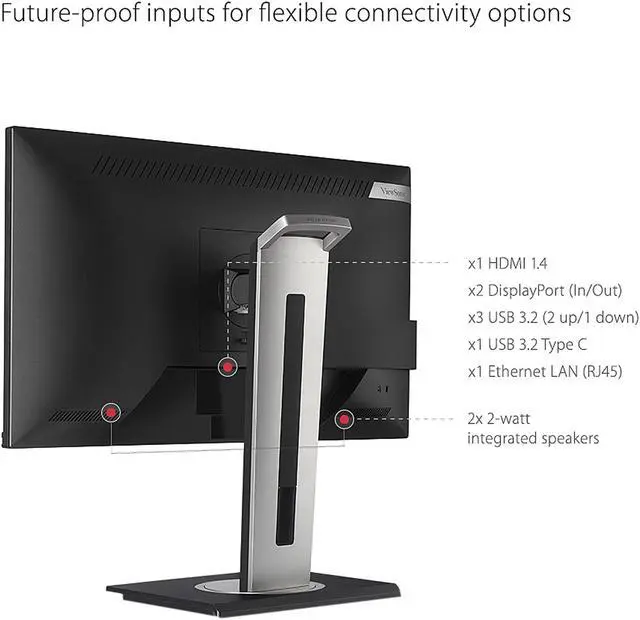
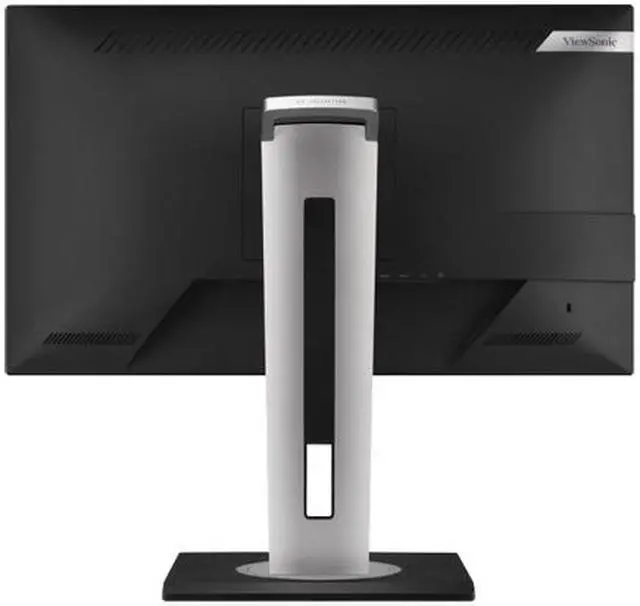
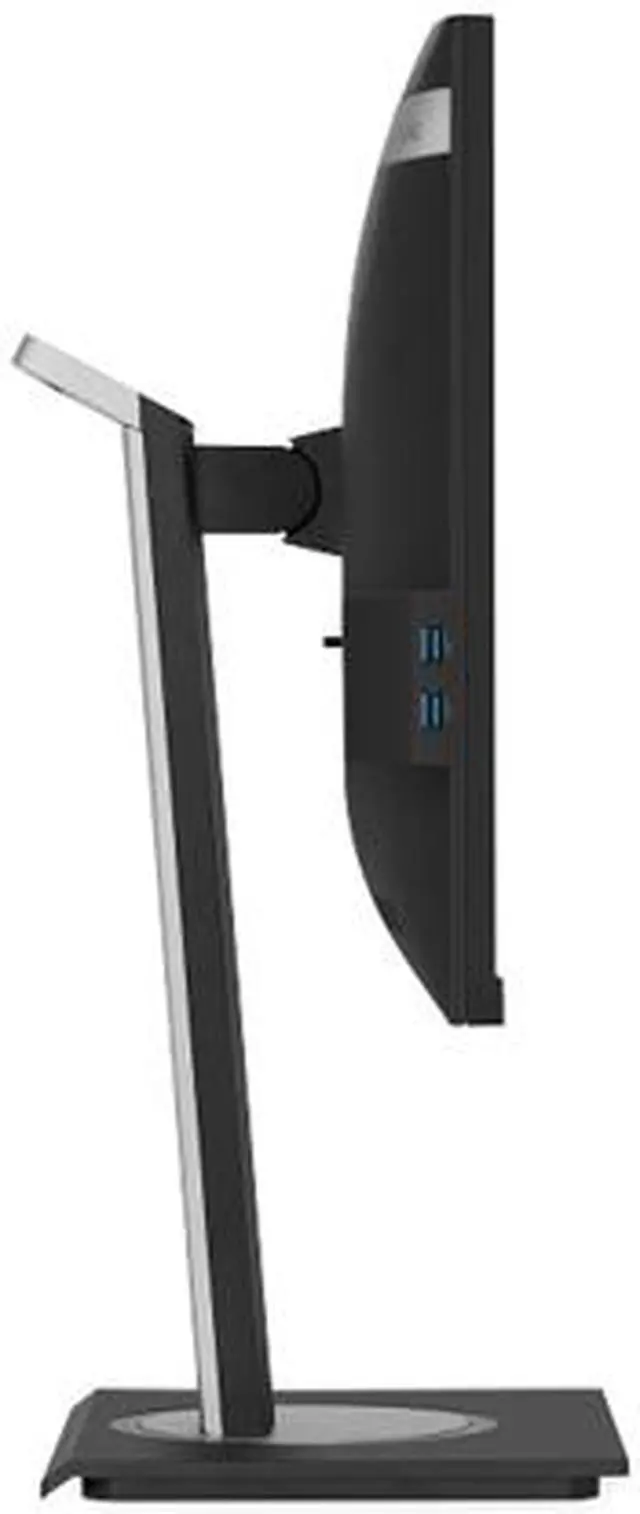
| Ports And Connectivity | HDMI 1.4, DisplayPort input and output for daisy chaining, RJ45 Ethernet, and four USB 3.2 Gen 1 ports: one Type-B, two Type-A, and one Type-C |
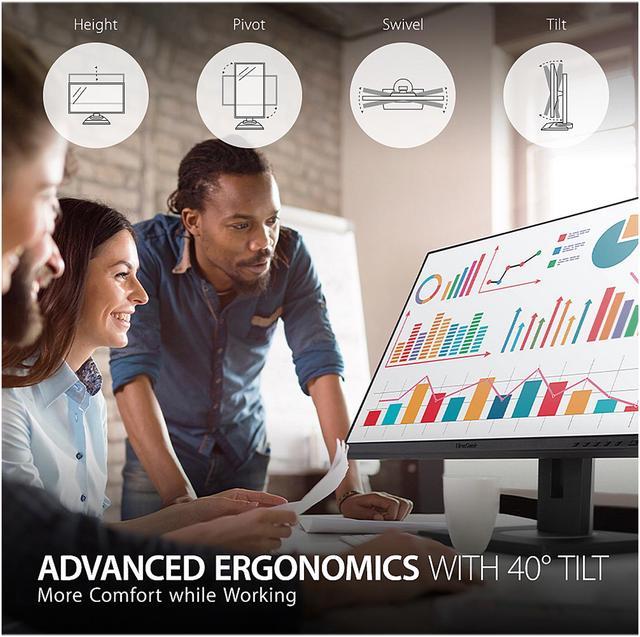
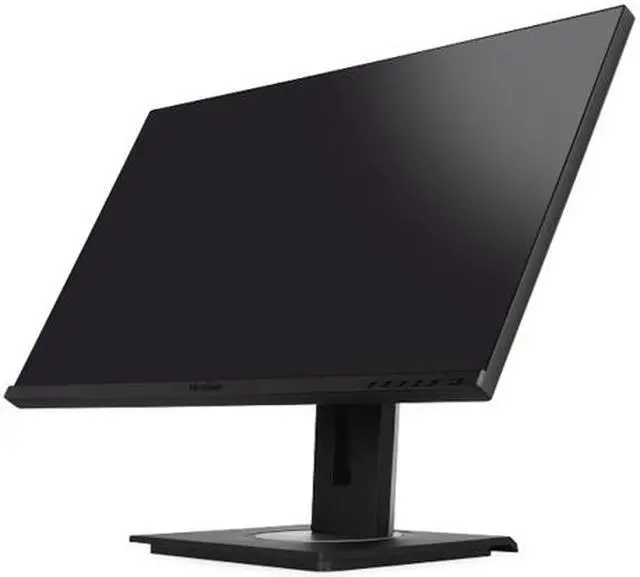
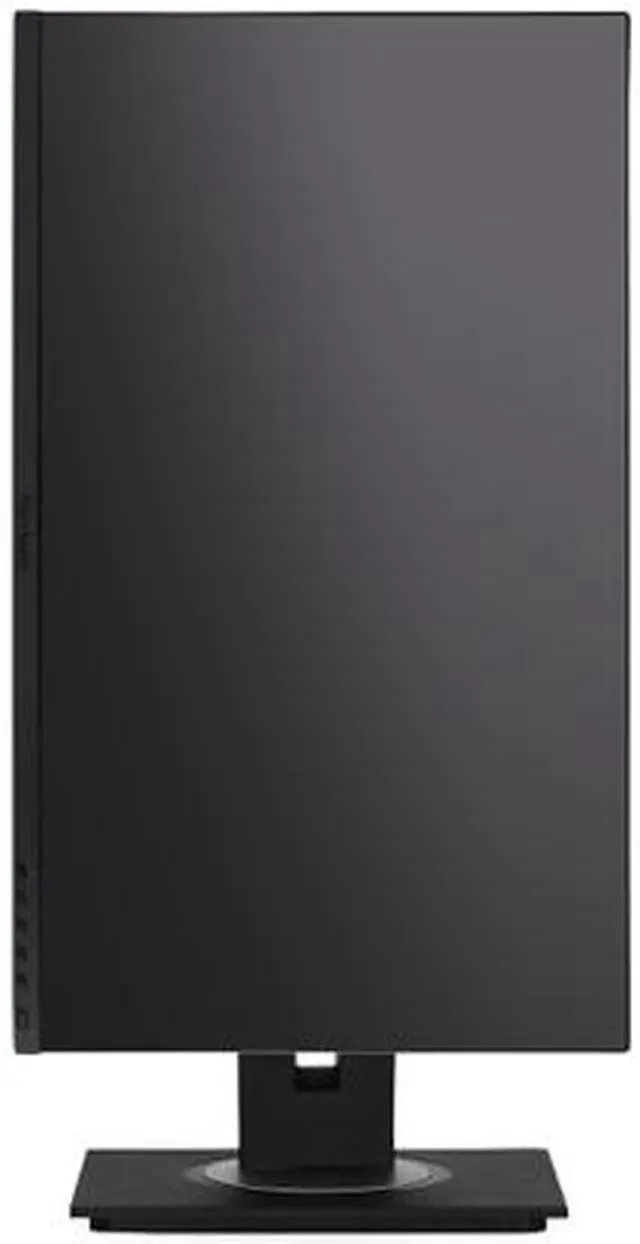
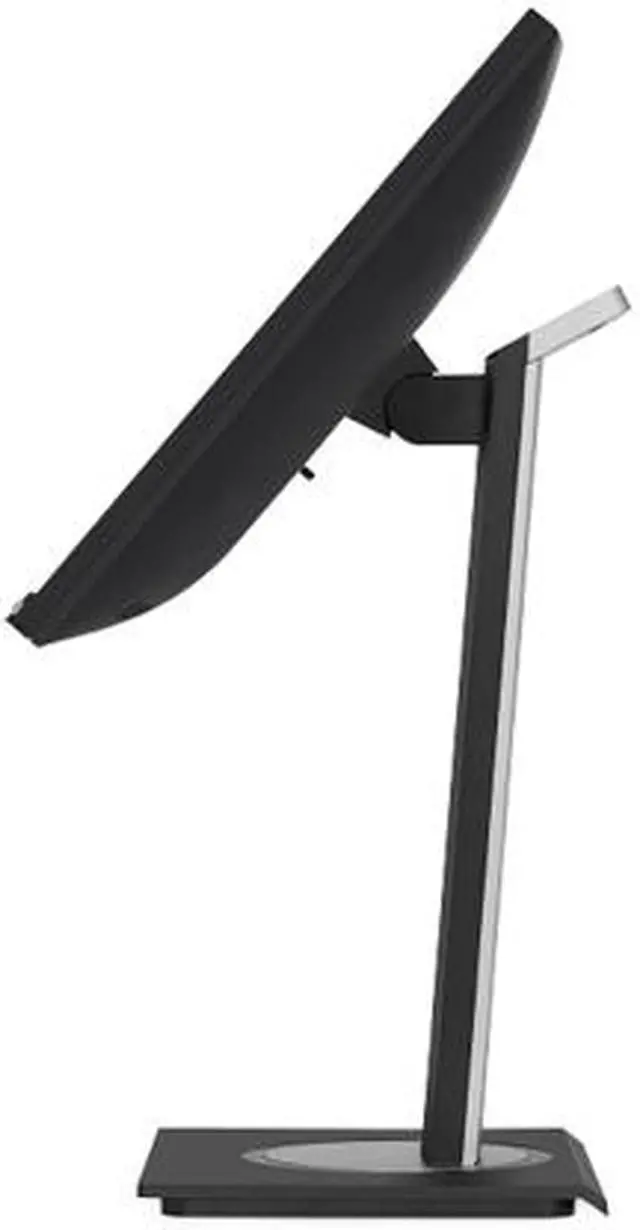
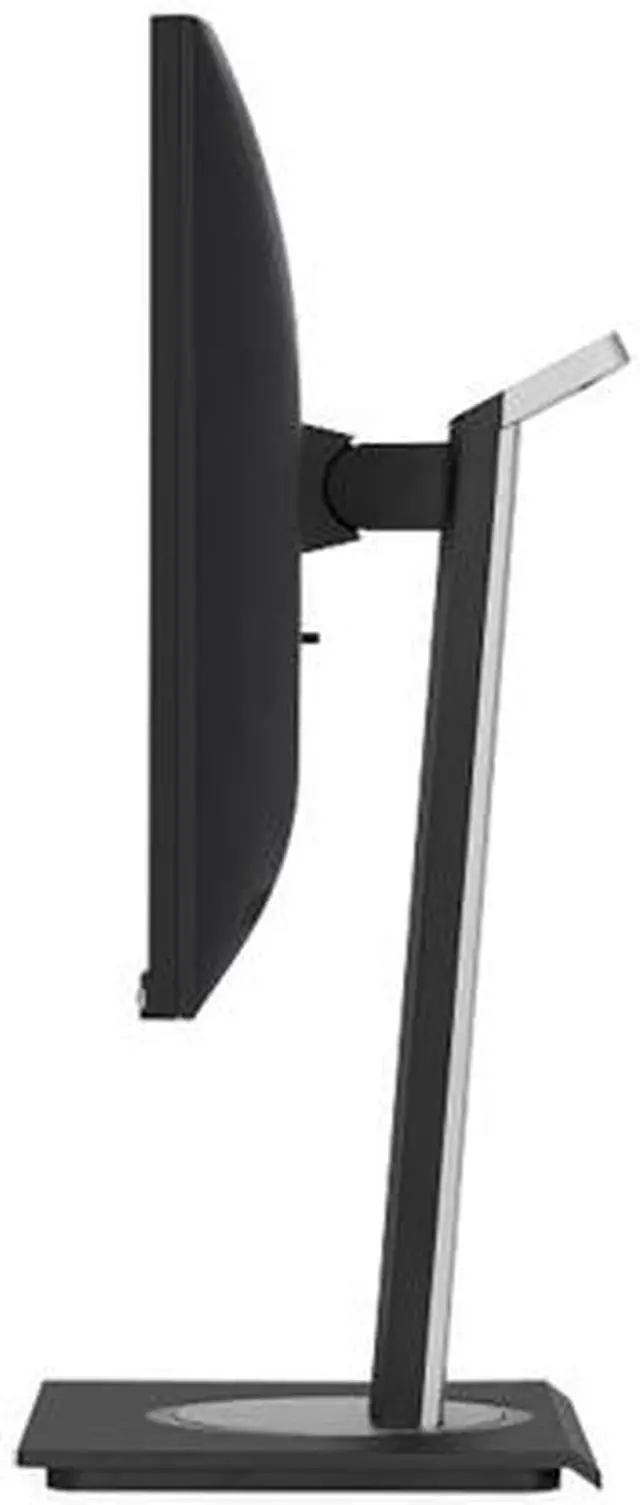
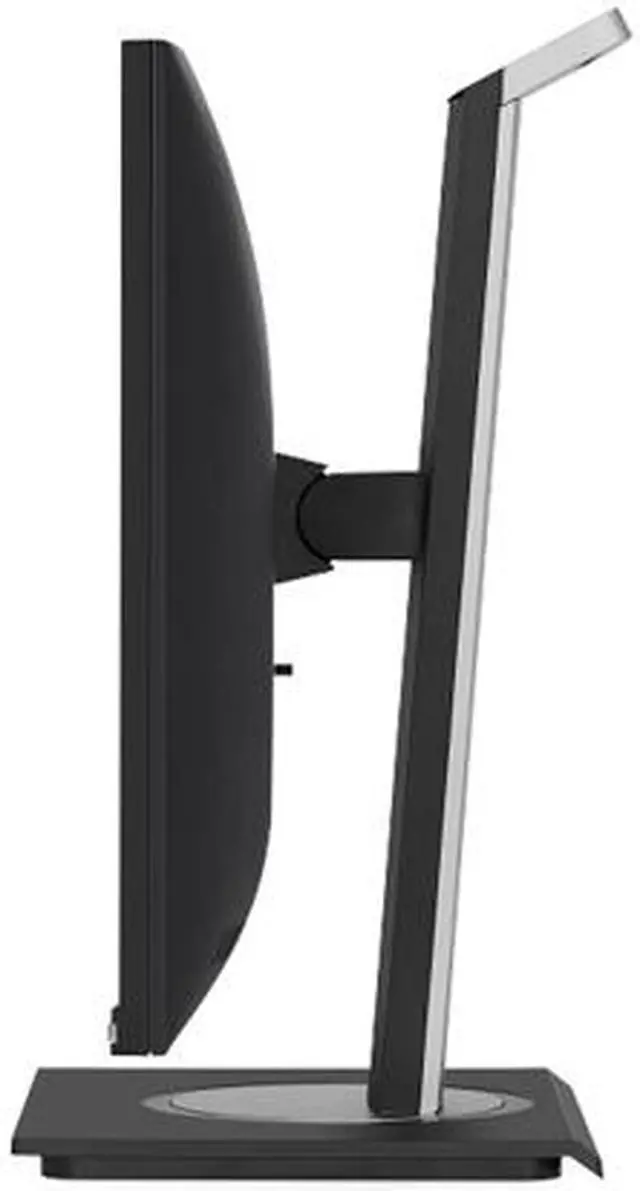
| Stand And Ergonomics | Height adjusts by 130mm; tilt ranges from -5° to 40°, with 120° swivel and 90° pivot in either direction for horizontal or vertical orientation |
| Mounting And Physical Design | 100 × 100mm VESA mount compatible, with a three-sided frameless bezel; weighs 14.10 lb with stand and 8.80 lb without stand |
| Audio And Camera | Built-in stereo speakers rated at 2 × 2W; no built-in webcam |
| Power And Compliance | 100–240 VAC, 50/60Hz power input; maximum power consumption 17.4W; ENERGY STAR compliant |
| Model Identifiers | ViewSonic VG2456; external model number VS18086; black |
Q: Can I connect my laptop with one USB-C cable and charge it at the same time?
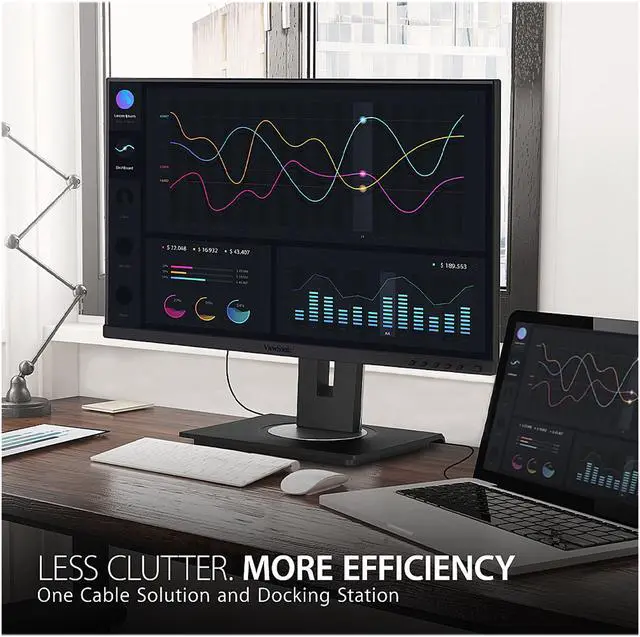
A: Yes. A compatible laptop can use one USB-C cable for video, data, and up to 60W of charging. The laptop’s USB-C port must support video output; the monitor also provides USB ports and Gigabit Ethernet. Whether 60W is enough to keep a particular laptop charged depends on that laptop’s power needs.
Q: Is this monitor suitable for home-office work and video meetings?
A: It is well suited to everyday office tasks such as documents, spreadsheets, and video meetings: it has a 23.8-inch Full HD IPS screen, a USB-C dock with up to 60W laptop charging, Gigabit Ethernet, and an adjustable stand. It has built-in speakers but no webcam, so use a separate camera or your laptop’s camera for video calls.
Q: Can I adjust the screen for portrait viewing or a more comfortable desk setup?
A: Yes. The included stand supports up to 130 mm of height adjustment, swivel, tilt from -5° to 40°, and 90° pivot in either direction for portrait orientation. The monitor also supports 100 × 100 mm VESA mounts.
Q: Does it have a built-in webcam and speakers?
A: It has two built-in 2W speakers but no webcam. For video calls, connect a separate webcam or use your laptop’s camera.
Q: Is the VG2456 a good fit for a MacBook home-office setup?
A: It can suit general work and multitasking: a Reddit owner described using it as a second display for email, project management, and similar tasks, with a single USB-C connection that also provides Ethernet. Its 1920×1080 resolution may be a limitation if you want a sharper screen for visually detailed work.
Q: Can the VG2456 connect a laptop to two monitors with one cable?
A: It supports daisy chaining through its DisplayPort output, and USB-C can carry video, data, and up to 60 W of charging. A single-cable laptop setup depends on the laptop’s USB-C port supporting video output; the second monitor connects to the VG2456’s DisplayPort output.
Q: Is the VG2456 a good choice for light editing, or should I get a 1440p monitor?
A: The VG2456 offers a 23.8-inch IPS screen at 1920×1080 and 60 Hz, which may be adequate for basic work and light editing. A Reddit discussion comparing it with a 1440p alternative highlights the trade-off: the VG2456 adds USB-C Ethernet and docking features, while the higher-resolution option provides more pixels for detail.


