




 here!
I’m your shopping assistant for PC builds, upgrades, and everything tech.
Got questions? Ask away!
Start a conversation
here!
I’m your shopping assistant for PC builds, upgrades, and everything tech.
Got questions? Ask away!
Start a conversation Hot Seller
 Top Rated

Make informed decisions with expert advice. Learn More





Any questions? Ask CelesteSM will help you find out quickly.
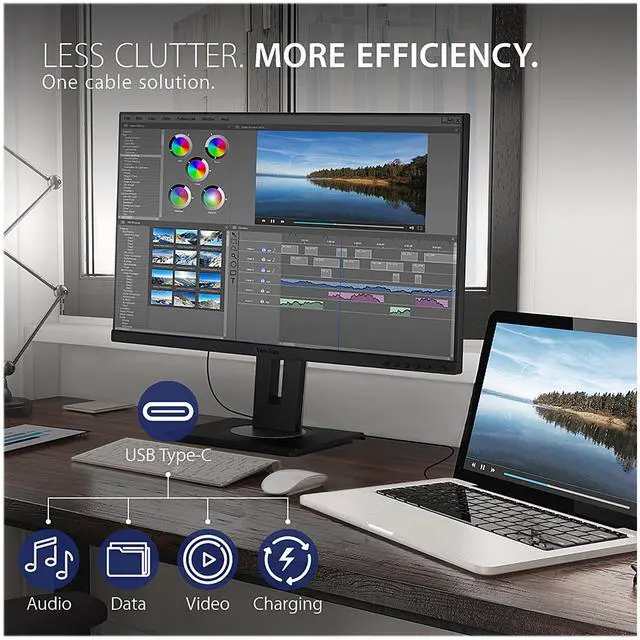
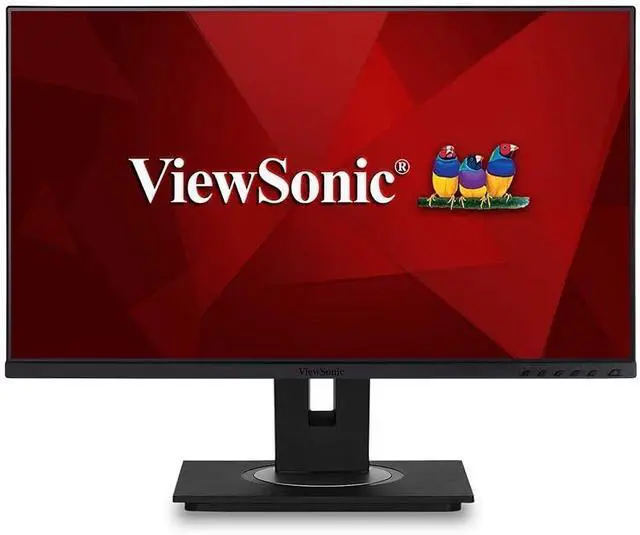
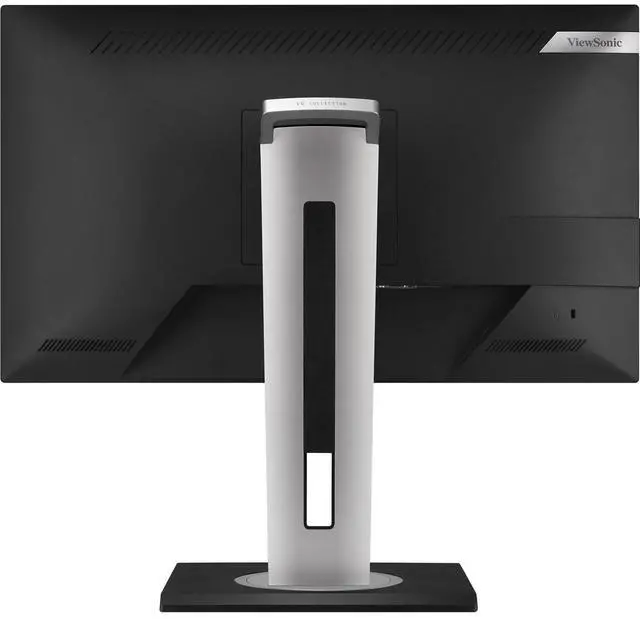
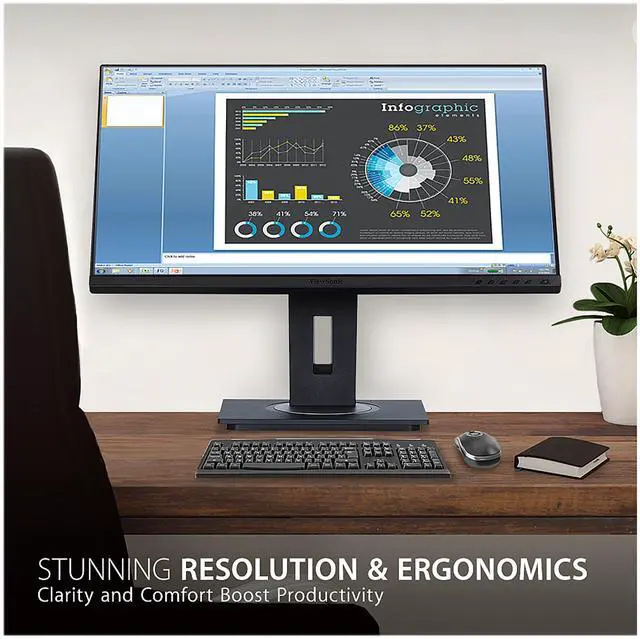
The ViewSonic VG2755 is a 27-inch Full HD IPS monitor for home and office productivity, with USB-C connectivity that supports video, data, audio, and up to 60W laptop charging over one cable.
| Attribute | Value |
|---|---|
| Best For | Personal and business use with desktop or laptop computers |
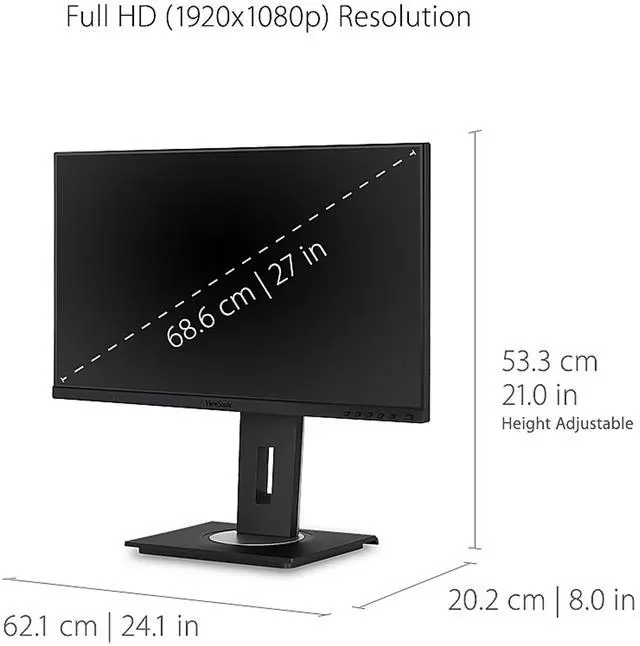
| Panel And Resolution | 27-inch flat IPS display with 1920 × 1080 resolution, 16:9 aspect ratio, 16.7 million colors, 250 cd/m² brightness, 1000:1 static contrast, 178° horizontal and vertical viewing angles, and a matte anti-glare finish |
| Refresh Rate And Response | 60Hz refresh rate and 5ms response time |
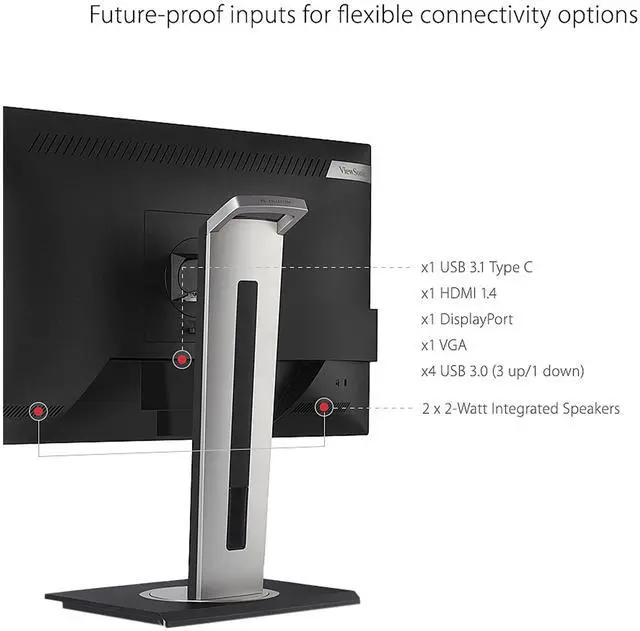
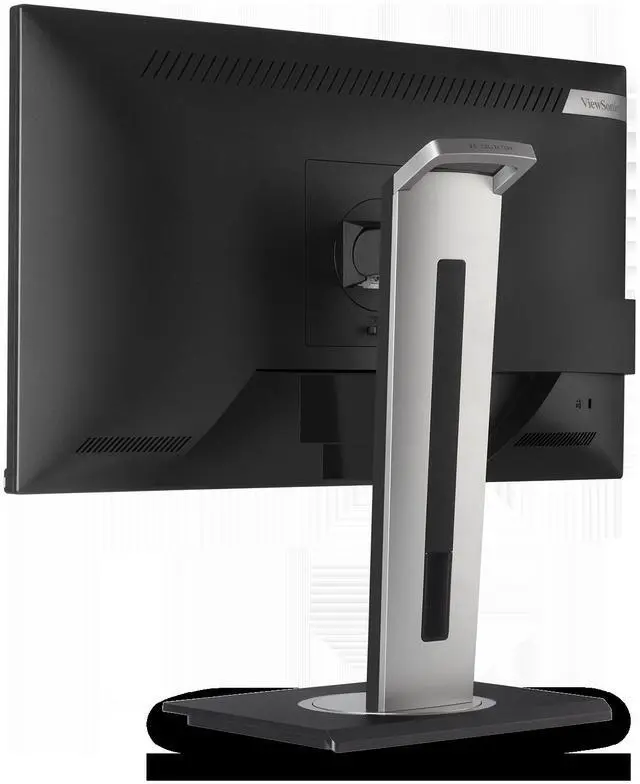
| Ports And Connectivity | VGA, HDMI 1.4, DisplayPort 1.2, USB-C with DisplayPort Alt Mode, USB-B upstream, and three USB-A downstream ports; five USB ports total |
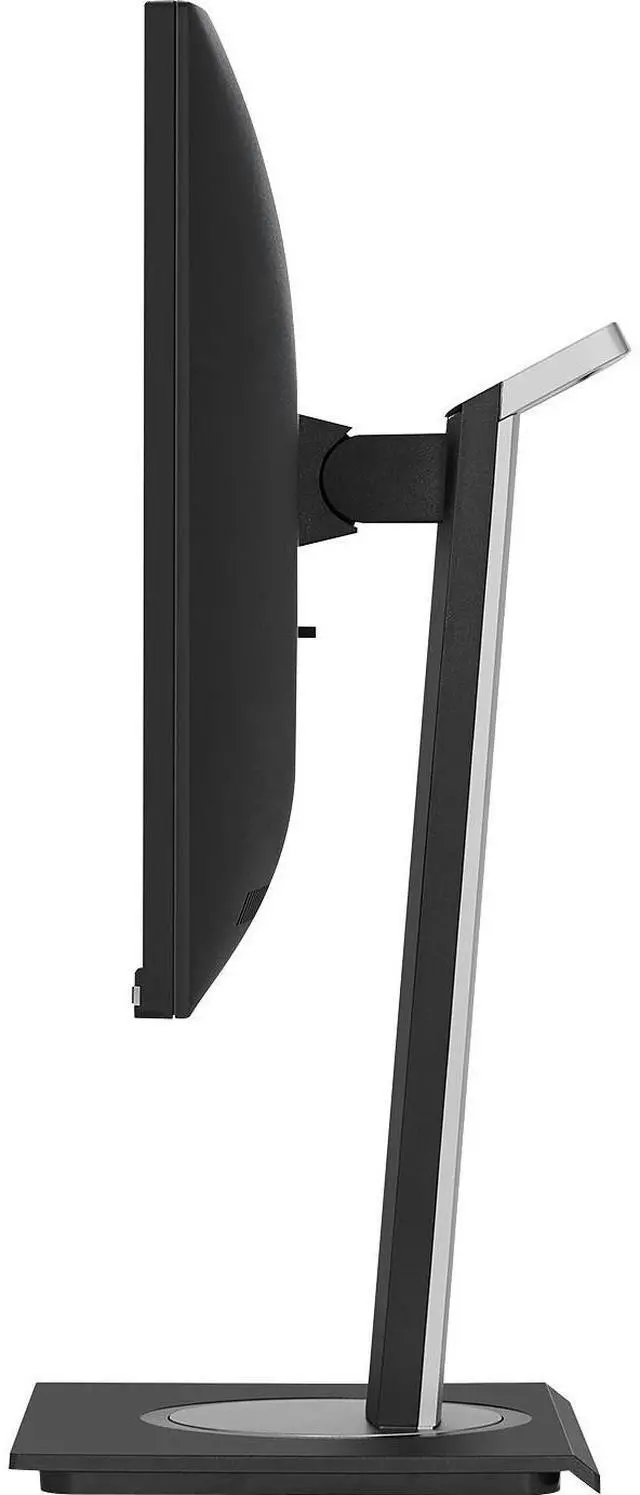
| Stand And Ergonomics | Height, swivel, and tilt adjustment; compatible with 100 × 100 mm VESA mounts |
| Audio And Adaptive Sync | Built-in speakers and G-Sync Compatible adaptive sync |
| Power | 19.1W power consumption; 240V listed voltage |
| Physical Dimensions And Weight | 24.1 inches wide, 21 inches tall, 8 inches deep, and 7.5 kg |
| Model Identifiers | ViewSonic VG2755; manufacturer model number VS17529; black |
Q: ViewSonic VG2755 vs VG2755-2K: which should I choose for a 27-inch work monitor?
A: Choose the VG2755 if 27-inch Full HD resolution fits your work and you want VGA alongside USB-C, HDMI, DisplayPort, and USB-A connections. Choose the VG2755-2K if you prefer a 27-inch QHD screen for finer on-screen detail; both models offer USB-C charging up to 60W and an adjustable ergonomic stand.
Q: ViewSonic VG2755 vs VG2756-4K: is the VG2755 enough for an office setup?
A: The VG2755 is a suitable choice for an office setup built around a 27-inch Full HD display, USB-C charging up to 60W, and connections including VGA, HDMI, and DisplayPort. Choose the VG2756-4K if you want 4K resolution, up to 90W USB-C charging, and built-in Ethernet for a more integrated docking setup.
Q: ViewSonic VG2755 vs VG2455: which is better for a small desk?
A: The VG2455 has a 23.8-inch Full HD screen, while the VG2755 has a 27-inch Full HD screen. Choose the VG2755 when a larger viewing area is the priority; choose the VG2455 when a smaller display footprint better fits your desk. Both offer USB-C connectivity and an adjustable stand.
Q: Can I connect and charge my laptop through one USB-C cable?
A: Yes, if the laptop’s USB-C port supports DisplayPort video output. The monitor supports video, audio, data, and up to 60W charging over USB-C; laptops requiring more than 60W may still need their own power adapter.
Q: Is this monitor suitable for office work and video meetings?
A: It is suited to everyday office tasks, with a 27-inch Full HD IPS screen, adjustable stand, and built-in speakers. It has no built-in webcam, so video meetings require a separate camera or one built into the connected computer.
Q: Can I adjust the screen height or mount it on a monitor arm?
A: Yes. The included stand supports height adjustment, tilt, swivel, and rotation. The monitor also has a 100 × 100 mm VESA mount pattern for a compatible monitor arm or wall mount.
Q: Does it have built-in speakers and a webcam?
A: It has built-in speakers but no built-in webcam. You can use the speakers for basic audio; video calls require a separate webcam or a camera on the connected device.
Q: Is the VG2755 suitable for gaming?
A: It can suit casual gaming, but its 60Hz refresh rate makes it a poor fit for buyers seeking high-refresh competitive play.
Q: Why does the monitor’s sleep timer turn it off instead of leaving it in standby?
A: In a Reddit discussion about the VG2755, a user reported that the monitor’s timer powers it off completely. The discussion distinguishes this from the monitor entering standby when the connected computer sleeps.
Q: Would switching from HDMI to USB-C fix the sleep or wake issue?
A: The Reddit discussion does not establish that USB-C fixes it. The reported behavior was linked to the monitor’s timer powering the display off; the user reported standby when the computer itself went to sleep.


