




 here!
I’m your shopping assistant for PC builds, upgrades, and everything tech.
Got questions? Ask away!
Start a conversation
here!
I’m your shopping assistant for PC builds, upgrades, and everything tech.
Got questions? Ask away!
Start a conversation




Any questions? Ask CelesteSM will help you find out quickly.
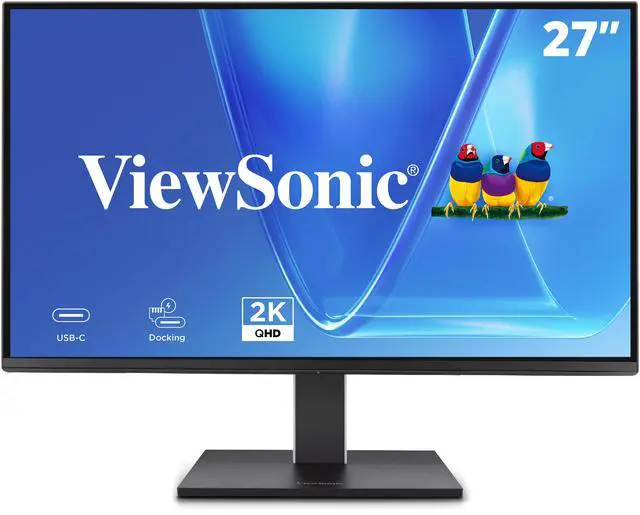
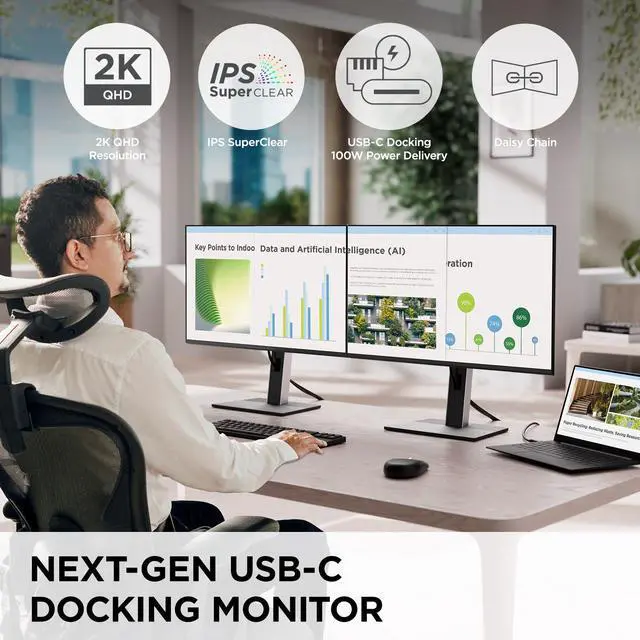
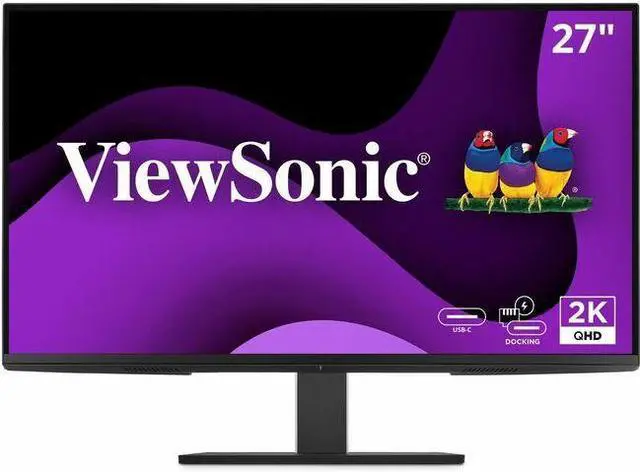
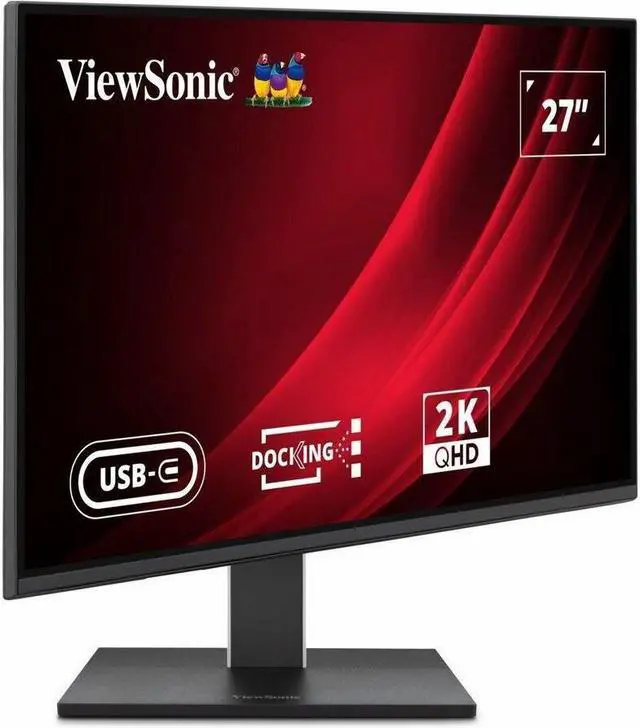
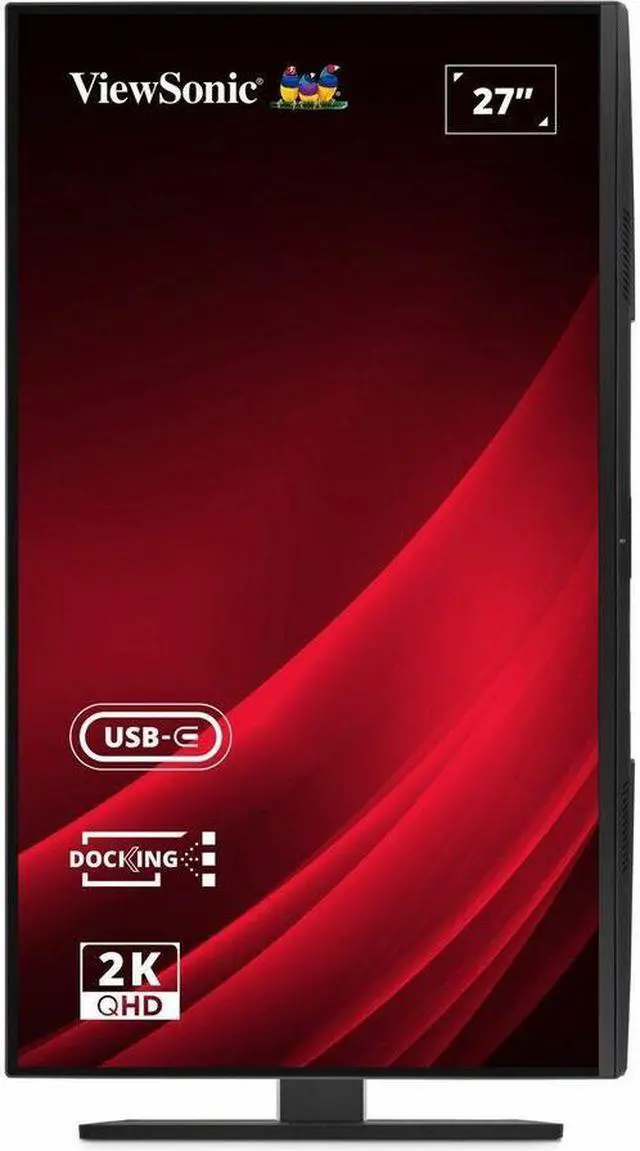
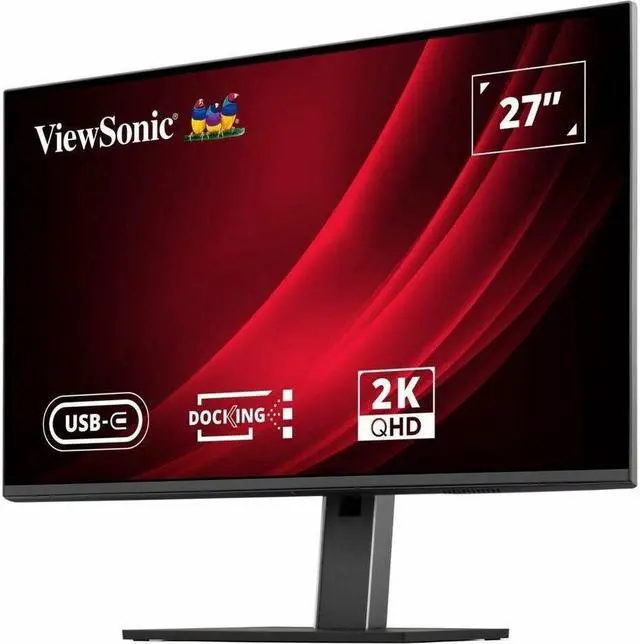
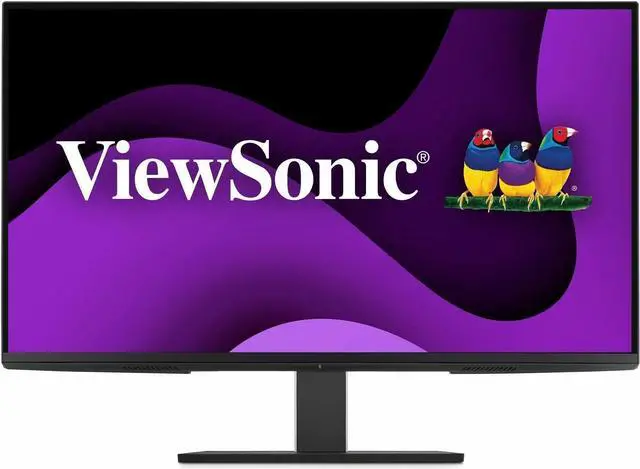
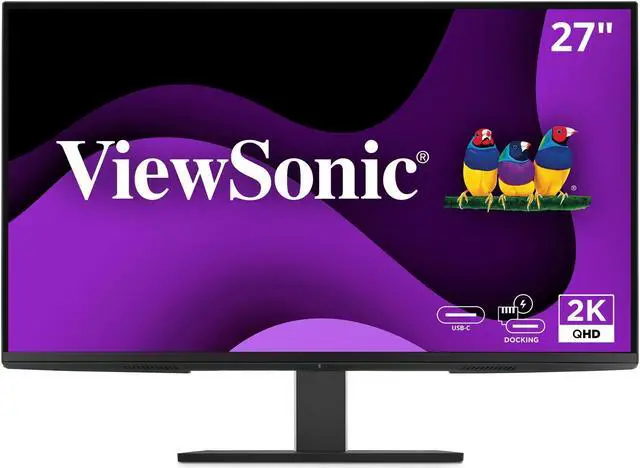
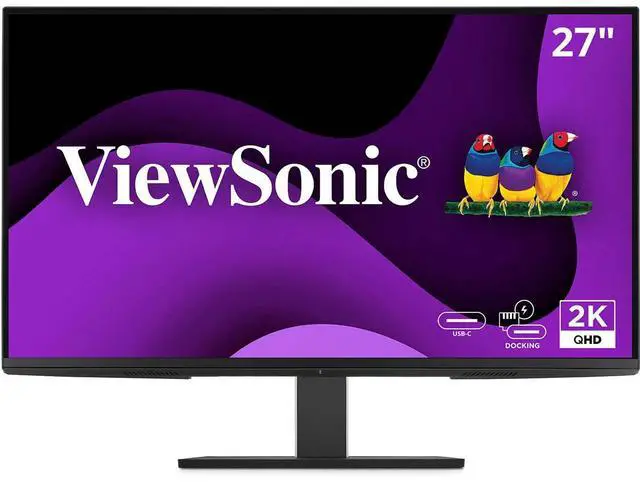
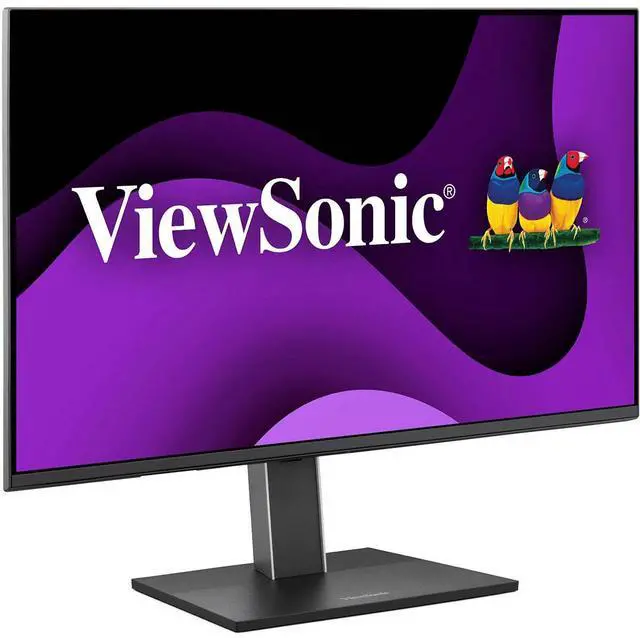
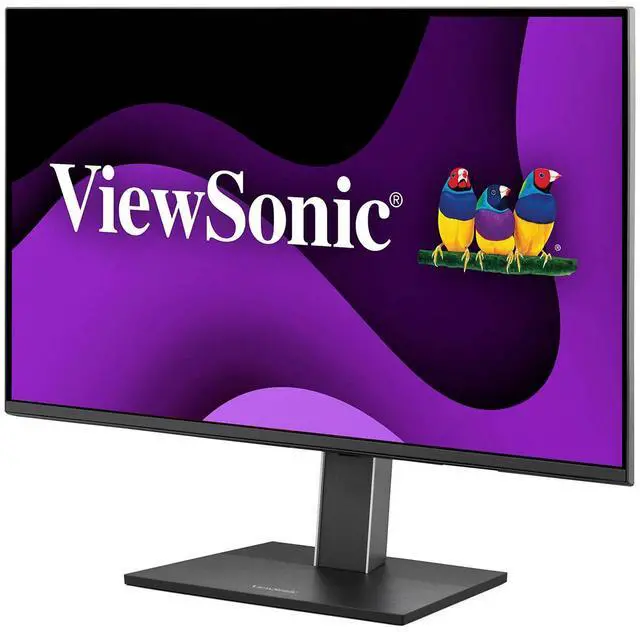
The ViewSonic VG2758-2K is a 27-inch QHD IPS docking monitor with 100Hz refresh, 100W USB-C power delivery, an RJ45 Ethernet port, and USB hub. It suits home and office users who want a sharp, adjustable display and a streamlined laptop workspace.
| Attribute | Value |
|---|---|
| Best For | Business, desktop, and entertainment use with a 27-inch QHD display |
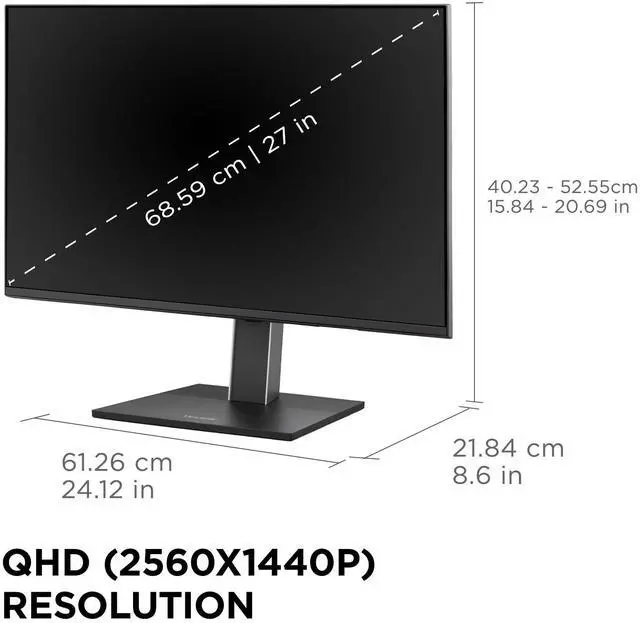
| Panel And Resolution | 27-inch flat IPS LED panel with 2560 × 1440 QHD resolution, 16:9 aspect ratio, 178° horizontal and vertical viewing angles, 350 cd/m² brightness, 1500:1 static contrast, 16.7 million colors, and 76% NTSC color gamut; matte anti-glare finish |
| Refresh Rate And Response | 100 Hz refresh rate, 5 ms response time, and G-Sync Compatible adaptive sync |
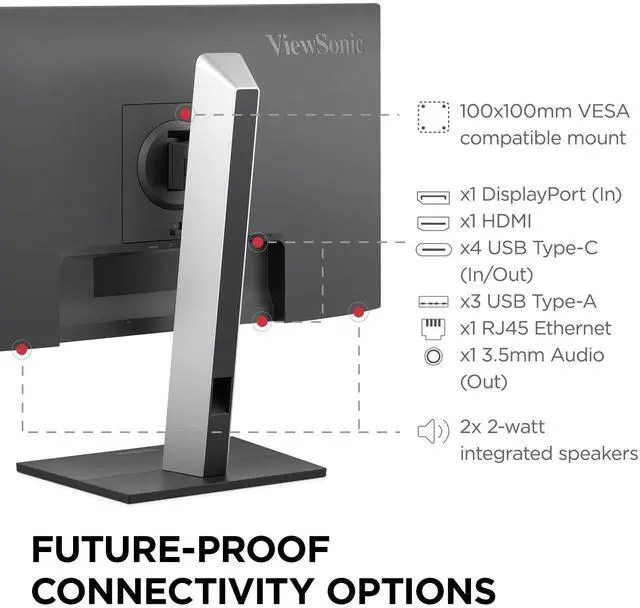
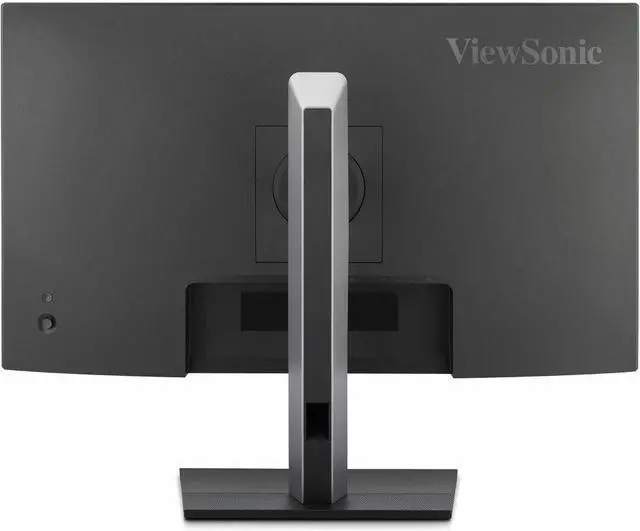
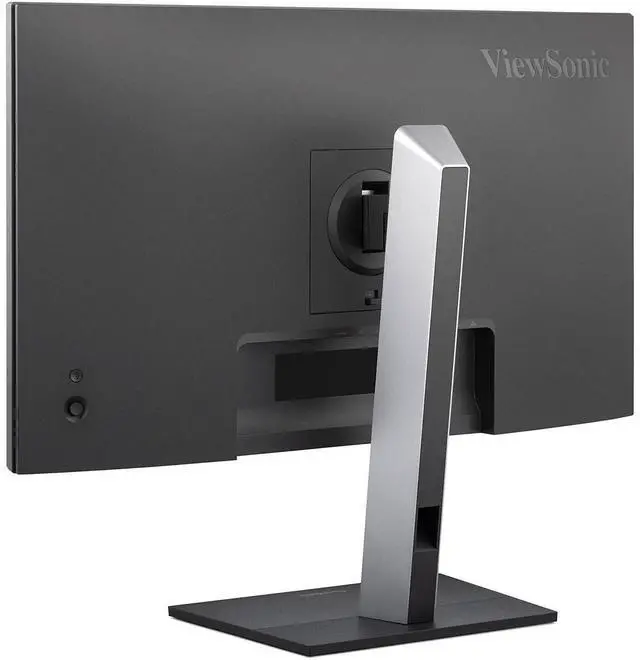
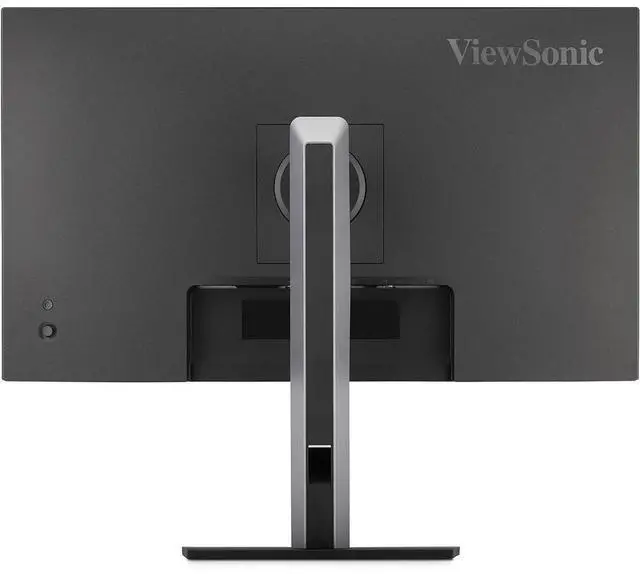
| Ports And Connectivity | 1 HDMI 1.4, 1 DisplayPort input, 3 USB-A, 3 USB-C, 1 RJ45 Ethernet, and 1 3.5 mm audio output; no DVI or Thunderbolt ports |
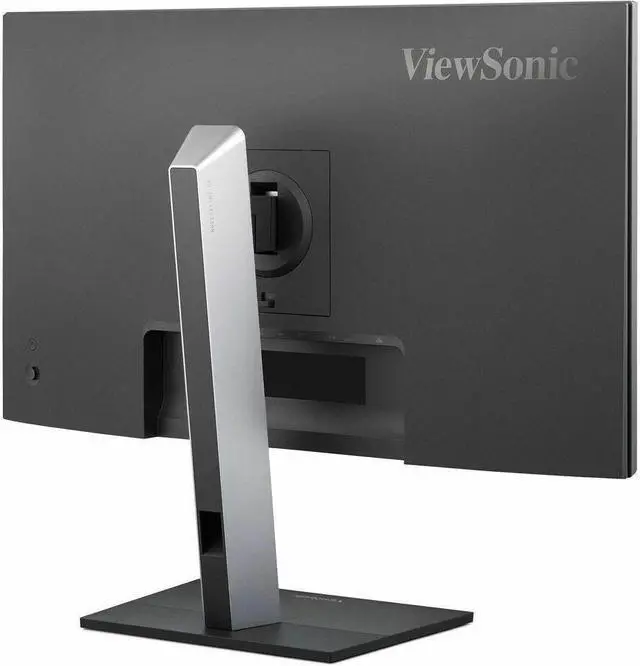
| Stand And Ergonomics | Desk-mount design with tilt adjustment and 100 × 100 mm VESA mounting compatibility |
| Audio And Camera | Built-in speakers; no built-in webcam |
| Dimensions And Weight | 24.12 in wide × 20.69 in high × 8.6 in deep; without stand, 24.12 × 14.16 × 1.76 in; weight 16.4 lb |
| Power | 100–240 VAC, 50/60 Hz power supply; 149 W power consumption |
| Included Components | LCD display, power cable, DisplayPort cable, USB-C cable with USB-A adapter, and quick start guide |
| Model Identifiers | ViewSonic VG2758-2K; model number VS20064; black |
Q: ViewSonic VG2758-2K vs. VG2752-2K: which is better for a laptop docking setup?
A: Choose the VG2758-2K if your setup benefits from up to 100W USB-C charging, built-in Ethernet, and USB-C daisy chaining for an additional display. The VG2752-2K is a close match for 27-inch QHD, 100Hz viewing and ergonomic adjustment, with up to 65W USB-C charging.
Q: Should I choose the ViewSonic VG2758-2K or VG2756-4K for office work?
A: Choose the VG2758-2K for QHD resolution, a 100Hz refresh rate, 100W USB-C charging, and USB-C daisy chaining. Choose the VG2756-4K if 3840 × 2160 resolution is the priority; it combines a 4K panel with USB-C docking and up to 90W charging.
Q: VG2758-2K or VG2756a-2K: which ViewSonic monitor is better for two screens?
A: Both are 27-inch QHD monitors with USB-C docking and built-in Ethernet. Choose the VG2758-2K if you want USB-C daisy chaining and a 100Hz refresh rate; the VG2756a-2K offers DisplayPort-out daisy chaining for a dual-monitor setup and up to 100W USB-C charging.
Q: Is the ViewSonic VG2758-2K a good upgrade from the older VG2755-2K?
A: The VG2758-2K is the fit for an upgrade focused on a 100Hz refresh rate, up to 100W USB-C charging, built-in Ethernet, and USB-C daisy chaining. The VG2755-2K provides a 27-inch QHD IPS display with USB-C charging, making it a simpler option for a standard workstation setup.
Q: Can I connect and charge my laptop with one USB-C cable?
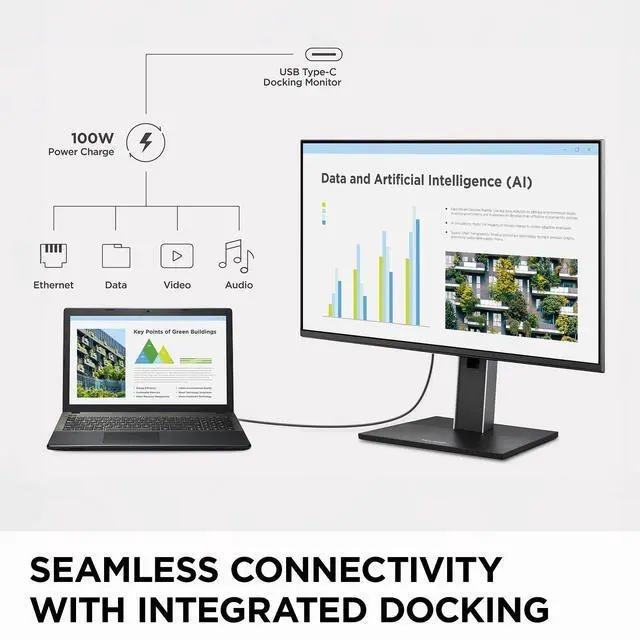
A: Yes, if the laptop’s USB-C port supports video output and USB Power Delivery. The monitor provides up to 100W charging, which may not be enough for every high-power laptop. The monitor itself still needs to be plugged into a power outlet.
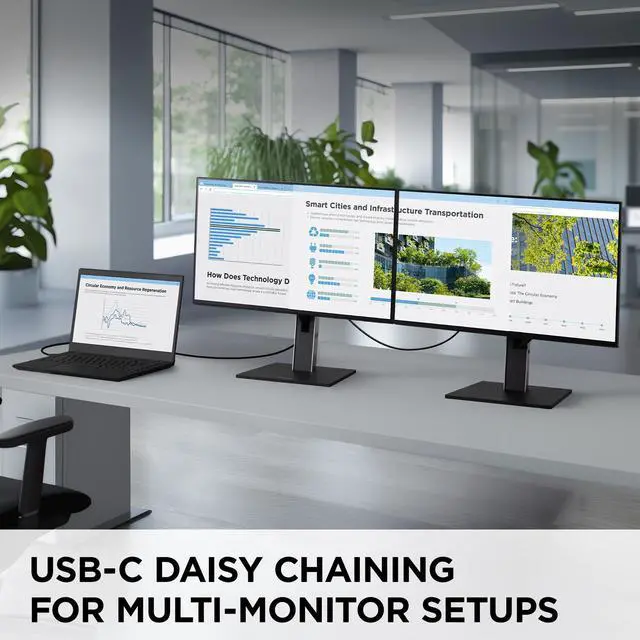
Q: Can I use it for a two-monitor daisy-chain setup?
A: It supports DisplayPort daisy chaining, but the computer and its video connection must also support the required multi-display features. Windows systems commonly use MST for extended displays; on macOS, USB-C MST daisy chains may mirror instead of extending the desktop. Check your computer’s capabilities before relying on this setup.
Q: Is it a good fit for everyday office work and video meetings?
A: It suits desk-based office work, with a 27-inch QHD IPS screen, 100Hz refresh rate, adjustable stand, Ethernet, USB ports, and built-in speakers. It has no built-in webcam, so you’ll need a separate camera for video calls.
Q: Will it work with a Mac or Windows computer?
A: It can connect to a Mac or Windows computer through a compatible USB-C, HDMI, or DisplayPort video output. A USB-C connector alone does not guarantee video support, so check that the computer’s port supports video output. Daisy-chain behavior can also differ by operating system.


