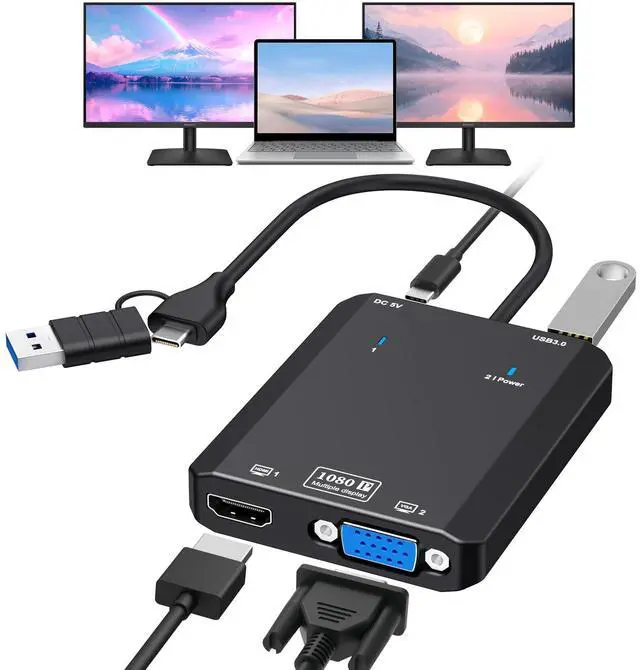
HDMI Splitter Extended Display for Dual Monitor, 1080p@60Hz USB A or USB-C to HDMI Vga Adapter for Extended Display of Laptop Monitor Desktop TV, Mac OS Windows Android
Driver Installation Required: For optimal performance, please install the driver when "USBDISPLAY" appears after connecting. Detailed instructions are provided in the included user manual.
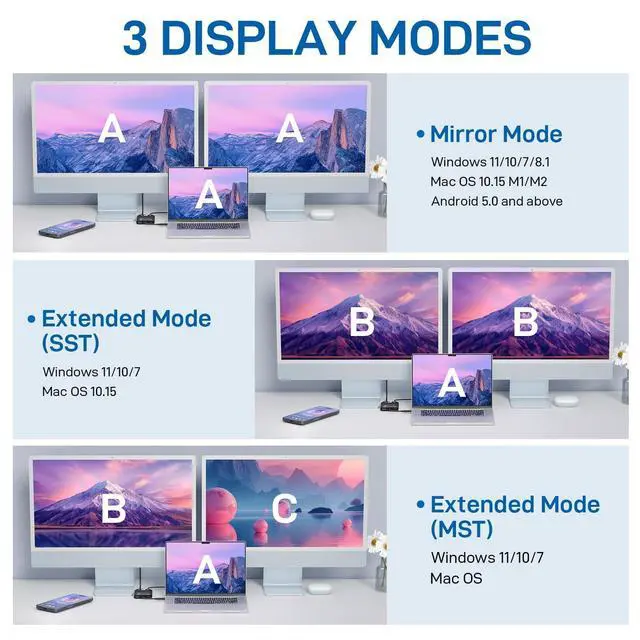
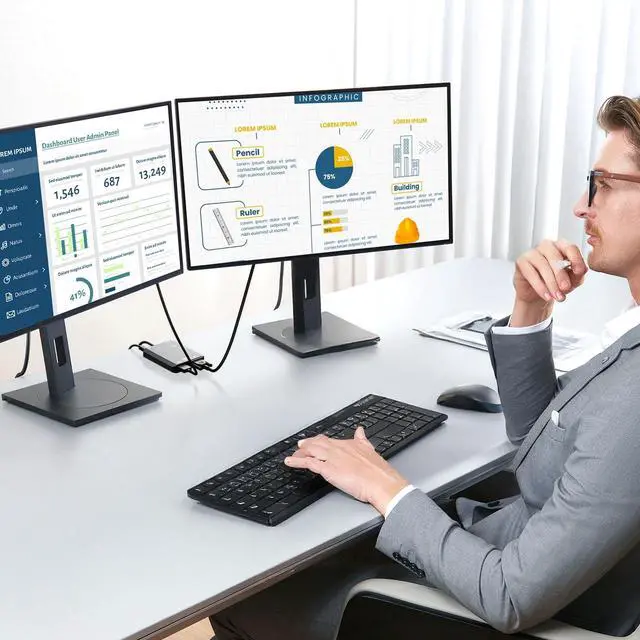
Dual Monitor Expansion: Transform your workspace by extending or mirroring your display across two HDMI monitors plus your laptop screen. Ideal for multitasking and productivity enhancement.
Broad System Compatibility: Works with Windows 11/10/8.1/7, Mac OS 10.15 (including M1/M2 chips), and Android 5.1+. Note: Windows 8/8.1 only supports duplicate display mode.
Full HD 1080p@60Hz Output: Delivers crisp dual monitor output at 1920×1080 resolution (60Hz) via HDMI. (Resolution limited to 720p when using USB 2.0 mode) Supports both extended and mirrored display configurations.
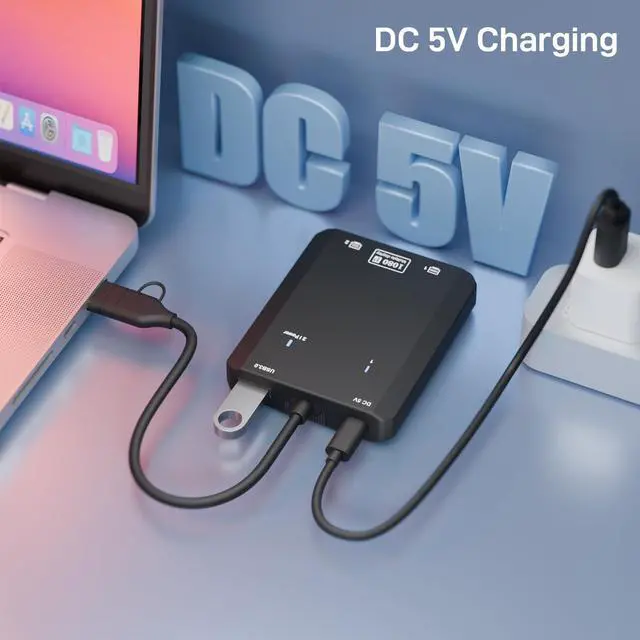
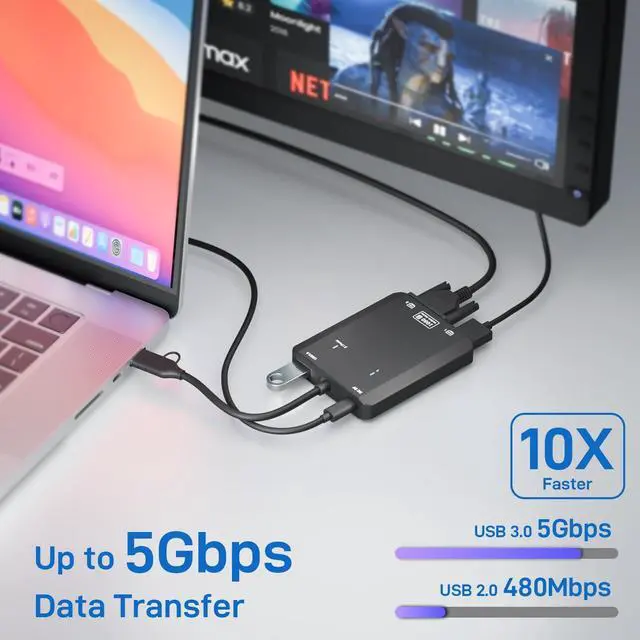
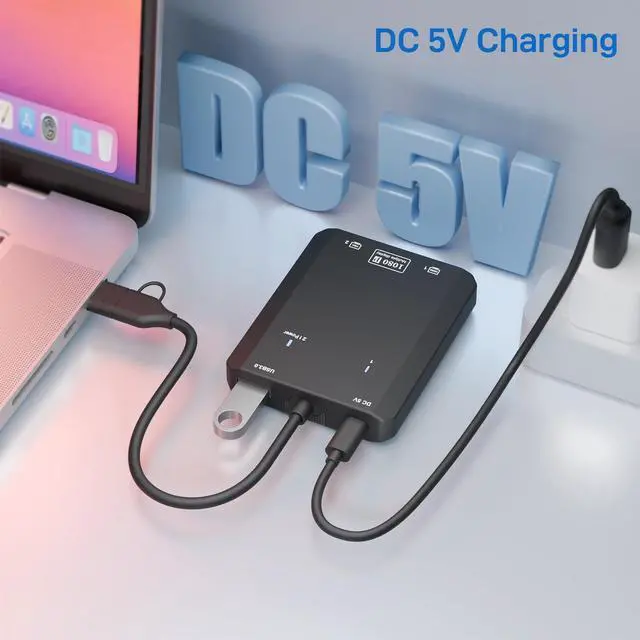
Multi-Function USB 3.0 Hub: Features a high-speed USB 3.0 port (5Gbps) for connecting peripherals like external drives, printers, or input devices. Includes a USB-C power port (5V) for stable operation (power adapter not included).
+
+
Overview
Specs
Reviews
Any questions? Our AI beta will help you find out quickly.
HDMI Splitter Extended Display for Dual Monitor, 1080p@60Hz USB A or USB-C to HDMI Vga Adapter for Extended Display of Laptop Monitor Desktop TV, Mac OS Windows Android
Learn more about the Generic Brand Extended Display Adapter
Model
Brand
VIXLW
Model
Extended Display Adapter
Part Number
U801
Details
Type
VIXLW HDMI Splitter Extended Display
Color
Black
Cable Length
centimeters
Connectors
Connector Style
VIXLW HDMI Splitter Extended Display
Features
Features
Windows 11, 10, 7, 8.1, Mac OS 10.15 or higher, Android 5.1+ and above
Additional Information
First Listed on Newegg
March 20, 2026
Customer Reviews of the Generic Brand Extended Display Adapter
There are no reviews yet.
Do you own this product?
Warranty & Returns
Warranty, Returns, And Additional Information
Warranty
Please contact the Seller directly for warranty information. Warranty information may also be found on the Manufacturer's website.