





2.4GHz Plug & Play Pointer Presenter
Our powerpoint presenter just Plug and Play, don’t need to download software (For mac, you may need to complete an easy set-up first).
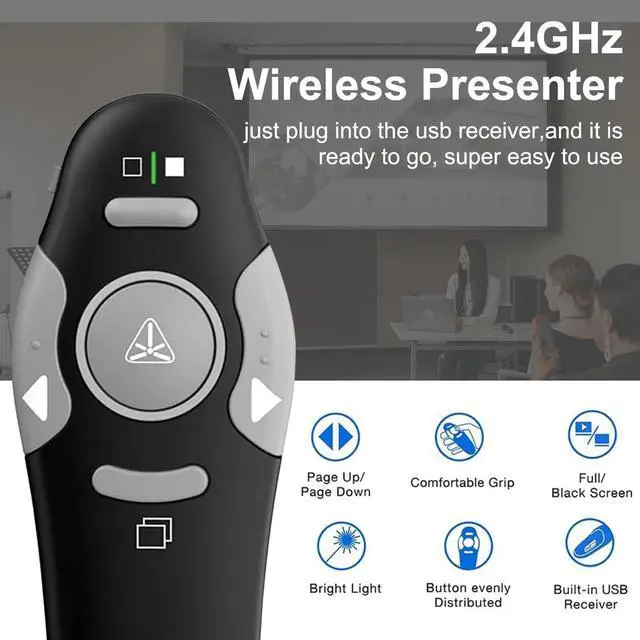
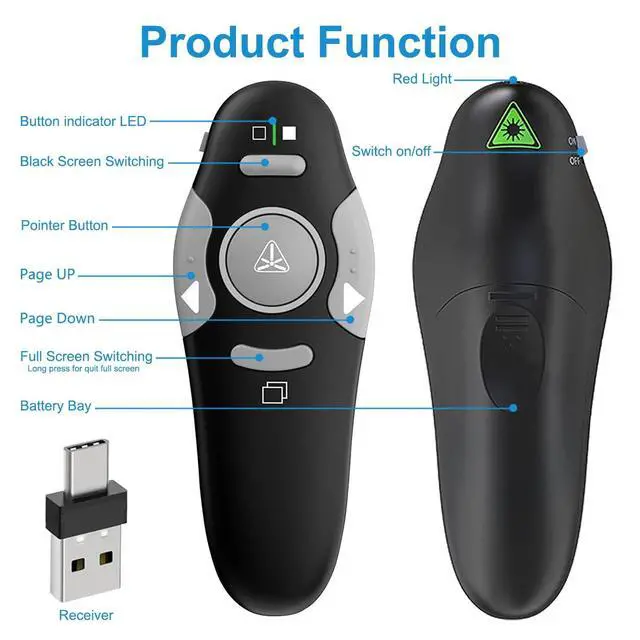
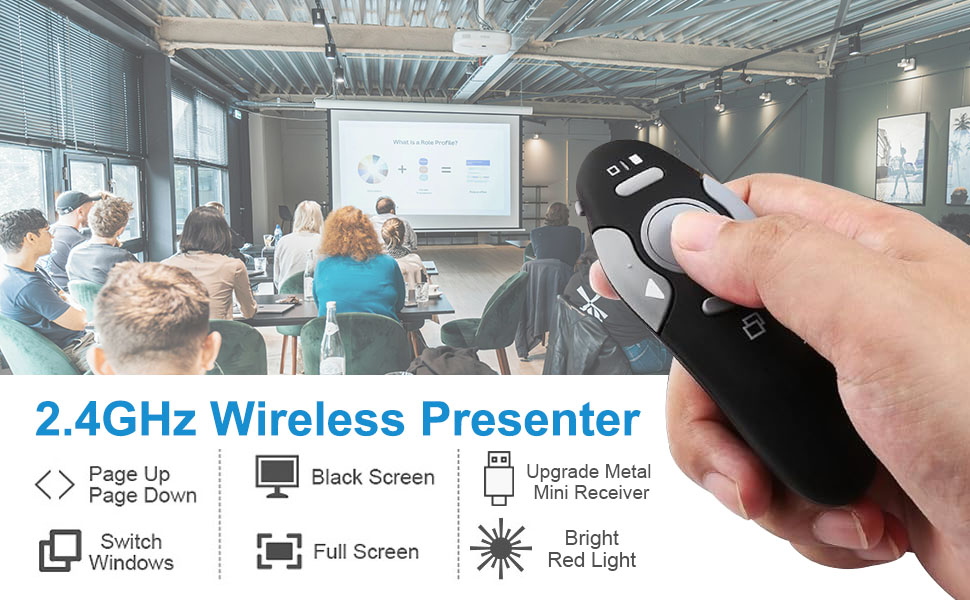
The presentation clicker usb c supports page backward/forward, black/full screen.
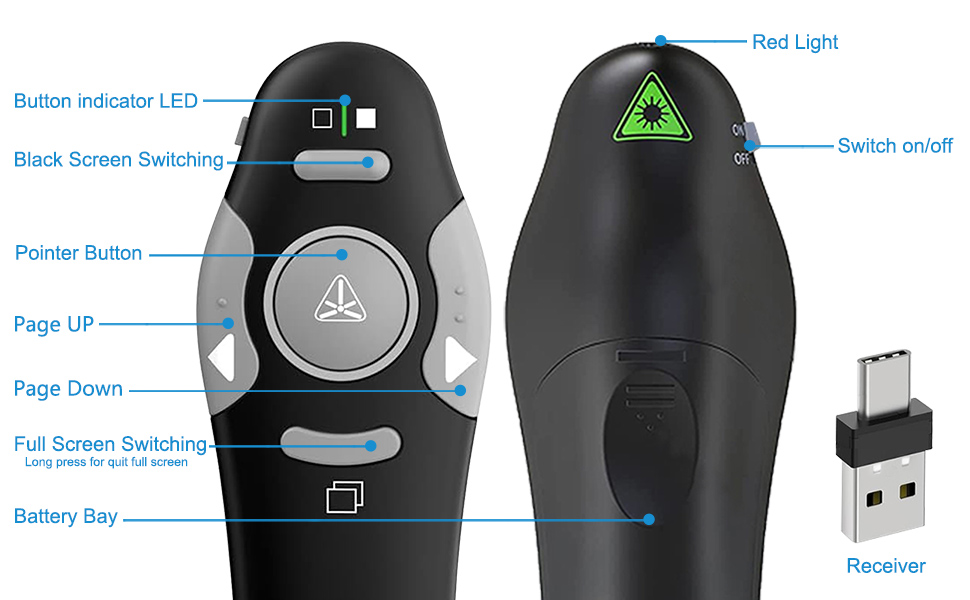
Press the “CONNECT” key on the back of the slideshow clicker can keep the red light always on. A best office presentation pointers for teachers speakers etc.,
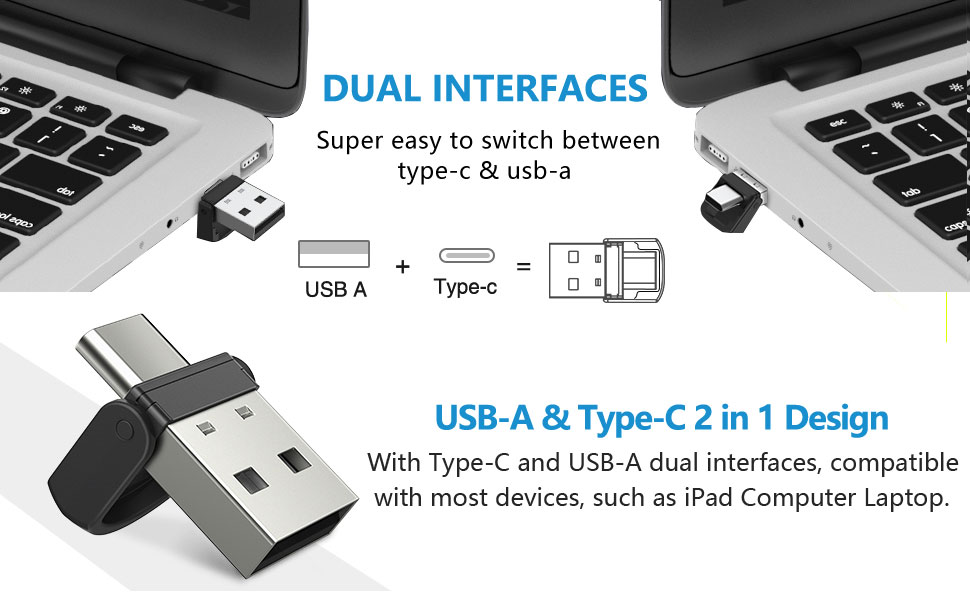
USB & Type-C 2 in 1 Design
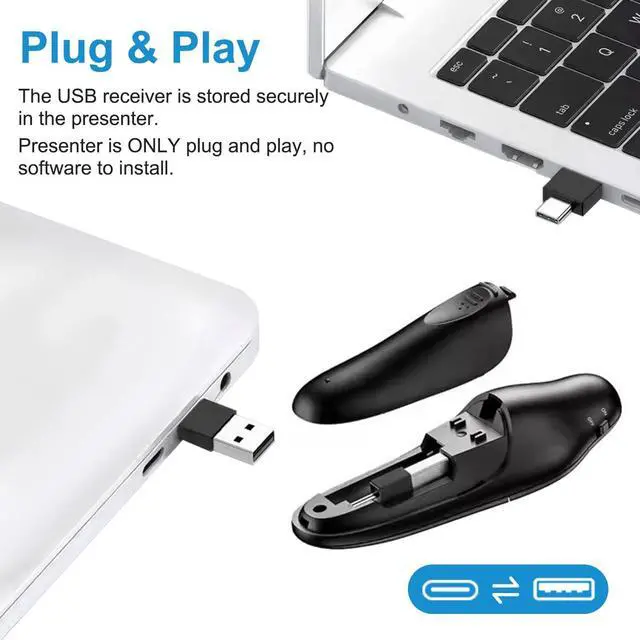
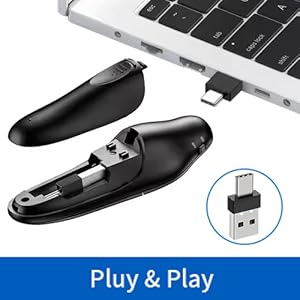
With unique dual-head design, you can use this presentation remote on a computer with USB C and USB 2.0 interfaces, compatible with most devices, such as iPad Computer Laptop. This presenter clicker is easy to use, no need to download software, just plug and play.
Long Distance Control & Widely Compatible
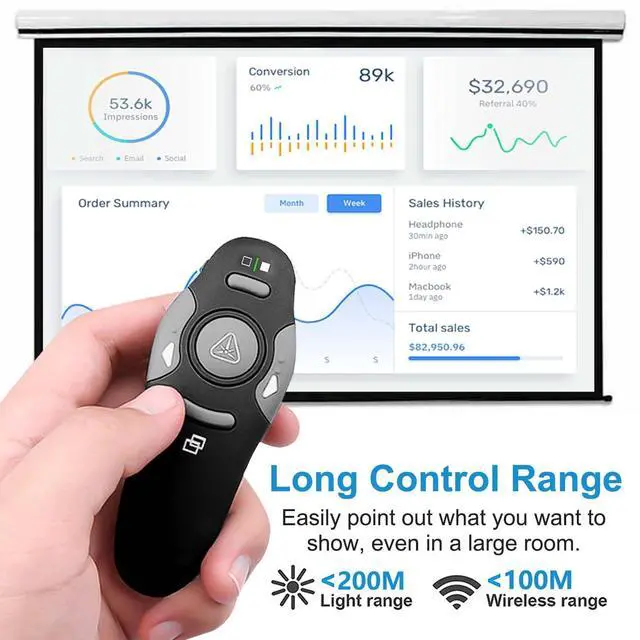
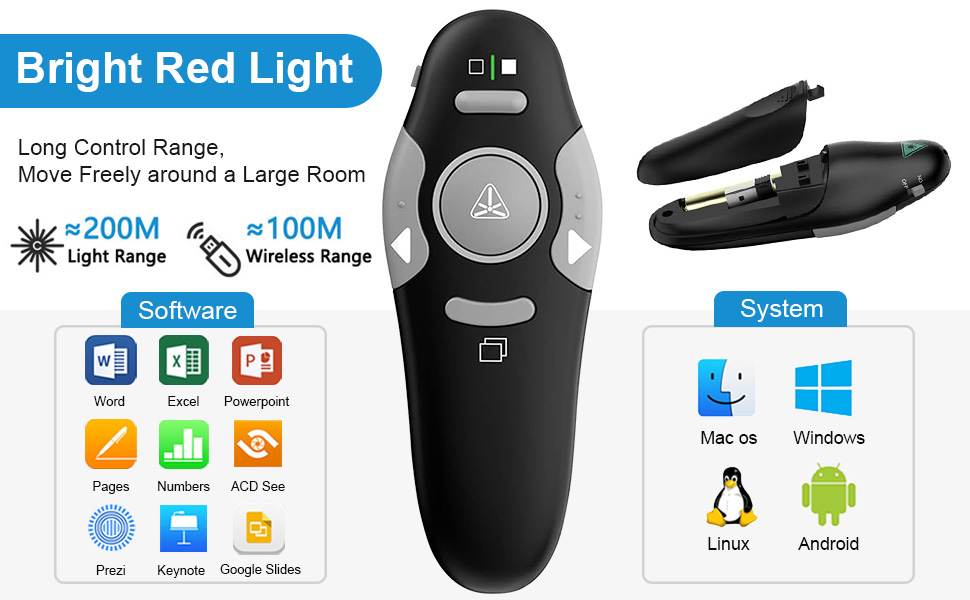
- The wireless clicker control range is up to 328FT/100M, the red light range of computer remote is up 656FT/200M.
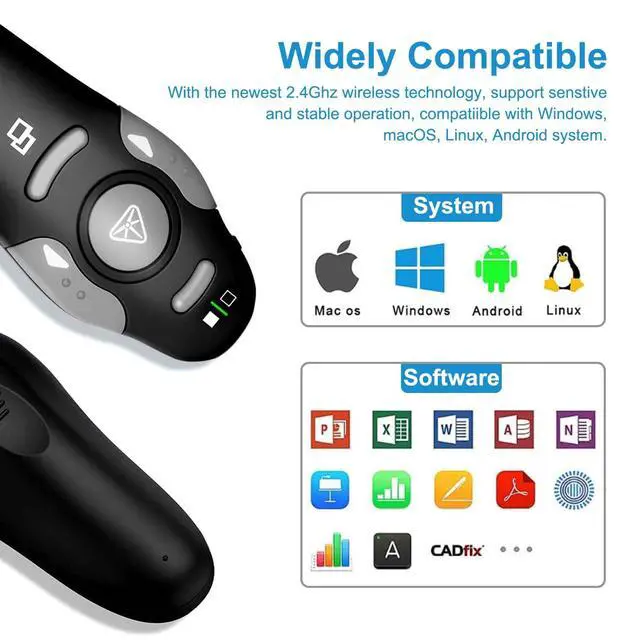
- The projector remote supports systems: Windows 2003 / XP / Vista / 7 / 8 / 10/11, Mac OS, Linux; computer clicker for powerpoint presentations supports software: PowerPoint, Google Slides, Keynote, Prezi, PDF, MS Word, ACD See etc.
Plug and Play
This projector remote just Plug and Play, don’t need to download software (For mac, you may need to complete an easy set-up first).
Ergonomic Design
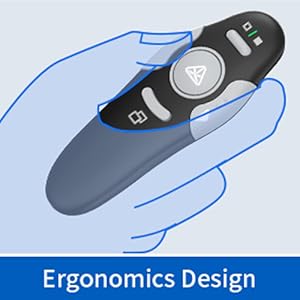
Compact size and ergonomic design allows you to hold powerpoint presenter comfortably in your hand and easily fit into your pocket.
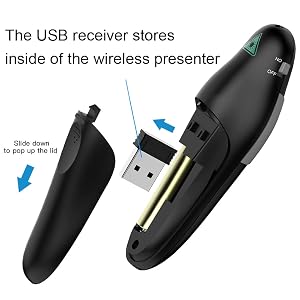
Integrated Design
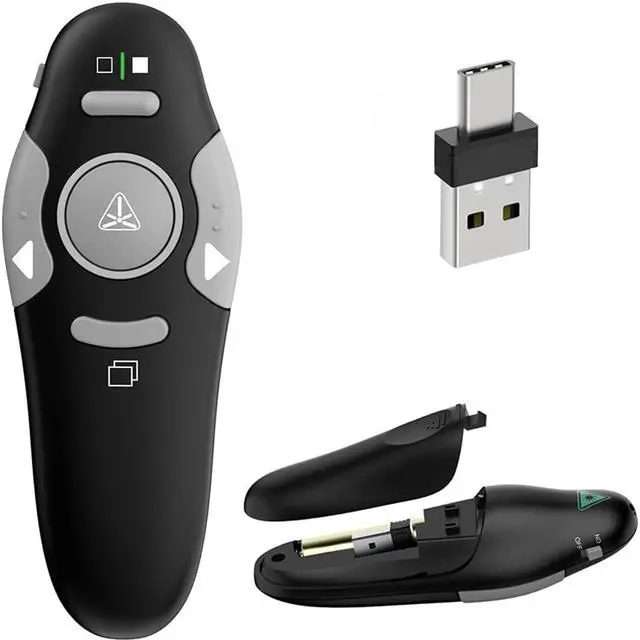
The USB receiver stores inside of the computer pointer, so don't worry about losing it.
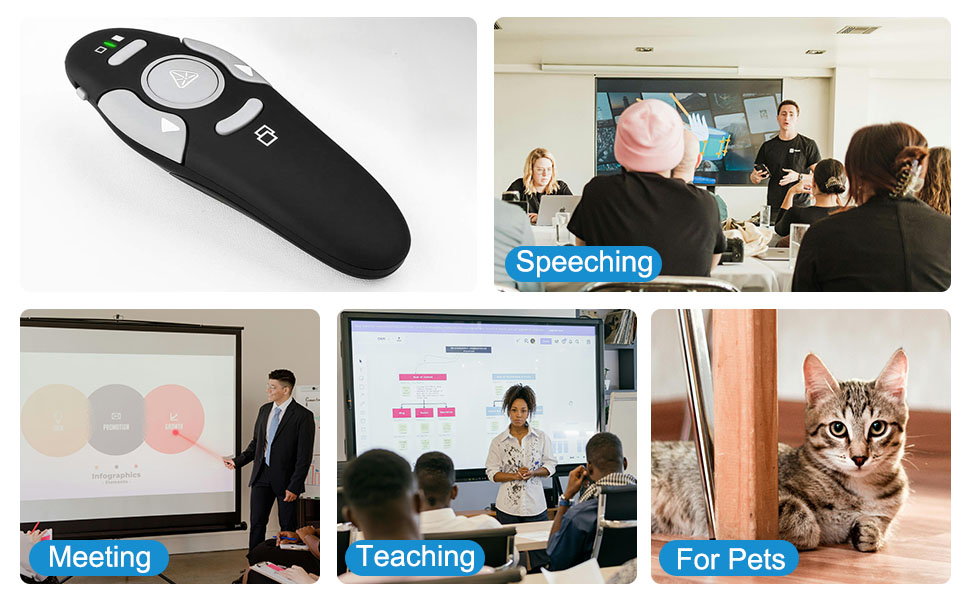
One-touch key design allows you to easily control the slideshow.
Production Description:
Wireless Presentation Clicker Features: Full/Black Screen, Page Up/Down.
Frequency:2.4GHz
Control Distance: 100m
Red Light Distance: 200m
Battery: 1 x AAA Battery (Not included)
Package listing:
1 x clicker for laptop presentations
1 x USB Receiver
1 x User Manual
For some functionalities might not operate the same on every application, such as Prezi, Google Slide, ACD See. If this happens, press and hold the Right and Left keys 1-3 second at the same time, then it will work.
2.4GHz Plug & Play Pointer Presenter
Our powerpoint presenter just Plug and Play, don’t need to download software (For mac, you may need to complete an easy set-up first).
The presentation clicker usb c supports page backward/forward, black/full screen.
Press the “CONNECT” key on the back of the slideshow clicker can keep the red light always on. A best office presentation pointers for teachers speakers etc.,
USB & Type-C 2 in 1 Design
With unique dual-head design, you can use this presentation remote on a computer with USB C and USB 2.0 interfaces, compatible with most devices, such as iPad Computer Laptop. This presenter clicker is easy to use, no need to download software, just plug and play.
Long Distance Control & Widely Compatible
- The wireless clicker control range is up to 328FT/100M, the red light range of computer remote is up 656FT/200M.
- The projector remote supports systems: Windows 2003 / XP / Vista / 7 / 8 / 10/11, Mac OS, Linux; computer clicker for powerpoint presentations supports software: PowerPoint, Google Slides, Keynote, Prezi, PDF, MS Word, ACD See etc.
Plug and Play
This projector remote just Plug and Play, don’t need to download software (For mac, you may need to complete an easy set-up first).
Ergonomic Design
Compact size and ergonomic design allows you to hold powerpoint presenter comfortably in your hand and easily fit into your pocket.
Integrated Design
The USB receiver stores inside of the computer pointer, so don't worry about losing it.
One-touch key design allows you to easily control the slideshow.
Production Description:
Wireless Presentation Clicker Features: Full/Black Screen, Page Up/Down.
Frequency:2.4GHz
Control Distance: 100m
Red Light Distance: 200m
Battery: 1 x AAA Battery (Not included)
Package listing:
1 x clicker for laptop presentations
1 x USB Receiver
1 x User Manual
For some functionalities might not operate the same on every application, such as Prezi, Google Slide, ACD See. If this happens, press and hold the Right and Left keys 1-3 second at the same time, then it will work.