



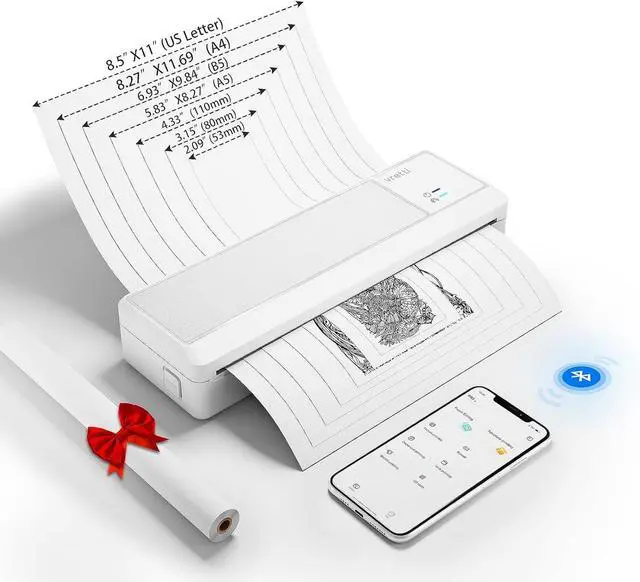
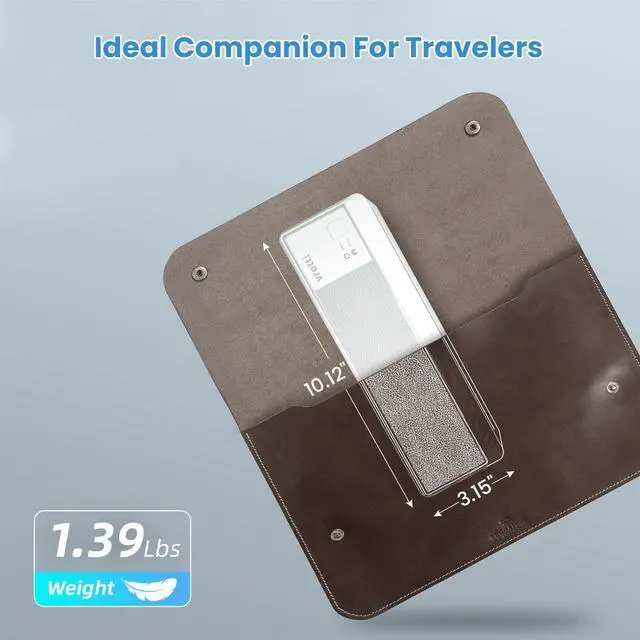
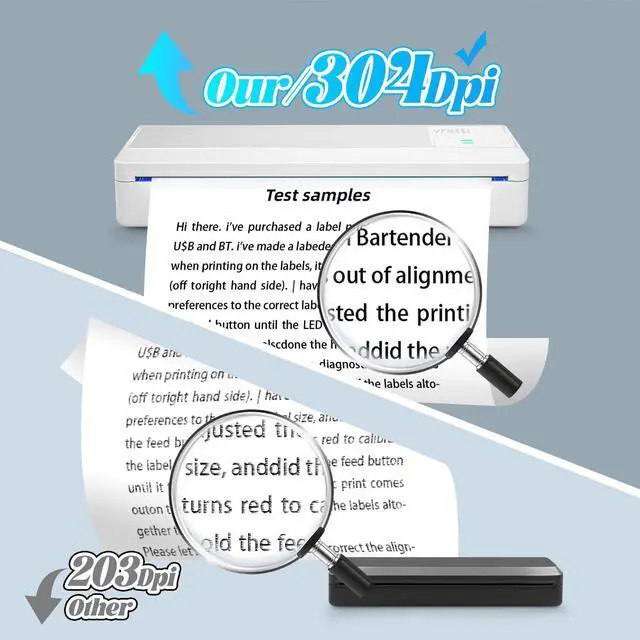


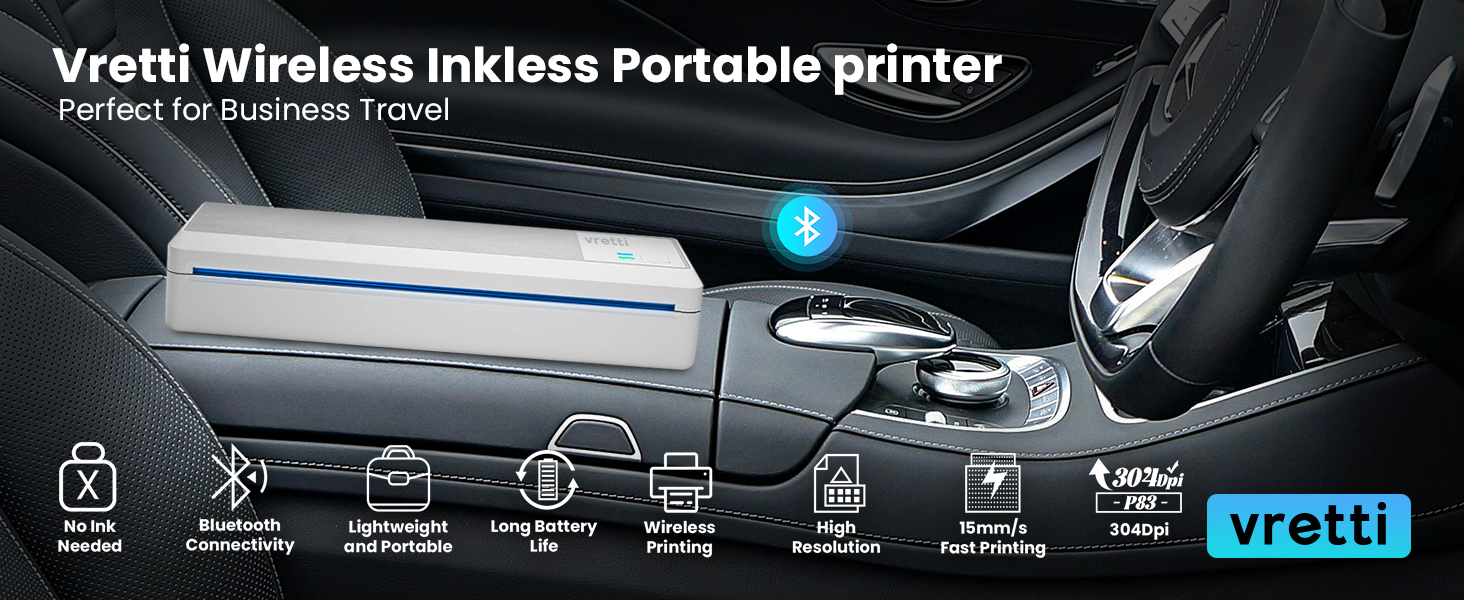
vretti P83 inkless portable printers wireless for travel
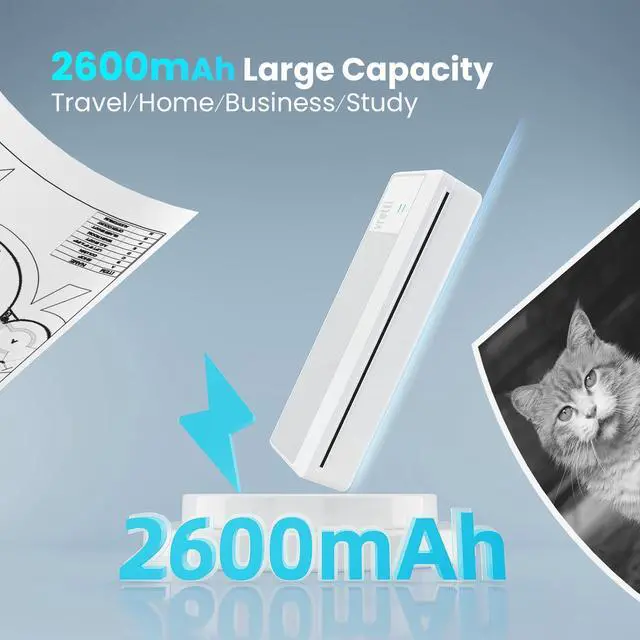
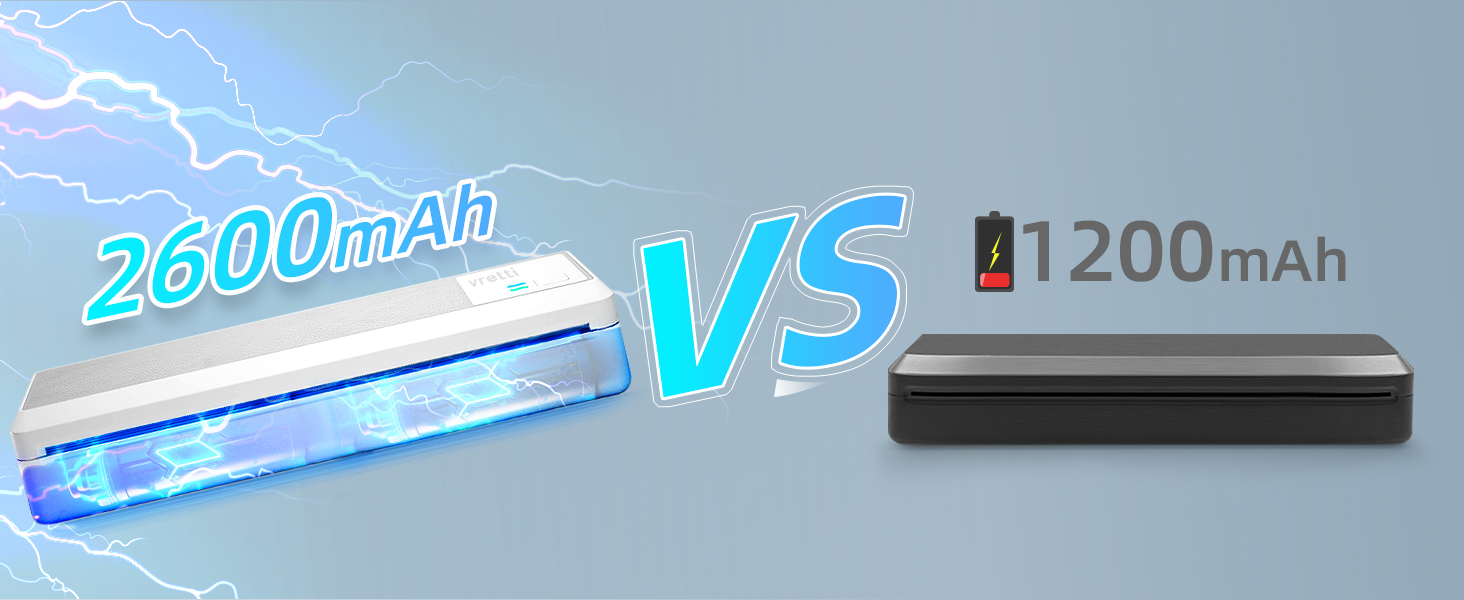
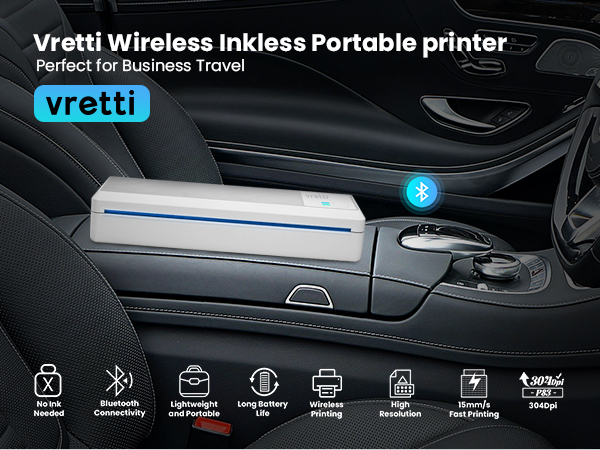
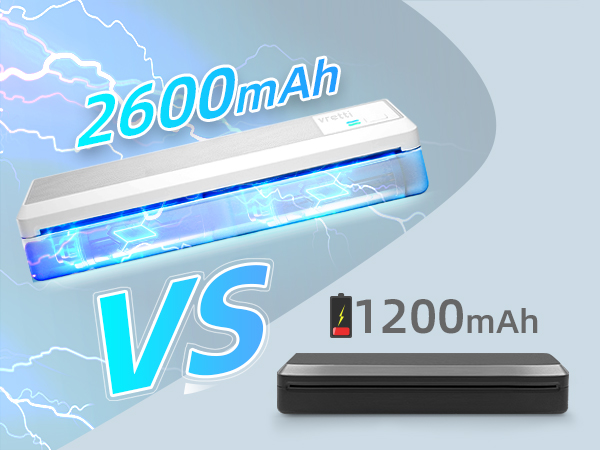
Large capacity battery, supports used continuously for 2~3 hours
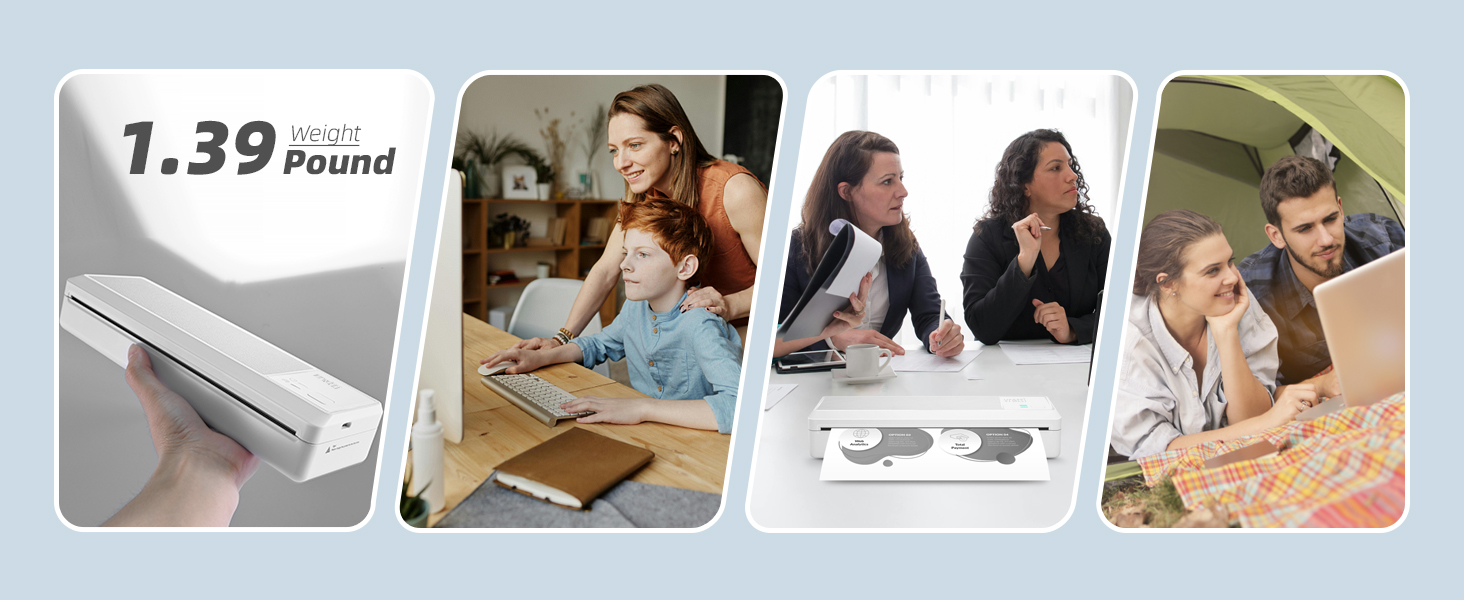
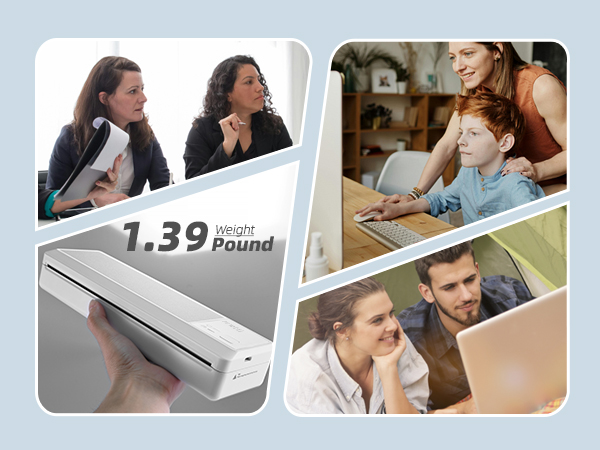
inkless portable printer for travel, home, office, school use
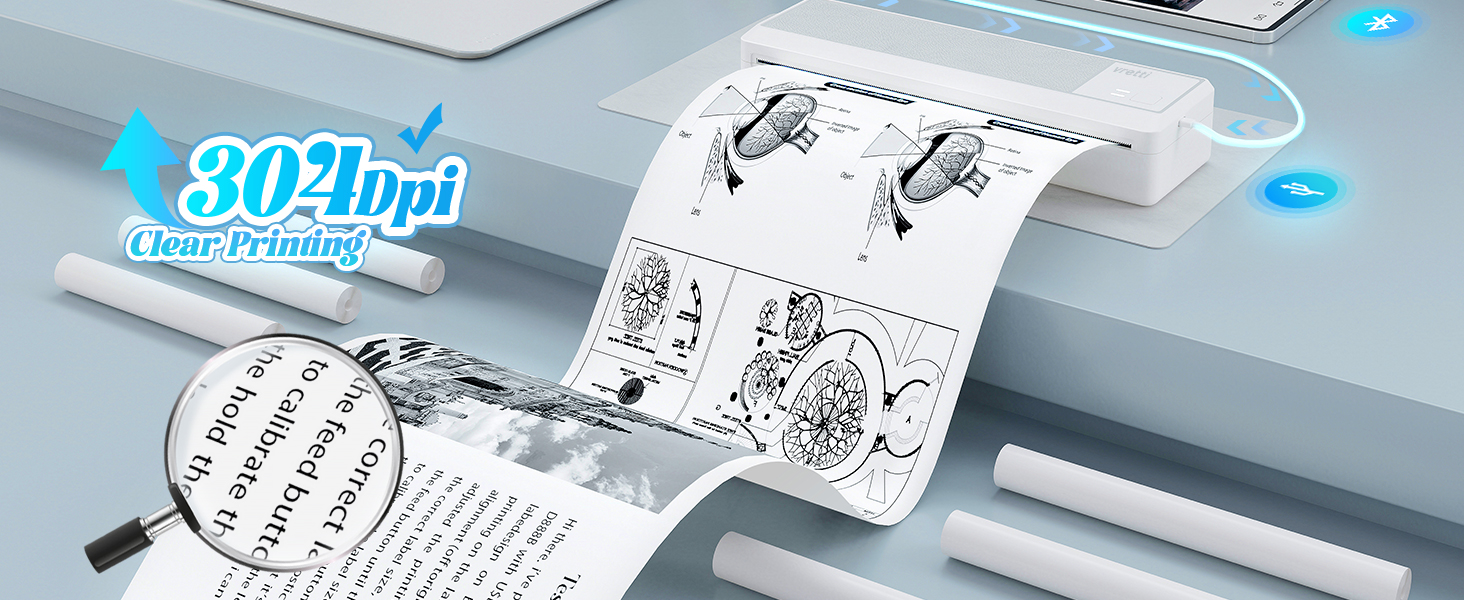
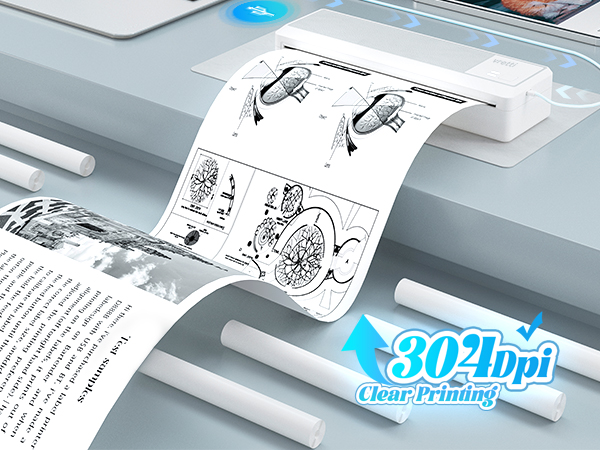
How to solve the issue of unclear printing?
1. Turn off inkless portable printer, gently wipe the print head & rubber roller with a small amount of alcohol, and restart the device after the alcohol evaporates
2. If battery is low, turn off inkless portable printer and charge it before use
What to do if a phone or tablet fails to connect to the inkless portable printer ?
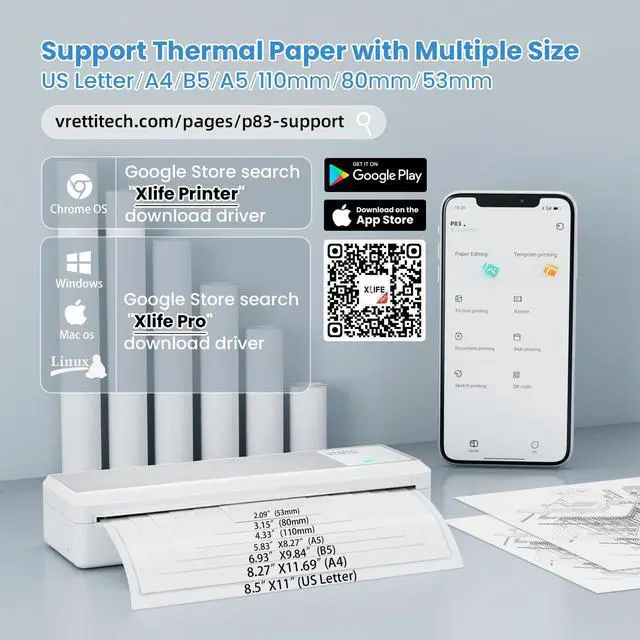
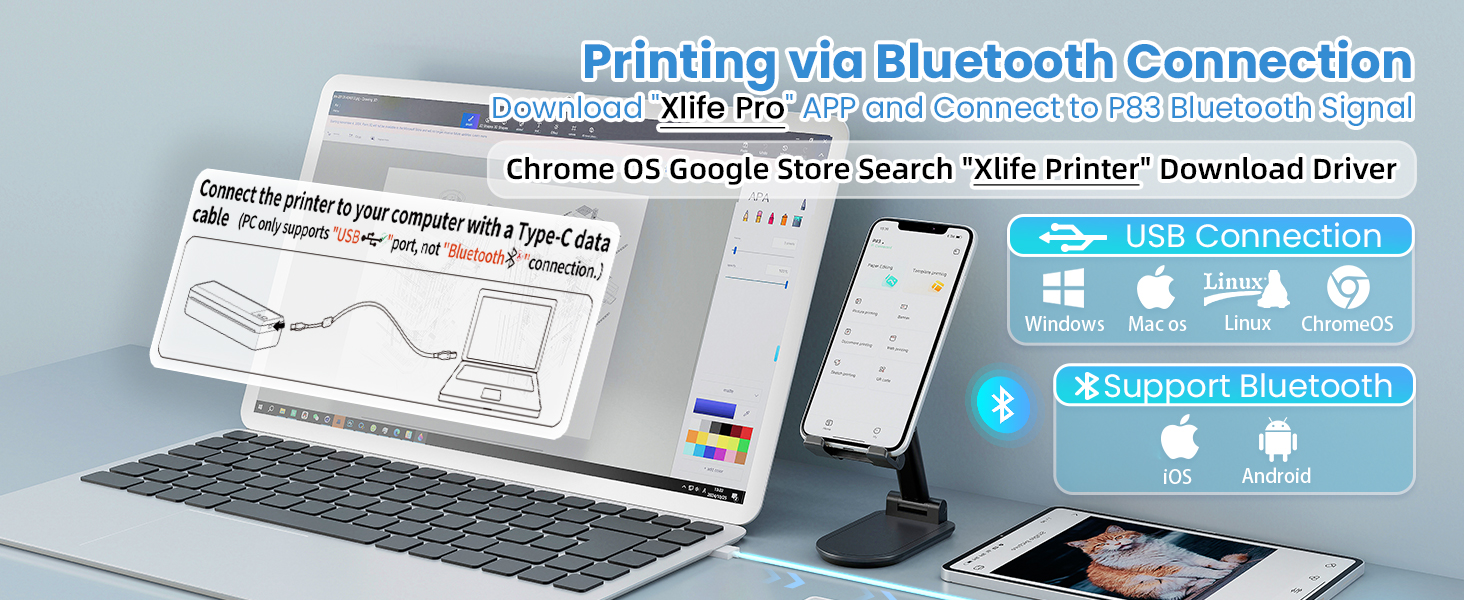
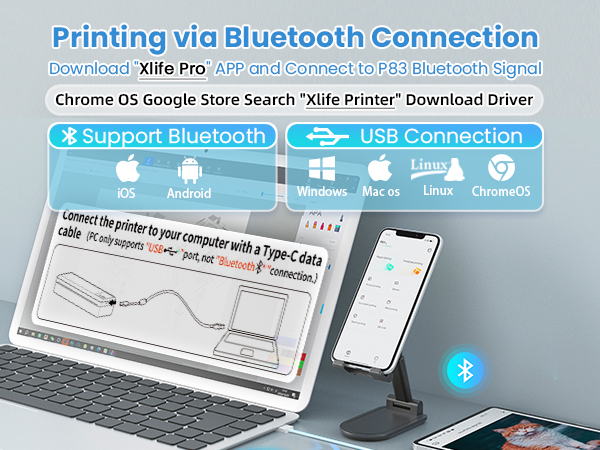
1. Turn on your phone’s Bluetooth and connect to the inkless portable printer via the “XLife Pro” app.
2. Note: Android phones require location services to be enabled for connection (Xlife Pro does not collect user information).
How to print via email on mobile devices?
1. Save the file to be printed via email.
2.Open the “XLife Pro”app, ensure that phone is connected to the inkless portable printer, select the file, and tap Print.
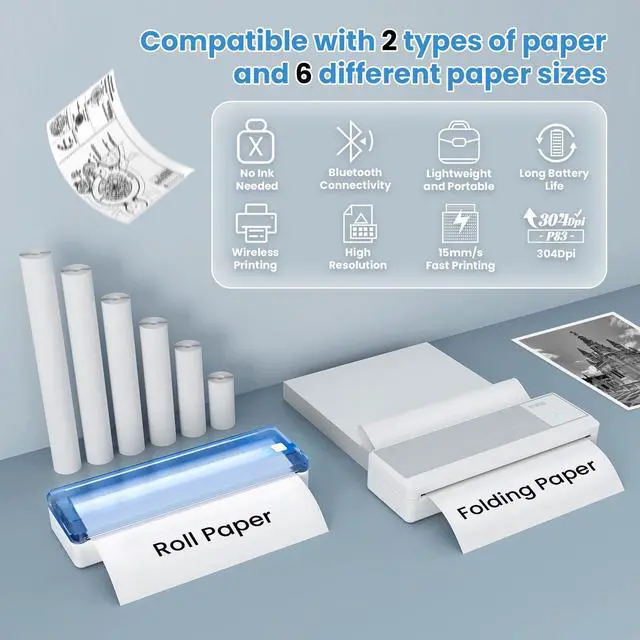
Can I use regular copy paper for printing?
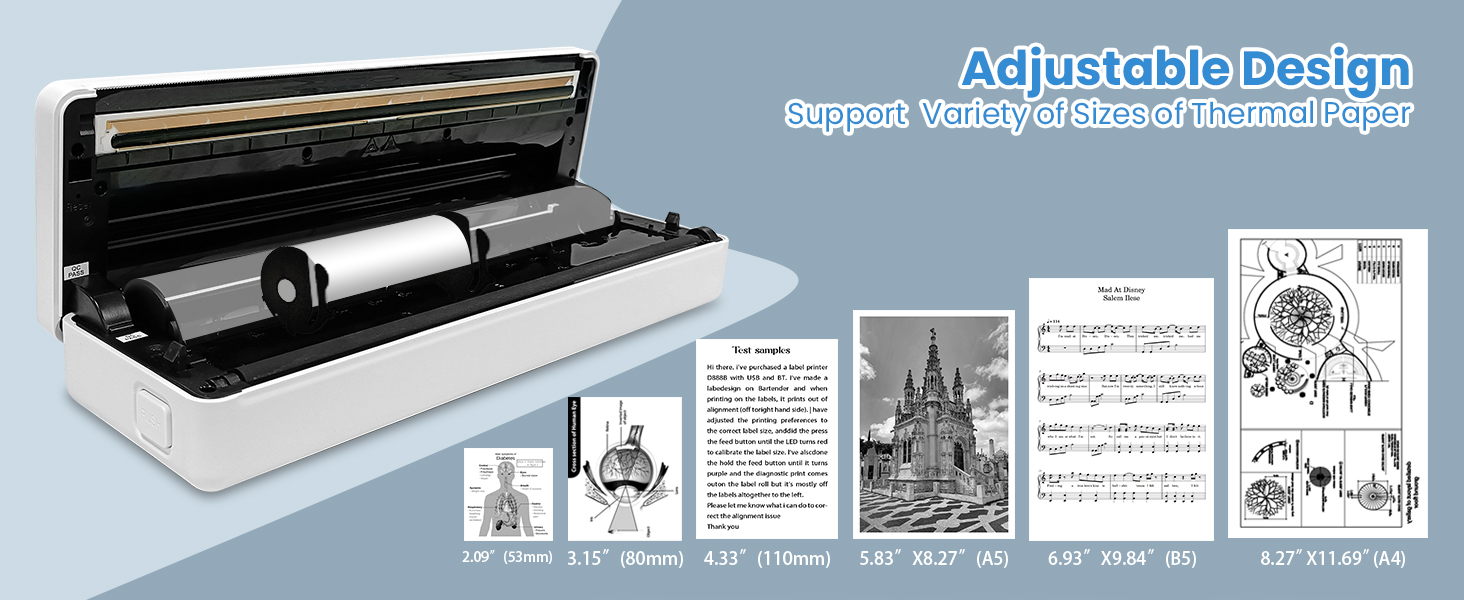
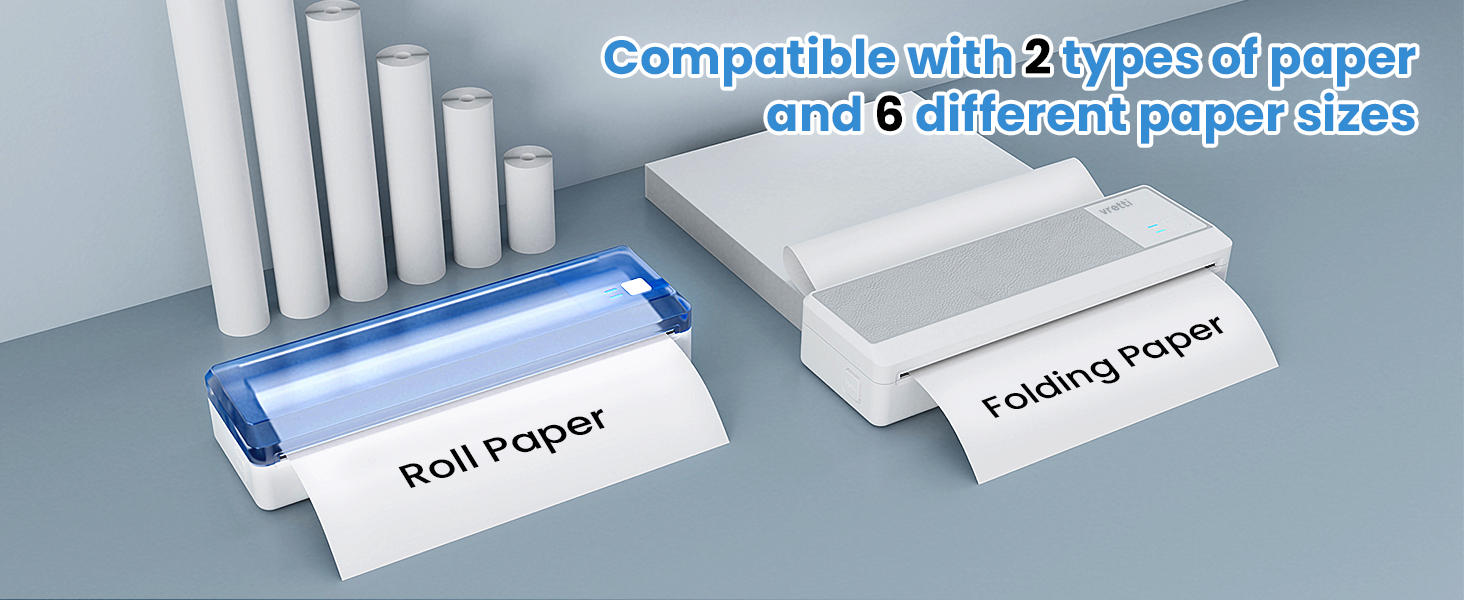
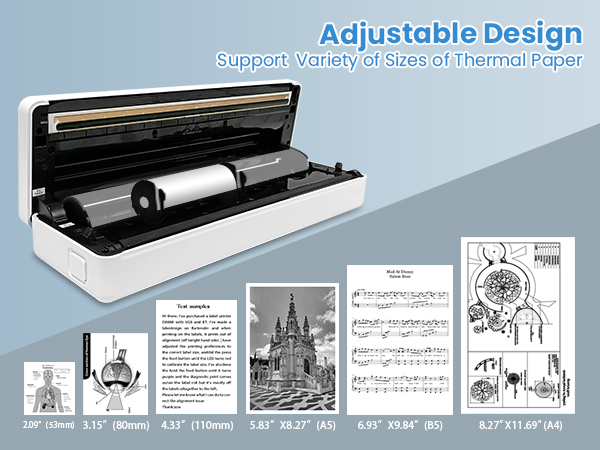
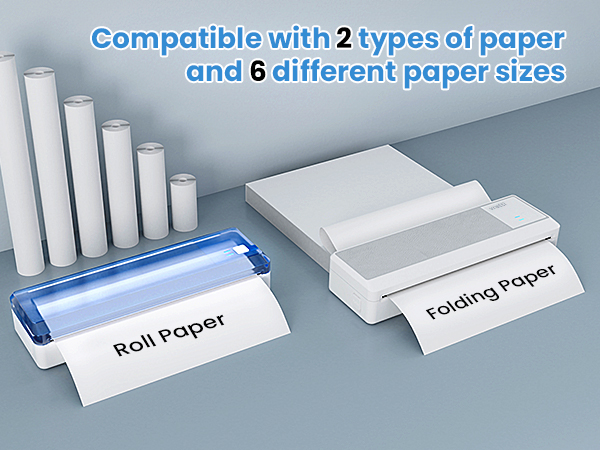
No! This inkless portable printer only supports dedicated thermal paper. Purchase thermal paper through official stores or authorized channels to ensure print quality.
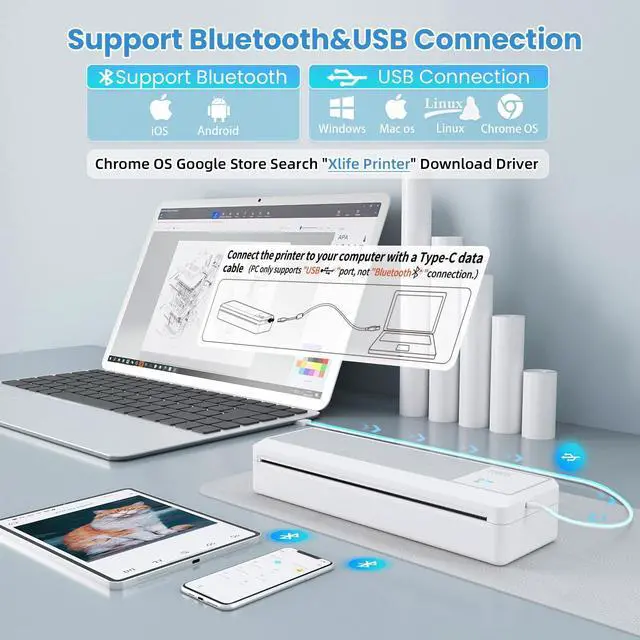
How to print from computer ?
1. Use included USB drive or download driver from official site (vrettitech.com)
2. CRITICAL STEP: You must connect inkless portable printer to computer via data cable before driver download.
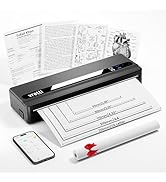
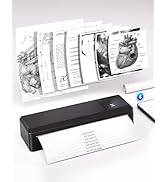
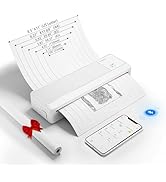
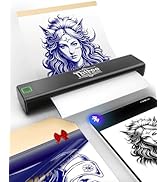
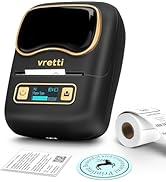
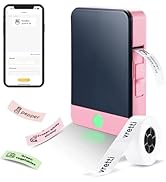
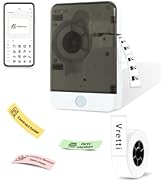
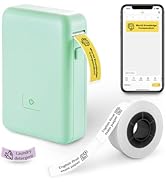
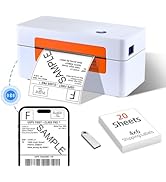
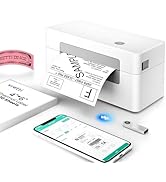
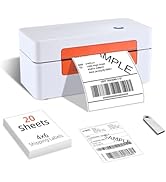
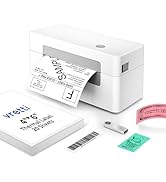
vretti P83 inkless portable printers wireless for travel
? THERMAL PAPER CLICK ENTER ?

Large capacity battery, supports used continuously for 2~3 hours
inkless portable printer for travel, home, office, school use
How to solve the issue of unclear printing?
1. Turn off inkless portable printer, gently wipe the print head & rubber roller with a small amount of alcohol, and restart the device after the alcohol evaporates
2. If battery is low, turn off inkless portable printer and charge it before use
What to do if a phone or tablet fails to connect to the inkless portable printer ?
1. Turn on your phone’s Bluetooth and connect to the inkless portable printer via the “XLife Pro” app.
2. Note: Android phones require location services to be enabled for connection (Xlife Pro does not collect user information).
How to print via email on mobile devices?
1. Save the file to be printed via email.
2.Open the “XLife Pro”app, ensure that phone is connected to the inkless portable printer, select the file, and tap Print.
Can I use regular copy paper for printing?
No! This inkless portable printer only supports dedicated thermal paper. Purchase thermal paper through official stores or authorized channels to ensure print quality.
How to print from computer ?
1. Use included USB drive or download driver from official site (vrettitech.com)
2. CRITICAL STEP: You must connect inkless portable printer to computer via data cable before driver download.
portable inkless printer
label maker machine with tape
shipping thermal label printer