




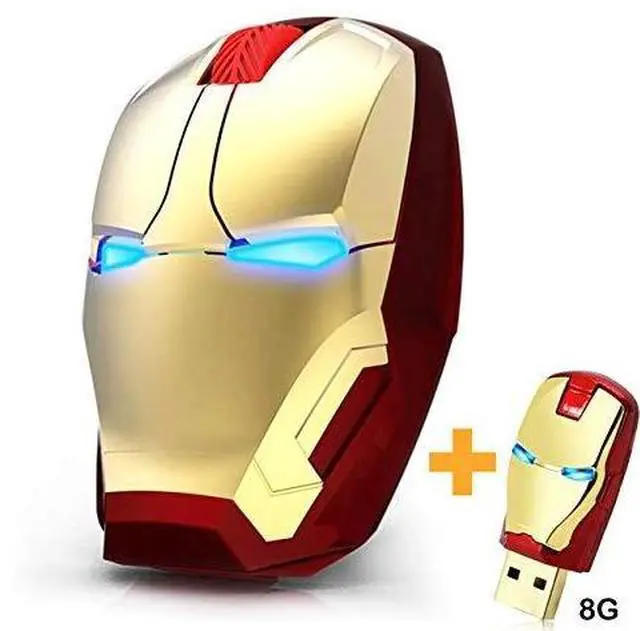


Wireless Gaming Mouse


Ergonomic Design
It fits the contours of your palm and fingers perfectly while your thumb can be positioned comfortably on the thumb rest. Provide you with more secure grip.

Mouse Core Configuration
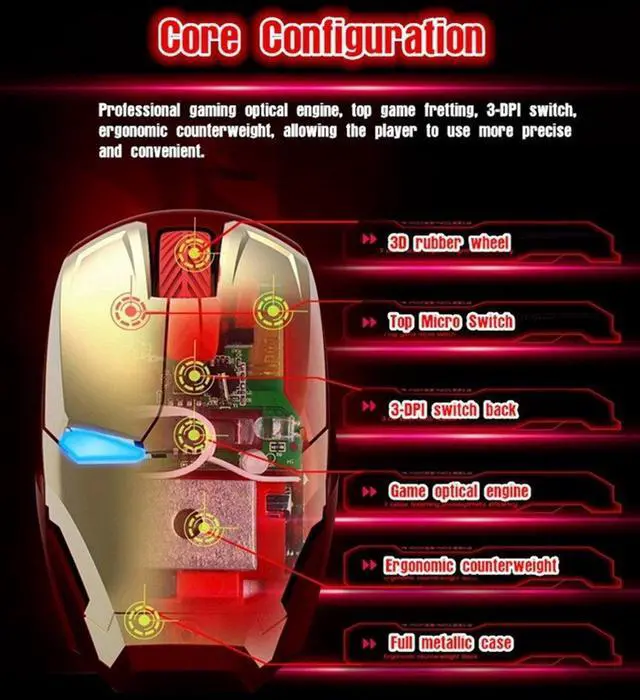
Professional game optical engine, high-end game micro-motion, 3-speed DPI adjustable, ergonomic weight and other game core configurations, so that gamers can move cleanly and accurately in the desired position

Smart Power-saving Mode
Smart Power-saving Mode gives your mouse long-lasting battery life without battery replacement for up to 90 days.

Silent Click
Whether you are using in the office or at home, you can enjoy quiet and responsive clicking instead of disturbing others.
Mouse for Laptop

VSVABEFV Wireless Mouse Operation Instructions
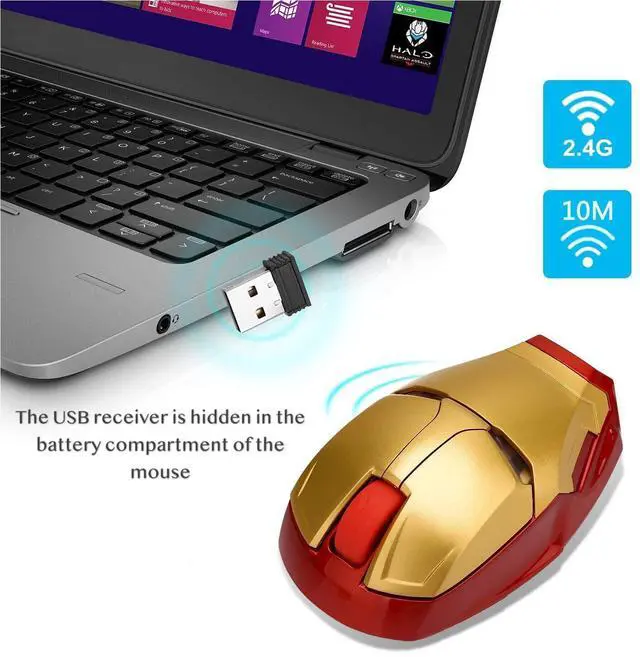
- Open the battery warehouse, load 2*AAA batteries, remove the USB receiver in the battery warehouse, cover the battery warehouse, and enter the boot mode.
- Insert the USB receiver into the computer's free USB port. The first time you install the computer, you will be prompted to find an available USB device, and it will be installed automatically. You can use the kids mouse normally.
- When the cool mouse is not operated for 3 minutes, it will automatically enter the standby state. It cannot be used. You can click the left mouse button to activate the mouse.
- If the iron man mouse has not been used for a long time, please remove the battery in the battery warehouse to prevent the battery from leaking and damaging the mouse.
Specification Parameter
Wireless Gaming Mouse


Top micro switch
Silent click button to help reduce 90% noises, you can use this gaming mouse wireless anywhere without worrying about disturbing others
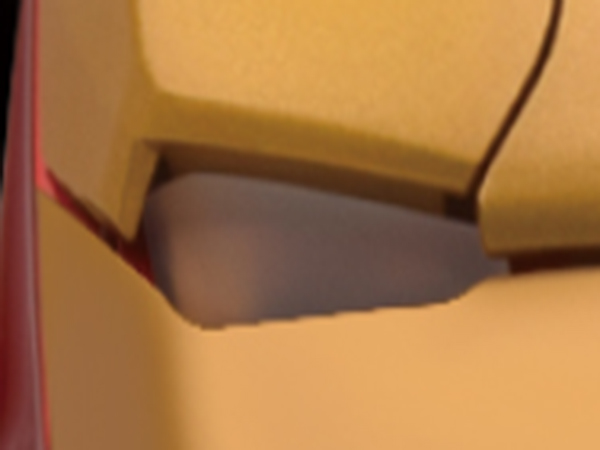
Eyes that can emit bluelights
Lights up bold blue. It goes into sleep mode and you just click it to wake it up.
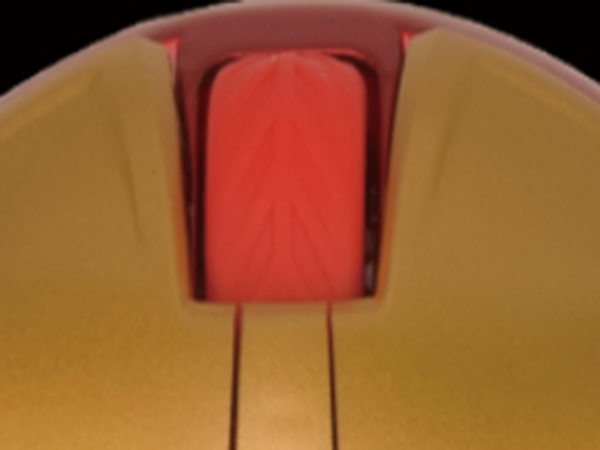
3D rubber wheel
3D three-dimensional roller, making the contact between the finger and the roller more comfortable, sliding roller, more stable use.

3-DPI switch back
Resolution Optical Tracking Technology provides more sensitivity than standard optical mice for smooth and precise tracking on a wide range of surfaces.
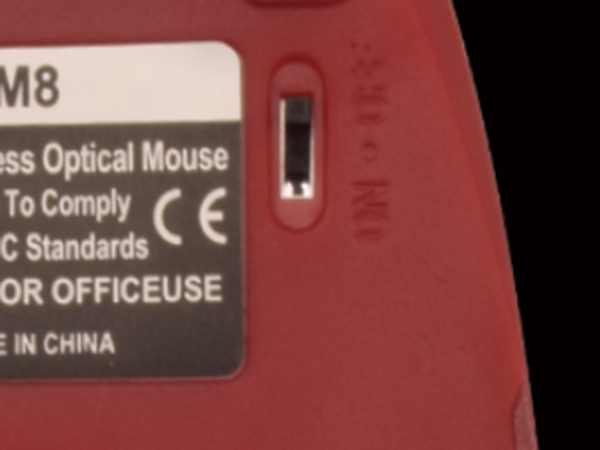
OFF / ON / ON LIGHT switch
Lights up bold blue. It goes into sleep mode and you just click it to wake it up.

Two AAA battery & USB receiver
Open the battery warehouse, load 2*AAA batteries, remove the USB receiver in the battery warehouse, cover the battery warehouse, and enter the boot mode.
Ergonomic Design
It fits the contours of your palm and fingers perfectly while your thumb can be positioned comfortably on the thumb rest. Provide you with more secure grip.
Mouse Core Configuration
Professional game optical engine, high-end game micro-motion, 3-speed DPI adjustable, ergonomic weight and other game core configurations, so that gamers can move cleanly and accurately in the desired position
Smart Power-saving Mode
Smart Power-saving Mode gives your mouse long-lasting battery life without battery replacement for up to 90 days.
Silent Click
Whether you are using in the office or at home, you can enjoy quiet and responsive clicking instead of disturbing others.
Mouse for Laptop

VSVABEFV Wireless Mouse Operation Instructions
- Open the battery warehouse, load 2*AAA batteries, remove the USB receiver in the battery warehouse, cover the battery warehouse, and enter the boot mode.
- Insert the USB receiver into the computer's free USB port. The first time you install the computer, you will be prompted to find an available USB device, and it will be installed automatically. You can use the kids mouse normally.
- When the cool mouse is not operated for 3 minutes, it will automatically enter the standby state. It cannot be used. You can click the left mouse button to activate the mouse.
- If the iron man mouse has not been used for a long time, please remove the battery in the battery warehouse to prevent the battery from leaking and damaging the mouse.
Specification Parameter
| Frame rate | 3000 frames / sec. |
|---|---|
| Maximum acceleration | 20G |
| Customize DPI Switch | 800/1200/1600dpi |
| Switch Life | 5 million cycle |
| Operating distance | 10M |
| Rated working current | 6mA |
| Transmission rate | 1mbil/sec |
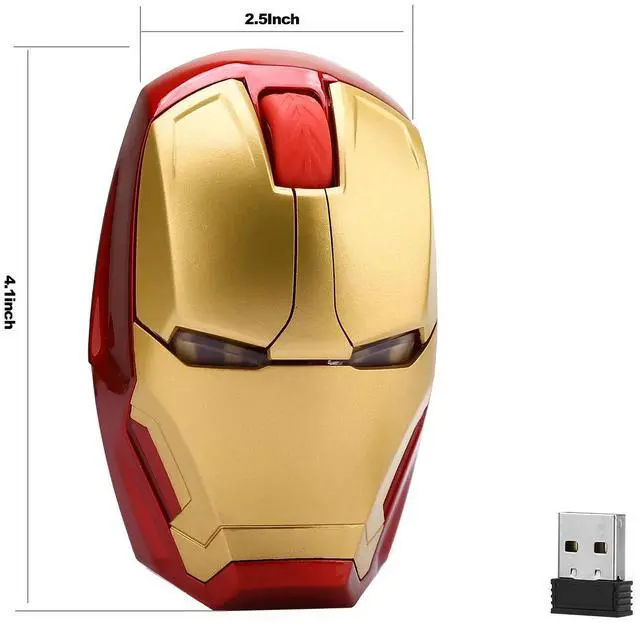
| Product size | 106*68*38mm |
| Modulation method | GFSK |
| Rated operating voltage | 1.9-3.6V |
| Tracking system | optics |
| USB | 1.1-2.0 Specification, no drive |
| Wireless carrior frequoncy | 2.402GHz-2.442GHz |