

Your Browsing History
- Free 30-day Returns
$69.29
Ships from China.


Meet Your Seller


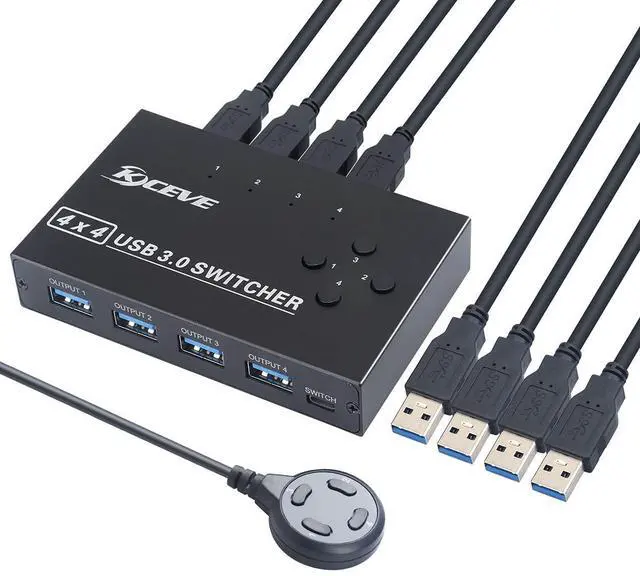
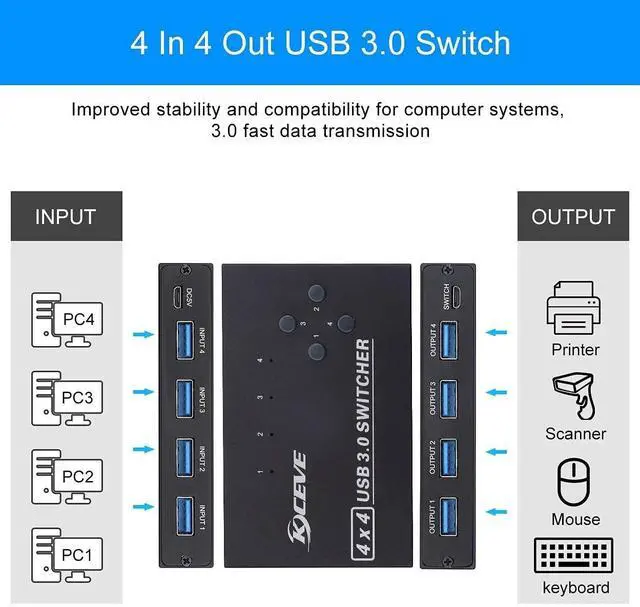
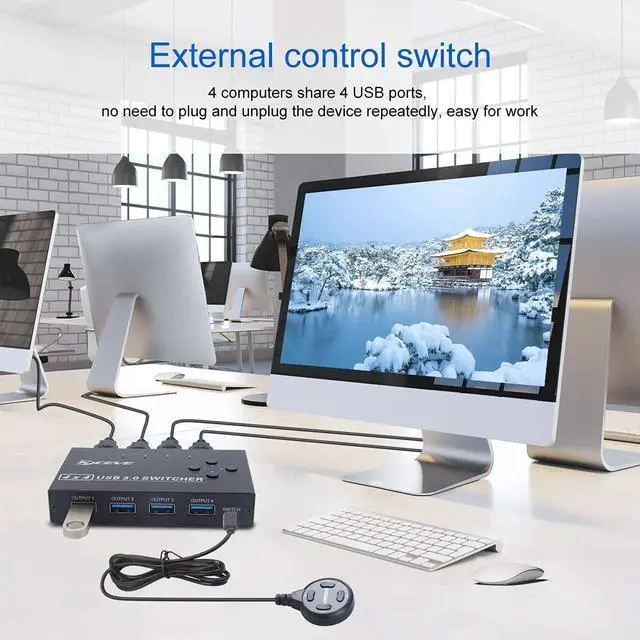
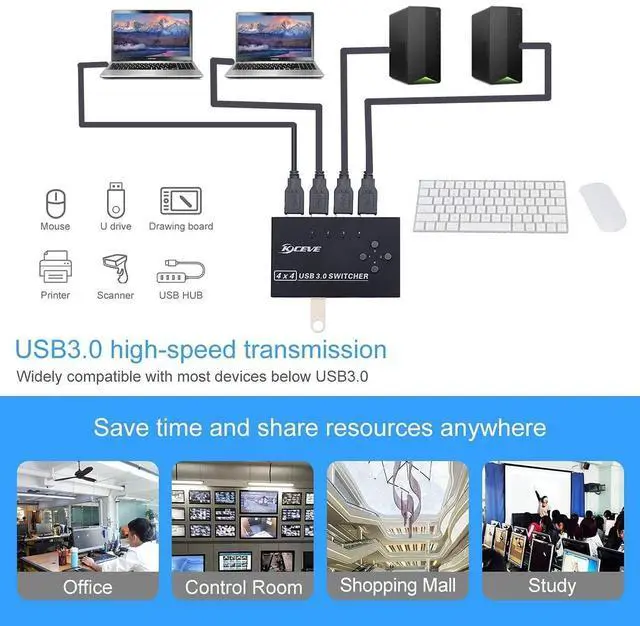
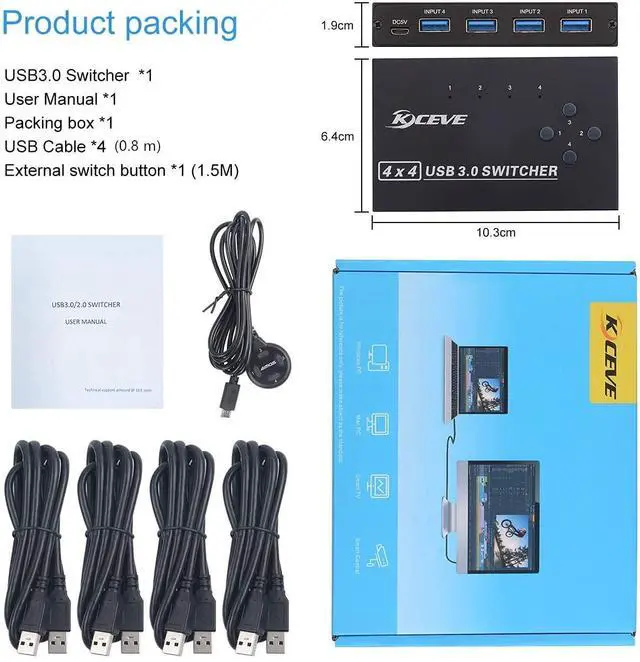


USB 3.0 Switch, USB Switcher Selector 4 Computer Sharing 4 USB Devices Printer, Scanner, Mouse, Keyboard, Compatible with Mac/Windows/Linux, with 4 Pack USB 3.0 Cables
Limited time offer, ends 10/17 By YuXuan Technology
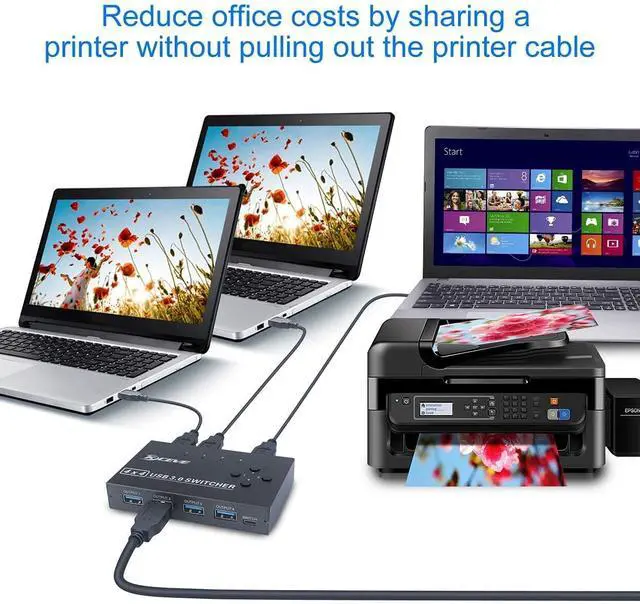
- USB 3.0 switch 4 in 4 out is ideal for sharing USB devices, such as printer, scanner, mouse, keyboard, card reader, flash drive and other USB deivce between 4 computers. Support for wireless mouse and mechanical keyboards.
- USB 3.0 supports ultra-fast USB 3.0 data transfer rates of up to 5Gb/s (10 times faster than USB 2.0). And is backward compatible with USB 2.0 and USB 1.1 devices. Save your time and improve the efficiency.
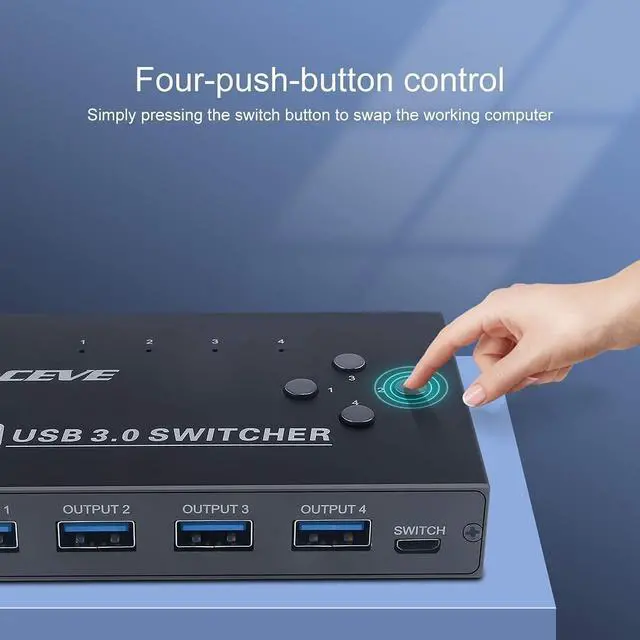
- One button swapping between 4 computers to share 4 USB peripheral devices without constantly swapping cables or set up complicated network sharing software. The blue LED light on the USB 3.0 switch will indicates the active computer.
- Our team committed to improve the performance for this USB 3.0 switch to solve the instability issue of your device and provide stable transmission for your device. This USB 3.0 switch with good performance on it's stability and compatibility.
+
+
Overview
Specs
Reviews

Any questions? Our AI mode will help you find out quickly.
Try me now
Additional Features
- Great compatibility, driver-free for Windows 10/8/8.1/7/Vista/XP and Mac OS X, Linux, and Chrome OS, simply use just plug and play. Please note that when using a high-power USB device, external 5V adapter is required. (Power adapter not Included)
Warranty & Returns
Warranty, Returns, And Additional Information
Warranty
- Please contact the Seller directly for warranty information. Warranty information may also be found on the Manufacturer's website.
- CONTACT
Return Policies
- Return for refund within: 30 days
- Return for replacement within: 30 days
- This item is covered by YuXuan Technology Return Policy
Manufacturer Contact Info
- For a directory of all our manufacturers, please click below.
- Manufacturers Directory
LOADING...