• $49.99
  • Free 30-day Returns
  • Price alert
    Shop it at NeweggBusiness.

    Meet Your Seller

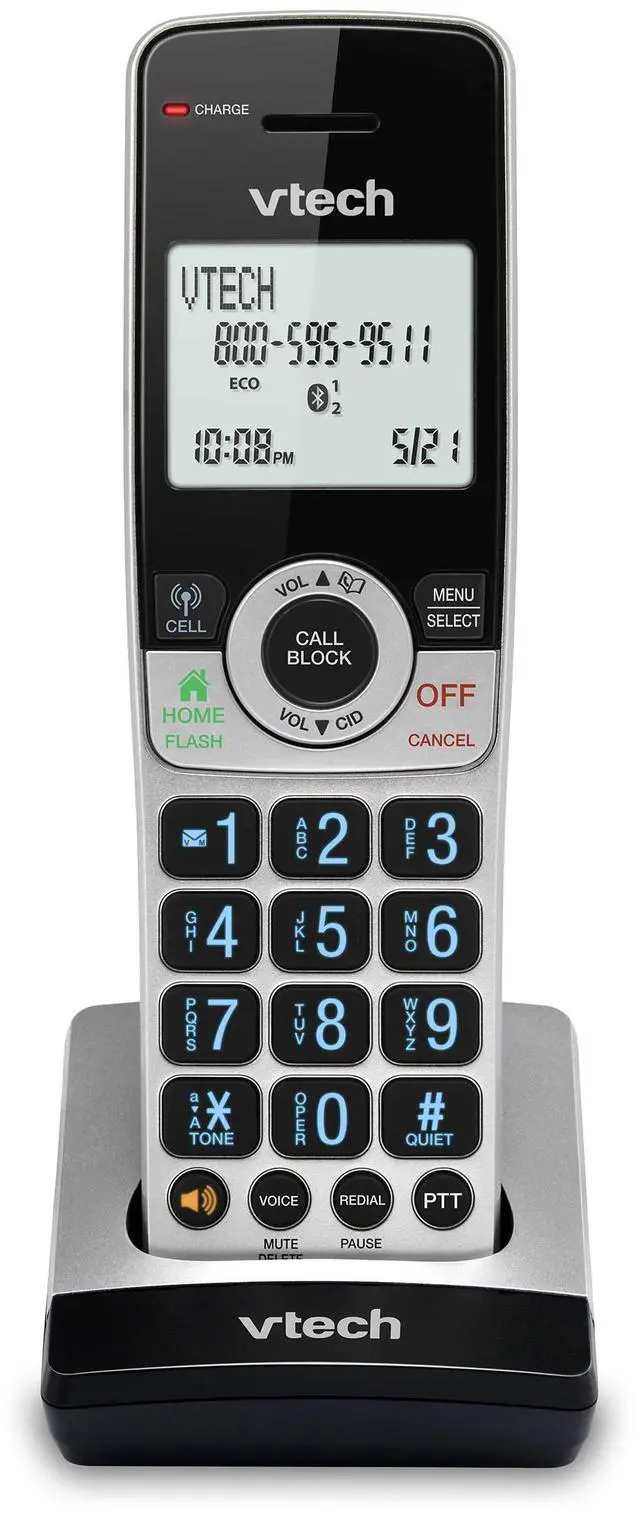
    IS8201 Additional Handset for IS8251 Business Grade Cordless Phone Series, Perfect for Home Office, Smart Call Blocking, Answering System, Bluetooth Connect to Cell

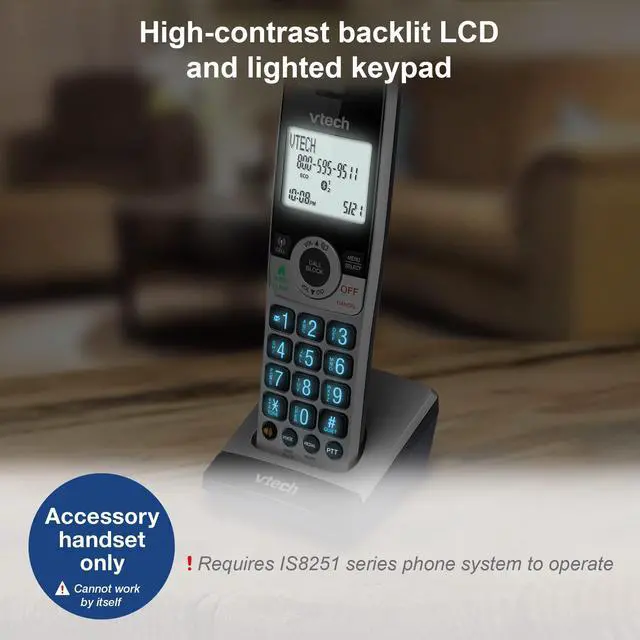
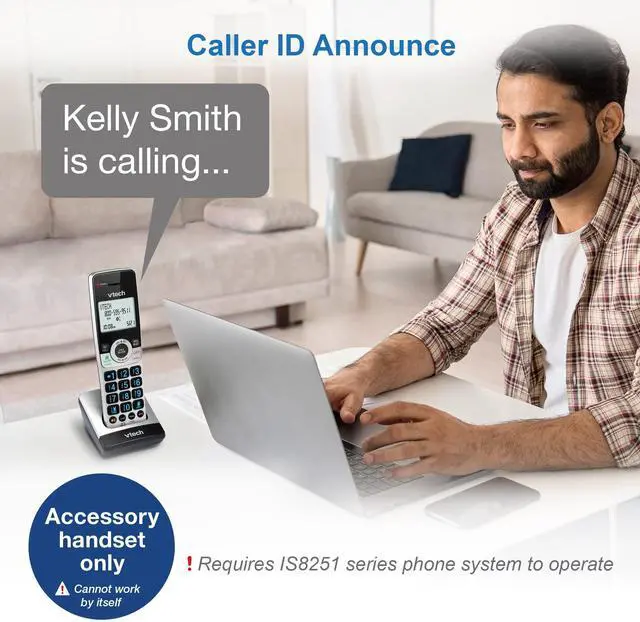
    • [Connect more Rooms with this Extra Large 2" Screen Accessory Handset] Accessory handset for IS8251 phone series. 2" white backlit display with High-contrast text makes it easy to read incoming caller ID or call history records. Plus, the blue back lighted handset keypad allows for easy dialing in low-light conditions. Additional handsets can be placed anywhere in your home or office where you have an electrical outlet and do not require a phone jack. REQUIRES IS8251 PHONE SERIES TO WORK *5 HANDSET MAXIMUM*
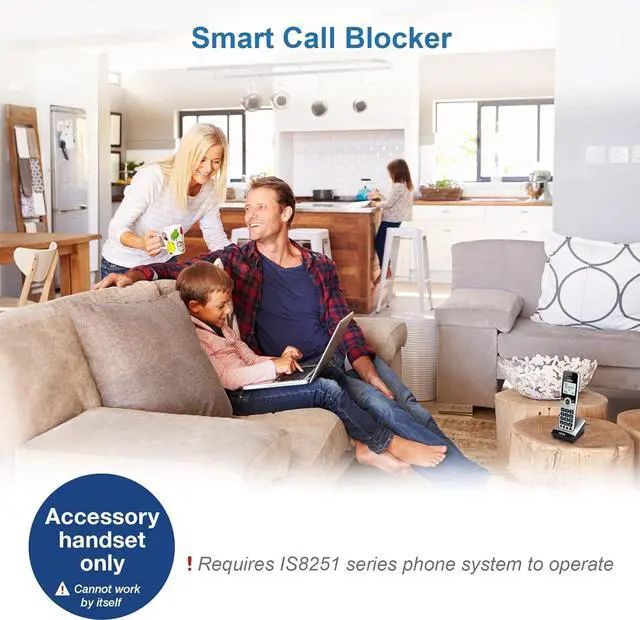
    • [IS8251 Series - Business-grade Cordless Phone built for ease of use at home] VTech IS8251 Cordless Series brings excellent clarity and range, ensuring highest quality in voice communications for business or private calls. Featuring 5" color base display, large icons, soft keys for seamless call management. Programmable short-cuts for quick access to phone functions that are important to you.
    • [IS8251 Series - Enhance efficiency] One-touch access to important contacts; One-touch to call back the caller from listed message or call history; Timer function to help you split your time doing tasks more efficiently.
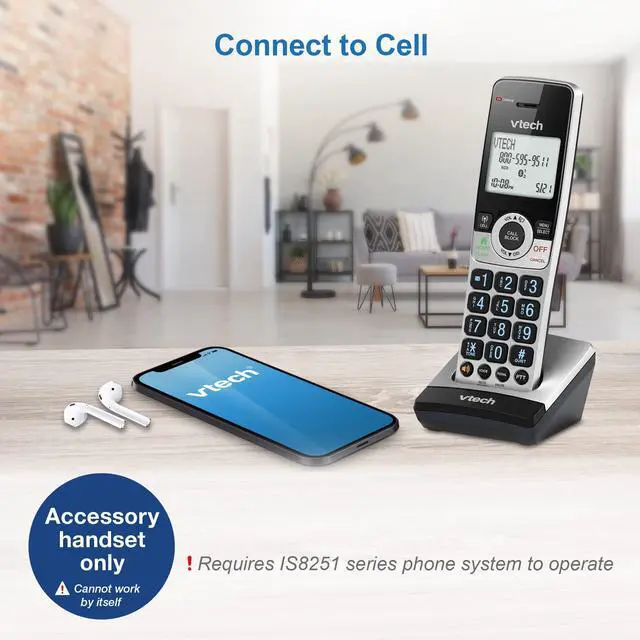
    • [IS8251 Series - Never missed a call] An Virtual 2-line system manages calls from landline and cell-line simultaneously. Pair up to 2 cell phones or one cell phone and one Bluetooth headset for use with landline calls.
    +
    +
    Overview
    Specs
    Reviews
    avatar

    Any questions? Our AI beta will help you find out quickly.

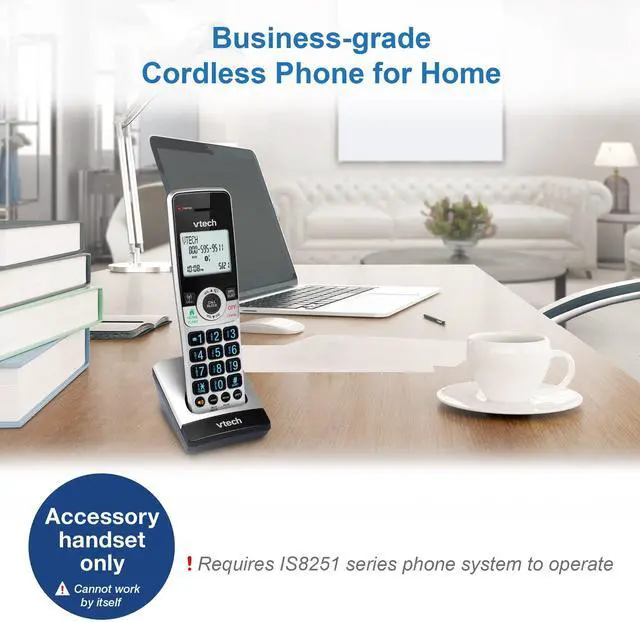
    This accessory handset requires a IS8251 series phone to operate. Additional handsets can be placed anywhere in your home or office where you have an electrical outlet and do not require a phone jack. Convenient, flexible, and easy to use. The IS8251 series has a 5 Handset maximum.

    Warranty & Returns

    Warranty, Returns, And Additional Information

    Warranty

    • Please contact the Seller directly for warranty information. Warranty information may also be found on the Manufacturer's website.
    • CONTACT

    Return Policies

    Manufacturer Contact Info

    LOADING...