
Your Browsing History



Any questions? Our AI beta will help you find out quickly.

Comfortable and Easy to Write with as a Real Pen
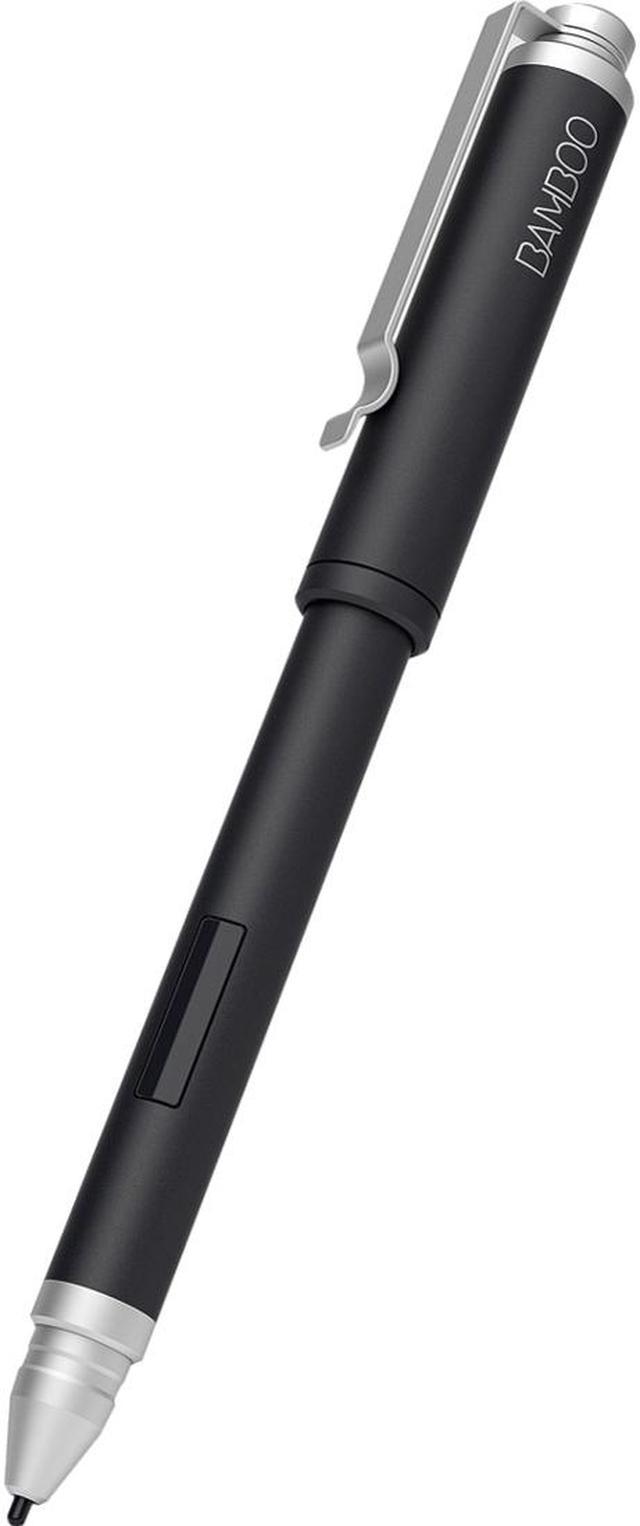
The Bamboo Stylus Feel Black works with the Samsung Galaxy Note 10.1, and other tablets that integrate Wacom feel IT technology in their screens. It is weighted to fit naturally and easily in the hand, giving you comfortable writing experience. It comes with hard and soft nibs, so you can write and draw with precision. For apps that respond to pressure sensitivity, the Bamboo Stylus Feel Black records the weight of every stroke, giving you the feeling of writing fluidly and naturally, just as you would on paper.

A Stylus for Your Pen-enabled Tablet that's Less Stylus More Pen
Rugged yet lightweight, the Bamboo Stylus Feel Black has a stylish matte black finish and silver-toned trim. When used with one of the many tablets* that incorporates Wacom feel IT technology, the stylus provides a writing and drawing experience that imitates the natural feeling of pen on paper.
Note: * The Wacom Stylus Feel Black works with the Samsung Galaxy Note 10.1, the Microsoft Surface Pro, Samsung Galaxy Note, Fujitsu Lifebook T902, Fujitsu Lifebook T732, Dell Latitude 10, and ErenEben T6. The Wacom Stylus feel Black is not compatible with iPad or other capacitive tablets without Wacom feel IT technology.

Exceptional Precision for Drawing and Sketching
The thin tip of the Bamboo Stylus Feel Black lets you make precise, accurate marks and movements in a variety of apps. Wacom feel technology ensures that your palm print won't get in the way of what you're sketching – the technology's IT sensors ignore your hand when you're using the stylus.

Comfortable to Use
This substantial stylus has the feel of a real pen, making it easier and more comfortable to use than styluses made of plastic. Its weight and balance make it natural to capture your ideas, thoughts, words, pictures, and plans.

Added Detail for Apps with Pressure Sensitivity
When used with apps that support pressure sensitivity, the Wacom Stylus Feel Black creates nuanced lines and the detail you need, whether you're retouching photos, drawing and sketching, or marking up documents. Choose from a firm or soft nib and experience writing on a glass screen with the feeling of writing on a sheet of paper.