





Find Your Timekeeper
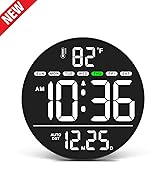
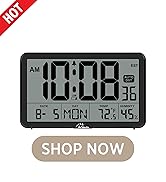
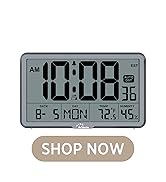
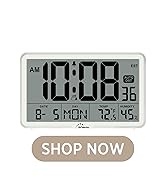
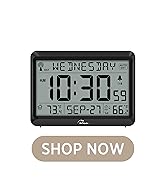
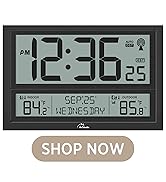
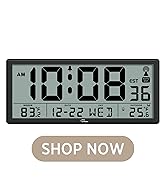
 Backlight Wall Clock |  Digital Atomic Wall Clock |  Atomic Wall Clock | 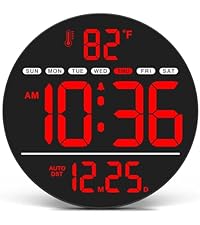 Led Digital Wall Clock | |
|---|---|---|---|---|
Customer Reviews | — | — | — | — |
Price | — | — | — | — |
Backlight | ? | ? | ? | ? |
DST | ? | ? | ? | ? |
Date&Day | ? | ? | ? | ? |
Atomic | ? | ? | ? | ? |
Battery Operated | ? | ? | ? | ? |


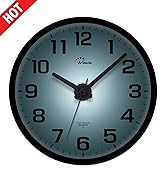
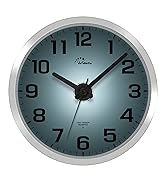
TWO BACKLIGHT MODES

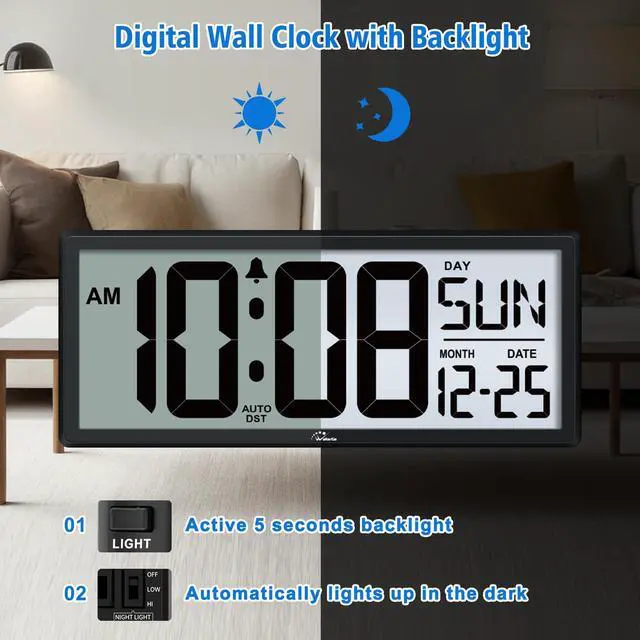
Instant 5 seconds backlight on
Press LIGHT button on the back to active the backlight on lasts 5 seconds. It is easy to check the time at any time.

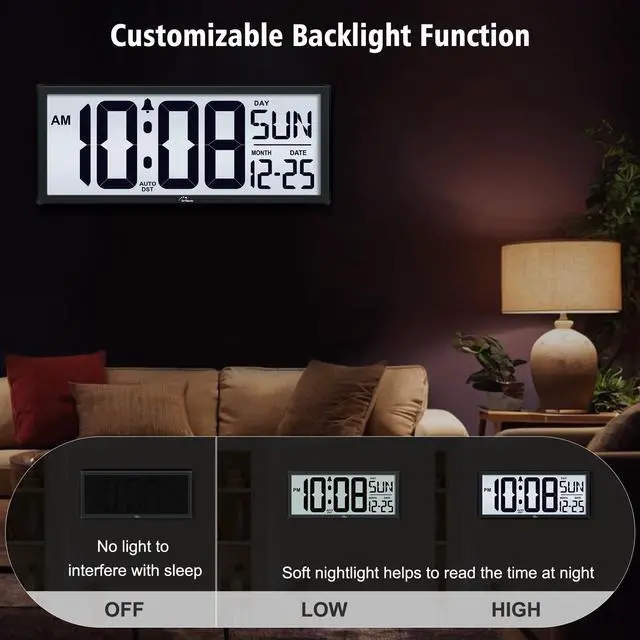
Customizable backlight for night use
Open the battery cover and set the NIGHT LIGHT switch to either 'LOW' or 'HI'. The backlight will light up in dim lighting conditions.
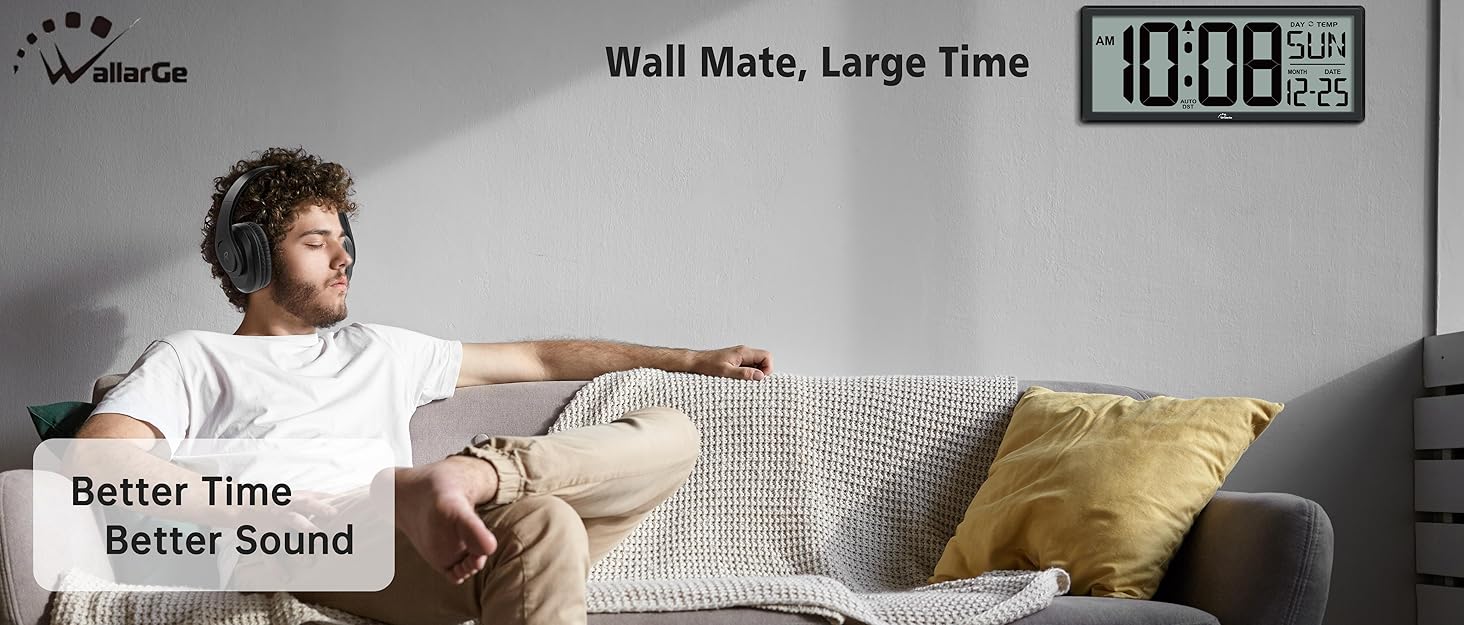
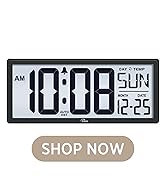
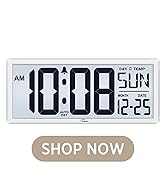

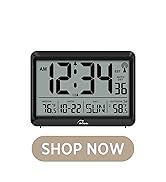
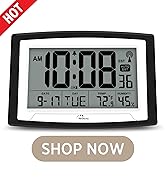
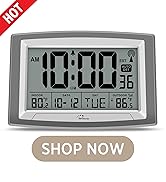
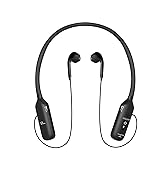
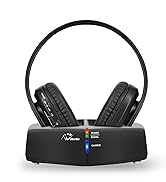
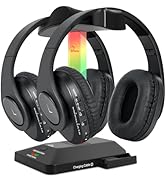
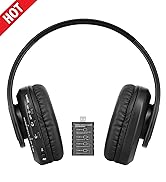
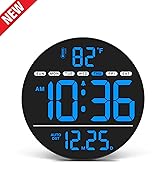
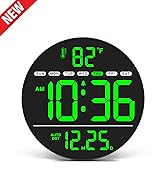
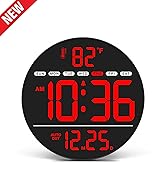
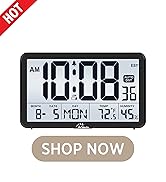

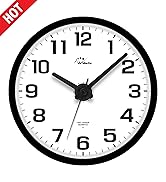
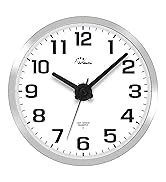
DIGITAL WALL CLOCK
ATOMIC CLOCK
HEADPHONES
LED ELECTRIC WALL CLOCK
AUTO SET CLOCK
ATOMIC CLOCK
ANALOG CLOCK WITH NIGHTLIGHT
Find Your Timekeeper
Backlight Wall Clock | Digital Atomic Wall Clock | Atomic Wall Clock | Led Digital Wall Clock |
|---|---|---|---|
| Customer Reviews | |||
| — | — | — | — |
| Price | |||
| — | — | — | — |
| Backlight | |||
| ? | ? | ? | ? |
| DST | |||
| ? | ? | ? | ? |
| Date&Day | |||
| ? | ? | ? | ? |
| Atomic | |||
| ? | ? | ? | ? |
| Battery Operated | |||
| ? | ? | ? | ? |


TWO BACKLIGHT MODES
Instant 5 seconds backlight on
Press LIGHT button on the back to active the backlight on lasts 5 seconds. It is easy to check the time at any time.
Customizable backlight for night use
Open the battery cover and set the NIGHT LIGHT switch to either 'LOW' or 'HI'. The backlight will light up in dim lighting conditions.