- Free 30-day Returns
Meet Your Seller
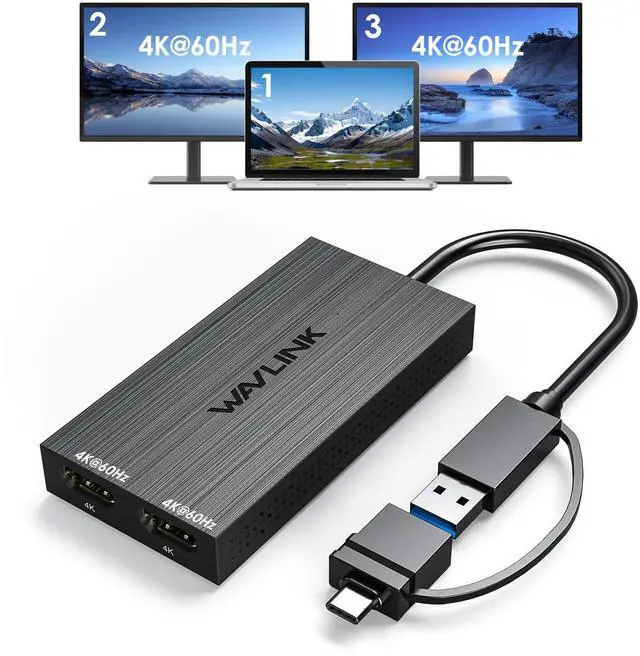
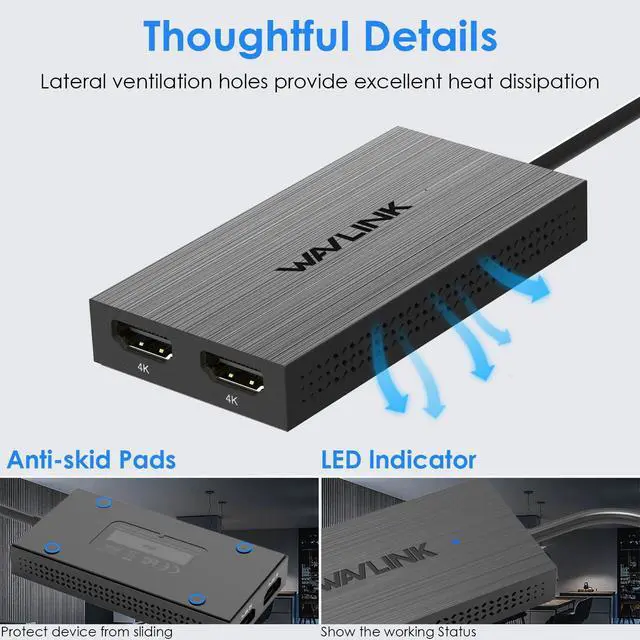
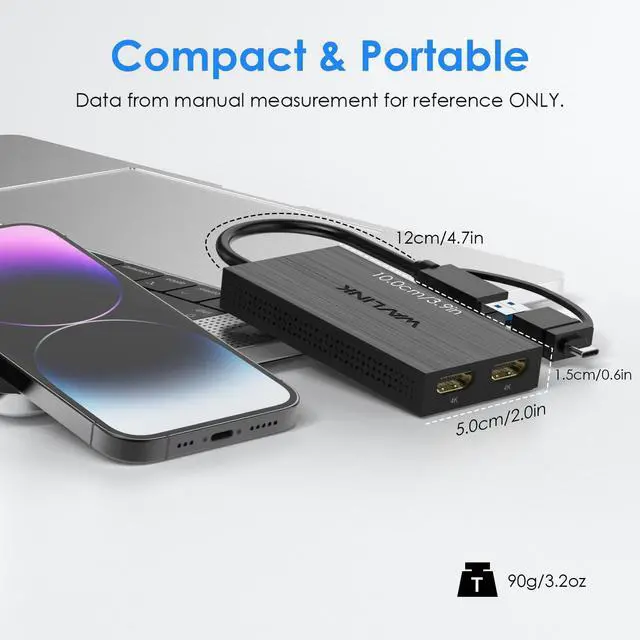
WAVLINK USB C to Dual HDMI 4K@60hz Displaylink Adapter for Mac M1-M5 | USB 3.0 Dual HDMI Splitter Extended Display for Dual Monitor, DisplayLink Docking Station Dual 4K HDMI, Driver Required
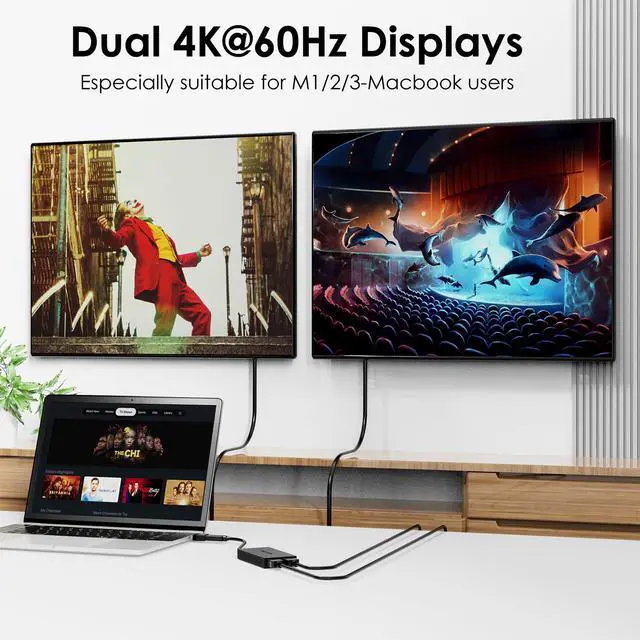
- Dual 4K@60Hz Simultaneous Output: The HDMI Splitter for dual monitors delivers dual 4K 60Hz displays from a single Thunderbolt, USB4, USB-C or USB A 3.0 port. Designed for seamless compatibility, this DisplayLink adapter adds two extended screens to all M1, M2, M3, M4 and M5 Macs and Macbook Neo.
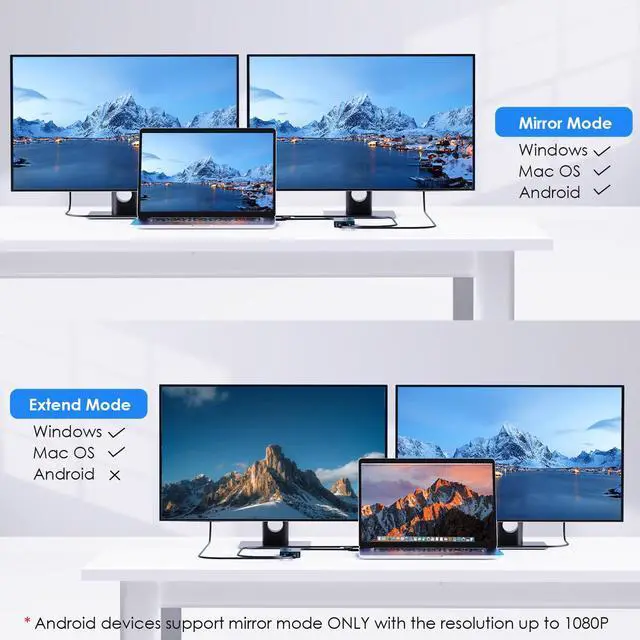
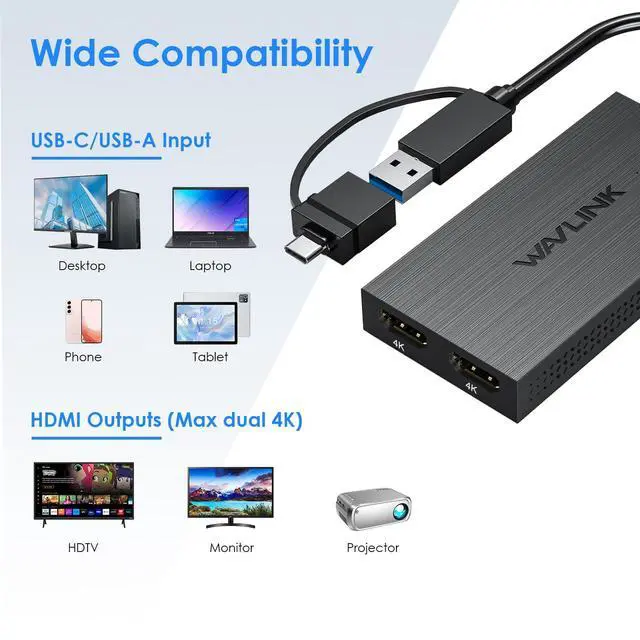
- Hybrid 2-in-1 USB Cable: The Displaylink Dual HDMI Adapter equipped a hybrid 2-in-1 cable, allowing for easy connectivity to USB-C, USB-A, Thunderbolt 3/4, and USB 4 ports, providing versatile compatibility with different devices. Once connected, you can effortlessly mirror or expand your screen content for greater productivity.
- System Support: Windows 11/10, macOS 11 or later, ChromeOS 100+ systems with Thunderbolt, USB 4, USB-C or USB 3.0; Note: iOS, Linux, Unix are not supported. It's worth noting that Displaylink driver installation is required.
- The dual HDMI splitter is ideal for web and productivity software. Not recommended for gaming, graphics-intensive or design work. Doesn't support playback of HDCP-protected content on sites like Netflix, Hulu and others.
- What You Get : 1 x USB 3.0 Type A/C to dual monitors adapter;1 x Quick Start Guide. 12-month worry free warranty(extra 6 months for registered members) and life-long technical support.
Any questions? Ask CelesteSM will help you find out quickly.
A Convenient Way to Add Dual 4K Display Adding multiple screens to your work setup has been shown to dramatically increase productivity. The WAVLINK USB Dual 4K multi HDMI adapter is designed to give you those productivity gains even if your computer doesnt natively support multiple displays like base model M1, M2, and M3 Macs. Of course, the multi monitor adapter works just as well with Windows 10 and newer, and ChromeOS 100+ systems, too. At the heart of this HDMI extender for dual monitors is a DisplayLink DL-6950 chipset. Youll need to download and install the DisplayLink drivers (manual installation on Mac; generally an automatic process on Windows machines), but once you do, youll see the benefits this multiple monitor adapter provides. From a single Thunderbolt, USB4, or USB-C port, add two HDMI ports. Its a simple, straightforward way to connect two monitors to laptop, even to Macs that would otherwise only support one display.
Warranty & Returns
Warranty, Returns, And Additional Information
Warranty
- Please contact the Seller directly for warranty information. Warranty information may also be found on the Manufacturer's website.
- CONTACT
Return Policies
- Return for refund within: 30 days
- Return for replacement within: 30 days
- This item is covered by Artbloont Return Policy
Manufacturer Contact Info
- For a directory of all our manufacturers, please click below.
- Manufacturers Directory