




 here!
here!
I’m your shopping assistant for PC builds, upgrades, and everything tech.
Got questions? Ask away!
Start a conversation
here!
I’m your shopping assistant for PC builds, upgrades, and everything tech.
Got questions? Ask away!
Start a conversation




Any questions? Ask CelesteSM will help you find out quickly.

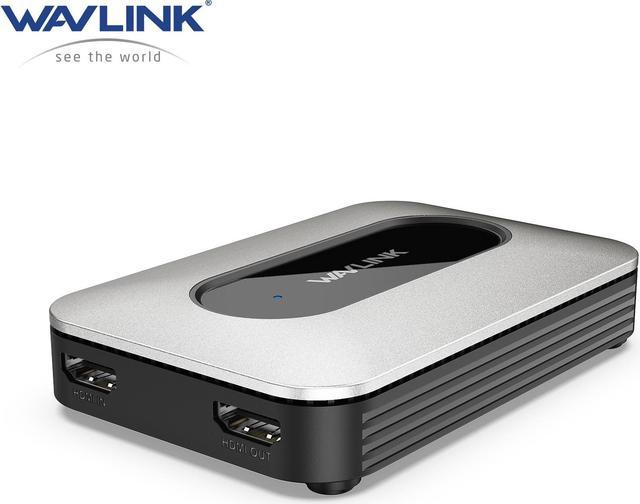
The HG900U video capture card is a versatile and reliable streaming solution that empowers you to capture, record, and broadcast stunningly detailed videos. Supports a maximum input resolution of up to 4K@60Hz and captures at 4K@30Hz.
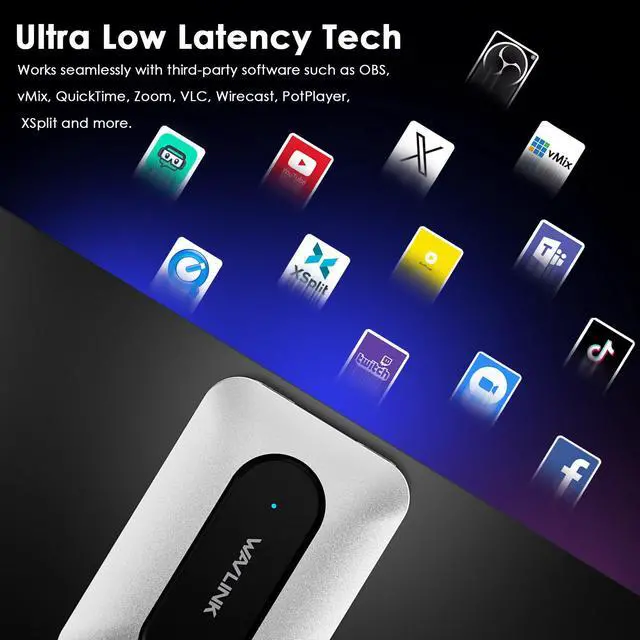
It does not require driver installation and is compatible with any streaming software, allowing you to unleash your creativity by using third-party software to capture or stream HD games or other HD video sources. Power your workflow with ultra-low latency technology.


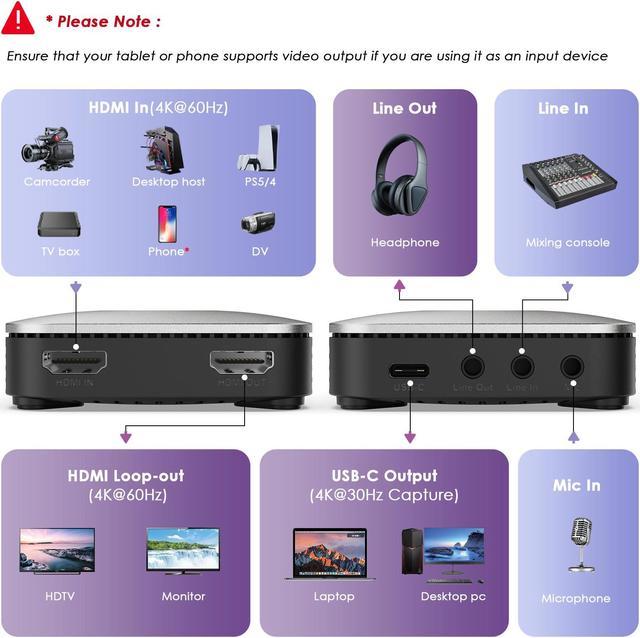
-Support Max 4K@60Hz Video Input with 1 x HDMI 2.0 IN Port.
-Support Video Passthrough with 1 x HDMI 2.0 OUT Port.
-Support Max 4K@30Hz Capture.
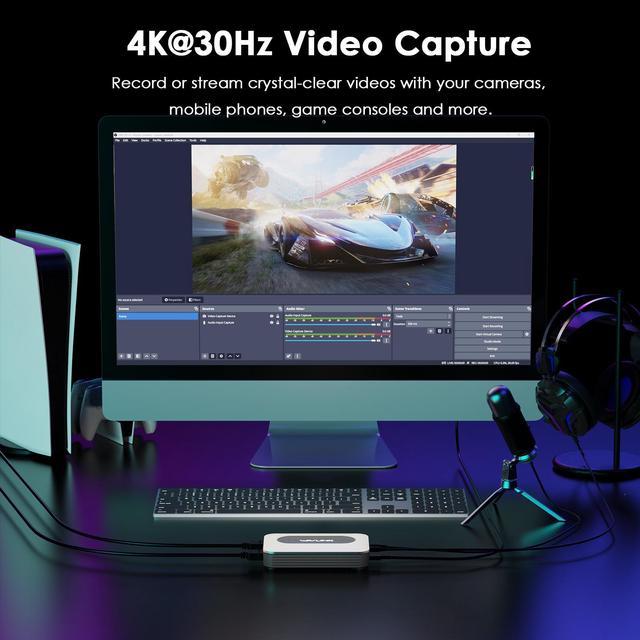
-Support third-party softwares like OBS to capture and stream your videos from various input sources like game consoles, cameras and so on.
-Support USB 3.0 Type-C port for UVC/UAC and compatible with USB 2.0 Interface.
-Support UVC Output Format : YUY2/NV12.
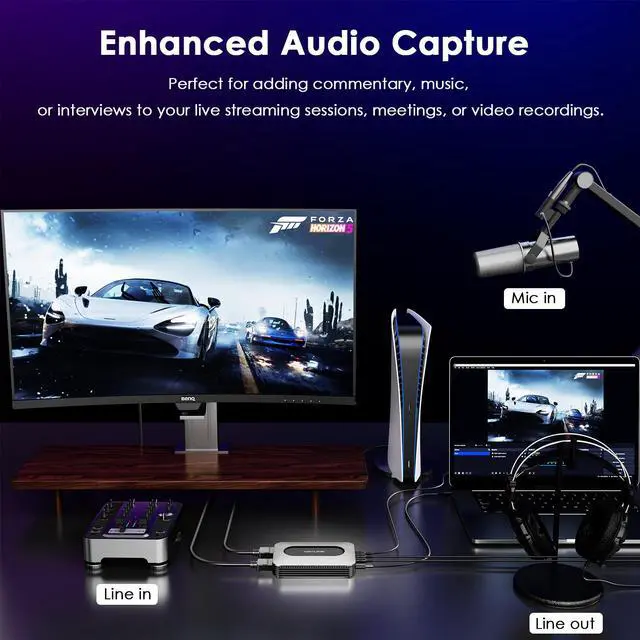
-Support 3.5 mm Line In and 3.5mm MIC for External Audio Input.
-Support 3.5 mm Line Out for External Audio Output.
-Compatible with Multiple Operating Systems such as Mac, Windows, Linux, Android and so on.
-Support UVC1.0/1.1/ 1.5. UAC 1.0.
-Support HDR10 to SDR conversion.

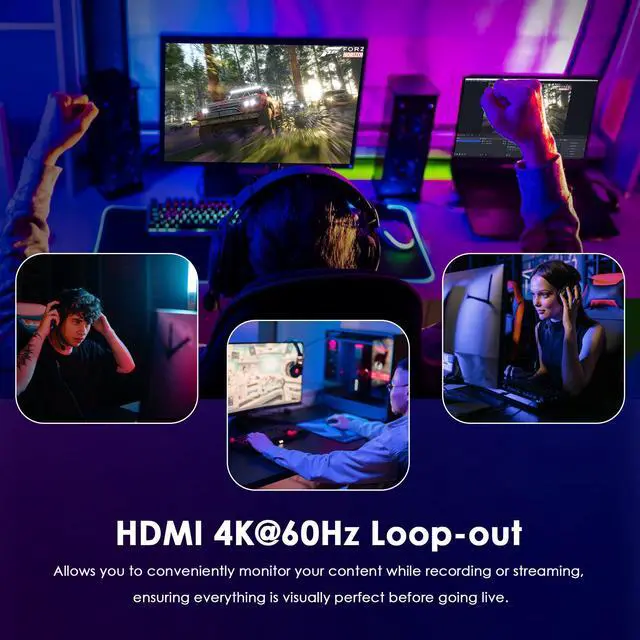
Project the video in real-time with an impressive 4K resolution and a smooth 60Hz refresh rate when you're monitoring your content or sharing it with an external display or TV.
4K@30Hz Video Capture
Capture outstanding video footage with a resolution of up to 4K at 30 frames per second. Allows you to record stunning visuals with precise clarity, a high level of detail and lifelike motion.

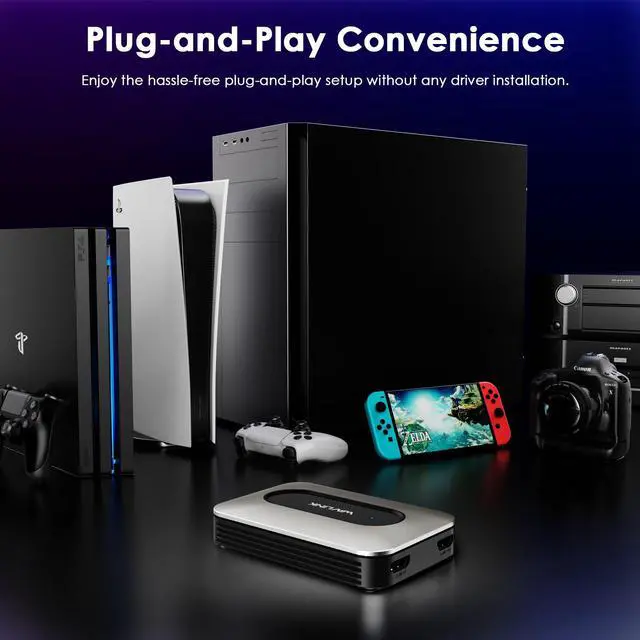
Simply connect the capture card to your computer or streaming setup, and it will be recognized and ready for use instantly, saving your time and ensuring a smooth user experience.

Whether you're recording interviews, commentary, or gaming sound effects, you can count on the capture card to deliver clear and immersive audio to enhance the overall value of the content.

Allows the device to be powered directly through your computer's USB port; it eliminates the need for an external power supply, ensures hassle-free operation and reduces cable clutter.

1)Connect your devices to this Video Capture Card following the "Hardware Connection" and then download the software from obsproject.com and complete the OBS installation.
2)You can change the software language in " Settings->General" from the bottom-right list on the screen.
Ultra-Clear Resolution
1)Input/Loop Out: 4K@60Hz/ 2K@144Hz/ 1080P@240Hz
2)Recording/Live Stream Capture: 4K@30Hz/ 2K@60Hz/ 1080P@120Hz

The capture card's visually appealing look seamlessly integrates into your existing studio or gaming environment, enhancing the overall ambiance while ensuring long-lasting performance

-CPU: Intel Core i5 or higher
-RAM: 8G or higher
-Windows 7/8/10/11 or later
-Mac OS 10.12 or later
-Android 9 or later
-Linux

Step 1: Connect the video source device to the HDMI IN port via the HDMI cable.
Step 2: Connect your laptop to the USB-C port via Type-C cable.
Step 3: Connect the monitor to the HDMI OUT port.
Specification
1.Model: WL-HG900U
2.Ports: 1 x HDMI IN(4K@60Hz);1 x HDMI OUT(4K@60Hz);1 x Type-C(4K@30Hz);1 x 3.5mm Line in;1 x 3.5mm Line out;1 x 3.5mm Mic in
3.Power Supply: Type-C 5V
4.Unit Size: 11 x 7.3 x 2cm/4.3 x 2.9 x 0.8in (L x W x H)
5.Weight: 120g/4.2oz
6.Cable Length: HDMI(F) to HDMI(F) Cable:100cm/39.4in; USB-A to USB-C Cable:100cm/39.4in
7.Housing: ABS + Aluminum Alloy

Warm Tips
1. The video capture card is plug-and-play. No drivers are needed.
2. Check if your video source supports 4K resolution. If not, change the resolution to 1920x1080 in settings.
3. Please ensure that your tablet or phone supports video output if you are using it as an input device.
4. This video capture card does not support HDCP.
In the Box
1x 4K@60Hz HDMI Grabber G1 PRO
1x HDMI(F) to HDMI(F) Cable
1x USB-A to USB-C Cable
1x USB-A to USB-C Converter
1x Quick Start Guide


