







Any questions? Our AI mode will help you find out quickly.
18 Port Full Gigabit Switch with 16 PoE Ports
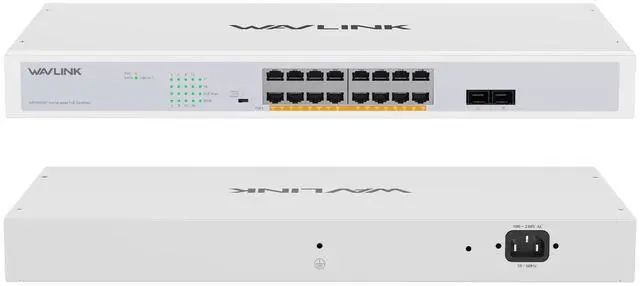
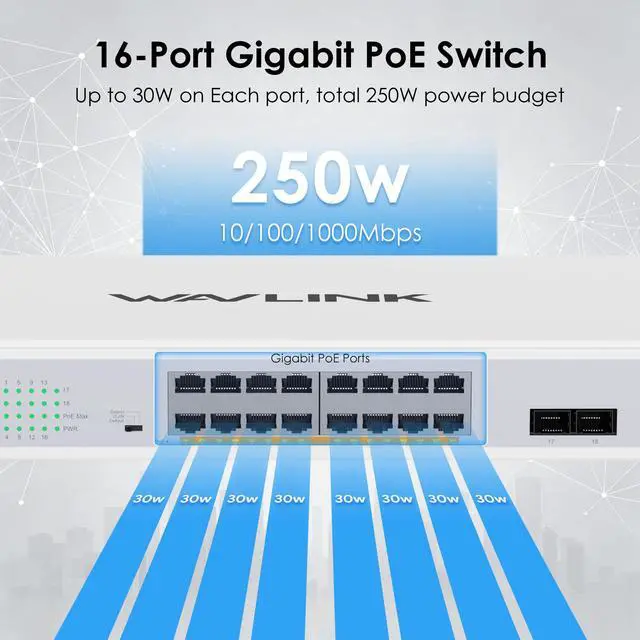
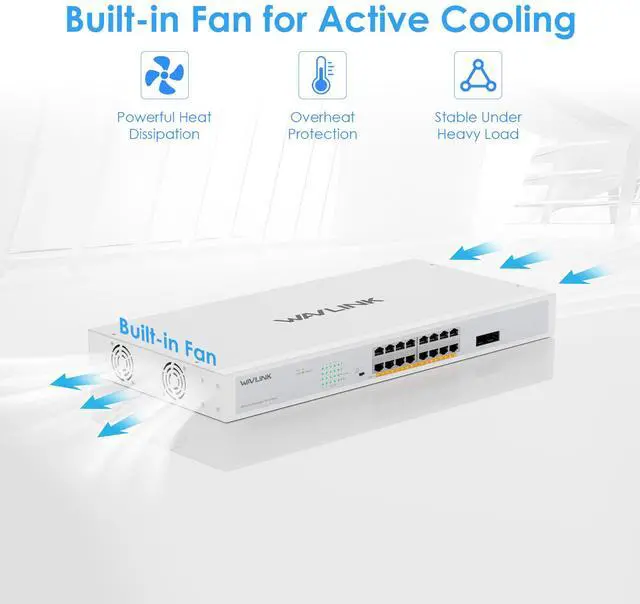
This 18-port full gigabit switch features 16 IEEE 802.3af/at PoE+ ports with a total 250W PoE budget, supporting up to 30W per port and auto device detection. It offers three smart modesDefault, VLAN and Extendto suit regular networking, port isolation and 250m long-range transmission. Plug-and-play design needs no complex setup, compatible with desktop and rackmount installation. Built with durable metal casing, LED indicators and efficient heat dissipation, it delivers stable lag-free performance and is ideal for IP cameras, wireless APs, IP phones and office network use.
LED Indicator
PWR (Green)
Off: No power supply. / On: Switch is powered on.
LINK/ACT (Green)
Off: No device connected. / On: Link established at 10/100/1000Mbps. / Blinking: Data is being transmitted/received.
PoE (Orange)
Off: No PoE device connected. / On: PoE power is supplied normally. / Blinking: PoE power supply is abnormal.
PoE Max (Green)
Off: Load is below 80% of PoE capacity. / On: Load exceeds 80% of PoE capacity.
Safety Note
The device has a permanently connected protective ground wire, which must be installed by a qualified professional.
Mode
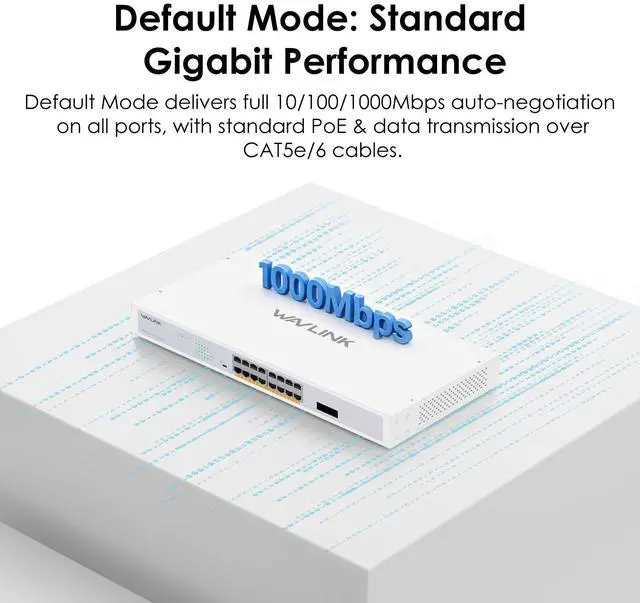
Default Mode: Standard gigabit PoE switch operation, with all ports communicating freely.
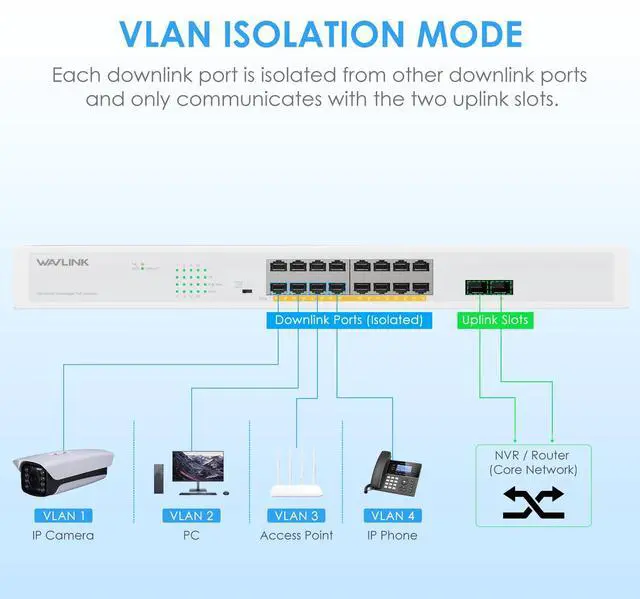
VLAN Mode (Isolation Mode): Ports 116 are isolated from each other for enhanced security, but can communicate with uplink ports 1718.
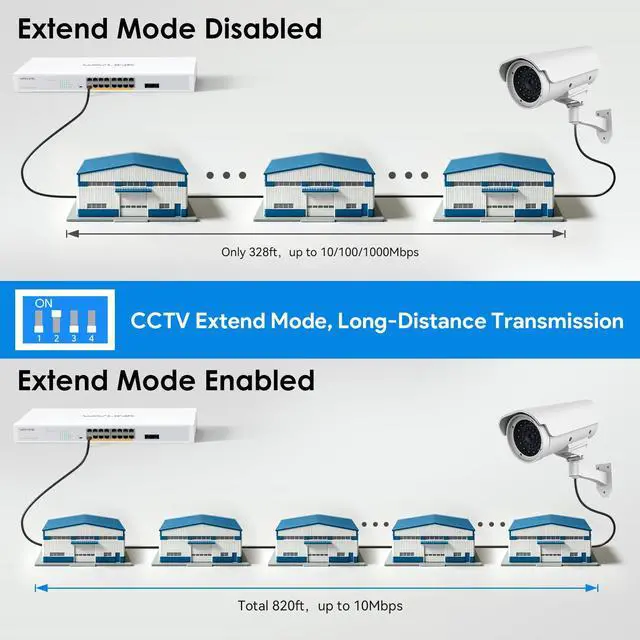
Extend Mode (Monitoring Mode): Forces ports 116 to 10 Mbps for long-range transmission up to 250 meters.
Specification
- 16*up to 1000Mbps Ports compliant with IEEE 802.3at/af PoE standards.
- 30W Max Power Output on Each PoE Port
- 250m Ultra-Long Distance Data & Power Transmission
- Features three functional modes for switching: Default Mode, VLAN Mode, and Extend Mode
- Features port overload protection, short-circuit protection, and PoE port prioritisation
Attention
- Handle with care to protect precision components from impact or vibration. Upon receipt, inspect for damage or missing parts and contact support immediately if needed.
- Install in a dry, well-ventilated area with humidity below 90%. Keep away from corrosive gases and strong electromagnetic sources. Ensure adequate space around the unit and do not stack equipment on it.
- Use only certified three-hole sockets with proper grounding. Ensure the protective ground (PGND) wire is correctly connected.
- Do not open the chassis. Unauthorized opening risks severe electric shock and will void the product warranty. All repairs must be performed by qualified personnel only.
In the Box
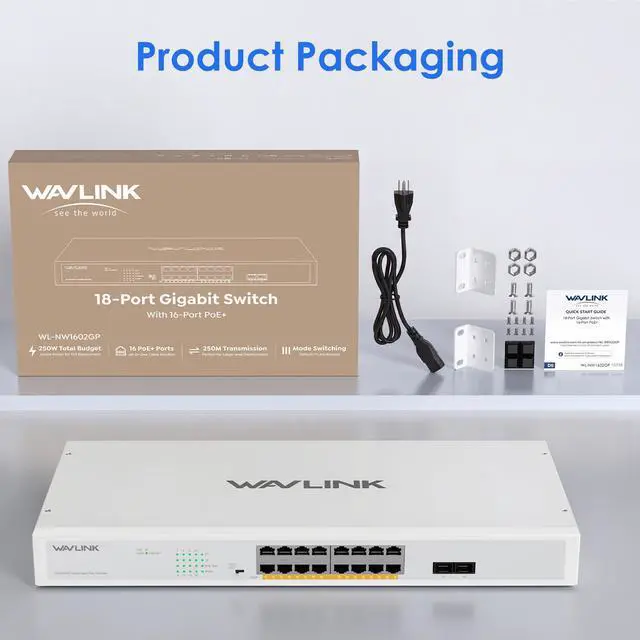
1x Network Switch
1x Power Cord
1x Quick Start Guide
1x Installation package