

Your Browsing History
- Free 30-day Returns
$28.99


Meet Your Seller


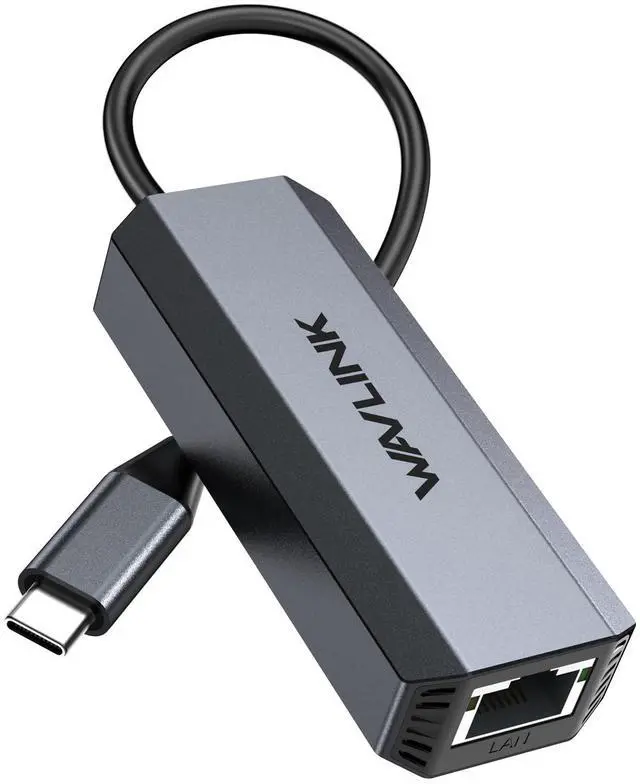



USB C to Ethernet Adapter 5G, WAVLINK 5G Ethernet Adapter for Laptop, Compatible with Type C Device to Network for MacBook, XPS, iPad Pro-USB3.1 Gen 2 Required
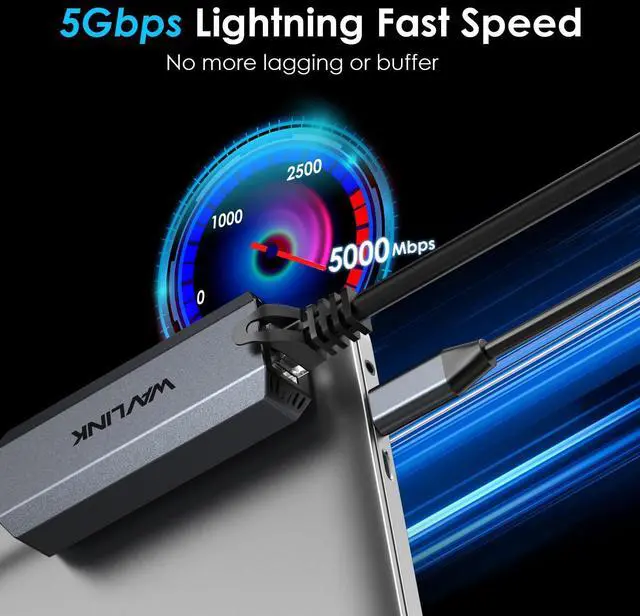
- TRUE 5GbE PERFORMANCE (USB 3.1/3.2 GEN 2 REQUIRED) Up to 5Gbps RJ45 via Realtek RTL8156 for faster file transfers and lower latency than Gigabit; requires a USB-C port that supports USB 3.2 Gen 2 (10Gbps) or higher.
- GET FULL SPEED WITH THE RIGHT NETWORK GEAR For 5Gbps links, use CAT6 or better, and ensure your router/switch/NAS/server supports 5Gb Ethernet; auto-negotiates 10/100/1000/2.5G/5G for broad compatibility.
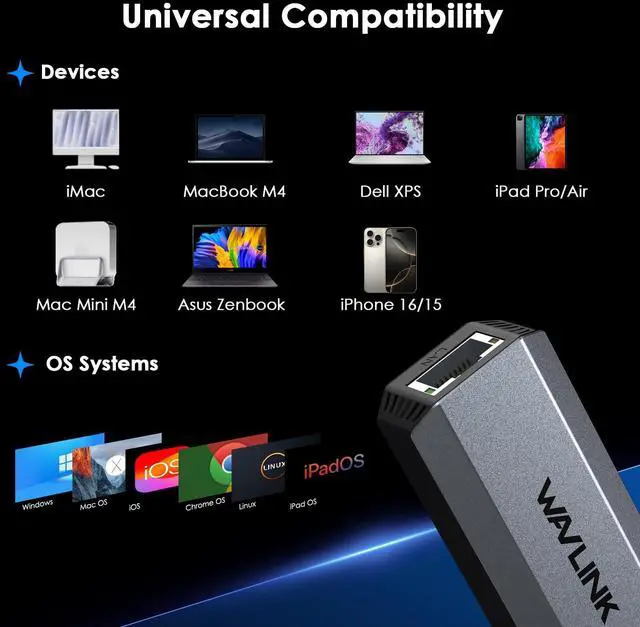
- WIDE OS COMPATIBILITY (DRIVER NOTES) Works with Windows 10/11 and many legacy Windows versions plus macOS 10.6+; for older systems you may need the Realtek RTL8156 driver. (Per provided spec note: Apple devices powered by M3 or above only.)
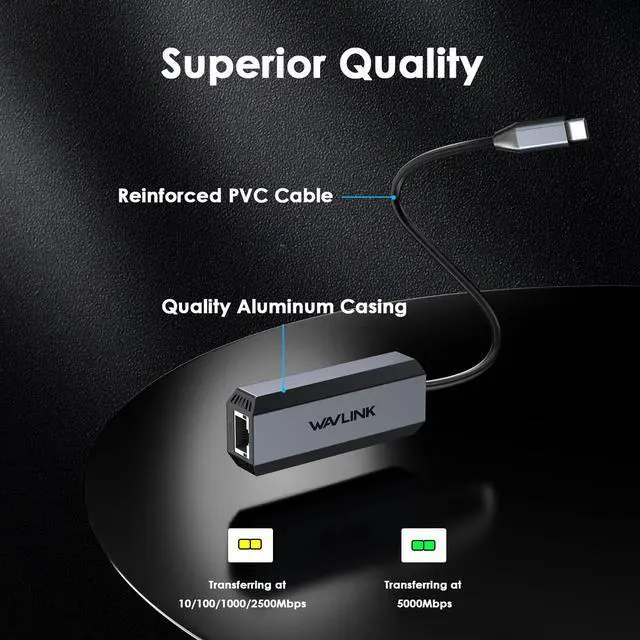
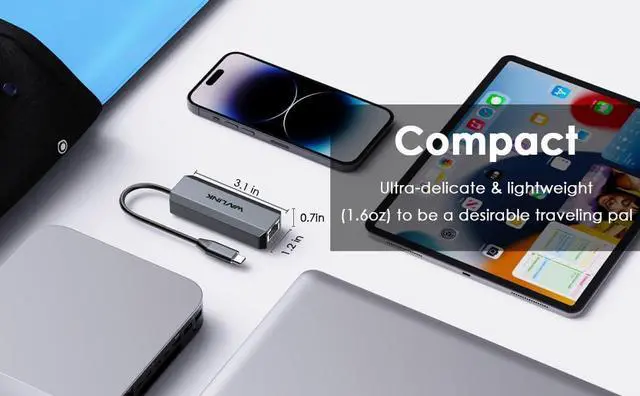
- PREMIUM ALUMINUM + THERMAL DESIGN Aluminum-alloy housing with internal heat dissipation helps keep the adapter stable during sustained transfers; compact 3.1 x 1.2 x 0.7 in body is easy to pack for travel or hot-desking.
- WAKE-ON-LAN SUPPORT + STATUS LEDS Supports Wake Packet Detection (WPD), Wake-on-LAN and RealWoW for remote wake-up scenarios; LED indicates link speed (Green: 5Gbps, Amber: 10/100/1G/2.5G).
+
+
Overview
Specs
Reviews

Any questions? Our AI mode will help you find out quickly.
Try me now
USB-C to 5Gbps Ethernet Adapter (Multi-Gig 5GbE)
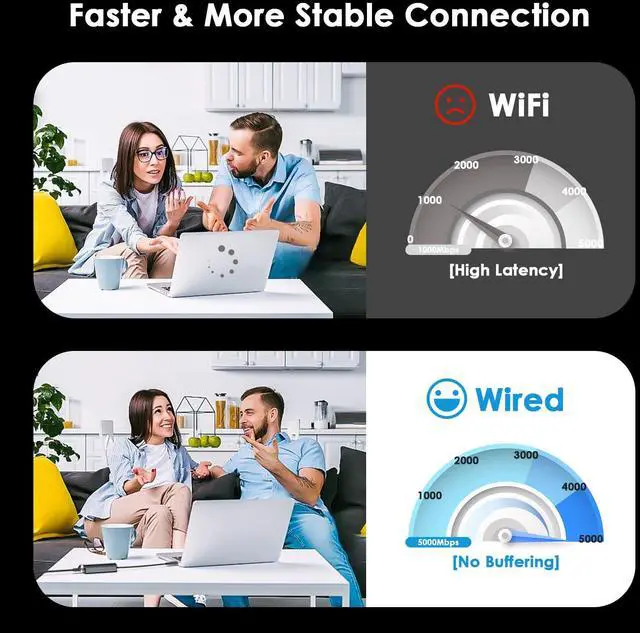
Upgrade to fast, stable wired networking with a compact USB-C to Ethernet adapter built for multi-gig connections. Using the Realtek RTL8156 chipset, it provides an RJ45 Ethernet port with 10/100/1000/2.5G/5G auto-negotiationideal for lower latency and more consistent throughput than WiFi.
Key Highlights
- Up to 5Gbps Ethernet (requires a USB-C port with USB 3.2 Gen 2 / 10Gbps capability or higher)
- Compliant with IEEE 802.3u / 802.3ab / 802.3bz
- Aluminum-alloy shell with internal heat dissipation design
- Wake features: WPD, Wake-on-LAN, RealWoW
- LED speed indication (Green: 5Gbps; Amber: 10/100/1000/2500Mbps)
Specifications
- Model: WL-NWU341G
- Color: Grey
- Material: Aluminum Alloy
- Dimensions: 3.1 x 1.2 x 0.7 in (8 x 3.1 x 1.8 cm)
- Cable Length: 5.91 in (15 cm)
- Ports: 1 x USB-C, 1 x RJ45
- Ethernet Speeds: 10/100/1000/2.5G/5G
Compatibility & Setup Notes
- To unlock 5Gbps: use CAT6 or higher cable, ensure your router/switch/server supports 5Gb Ethernet, and confirm your device USB-C port is USB 3.2 Gen 2 (10Gbps) or higher.
- OS support includes Windows (10/11 and legacy versions) and macOS 10.6+. For older systems, install the Realtek RTL8156 driver if needed.
- Provided spec note: only compatible with Apple devices powered by M3 or above chips.
In the Box
- 1 x 5G Ethernet Adapter
- 1 x Quick Start Guide
- 1 x Driver Link Card
FAQ
- Q: Why am I only getting 1Gbps or 2.5Gbps instead of 5Gbps?
- A: 5Gbps requires a USB-C port that supports USB 3.2 Gen 2 (10Gbps) or higher, a CAT6 (or better) cable, and a router/switch/NAS/server with 5Gb Ethernet.
- Q: Will this work with standard Gigabit networks?
- A: Yes. The RJ45 port auto-negotiates 10/100/1000/2.5G/5G, operating at the highest speed your network equipment supports.
- Q: Does it need drivers?
- A: Many modern systems install automatically, but some older Windows/macOS configurations may require the Realtek RTL8156 driver (per provided notes).
- Q: Does it support Wake-on-LAN?
- A: Yes. It supports Wake Packet Detection (WPD), Wake-on-LAN, and RealWoW for compatible systems and network configurations.
- Q: What do the LEDs mean?
- A: Green indicates a 5Gbps link; Amber indicates 10/100/1000/2500Mbps link (auto-recognition per provided spec).
Warranty & Returns
Warranty, Returns, And Additional Information
Warranty
- Please contact the Seller directly for warranty information. Warranty information may also be found on the Manufacturer's website.
- CONTACT
Return Policies
- Return for refund within: 30 days
- Return for replacement within: non-replaceable
- This item is covered by grow_up Return Policy
Manufacturer Contact Info
- For a directory of all our manufacturers, please click below.
- Manufacturers Directory
LOADING...