




 here!
here!
I’m your shopping assistant for PC builds, upgrades, and everything tech.
Got questions? Ask away!
Start a conversation
here!
I’m your shopping assistant for PC builds, upgrades, and everything tech.
Got questions? Ask away!
Start a conversation




Any questions? Ask CelesteSM will help you find out quickly.


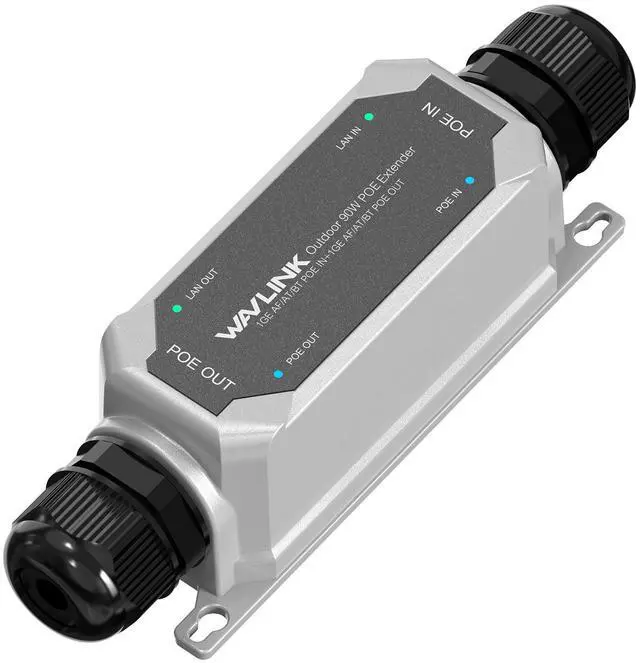
WAVLINK IP67 Waterproof 30W PoE Extender
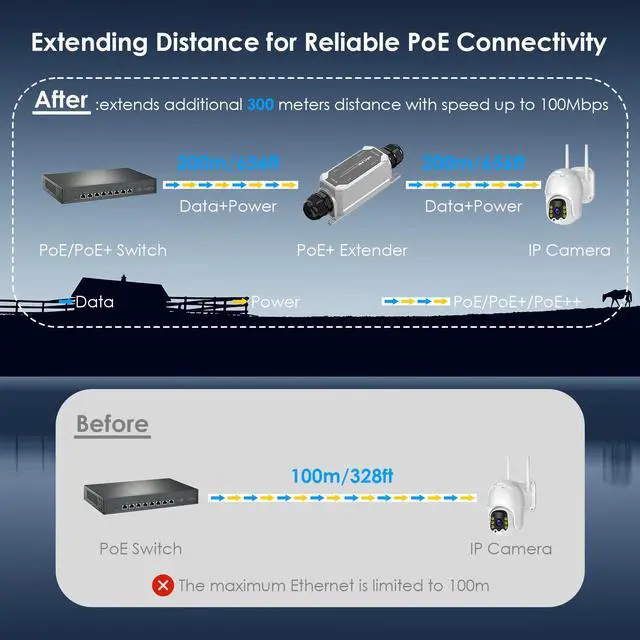
Extend PoE network beyond 1968ft for PoE IP Camera, PoE Access Point, VoIP Phone.
Features
Supports 30W POE power supply, meeting the needs of high-power devices.
Equipped with a simple 1-in-1-out interface configuration.
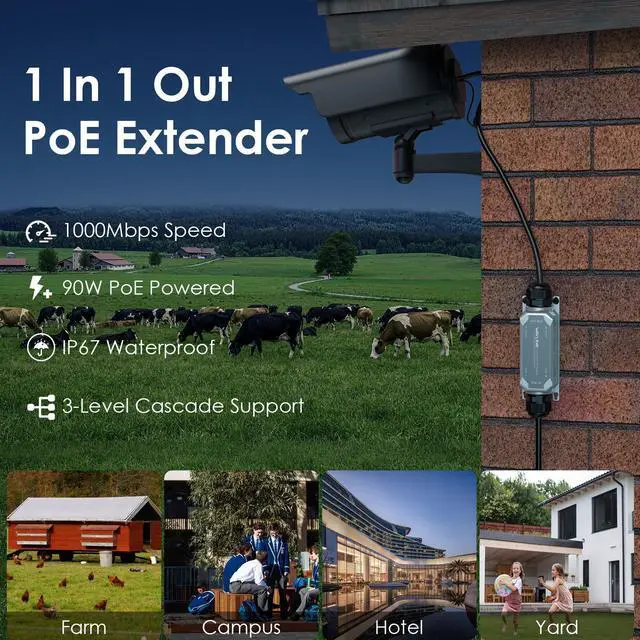
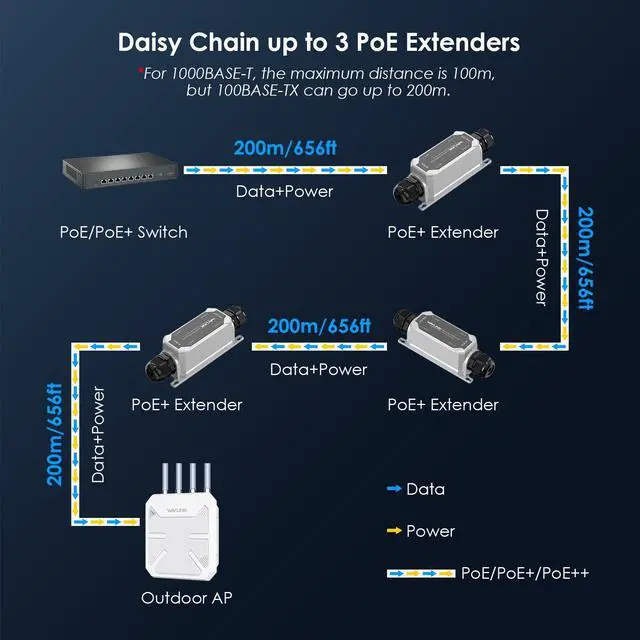
Achieves a single-level transmission distance of up to 200 meters, extendable through cascading.
Capable of two-level cascading to achieve a transmission distance of up to 600 meters.
Supports Gigabit Ethernet transmission for high-speed data transfer.
Features a metal housing design, making it durable and resistant to impacts.
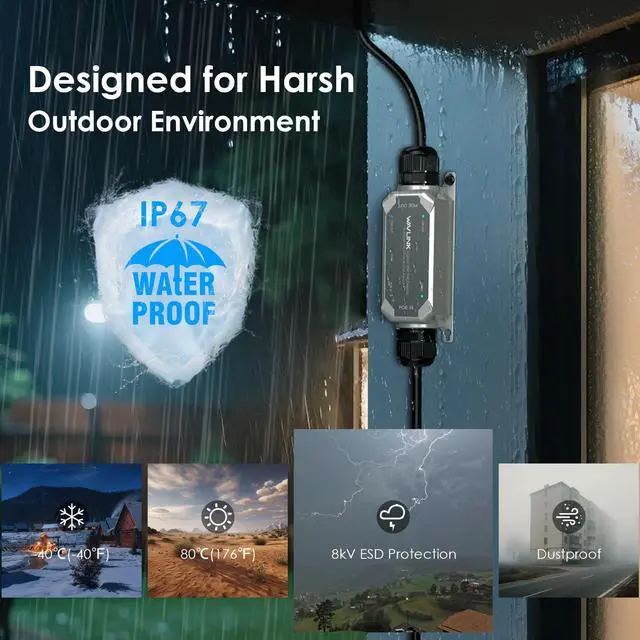
Equipped with IP67 waterproof and dustproof capabilities, suitable for harsh outdoor environments.
Designed specifically for outdoor use, adaptable to high and low temperatures, humidity, and other conditions.
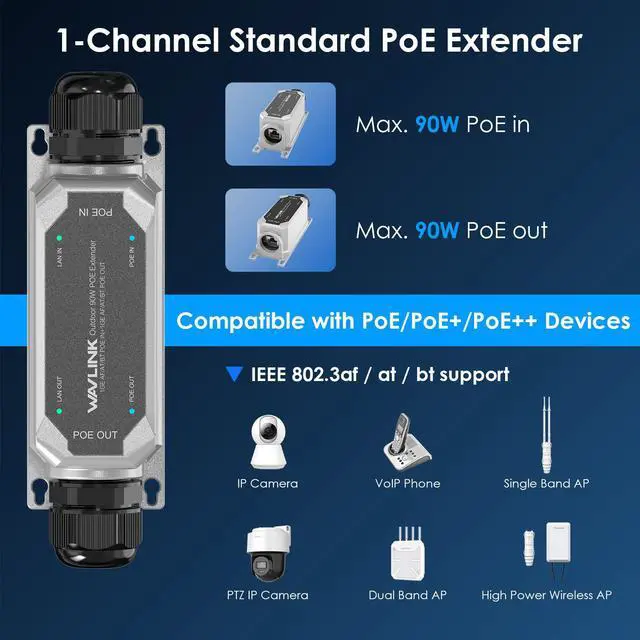
Compliant with IEEE 802.3af/at standards, compatible with a variety of POE devices.
Suitable for various scenarios, including security monitoring, smart agriculture, and industrial parks.
The maximum distance for 1000BASE-T is 100m, compared to 200m for 100BASE-TX.
Specification
Product Model: WN901G2
Protocol Standard: IEEE 802.3af/at compliant with auto-sensing power delivery
Port: 1xPoE In,1xPoE Out(10/100/1000Mbps)
Cable Support: Cat5e+ UTP (100m for 1000BASE-T, 200m for 100BASE-TX)
Product Size: 4.4*12.5*4.3cm/1.7*4.9*1.7in
Product Weight: 221g/7.8oz
Daisy Chain: 2-levels Cascade
LED Indicator: LAN IN/OUT, POE IN/OUT
Operation Temperature: -40~80(-40~176)
ESD Protection: 8kV
Steps to Install the Ethernet Cable
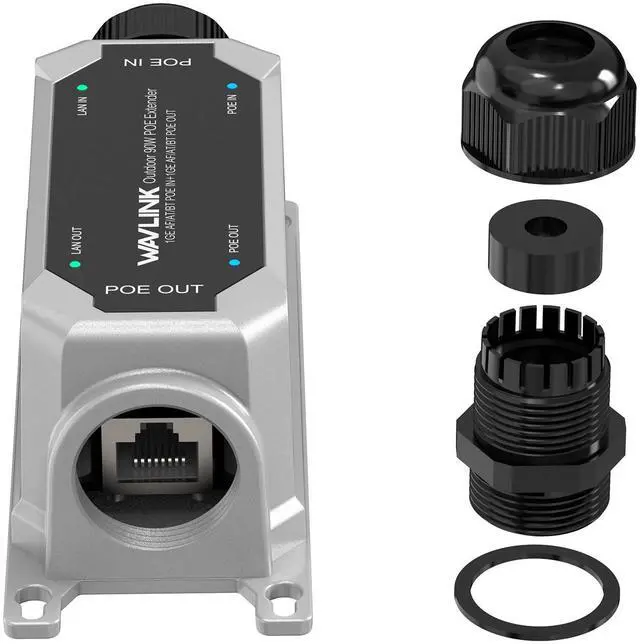
Step 1. Loosen dust cap and claw body counterclockwise with wrench.
Step 2. Remove the seal insert from the claw body, then pass the Ethernet cable through the dust cap, seal insert, claw body(with the silicone washer) in turn.
Step 3. Insert the seal insert into the claw body, then connect the Ethernet cable to the PoE IN and OUT port respectively.
Step 4. Fasten dust cap and claw body clockwise with wrench.
Wall Mounting Instructions
Step 1. Mount the PoE extender to the wall, then drill two holes through its mounting holes.
Step 2. Insert the screws into the holes, keeping a slight gap.
Step 3. Mount the PoE extender onto the wall screws.
Pole Mounting Instructions
Step 1. Thread the cable tie through the PoE Extender's holes.
Step 2. Wrap it around the pole, and secure the tie.
*Note: Cable ties are not included.
Package Contents
-1x Outdoor Waterproof 30W PoE Extender
-1x Wrench
-1x Screw Kits
-1x User Manual


