


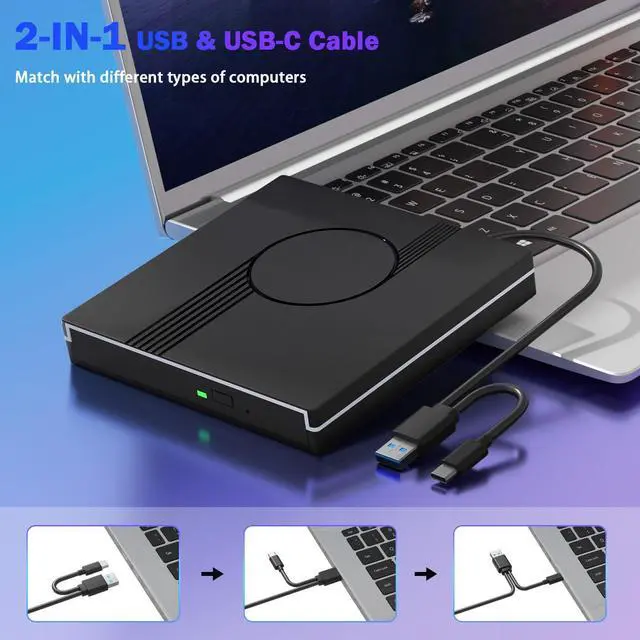
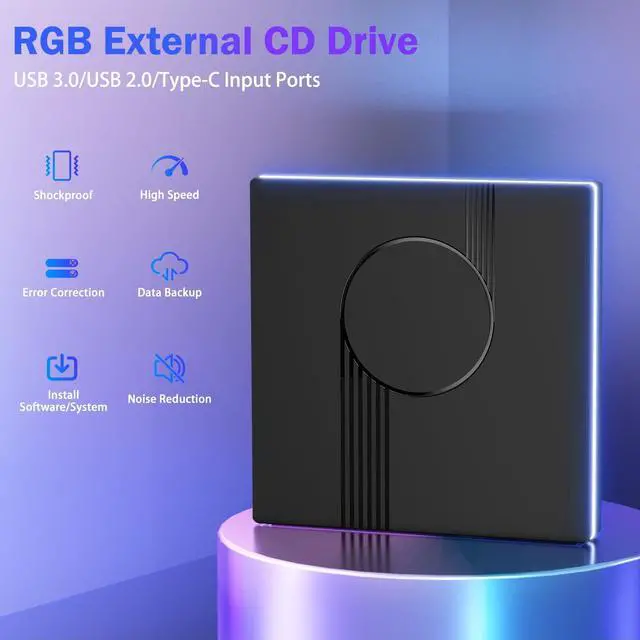
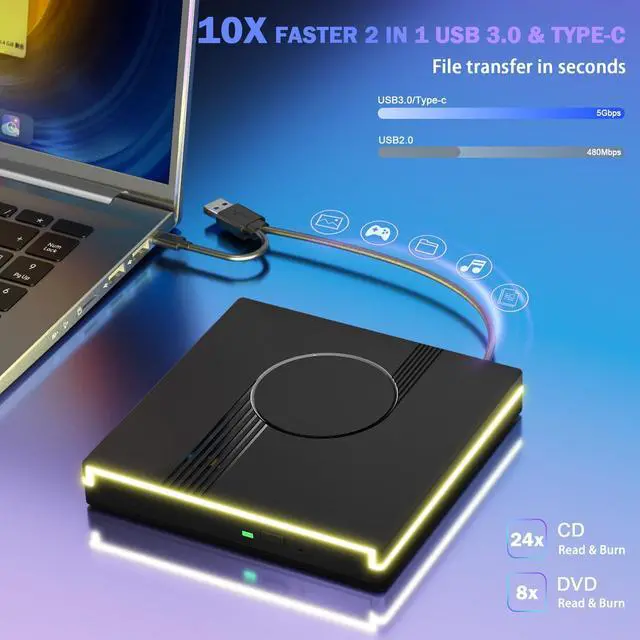


Wbacon
Let you enjoy maximum visual enjoyment.

- Wbacon prioritises quality through out the entire production process, from receiving materials to shipping the fnished product. We conduct multiple inspections to ensure our customers receive brand new products with excellent performance.
- Our aim is to provide our customers with the best possible shopping experience through our focus on high quality and high performance, and our dedication to research and development.
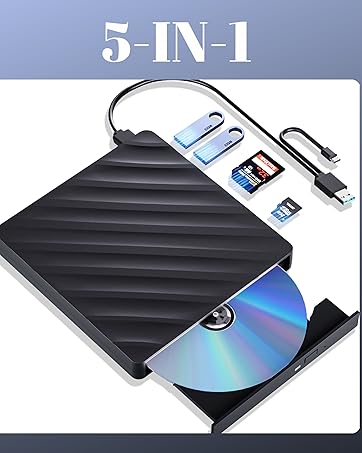
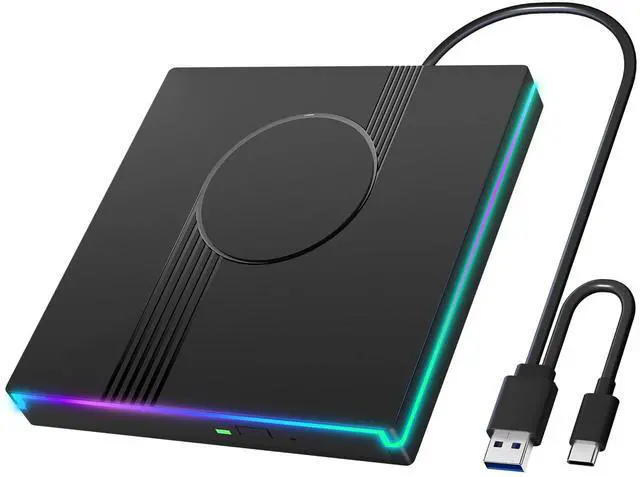
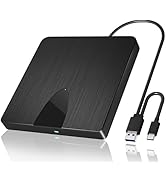
External Blu Ray Drive
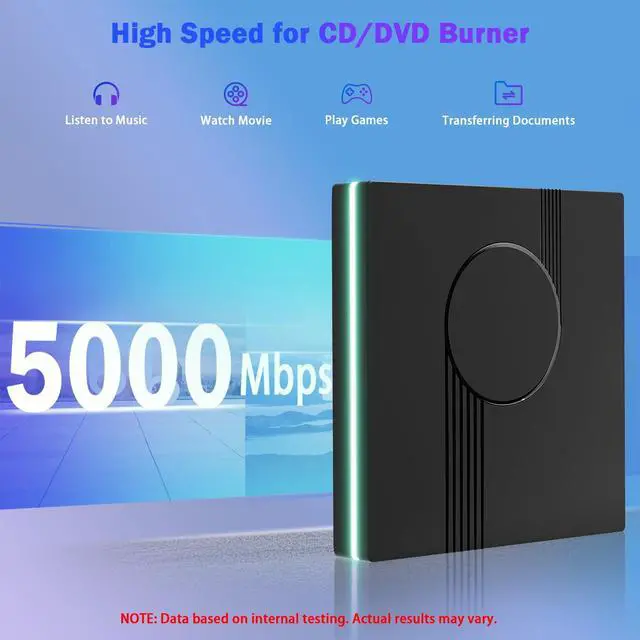
- High Performance: BD:6X, DVD:8X, CD:24X
- Support 50G BD Disc Read
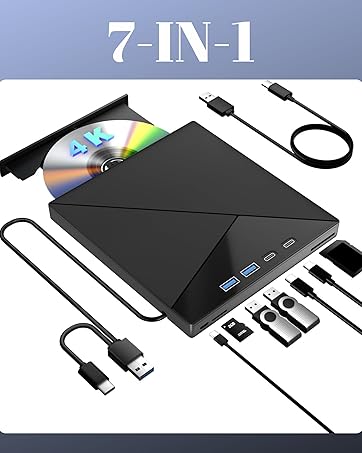
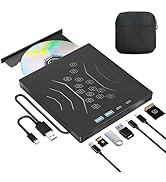
7IN1 External 4K Bluray Drive
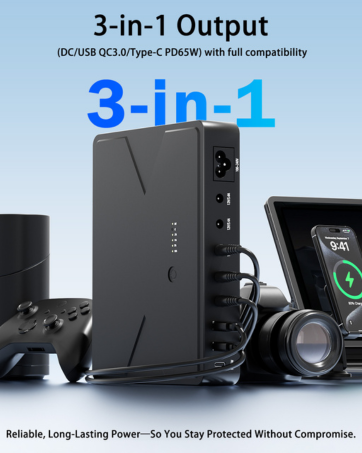
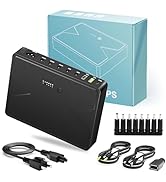
MINI UPS
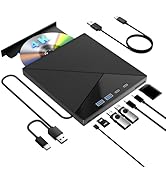
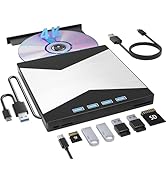
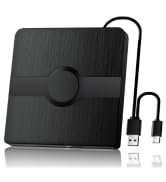
Multi-interface Blu Ray Drive
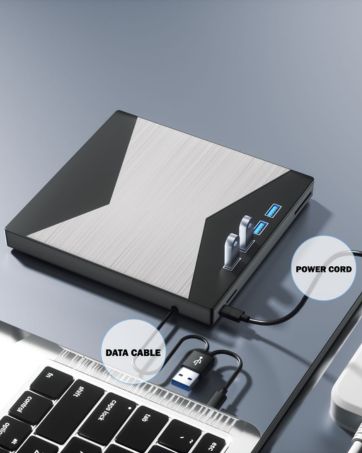
MultiFunction BD/DVD/CD Player
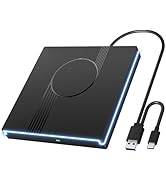
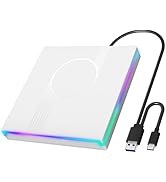
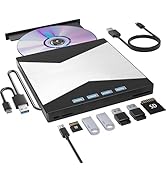
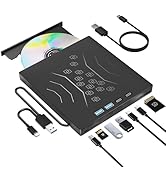
Multi-interface CD/DVD Drive
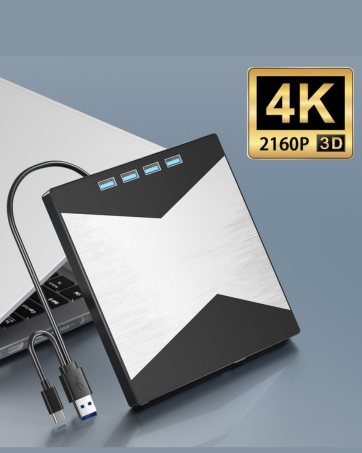
4K Blu Ray Burner
Reliable and Working


Troubleshooting Steps
- Do not look directly at the internal laser light source as it may be harmful to the eyes.
- Keep the drive away from strong magnetic objects and ensure it is placed on a stable desktop surface to prevent damage or unstable operation.
- The data transfer speed may be affected by the computer and system environment.
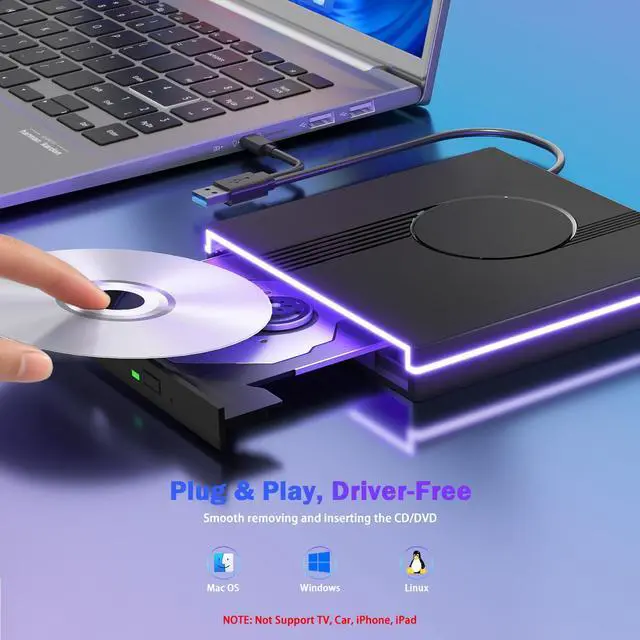
- This drive does not support use in TV, car, Blu-ray players, projectors, tablets, smartphones, Chromebooks, or Ubuntu systems.
- If the driver cannot be recognized by your computer or you are experiencing issues with CD playback, try connecting the drive directly to a USB port on your laptop or back USB port on your desktop computer. Ensure the CD is properly inserted and not scratched.
- Make sure there is a built-in practical driver software on your computer or try using the drive with another device.
- Set the area code correctly according to your region to play discs from that region. NOTE: Each external optical only allows us to changethe region code 4~5 times.
- Make sure your computer has a media player software such as VLC Media Player before using the external drive.


Troubleshooting Steps
- Do not look directly at the internal laser light source as it may be harmful to the eyes.
- Keep the drive away from strong magnetic objects and ensure it is placed on a stable desktop surface to prevent damage or unstable operation.
- The data transfer speed may be affected by the computer and system environment.
- This drive does not support use in TV, car, Blu-ray players, projectors, tablets, smartphones, Chromebooks, or Ubuntu systems.
- If the driver cannot be recognized by your computer or you are experiencing issues with CD playback, try connecting the drive directly to a USB port on your laptop or back USB port on your desktop computer. Ensure the CD is properly inserted and not scratched.
- Make sure there is a built-in practical driver software on your computer or try using the drive with another device.
- Set the area code correctly according to your region to play discs from that region. NOTE: Each external optical only allows us to changethe region code 4~5 times.
- Make sure your computer has a media player software such as VLC Media Player before using the external drive.
Wbacon
Let you enjoy maximum visual enjoyment.
- Wbacon prioritises quality through out the entire production process, from receiving materials to shipping the fnished product. We conduct multiple inspections to ensure our customers receive brand new products with excellent performance.
- Our aim is to provide our customers with the best possible shopping experience through our focus on high quality and high performance, and our dedication to research and development.
External Blu Ray Drive
- High Performance: BD:6X, DVD:8X, CD:24X
- Support 50G BD Disc Read
7IN1 External 4K Bluray Drive
MINI UPS
Multi-interface Blu Ray Drive
MultiFunction BD/DVD/CD Player
Multi-interface CD/DVD Drive
4K Blu Ray Burner
Reliable and Working