





Wbacon
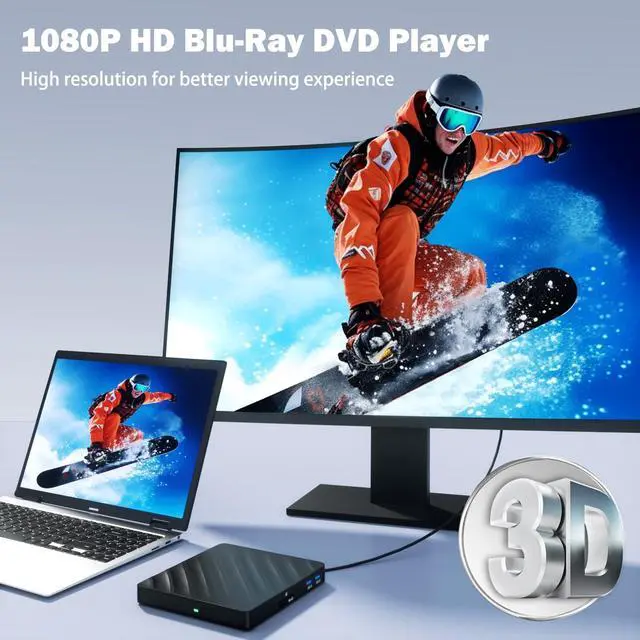
Let you enjoy maximum visual enjoyment.

- Wbacon prioritises quality through out the entire production process, from receiving materials to shipping the fnished product. We conduct multiple inspections to ensure our customers receive brand new products with excellent performance.
- Our aim is to provide our customers with the best possible shopping experience through our focus on high quality and high performance, and our dedication to research and development.
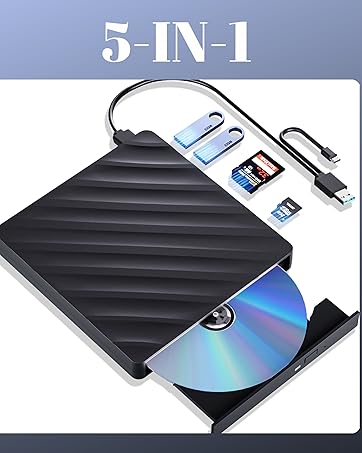
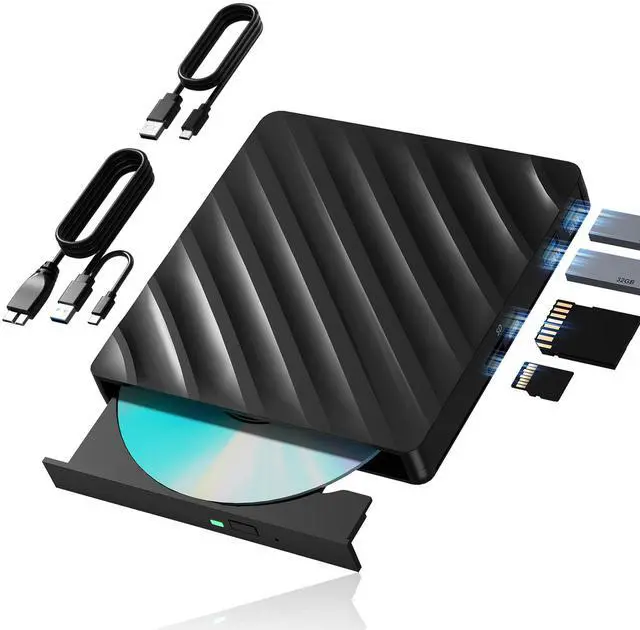
External Blu Ray Drive
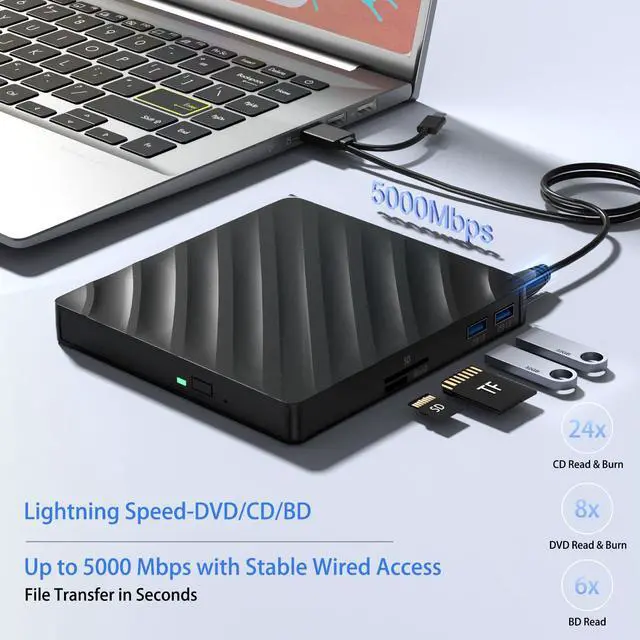
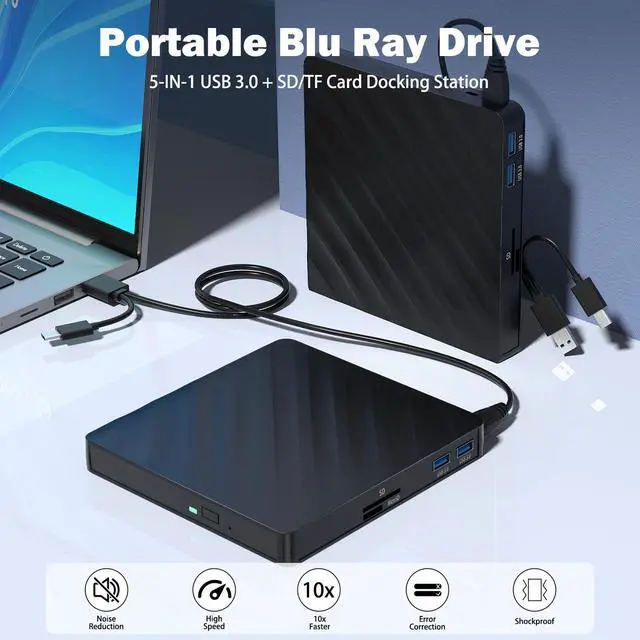
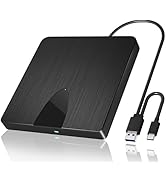
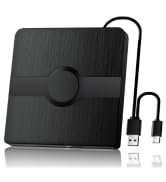
- High Performance: BD:6X, DVD:8X, CD:24X
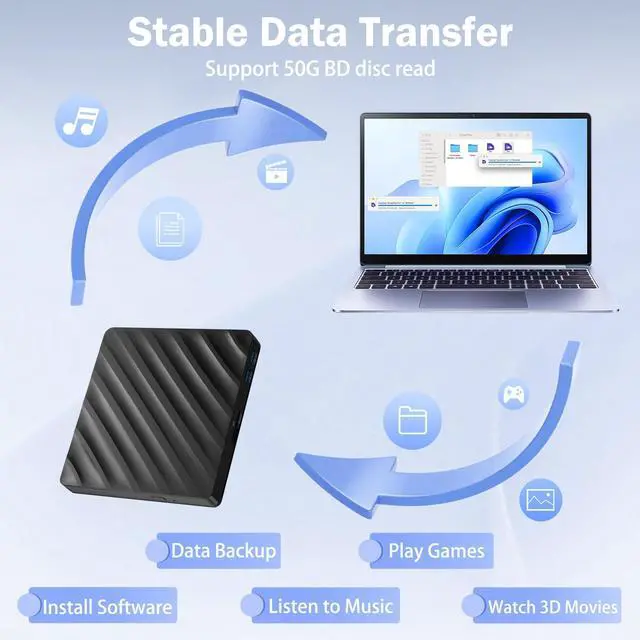
- Support 50G BD Disc Read
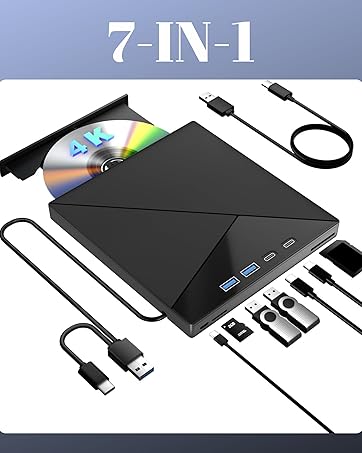
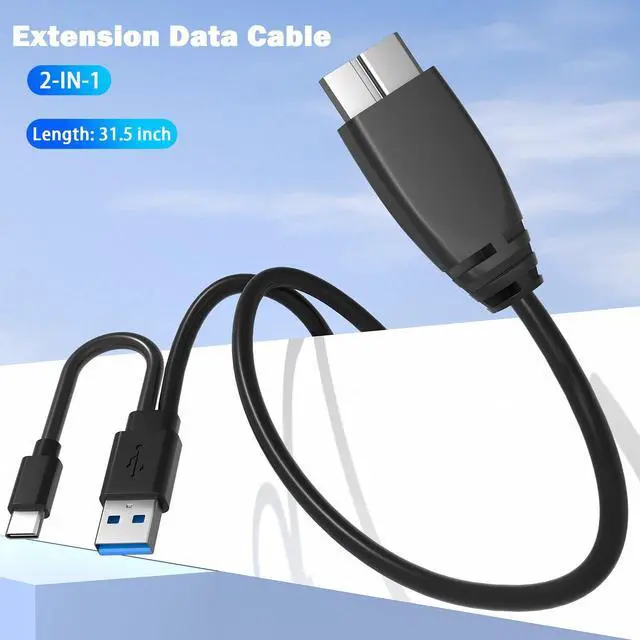
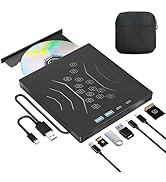
7IN1 External 4K Bluray Drive
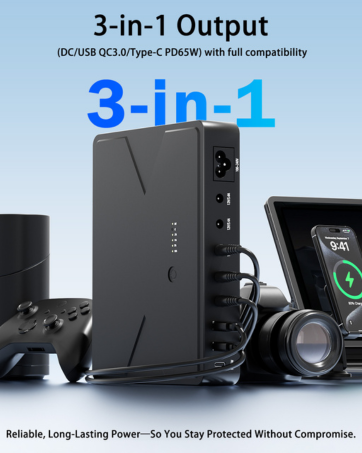
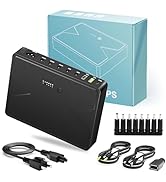
MINI UPS
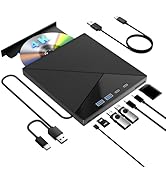
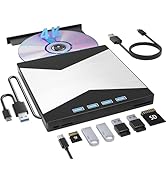
Multi-interface Blu Ray Drive
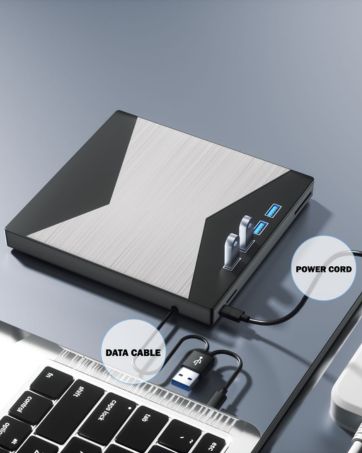
MultiFunction BD/DVD/CD Player
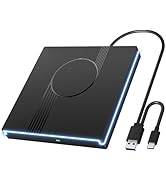
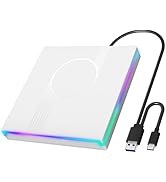
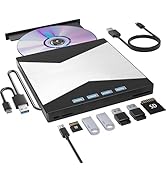
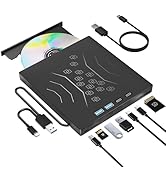
Multi-interface CD/DVD Drive
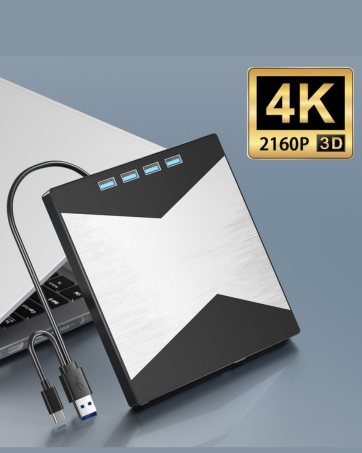
4K Blu Ray Burner
Reliable and Working


external blu ray drive
Merchant Video


FREQUENTLY ASKED QUESTIONS
Why the optical drive loses connection while reading discs?
- The issue may be caused by insufficient power. Recommended fixes: a. Use a "Powered" USB hub (with external power adapter); Avoid laptop Type-C adapters (may lack sufficient power) b. System Adjustments Windows: Device Manager ? Universal Serial Bus controllers ? Right-click USB Root Hub ? Properties ? Power Management ? Uncheck "Allow the computer to turn off this device to save power" Mac: Run sudo pmset -a disablesleep 1 in Terminal (temporarily disables USB sleep)
Why the optical drive don't work in Macbook or Windows?
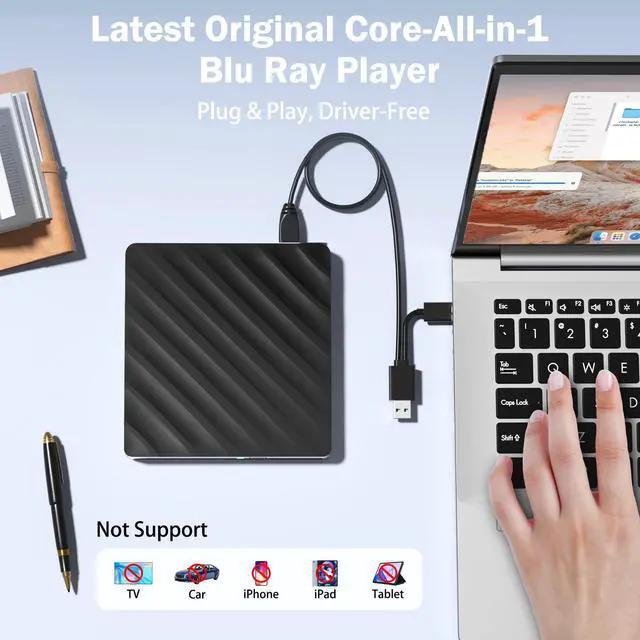
- For Windows: Check for Windows Updates, Sometimes a system update may resolve compatibility issues;
- Ensure the Cable and Connection; Must be plugged into the computer and can not be plugged into the HUB; Try different ports if possible and try the Optical Drive on Another Computer. This will help customer determine if the issue is with the optical drive itself or the computer.
Why the optical drive did not function, or stopped working after they received?
- Ensure the disc is clean and free from scratches. Use a soft cloth to wipe the disc in a circular motion. Also, check if the disc is supported by the drive (e.g., some drives may only support certain formats like CD-R, DVD-R, or Blu-ray).
- Ensure that the drive is properly connected (internally or via USB) and securely plugged into the computer. For external drive, try using a different USB port to rule out connection issues.
- Update or Reinstall Drivers (Windows): 1. Device Manager > DVD/CD-ROM Drives; 2.Right-click the optical drive and select Update Driver; 3. Choose Search automatically for updated driver software; 4. If no updates are found, try uninstalling the driver and rebooting the system; 5. Windows should automatically reinstall the drivers.


external blu ray drive
Merchant Video


FREQUENTLY ASKED QUESTIONS
Why the optical drive loses connection while reading discs?
- The issue may be caused by insufficient power. Recommended fixes: a. Use a "Powered" USB hub (with external power adapter); Avoid laptop Type-C adapters (may lack sufficient power) b. System Adjustments Windows: Device Manager ? Universal Serial Bus controllers ? Right-click USB Root Hub ? Properties ? Power Management ? Uncheck "Allow the computer to turn off this device to save power" Mac: Run sudo pmset -a disablesleep 1 in Terminal (temporarily disables USB sleep)
Why the optical drive don't work in Macbook or Windows?
- For Windows: Check for Windows Updates, Sometimes a system update may resolve compatibility issues;
- Ensure the Cable and Connection; Must be plugged into the computer and can not be plugged into the HUB; Try different ports if possible and try the Optical Drive on Another Computer. This will help customer determine if the issue is with the optical drive itself or the computer.
Why the optical drive did not function, or stopped working after they received?
- Ensure the disc is clean and free from scratches. Use a soft cloth to wipe the disc in a circular motion. Also, check if the disc is supported by the drive (e.g., some drives may only support certain formats like CD-R, DVD-R, or Blu-ray).
- Ensure that the drive is properly connected (internally or via USB) and securely plugged into the computer. For external drive, try using a different USB port to rule out connection issues.
- Update or Reinstall Drivers (Windows): 1. Device Manager > DVD/CD-ROM Drives; 2.Right-click the optical drive and select Update Driver; 3. Choose Search automatically for updated driver software; 4. If no updates are found, try uninstalling the driver and rebooting the system; 5. Windows should automatically reinstall the drivers.
Wbacon
Let you enjoy maximum visual enjoyment.
- Wbacon prioritises quality through out the entire production process, from receiving materials to shipping the fnished product. We conduct multiple inspections to ensure our customers receive brand new products with excellent performance.
- Our aim is to provide our customers with the best possible shopping experience through our focus on high quality and high performance, and our dedication to research and development.
External Blu Ray Drive
- High Performance: BD:6X, DVD:8X, CD:24X
- Support 50G BD Disc Read
7IN1 External 4K Bluray Drive
MINI UPS
Multi-interface Blu Ray Drive
MultiFunction BD/DVD/CD Player
Multi-interface CD/DVD Drive
4K Blu Ray Burner
Reliable and Working