








At wegear, we specialize in high-performance mice and keyboards for both work and play, offering diverse styles and colors to suit every need. Combining cutting-edge technology with sleek design, our products empower you to excel in any task.
Committed to quality and service, wegear strives to make your tech life seamless, stylish, and efficient.
Welcome to wegear, where innovation meets you.




wegear Keyboard and Mouse



wegear Mouse







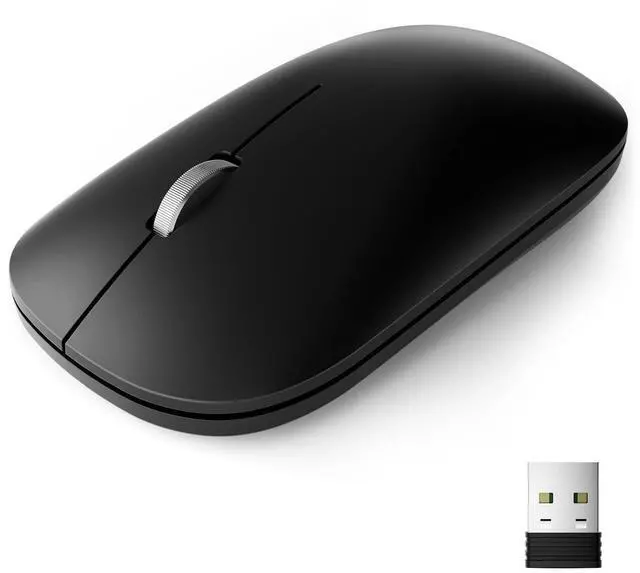
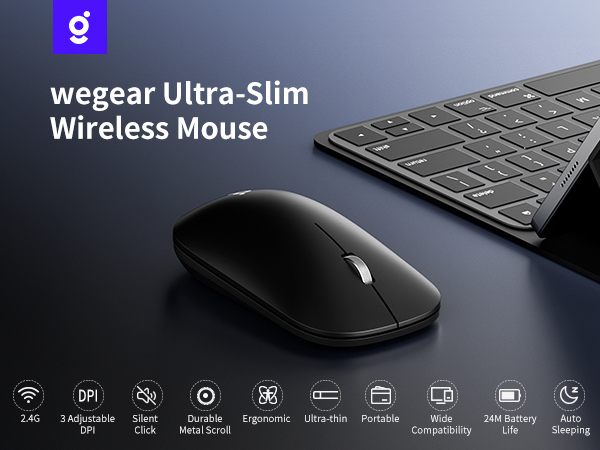
wegear Wireless Mouse Series
 Slim Mouse |  Bluetooth Mouse |  USB Mouse |  Small Mouse | |
|---|---|---|---|---|
Customer Reviews | — | — | — | — |
Price | — | — | — | — |
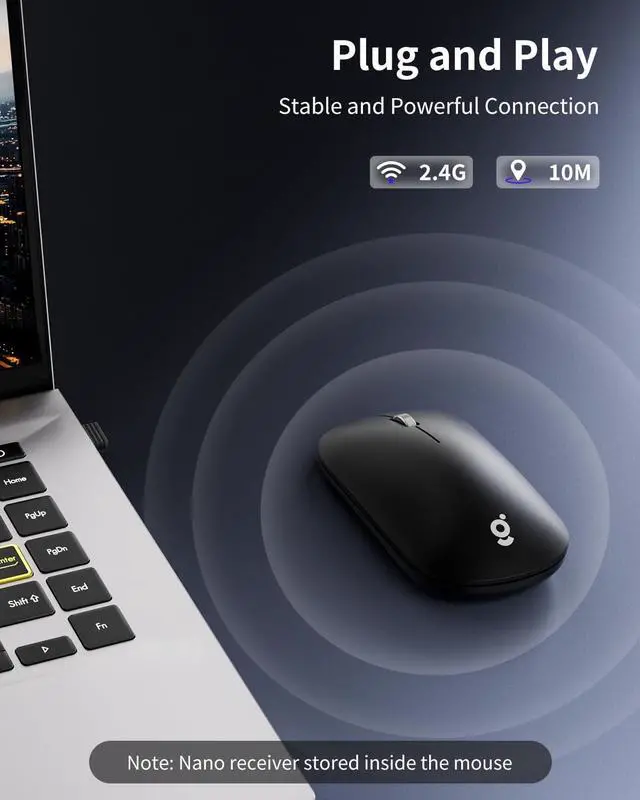
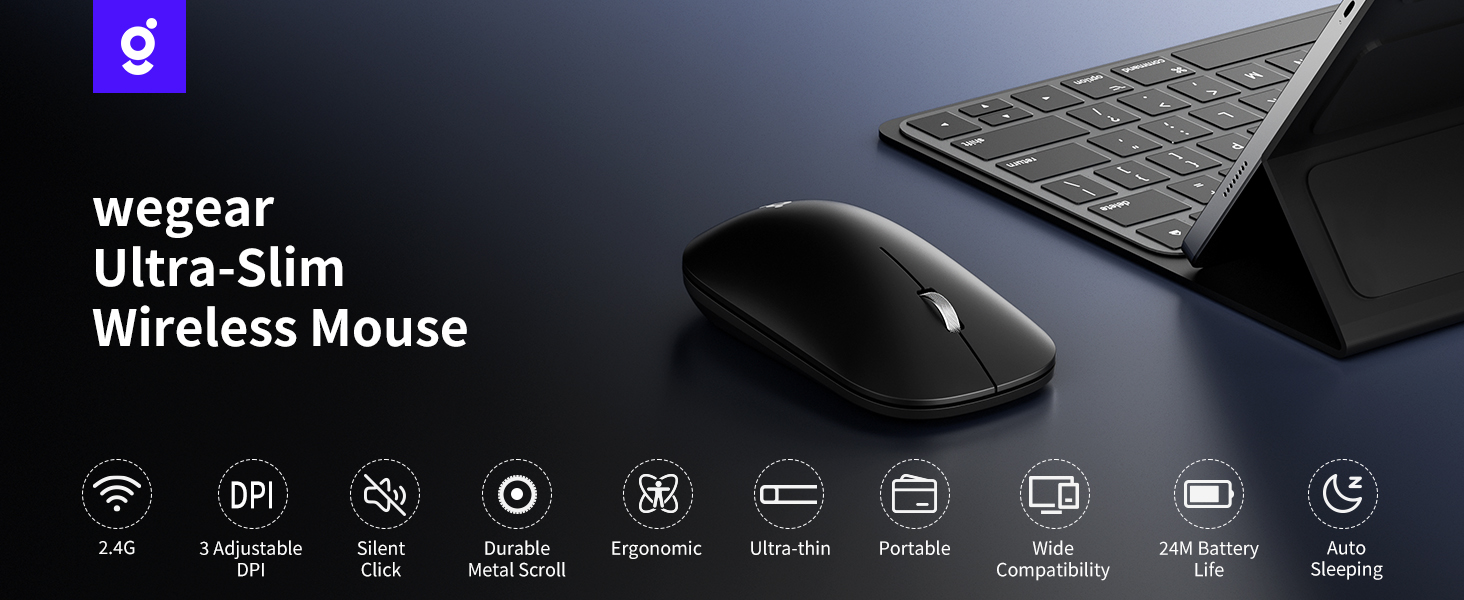
Connection Method | 2.4G USB | Bluetooth 5.0 | 2.4G USB | 2.4G USB |
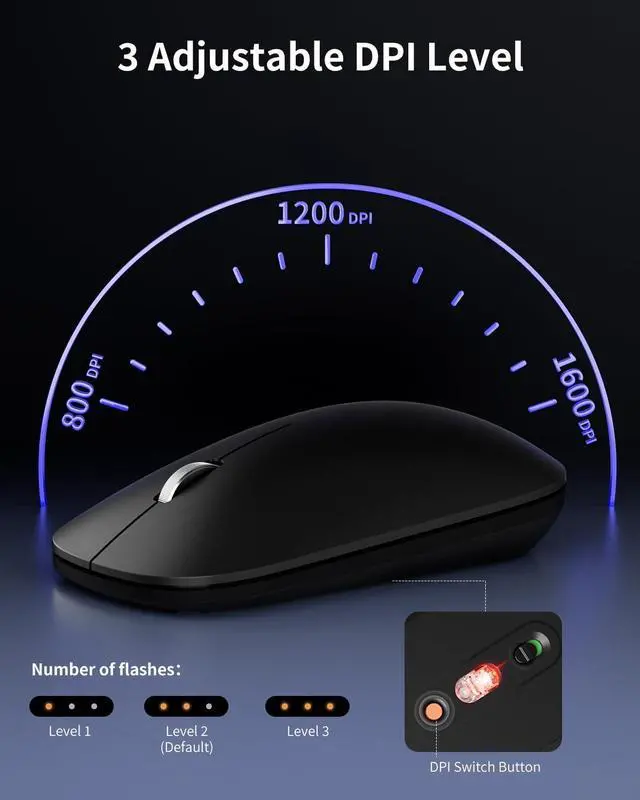
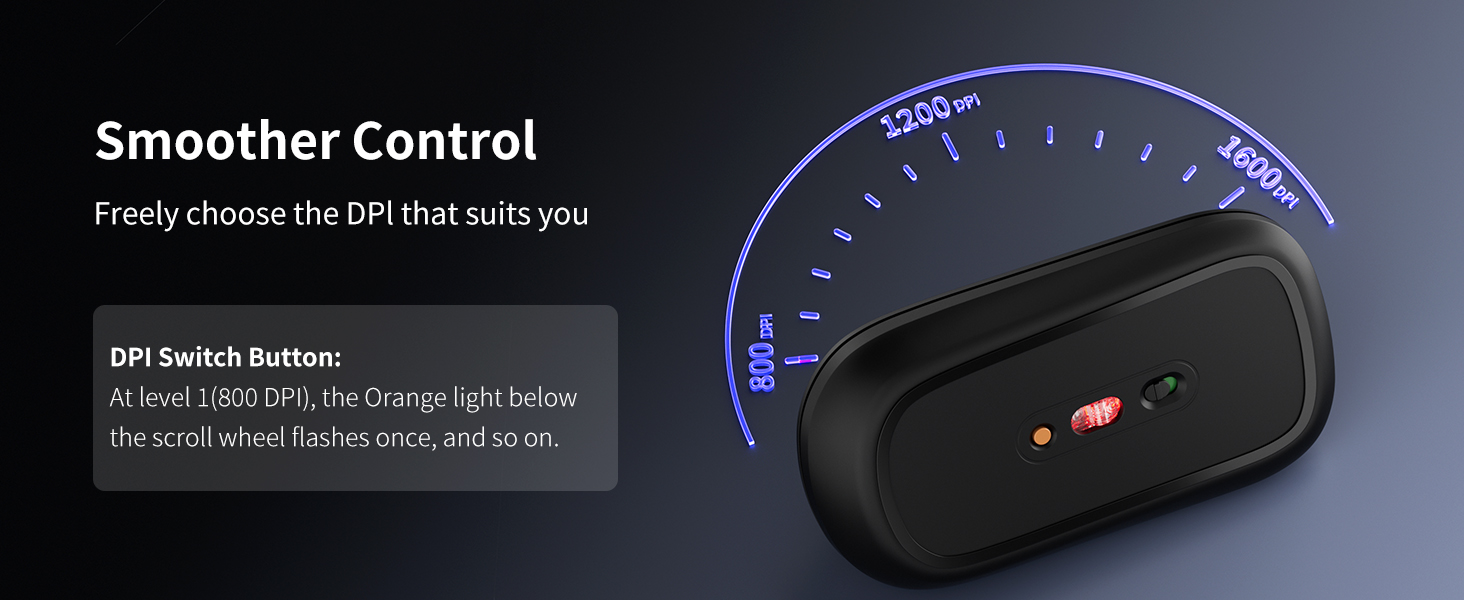
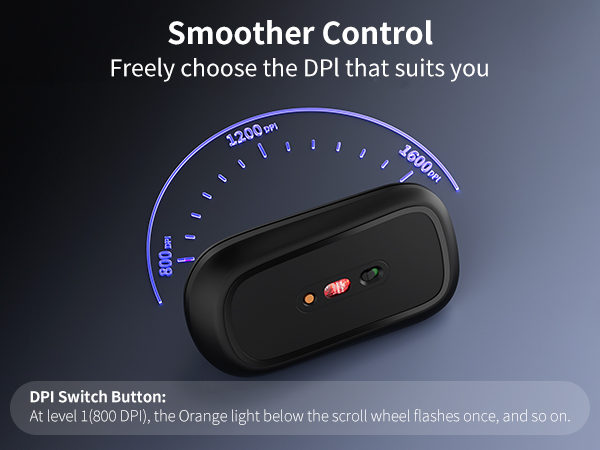
DPI | 3-Level | 3-Level | 5-Level | 5-Level |
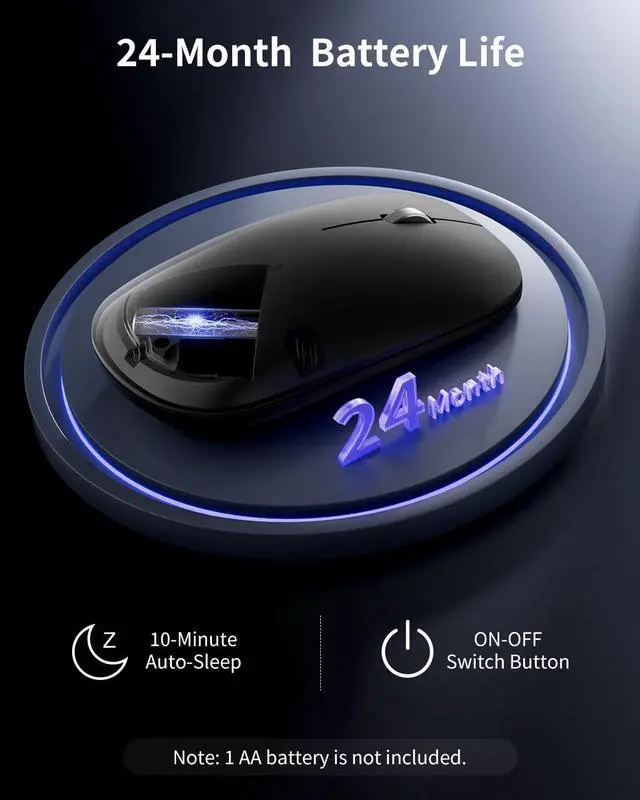
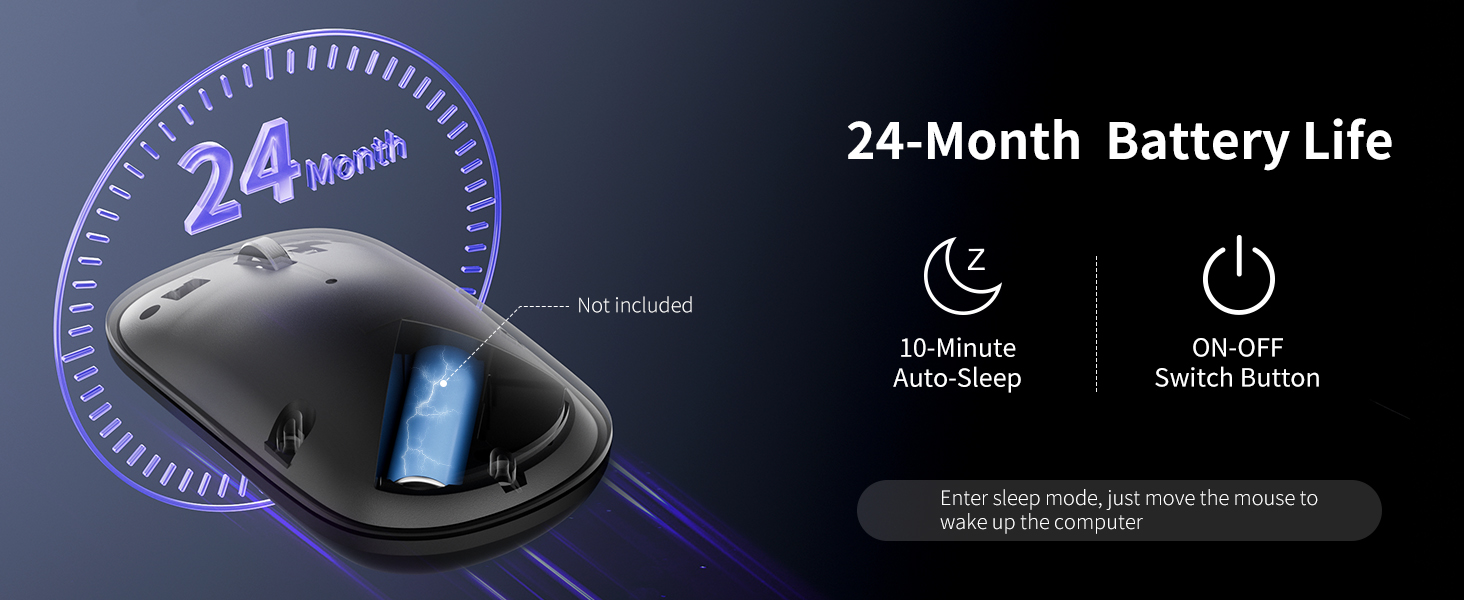
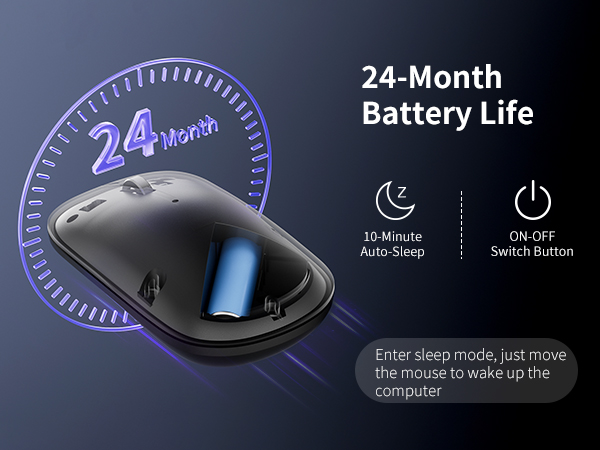
Battery Life | 24 Month | 24 Month | 24 Month | 24 Month |
Charging Method | 1 AA Battery | 1 AA Battery | 1 AA Battery | 1 AA Battery |
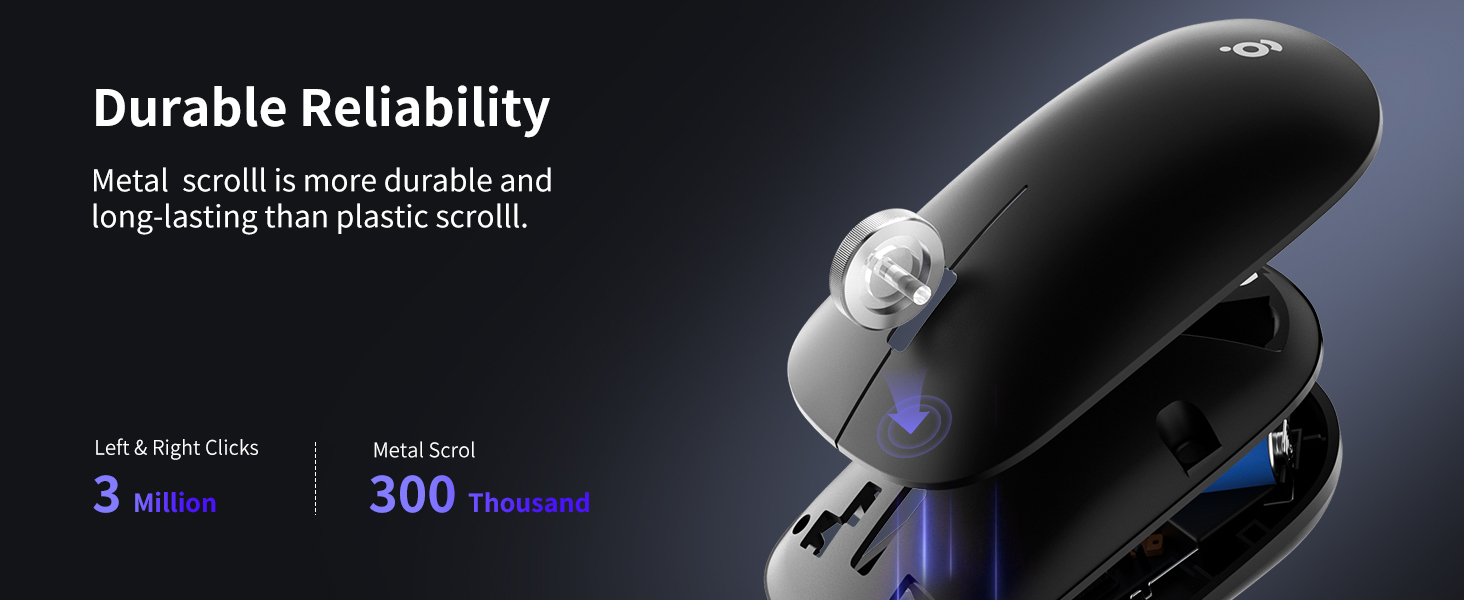
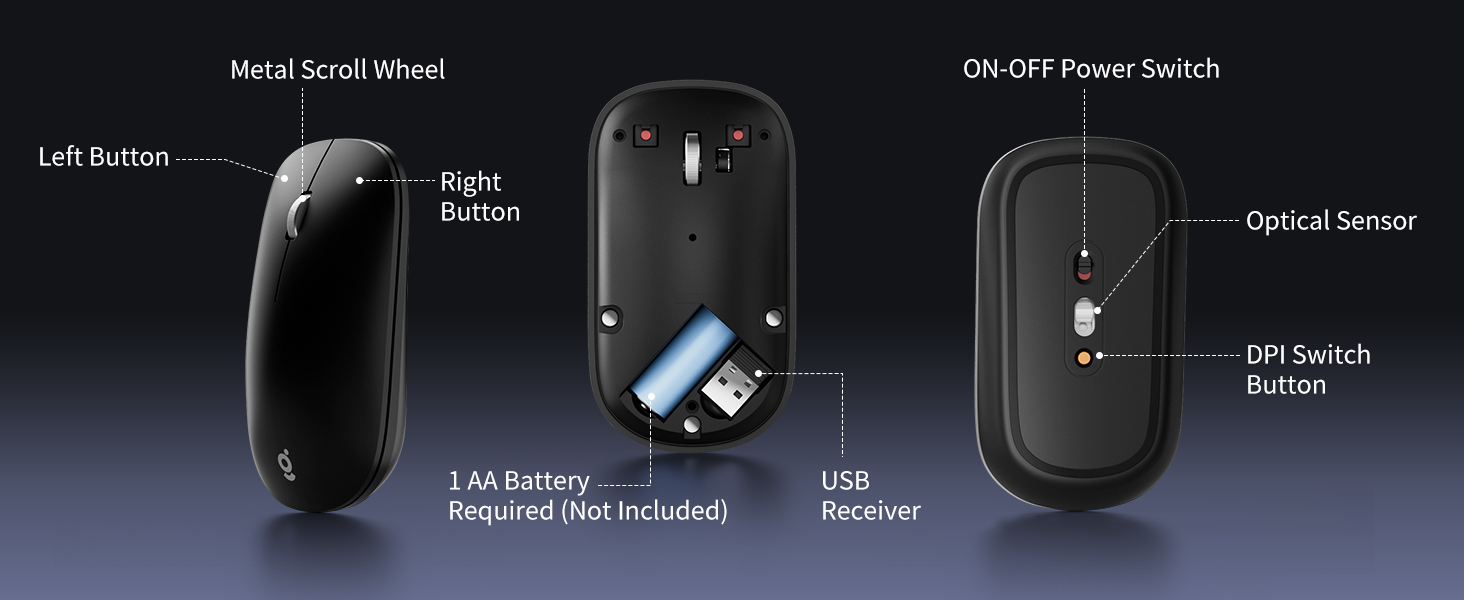
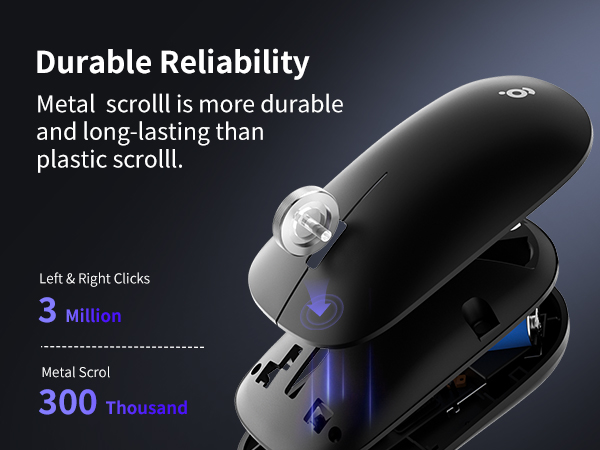
Unique Characteristic | Metal Scroll | Semi-Transparent Matte Cover | Side Buttons | Non-Slip Side |
Silent Design | ? | ? | ? | ? |
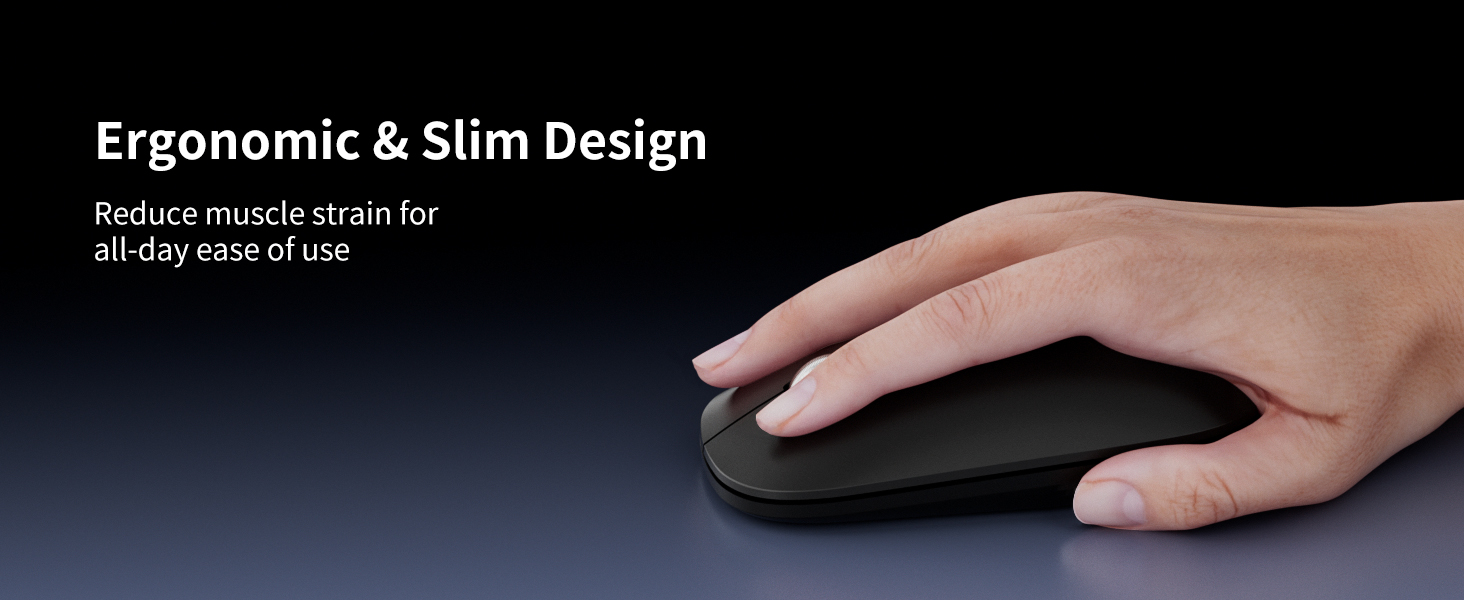
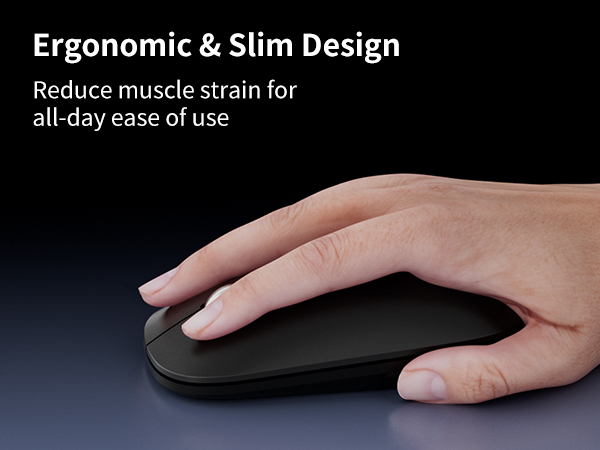
Ergonomic Design | ? | ? | ? | ? |
How to disassemble the mouse?
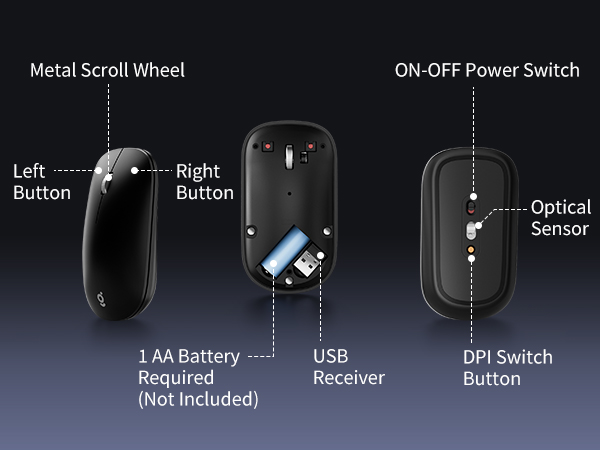
Pick up the top cover, open it from the tail first, push it down, and then lift the top cover vertically to avoid breaking the plastic parts.
How to install the mouse?
After the magnetic holes are aligned, you can easily close it for use. If the left and right buttons are not aligned, you need to adjust the empty space and press it.







wegear Wireless Mouse Series
Slim Mouse | Bluetooth Mouse | USB Mouse | Small Mouse |
|---|---|---|---|
| Customer Reviews | |||
| — | — | — | — |
| Price | |||
| — | — | — | — |
| Connection Method | |||
| 2.4G USB | Bluetooth 5.0 | 2.4G USB | 2.4G USB |
| DPI | |||
| 3-Level | 3-Level | 5-Level | 5-Level |
| Battery Life | |||
| 24 Month | 24 Month | 24 Month | 24 Month |
| Charging Method | |||
| 1 AA Battery | 1 AA Battery | 1 AA Battery | 1 AA Battery |
| Unique Characteristic | |||
| Metal Scroll | Semi-Transparent Matte Cover | Side Buttons | Non-Slip Side |
| Silent Design | |||
| ? | ? | ? | ? |
| Ergonomic Design | |||
| ? | ? | ? | ? |
How to disassemble the mouse?
Pick up the top cover, open it from the tail first, push it down, and then lift the top cover vertically to avoid breaking the plastic parts.
How to install the mouse?
After the magnetic holes are aligned, you can easily close it for use. If the left and right buttons are not aligned, you need to adjust the empty space and press it.
At wegear, we specialize in high-performance mice and keyboards for both work and play, offering diverse styles and colors to suit every need. Combining cutting-edge technology with sleek design, our products empower you to excel in any task.
Committed to quality and service, wegear strives to make your tech life seamless, stylish, and efficient.
Welcome to wegear, where innovation meets you.
wegear Keyboard and Mouse
wegear Mouse