
Your Browsing History



Any questions? Our AI beta will help you find out quickly.
| Brand | Intuit |
|---|---|
| Model | 409575 |
| Type | Learning |
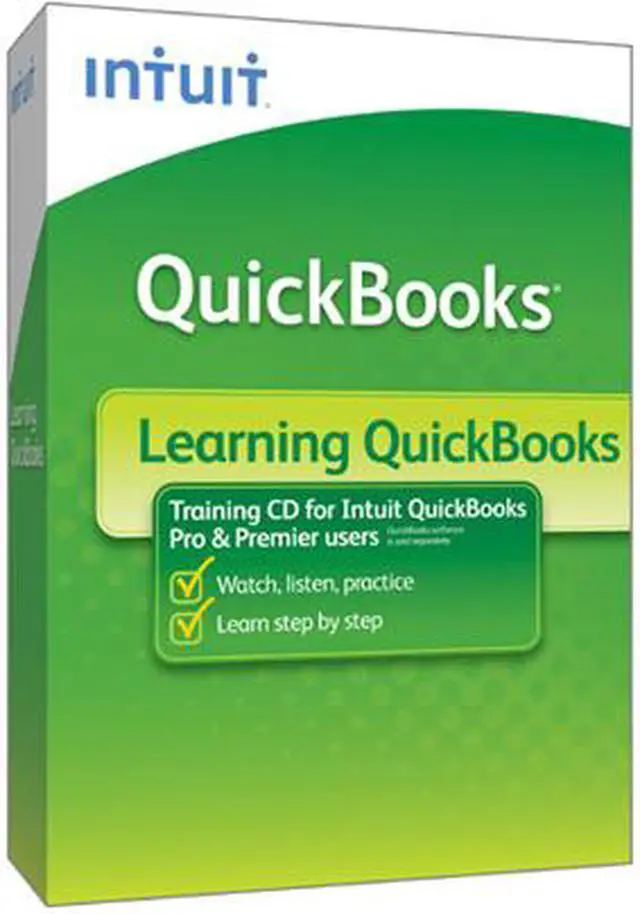
| Name | Learning Quickbooks For Win 2010 |
|---|---|
| Operating Systems Supported | Windows |
| System Requirements | 100 MHz Intel Pentium (or equivalent) with 32MB of RAM 1024x768 screen display resolution One of the following Operating Systems: Windows XP (home & professional), and Windows Vista (32_ bit version only) Browser: Internet Explorer 5.x, 6.x, Netscape 4.5xa, 4.7xa, 7.0 (higher than 7.0 not supported) Disk: 200 MB free space Windows compatible sound card Monitor: 16 bit colors (high color) 2x CD-Rom drive Recommended System Requirements 500 MHz Intel Pentium (or equivalent) with 96MB of RAM XP (SP1) 1024x768 screen display resolution One of the following Operating Systems: Windows XP (home & professional), and Windows Vista (32_ bit version only) Browser: Internet Explorer 5.x, 6.x, Netscape 4.5xa, 4.7xa, 7.0 (higher than 7.0 not supported) 8 MB video card Disk: 40 MB free space Monitor: 16 bit colors (high color) 8x CD-Rom drive External speakers with volume control |
| Packaging | Retail |
| Feature | An overview of bookkeeping basics Orientation to QuickBooks Why good accounting is crucial to your business How to set-up your data in QuickBooks and get started the right way Essential QuickBooks tasks, like invoicing, receiving payments, and paying bills Guidance on early key decisions Introduction to financial statements Setting up your chart of accounts Using QuickBooks for billing customers Receiving payments and making deposits Monitoring customer payment status Entering and paying bills Writing and voiding checks Reconciling bank accounts Backing up your QuickBooks data When to consult your accountant Shortcuts, tips and tricks for working faster in QuickBooks Interpreting reports Analyzing trends |
|---|
| First Listed on Newegg | October 14, 2009 |
|---|