here!
here!
I’m your shopping assistant for PC builds, upgrades, and everything tech.
Got questions? Ask away!
Start a conversation
here!
I’m your shopping assistant for PC builds, upgrades, and everything tech.
Got questions? Ask away!
Start a conversation
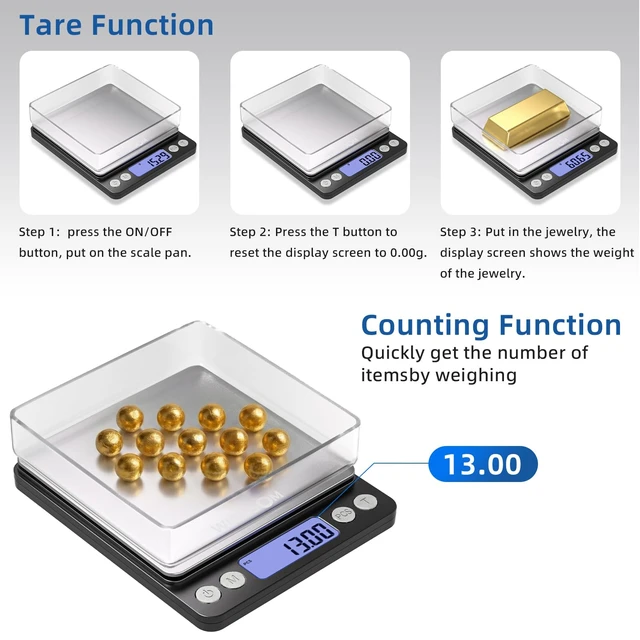
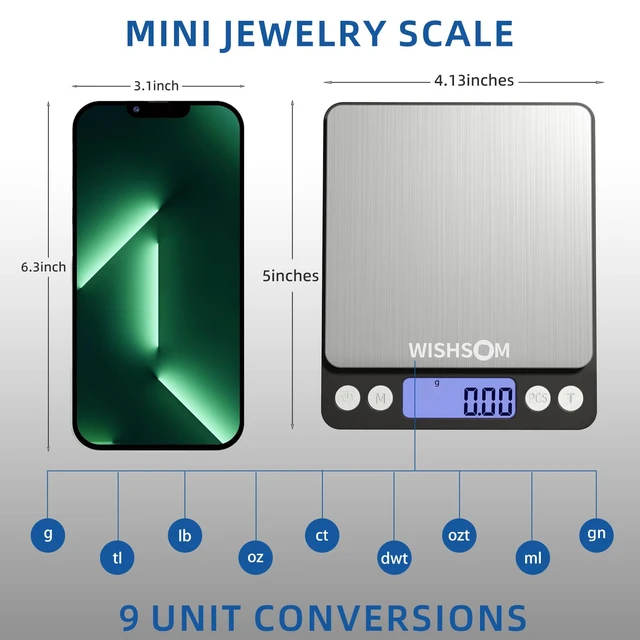
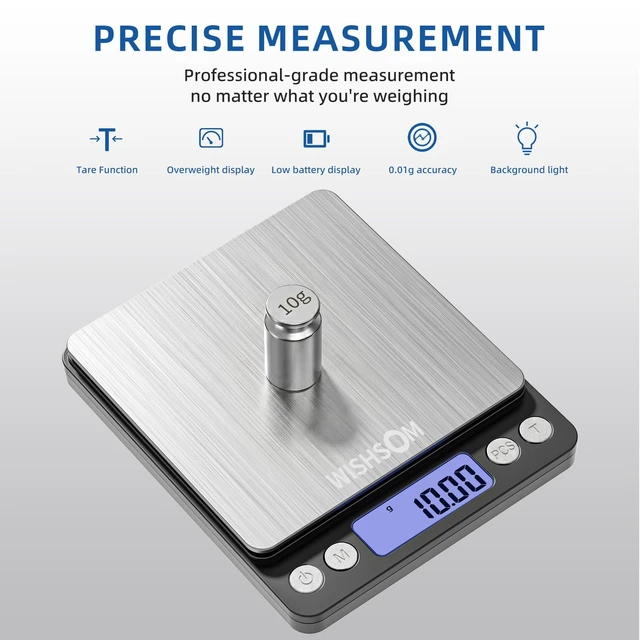
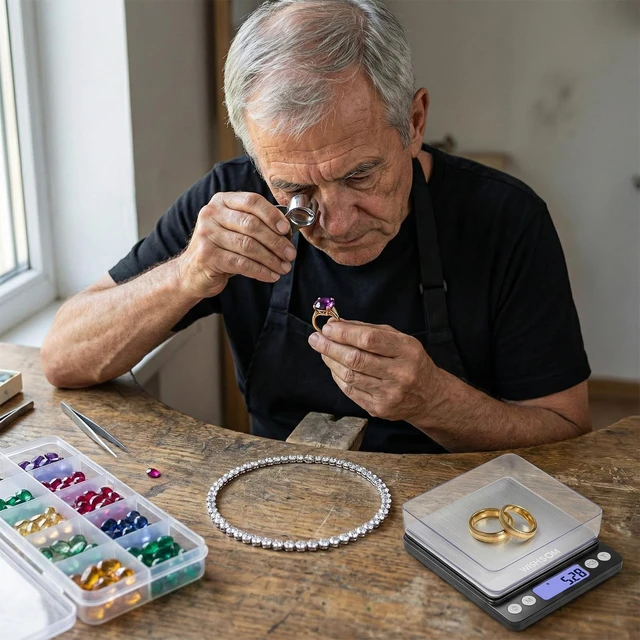



Any questions? Ask CelesteSM will help you find out quickly.
Calibration method:
Calibration is not required before first use. Only calibrate if the scale is not weighing properly.
If you need calibration, under weighing status, press and hold the M button for a few seconds, display will show the default calibration weight or the previous record.
If you don't have the same calibration weight, press the M button again to choose the other weights, there are several weights for options, choose the one you have.
After confirm the calibration weight, press the ON/OFF button and it will show "CAL", the required calibration weight will be displayed.
Place the required calibration weight onto the panel, and press the ON/OFF button again, LCD display "PASS", automatic correction. Remove the calibration weight to use the balance. Please try to use the maximum calibration weight to ensure the more accuracy of the scale. If the scale display "OUT2" when it is turned on, please calibrate it according to the method showed below:
1.Turn off the scale.
2.Press the ON/OFF button and the M button same time for a few seconds until a group of weight digits shows on the screen.
3.Press the ON/OFF button again, the word "CAL" will flash and a certain weight displayed.
4.Place the required calibration weight onto the panel, and press ON/OFF button. LCD display "PASS", automatic correction. Remove the calibration weight to use the balance.
Calibration method:
Calibration is not required before first use. Only calibrate if the scale is not weighing properly.
If you need calibration, under weighing status, press and hold the M button for a few seconds, display will show the default calibration weight or the previous record.
If you don't have the same calibration weight, press the M button again to choose the other weights, there are several weights for options, choose the one you have.
After confirm the calibration weight, press the ON/OFF button and it will show "CAL", the required calibration weight will be displayed.
Place the required calibration weight onto the panel, and press the ON/OFF button again, LCD display "PASS", automatic correction. Remove the calibration weight to use the balance. Please try to use the maximum calibration weight to ensure the more accuracy of the scale. If the scale display "OUT2" when it is turned on, please calibrate it according to the method showed below:
1.Turn off the scale.
2.Press the ON/OFF button and the M button same time for a few seconds until a group of weight digits shows on the screen.
3.Press the ON/OFF button again, the word "CAL" will flash and a certain weight displayed.
4.Place the required calibration weight onto the panel, and press ON/OFF button. LCD display "PASS", automatic correction. Remove the calibration weight to use the balance.