




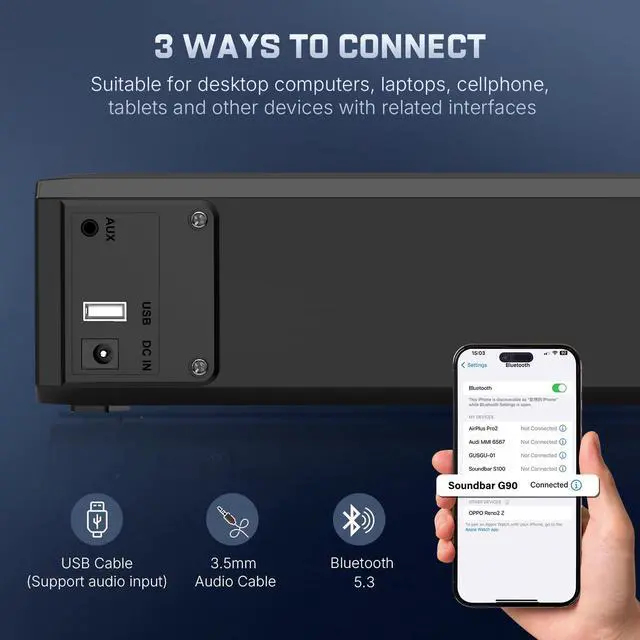
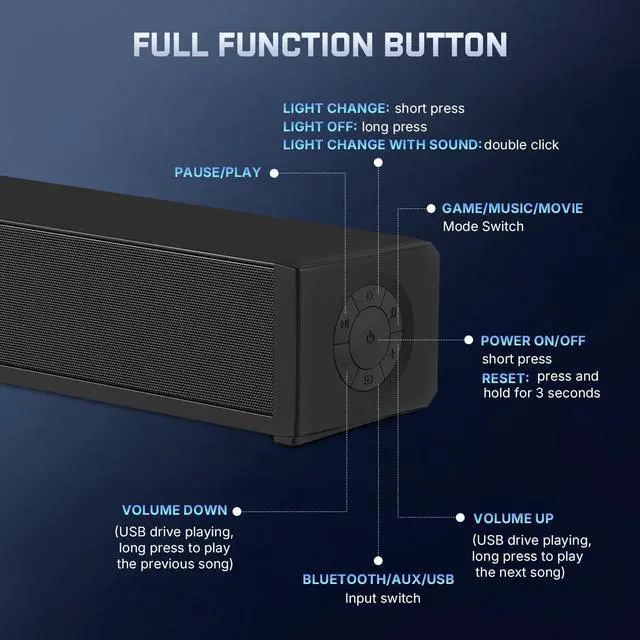


Inserted the USB drive into the computer speakers and power on, then switched to USB input. Why is there no sound?
Insert the U disk into the computer speakers and power on, switch to USB input, this is the computer USB input mode, switch the input mode cyclically, when you switch back to USB mode for the second time, it is the U disk input mode.
Can I use it with my headphones?
No, it is not compatible with headphones.
It dose not work or no sound.
Please follow the Setup Tips or Manual to install it step by step, if this issue can not be fixed, please send email to us, we will help to deal with it without 24 hours.
Why does the sound still very low even when both the audio source and sound bar are turned up to maximum volume?
Please check if the sound source has volume protection set first, turn off the volume protection and then increase the volume.


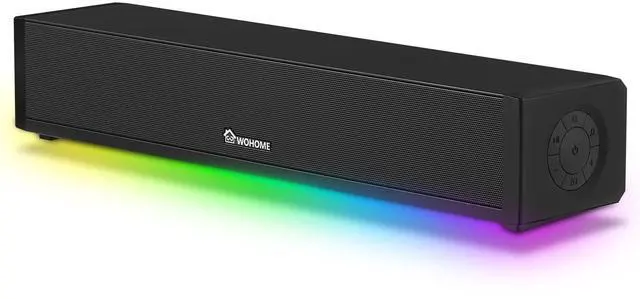
Wohome focus on supplying high-quality home theater soundbar speakers to our customers.
We have a professional engineer team with decades of experience in home theater speaker design, has designed many soundbars for different size TV and home space, provides high-end and entry level soundbar speaker to enrich your choices.
Wohome started our business 7 years ago, have supplied millions of soundbar, becoming the cost-effective TV speaker brand.
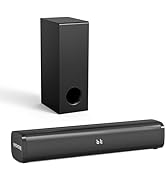
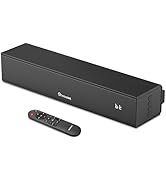
TV Soundbar Speakers
What was our original intention?
In recent years, the tv screen is bigger and more slim, but the tv built in speaker is still weak, so a high quality soundbar is more important for us, Wohome brand was created to allow every family to enjoy the convenience brought by technological development.
What makes us stand out?
Our soundbar have always maintained a high cost performance, improve and optimize products according to customer needs.
What is the future?
Let more families enjoy the high-quality experience brought by our TV speaker, and enjoy the cinema-like audio-visual experience at home.


Inserted the USB drive into the computer speakers and power on, then switched to USB input. Why is there no sound?
Insert the U disk into the computer speakers and power on, switch to USB input, this is the computer USB input mode, switch the input mode cyclically, when you switch back to USB mode for the second time, it is the U disk input mode.
Can I use it with my headphones?
No, it is not compatible with headphones.
It dose not work or no sound.
Please follow the Setup Tips or Manual to install it step by step, if this issue can not be fixed, please send email to us, we will help to deal with it without 24 hours.
Why does the sound still very low even when both the audio source and sound bar are turned up to maximum volume?
Please check if the sound source has volume protection set first, turn off the volume protection and then increase the volume.
Wohome focus on supplying high-quality home theater soundbar speakers to our customers.
We have a professional engineer team with decades of experience in home theater speaker design, has designed many soundbars for different size TV and home space, provides high-end and entry level soundbar speaker to enrich your choices.
Wohome started our business 7 years ago, have supplied millions of soundbar, becoming the cost-effective TV speaker brand.
TV Soundbar Speakers
What was our original intention?
In recent years, the tv screen is bigger and more slim, but the tv built in speaker is still weak, so a high quality soundbar is more important for us, Wohome brand was created to allow every family to enjoy the convenience brought by technological development.
What makes us stand out?
Our soundbar have always maintained a high cost performance, improve and optimize products according to customer needs.
What is the future?
Let more families enjoy the high-quality experience brought by our TV speaker, and enjoy the cinema-like audio-visual experience at home.