






LED Mouse Colorful Breathing Lights

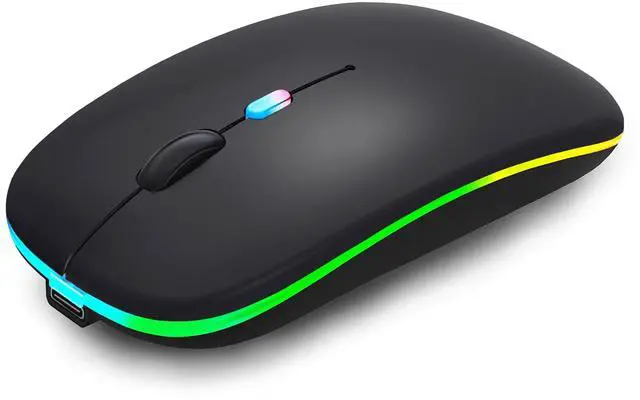
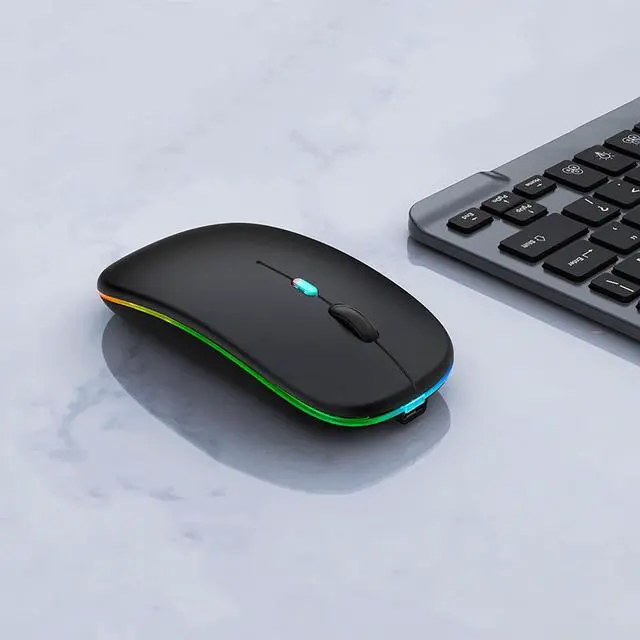
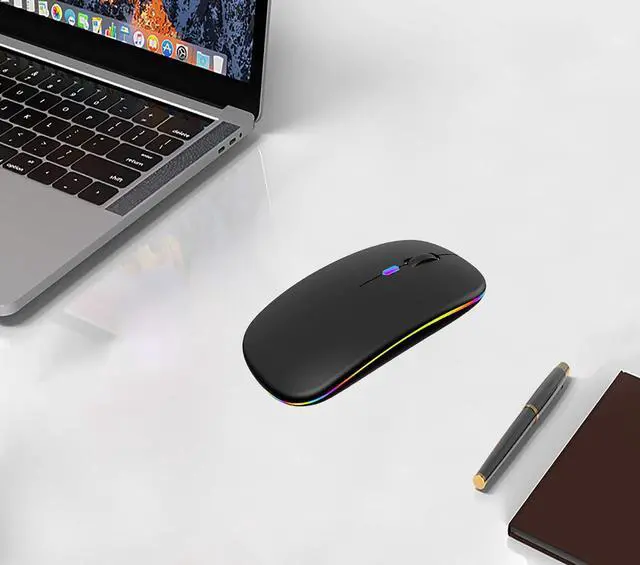
This LED Wireless Bluetooth Mouse With 7 Different Colorful Breathing Lights, LED Wireless Mouse 7 Different Color Changes Randomly While in Use, Offering Soothing Lighting. LED Mouse Creating Cool and Fancy Atmosphere for Work and Play. LED Bluetooth Mouse Can Give You More Fun During.
Rechargeable Optical Mouse Save Energy

Mice Built-in Durable 500mAh Rechargeable Battery,High Cycle Life.No Need Change Battery,It Can Be Easily Charged Using the Included USB Cable,Just 2 Hours Charging,Can Use it About 7-30 Days.It Will Fall Dormant After 5 Minutes No-Operation to Save Power.Can Wake Mouse Up By Clicking any Button.
Dual-Mode Mouse(Wireless USB 2.4G+Bluetooth5.2/3.0)

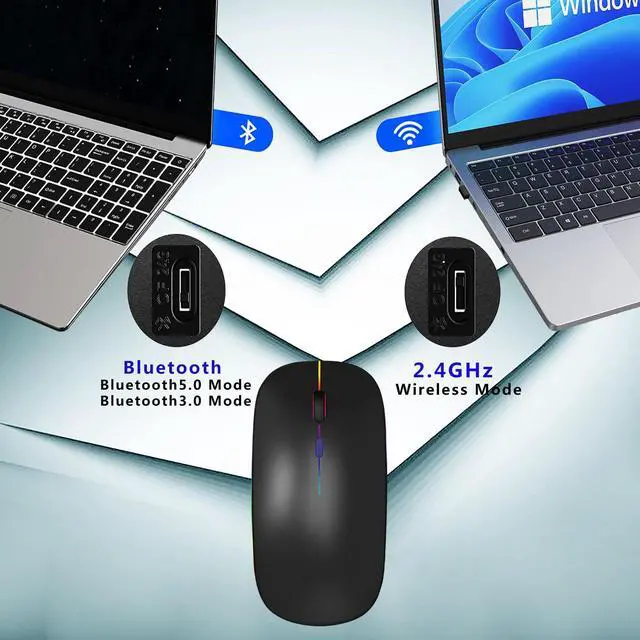
Wireless Mouse Supports Bluetooth 5.2/3.0 and Wireless USB 2.4G Dual-mode Switching,Effective Transmission Range Can Reach 10 Meters.Bluetooth 5.2/3.0 Has Stronger Compatibility,Which is Compatible With Almost All Bluetooth Devices.Wireless USB Receiver No Need to Install Any Driver,Plug and Play.

Anti-Fingerprint,Skin-Friendly for Comfort
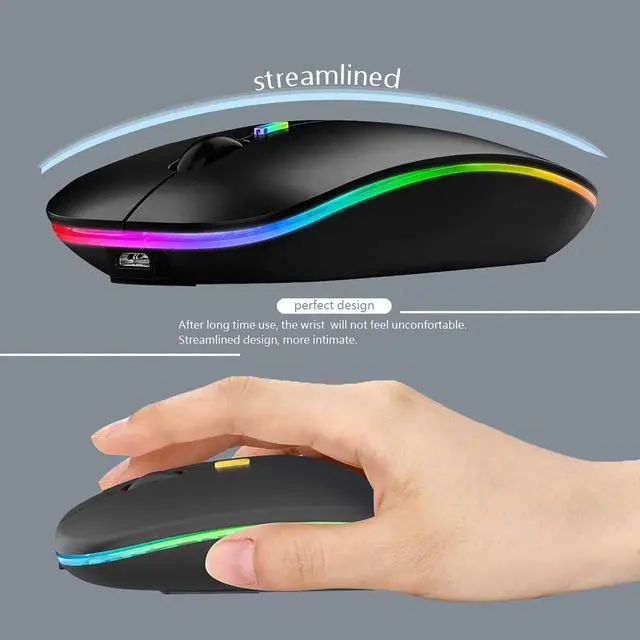
Apple magic mouse with classic design with anti-fingerprint Surface Coating Technology Gives You a Skin-Like comfort Touch, The sturdy anti-slip rubber scroll wheel ensures that your hand will not slip when scrolling.

Silent Click,More Focus
The silent mouse features a unique silent click technology, ensuring the clicks are virtually noiseless,allowing you to enjoy 90 percent less click noise,so that you can stay focused on your work,allowing peaceful work without disturbing others, ideal for both office and home use.
Bluetooth Mouse for Homes?Offices

Wide Compatibility Wireless Mouse:This Wireless Bluetooth Mouse for Laptop,PC/Notebook/Tablet/Macbook/ipad/iPhone. It is Compatible With Android/Chromebook/Windows/Vista/Linux/Notebook/Mac OS and Other Devices. Suitable for Homes?Offices?Travel and More.


Wireless Bluetooth Mouse Rechargeable With LED Lights and Dual Mode (Bluetooth5.2/3.0+Wireless USB 2.4GHz Receiver)
One Wireless Bluetooth Mouse, Multiple Devices Just Press The Mode Toggle Button On The Bottom of The Mouse and You Can Control The One You Want.
(Note:Cordless Mouse It Cannot Be Set to a Specific Color.You Can't Use Bluetooth Mode and 2.4G Mode At the Same Time.)
Mouse Broad Device Compatibility:Mouses Compatibility Windows?Windows XP?Vista?7?8?10 /Windows Vista/Windows ME,Android 5.0 or Higher,Mac OS X10.10 or Higher,Apple/iPad/iPhone iOS 13 and Above,Chrome OS,UNIX,Linux Etc. Bluetooth Mode is Available for All Bluetooth-enabled Laptops (MacBook Pro?MacBook Air?MacBook?Mac?iMac?Android)?Tablet (iPad Pro?iPad Air?iPad mini?iPad10th?iPad9th?iPhone?iMac?Android)?Desktops?All-in-one Computer Etc. The 2.4GHz USB Receiver Mode is Suitable for with USB Ports All Laptops?Desktops?All-in-ones?Dell?HP?Apple?Mac?iMac Etc,Plug and Play.
Method steps for using mouse Bluetooth mode:First, slide the mouse switch to Bluetooth mode (down) > open laptop system preferences settings > turn on Bluetooth function > when laptop Bluetooth is searching for nearby Bluetooth devices > The Green light flashes > Bluetooth search there appears "BT5.2 Mouse" > click to connect "BT5.2 mouse or BT3.0 mouse (BT3.0 for old laptop)" > connection is successful
Method steps for using mouse wireless 2.4GHz USB receiver mode: First, switch the mouse switch to 2.4G mode (up) > Then remove the USB receiver from the slot on the bottom of the mouse > Plug the USB receiver into the USB port of your laptop,plug and play. (Works with all USB ports Laptop and desktop ports)
How to Use the Bluetooth Mouse on the iPad OS13 and Above iPad pro 11/12.9 inch?iPad air 10.9 inch? iPad mini 8.3 inch ?iPad 10.9 inch?iPad 10th/9th: First, Open iPad Settings, Find Accessibility, Turn on Touch Controls, Find Assistive Touch Controls, Turn on Assistive Touch Controls, then pull down to find the device, turn on the Bluetooth device, then turn on the mouse switch,your iPad will search for a "BT5.2 mouse" and click "Connect".(if you can't find the Bluetooth mouse device, please restart the mouse or iPad Bluetooth function, or restart the iPad)
When do I need to charge my wireless mouse:The mouse pointer moves slowly or responds slowly, or suddenly disconnects continuously during use, this is the reminder that you need to charge the Bluetooth mouse for about 2 hours.
Please use an adapter with an output of no more than 5v/1A for charging, or a power bank, or a USB port on your laptop. (Charging is prohibited on chargers with output 10V/1.5A or more)
Mouse Package Included:1 x Dual Mode Rechargeable Computer Mice./1 x Wireless 2.4GHz USB Receiver.(The USB Receiver is Stored Inside The Back of The Mouse)/1 x USB Charging Cable.(Do not use a high power charger or a fast charger to charge)/1 x User Manual.

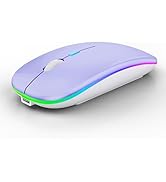
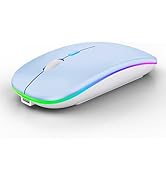
Wireless Bluetooth LED Mouse
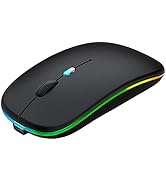
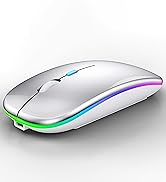
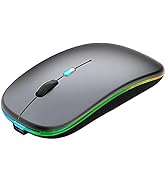
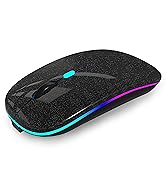
Wireless Bluetooth LED Mouse
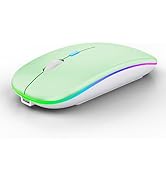
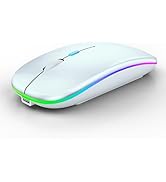
Wireless Bluetooth LED Mouse

WREANU consistently devote to making quality mouse and mouse pads with high performance.
Our passion is driven by the desire to simplify life as we draw inspiration from both fundamental and modern design trends to constantly innovate on behalf of our cherished customers.
All mouse and mouse pad with bright color and elaborate design, brightens up your workspace and makes your mouse and mouse pad slightly more functional.
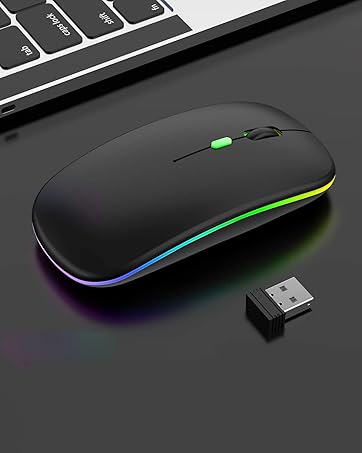
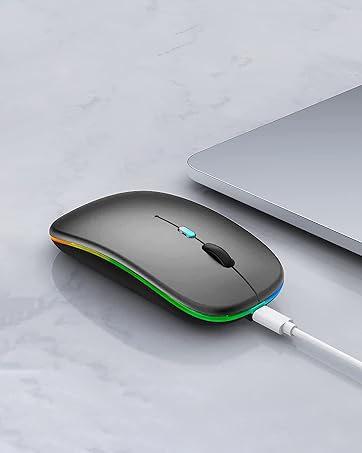
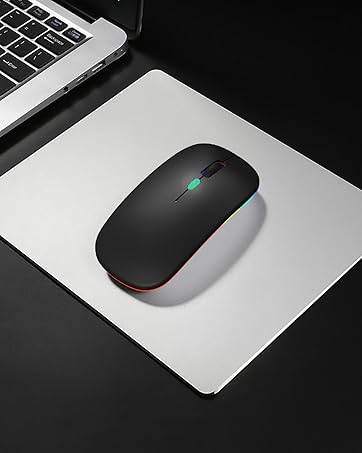
LED Mouse Colorful Breathing Lights

This LED Wireless Bluetooth Mouse With 7 Different Colorful Breathing Lights, LED Wireless Mouse 7 Different Color Changes Randomly While in Use, Offering Soothing Lighting. LED Mouse Creating Cool and Fancy Atmosphere for Work and Play. LED Bluetooth Mouse Can Give You More Fun During.
Rechargeable Optical Mouse Save Energy

Mice Built-in Durable 500mAh Rechargeable Battery,High Cycle Life.No Need Change Battery,It Can Be Easily Charged Using the Included USB Cable,Just 2 Hours Charging,Can Use it About 7-30 Days.It Will Fall Dormant After 5 Minutes No-Operation to Save Power.Can Wake Mouse Up By Clicking any Button.
Dual-Mode Mouse(Wireless USB 2.4G+Bluetooth5.2/3.0)

Wireless Mouse Supports Bluetooth 5.2/3.0 and Wireless USB 2.4G Dual-mode Switching,Effective Transmission Range Can Reach 10 Meters.Bluetooth 5.2/3.0 Has Stronger Compatibility,Which is Compatible With Almost All Bluetooth Devices.Wireless USB Receiver No Need to Install Any Driver,Plug and Play.
Anti-Fingerprint,Skin-Friendly for Comfort
Apple magic mouse with classic design with anti-fingerprint Surface Coating Technology Gives You a Skin-Like comfort Touch, The sturdy anti-slip rubber scroll wheel ensures that your hand will not slip when scrolling.
Silent Click,More Focus
The silent mouse features a unique silent click technology, ensuring the clicks are virtually noiseless,allowing you to enjoy 90 percent less click noise,so that you can stay focused on your work,allowing peaceful work without disturbing others, ideal for both office and home use.
Bluetooth Mouse for Homes?Offices

Wide Compatibility Wireless Mouse:This Wireless Bluetooth Mouse for Laptop,PC/Notebook/Tablet/Macbook/ipad/iPhone. It is Compatible With Android/Chromebook/Windows/Vista/Linux/Notebook/Mac OS and Other Devices. Suitable for Homes?Offices?Travel and More.


Wireless Bluetooth Mouse Rechargeable With LED Lights and Dual Mode (Bluetooth5.2/3.0+Wireless USB 2.4GHz Receiver)
One Wireless Bluetooth Mouse, Multiple Devices Just Press The Mode Toggle Button On The Bottom of The Mouse and You Can Control The One You Want.
(Note:Cordless Mouse It Cannot Be Set to a Specific Color.You Can't Use Bluetooth Mode and 2.4G Mode At the Same Time.)
Mouse Broad Device Compatibility:Mouses Compatibility Windows?Windows XP?Vista?7?8?10 /Windows Vista/Windows ME,Android 5.0 or Higher,Mac OS X10.10 or Higher,Apple/iPad/iPhone iOS 13 and Above,Chrome OS,UNIX,Linux Etc. Bluetooth Mode is Available for All Bluetooth-enabled Laptops (MacBook Pro?MacBook Air?MacBook?Mac?iMac?Android)?Tablet (iPad Pro?iPad Air?iPad mini?iPad10th?iPad9th?iPhone?iMac?Android)?Desktops?All-in-one Computer Etc. The 2.4GHz USB Receiver Mode is Suitable for with USB Ports All Laptops?Desktops?All-in-ones?Dell?HP?Apple?Mac?iMac Etc,Plug and Play.
Method steps for using mouse Bluetooth mode:First, slide the mouse switch to Bluetooth mode (down) > open laptop system preferences settings > turn on Bluetooth function > when laptop Bluetooth is searching for nearby Bluetooth devices > The Green light flashes > Bluetooth search there appears "BT5.2 Mouse" > click to connect "BT5.2 mouse or BT3.0 mouse (BT3.0 for old laptop)" > connection is successful
Method steps for using mouse wireless 2.4GHz USB receiver mode: First, switch the mouse switch to 2.4G mode (up) > Then remove the USB receiver from the slot on the bottom of the mouse > Plug the USB receiver into the USB port of your laptop,plug and play. (Works with all USB ports Laptop and desktop ports)
How to Use the Bluetooth Mouse on the iPad OS13 and Above iPad pro 11/12.9 inch?iPad air 10.9 inch? iPad mini 8.3 inch ?iPad 10.9 inch?iPad 10th/9th: First, Open iPad Settings, Find Accessibility, Turn on Touch Controls, Find Assistive Touch Controls, Turn on Assistive Touch Controls, then pull down to find the device, turn on the Bluetooth device, then turn on the mouse switch,your iPad will search for a "BT5.2 mouse" and click "Connect".(if you can't find the Bluetooth mouse device, please restart the mouse or iPad Bluetooth function, or restart the iPad)
When do I need to charge my wireless mouse:The mouse pointer moves slowly or responds slowly, or suddenly disconnects continuously during use, this is the reminder that you need to charge the Bluetooth mouse for about 2 hours.
Please use an adapter with an output of no more than 5v/1A for charging, or a power bank, or a USB port on your laptop. (Charging is prohibited on chargers with output 10V/1.5A or more)
Mouse Package Included:1 x Dual Mode Rechargeable Computer Mice./1 x Wireless 2.4GHz USB Receiver.(The USB Receiver is Stored Inside The Back of The Mouse)/1 x USB Charging Cable.(Do not use a high power charger or a fast charger to charge)/1 x User Manual.
Wireless Bluetooth LED Mouse
Wireless Bluetooth LED Mouse
Wireless Bluetooth LED Mouse
WREANU consistently devote to making quality mouse and mouse pads with high performance.
Our passion is driven by the desire to simplify life as we draw inspiration from both fundamental and modern design trends to constantly innovate on behalf of our cherished customers.
All mouse and mouse pad with bright color and elaborate design, brightens up your workspace and makes your mouse and mouse pad slightly more functional.