- Free 30-day Returns
Meet Your Seller
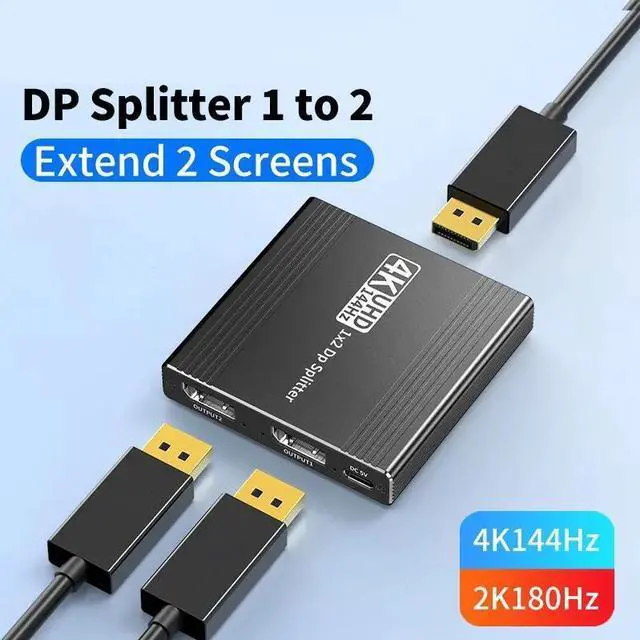
WRIARICH Displayport to Dual DisplayPort Splitter,4K 144Hz Multi-Monitor Splitter,Dual Monitor DP to 2 DP Monitor for Computer Laptop Graphic Card,PC,Windows Compatible MST Extended Mode
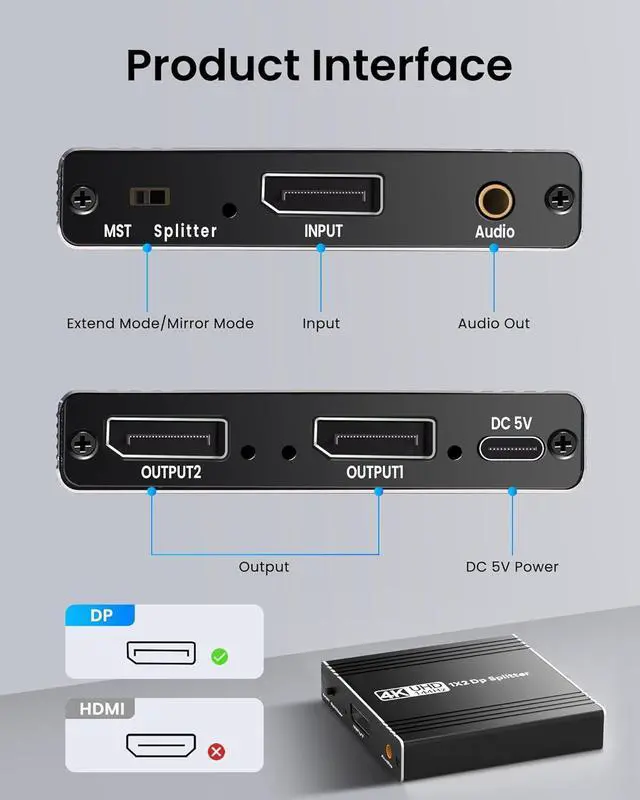
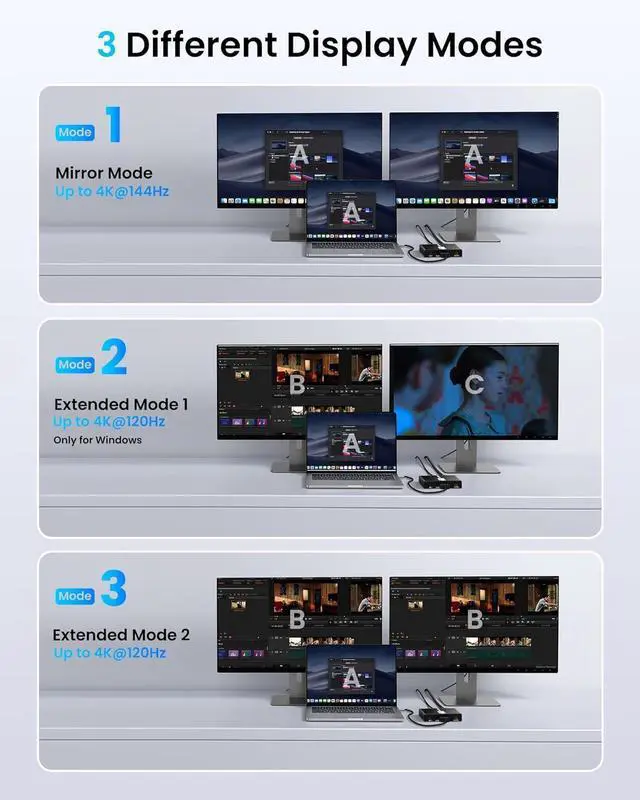
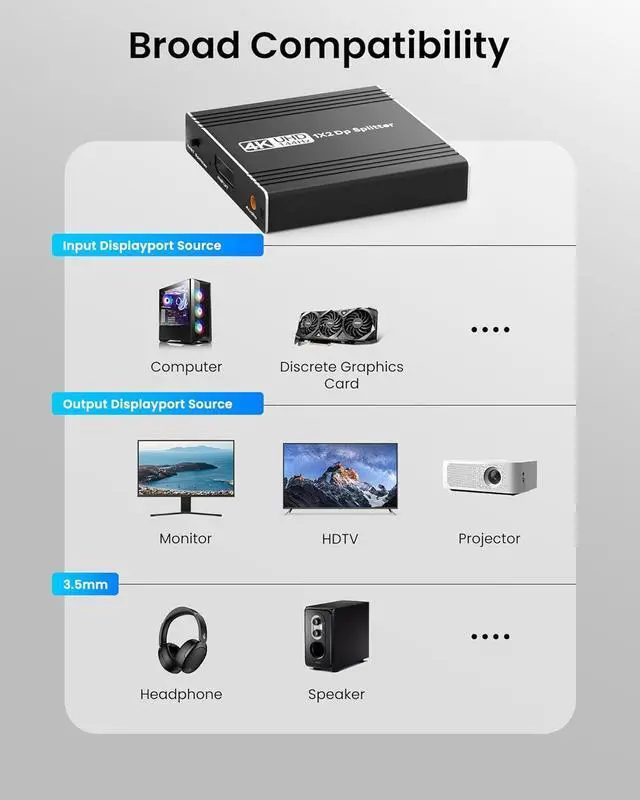
- DisplayPort to 2 DisplayPort Adapter: DisplayPort to Dual DisplayPort Splitter can output one DP signal to 2 DP displays at the same time, which can support the use of Expanded Mode and Mirroring Mode(AAA/ABB/ABC) to fulfill your need for more screen displays (can only unidirectionally transmit from one DP signal source to two DP displays). Mac OS only supports SST mode (AAA/ABB), it is not recommended to connect any docking station or hub (most docking stations and hubs do not support MST function)
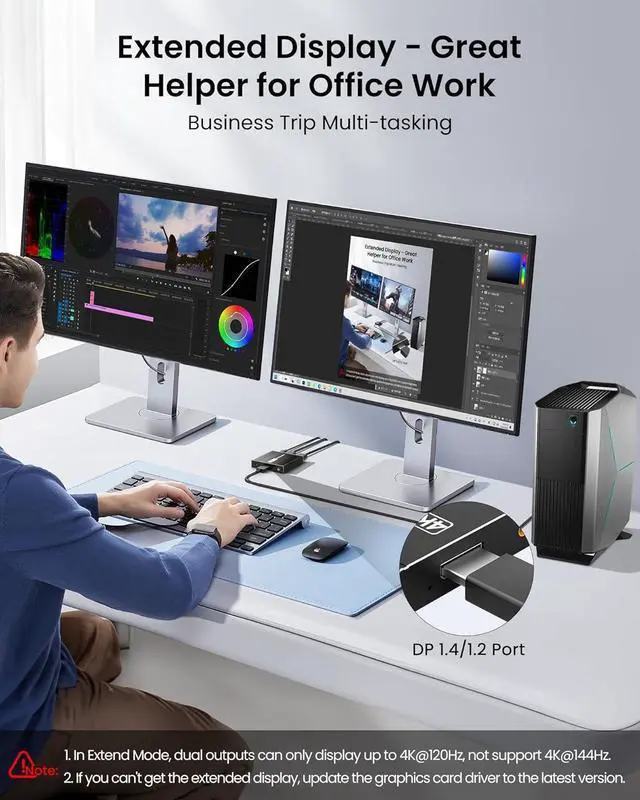
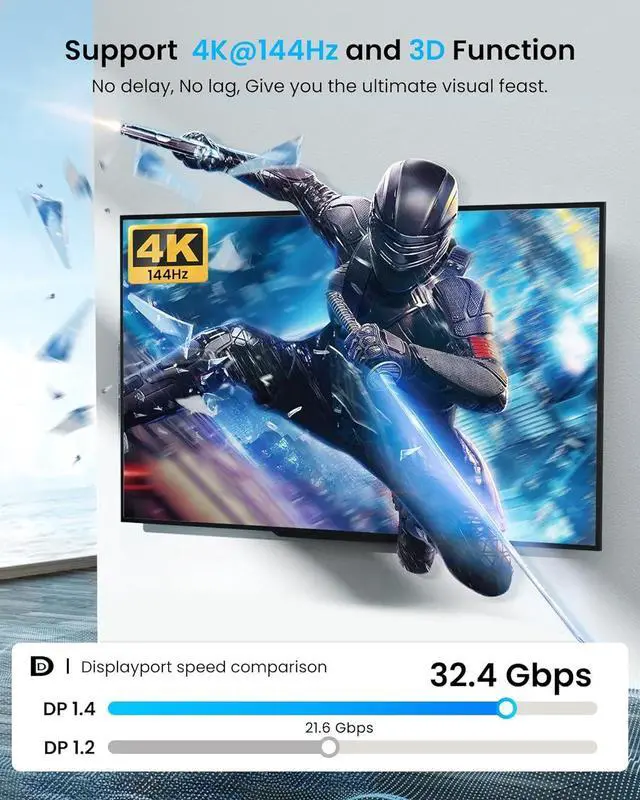
- 4K144Hz Ultra HD Visual Feast: The DisplayPort to Splitter 1 in 2 out extended display complies with the DP 1.4 standard, and both DisplayPort displays are capable of resolutions up to 4K@120Hz, for vivid images with even more amazing picture color and contrast. To transmit 4K144Hz video signals, please make sure all your devices and cables support 4K144Hz. Note: Some computers need to manually set the display settings interface to 4K144Hz resolution and set it to extended or mirrored mode
Any questions? Our AI beta will help you find out quickly.
DisplayPort to 2
DisplayPort Adapter: DisplayPort to Dual DisplayPort Splitter can output one DP signal to 2 DP displays at the same time, which can support the use of Expanded Mode and Mirroring Mode(AAA/ABB/ABC) to fulfill your need for more screen displays (can only unidirectionally transmit from one DP signal source to two DP displays). Mac OS only supports SST mode (AAA/ABB), it is not recommended to connect any docking station or hub (most docking stations and hubs do not support MST function)
4K144Hz Ultra HD Visual Feast: The DisplayPort to Splitter 1 in 2 out extended display complies with the DP 1.4 standard, and both DisplayPort displays are capable of resolutions up to 4K@120Hz, for vivid images with even more amazing picture color and contrast. To transmit 4K144Hz video signals, please make sure all your devices and cables support 4K144Hz.
Note: Some computers need to manually set the display settings interface to 4K144Hz resolution and set it to extended or mirrored mode
Warranty & Returns
Warranty, Returns, And Additional Information
Warranty
- Please contact the Seller directly for warranty information. Warranty information may also be found on the Manufacturer's website.
- CONTACT
Return Policies
- Return for refund within: 30 days
- Return for replacement within: 30 days
- This item is covered by Lou Di Shi Lou Xing Qu Liu Li Shang Mao Return Policy
Manufacturer Contact Info
- For a directory of all our manufacturers, please click below.
- Manufacturers Directory