

Your Browsing History

Meet Your Seller

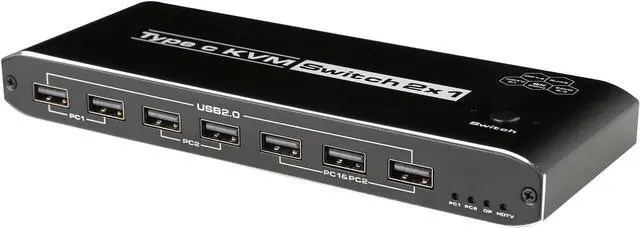


WRIARICH 8K USB-C KVM Switch with Audio,RJ45, 2 in 1 Out,for 2PC Share 1 Monitor and One Keyboard Mouse and 5 USB devices, 8K@60Hz 100w PD for computers, laptops, game consoles
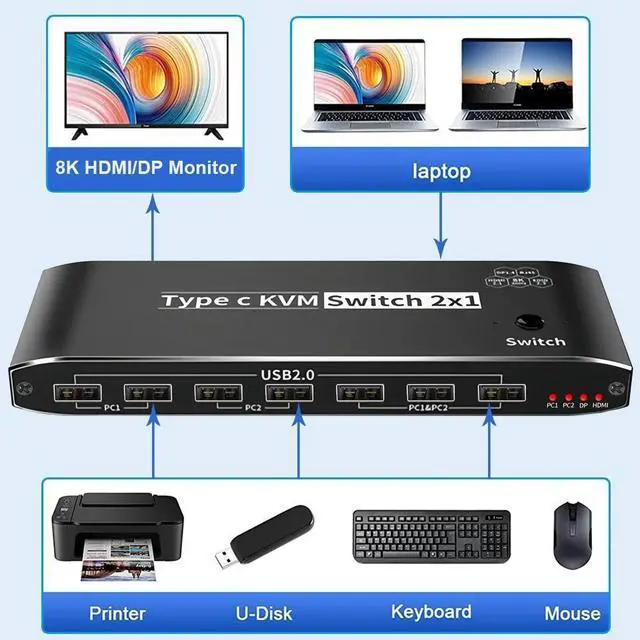
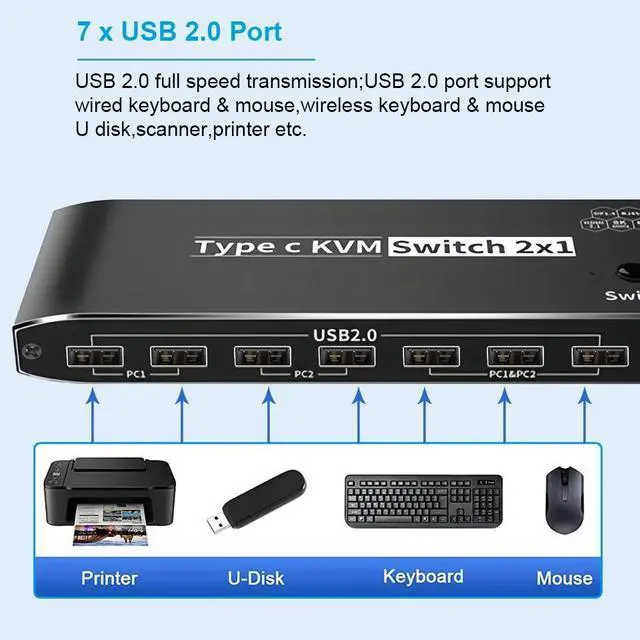
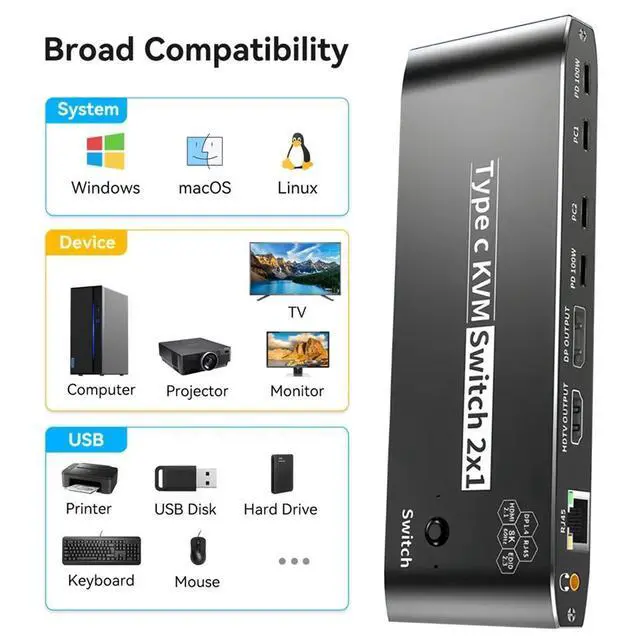
- 8K USB C KVM Switch 100W PD Charge allows you to share one USB keyboard, USB mouse,5 x USB 2.0 device,1 x R45,1 x 3.5mm Jack and one Displayport or HDMI monitor to control 2 Macbook,computers, laptops, game consoles.
- It is designed for multitask with two computers at your necessary, increasing productivity in the office or at home ; You can switch between 2 computers using a manual switch located on the top of the KVM unit.
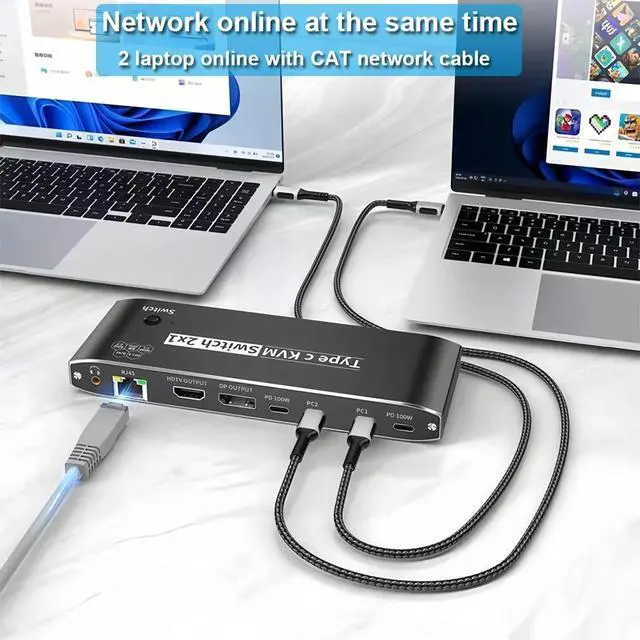
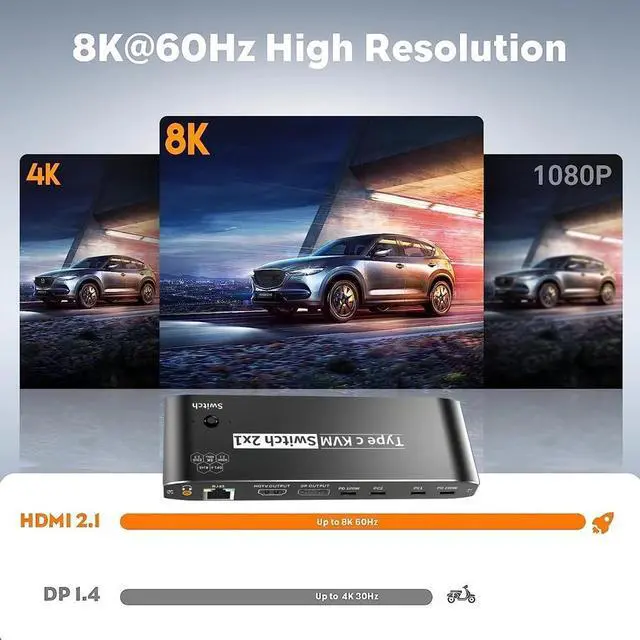
- 2 x USB-C 8K KVM Switch with one DisplayPort 1.4 or HDMI 2.1 Port for Video,with this 2 Port 8K KVM Switcher,you are able to connect from the switcher's two PC Input Port to your USB-C PC/Laptops via two standard USB-C Gen-2 Cable,then connect from the switcher's Standard DP 1.4 /HDMI 2.1 port to your Monitors via your own displayport 8K Standard Cable,you can press the "Switch"button to switch between two of your PCs.Note:You must plug our USB C to USB A cable to power the switcher while working
+
+
Overview
Specs
Reviews

Any questions? Our AI mode will help you find out quickly.
Try me now
8K USB C KVM Switch 100W PD Charge allows you to share one USB keyboard, USB mouse, 5 x USB 2.0 device, 1 x R45, 1 x 3.5 mm Jack and one Displayport or HDMI monitor to control 2 Macbook, computers, laptops, game consoles.
It is designed for multitask with two computers at your necessary, increasing productivity in the office or at home; You can switch between 2 computers using a manual switch located on the top of the KVM unit.
2 x USB-C 8K KVM Switch with one DisplayPort 1.4 or HDMI 2.1 Port for Video, with this 2 Port 8K KVM Switcher, you are able to connect from the switcher's two PC Input Port to your USB-C PC/Laptops via two standard USB-C Gen-2 Cable, then connect from the switcher's Standard DP 1.4 /HDMI 2.1 port to your Monitors via your own displayport 8K Standard Cable, you can press the "Switch"button to switch between two of your PCs.
Note: You must plug our USB C to USB A cable to power the switcher while working
Warranty & Returns
Warranty, Returns, And Additional Information
Warranty
- Please contact the Seller directly for warranty information. Warranty information may also be found on the Manufacturer's website.
- CONTACT
Return Policies
- Return for refund within: 30 days
- Return for replacement within: 30 days
- This item is covered by Seaside Shop Return Policy
Manufacturer Contact Info
- For a directory of all our manufacturers, please click below.
- Manufacturers Directory
LOADING...