Take a tax holiday. Take advantage of limited-time, tax-free savings on select products in certain states. Learn More>
Out of stock
  • $63.86
  • Free 30-day Returns
Price alert
Shop it at NeweggBusiness.

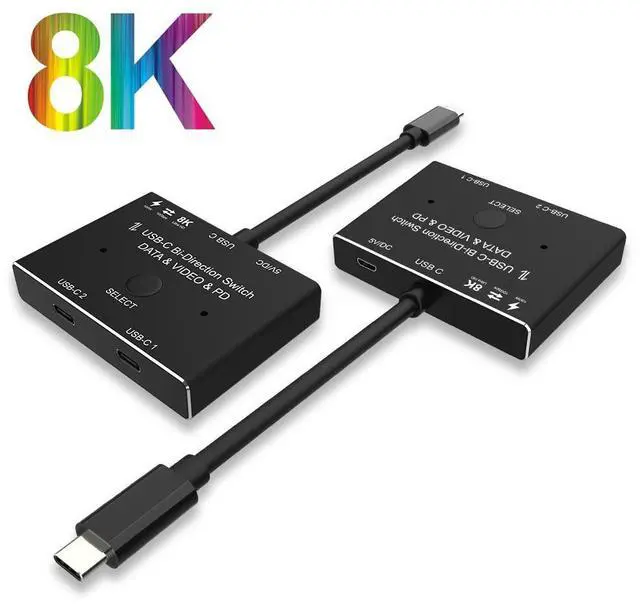
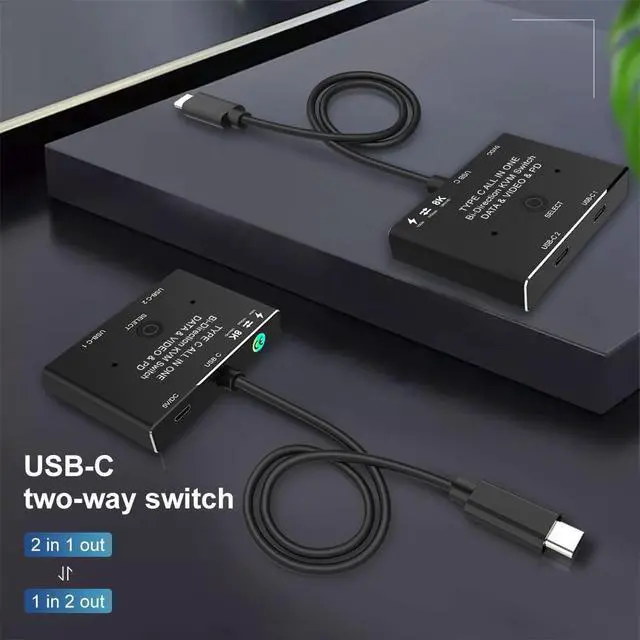
USB-C Switch 2 in 1 Out/1 in 2 Out Upgrade Version Supports 4K@120Hz 8K@30Hz Video / 10Gbps Data Transfer Compatible with Thunderbolt Device, Black

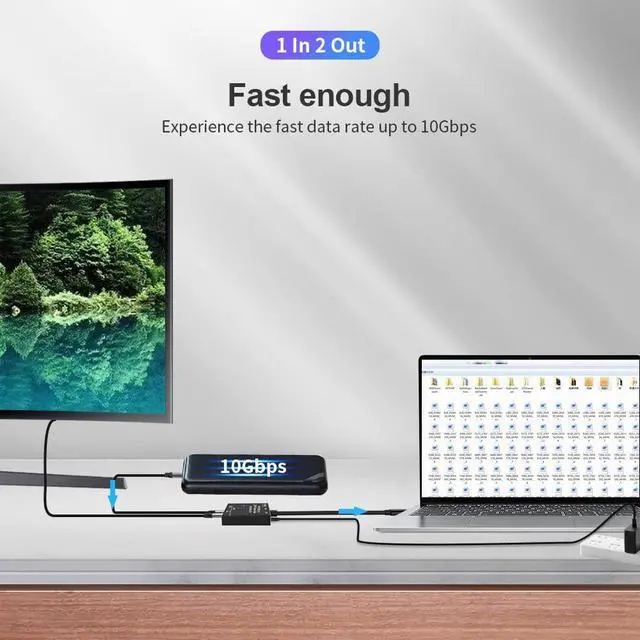
  • Max 10Gbps Data Transfer Rate: It supports Max Transmissions Speed 10Gbps(USB3.1 Gen2), Transfer music, movies, or entire seasons of TV shows in seconds. you can charge your mobile phone, computer, tablet and other devices, and you can also transfer data from your computer, mobile phone, etc. to your U disk and other devices.
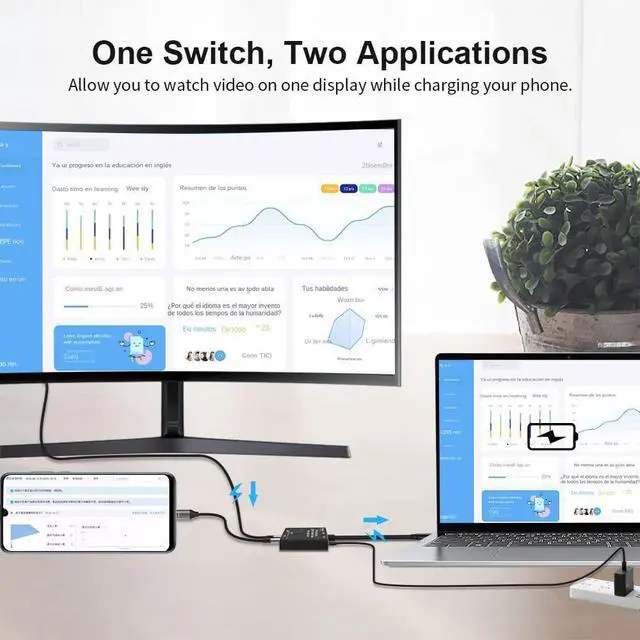
  • 8K Ultra HD Video Output: you can output max 8K@30Hz 4K@120Hz 1080P@165Hz via our USB-C Switch/Splitter to your USB-C Displays. The maximum resolution of your output depends on your Source device, monitor and cable used.
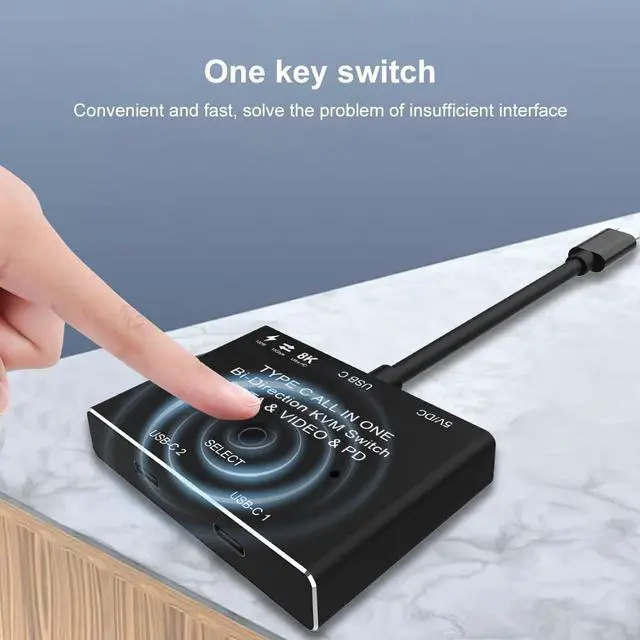
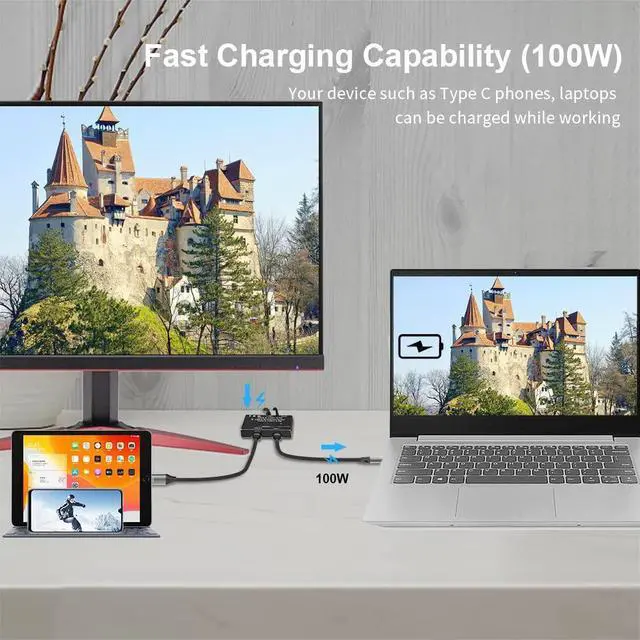
  • Rapid Charging: It supports Max 100w Power Delivery. Press"Select"button to switch between two displays. Do not use too long cable(1.5 meters) for connection between the switcher and your devices, otherwise it will flicker or the screen will turn black.
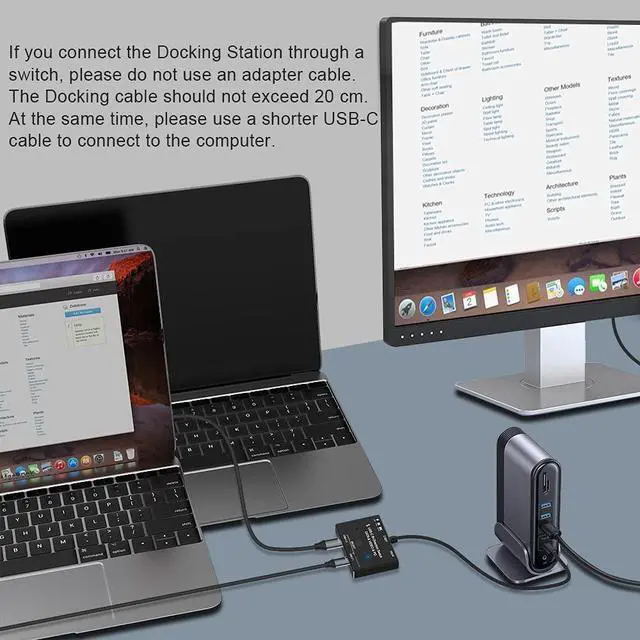
  • IMPORTANT NOTE: Don't connect USB-C/Thunderbolt Docking Station/Hub, otherwise it will flicker or the screen will turn black. Two displays CANNOT display simultaneously.
+
+
Overview
Specs
Reviews
avatar

Any questions? Our AI beta will help you find out quickly.

Max 10Gbps

Data Transfer Rate: It supports Max Transmissions Speed 10Gbps(USB 3.1 Gen2), Transfer music, movies, or entire seasons of TV shows in seconds. you can charge your mobile phone, computer, tablet and other devices, and you can also transfer data from your computer, mobile phone, etc. to your U disk and other devices.

8K Ultra HD Video Output: you can output max 8K@30Hz 4K@120Hz 1080P@165Hz via our USB-C Switch/Splitter to your USB-C Displays. The maximum resolution of your output depends on your Source device, monitor and cable used.

Rapid Charging: It supports Max 100w Power Delivery. Press"Select"button to switch between two displays. Do not use too long cable( 1.5 meters) for connection between the switcher and your devices, otherwise it will flicker or the screen will turn black.

IMPORTANT NOTE: Don't connect USB-C/Thunderbolt Docking Station/Hub, otherwise it will flicker or the screen will turn black. Two displays CANNOT display simultaneously.

Warranty & Returns

Warranty, Returns, And Additional Information

Warranty

  • Please contact the Seller directly for warranty information. Warranty information may also be found on the Manufacturer's website.
  • CONTACT

Return Policies

Manufacturer Contact Info

LOADING...