


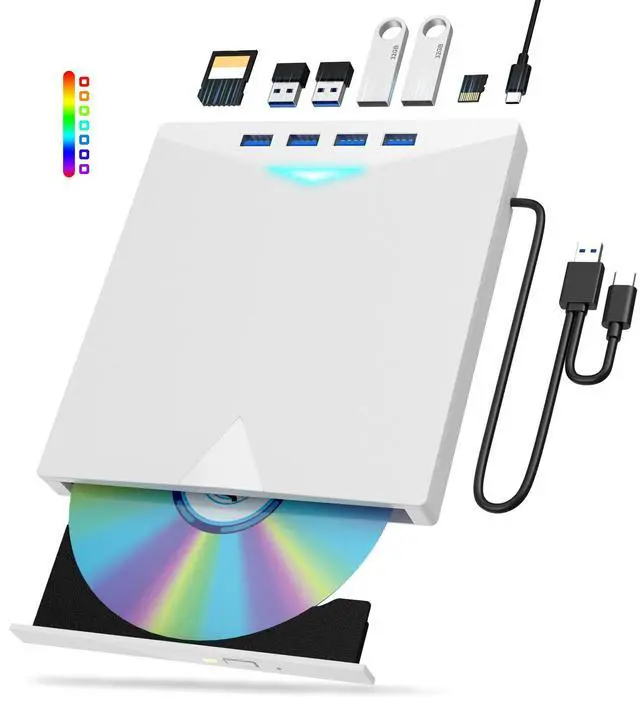
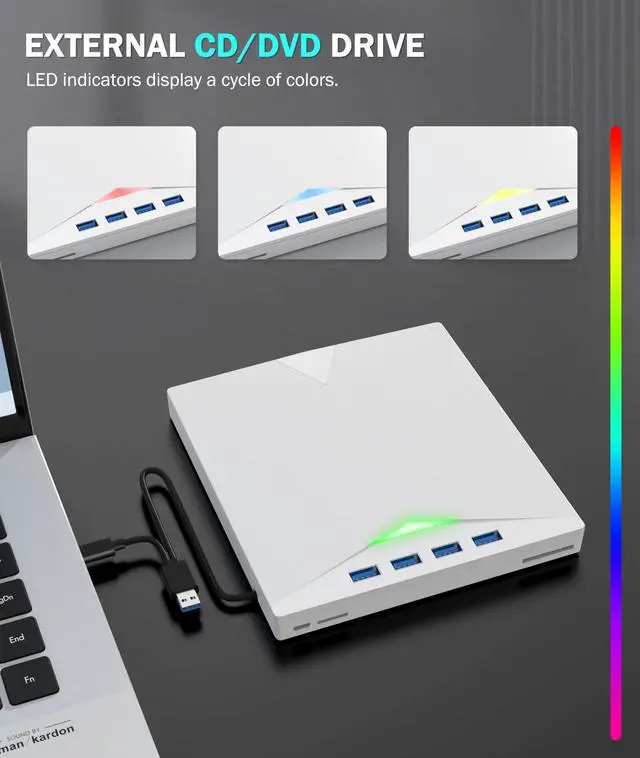


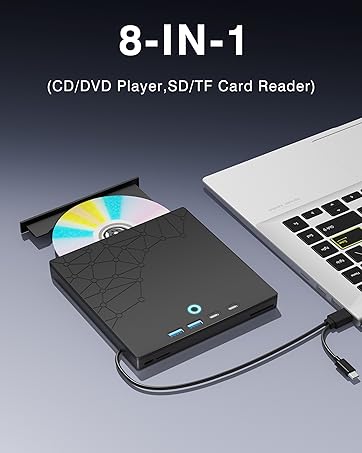
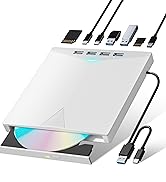
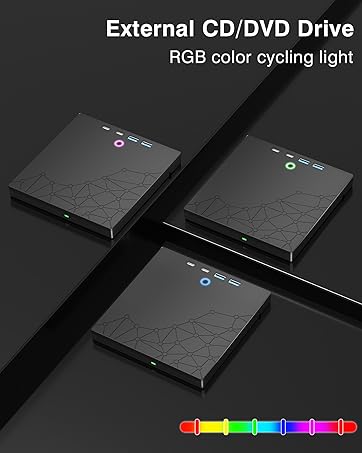
CD/DVD Drive for Laptop PC
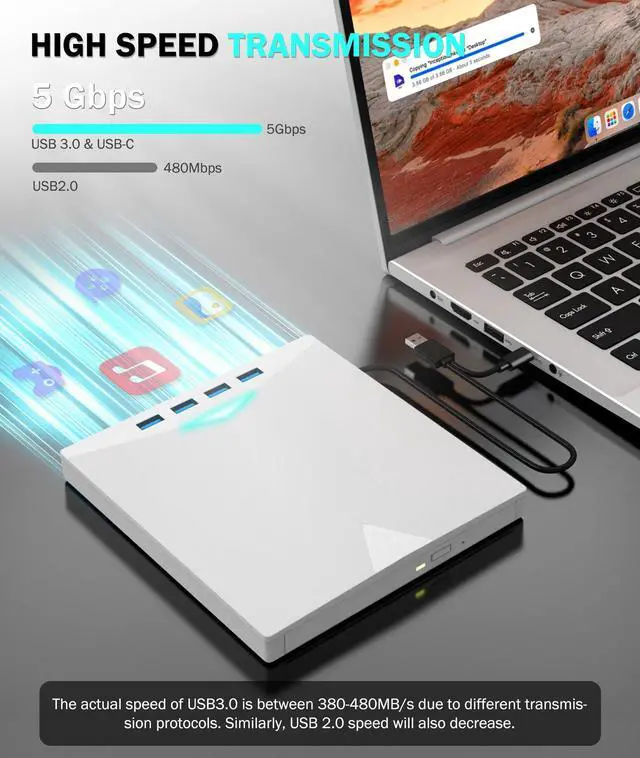
High Speed Transmision 5Gbps
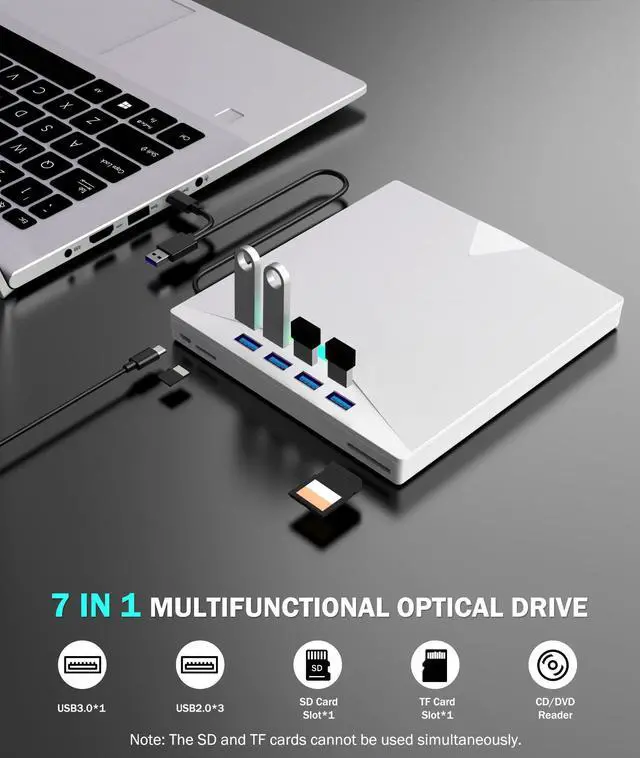
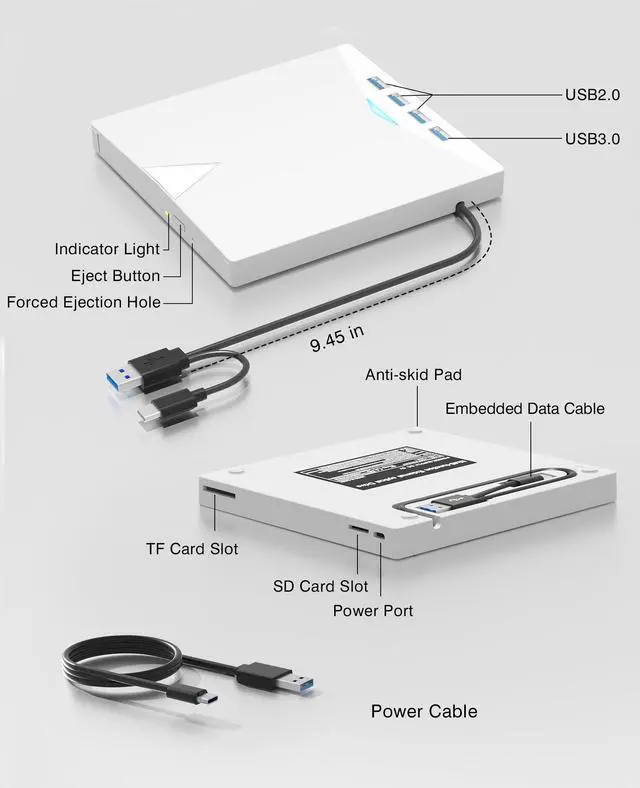
8-IN-1 USB CD/DVD Drive
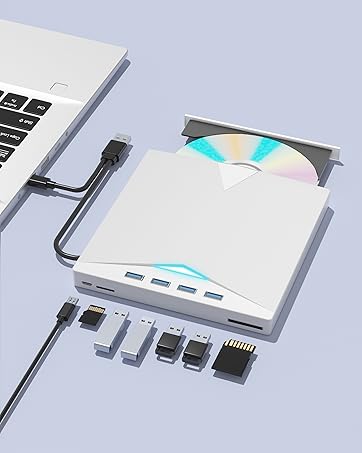
Multifunctional
External CD Drive(White)

Xadioei is committed to providing simple, efficient, and intelligent data transmission solutions through innovative technology, revolutionizing the way data is transferred to enhance productivity and simplify life.
Our vision is to become the global leader in this field, delivering unprecedented convenience to make every connection effortless.


How to use the external optical drive?
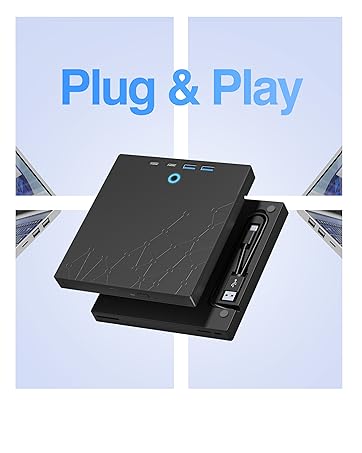
Step1 : Plug the USB A or USB C connector into your computer's USB port instead of USB extension hub.
Step2 : [For Windows OS] Your computer will recognize the drive and shows "CD/DVD-ROM" folder for optical drive.
[For Mac OS] The Mac OS computer will not display the device icon until the disc is inserted into the optical drive and the disc is read successfully.
Step3 : Set the DVDs region code (CDs do not have region code). The disc can only be played when there on code of the DVD drive matchesthe DVD. (Note: Only allows to change the region code 4-5 times)
The steps of changing the region codes:
1. Right-click My Computer and click Properties.
2. Click Hardware. - Click Device Manager. - Expand DVD-ROM drives and select the optical drive. - Click Action and select Properties.
3. Select the DVD Region tab.
4. Choose the desired region.
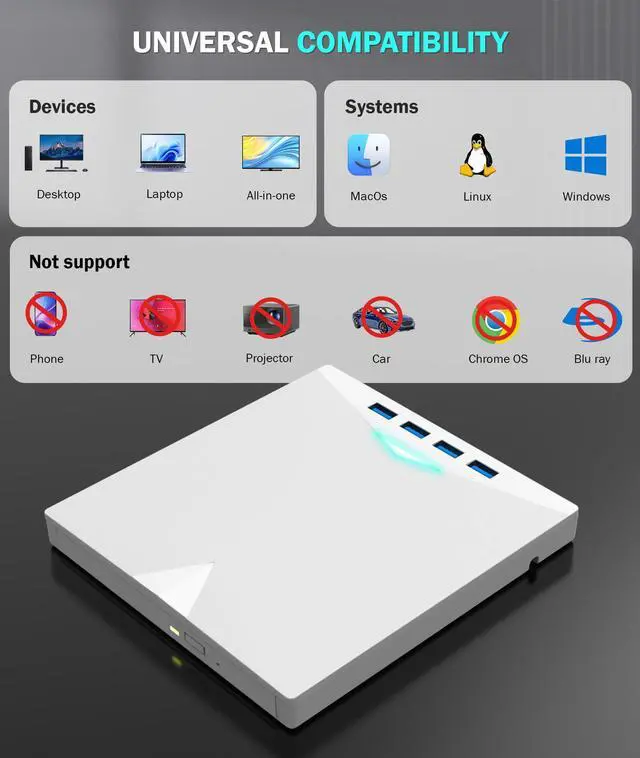
Step4 : The CD/DVD disk drive Not compatible with Blu ray,TV, car, tablet, phone, projector,PS5 and Chrome OS.


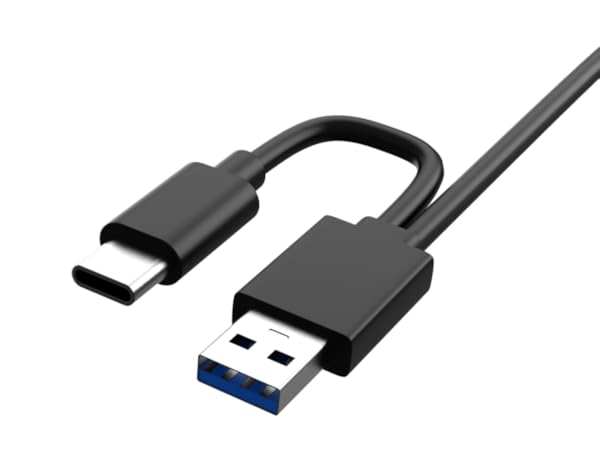
2-in-1 USB 3.0 Connector
The USB3.0 can achieve a transfer speed of 5Gbit/s,but its actual speed ranges from 350 to 450 MB/s,which is about 10 times faster than USB2.0.
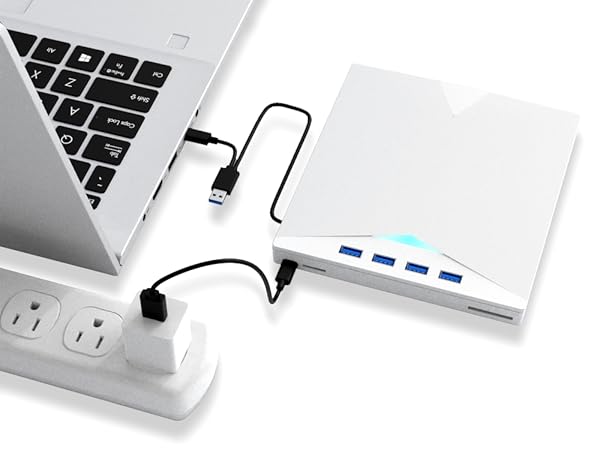
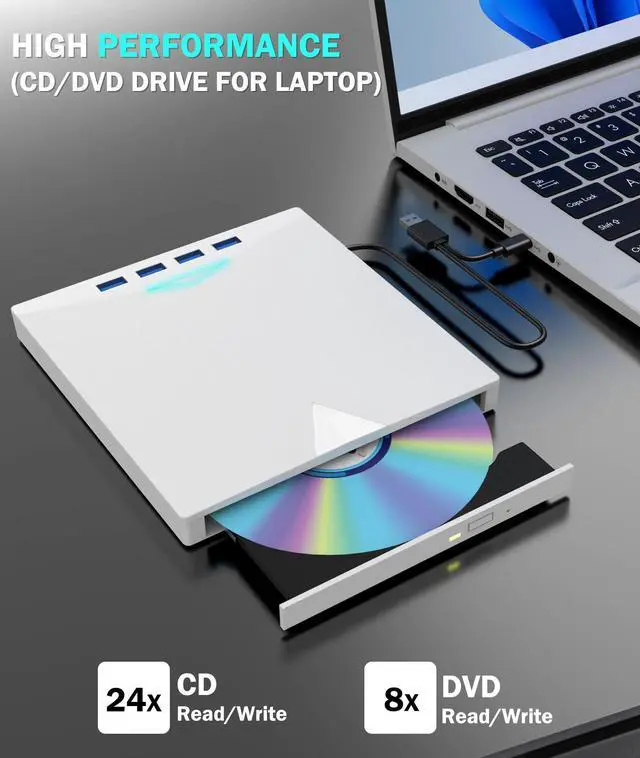
CD/DVD±RW
The USB DVD drive delivers blazing-fast performance: 8x DVD read/write and 24x CD read/write.
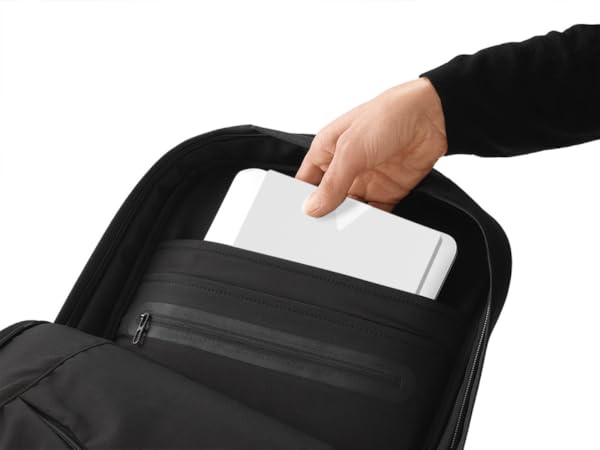
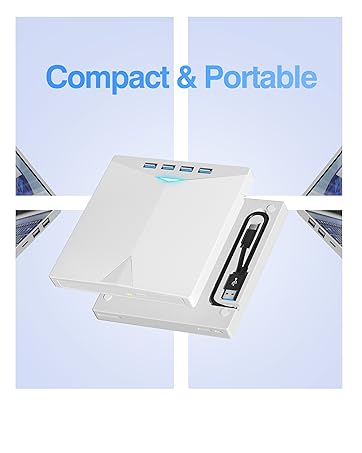
Compact and Portable
With its slim design and lightweight weight, you can easily put this portable USB CD DVD drive in your laptop bag, whether anywhere else.
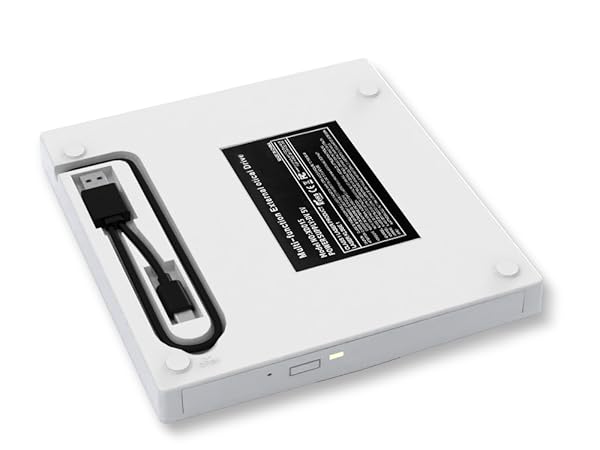
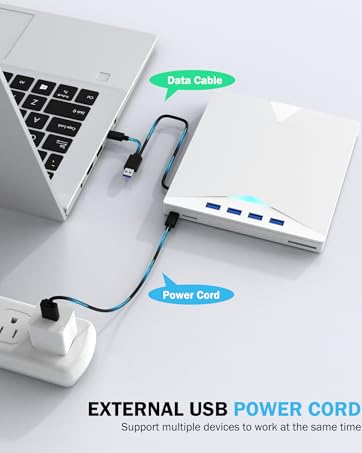
Embedded Data Cable
Integrated cable storage design — never lose your data cable again, and enjoy effortless portability.


How to use the external optical drive?
Step1 : Plug the USB A or USB C connector into your computer's USB port instead of USB extension hub.
Step2 : [For Windows OS] Your computer will recognize the drive and shows "CD/DVD-ROM" folder for optical drive.
[For Mac OS] The Mac OS computer will not display the device icon until the disc is inserted into the optical drive and the disc is read successfully.
Step3 : Set the DVDs region code (CDs do not have region code). The disc can only be played when there on code of the DVD drive matchesthe DVD. (Note: Only allows to change the region code 4-5 times)
The steps of changing the region codes:
1. Right-click My Computer and click Properties.
2. Click Hardware. - Click Device Manager. - Expand DVD-ROM drives and select the optical drive. - Click Action and select Properties.
3. Select the DVD Region tab.
4. Choose the desired region.
Step4 : The CD/DVD disk drive Not compatible with Blu ray,TV, car, tablet, phone, projector,PS5 and Chrome OS.
CD/DVD Drive for Laptop PC
High Speed Transmision 5Gbps
8-IN-1 USB CD/DVD Drive
Multifunctional
External CD Drive(White)
Xadioei is committed to providing simple, efficient, and intelligent data transmission solutions through innovative technology, revolutionizing the way data is transferred to enhance productivity and simplify life.
Our vision is to become the global leader in this field, delivering unprecedented convenience to make every connection effortless.