







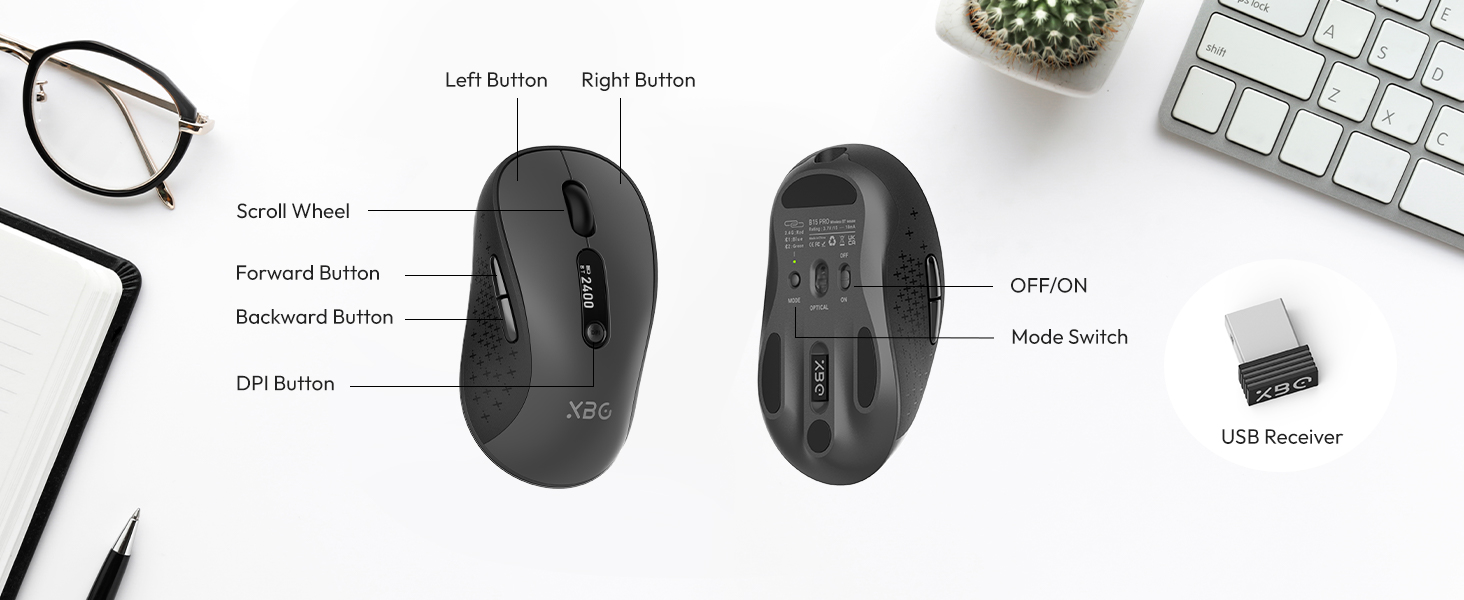
What is the screen in the middle of the mouse for?
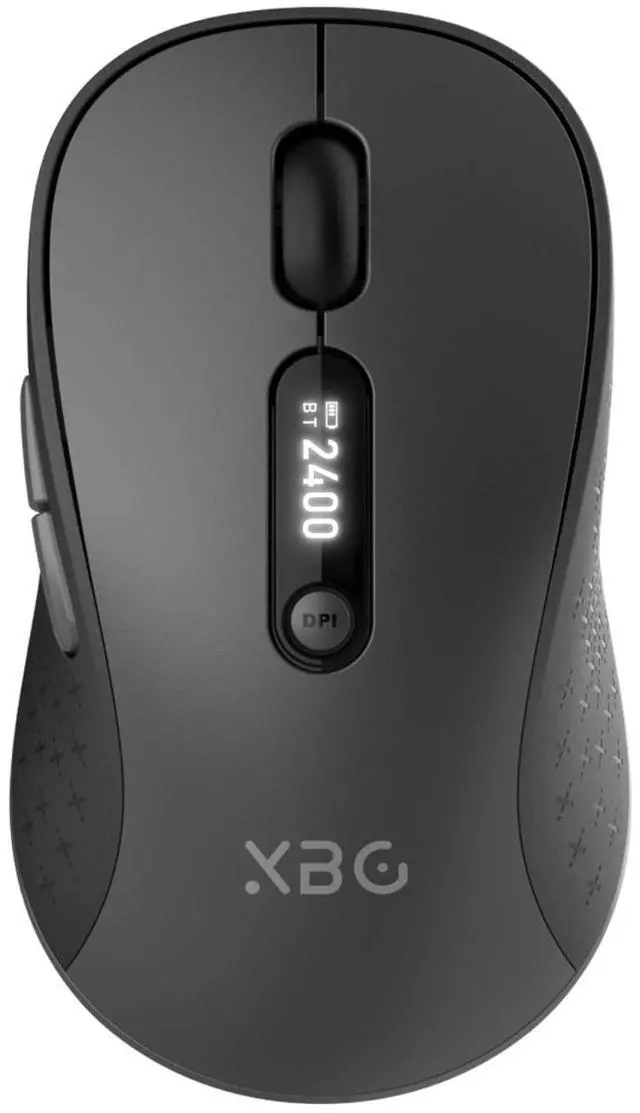
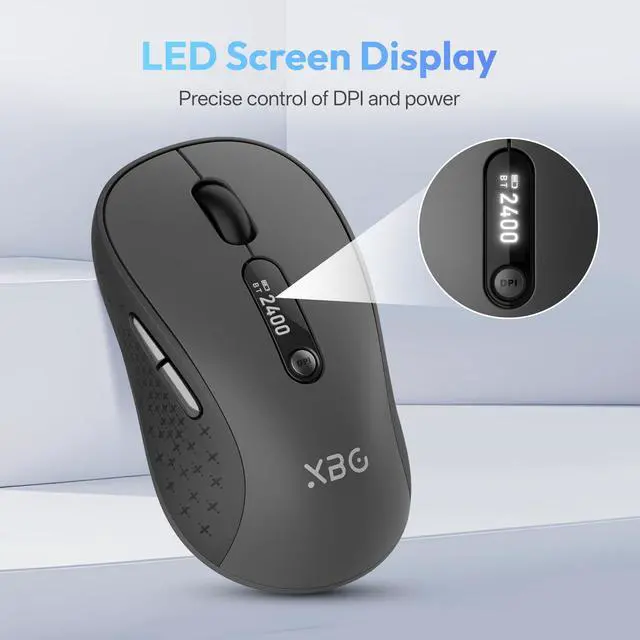
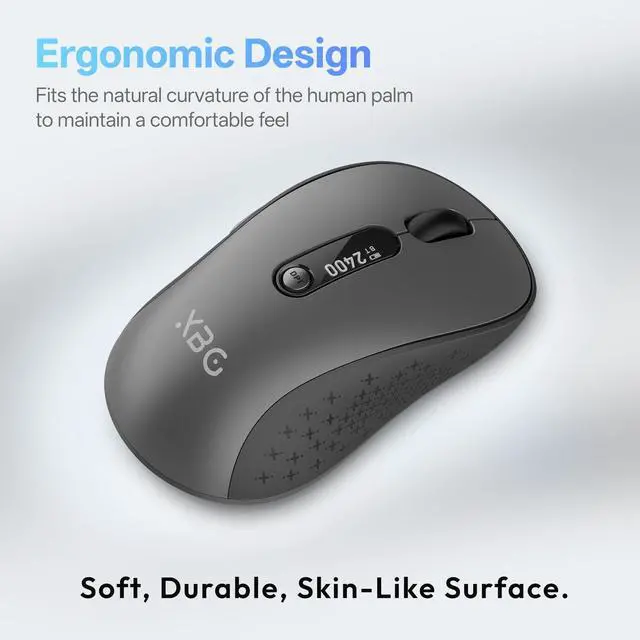
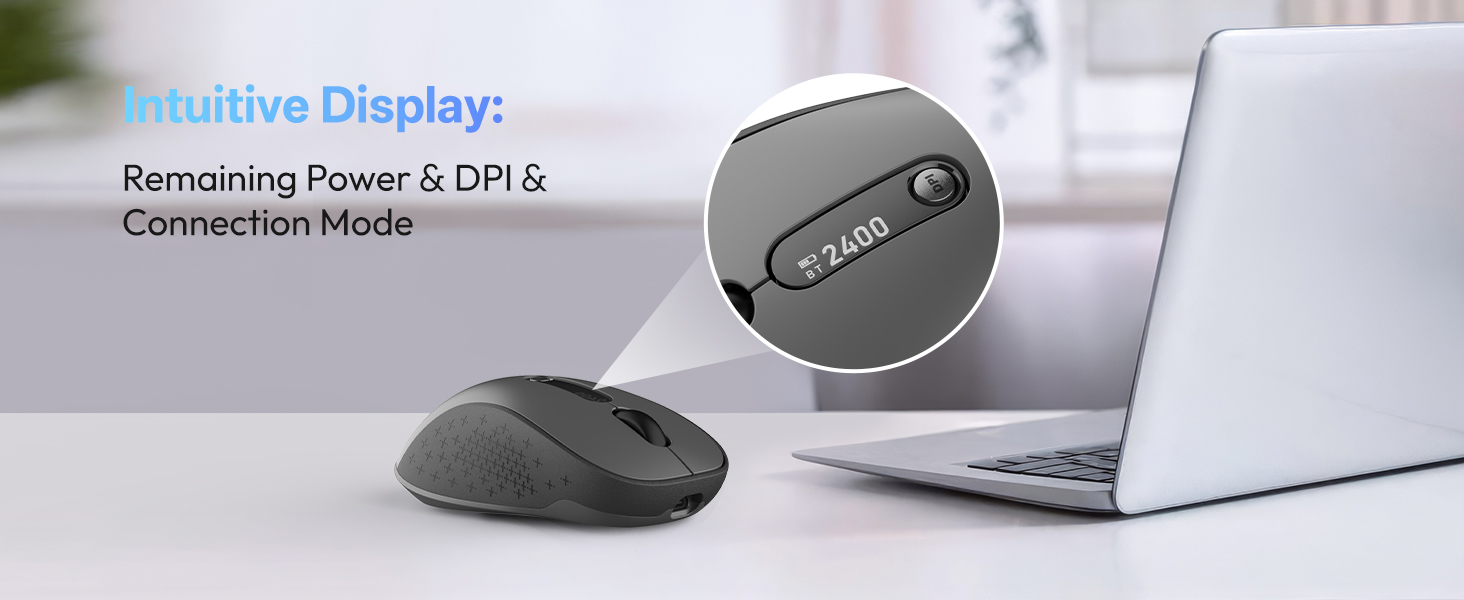
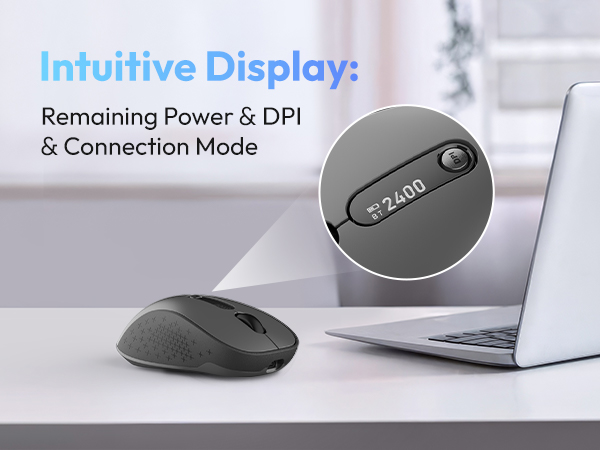
There is an LED screen in the middle of the mouse, which allows you to know the DPI, remaining battery, and connection mode at any time.
Does this mouse connect via Bluetooth?
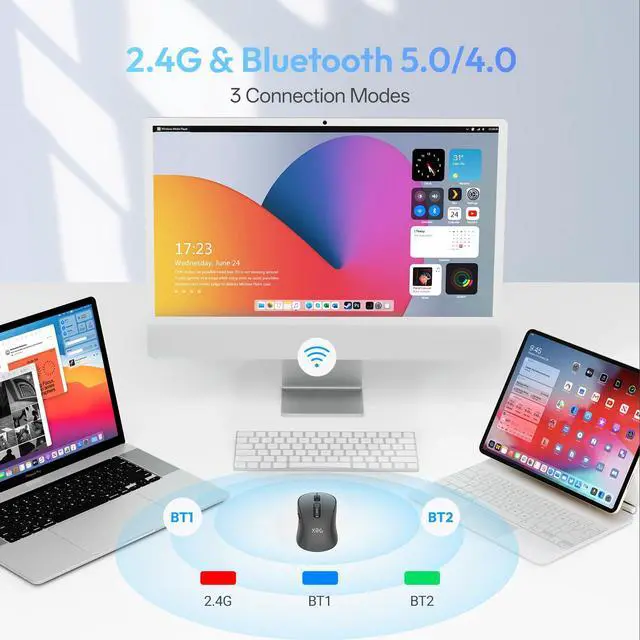
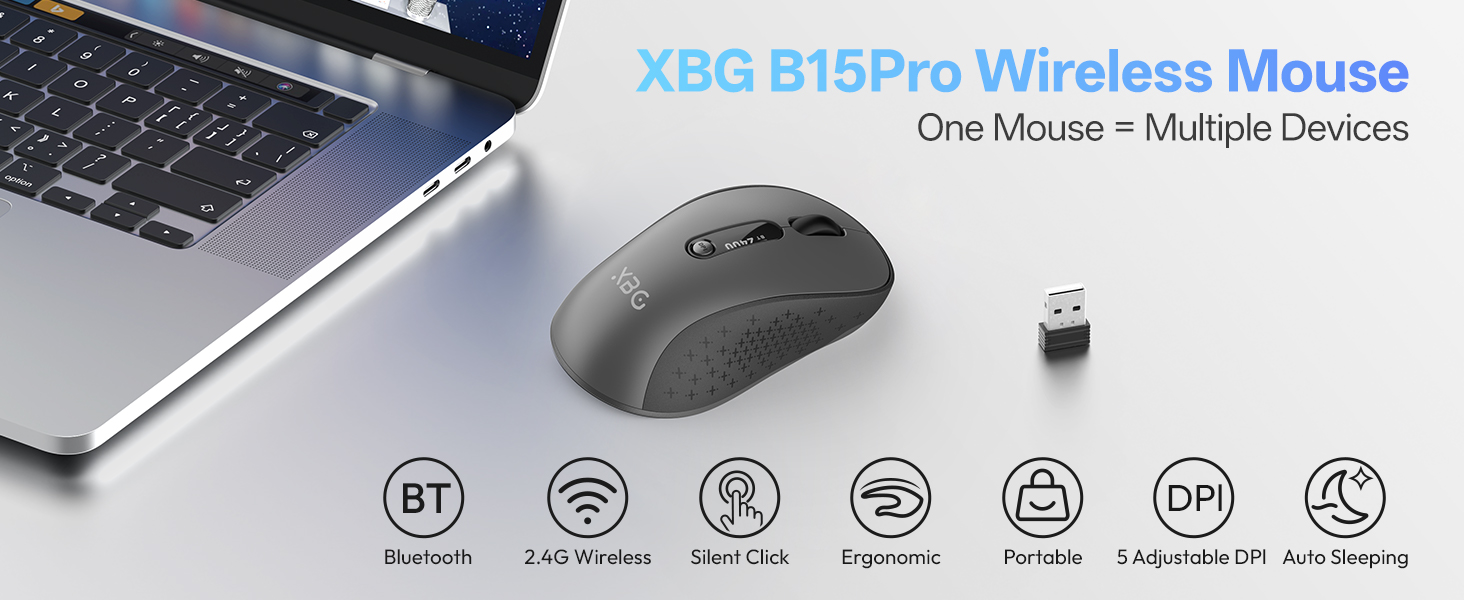
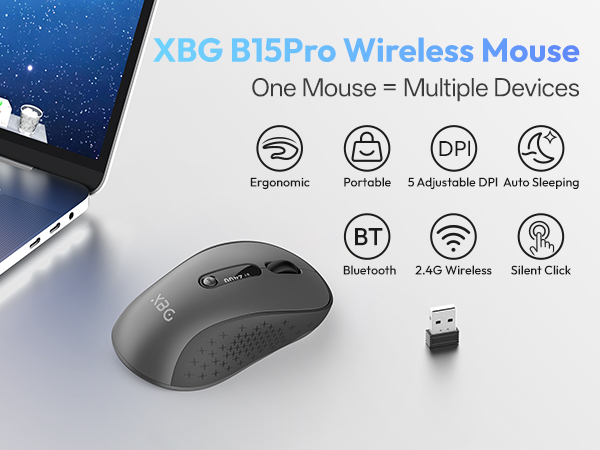
This mouse supports Bluetooth 5.0/4.0 and a 2.4G wireless connection.
How to connect to Bluetooth?
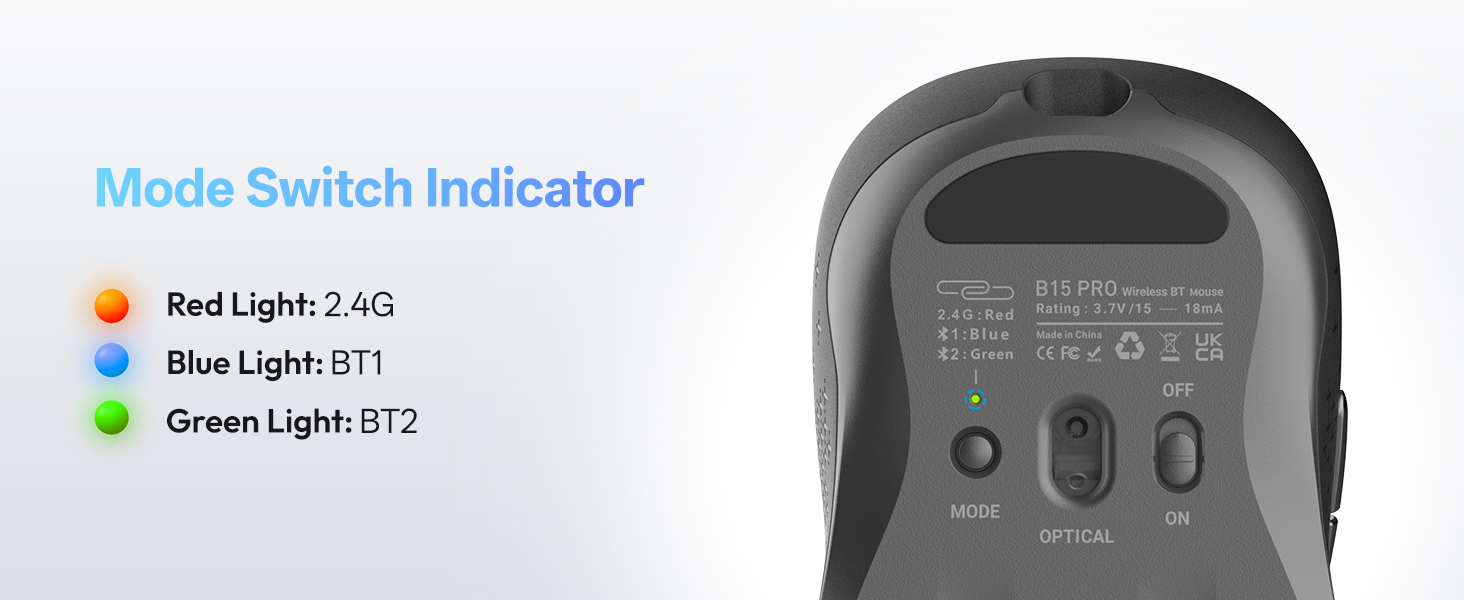
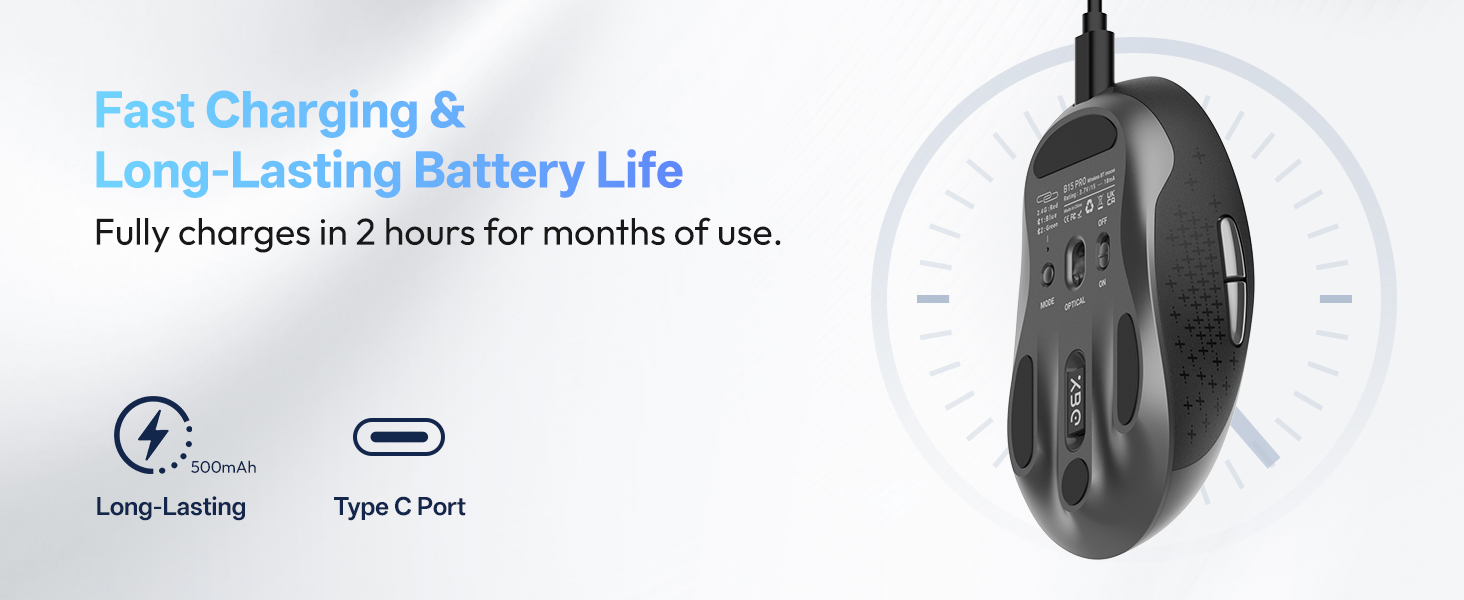
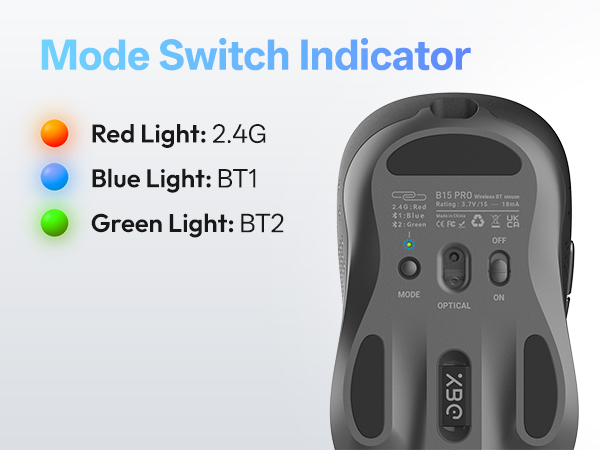
Search and connect to Bluetooth by switching the "mode" key. Blue means BT1, green means BT2, and red means 2.4G connection.
What is the DPI of this mouse?
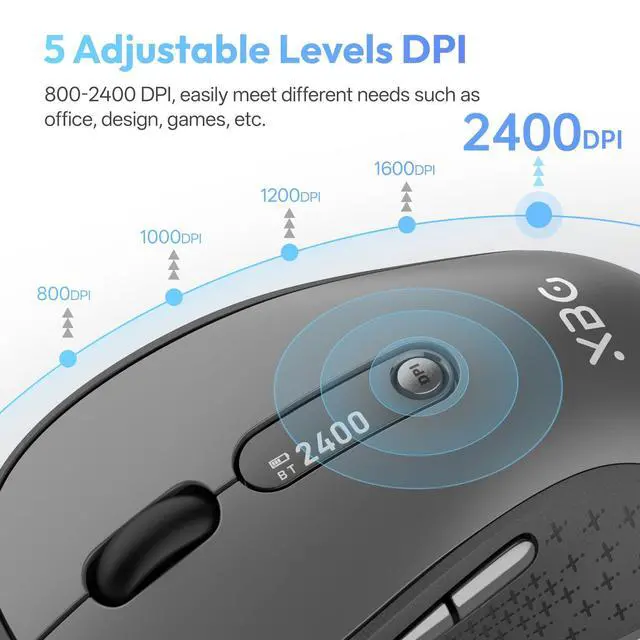
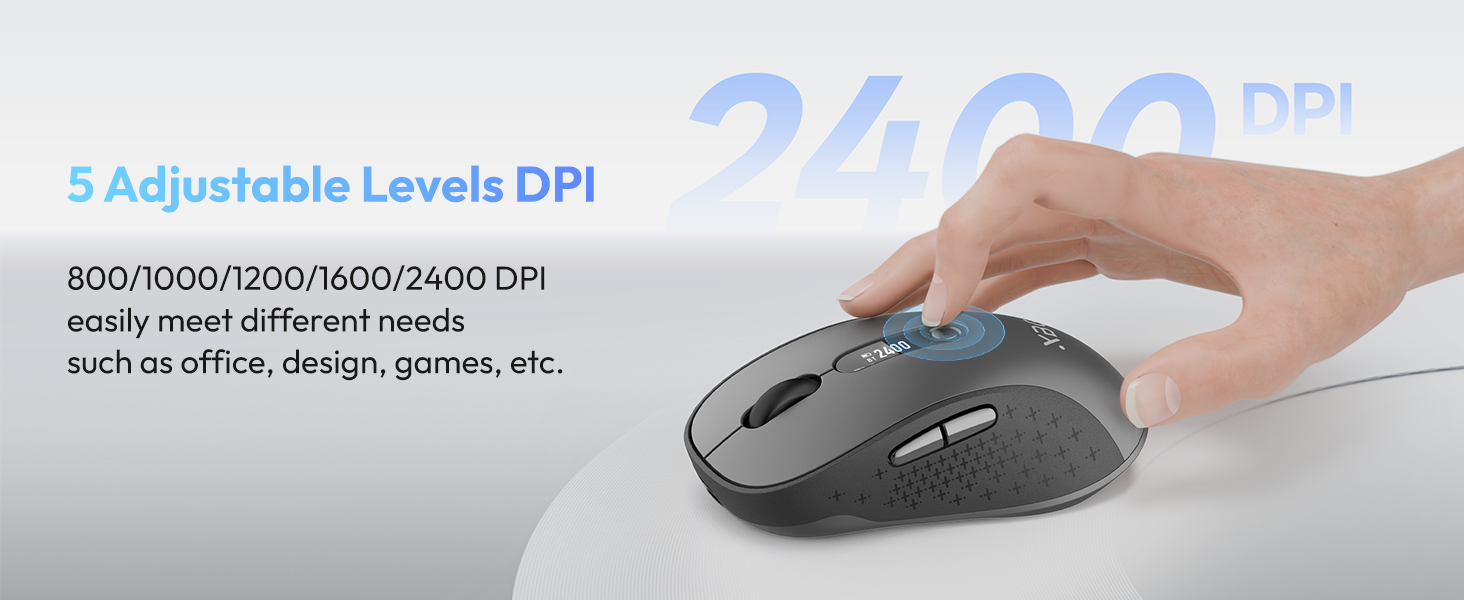
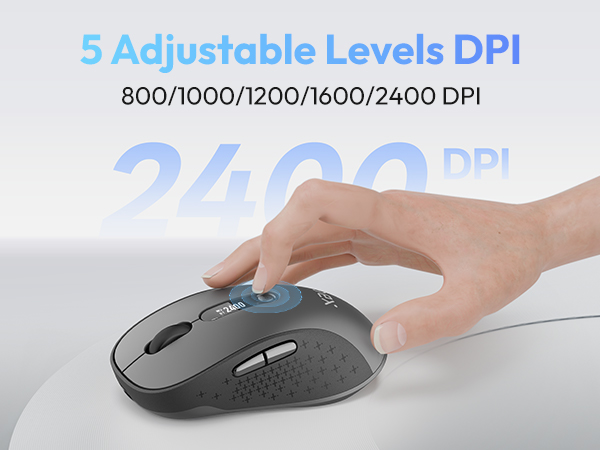
This mouse has 5 DPI levels: 800/1000/1200/1600/2400.
Is it a silent mouse?
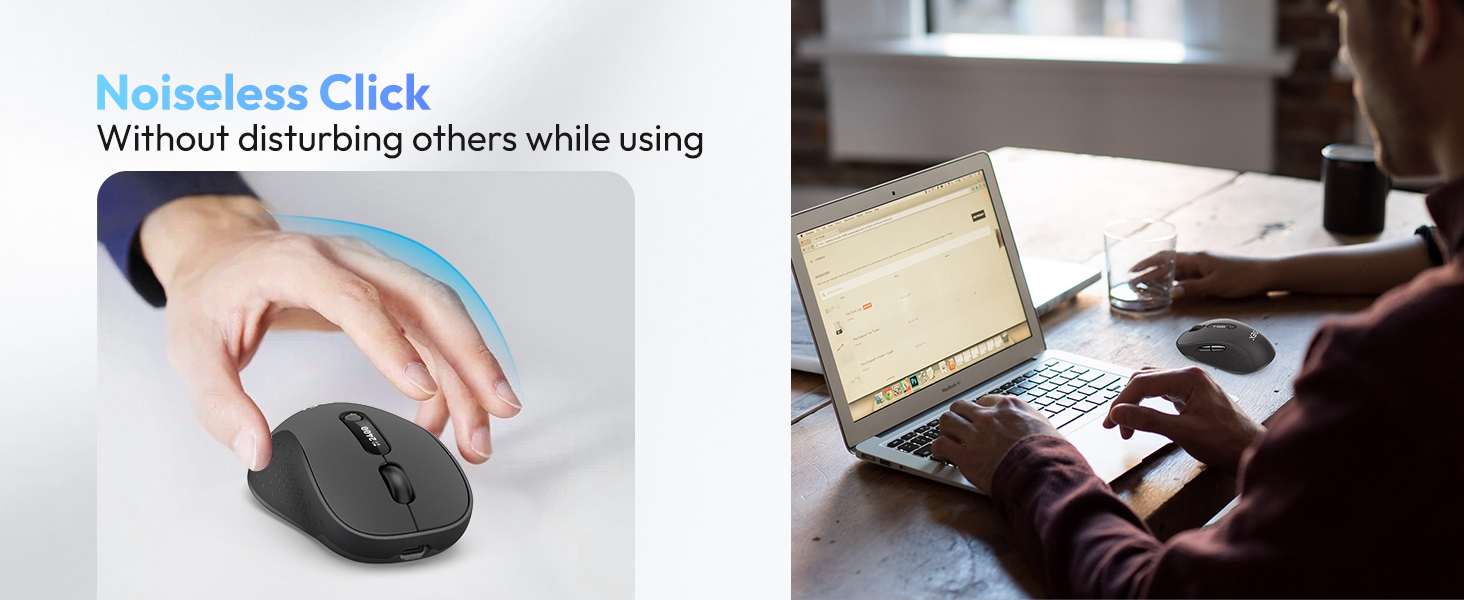
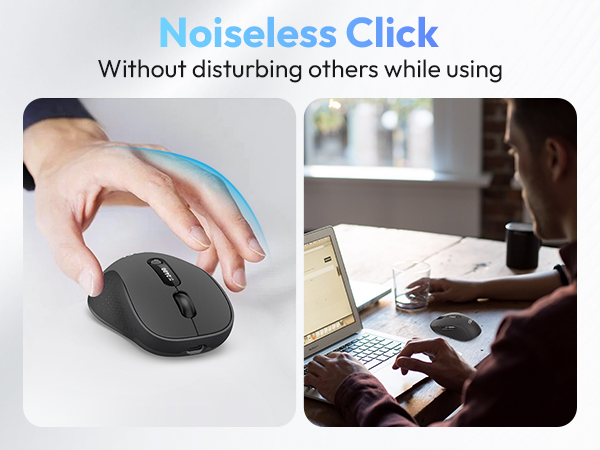
Yes, this mouse is silent, suitable for use in offices, libraries, dormitories, and other environments where quietness is required.

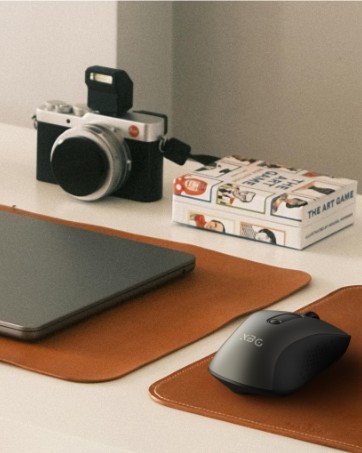
XBG Bluetooth Mouse
- BT5.0/4.0&2.4G
- 2400 DPI
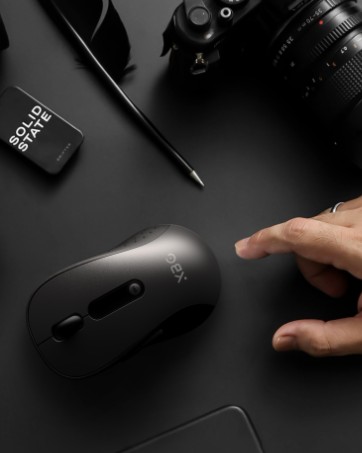
The Most Beautiful Office Mice
- Power Display
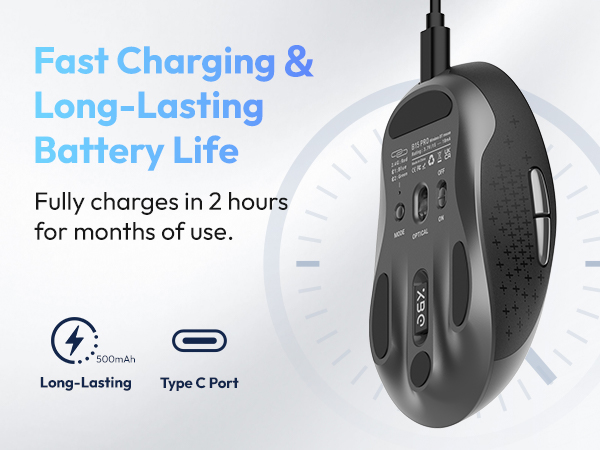
- Rechargeable Mouse
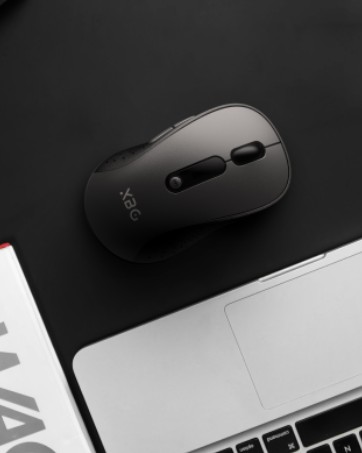
Tri-mode Bluetooth Mouse
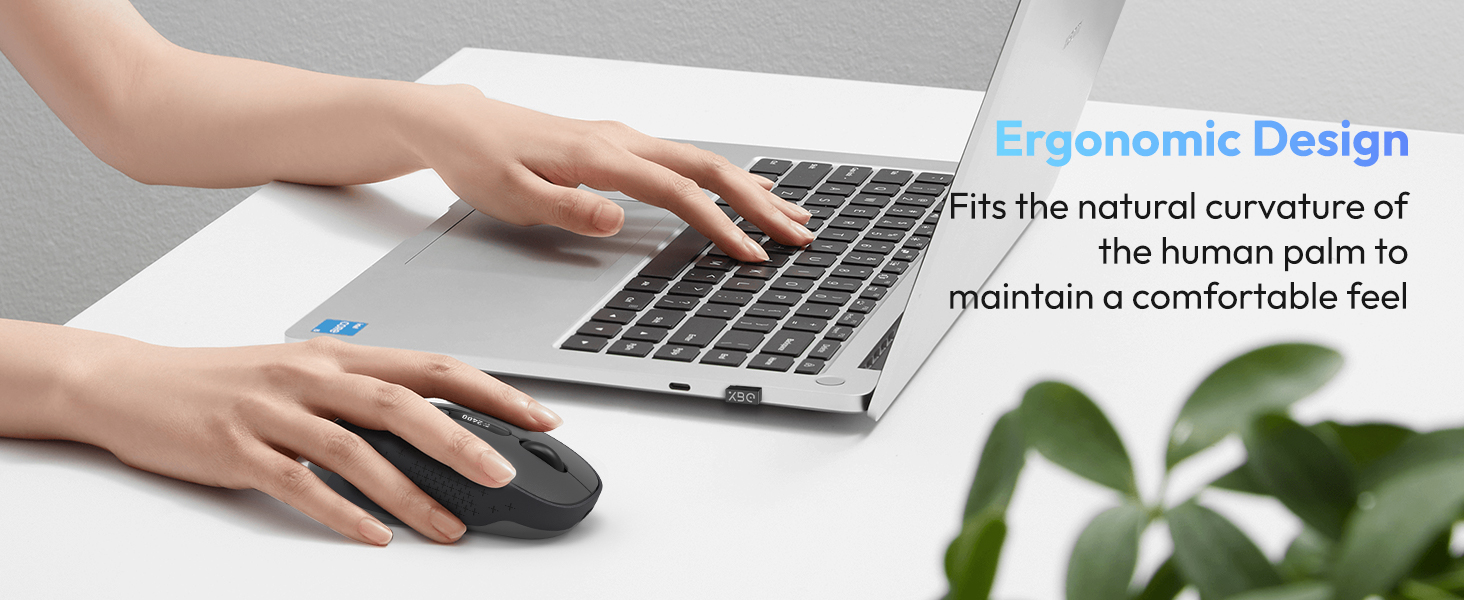
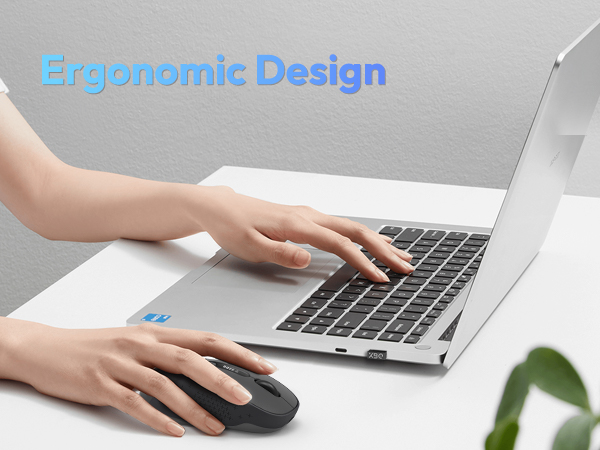
- Ergonomic Design
- Skin-like Texture

We’re a team of young designers reimagining the business mouse. We create stylish, wireless tools that boost your productivity. And because we put you first, we’re listening—your voice, from anywhere in the world, helps shape what we build next.
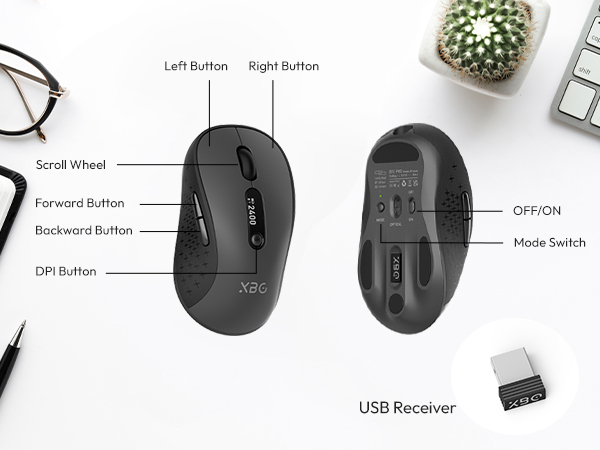
What is the screen in the middle of the mouse for?
There is an LED screen in the middle of the mouse, which allows you to know the DPI, remaining battery, and connection mode at any time.
Does this mouse connect via Bluetooth?
This mouse supports Bluetooth 5.0/4.0 and a 2.4G wireless connection.
How to connect to Bluetooth?
Search and connect to Bluetooth by switching the "mode" key. Blue means BT1, green means BT2, and red means 2.4G connection.
What is the DPI of this mouse?
This mouse has 5 DPI levels: 800/1000/1200/1600/2400.
Is it a silent mouse?
Yes, this mouse is silent, suitable for use in offices, libraries, dormitories, and other environments where quietness is required.
XBG Bluetooth Mouse
- BT5.0/4.0&2.4G
- 2400 DPI
The Most Beautiful Office Mice
- Power Display
- Rechargeable Mouse
Tri-mode Bluetooth Mouse
- Ergonomic Design
- Skin-like Texture
We’re a team of young designers reimagining the business mouse. We create stylish, wireless tools that boost your productivity. And because we put you first, we’re listening—your voice, from anywhere in the world, helps shape what we build next.