

Your Browsing History
- Free 30-day Returns
$44.99


Meet Your Seller


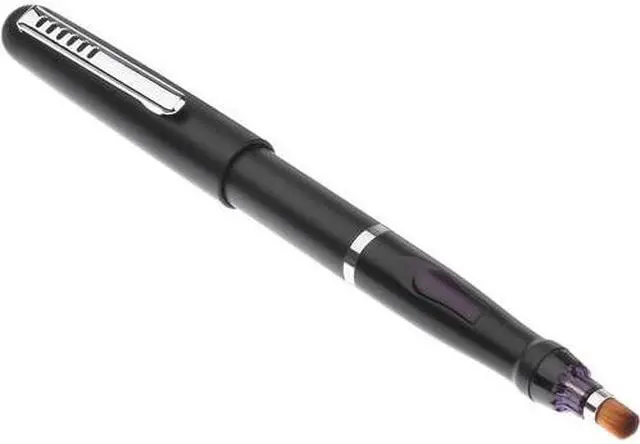
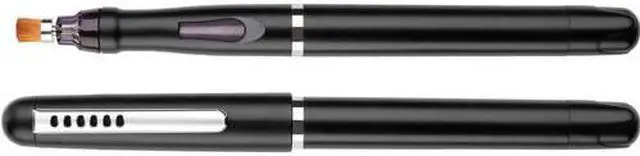
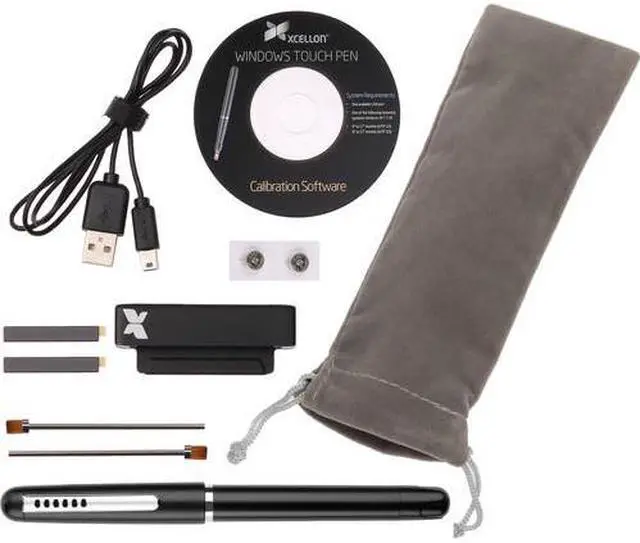
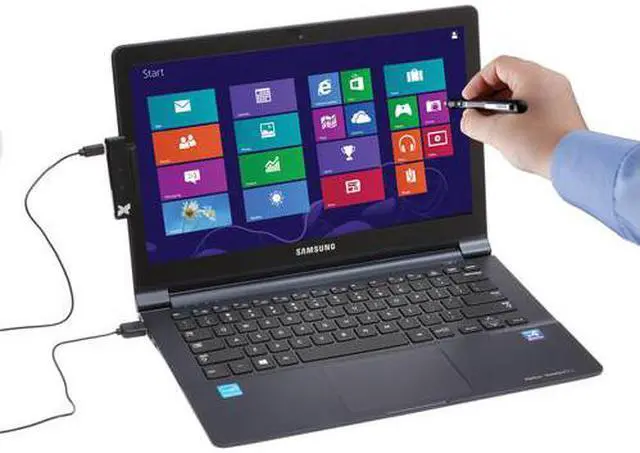
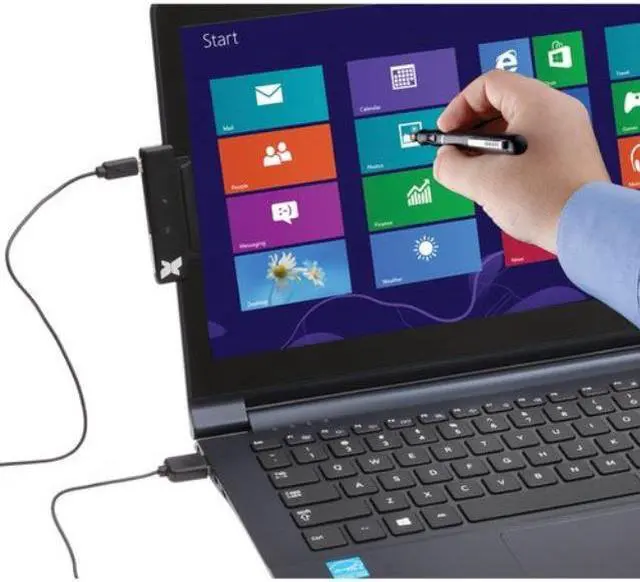


Xcellon Windows 8 Touch Pen Designed for 9" to 17" Laptop or Monitor
- For Non-Touch Laptop or Monitor
- Adds Touch Screen Functionality
- Designed for 9" to 17" Size Screens
- 5.7" Pen with Brush Tip
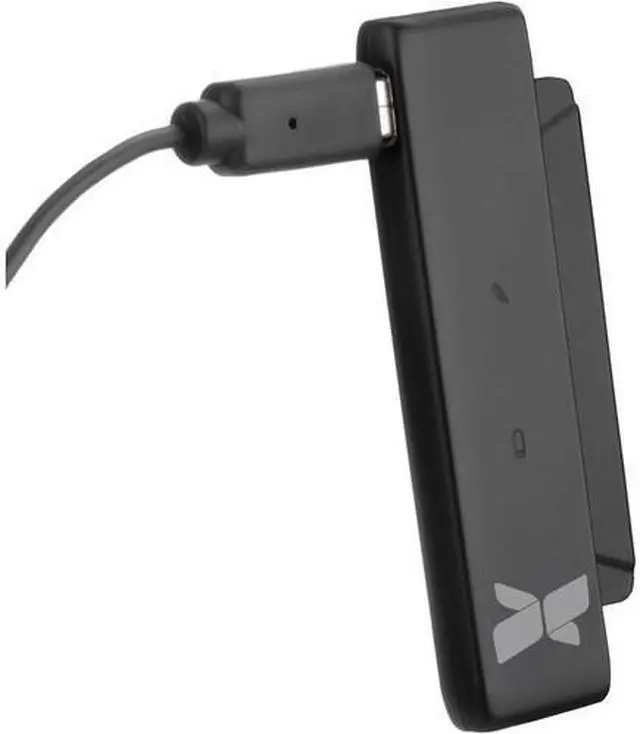
- Bus Powered Screen Adapter
+
+
Overview
Specs
Reviews

Any questions? Our AI mode will help you find out quickly.
Try me now
The Windows 8 Touch Pen Designed for 9" to 17" Laptop or Monitor from Xcellon is a touch pen designed to work with screens from 9 to 17 inches in size and mimics the touch functionality of a standard touch screen display. Simply attach the included IR receiver to the side of the screen and connect it to an available USB port. Once the IR receiver has been installed, configure the pen by holding the pen to the red dot in each corner of the screen until you receive on-screen confirmation the pen has been recognized by the sensor.
The included touch pen features a brush tip and operates with the two included SR41 batteries. After inserting the batteries simply calibrate the pen to the display and begin using your PC running Windows XP, Windows 7, or Windows 8 in an entirely new way.
Turns your computer into a virtual touch screen
Enables you to take advantage of the touch features built into the Windows 8 Start Screen
Touch pen works with the included IR receiver that mounts to your screen's bezel
Allows you to touch, swipe, drag, zoom, and more
Stylus Type: Brush
System Requirements: Windows XP, Windows 7, Windows 8, One free USB port, 9" to 17" Laptop or Monitor
Power Source: Sensor: Bus powered, Pen: 2 x SR41 batteries (approximately 50 hour battery life)
Pen Length: 5.7" / 14.5 cm
Pen Diameter: 0.5" / 1.2 cm
Weight: 0.67 oz / 19 g
The included touch pen features a brush tip and operates with the two included SR41 batteries. After inserting the batteries simply calibrate the pen to the display and begin using your PC running Windows XP, Windows 7, or Windows 8 in an entirely new way.
Turns your computer into a virtual touch screen
Enables you to take advantage of the touch features built into the Windows 8 Start Screen
Touch pen works with the included IR receiver that mounts to your screen's bezel
Allows you to touch, swipe, drag, zoom, and more
Stylus Type: Brush
System Requirements: Windows XP, Windows 7, Windows 8, One free USB port, 9" to 17" Laptop or Monitor
Power Source: Sensor: Bus powered, Pen: 2 x SR41 batteries (approximately 50 hour battery life)
Pen Length: 5.7" / 14.5 cm
Pen Diameter: 0.5" / 1.2 cm
Weight: 0.67 oz / 19 g
Warranty & Returns
Warranty, Returns, And Additional Information
Warranty
- Please contact the Seller directly for warranty information. Warranty information may also be found on the Manufacturer's website.
- CONTACT
Return Policies
- Return for refund within: 30 days
- Return for replacement within: 30 days
- This item is covered by The Best Deals For You Return Policy
Manufacturer Contact Info
- For a directory of all our manufacturers, please click below.
- Manufacturers Directory
LOADING...