




 here!
here!
I’m your shopping assistant for PC builds, upgrades, and everything tech.
Got questions? Ask away!
Start a conversation
here!
I’m your shopping assistant for PC builds, upgrades, and everything tech.
Got questions? Ask away!
Start a conversation




Any questions? Ask CelesteSM will help you find out quickly.

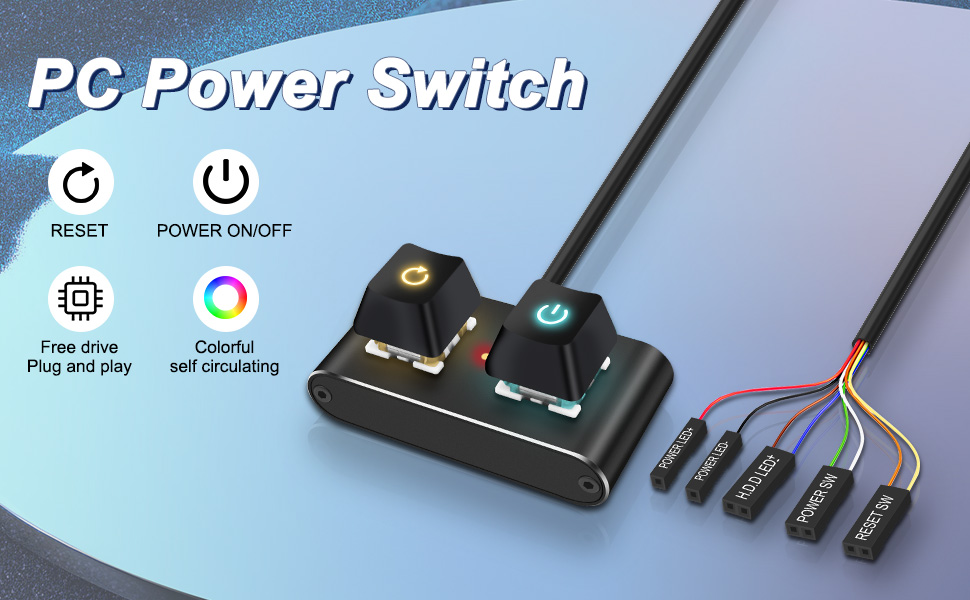
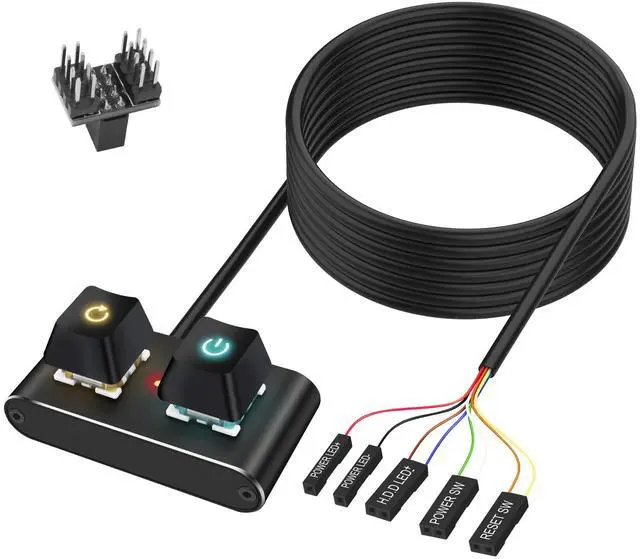
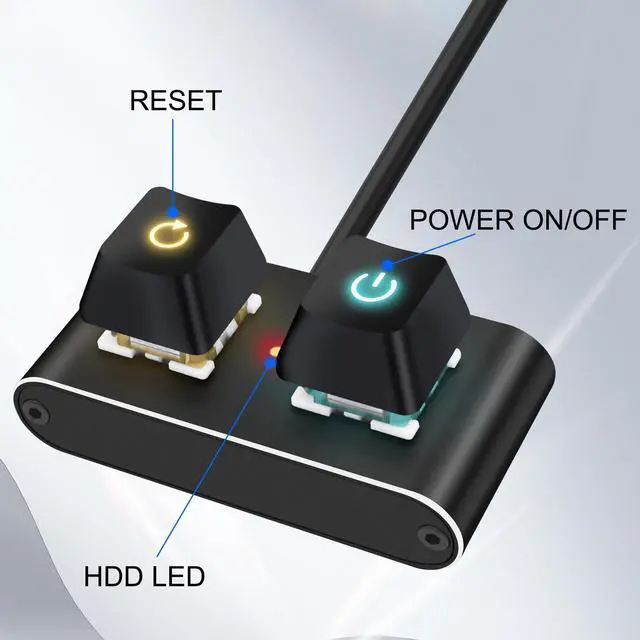
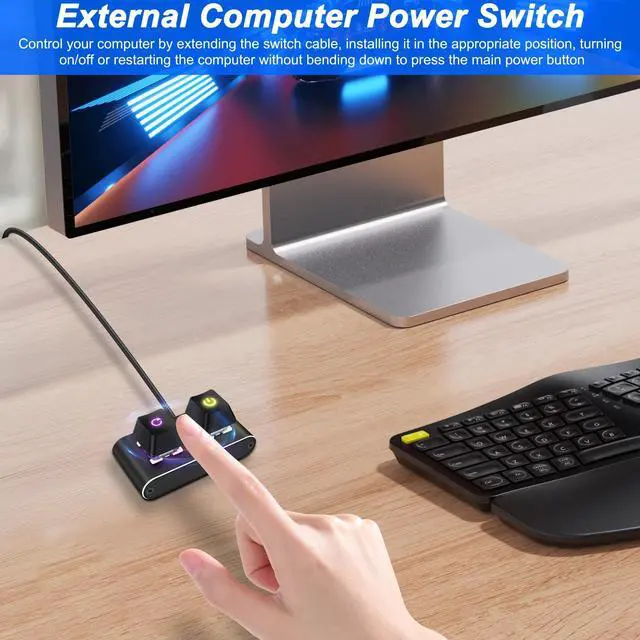
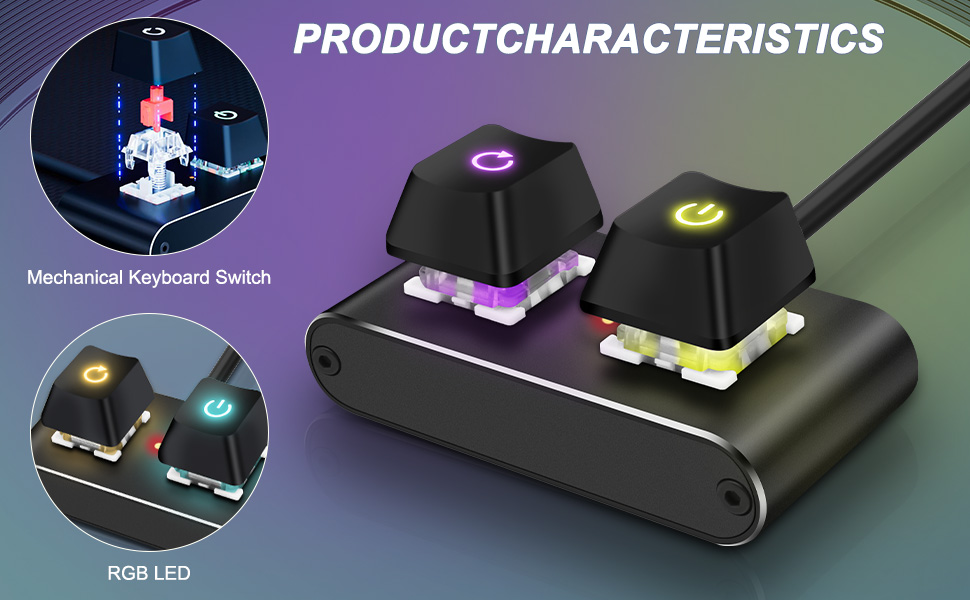
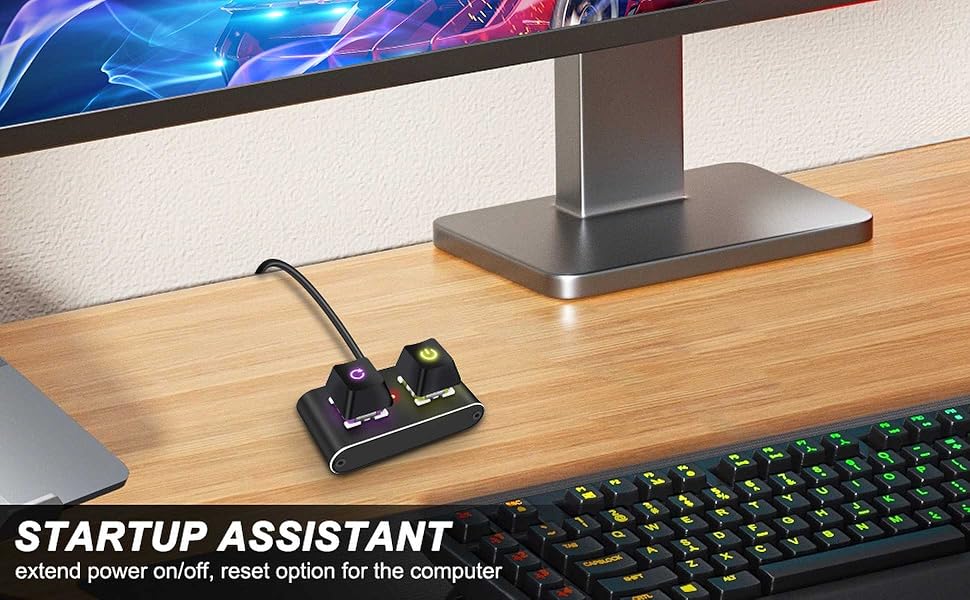
Desktop Computer External Power Button has complete power on/off and restart functions. Both buttons are equipped with colorful self circulating LED lights under them, which cannot be modified by oneself. The POWER LED circuit can be disconnected without the need for lighting.
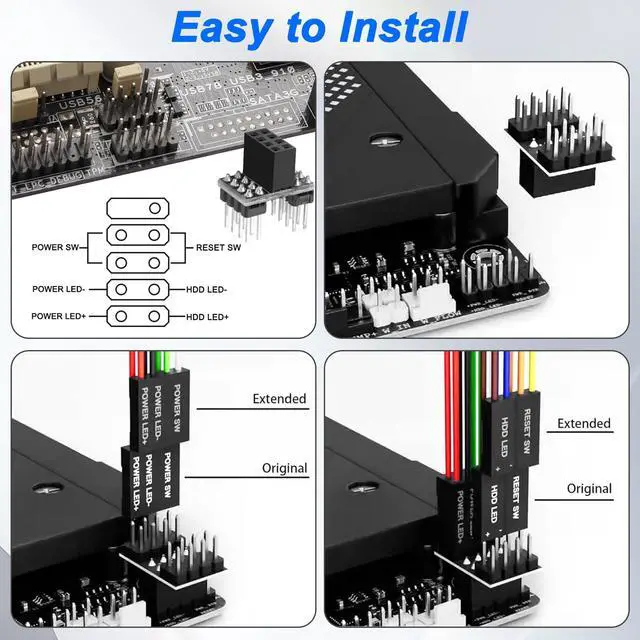
(1) Direct installation:
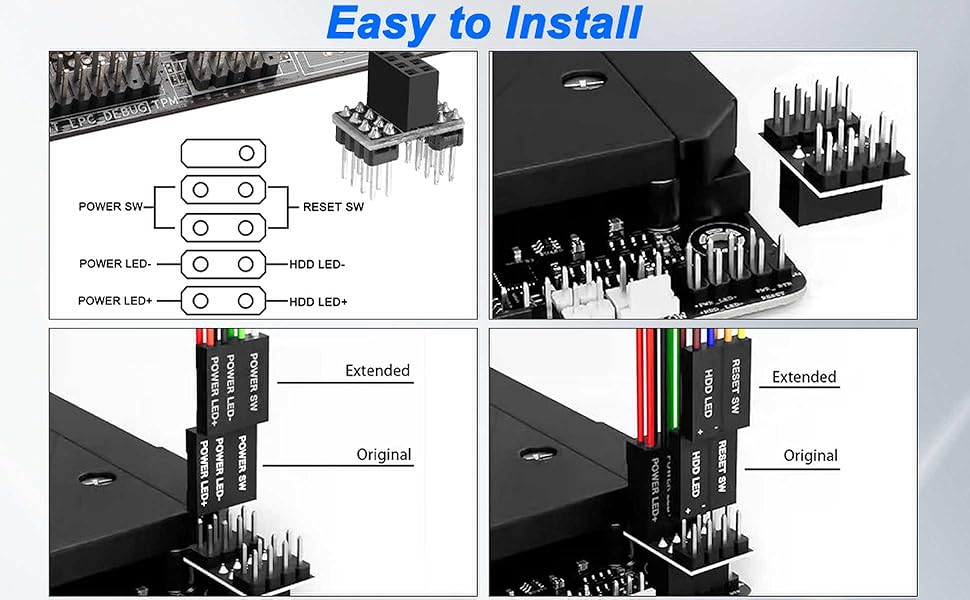
Connect the power terminal wires of the external switch of the desktop computer to the corresponding positions of the motherboard's F_PANEL socket, ensure correct installation, and use new switches.
(2) Retain the restart function of the switch:
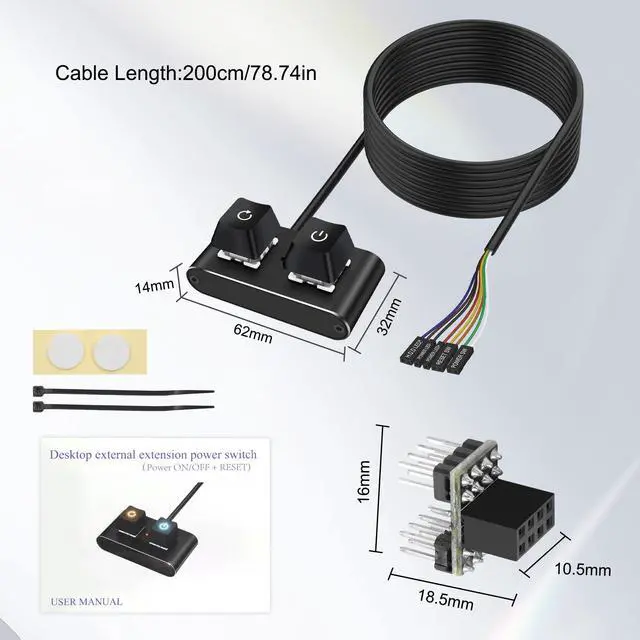
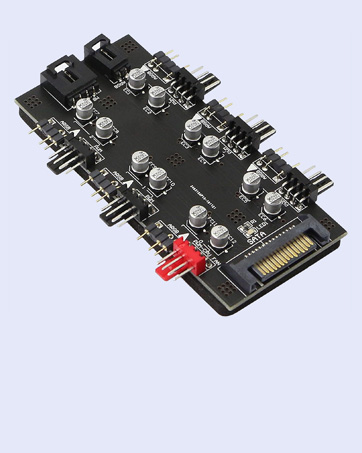
Paired with an adapter to divert power (the optional 1-2 adapter is designed for sockets with 2.54 spacing and 9 pins), each function is divided into two equally functional wiring paths to ensure that both the original function and the new function on the external switch can be used.
Scope of modification: The spacing between the sockets corresponding to the motherboard is 2.54mm, and the plug of the original front switch is a scattered terminal, not fully integrated into a whole.


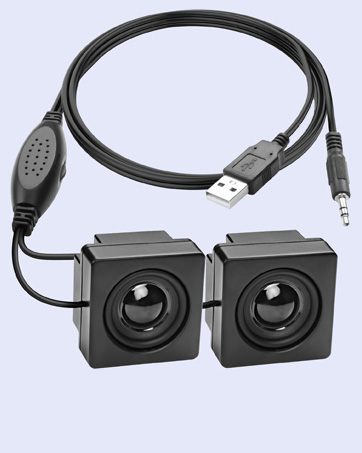
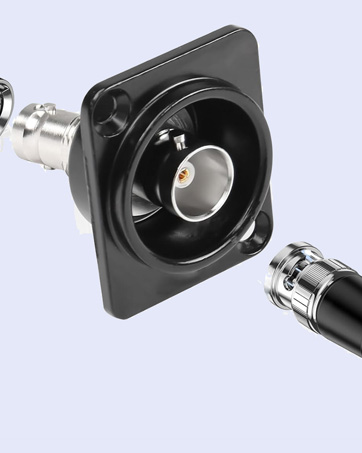
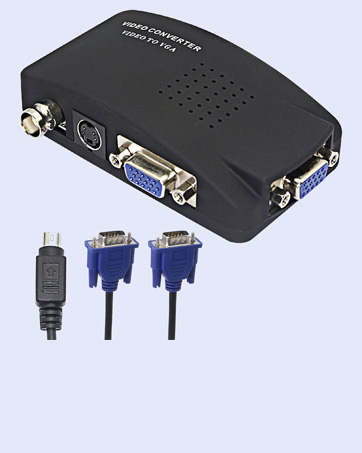
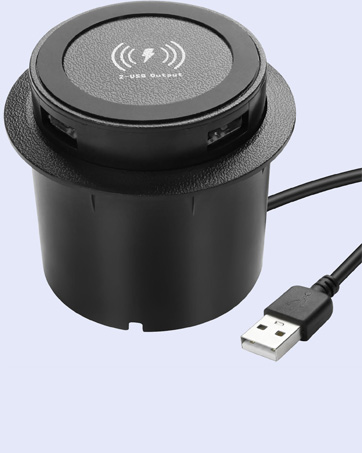
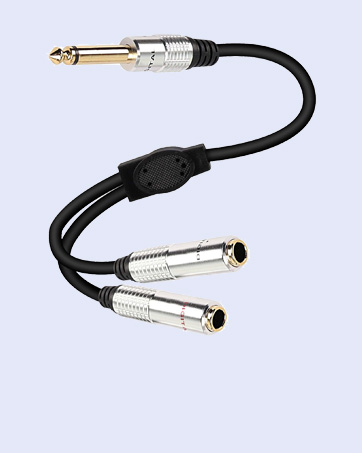
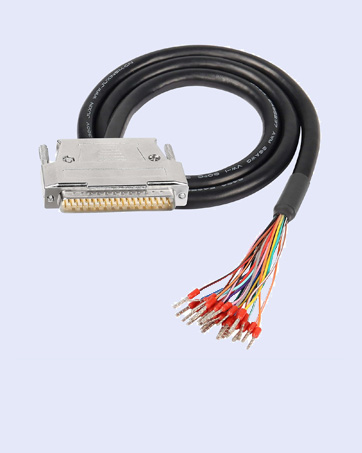
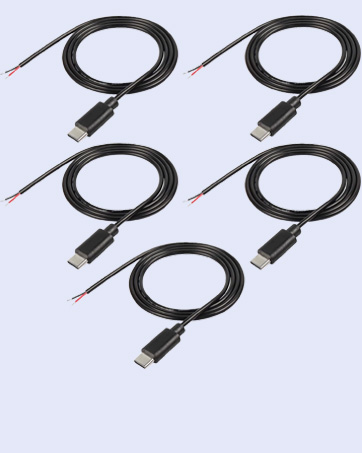
XMSJSIY focuses on your needs, providing high-quality products to solve small troubles in life. There are a variety of products for you to choose from, such as connection conversion between audio devices, power supply for devices, etc., to enhance your experience.
As a small expert in daily life, simplifies complex and messy work steps with professional products, allowing you to enjoy a comfortable, leisurely and happy life.



Desktop Computer External Power Button has complete power on/off and restart functions. Both buttons are equipped with colorful self circulating LED lights under them, which cannot be modified by oneself. The POWER LED circuit can be disconnected without the need for lighting.
(1) Direct installation:
Connect the power terminal wires of the external switch of the desktop computer to the corresponding positions of the motherboard's F_PANEL socket, ensure correct installation, and use new switches.
(2) Retain the restart function of the switch:
Paired with an adapter to divert power (the optional 1-2 adapter is designed for sockets with 2.54 spacing and 9 pins), each function is divided into two equally functional wiring paths to ensure that both the original function and the new function on the external switch can be used.
Scope of modification: The spacing between the sockets corresponding to the motherboard is 2.54mm, and the plug of the original front switch is a scattered terminal, not fully integrated into a whole.
XMSJSIY focuses on your needs, providing high-quality products to solve small troubles in life. There are a variety of products for you to choose from, such as connection conversion between audio devices, power supply for devices, etc., to enhance your experience.
As a small expert in daily life, simplifies complex and messy work steps with professional products, allowing you to enjoy a comfortable, leisurely and happy life.


