
• $44.99
  • Free 30-day Returns
  • Price alert
    Shop it at NeweggBusiness.

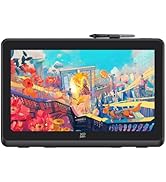
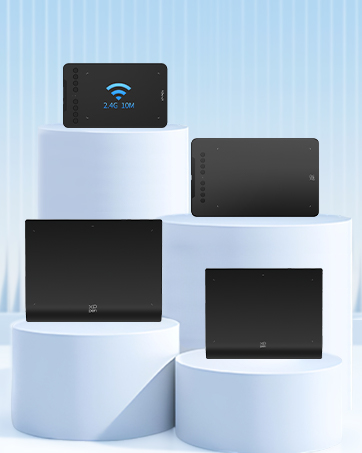
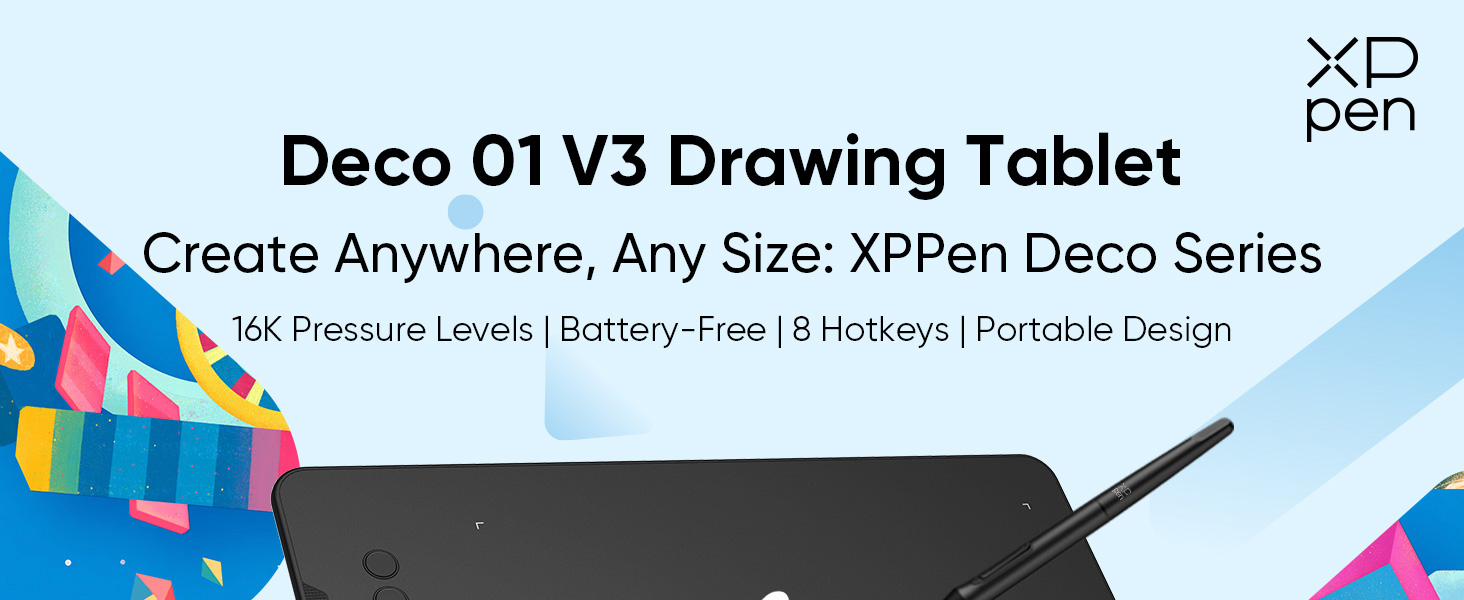
    Updated Deco 01 V3 Drawing Tablet-16384 Levels of Pressure Battery-Free Stylus, 10x6 Inch OSU Graphic Tablet, 8 Hotkeys for Digital Art, Teaching, Gaming Drawing Pad for Chrome, PC, Mac, Android

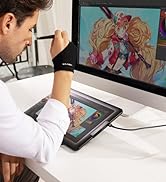
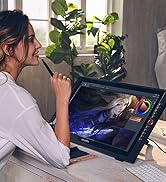
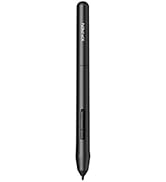
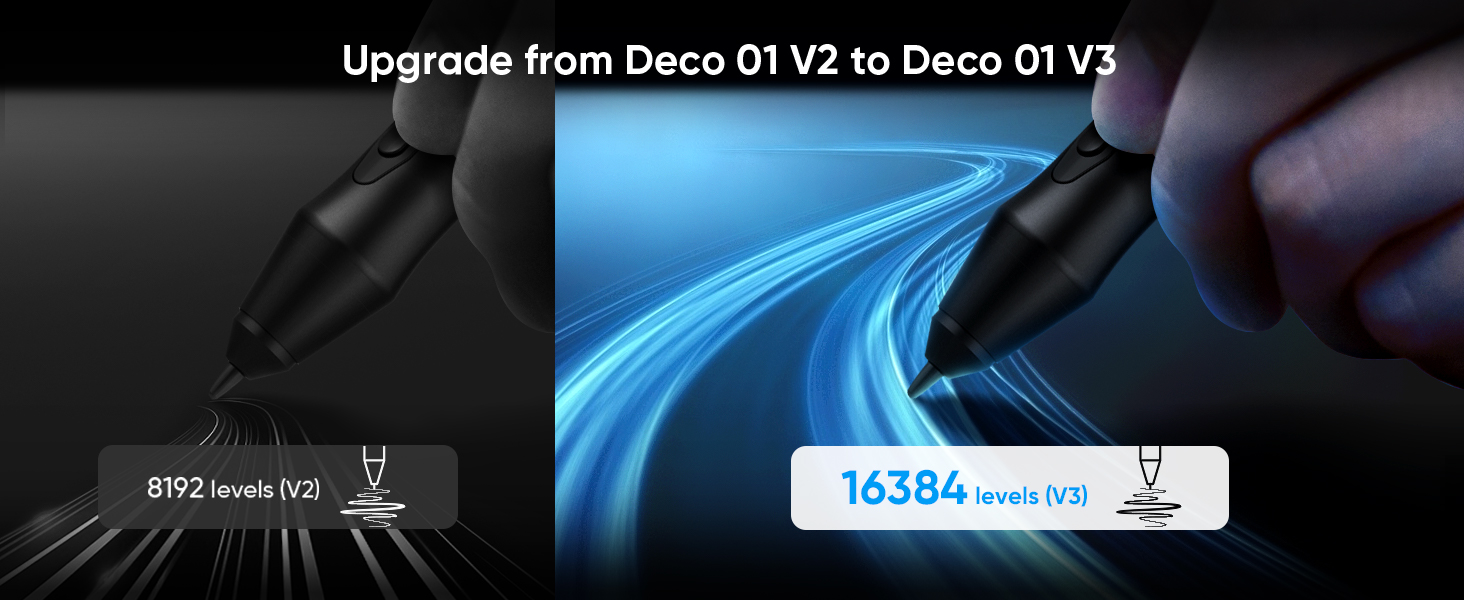
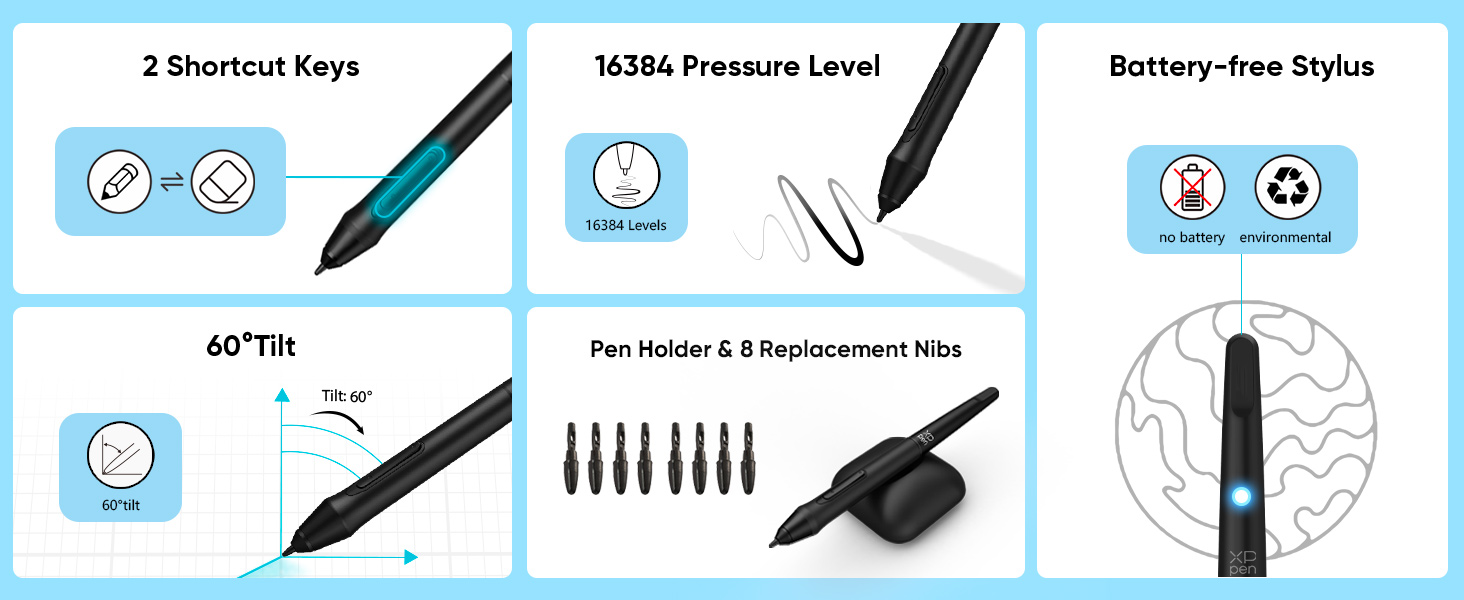
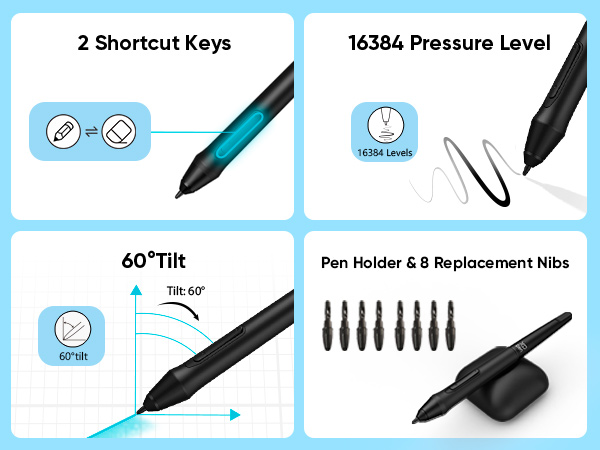
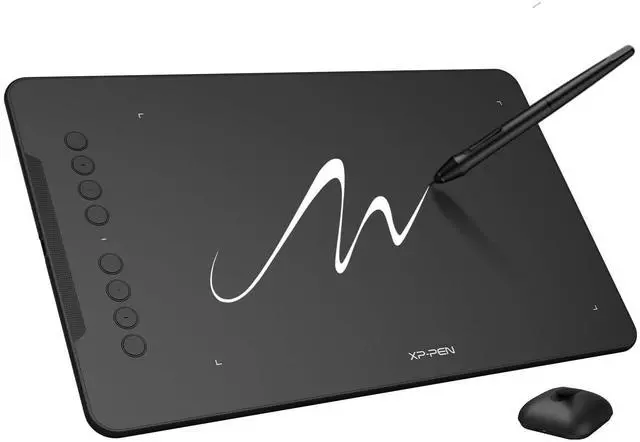
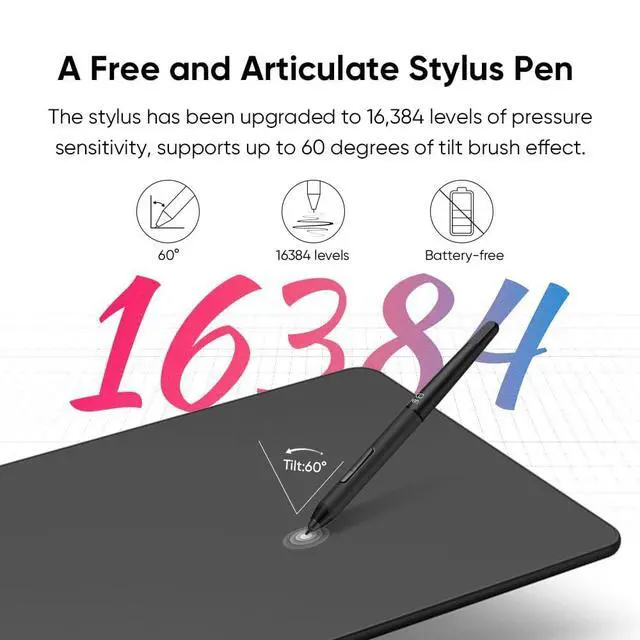
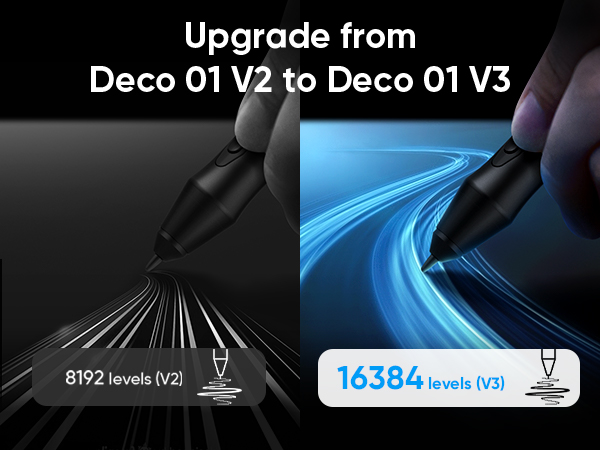
    • Word-first 16K Pressure Levels: The upgraded stylus features 16,384 levels of pressure sensitivity and supports up to 60 degrees of tilt, delivering smoother lines and shading for a natural drawing experience. With no battery or charging needed, it operates like a real pen, making it easy for beginners to create effortlessly. This functionality helps novice artists develop their skills and explore their creativity without the intimidation of complex tools
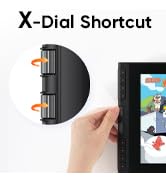
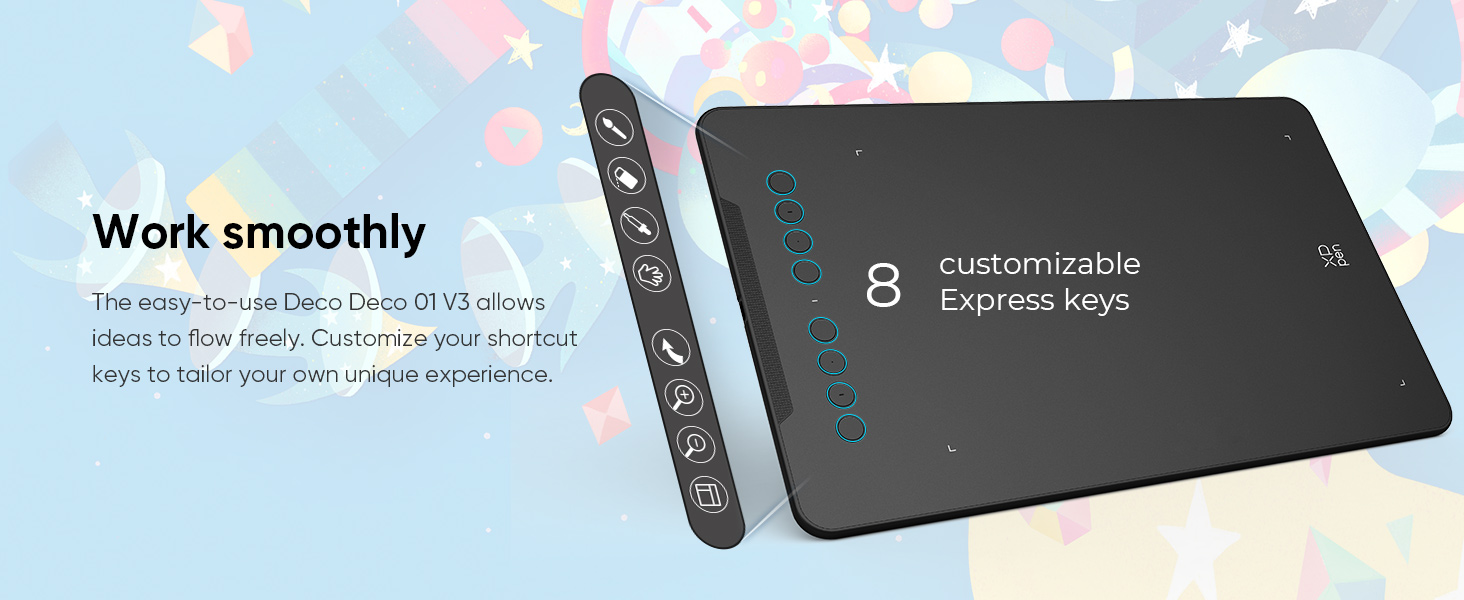
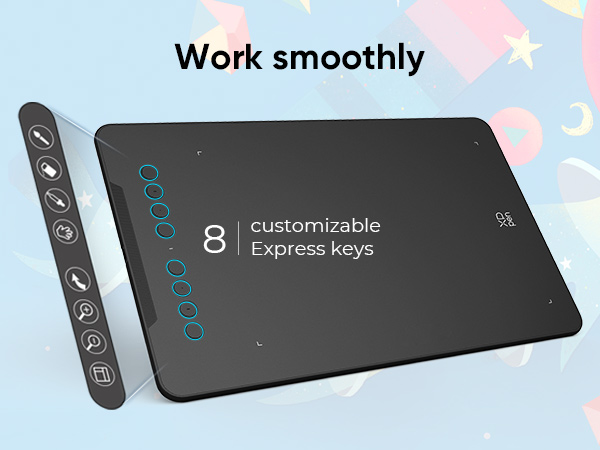
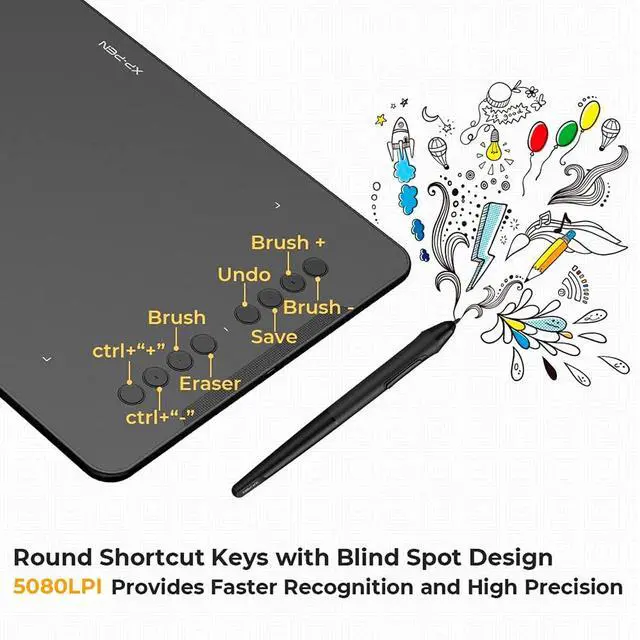
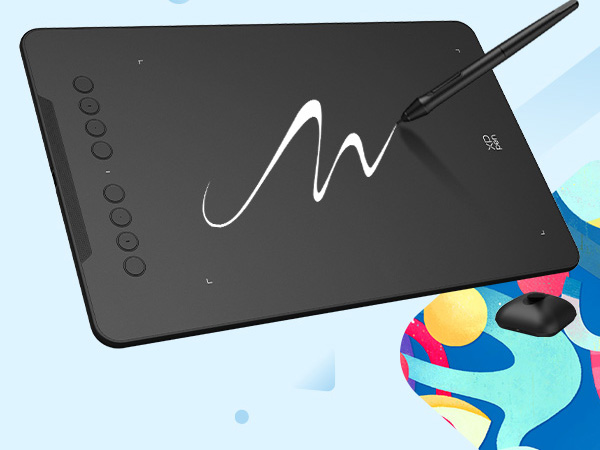
    • Designed for Beginners: This drawing pad desinged with 8 customizable shortcuts for both right and left-hand users, express keys create a highly ergonomic and convenient work platform
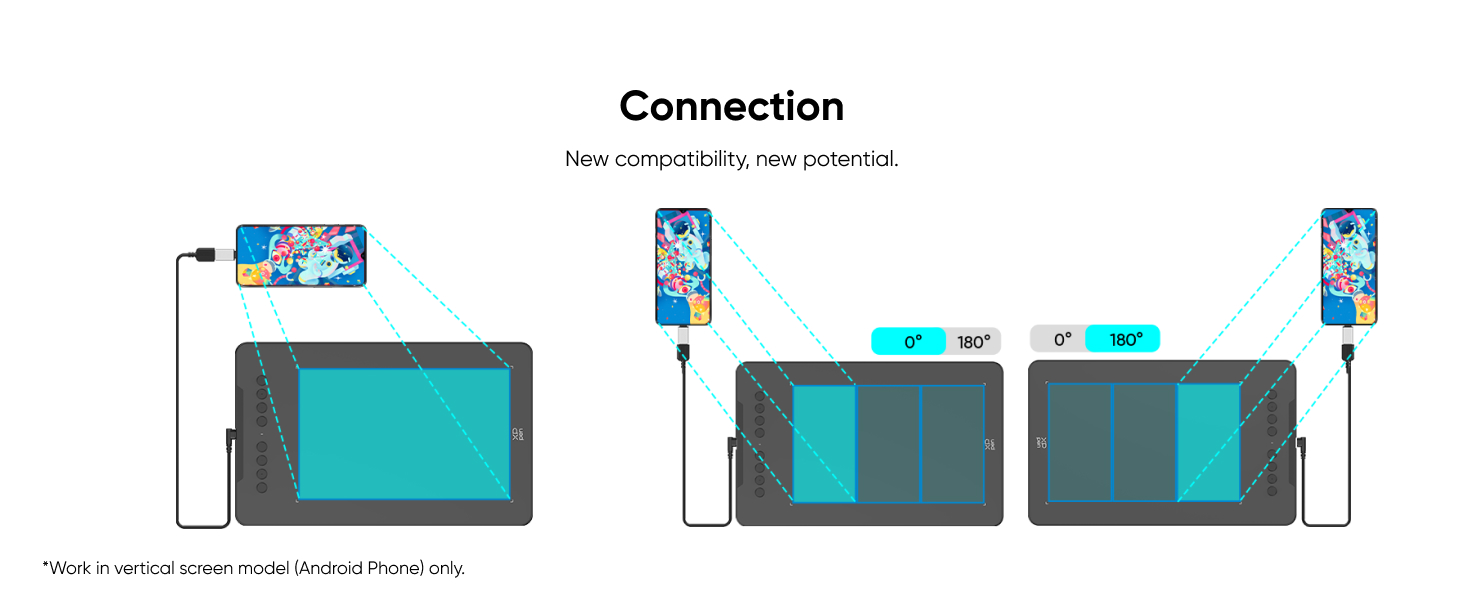
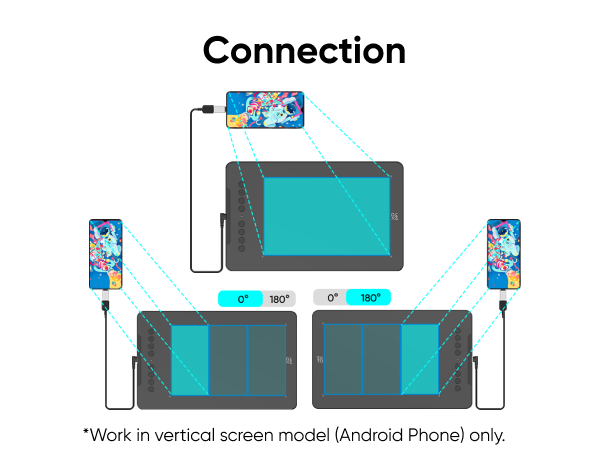
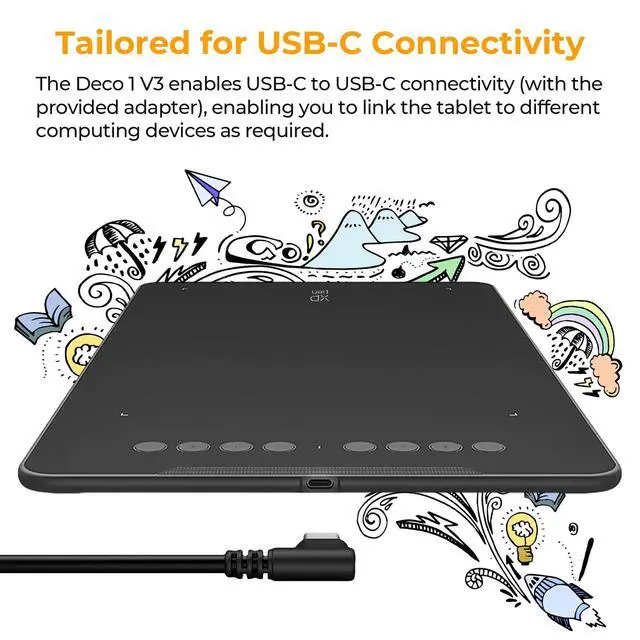
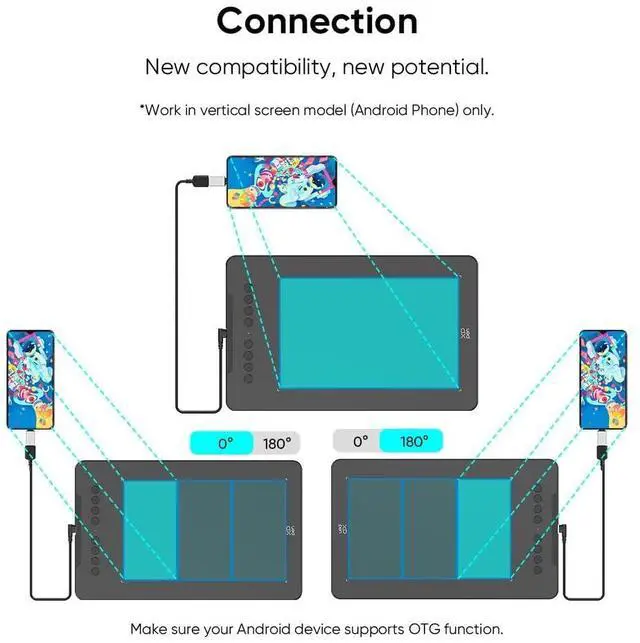
    • Perfectly Adapted for Android: The XPPen Deco 01 V3 art tablet supports connections with Android devices running version 10.0 and above. It is recommended to download the XPPen Tools Android application, which adapts to your smartphone's screen aspect ratio, ensuring accurate mapping. It also supports mapping on Android screens with different aspect ratios in portrait mode
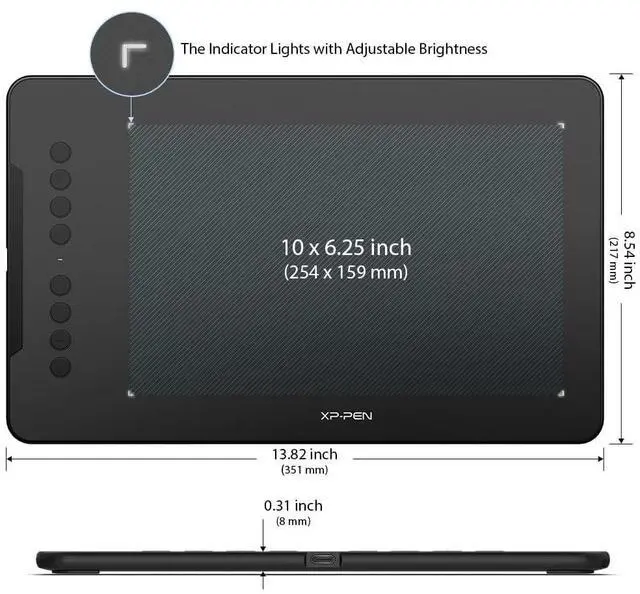
    • Large Drawing Space, Bigger Bold Inspiration: This expansive drawing pad has10 x 6.25-inch helps you break through the limit between shortcut keys and drawing area
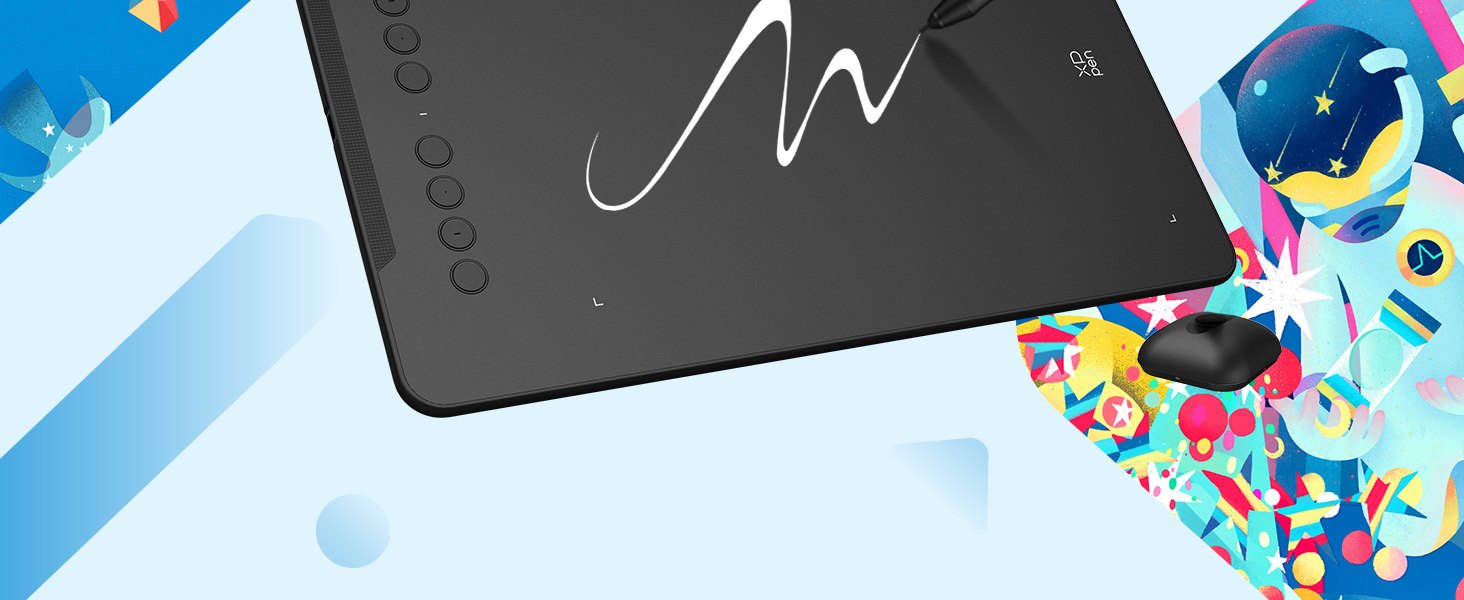
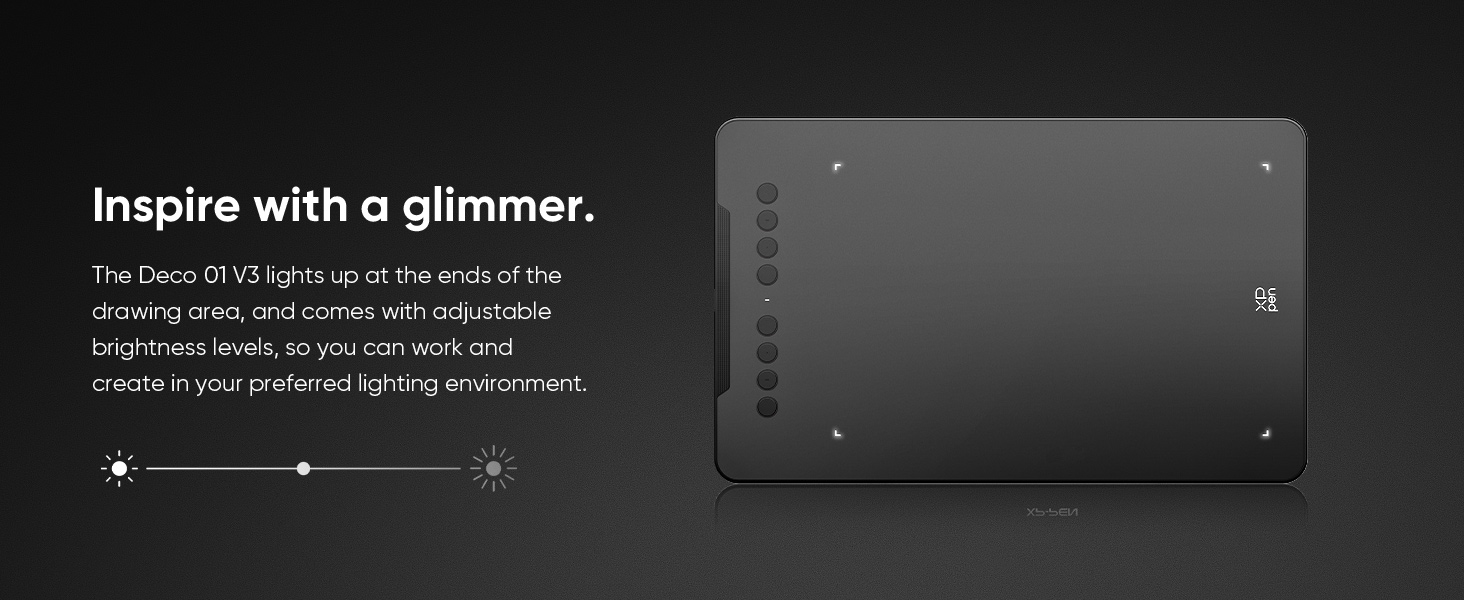
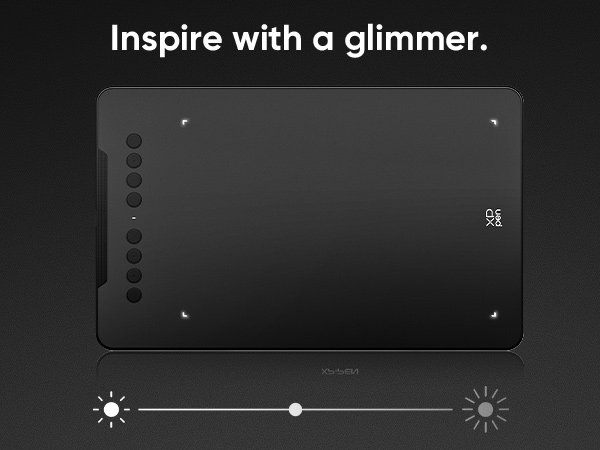
    • Graphics Tablet: High Tech IC-Weve adopted the newest High Tech IC, to make lines flow smoother and perform better. The Deco lights up on the ends of the drawing area, so you can create, even in the dark
    +
    +
    Overview
    Specs
    Reviews
    avatar

    Any questions? Our AI beta will help you find out quickly.

    XPPen DECO 01 V2 DRAWING TABLET
    XPPen DECO 01 V2 DRAWING TABLET
    deco 01 v2 drawing tablet xppen

    Wide Compatibility

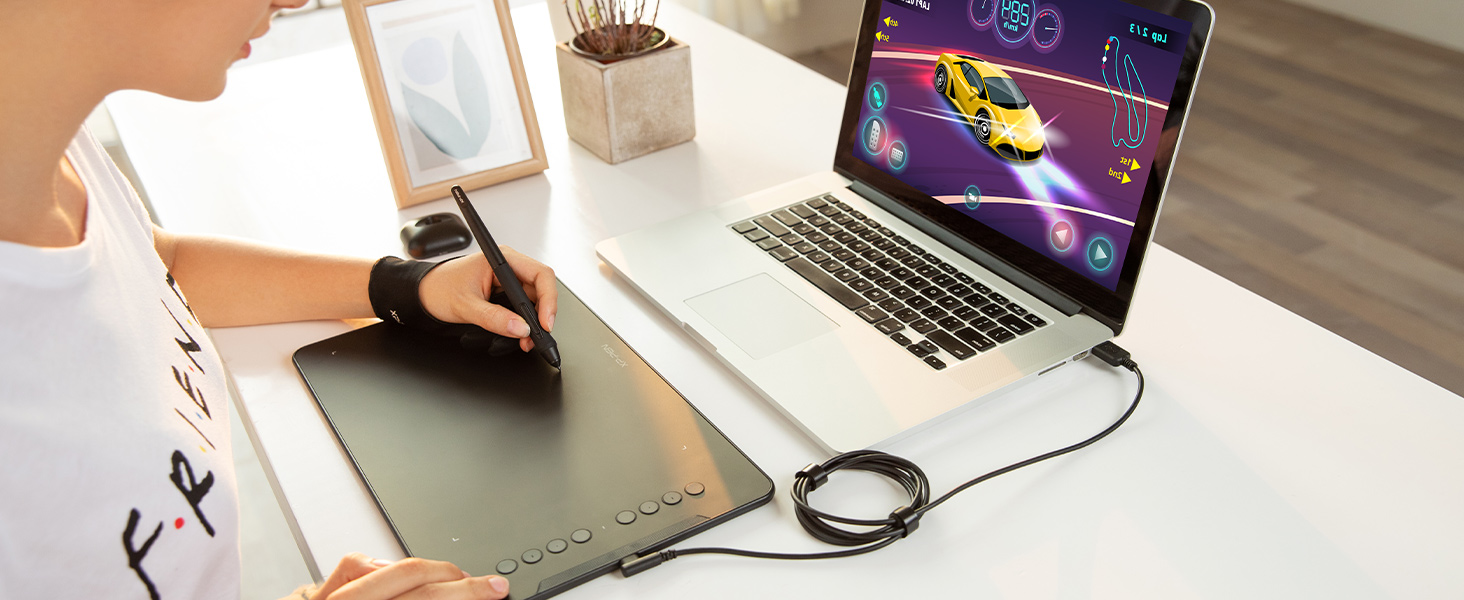
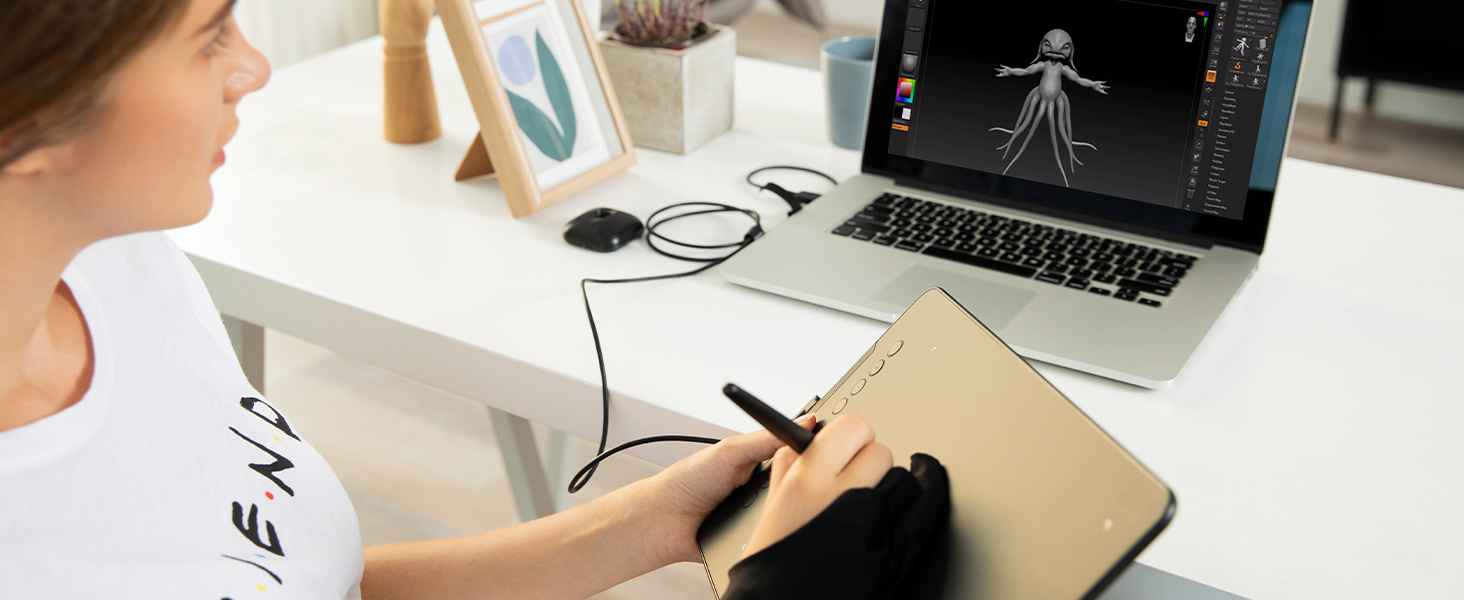
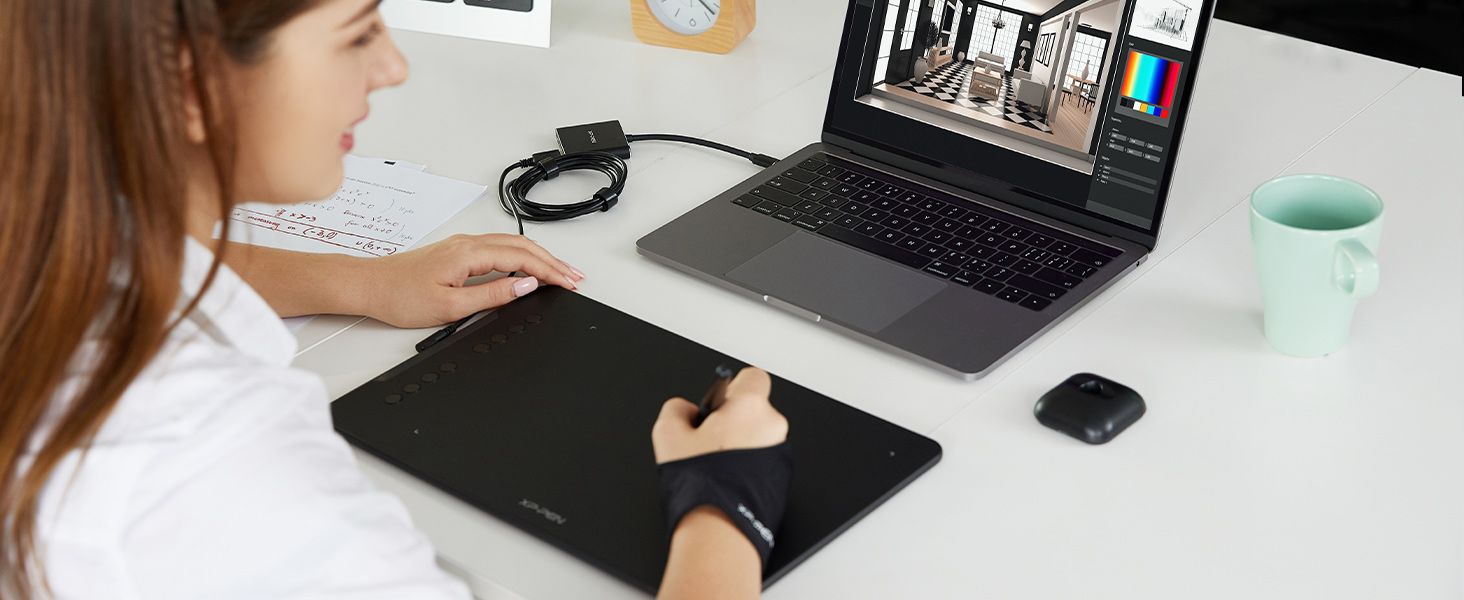
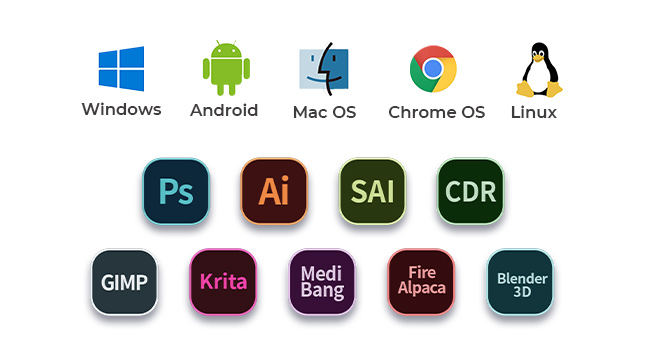
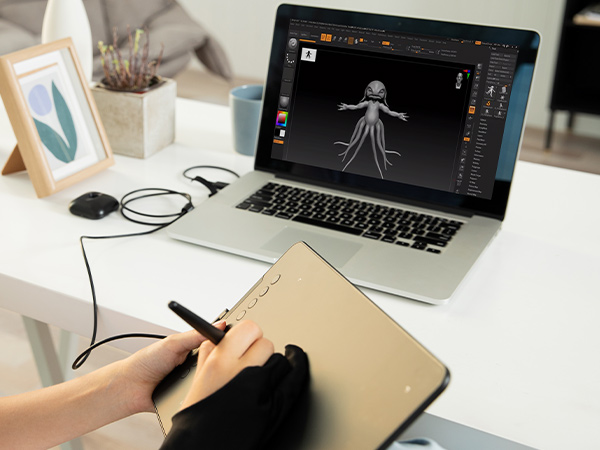
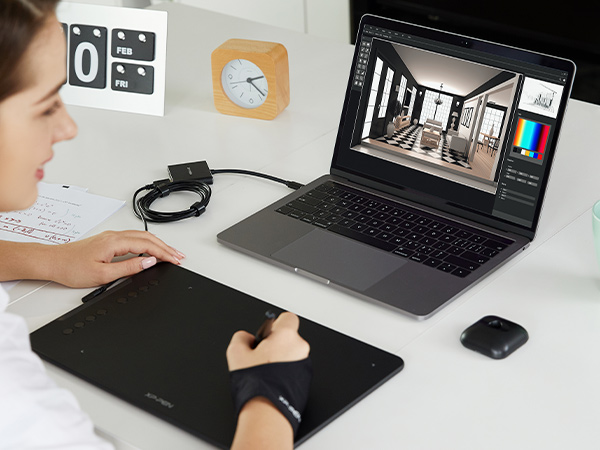
    The Deco 01 V3 can be used with Windows 11/10/8/7, mac OS X 10.10 and above and Android 6.0 and above and Chrome OS 88.0.4324.109 or above and Linux.
    XPPen DECO 01 V2 DRAWING TABLET

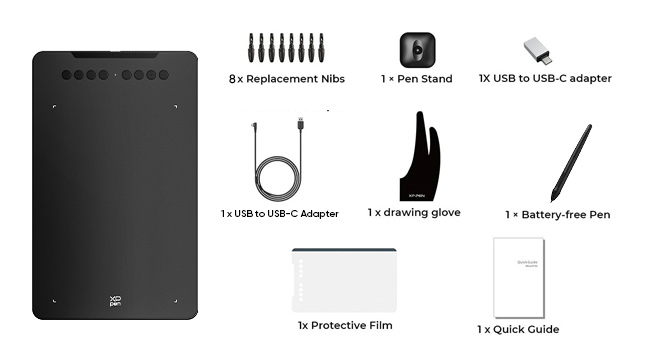
    Package Included

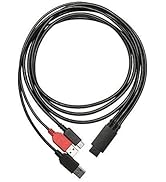
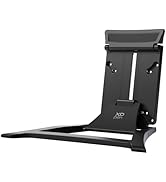
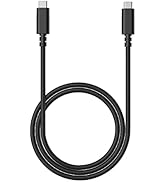
    The DECO 01 V3 comes wth 1 x Passive Stylus, 1 x Stylus Stand, 1 x USB Cable, 8 x Replacement Nibs, 1 x Protective Film, 1 x USB to USB-C Adapter, 1 x Anti-fouling Drawing Glove.
    XPPen DECO 01 V2 DRAWING TABLET

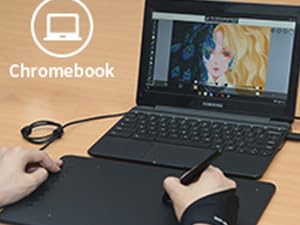
    Works with Chromebook Now

    It works with Chromebook devices, allowing users to create informative content & collaborate with teachers & classmates on the Jamboard’s Whiteboard.

    XPPen DECO 01 V2 DRAWING TABLET

    16384 Pressure Levels

    The battery-free pen has 16384 pressure levels for natural feel, enabling users to modify and create with various brushes and pens.
    XPPen DECO 01 V2 DRAWING TABLET

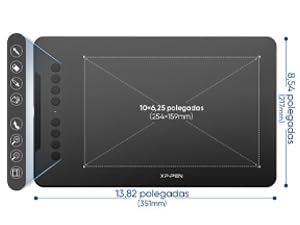
    Compact Design

    Deco01V3 comes with a 10 x 6.25 inch working area so you have more space to create and get work done. But at only 8mm thick, you can take it anywhere!
    XPPen DECO 01 V2 DRAWING TABLET

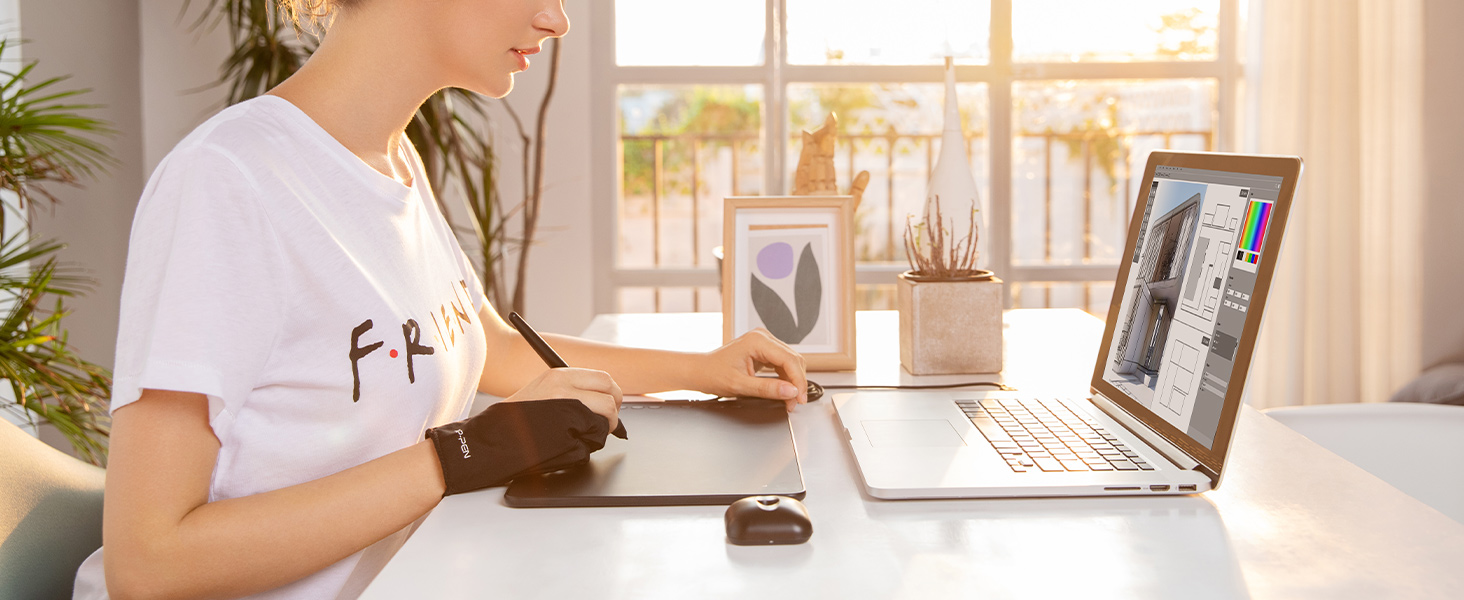
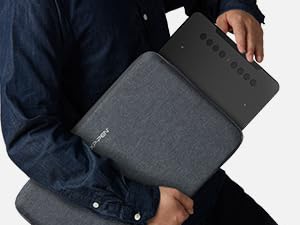
    Mobile Lifestyle

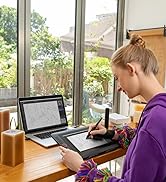
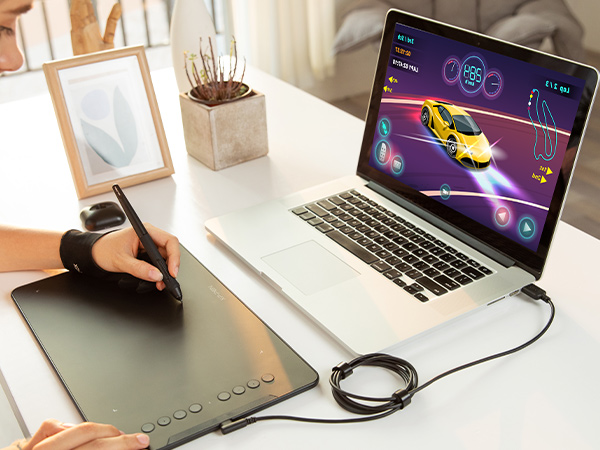
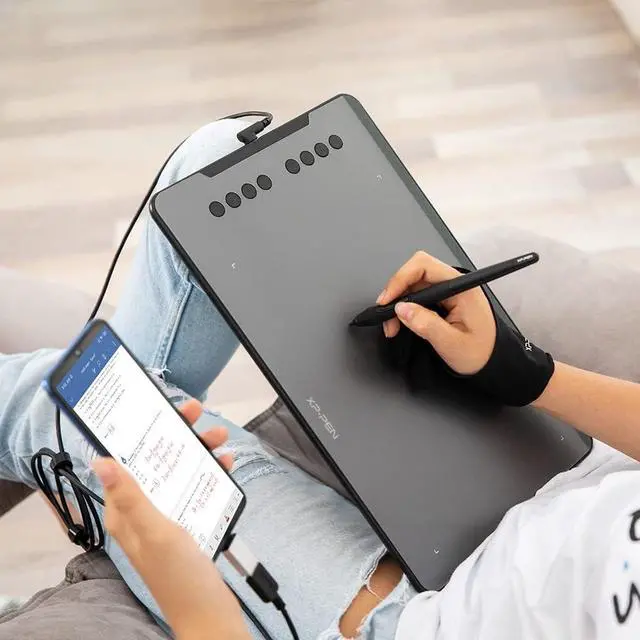
    With the super affordable Deco 01 V3, you can capture inspiration as it strikes and have your ideas with you at all times.
    XPPen DECO 01 V2 DRAWING TABLET
    XPPen DECO 01 V2 DRAWING TABLET
    deco 01 v2 drawing tablet xppen

    Wide Compatibility

    The Deco 01 V3 can be used with Windows 11/10/8/7, mac OS X 10.10 and above and Android 6.0 and above and Chrome OS 88.0.4324.109 or above and Linux.

    XPPen DECO 01 V2 DRAWING TABLET

    Package Included

    The DECO 01 V3 comes wth 1 x Passive Stylus, 1 x Stylus Stand, 1 x USB Cable, 8 x Replacement Nibs, 1 x Protective Film, 1 x USB to USB-C Adapter, 1 x Anti-fouling Drawing Glove.

    XPPen DECO 01 V2 DRAWING TABLET

    Works with Chromebook Now

    It works with Chromebook devices, allowing users to create informative content & collaborate with teachers & classmates on the Jamboard’s Whiteboard.

    XPPen DECO 01 V2 DRAWING TABLET

    16384 Pressure Levels

    The battery-free pen has 16384 pressure levels for natural feel, enabling users to modify and create with various brushes and pens.

    XPPen DECO 01 V2 DRAWING TABLET

    Compact Design

    Deco01V3 comes with a 10 x 6.25 inch working area so you have more space to create and get work done. But at only 8mm thick, you can take it anywhere!

    XPPen DECO 01 V2 DRAWING TABLET

    Mobile Lifestyle

    With the super affordable Deco 01 V3, you can capture inspiration as it strikes and have your ideas with you at all times.
    1. Important Reminder
    XP-PEN Deco01V2 drawing tablet must be connected to a Laptop/desktop/Chromebook to work, it's compatible with Windows 10/8/7(32/64bit), MAC OS 10.10 or above OS, Chrome OS 88.0.4324.109 and above OS.
    2. Connection Tips
    Your laptop/desktop needs to have USB-A port available for the connection. If your computer does not have USB-A port, then you need an extra converter for the connection, such as USB-C to USB-A etc. (Depends on what ports that your laptop/desktop has).
    3. Install the XP-PEN Driver on Your Computer
    1-Before Driver Installation: Please Remove Other Brands Driver from your computer and reboot before installing the XP-PENs driver, or there will driver conflict problems.
    2-Driver Download: Our driver will be regularly updated, so please go to our official web to download the newest driver, and install it on your computer.
    3-For Windows UsersPlease close all drawing programs and run the XP-PEN driver as Administrator when installing. (IMPORTANT)
    4. For Mac Mojave (10.14), Catalina (10.15) and above OS Users:
    Mac Mojave (10.14) or above OS has upgraded in the security section, you need to put programs you newly downloaded into the accessibility list first to normally use it. Details steps please see the FAQ section on the XP-PEN web.
    5. After-sale Service from XP-PEN
    Please checks the Quick Guide, or search XP-PEN online to find a way to us for further assistance whenever you encounter problems with the use of the Deco01V2 graphics tablet, we are always standing by to help! XP-PEN provides a one-year warranty and lifetime tech support.
    6. Programs
    Please install a programs to your computer before your art creation/online teaching/remote work.
    Free drawing programs like gimp, firealpaca, krita , medibang, etc.
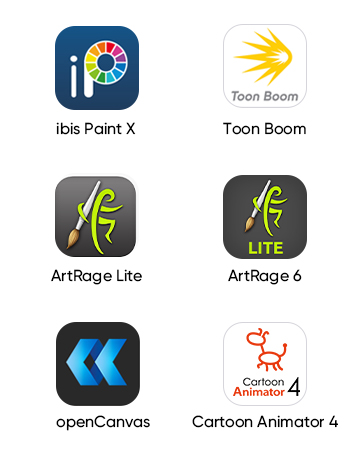
    Or register your xppen Deco01V2 graphics tablet on xp-pen web to apply for an ArtRage Lite, Explain Everything program.


    Product information

    Brand XP-Pen
    Connectivity Technology USB
    Pressure Sensitivity 8192 Levels
    Operating System Android 10.0 or later), Chrome OS 88 (or later), Linux, Windows 7 (or later), mac OS 10.13 (or later)
    Special Feature 16,384 levels of pressure sensitivity, 60° Tilt Support, 8 Shortcut Key, Easy Connectivity for Beginners, Portable Design
    Model Name DECO01V3-BLACK
    Built-In Media 1 x Deco 01 V3 Drawing Tablet, 1 x Protective Film, 1 x Stylus Stand, 1 x Glove, 1 x Stylus, 10 x Nibs, 1 x USB-C to USB-A Cable, 1 x USB to USB-C Adapter
    Target Audience Artist, Student, Teacher
    Model Number Deco 01 V2
    Manufacturer XP-PEN
    UPC 758232357200 758232356821 761460825878
    Mfr Part Number Deco 01
    Warranty Description 12-Month
    External Testing Certification nao
    Unit Count 1.0 Count
    Additional Features 16,384 levels of pressure sensitivity, 60° Tilt Support, 8 Shortcut Key, Easy Connectivity for Beginners, Portable Design
    Specific Uses For Product Drawing, Online Education, Teaching

    Warranty & Returns

    Warranty, Returns, And Additional Information

    Warranty

    • Please contact the Seller directly for warranty information. Warranty information may also be found on the Manufacturer's website.
    • CONTACT

    Return Policies

    Manufacturer Contact Info

    LOADING...