






Draw with innovative Chip
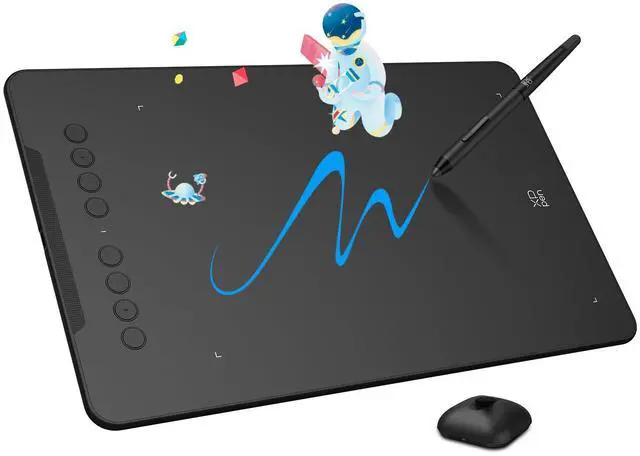
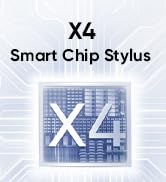
Our first smart chip X3, create artistic digitizers that give you a feeling as real and natural as working with a traditional tool.
Artist 12 3rd
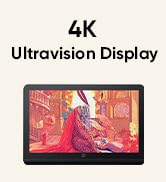
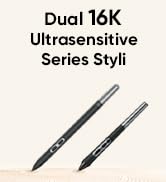

4K UHD Artist Pro 19 Gen2
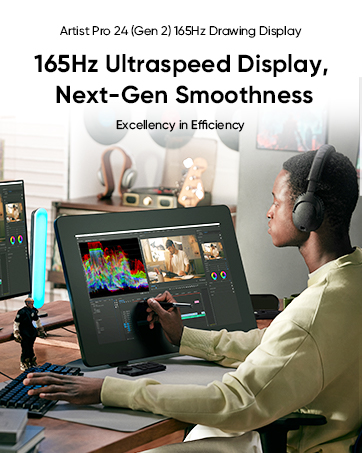
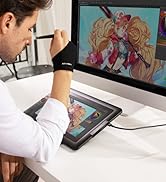
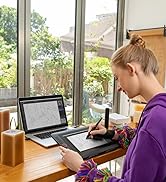
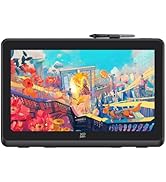
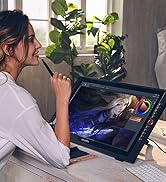
Artist Pro Series

1 Year Protection Plan & Lifetime XPPen Service
1 Year Protection Plan is offered for all XPPen products, please get in touch with us to see the terms and conditions for Support, Return and Refunds.
You can get in touch with us via Message if you have any question about the product.
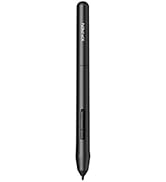
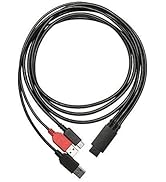
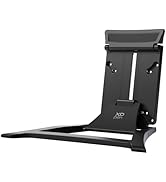
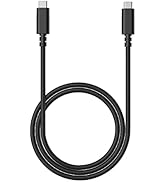
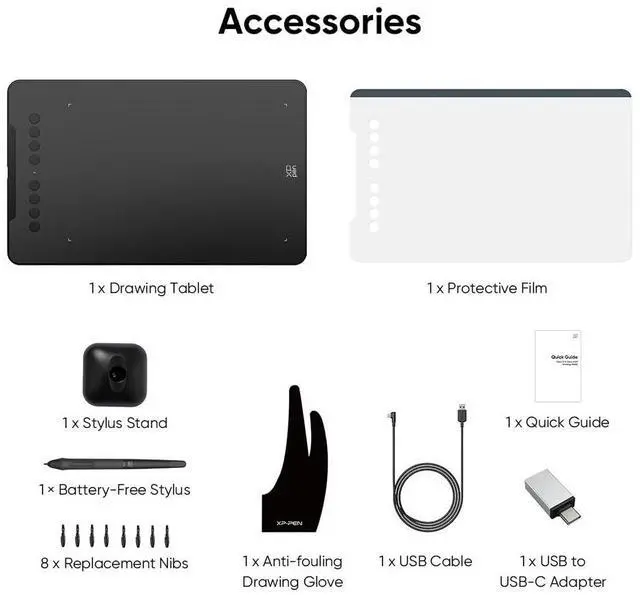
XPPen Accessories


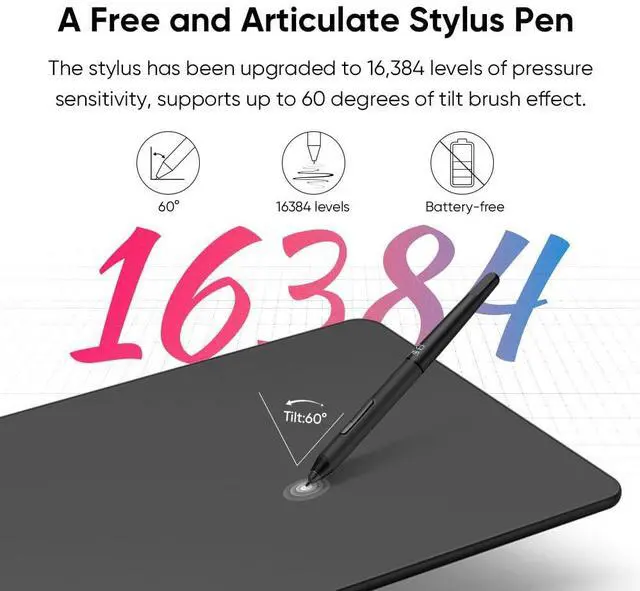
16,384 Pressure Levels
The upgraded X3 Smart Chip stylus (industry-leading innovation) delivers 16,384 pressure levels and 60° tilt support.

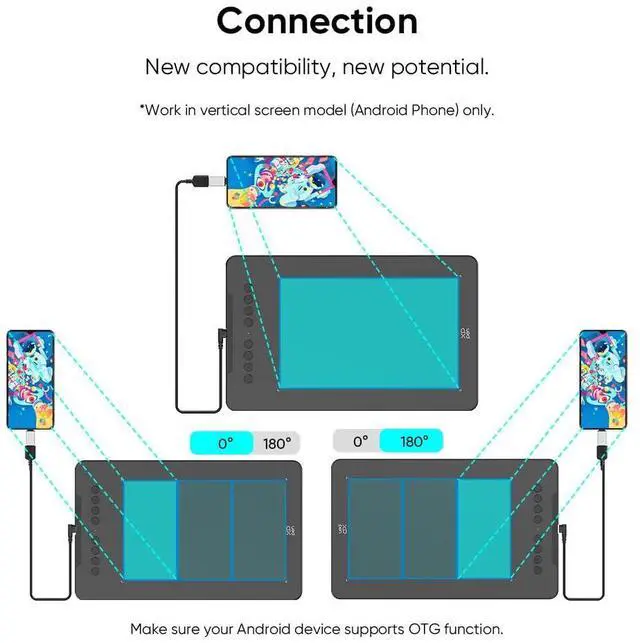
Work with Android
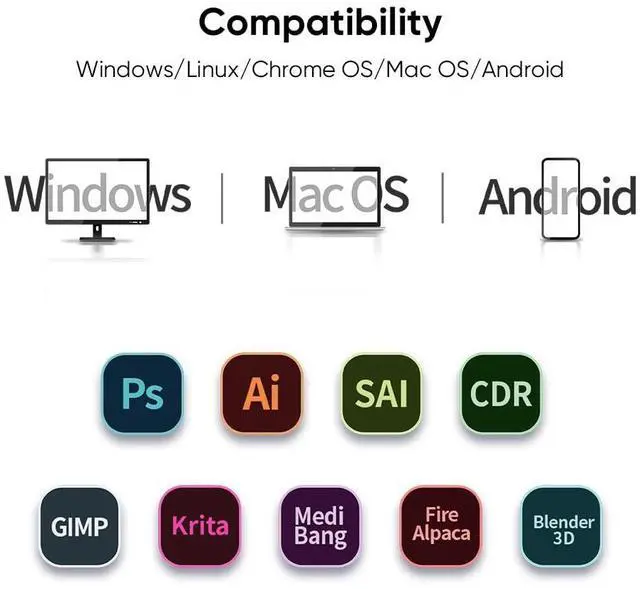
The XPPen Deco 01 V3 supports connections with Android devices 6.0 and above.

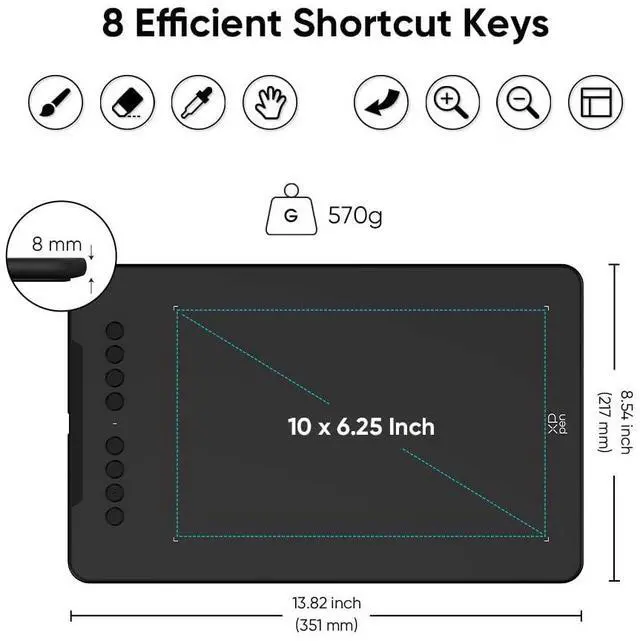
8 Customizable Shortcuts
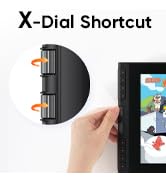
The Deco features eight, round, customizable express keys that fit easily to your fingertips.

Wide Compatibility
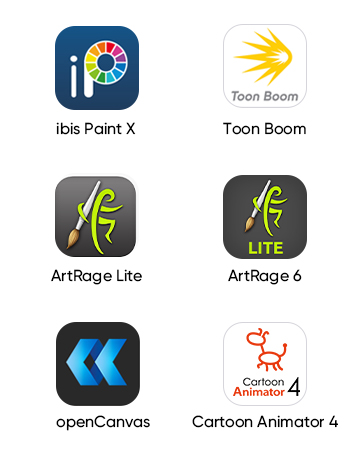
Working with most major software including: ibis Paint X, FlipaClip, Medibang, Autodesk Sketchbook, Zenbrush and Artrage, etc.,
Is this tablet compatible with windows 11
The Deco 01 V3 can be used with Windows 11/10/8/7, MAC OS X 10.10 or above and Android 6.0 or above and Chrome OS 88.0.4324.109 or above.
How do I get the gratis software included?
Please go to XPPEN official web to dowmload.
How long is the included USB cable?
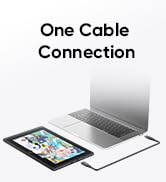
The included USB cable is about 1.5M.
Does this connect via bluetooth and can it connect to an iPhone/iPad?
It doesn't support Bluetooth, it supports ISM2.4G USB wireless connection.
It can't work with iPhone/iPad. It is compatible with Android phones.


16,384 Pressure Levels
The upgraded X3 Smart Chip stylus (industry-leading innovation) delivers 16,384 pressure levels and 60° tilt support.
Work with Android
The XPPen Deco 01 V3 supports connections with Android devices 6.0 and above.
8 Customizable Shortcuts
The Deco features eight, round, customizable express keys that fit easily to your fingertips.
Wide Compatibility
Working with most major software including: ibis Paint X, FlipaClip, Medibang, Autodesk Sketchbook, Zenbrush and Artrage, etc.,
Is this tablet compatible with windows 11
The Deco 01 V3 can be used with Windows 11/10/8/7, MAC OS X 10.10 or above and Android 6.0 or above and Chrome OS 88.0.4324.109 or above.
How do I get the gratis software included?
Please go to XPPEN official web to dowmload.
How long is the included USB cable?
The included USB cable is about 1.5M.
Does this connect via bluetooth and can it connect to an iPhone/iPad?
It doesn't support Bluetooth, it supports ISM2.4G USB wireless connection.
It can't work with iPhone/iPad. It is compatible with Android phones.
Draw with innovative Chip
Our first smart chip X3, create artistic digitizers that give you a feeling as real and natural as working with a traditional tool.
Artist 12 3rd
4K UHD Artist Pro 19 Gen2
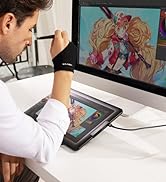
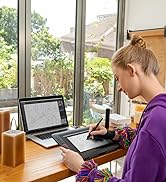
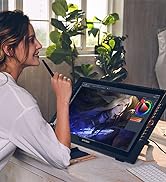
Artist Pro Series
1 Year Protection Plan & Lifetime XPPen Service
1 Year Protection Plan is offered for all XPPen products, please get in touch with us to see the terms and conditions for Support, Return and Refunds.
You can get in touch with us via Message if you have any question about the product.
XPPen Accessories
