here!
I’m your shopping assistant for PC builds, upgrades, and everything tech.
Got questions? Ask away!
Start a conversation
here!
I’m your shopping assistant for PC builds, upgrades, and everything tech.
Got questions? Ask away!
Start a conversation



Any questions? Ask CelesteSM will help you find out quickly.


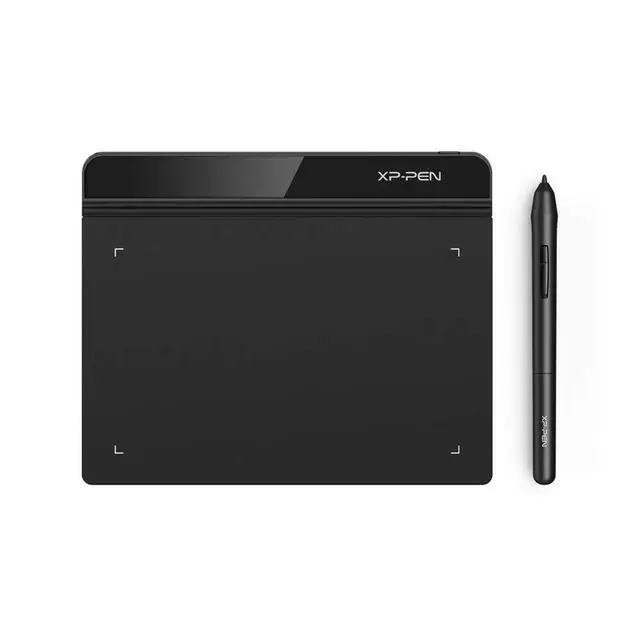
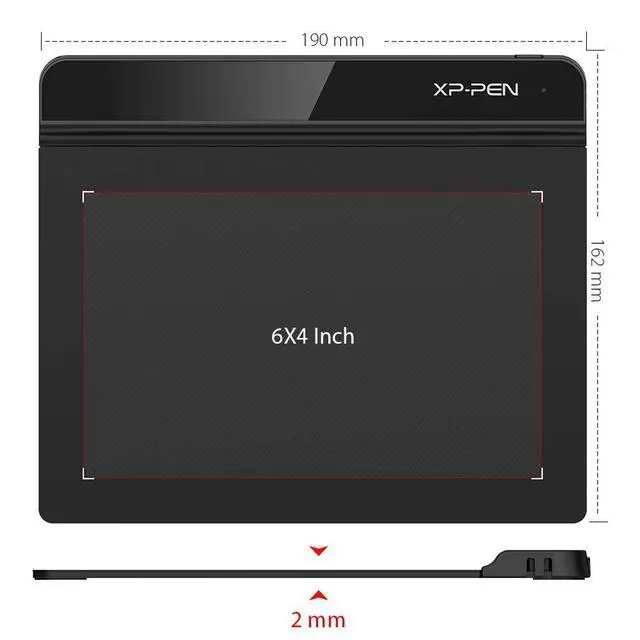
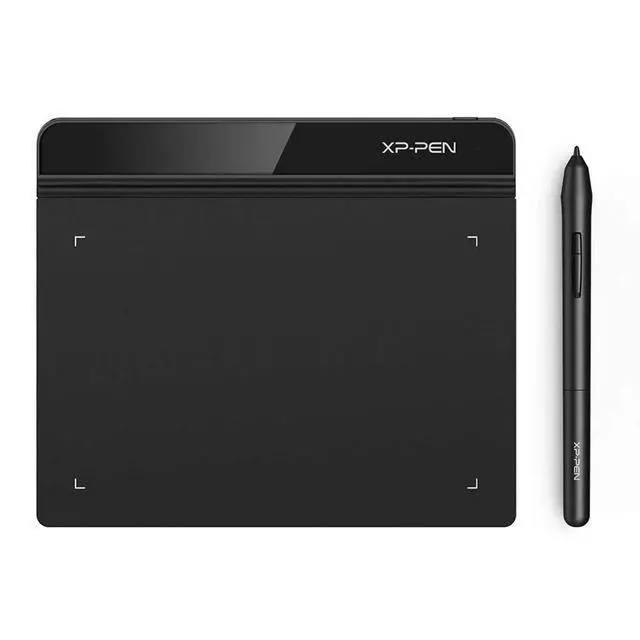
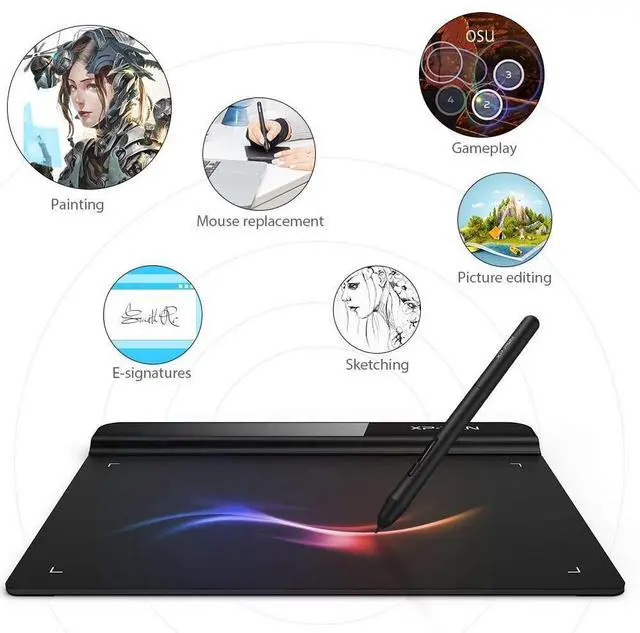
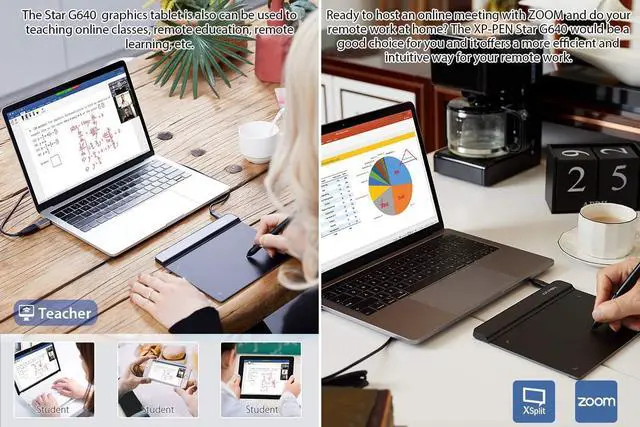
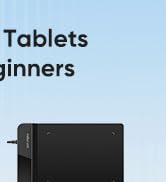
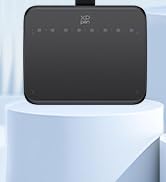
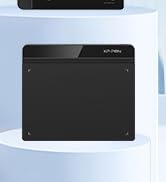
XPPen StarG640 Graphic Drawing Tablet is only 2mm thin, with its 6X4 inch active area for drawing, e-learning, and remote teaching.

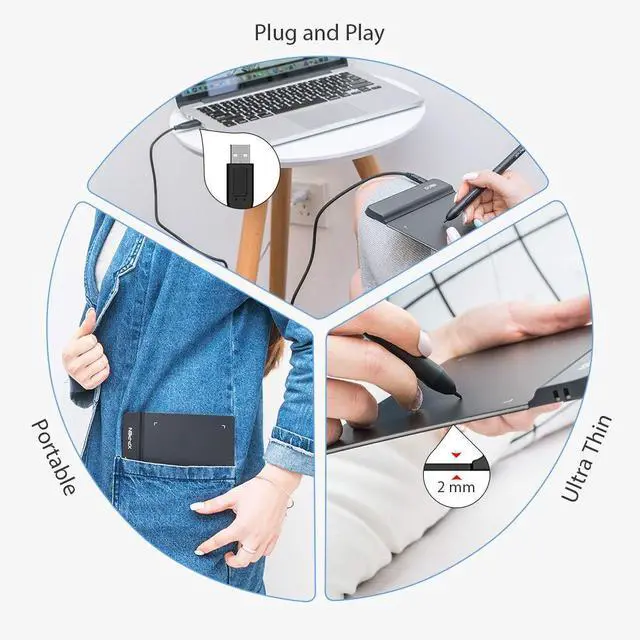
The StarG640 drawing tablet is easy to carry, and plug and play. You can take it anywhere you want, like at home, classroom, etc.

As long as your computer or laptop has a USB-A port, you can plug and play it. If don't have one, you can use an adapter to convert the connection.

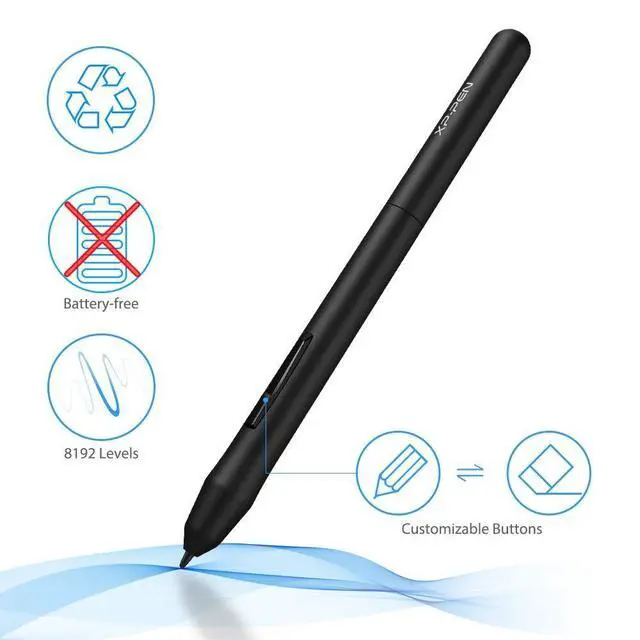
1xG640 Drawing Tablet / 1xPN01 Battery-free Pen / 20xReplacement Pen nibs / 1xUSB Cord / 1xPen nib Clip / 1xQuick Guide

Compatible with Windows 7 or bove, Mac 10.10 or above and Chrome OS 88 or above, Linux and etc.

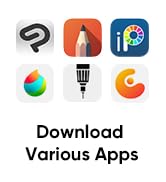
Works with free programs like Krita, firealpaca, gimp, medibang, etc. Or other paid programs like: Photoshop, Adobe Illustrator, adobe premiere, adobe after effect, sai version 2, clip studio paint, etc.


XPPen StarG640 Graphic Drawing Tablet is only 2mm thin, with its 6X4 inch active area for drawing, e-learning, and remote teaching.
The StarG640 drawing tablet is easy to carry, and plug and play. You can take it anywhere you want, like at home, classroom, etc.
As long as your computer or laptop has a USB-A port, you can plug and play it. If don't have one, you can use an adapter to convert the connection.
1xG640 Drawing Tablet / 1xPN01 Battery-free Pen / 20xReplacement Pen nibs / 1xUSB Cord / 1xPen nib Clip / 1xQuick Guide
Compatible with Windows 7 or bove, Mac 10.10 or above and Chrome OS 88 or above, Linux and etc.
Works with free programs like Krita, firealpaca, gimp, medibang, etc. Or other paid programs like: Photoshop, Adobe Illustrator, adobe premiere, adobe after effect, sai version 2, clip studio paint, etc.



1. Important Reminder
XP-PEN StarG640 graphics drawing tablet must be connected to a Laptop/desktop/Chromebook to work, it's compatible with Windows 7 and above, MAC OS 10.10 or above OS, Chrome OS 88.0.4324.109 and above OS.
2. Connection Tips
Your laptop/desktop needs to have USB-A port available for the connection. If your computer does not have USB-A port, then you need an extra converter for the connection, such as USB-C to USB-A etc. (Depends on what ports that your laptop/desktop has).
3. Install the XP-PEN Driver on Your Computer
1-Before Driver Installation: Please Remove Other Brands Driver from your computer and reboot before installing the XP-PENs driver, or there will driver conflict problems.
2-Driver Download: Our driver will be regularly updated, so please go to our official web to download the newest driver, and install it on your computer.
3-For Windows UsersPlease close all drawing programs and run the XP-PEN driver as Administrator when installing. (IMPORTANT)
4. For Mac Mojave (10.14), Catalina (10.15) and above OS Users:
Mac Mojave (10.14) or above OS has upgraded in the security section, you need to put programs you newly downloaded into the accessibility list first to normally use it. Details steps please see the FAQ section on the XP-PEN web.
5. After-sale Service from XP-PEN
Please checks the Quick Guide, or search XP-PEN online to find a way to us for further assistance whenever you encounter problems with the use of the StarG640 graphics tablet, we are always standing by to help! XP-PEN provides a one-year warranty and lifetime tech support.
6. Programs
Please install a programs to your computer before your art creation/online teaching/remote work.
Free drawing programs like gimp, firealpaca, krita , medibang, etc.
Or register your xppen StarG640 graphics tablet on xp-pen web to apply for the Explain Everything program.