






How to Clean Your Coffee Machine Before First Use?
Quick Preheating Process
Before first brew, it’s essential to clean the coffee machine and steam wand.
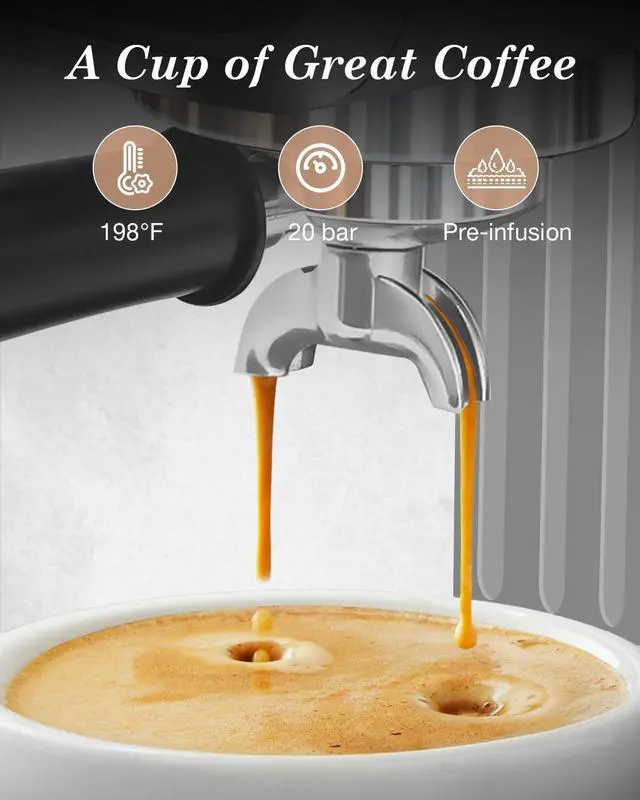
Flush the Brewing System: 1). Brew a espresso without adding any coffee grounds to clean the brew head, coffee tubes, filter basket, and your cup. 2). Place a cup and press the Single or Double button. Hot water will flow through the system. 3). Discard the water
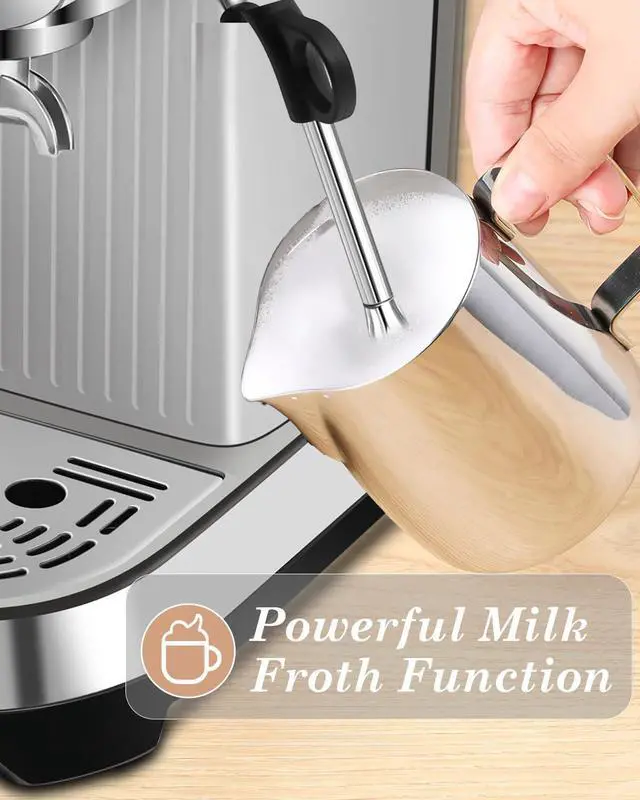
Clean the Steam Wand: 1). Clean the steam wand with the HOT Water function for 5–10 seconds. 2). Wipe the wand with a damp cloth to remove residue.
How to Use the Coffee Machine’s Steam Wand?
Why isn’t steam coming out of the steam wand?
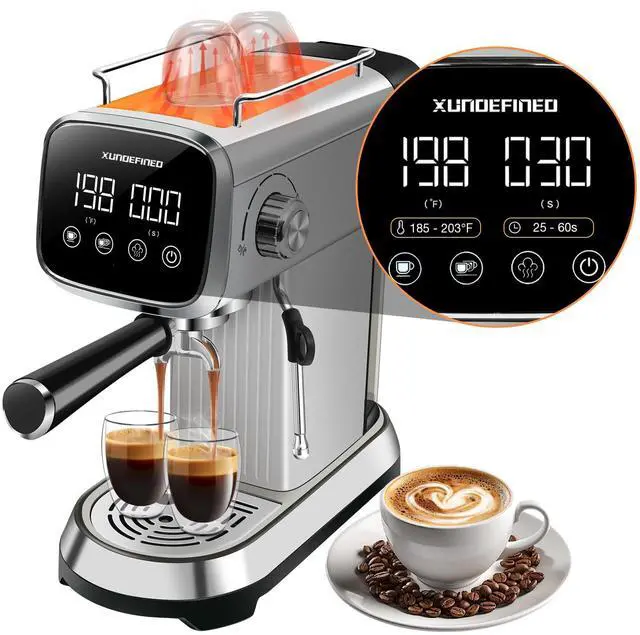
Steam will not activate until the water temperature reaches 239°F
1). Press " Power " button, the machine will preheat to 203°F rapidly. 2). Press " Steam " button, the temperature display will rise to 239°F. 3). Rotate the side knob to the " faucet (water) " position and wait 2–5 seconds for steam to flow from the steam wand.
Tips: Wait 2–5 seconds to purge residual water from the internal tubing. And Avoid touch with high-temperature steam to prevent scalding.
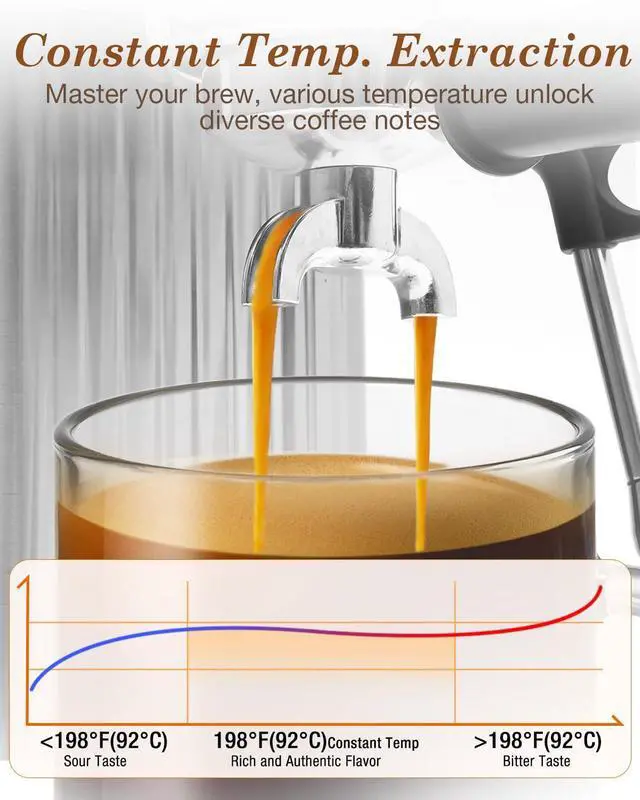
How to Set the Coffee Brewing Temperature?
You can customize the brewing temperature to match your taste preferences
Example: Setting the Brewing Temperature to 185°F
1). Turn on the power, the machine will preheat to the 203°F(default). 2). Press and hold the steam button till the display temperature begins to flash. 3). Repeatedly press the single-cup button to lower the temperature to 185°F. 4). Wait 5 seconds to confirm the temperature setting.
TIPS: If the machine’s temperature is above 185°F, use hot water function to cool it down to 185°F or below before brewing.
How to Customize Larger Coffee Volume?
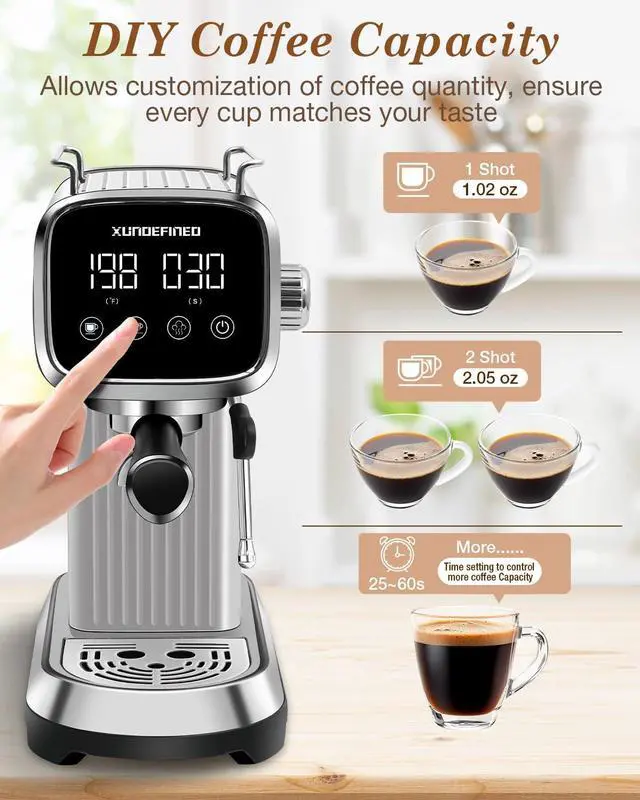
You can enjoy 1-cup, 2-cup, or even custom larger volume based on your needs.
1). Turn on the power, the machine rapidly preheats to the 203°F(default)
2). Brew standard volume: Press the single-cup or double-cup button to brew 1 cup or 2 cups of coffee.
3). Customize larger volumes: 1.Press and hold the single-cup button – the display time will continuously increase as coffee drips. 2.Release the button once your desired volume is reached.
The machine will save this setting automatically(memory function).