



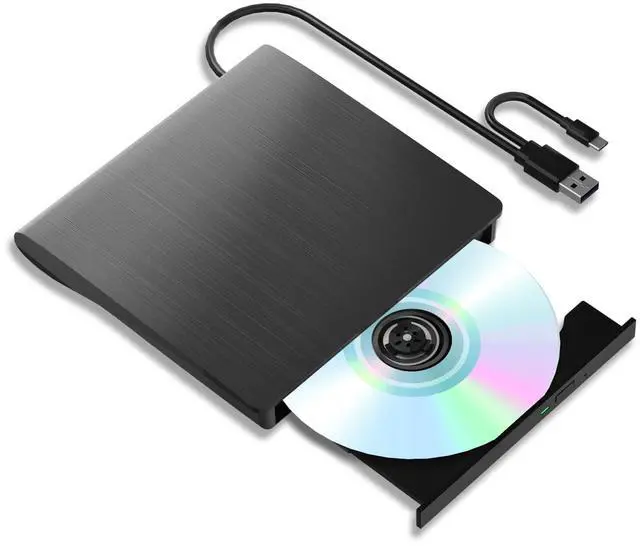
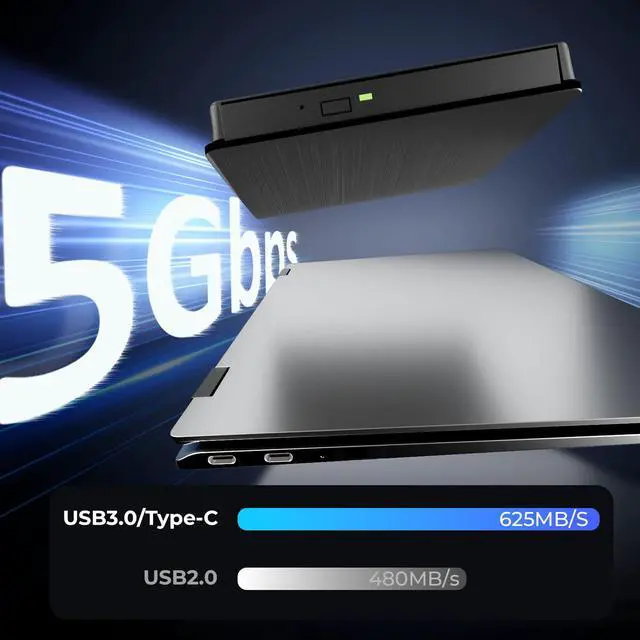
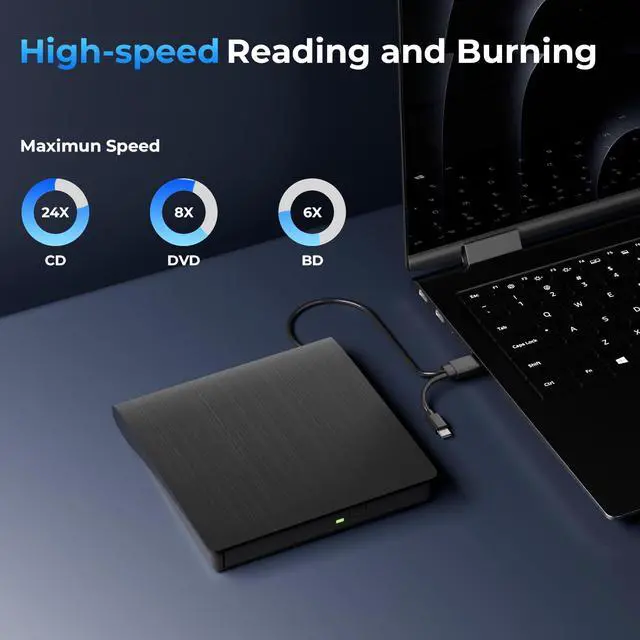
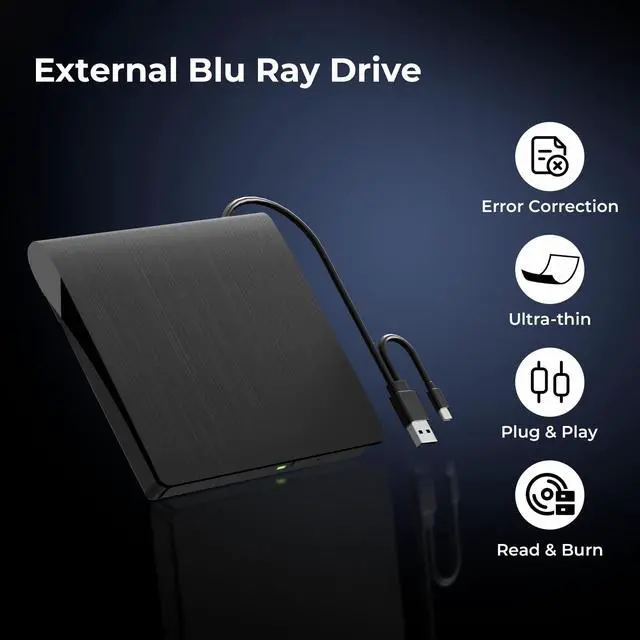
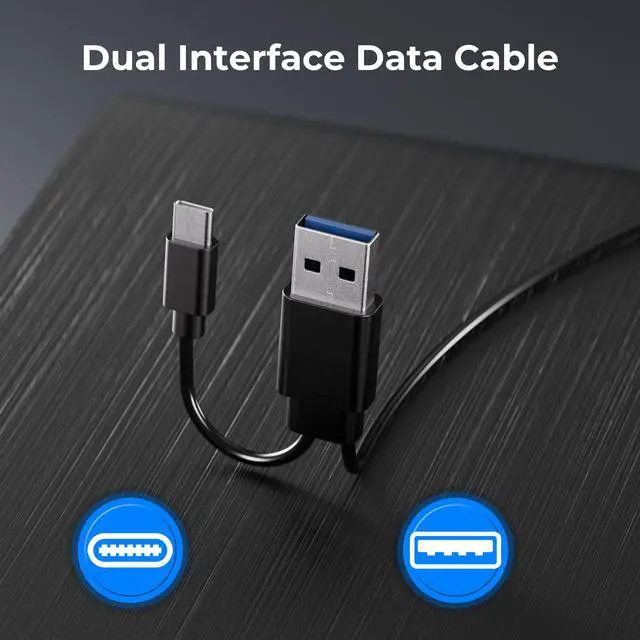
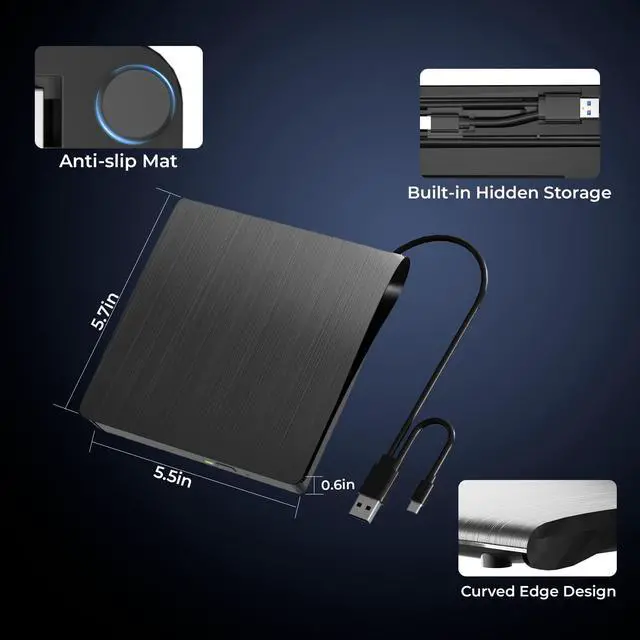
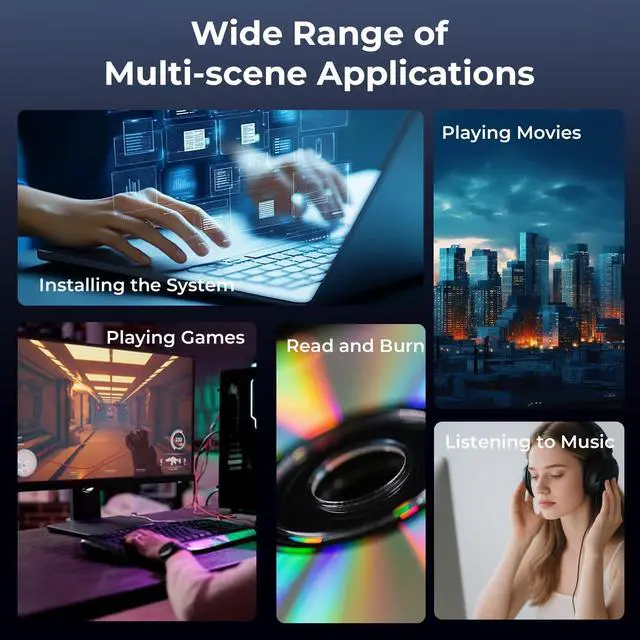



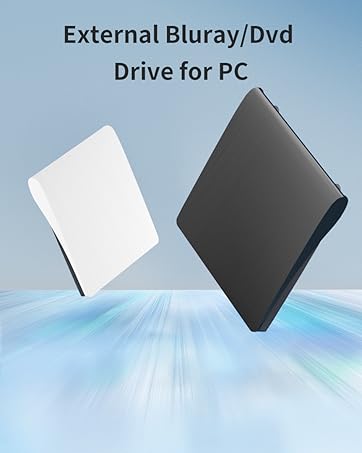
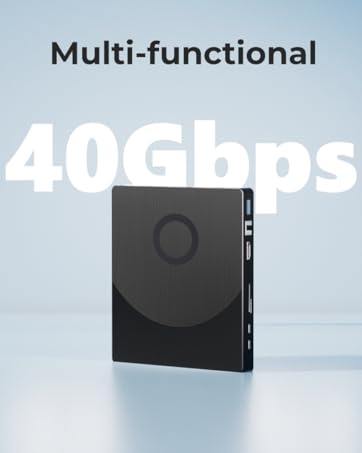
As a professional brand with years of experience in the digital field, Yaeonku is dedicated to providing users with efficient and stable external optical drive products. The products support seamless connection with various devices such as laptops, desktops, and all-in-one computers, easily meeting high-frequency needs such as system installation, video backup, and music burning.


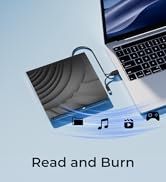
BD

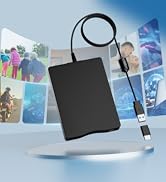

CD/DVD


When playing a disc, it is very noisy, is it a little problem?
There are some blu ray discs that are thicker than normal discs and will be too noisy during operation. This is normal. You can try other small thin discs, it is quieter.
Why can’t it read my Blu-ray disc?
Please make sure that your disc is not blocked, copyrighted Blu-ray discs have zone bit code protection. Note that including the initial setting, the region code can only be changed 5 times.
Why the optical drive did not function, or stopped working after received?
1. Check for Systems Updates, Sometimes a system update may resolve compatibility issues;
2. Ensure it's connected properly;
3. Check the Cable and Connection;
4. Ensure the disc is clean and free from scratches.
Why does it show that the driver is not installed or is corrupted?
Windows 11 may not automatically recognize and install the correct USB optical drive driver, or the installed driver may be corrupted or incompatible.
Why does it say the driver version is outdated?
The device manufacturer may have released updated drivers for Windows 11 to fix compatibility issues or improve performance, which may result in device anomalies if not updated in time.


When playing a disc, it is very noisy, is it a little problem?
There are some blu ray discs that are thicker than normal discs and will be too noisy during operation. This is normal. You can try other small thin discs, it is quieter.
Why can’t it read my Blu-ray disc?
Please make sure that your disc is not blocked, copyrighted Blu-ray discs have zone bit code protection. Note that including the initial setting, the region code can only be changed 5 times.
Why the optical drive did not function, or stopped working after received?
1. Check for Systems Updates, Sometimes a system update may resolve compatibility issues;
2. Ensure it's connected properly;
3. Check the Cable and Connection;
4. Ensure the disc is clean and free from scratches.
Why does it show that the driver is not installed or is corrupted?
Windows 11 may not automatically recognize and install the correct USB optical drive driver, or the installed driver may be corrupted or incompatible.
Why does it say the driver version is outdated?
The device manufacturer may have released updated drivers for Windows 11 to fix compatibility issues or improve performance, which may result in device anomalies if not updated in time.
As a professional brand with years of experience in the digital field, Yaeonku is dedicated to providing users with efficient and stable external optical drive products. The products support seamless connection with various devices such as laptops, desktops, and all-in-one computers, easily meeting high-frequency needs such as system installation, video backup, and music burning.
BD
CD/DVD