


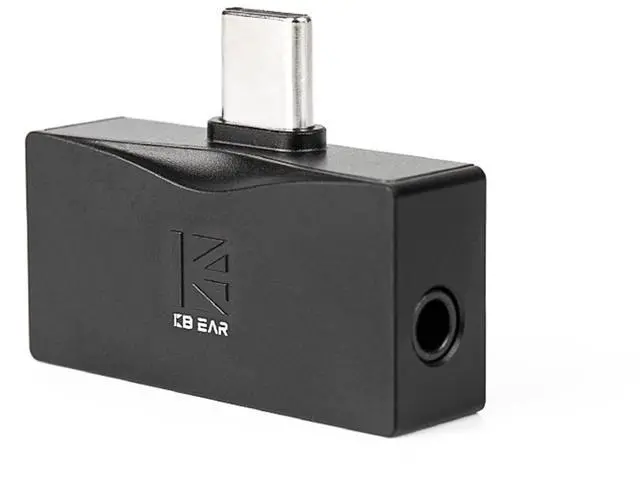
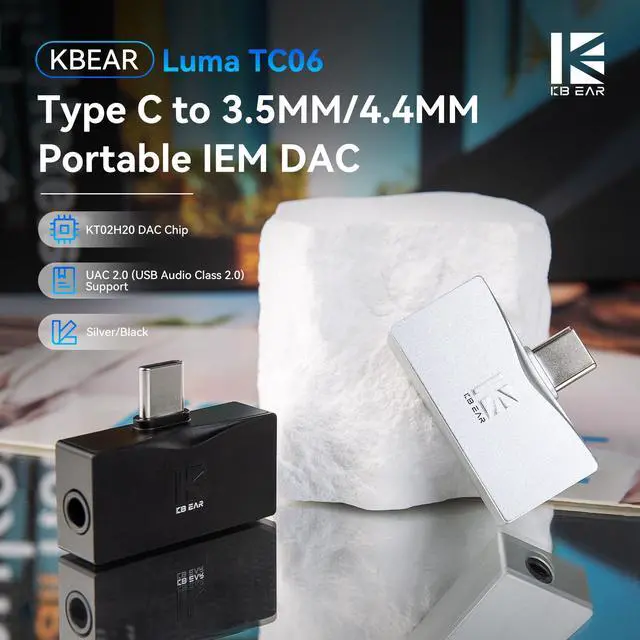

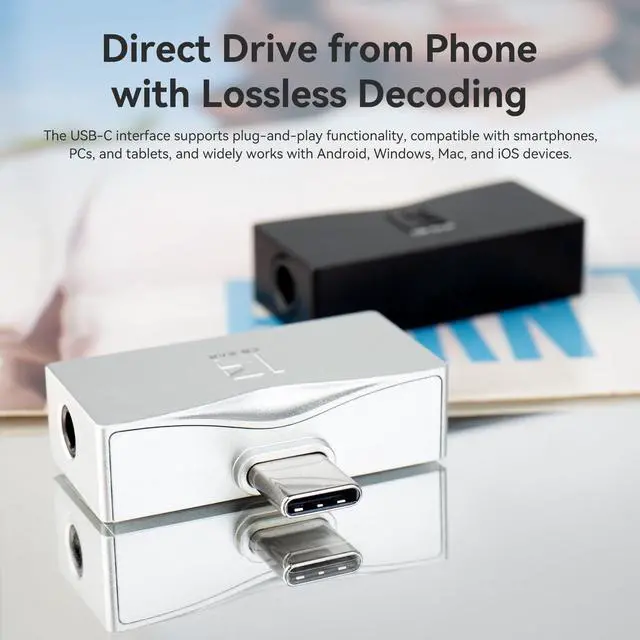
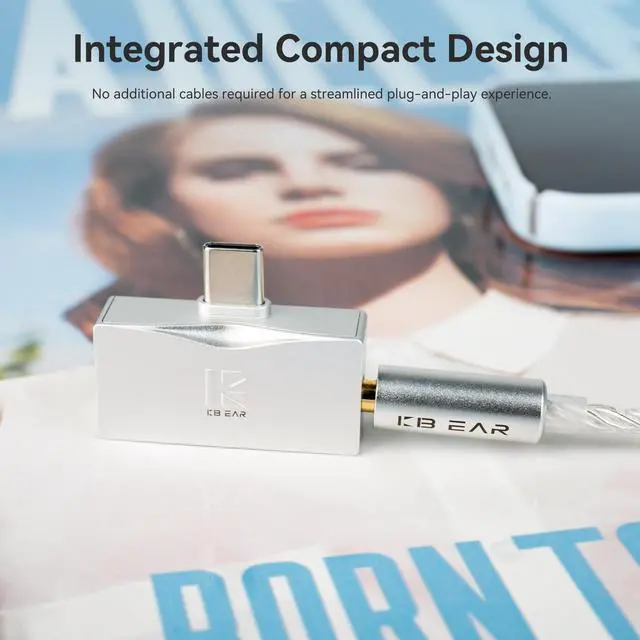
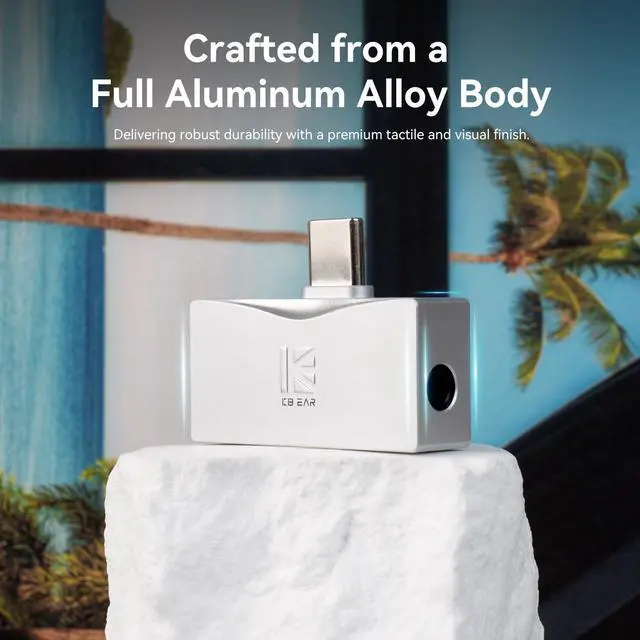


kbear tc06 iem dac
Merchant Video


The amplifier works great but doesn't work when a phone case is attached.
The problem is not a design flaw of the amplifier, as the opening of the USB-C port on the phone case is too small, making it impossible for USB-C devices to connect properly. Remove thick phone cases if connection feels loose or incomplete.
The amplifier is too loud and lowering the volume on the phone doesn't lower the volume enough.
If sound on your headphones are too loud even when turning volume level all the way down, this is probably due to the headphones having a low impedance and being very sensitive. Pair with higher-impedance headphones for best results.
If sound on your earbuds are too loud when using this amplifier, even when turning the volume level all the way down.
The added amplification can be too strong for very sensitive, low-impedance earphones, which may result in higher volume levels even when turned down. In those cases, a simpler, non-amplified adapter may be a better match.
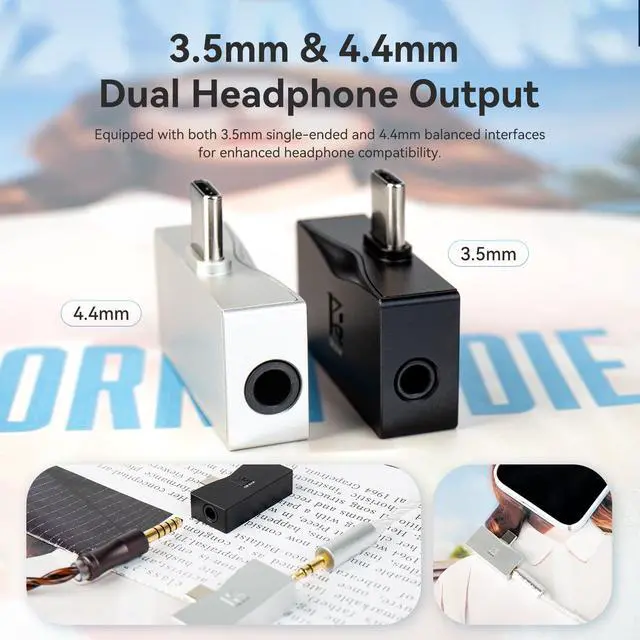
4.4mm/3.5mm Dual Output can be used simultaneously?
The portable amp with low output impedance ensures precise control, perfect for professional-grade earphones. (Note: 3.5mm and 4.4mm plug cannot be used at the same time)
Can KBEAR TC06 DAC connect to my phone that has a case on? Regarding phone case compatibility
For thicker cases: Make sure charging port cutout on your case is large enough (so the USB-C plug inserts fully without being blocked by the case)


kbear tc06 iem dac
Merchant Video


Some impact on some functions of microphone cable, such as adjusting the volume, but the cable can normally answer calls
The amplifier works great but doesn't work when a phone case is attached.
The problem is not a design flaw of the amplifier, as the opening of the USB-C port on the phone case is too small, making it impossible for USB-C devices to connect properly. Remove thick phone cases if connection feels loose or incomplete.
The amplifier is too loud and lowering the volume on the phone doesn't lower the volume enough.
If sound on your headphones are too loud even when turning volume level all the way down, this is probably due to the headphones having a low impedance and being very sensitive. Pair with higher-impedance headphones for best results.
If sound on your earbuds are too loud when using this amplifier, even when turning the volume level all the way down.
The added amplification can be too strong for very sensitive, low-impedance earphones, which may result in higher volume levels even when turned down. In those cases, a simpler, non-amplified adapter may be a better match.
4.4mm/3.5mm Dual Output can be used simultaneously?
The portable amp with low output impedance ensures precise control, perfect for professional-grade earphones. (Note: 3.5mm and 4.4mm plug cannot be used at the same time)
Can KBEAR TC06 DAC connect to my phone that has a case on? Regarding phone case compatibility
For thicker cases: Make sure charging port cutout on your case is large enough (so the USB-C plug inserts fully without being blocked by the case)