




5-8 Digits Automatic Numbering Machine Metal Number Stamps Kit

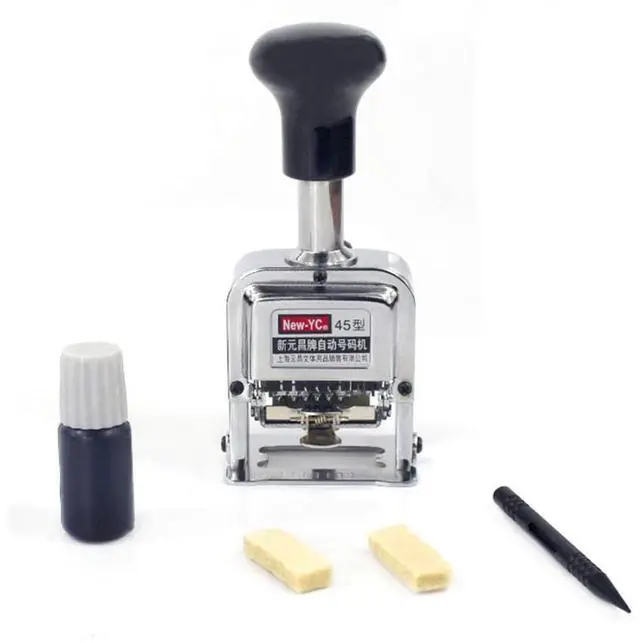
Application: Suitable for numbering forms, documents, collectors, museums, original prints, make raffle tickets etc
Specifications:
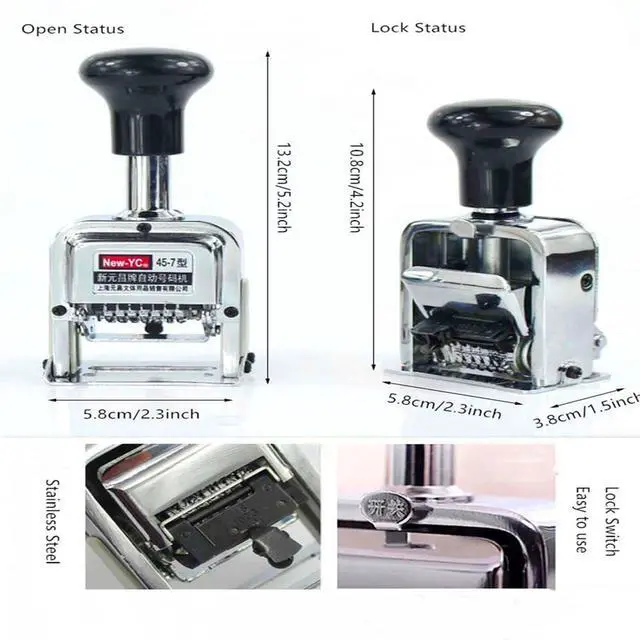
Material: rolled steel
Weight:482g
Machine Size: 58 x 38 x 132mm/ 2.3 x 1.4 x 5.1".
Each Typed Number Size: 2.5 x 5mm/0.09 x 0.19".
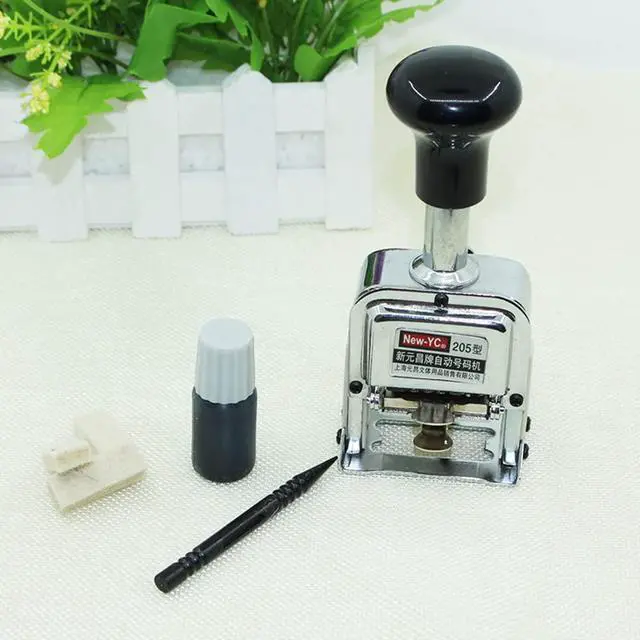
Package Included:
1 x Stamp Machine
2 x Stamp Pads
1 x Stylus - plastic pen to help with the settings
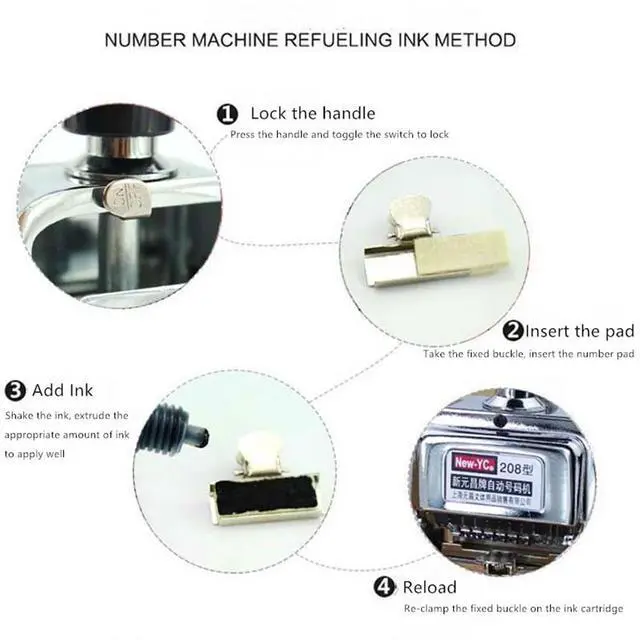
Automatic number stamp operation steps

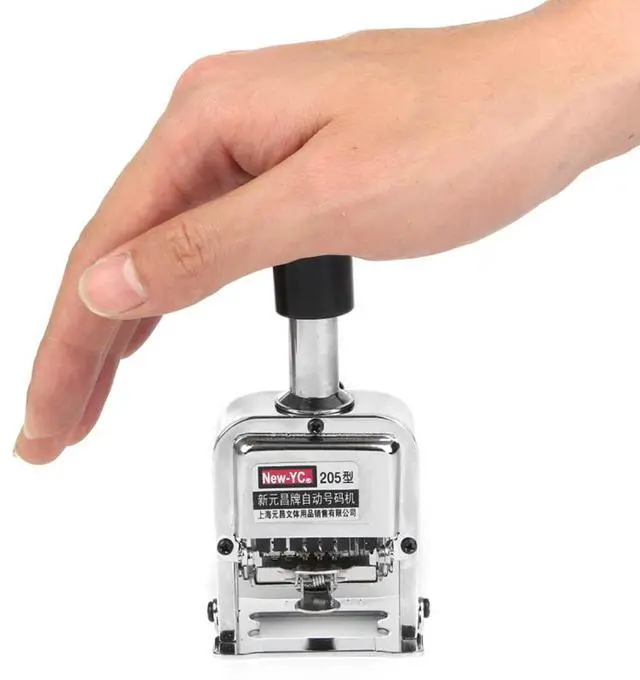
Step 1: Lock the handle
Press the handle and toggle the OFF switch to lock

Step 2: Insert the pad
Take the fixed buckle, insert the ink pad

Step 3: Add Ink
Shake the ink, extrude apppropriate ink to apply well

Step 4: Reload
Re-clamp the fixed buckle on the ink cartridge
Print effect picture: applicable to various bills, document numbers, ink absorbing paper and wood surfaces

Kraft paper

Wooden surface

Bills

Continuous numbering
Instructions to adjust digits and joint key

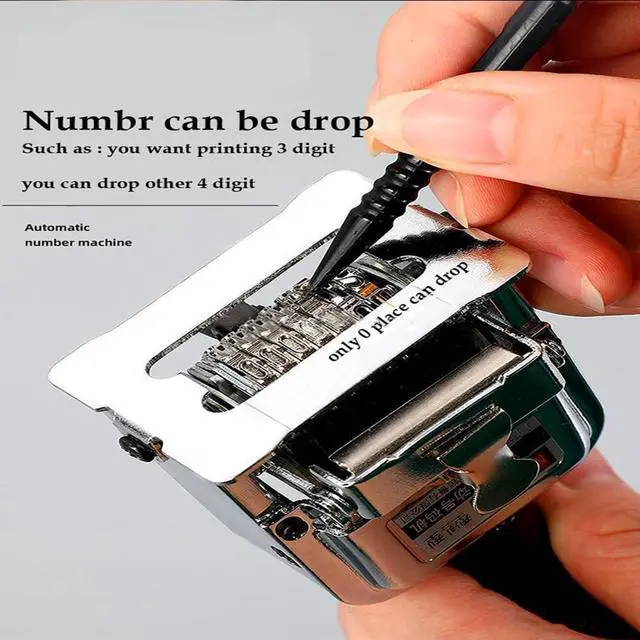
Dialing method
- Using the digit pen to push the numbers forward
- Number can be dropped

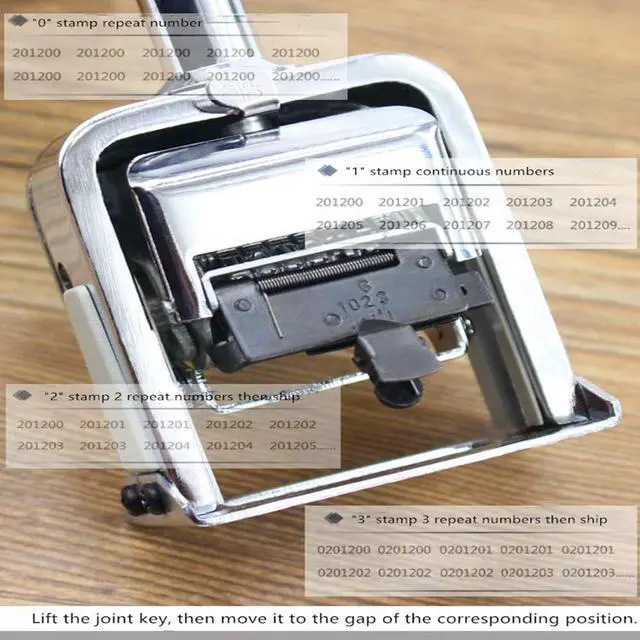
Adjusting joint key
Lift the joint key first and then move it to the corresponding notch

Seting "0-2" joint key
- Move the joint key to "0-2"
- Stamp "0-2" repeat numbers then skip

Seting "3-5" joint key
- Move the joint key to "0-2"
- Stamp "3-5" repeat numbers then skip

Clear printing, Fast number skipping
After printing, the gear automatically skips the number, the skips are accurate, and the number is printed clearly with bold character tape
5-8 Digits Automatic Numbering Machine Metal Number Stamps Kit
Application: Suitable for numbering forms, documents, collectors, museums, original prints, make raffle tickets etc
Specifications:
Material: rolled steel
Weight:482g
Machine Size: 58 x 38 x 132mm/ 2.3 x 1.4 x 5.1".
Each Typed Number Size: 2.5 x 5mm/0.09 x 0.19".
Package Included:
1 x Stamp Machine
2 x Stamp Pads
1 x Stylus - plastic pen to help with the settings
Automatic number stamp operation steps
Step 1: Lock the handle
Press the handle and toggle the OFF switch to lock
Step 2: Insert the pad
Take the fixed buckle, insert the ink pad
Step 3: Add Ink
Shake the ink, extrude apppropriate ink to apply well
Step 4: Reload
Re-clamp the fixed buckle on the ink cartridge
Print effect picture: applicable to various bills, document numbers, ink absorbing paper and wood surfaces
Kraft paper
Wooden surface
Bills
Continuous numbering
Instructions to adjust digits and joint key
Dialing method
- Using the digit pen to push the numbers forward
- Number can be dropped
Adjusting joint key
Lift the joint key first and then move it to the corresponding notch
Seting "0-2" joint key
- Move the joint key to "0-2"
- Stamp "0-2" repeat numbers then skip
Seting "3-5" joint key
- Move the joint key to "0-2"
- Stamp "3-5" repeat numbers then skip
Clear printing, Fast number skipping
After printing, the gear automatically skips the number, the skips are accurate, and the number is printed clearly with bold character tape