





hero-video
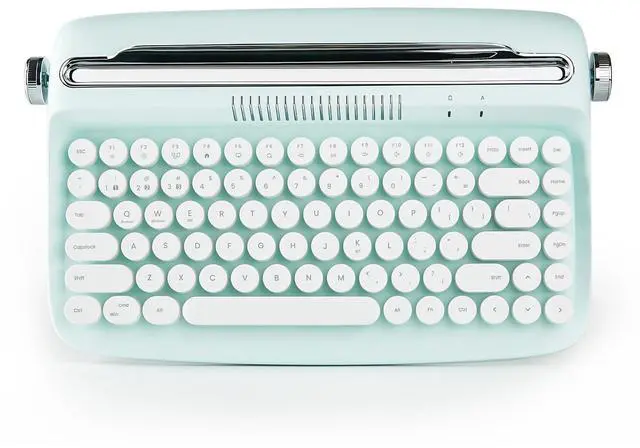
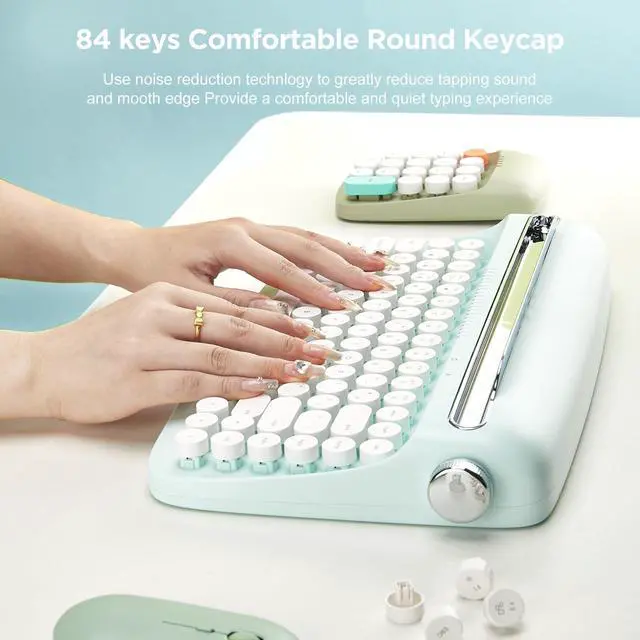
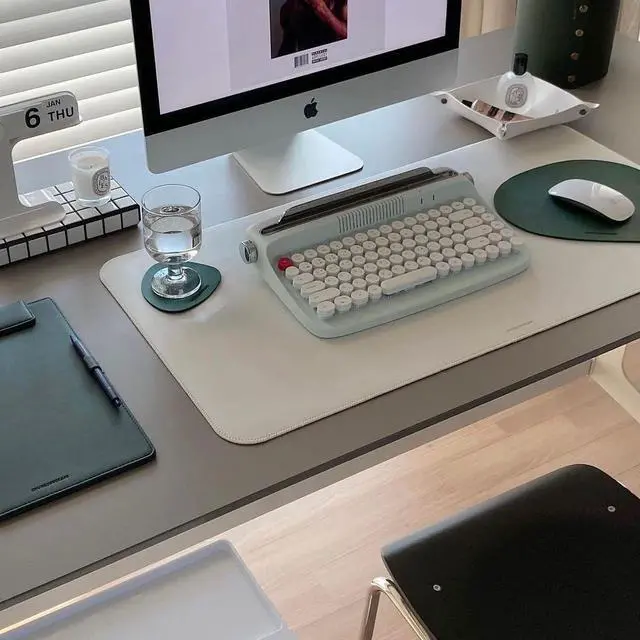
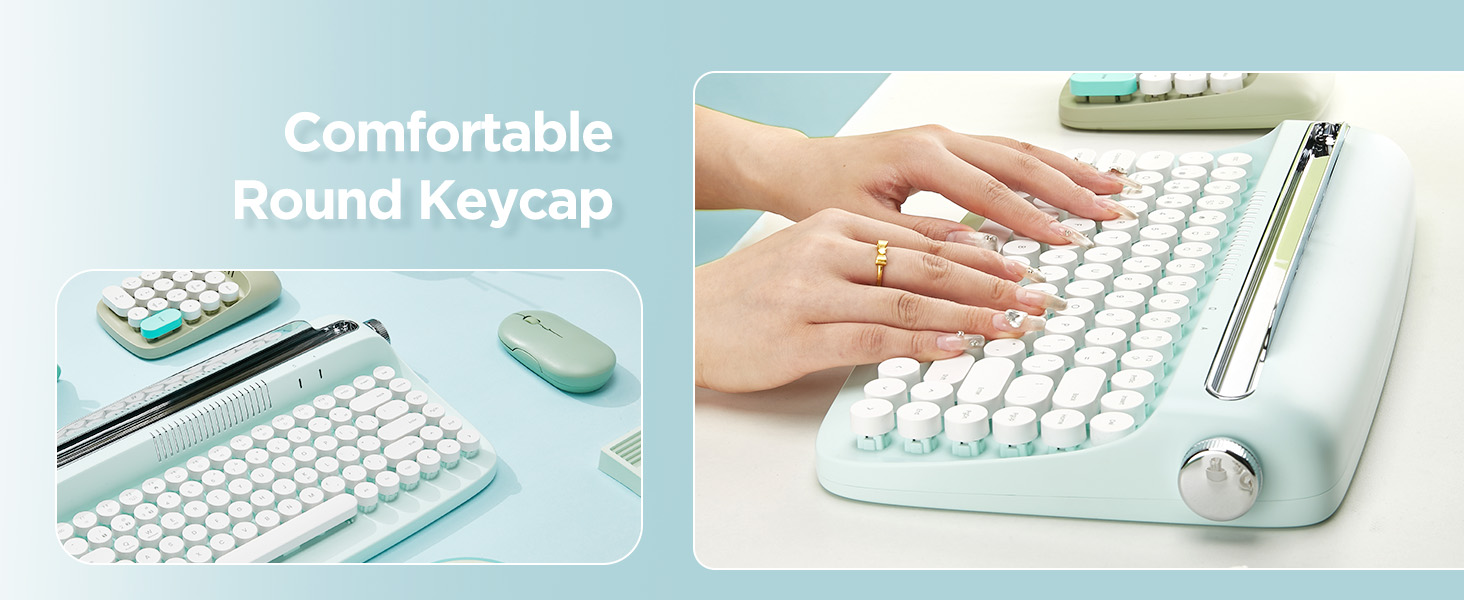
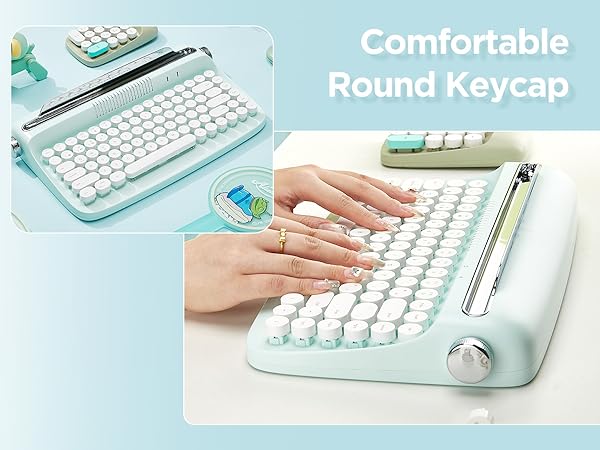
Merchant VideoYUNZII B303 combines retro style with modern design, compact layout, cute keycap, edge wireless technology, pastel aesthetic that brighten up your desk setup, brings more enjoyable typing.
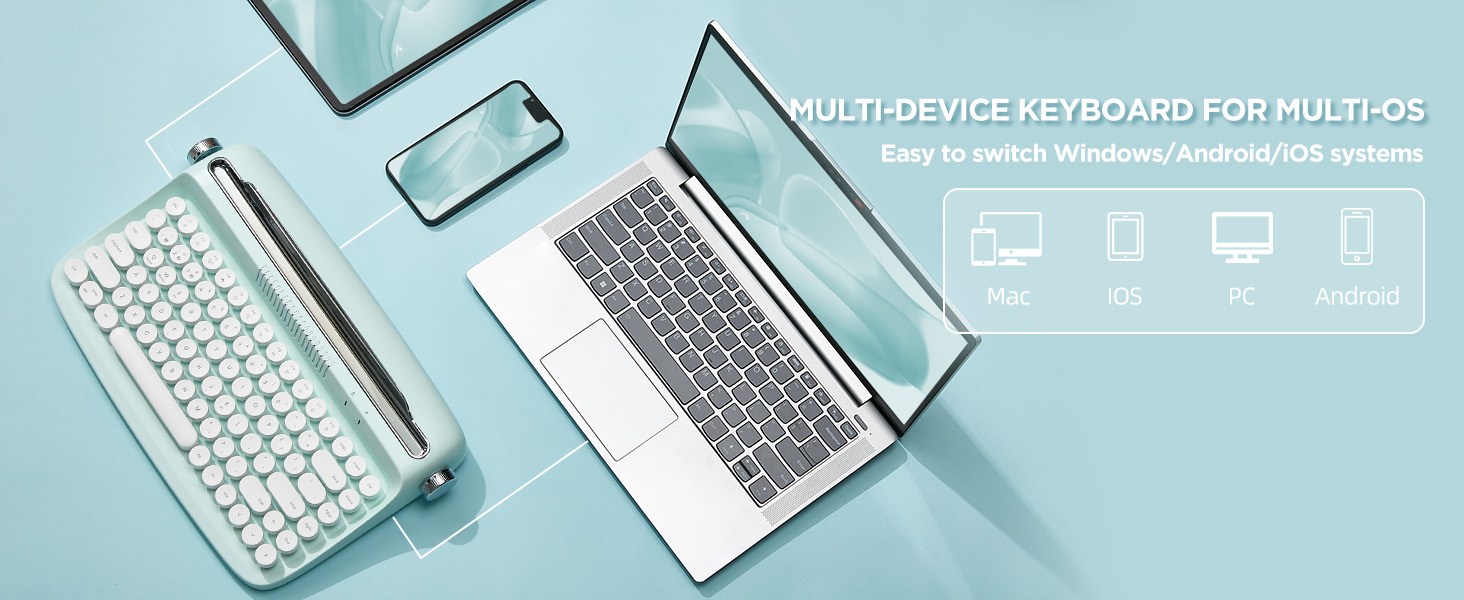
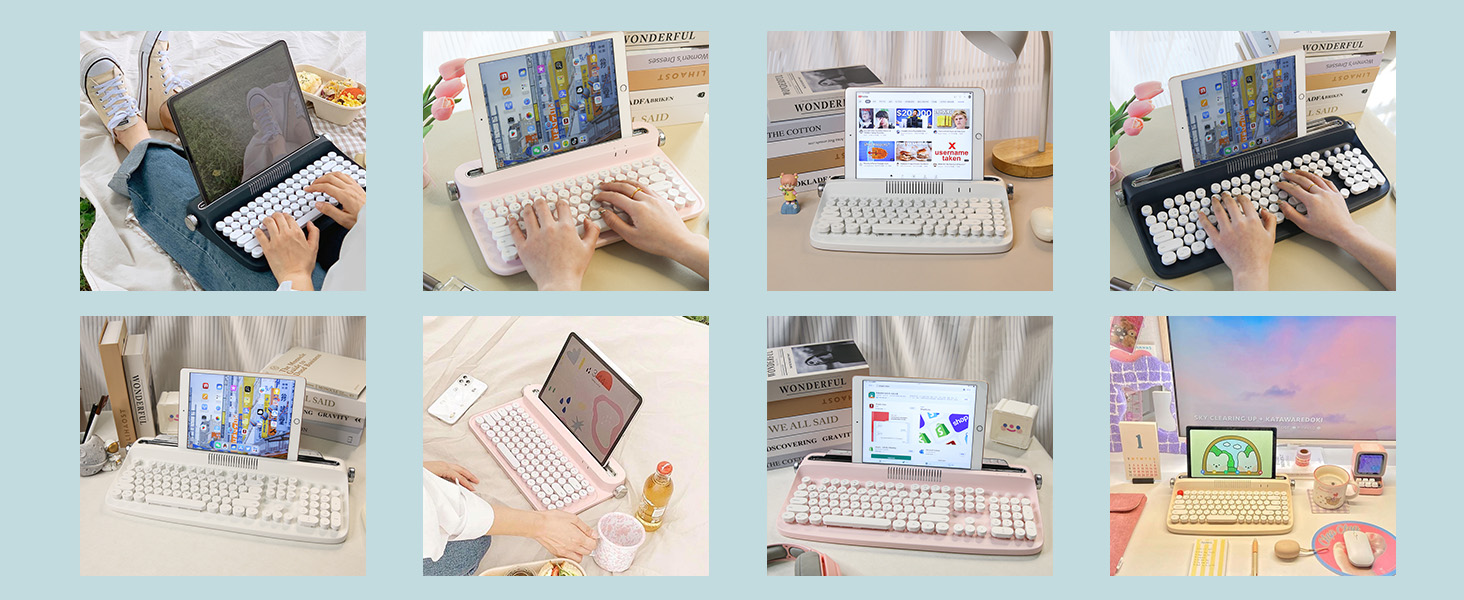

TYPEWRITER KEYBOARD WITH INTERGRATED STAND
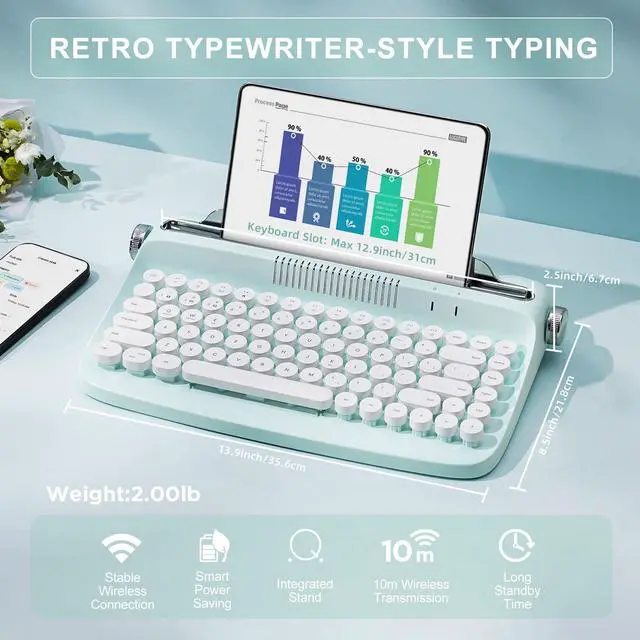
- The wireless keyboard designed with integrated stand holder to match the desk aesthetic and more space-saving.
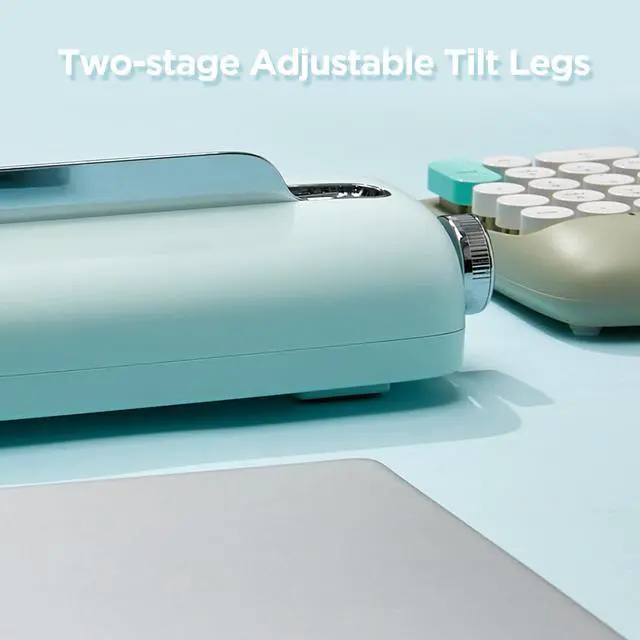
- The keyboard includes adjustable button feets that can ensure the comfortable long time typing.
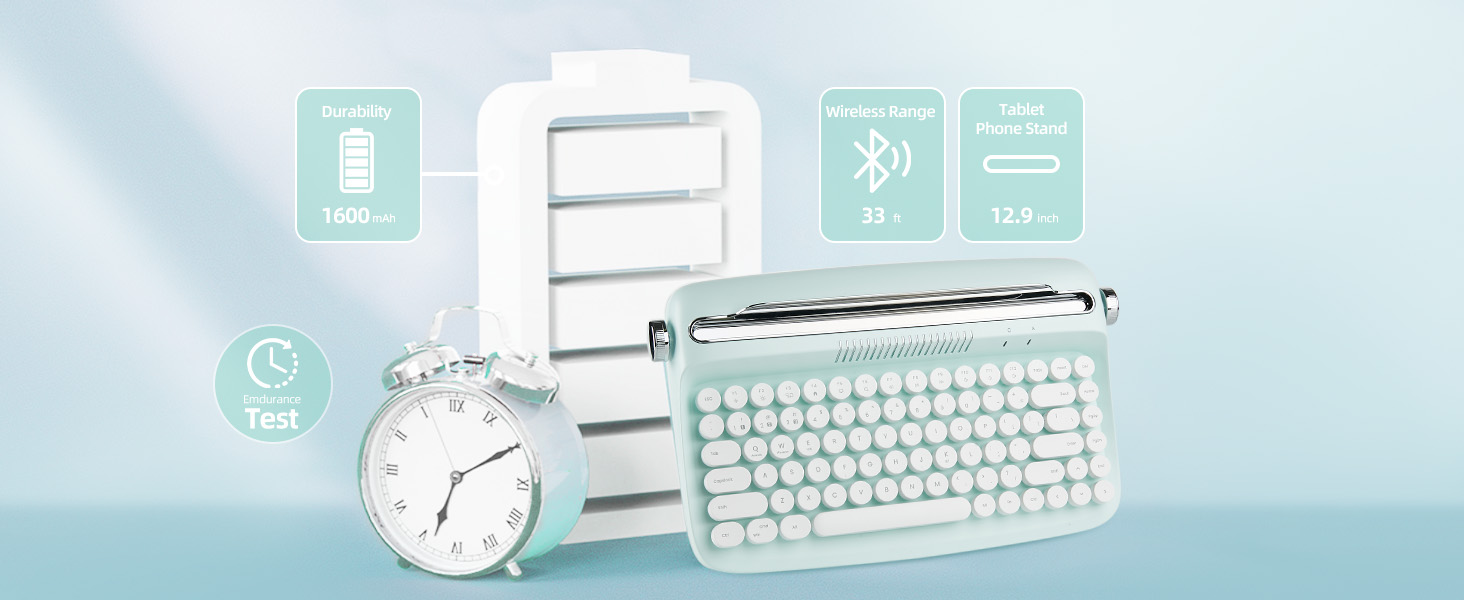
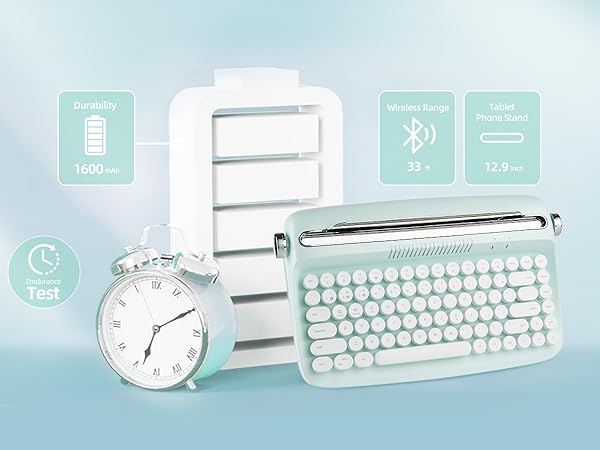
- The built-in tablet phone holder is 12 inch in length and 0.59 inch in width.
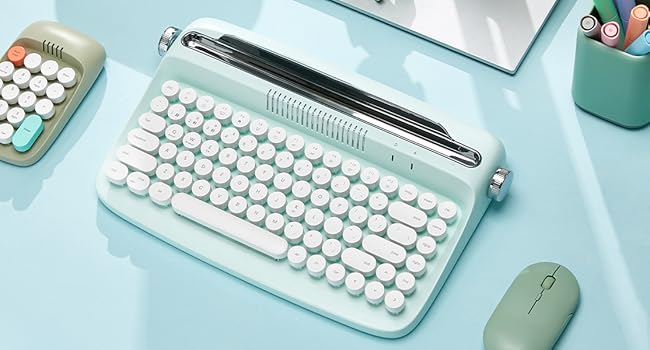
MORE INFO
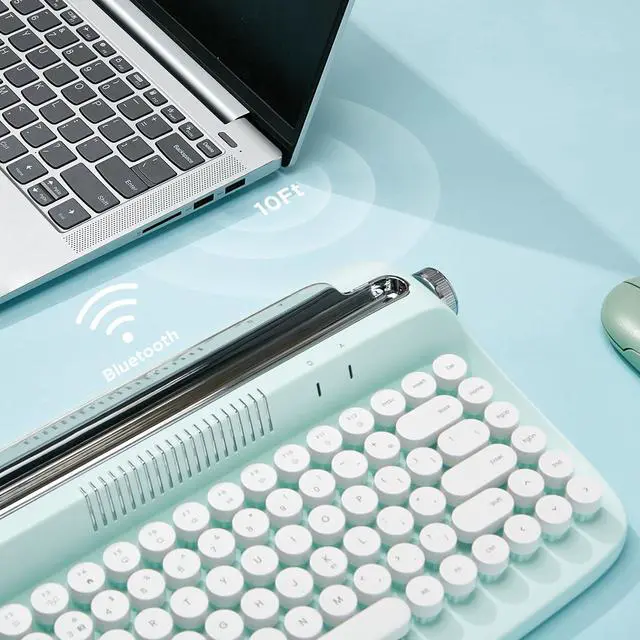
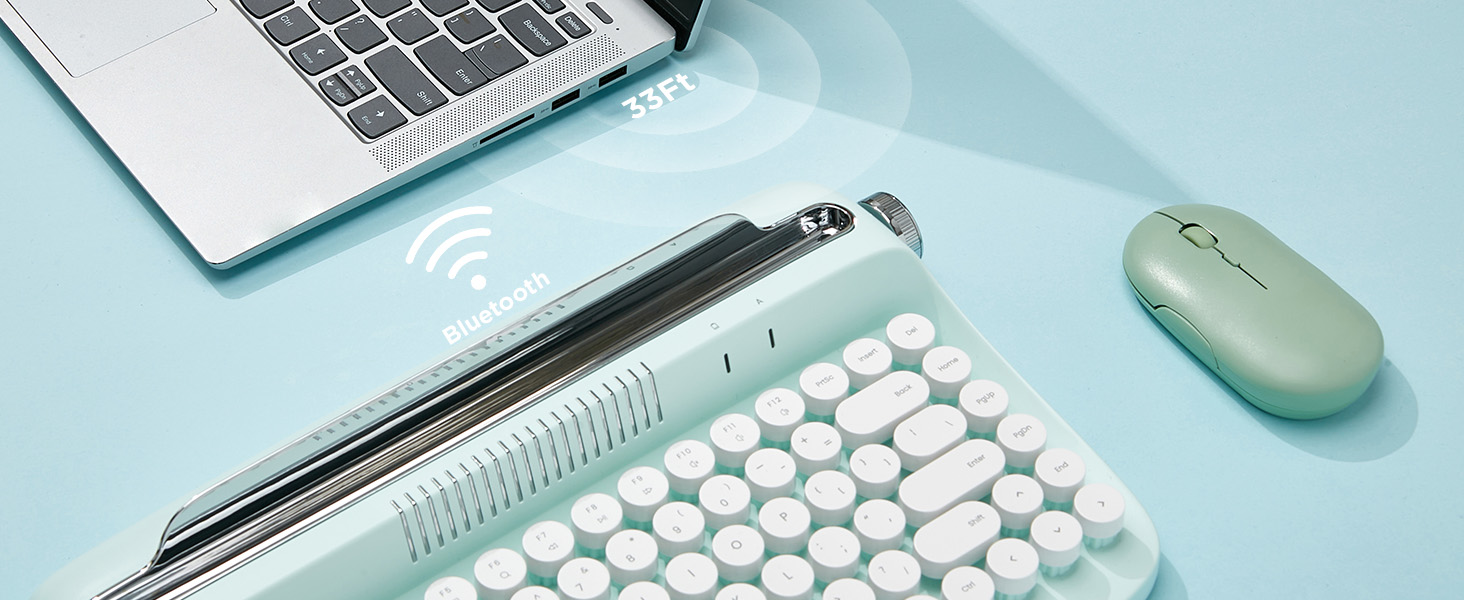
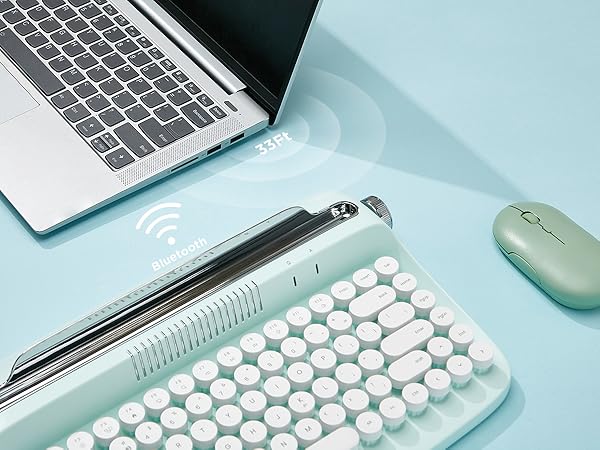
- ONLY Bluetooth Connection
- Integrated Phone/Tablet Holder
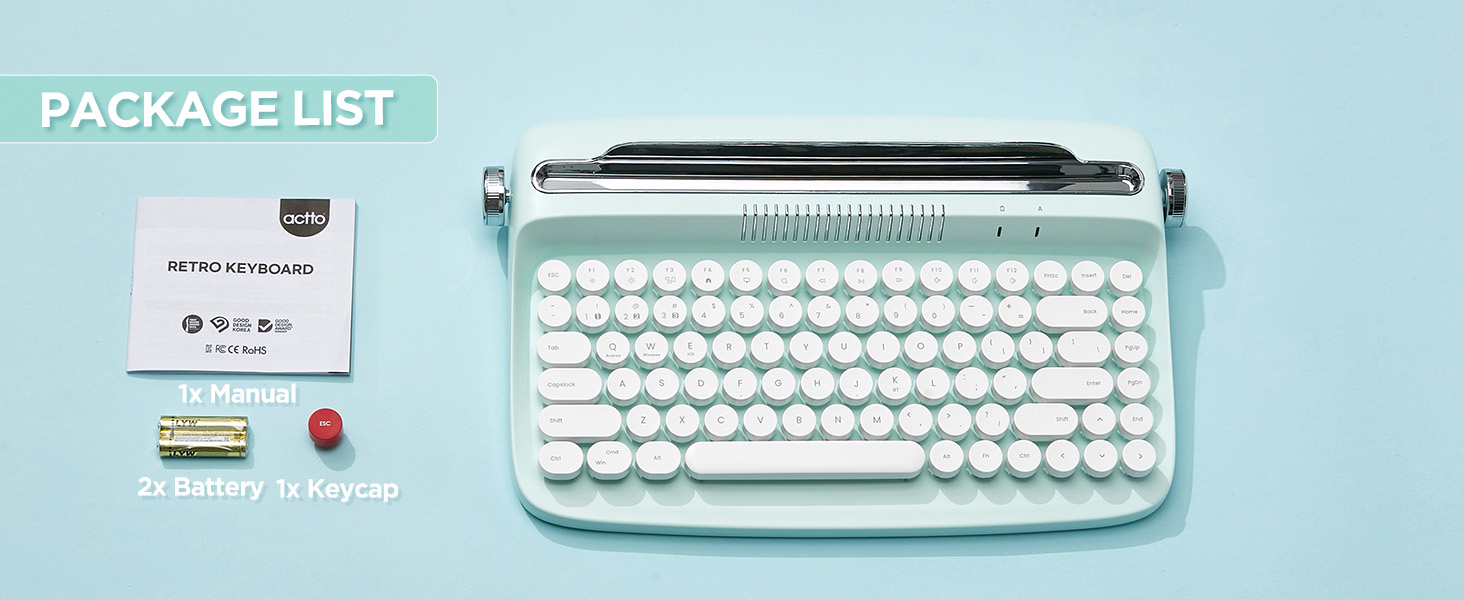
- 84 key keyboard, compact and portable
- Adjustable Anti-Slid and Anti-Scratch Soft Rubber Bars
- 12 Hot Keys for for Better Access
The Similiar Items
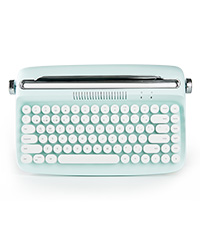 B303 | 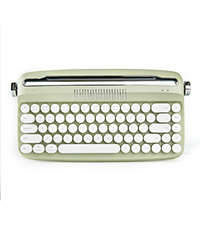 B307 | 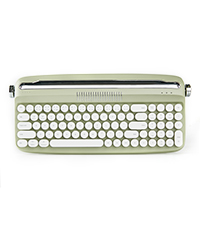 B309 | 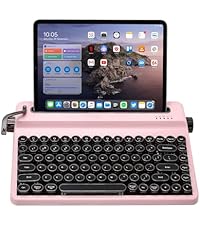 QL75 | 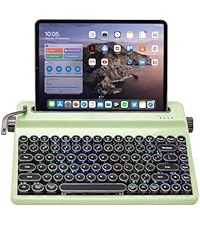 QL75 | |
|---|---|---|---|---|---|
Customer Reviews | — | — | — | — | — |
Price | — | — | — | — | — |
Style | Retro typewriter | Retro typewriter | Retro typewriter | Retro typewriter | Retro typewriter |
Connection | Bluetooth | Bluetooth & Wired | Bluetooth & Wired | Bluetooth & Wired & 2.4G | Bluetooth & Wired & 2.4G |
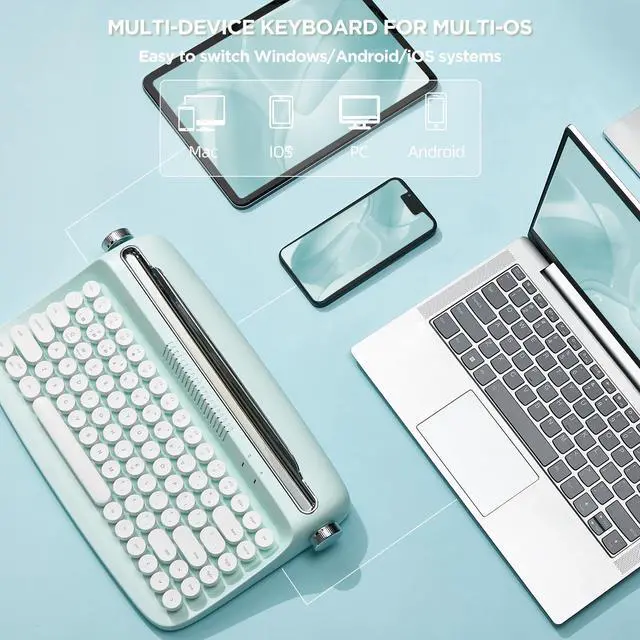
Support System | Windows, Mac os, Android | Windows, Mac os, Android | Windows, Mac os, Android | Windows, Mac os, Android | Windows, Mac os, Android |
With Numpad | ? | ? | ? | ? | ? |
Build-in Battery | ? | ? | ? | ? | ? |
RGB | ? | ? | ? | ? | ? |
Function Knob | ? | ? | ? | ? | ? |
size | 14.02/8.58/2.64 in | 13.5/7.1/2.0 in | 15.8/7.1/2.0 in | 12.92/8.44/2.52 in | 12.92/8.44/2.52 in |
Internal slot | 12.2 inch | 11.2inch | 13.4inch | 10.03 inch | 10.03 inch |
Weight | 1.98lb | 1.76lb | 2.09lb | 3.22lb | 3.22lb |
Number of keys | 84 keys | 68 keys | 82 keys | 84 keys | 84 keys |
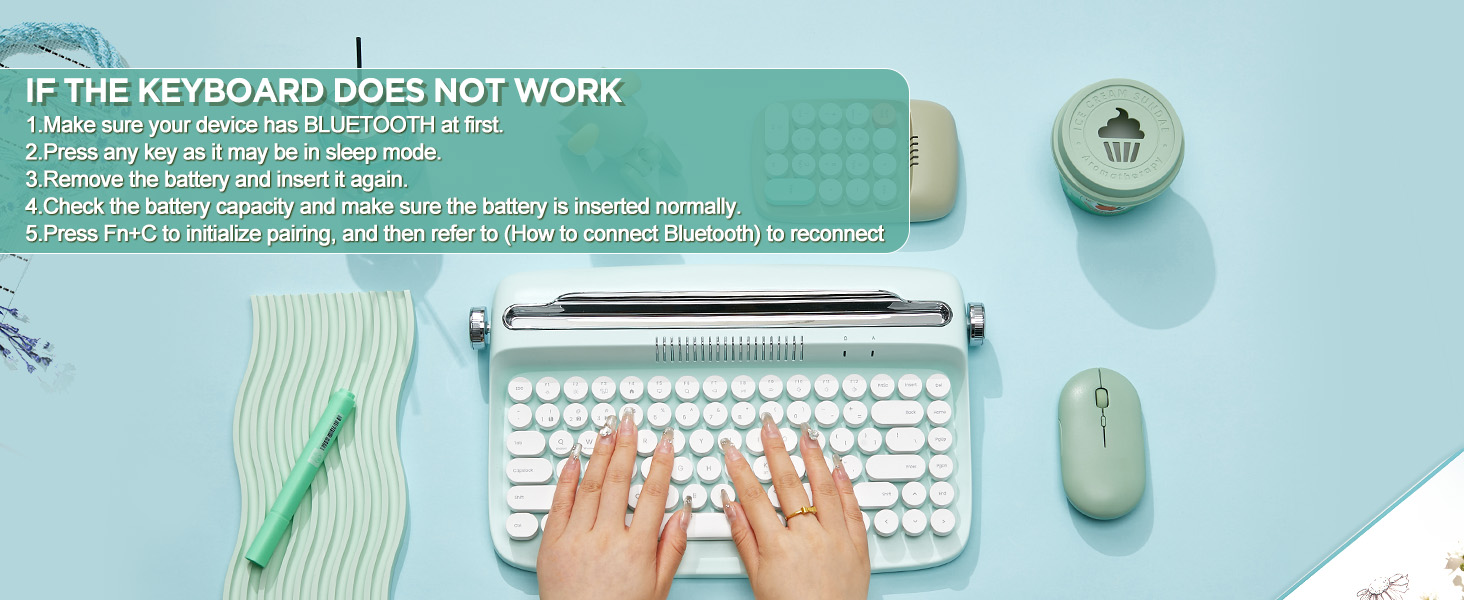
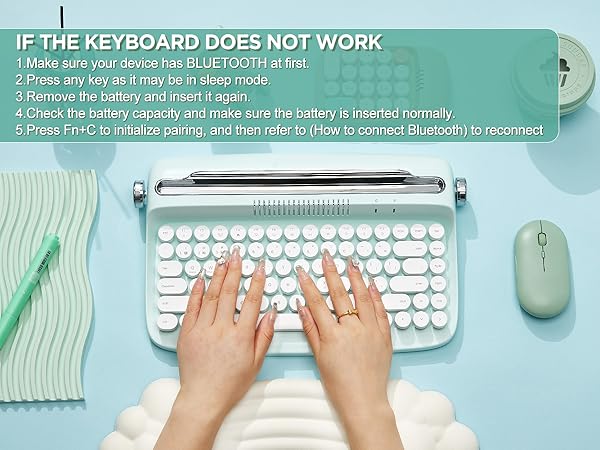
The LED is turned off even when the battery is inserted
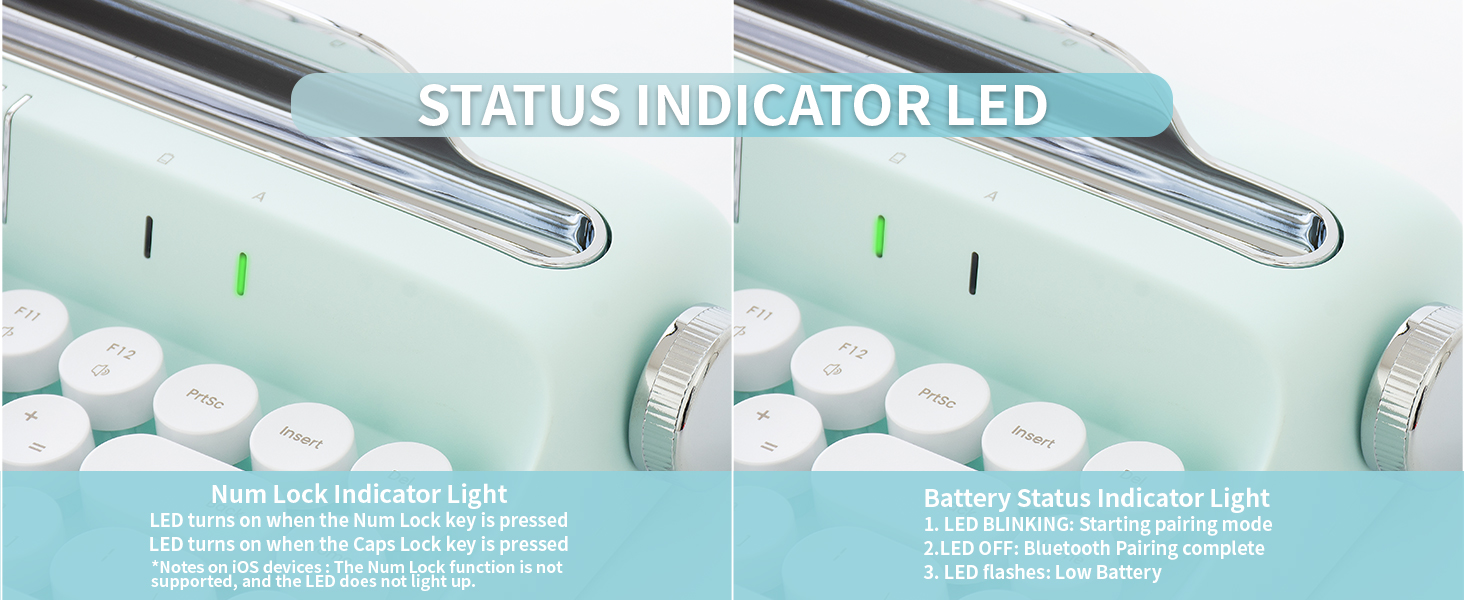
The keyboard has no RGB / Backlight. After inserting the battery, only the top right indicator LED will turn on for about 2 to 3 seconds and turn off immediately.
My PC doesn't have Bluetooth.
Please make sure your computer has Bluetooth before using the product. If it is no Bluetooth, it won't work.
What can I do if my Pin code is not showing on my screen?
If no pin is shown, in the step of entering the Pin code, please enter 0000 with your own keyboard, click the “connect”, then use the B303 keyboard to type 0000, and press “ENTER”, then do the following steps.
The multimedia hot kevs are only partially activated.
Some hot keys may not work depending on the connected device, the connected device system. and the application you are using. This is not a keyboard error.
How to turn off the keyboard?
The keyboard has Battery power saving mode. It will enter sleep mode if it is not used for about 20 minutes. Pressing any key will automatically wake.
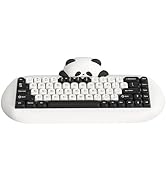
YUNZII C68 Mechanical Keyboard
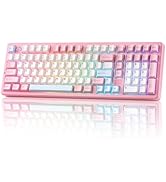
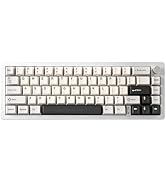
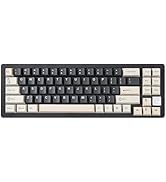
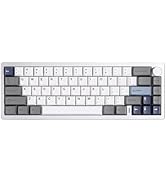
YUNZII AL Aluminum Keyboard
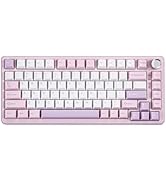
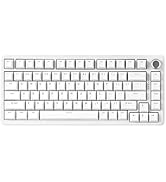
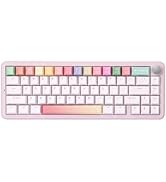
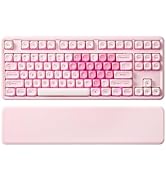
YUNZII B Series Keyboard
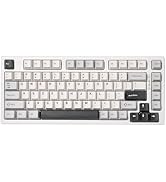
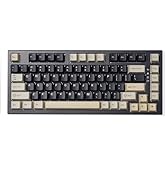
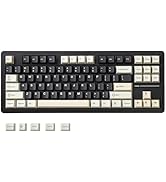
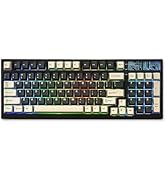
YUNZII YZ Series Keyboard
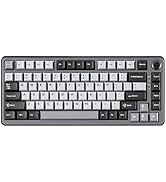
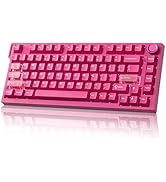
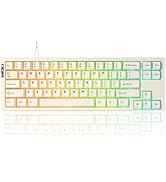
YUNZII Rapid Trigger Keyboard
YUNZII Transparent Keyboard
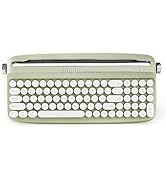
Retro Typewriter Keyboard
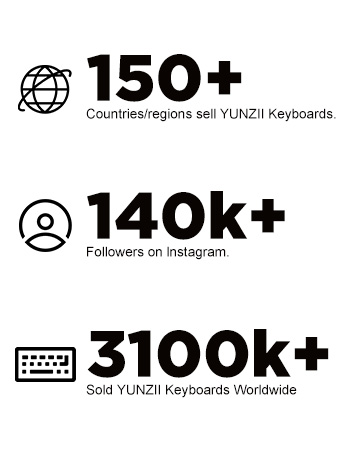

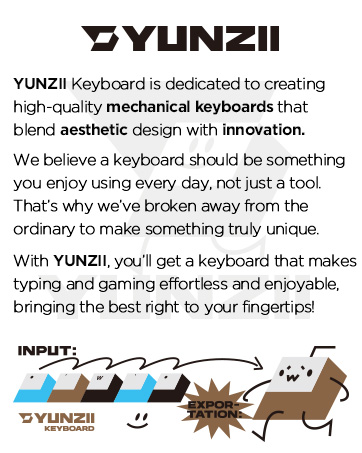
Our Mission
YUNZII’s mission is to make high quality, aesthetic keyboard accessible to everyone - keyboards that inspire creativity and enhance productivity in everyday life.
What’s Difference About YUNZII Keyboard
YUNZII Keyboard stands out by combining aesthetic design with everyday practically, giving you a special keyboard that looks great and works even better!
With YUNZII, you’ll get a keyboard that makes typing and gaming effortless and enjoyable, bringing the best right to your fingertips!
hero-video
Merchant VideoYUNZII B303 combines retro style with modern design, compact layout, cute keycap, edge wireless technology, pastel aesthetic that brighten up your desk setup, brings more enjoyable typing.
NOTE:The keyboard won't shine when the batteries inserted. The keyboard has no RGB/Backlight.
Battery power saving mode
Enter sleep mode if it is not used for about 20 mins. Pressing any key will automatically work.
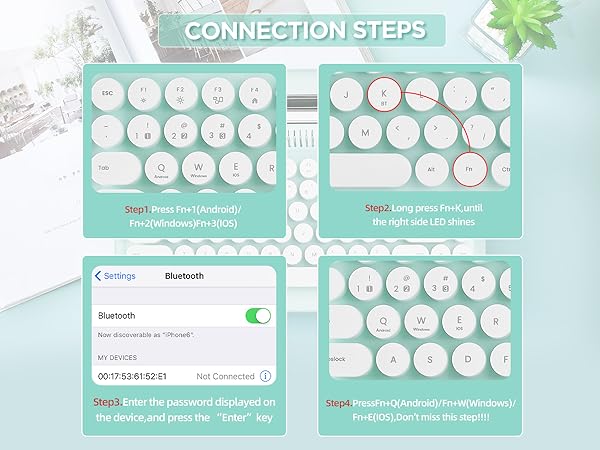
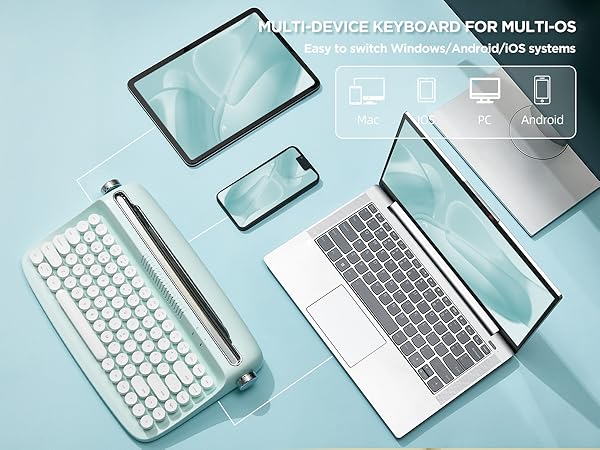
Up to 3 multi-pairing
HOW TO CONNECT DEVICES
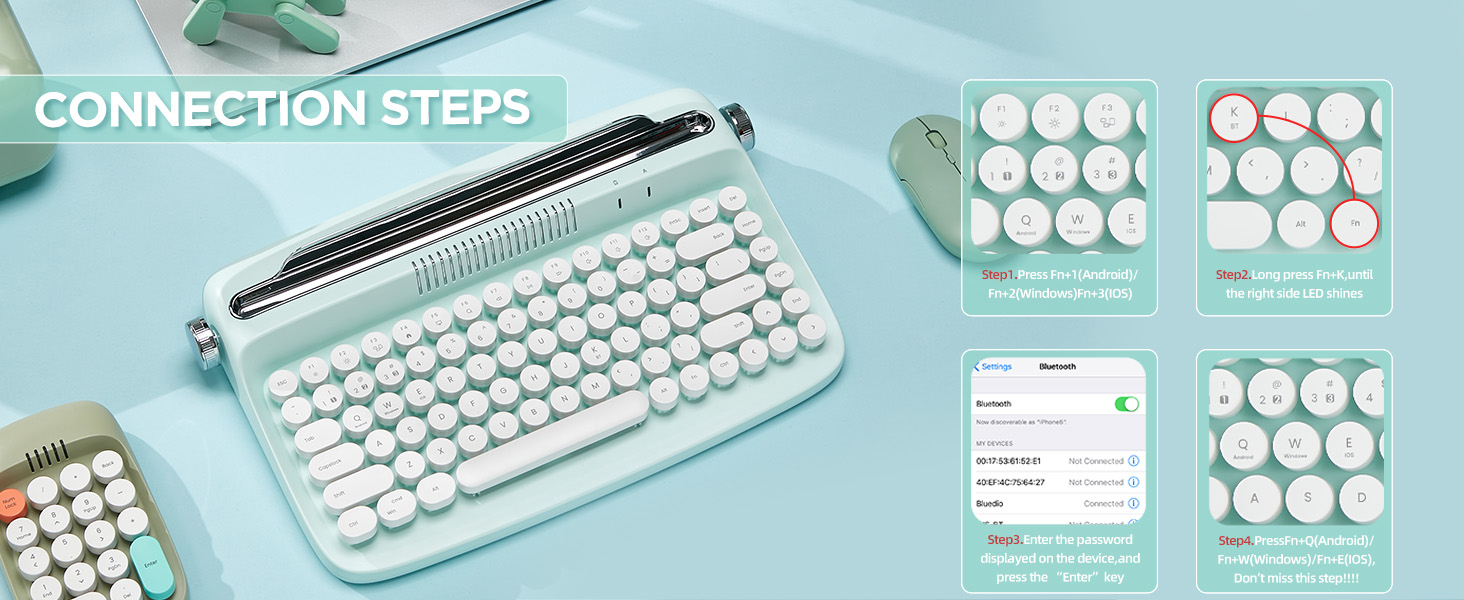
- Press Fn + 1 / 2/ 3 and then press Fn + K to enter pairing mode.
- Turn on the Bluetooth of your device you and click “Actto Keyboard"
- Entering the PIN numbers and press the Enter key to complete the pairing process.
- Press Fn+Q/W/E to select system. NOTE: Android : Fn +Q , Windows : Fn + W, iOS (iPad, iPhone) : Fn +E
Press FN+1/2/3
HOW TO SWITCH DEVICES
- Supports multi-pairing connection up to 3 PCs, laptops, smartphones, and tablet PCs.
- Make sure you have follow the BLUETOOTH CONNECTION Steps correctly and pressed the FN+Q/W/E in the last step when you connect devices.
- Press Channel 1 (Fn + 1), Channel 2 (Fn + 2), and Channel 3 (Fn + 3) to the different device.
Press FN+C
HOW TO RESET BLUETOOTH PAIRING
1. Press Fn+C to reset keyboard pairing.
2. Delete the pairing history (forget device and remove the device) from each existing connected device
3. You can use it after pairing again according to [HOW TO CONNECT BLUETOOTH]
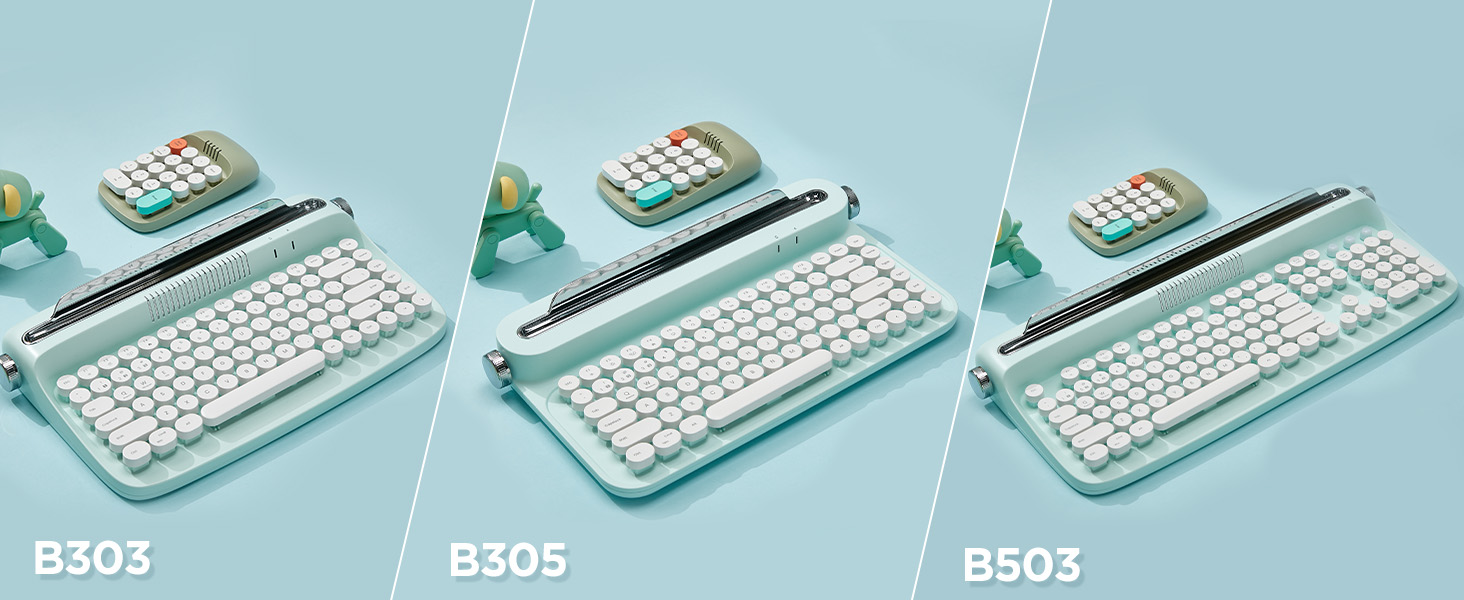
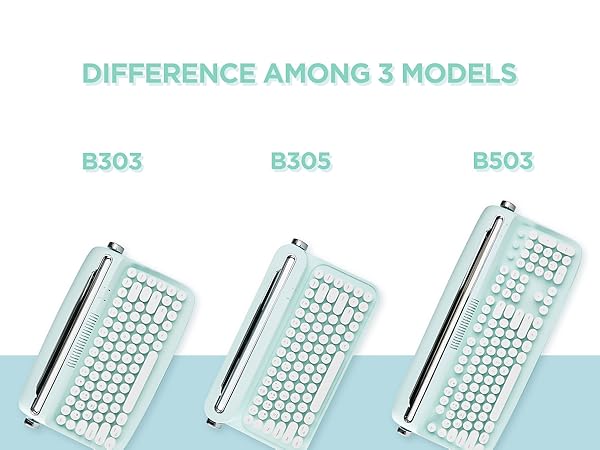
DIFFERENCE BETWEEN B303, B305 and B503
The only difference among these 3 keyboard is their shape. Other functions and colors are same.
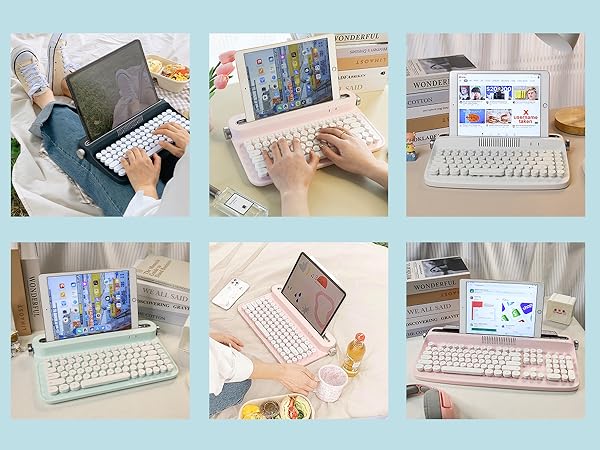
TYPEWRITER KEYBOARD WITH INTERGRATED STAND
- The wireless keyboard designed with integrated stand holder to match the desk aesthetic and more space-saving.
- The keyboard includes adjustable button feets that can ensure the comfortable long time typing.
- The built-in tablet phone holder is 12 inch in length and 0.59 inch in width.
MORE INFO
- ONLY Bluetooth Connection
- Integrated Phone/Tablet Holder
- 84 key keyboard, compact and portable
- Adjustable Anti-Slid and Anti-Scratch Soft Rubber Bars
- 12 Hot Keys for for Better Access
The Similiar Items
B303 | B307 | B309 | QL75 | QL75 |
|---|---|---|---|---|
| Customer Reviews | ||||
| — | — | — | — | — |
| Price | ||||
| — | — | — | — | — |
| Style | ||||
| Retro typewriter | Retro typewriter | Retro typewriter | Retro typewriter | Retro typewriter |
| Connection | ||||
| Bluetooth | Bluetooth & Wired | Bluetooth & Wired | Bluetooth & Wired & 2.4G | Bluetooth & Wired & 2.4G |
| Support System | ||||
| Windows, Mac os, Android | Windows, Mac os, Android | Windows, Mac os, Android | Windows, Mac os, Android | Windows, Mac os, Android |
| With Numpad | ||||
| ? | ? | ? | ? | ? |
| Build-in Battery | ||||
| ? | ? | ? | ? | ? |
| RGB | ||||
| ? | ? | ? | ? | ? |
| Function Knob | ||||
| ? | ? | ? | ? | ? |
| size | ||||
| 14.02/8.58/2.64 in | 13.5/7.1/2.0 in | 15.8/7.1/2.0 in | 12.92/8.44/2.52 in | 12.92/8.44/2.52 in |
| Internal slot | ||||
| 12.2 inch | 11.2inch | 13.4inch | 10.03 inch | 10.03 inch |
| Weight | ||||
| 1.98lb | 1.76lb | 2.09lb | 3.22lb | 3.22lb |
| Number of keys | ||||
| 84 keys | 68 keys | 82 keys | 84 keys | 84 keys |
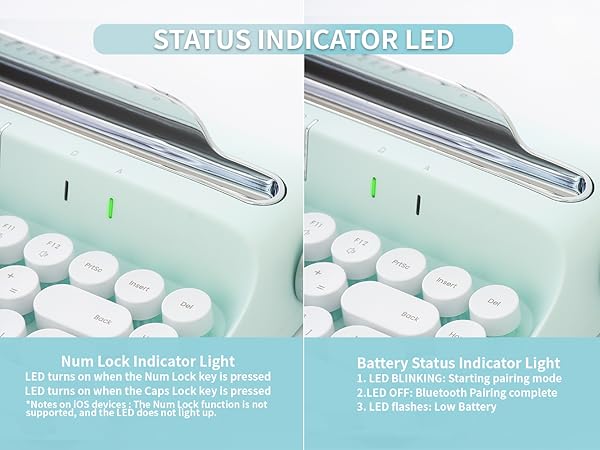
The LED is turned off even when the battery is inserted
The keyboard has no RGB / Backlight. After inserting the battery, only the top right indicator LED will turn on for about 2 to 3 seconds and turn off immediately.
My PC doesn't have Bluetooth.
Please make sure your computer has Bluetooth before using the product. If it is no Bluetooth, it won't work.
What can I do if my Pin code is not showing on my screen?
If no pin is shown, in the step of entering the Pin code, please enter 0000 with your own keyboard, click the “connect”, then use the B303 keyboard to type 0000, and press “ENTER”, then do the following steps.
The multimedia hot kevs are only partially activated.
Some hot keys may not work depending on the connected device, the connected device system. and the application you are using. This is not a keyboard error.
How to turn off the keyboard?
The keyboard has Battery power saving mode. It will enter sleep mode if it is not used for about 20 minutes. Pressing any key will automatically wake.
YUNZII C68 Mechanical Keyboard
YUNZII AL Aluminum Keyboard
YUNZII B Series Keyboard
YUNZII YZ Series Keyboard
YUNZII Rapid Trigger Keyboard
YUNZII Transparent Keyboard
Retro Typewriter Keyboard
Our Mission
YUNZII’s mission is to make high quality, aesthetic keyboard accessible to everyone - keyboards that inspire creativity and enhance productivity in everyday life.
What’s Difference About YUNZII Keyboard
YUNZII Keyboard stands out by combining aesthetic design with everyday practically, giving you a special keyboard that looks great and works even better!
With YUNZII, you’ll get a keyboard that makes typing and gaming effortless and enjoyable, bringing the best right to your fingertips!