




 here!
I’m your shopping assistant for PC builds, upgrades, and everything tech.
Got questions? Ask away!
Start a conversation
here!
I’m your shopping assistant for PC builds, upgrades, and everything tech.
Got questions? Ask away!
Start a conversation




Any questions? Ask CelesteSM will help you find out quickly.

U27P4K 4K 60Hz Monitor |

U28I4K 4K 144Hz Monitor |

G274K 4K 160Hz Monitor |

S274K 4K 120Hz Monitor |
|
|---|---|---|---|---|
|
Customer Reviews
|
— | — | — | — |
|
Price
|
— | — | — | — |
|
Screen Size
|
27 inches | 28 inches | 27 inches | 27 inches |
|
Panel
|
IPS | Fast IPS | Fast IPS | IPS |
|
Resolution
|
3840 x 2160 UHD | 3840 x 2160 UHD | 3840 x 2160 UHD | 3840 x 2160 UHD |
|
Refresh Rate
|
60Hz(DP)/60Hz(HDMI) | 144Hz(DP)/144(HDMI) | 160Hz(DP)/160Hz(HDMI) | 120Hz(DP)/120Hz(HDMI) |
|
Response Time
|
5ms | 1ms MPRT | 1ms MPRT | 1ms MPRT |
|
Connectivity
|
HDMI x 2, DP x 2 | HDMI x 2, DP x 2 | HDMI x 2, DP x 2 | HDMI x 2, DP x 2 |
|
Speaker
|
? | ? | ? | ? |
What type of HDMI and DP port does it have? What refresh rate can this monitor run on HDMI and DP?
The HDMI ports are 2.0, DP ports are 1.4, DP ports support 60Hz refresh rate, HDMI ports supoprts 60Hz.
Can you attach a monitor arm to it?
Yes, this monitor supports mount standard 100x100mm.
What are the dimensions of the monitor?
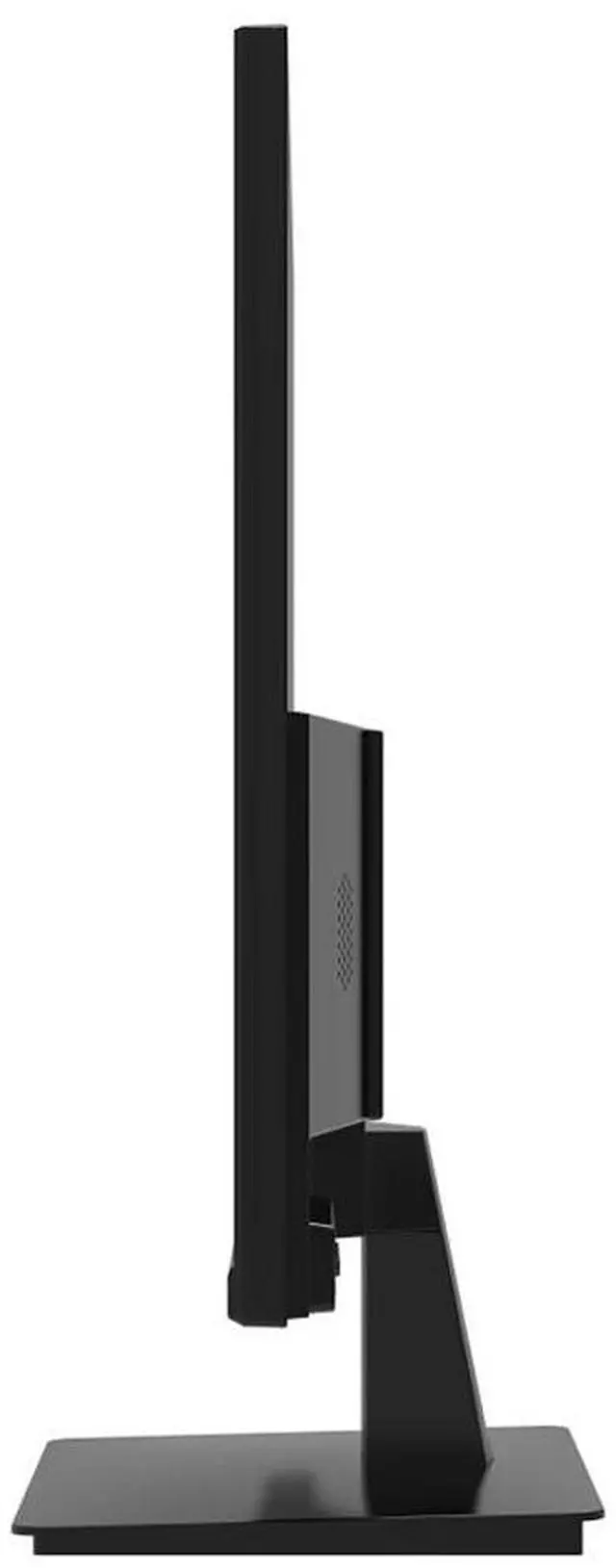
The screen width is 24.2in, screen height with stand is 18in without the stand is 14.3in, screen depth with stand is 7.5in without the stand is 0.6in.
Does this monitor have built-in speakers?
No, it doesn't.


|
U27P4K 4K 60Hz Monitor |
U28I4K 4K 144Hz Monitor |
G274K 4K 160Hz Monitor |
S274K 4K 120Hz Monitor |
|---|---|---|---|
| Customer Reviews | |||
| — | — | — | — |
| Price | |||
| — | — | — | — |
| Screen Size | |||
| 27 inches | 28 inches | 27 inches | 27 inches |
| Panel | |||
| IPS | Fast IPS | Fast IPS | IPS |
| Resolution | |||
| 3840 x 2160 UHD | 3840 x 2160 UHD | 3840 x 2160 UHD | 3840 x 2160 UHD |
| Refresh Rate | |||
| 60Hz(DP)/60Hz(HDMI) | 144Hz(DP)/144(HDMI) | 160Hz(DP)/160Hz(HDMI) | 120Hz(DP)/120Hz(HDMI) |
| Response Time | |||
| 5ms | 1ms MPRT | 1ms MPRT | 1ms MPRT |
| Connectivity | |||
| HDMI x 2, DP x 2 | HDMI x 2, DP x 2 | HDMI x 2, DP x 2 | HDMI x 2, DP x 2 |
| Speaker | |||
| ? | ? | ? | ? |
What type of HDMI and DP port does it have? What refresh rate can this monitor run on HDMI and DP?
The HDMI ports are 2.0, DP ports are 1.4, DP ports support 60Hz refresh rate, HDMI ports supoprts 60Hz.
Can you attach a monitor arm to it?
Yes, this monitor supports mount standard 100x100mm.
What are the dimensions of the monitor?
The screen width is 24.2in, screen height with stand is 18in without the stand is 14.3in, screen depth with stand is 7.5in without the stand is 0.6in.
Does this monitor have built-in speakers?
No, it doesn't.


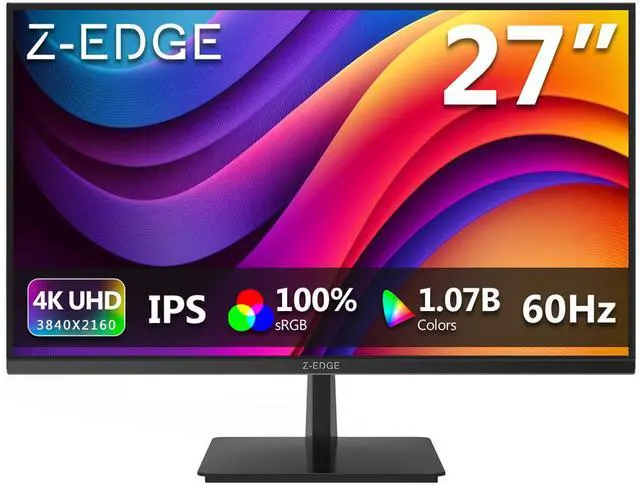
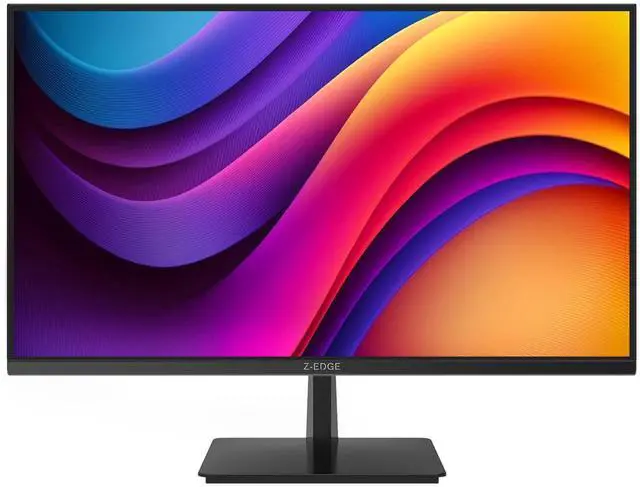
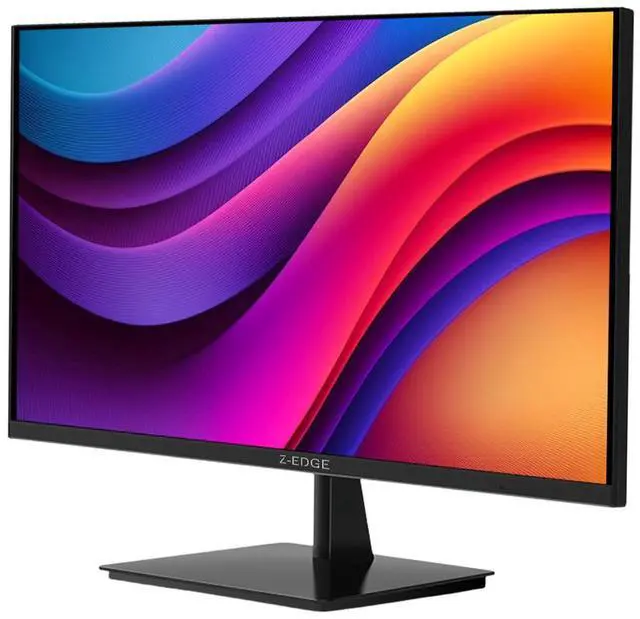
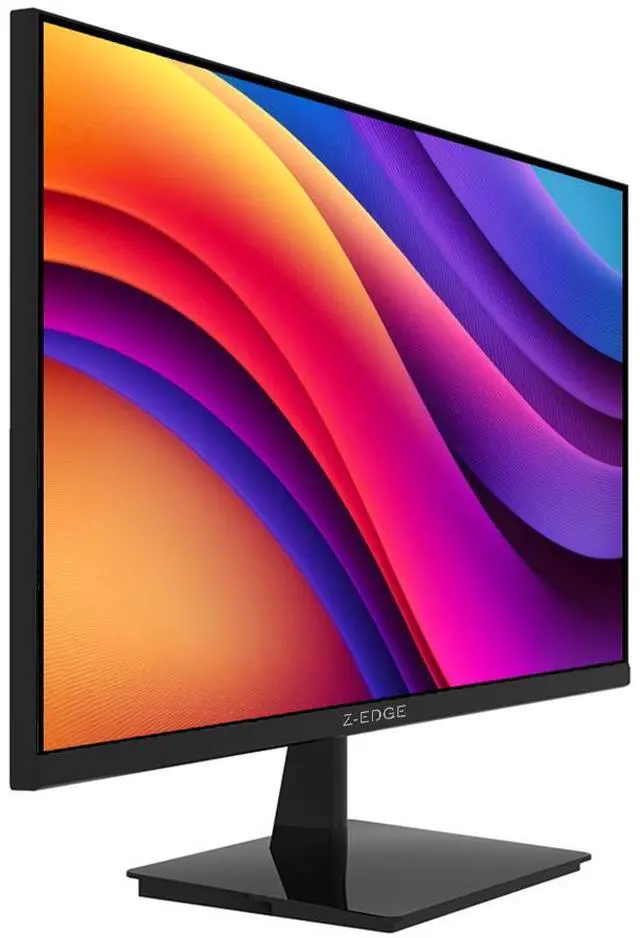
The Z-EDGE U27P4K is a 27-inch 4K IPS monitor with 60Hz refresh, 100% sRGB coverage, and HDR10 support, suited to people who want detailed, color-rich visuals for everyday work, photo viewing, and entertainment.
| Attribute | Value |
|---|---|
| Best For | 4K viewing and everyday work, with FreeSync compatibility for supported gaming setups |
| Panel And Resolution | 27-inch flat IPS display with 3840 × 2160 4K UHD resolution, 16:9 aspect ratio, 178° horizontal and vertical viewing angles, and anti-glare screen |
| Color And Image Quality | 1.07 billion display colors, 100% sRGB color gamut, 300 cd/m² brightness, 1000:1 contrast ratio, and LED backlighting |
| Refresh Rate And Response | 60Hz refresh rate, 5ms response time, and FreeSync compatibility |
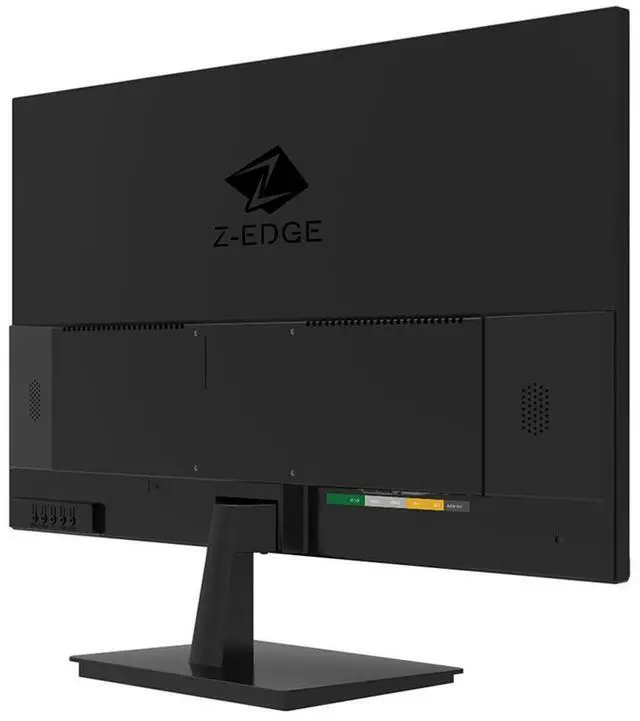
| Ports And Connectivity | 2 HDMI ports, 2 DisplayPort connections, and a 3.5mm audio output; supports HDCP and analog RGB and digital video input |
| Stand And Ergonomics | Tilt-adjustable stand and 100 × 100mm VESA mounting compatibility |
| Audio And Built-In Features | No built-in speakers or webcam |
| Power | 100–240 VAC, 50/60Hz power supply with 30W power consumption |
| Physical Specifications | Black cabinet; 24.2 × 7.5 × 18 inches with stand and 24.2 × 1.7 × 14.3 inches without stand; net weight 9.3 lb |
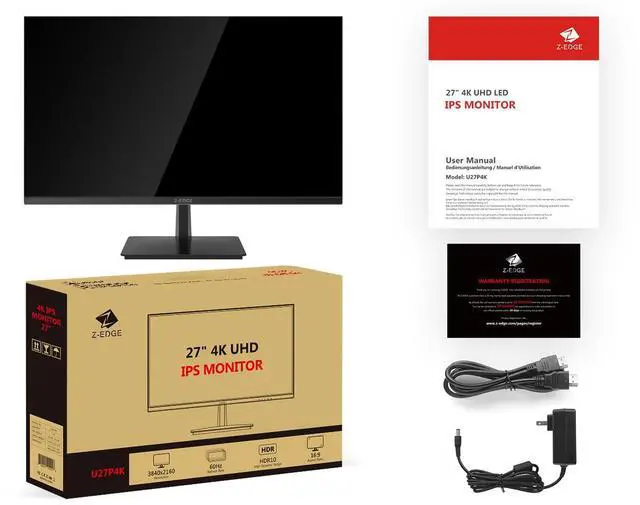
| In The Box | Monitor, power adapter, HDMI cable, user manual, and warranty card |
| Model Identifiers | Z-Edge U27P4K, 4K IPS series |
Q: Z-EDGE U27P4K vs S274K: which should I choose for a 27-inch 4K display?
A: Both are 27-inch 4K IPS monitors. Choose the U27P4K for a 60Hz 4K setup; choose the S274K if you want the same resolution and screen size with a refresh rate of up to 120Hz.
Q: Should I get the U27P4K or the G274K for 4K gaming?
A: Choose the U27P4K for 27-inch 4K IPS viewing at 60Hz. Choose the G274K if you want 27-inch 4K IPS with a refresh rate of up to 160Hz, making the G274K the higher-refresh option in this comparison.
Q: U27P4K or UG27Q: should I prioritize 4K resolution or a higher refresh rate?
A: Choose the U27P4K if you prioritize 4K UHD resolution (3840 × 2160). Choose the curved UG27Q if you prefer QHD resolution (2560 × 1440) with a refresh rate up to 165Hz over DisplayPort.
Q: Can this monitor run at 4K and 60Hz over HDMI or DisplayPort?
A: Yes. The U27P4K supports 3840 × 2160 at 60Hz through its HDMI and DisplayPort connections. The connected computer and cable must also support that resolution and refresh rate.
Q: Can I attach this monitor to a monitor arm?
A: Yes. It supports a 100 × 100mm VESA mount, so it can attach to a compatible monitor arm or wall mount. The included stand adjusts for tilt only.
Q: Does this monitor have built-in speakers?
A: No. It has no built-in speakers. The specifications list a 3.5mm audio output, so plan to use separate speakers or headphones for sound.
Q: How do I connect this monitor to a computer?
A: Connect a computer with a compatible HDMI or DisplayPort video output. The monitor has two HDMI inputs and two DisplayPort inputs; it does not list USB-C connectivity.
Q: Will the U27P4K work well with a Mac mini for everyday use?
A: It may suit casual desktop use: a Reddit user reported using two U27P4K monitors with a Mac mini without issues. The same discussion raised possible 4K scaling and stand-adjustability trade-offs, so consider your preferred text size and setup before buying.
Q: Can I count on it to deliver 4K and HDR from a PS5?
A: The listed specifications include 4K at 60Hz and HDR10, but Reddit users have reported PS5 setup issues involving 4K output and HDR recognition. Those reports do not establish that every unit or setup will fail, so confirm compatibility with your console and check the seller’s return terms.
Q: Is this a better choice for sharp 4K or high-refresh-rate gaming?
A: It prioritizes 4K resolution over high refresh: the listed maximum is 60Hz, with a 5ms response time and FreeSync compatibility. It may suit users who prefer 4K visuals at 60Hz, but it is not a high-refresh option for those seeking smoother motion at 120Hz or above.
Q: Is 27-inch 4K a good fit for Mac users who care about text sharpness?
A: It provides a 4K image at 27 inches, but a Reddit discussion notes that some Mac users may notice scaling differences compared with a 5K display. It is a reasonable option if 4K scaling looks comfortable to you; consider a 5K monitor if matching a Retina-style pixel density is a priority.


