




 here!
I’m your shopping assistant for PC builds, upgrades, and everything tech.
Got questions? Ask away!
Start a conversation
here!
I’m your shopping assistant for PC builds, upgrades, and everything tech.
Got questions? Ask away!
Start a conversation





Any questions? Ask CelesteSM will help you find out quickly.

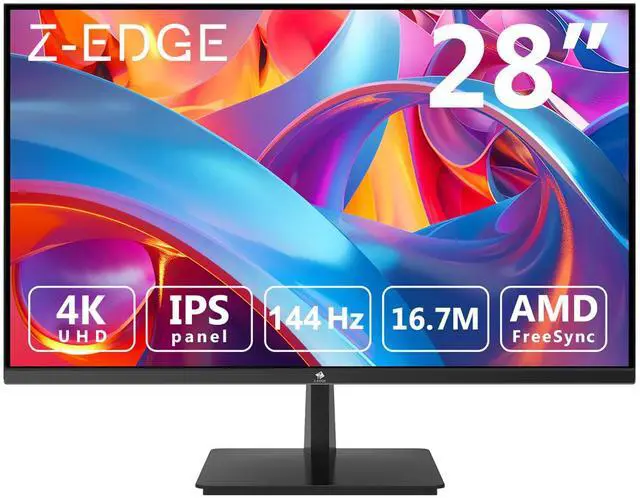
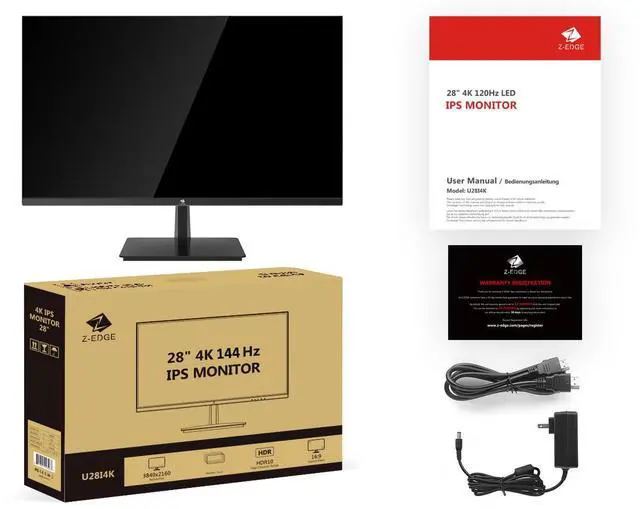
Deliver the vibrant and impressive images with more details in 4K(3840*2160)resolution.

Gain a competitive advantage with a monitor that keeps up with your reflexes

Flicker-free minimizes blue light to protect eyes from strained after prolonged use of the monitor.

Built-in high end IPS panel display preserves the color performance ability from every viewing angle

Higher brightness make it easier foreyes to focus on content and reduce the need for squinting.


Z-Edge U28I4K 4K Monitor |

Z-Edge U27P4K 4K Monitor |

Z-Edge U27I4K 4K Monitor |

Z-Edge U24I 100Hz Monitor |
|
|---|---|---|---|---|
|
Customer Reviews
|
— | — | — | — |
|
Price
|
— | — | — | — |
|
Screen Size
|
28 inches | 27 inches | 27 inches | 24 inches |
|
Panel
|
IPS | IPS | IPS | IPS |
|
Resolution
|
3840 x 2160 UHD | 3840 x 2160 UHD | 3840 x 2160 UHD | 1920 x 1080 FHD |
|
Refresh Rate
|
144Hz(DP)/144(HDMI) | 75Hz(DP) /60Hz(HDMI) | HDMI(60Hz)/DP(75Hz) | 100Hz(HDMI)/75Hz(VGA) |
|
Response Time
|
1ms MPRT | 5ms | OD 5ms | OD 5ms |
|
Connectivity
|
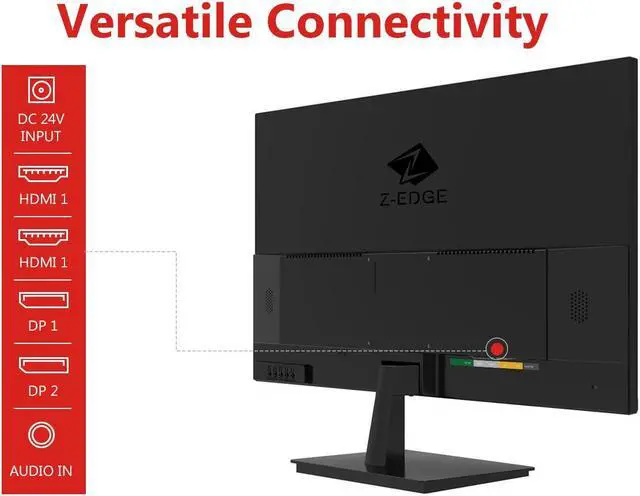
HDMI x 2, DP x 2 | HDMI x 2, DP x 2 | HDMI x 2, DP x 2 | HDMI x 1, VGA x 1 |
|
Speaker
|
? | ? | ? | ? |
What type of HDMI and DP port does it have? What refresh rate can this monitor run on HDMI and DP?
The HDMI1 and HDMI2 ports are 2.1, DP1 and DP2 ports are 1.4, all of the ports support 144Hz refresh rate.
Can you attach a monitor arm to it?
Yes, this monitor supports mount standard 100x100mm.
What are the dimensions of the monitor?
The screen width is 25.1in, screen height with stand is 18.1in without the stand is 14.5in, screen depth with stand is 7.5in without the stand is 0.6in.
Does the monitor have built-in speakers?
No it doesn't have speakers.
Deliver the vibrant and impressive images with more details in 4K(3840*2160)resolution.
Gain a competitive advantage with a monitor that keeps up with your reflexes
Flicker-free minimizes blue light to protect eyes from strained after prolonged use of the monitor.
Built-in high end IPS panel display preserves the color performance ability from every viewing angle
Higher brightness make it easier foreyes to focus on content and reduce the need for squinting.


|
Z-Edge U28I4K 4K Monitor |
Z-Edge U27P4K 4K Monitor |
Z-Edge U27I4K 4K Monitor |
Z-Edge U24I 100Hz Monitor |
|---|---|---|---|
| Customer Reviews | |||
| — | — | — | — |
| Price | |||
| — | — | — | — |
| Screen Size | |||
| 28 inches | 27 inches | 27 inches | 24 inches |
| Panel | |||
| IPS | IPS | IPS | IPS |
| Resolution | |||
| 3840 x 2160 UHD | 3840 x 2160 UHD | 3840 x 2160 UHD | 1920 x 1080 FHD |
| Refresh Rate | |||
| 144Hz(DP)/144(HDMI) | 75Hz(DP) /60Hz(HDMI) | HDMI(60Hz)/DP(75Hz) | 100Hz(HDMI)/75Hz(VGA) |
| Response Time | |||
| 1ms MPRT | 5ms | OD 5ms | OD 5ms |
| Connectivity | |||
| HDMI x 2, DP x 2 | HDMI x 2, DP x 2 | HDMI x 2, DP x 2 | HDMI x 1, VGA x 1 |
| Speaker | |||
| ? | ? | ? | ? |
What type of HDMI and DP port does it have? What refresh rate can this monitor run on HDMI and DP?
The HDMI1 and HDMI2 ports are 2.1, DP1 and DP2 ports are 1.4, all of the ports support 144Hz refresh rate.
Can you attach a monitor arm to it?
Yes, this monitor supports mount standard 100x100mm.
What are the dimensions of the monitor?
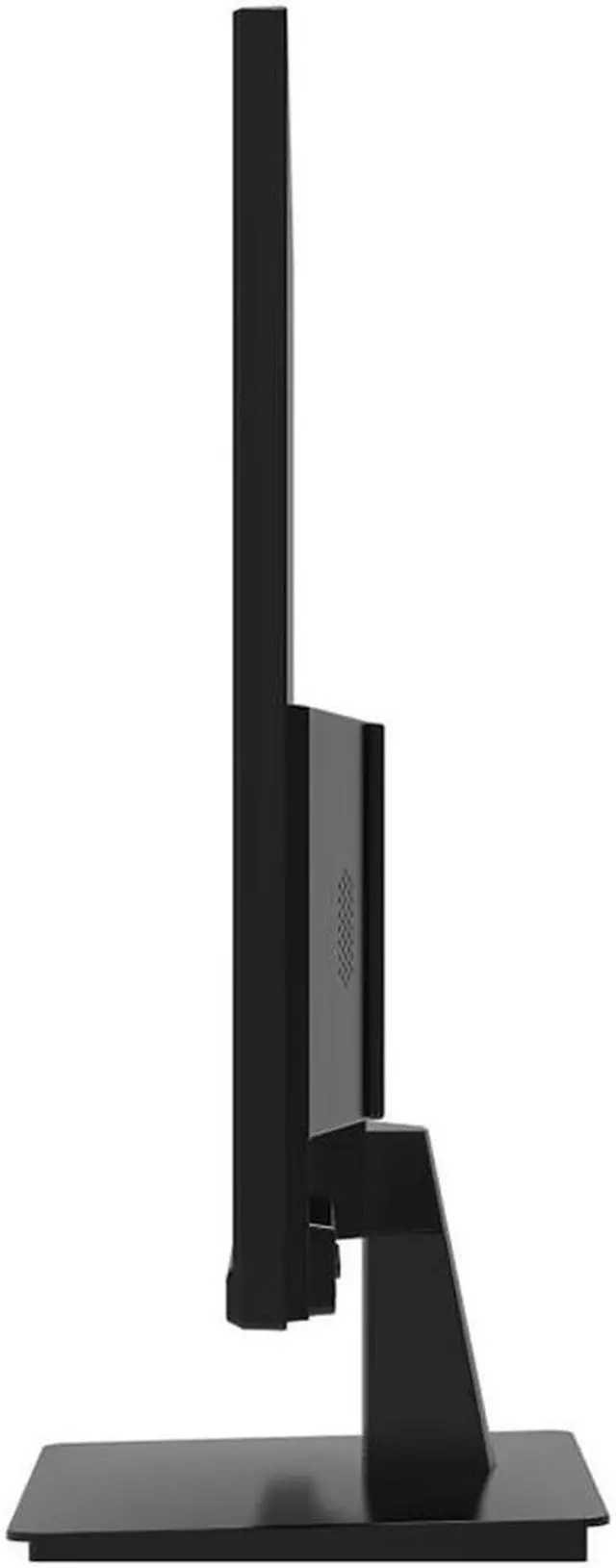
The screen width is 25.1in, screen height with stand is 18.1in without the stand is 14.5in, screen depth with stand is 7.5in without the stand is 0.6in.
Does the monitor have built-in speakers?
No it doesn't have speakers.


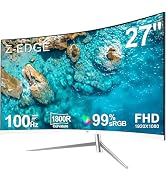
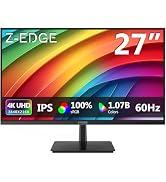

The Z-EDGE U28I4K is a 28-inch 4K IPS gaming monitor with a 144Hz refresh rate and FreeSync compatibility, suited to PC gamers who want detailed UHD visuals and smooth motion on a desktop display.
| Attribute | Value |
|---|---|
| Best For | 4K gaming setups that benefit from a 144Hz refresh rate and FreeSync compatibility |
| Panel And Resolution | 28-inch IPS LCD panel with 3840 × 2160 (4K UHD) resolution, 16:9 aspect ratio, 178° horizontal and vertical viewing angles, 16.7 million colors, and 0.16 mm pixel pitch; anti-glare screen |
| Refresh Rate And Response | 144Hz refresh rate and 4 ms response time |
| Image And Sync Features | HDR10 support, FreeSync compatibility, 300 cd/m² brightness, and 1,000:1 contrast ratio |
| Ports And Connectivity | 2 HDMI ports, 2 DisplayPort inputs, and 2 USB ports |
| Stand And Mounting | Tilt-adjustable stand and 100 × 100 mm VESA mounting compatibility |
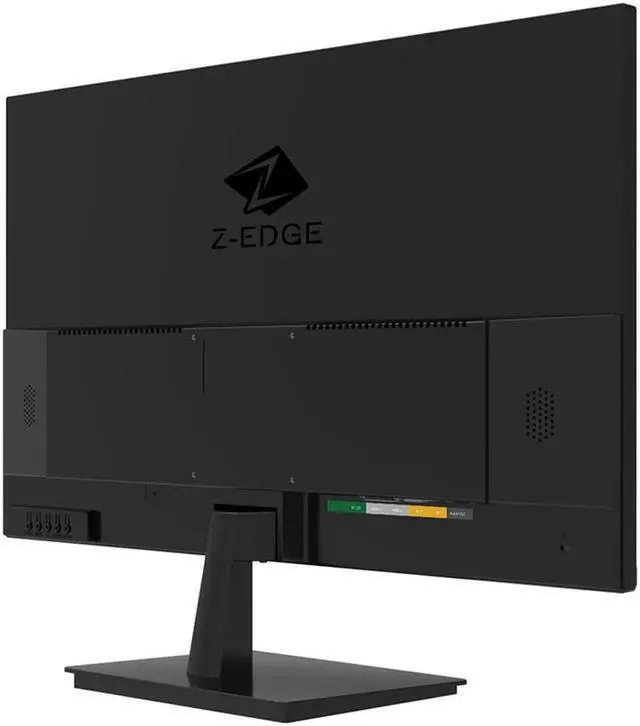
| Audio And Camera | No built-in speakers or webcam |
| Power And Compliance | 50W power consumption; 100–240 VAC, 50/60Hz power supply; FCC, UL, and RoHS approvals |
| Dimensions And Weight | 25.1 × 18.1 × 7.5 inches with stand; 25.1 × 14.5 × 1.7 inches without stand; 10.5 lb |
| In The Box | Monitor, power adapter, DisplayPort cable, and user’s manual |
| Model Identifiers | Z Z-Edge U28I4K, 4K Monitor series; part number 28I4K(144Hz) |
Q: Should I get the Z-EDGE U28I4K or the S274K for 4K gaming?
A: Both are 4K IPS monitors. Choose the U28I4K if you want a 28-inch screen and up to 144Hz; choose the 27-inch S274K if its up-to-120Hz refresh rate fits your setup. The U28I4K offers the higher listed refresh rate for compatible games and hardware.
Q: Z-EDGE U28I4K or G274K: which 4K monitor should I choose?
A: Both offer 4K IPS panels. The U28I4K is the choice for a 28-inch display with up to 144Hz, while the 27-inch G274K is listed at up to 160Hz. Choose based on whether you prefer the U28I4K’s larger screen or the G274K’s higher maximum refresh rate.
Q: Is the Z-EDGE U28I4K worth choosing over the U27P4K?
A: Both provide 4K resolution. The U28I4K is the better fit if you want a 28-inch screen and up to 144Hz for gaming and smooth motion; the 27-inch U27P4K is a 60Hz 4K option positioned for office use. Choose the U28I4K when higher refresh rate is a priority.
Q: Can this monitor run at 4K and 144Hz?
A: The monitor is rated for 3840 × 2160 resolution at up to 144Hz. Reaching that combination also depends on the computer or console, cable, and input bandwidth; the product information does not specify HDMI or DisplayPort versions, so verify compatibility before buying.
Q: Is this monitor suitable for office work and video meetings?
A: Its 4K IPS display, anti-glare screen, and wide viewing angles suit documents, spreadsheets, browsing, and video. It has no built-in webcam or speakers, and USB-C is not listed, so meetings and laptop connections may require separate equipment or an adapter.
Q: Does it have built-in speakers?
A: No. The specifications state that the monitor has no built-in speakers, so plan to use separate speakers or headphones for audio.
Q: Can I mount it on a monitor arm or wall mount?
A: Yes. It supports a 100 × 100 mm VESA mount. Check that the mount supports this pattern and the monitor’s listed weight of 10.5 lb.
Q: Is the Z-EDGE U28I4K suitable as a budget 4K monitor for work and gaming?
A: Its 28-inch 4K IPS panel and listed 144Hz refresh rate fit the needs discussed in a Reddit thread for a budget monitor that can handle both work and gaming. That thread offers little firsthand evidence about this model’s performance, so treat the specs—not the discussion—as the basis for the fit.
Q: Is the 144Hz refresh rate useful if my KVM limits the monitor to 60Hz?
A: Not through that setup: if the KVM caps the signal at 60Hz, you won’t be able to use the monitor’s listed 144Hz refresh rate while connected through it. The Reddit post raises this exact limitation; whether the monitor still suits you depends on whether 4K at 60Hz meets your needs.
Q: Should I choose the Z-EDGE U28I4K over the Acer Nitro VG281K?
A: The discussion doesn’t establish a clear winner: the original poster asks for a comparison, but the reply describes the Acer rather than reporting experience with the Z-EDGE. Compare the current price and the features you need; the supplied specs list this Z-EDGE as 4K, 144Hz, and IPS, but don’t establish how its image quality compares with the Acer.




