here!
here!
I’m your shopping assistant for PC builds, upgrades, and everything tech.
Got questions? Ask away!
Start a conversation
here!
I’m your shopping assistant for PC builds, upgrades, and everything tech.
Got questions? Ask away!
Start a conversation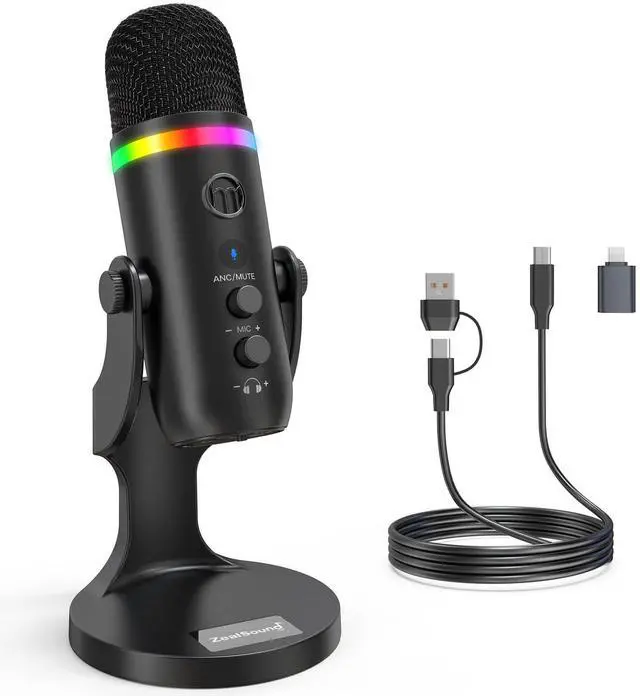



Any questions? Ask CelesteSM will help you find out quickly.
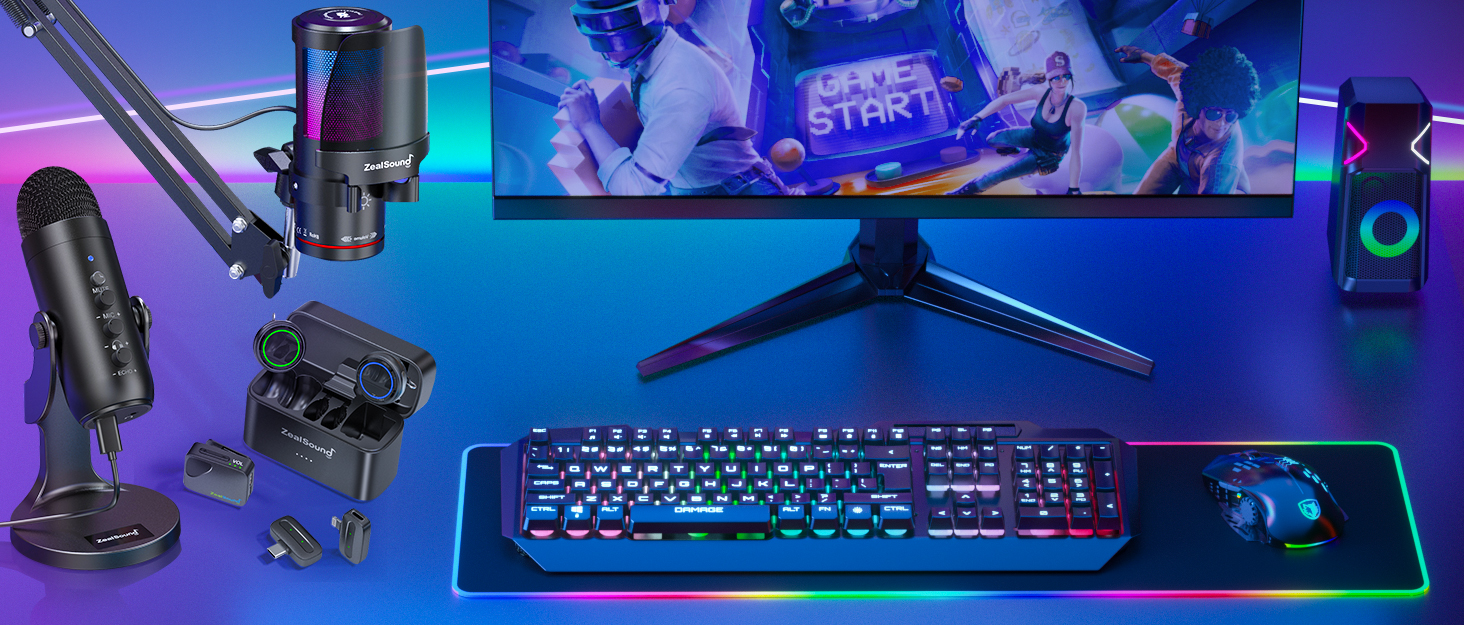
Take your voice to the next level with ZealSound's premium microphones and audio mixers!

ZealSound, founded in 2009, has specialized in high-quality microphones and audio mixers for over 16 years. Trusted in 150+ countries, our products empower creators, gamers, and everyday users. Simple, reliable, and accessible, every mic reflects our mission to make great sound available to all. Thank you for choosing ZealSound—we’re committed to earning your trust with every mic we make.




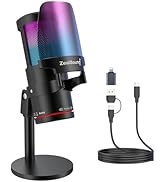
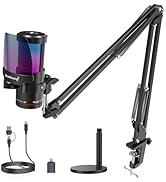
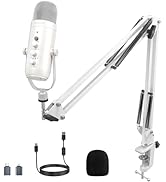
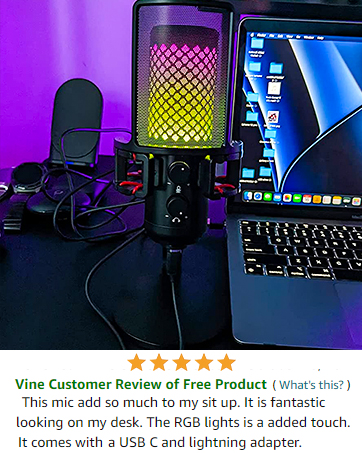
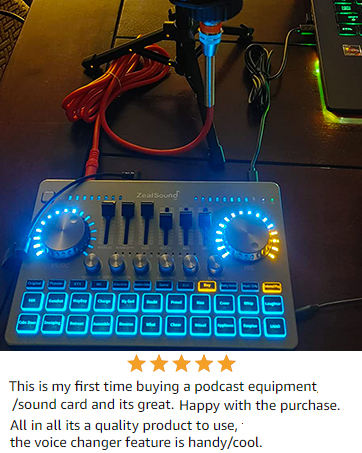
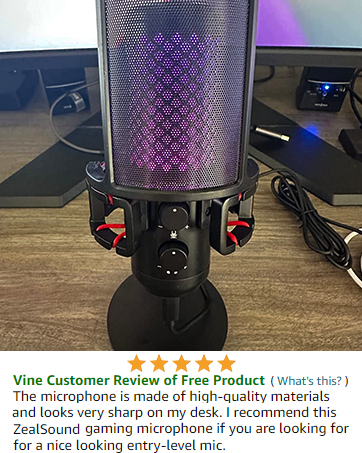
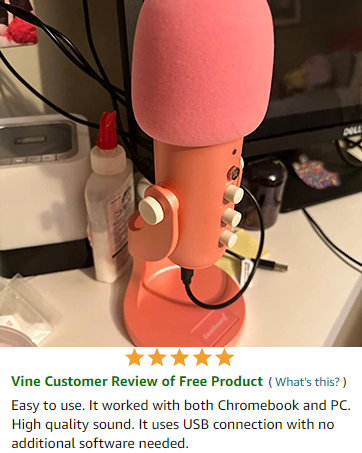
Is this microphone easy to set up for beginners?
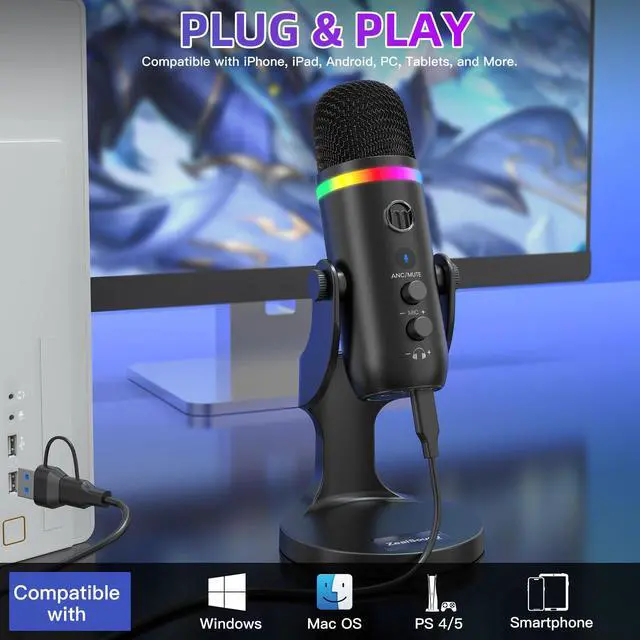
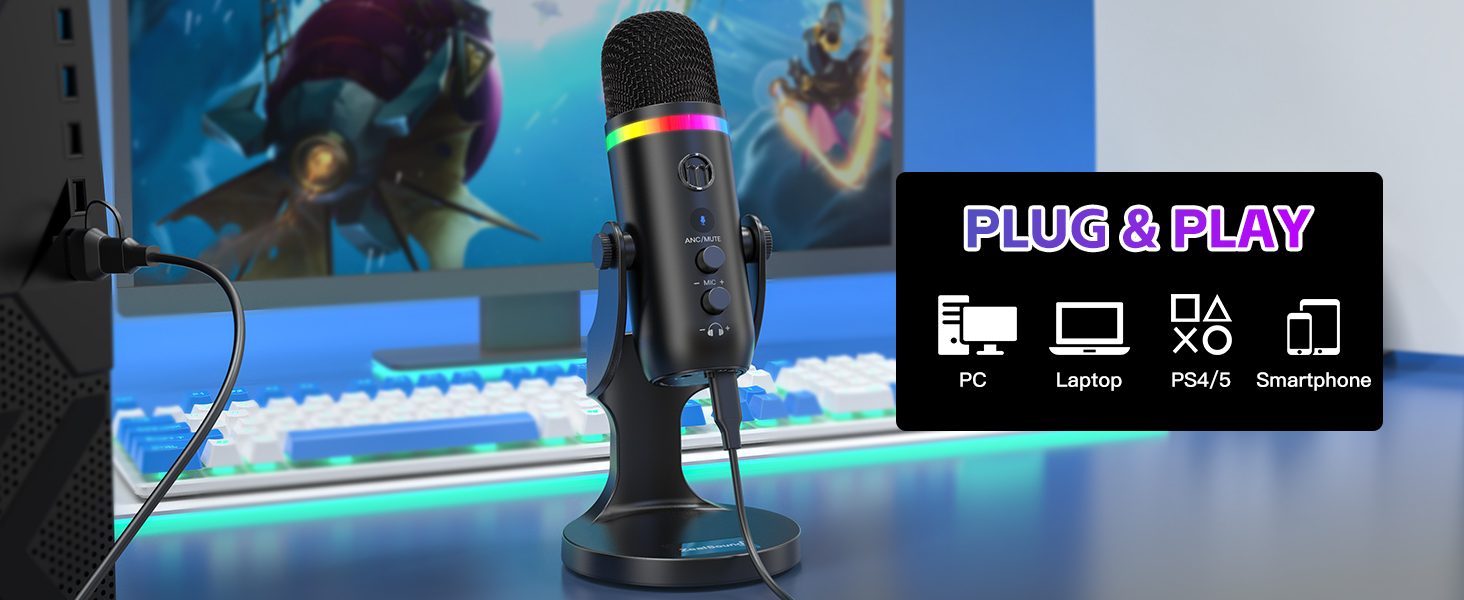
Yes. The K66 PRO uses true plug-and-play design. Simply connect it to your device and start recording—no drivers, apps, or technical setup required.
Can I monitor my voice in real time while recording?
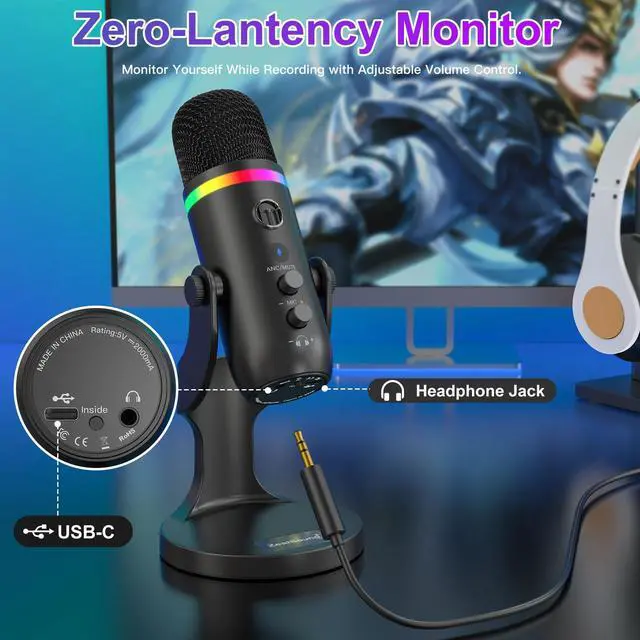
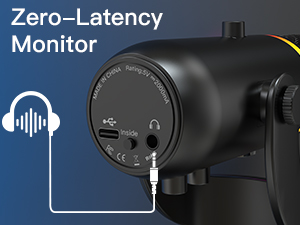
Yes. The built-in 3.5mm headphone jack provides zero-latency monitoring, allowing you to hear your voice instantly and adjust sound levels with confidence.
Does the microphone reduce background noise?
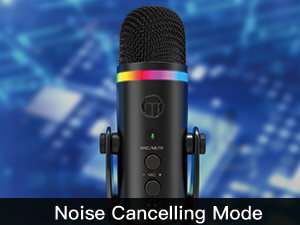
es. It features an optional noise cancelling mode that helps reduce keyboard noise, fan sounds, and background chatter for clearer, more focused audio.
What devices is the microphone compatible with?
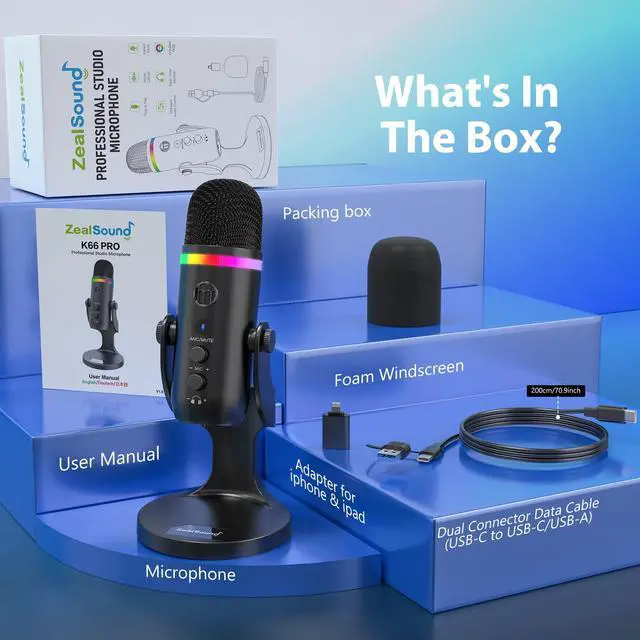
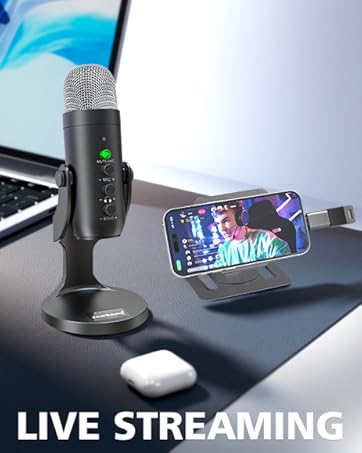
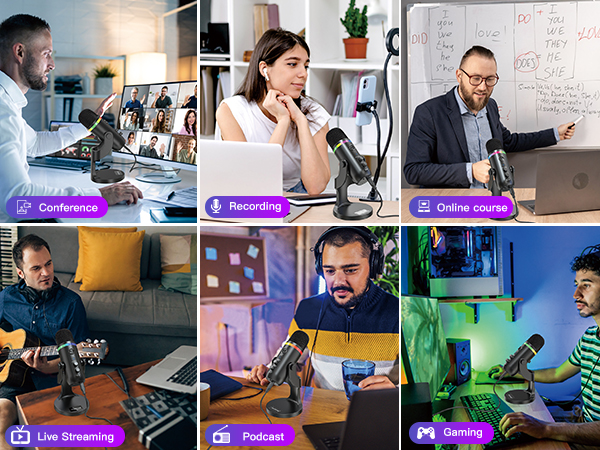
Compatible with PCs, laptops, PS4/PS5, iPhones, iPads, and smartphones using the included cables and adapters. Works seamlessly with most recording, streaming, and communication software.
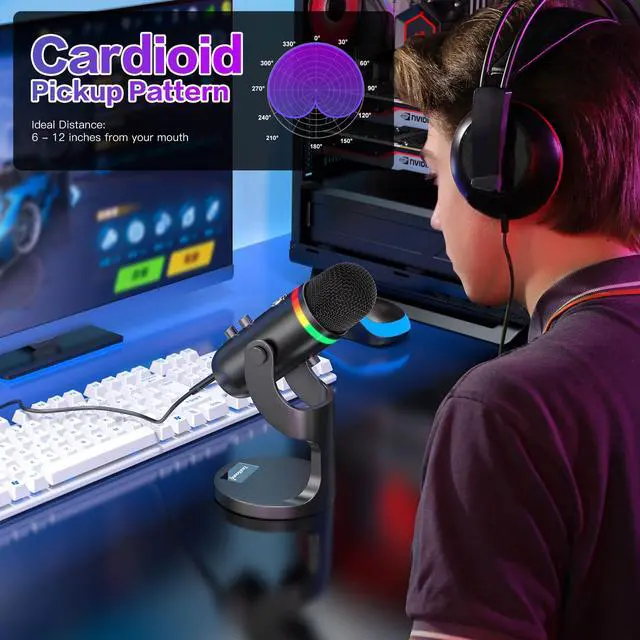
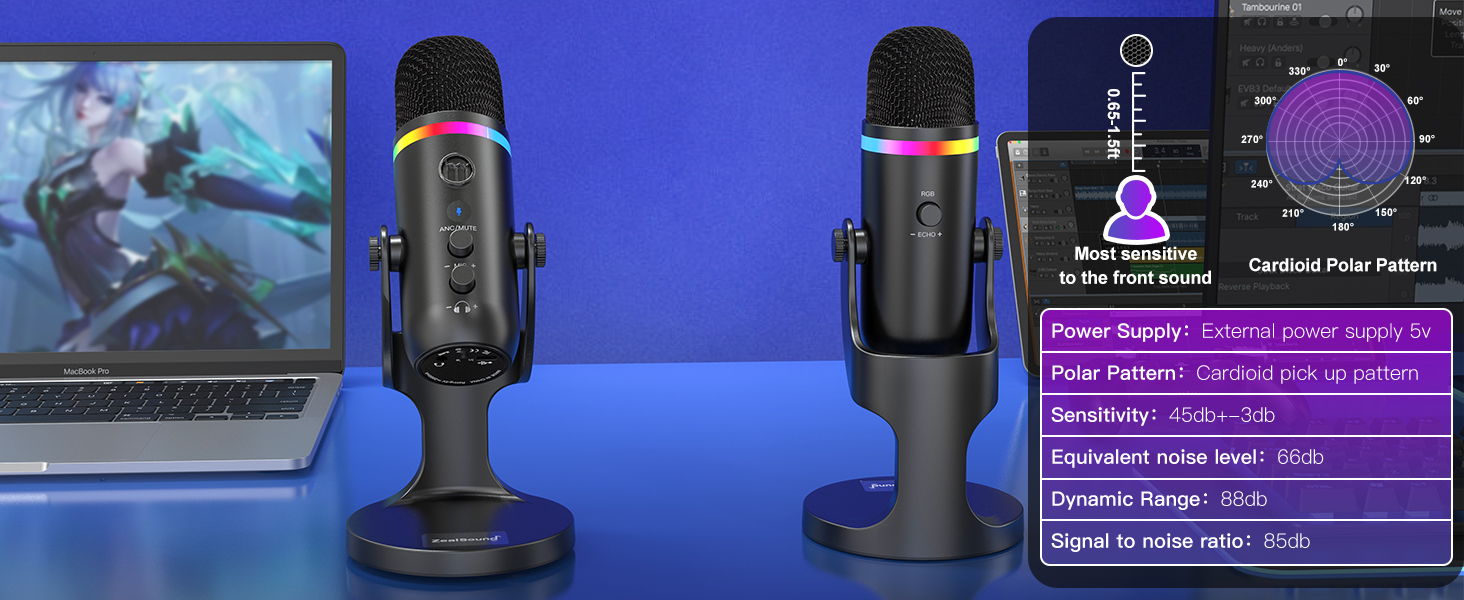
What is the recommended distance to keep when using this desktop cardioid microphone?
The recommended distance to keep when using this microphone is generally between 6 to 12 inches from your mouth. But it's best to experiment with different distances to find the optimal one for your needs.
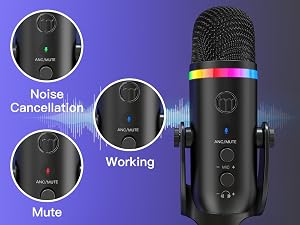
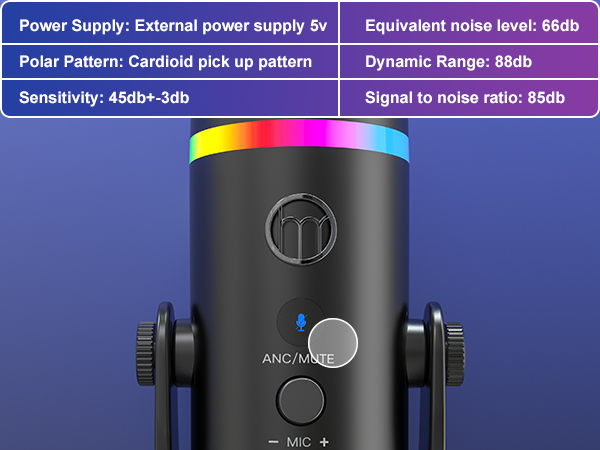
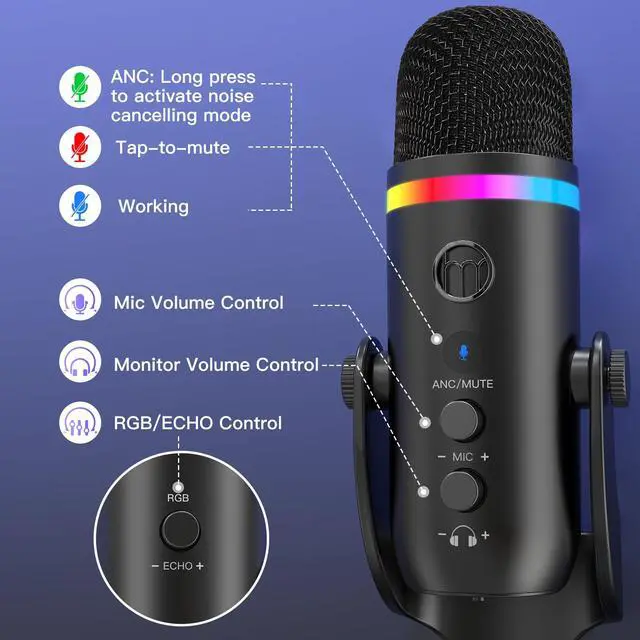
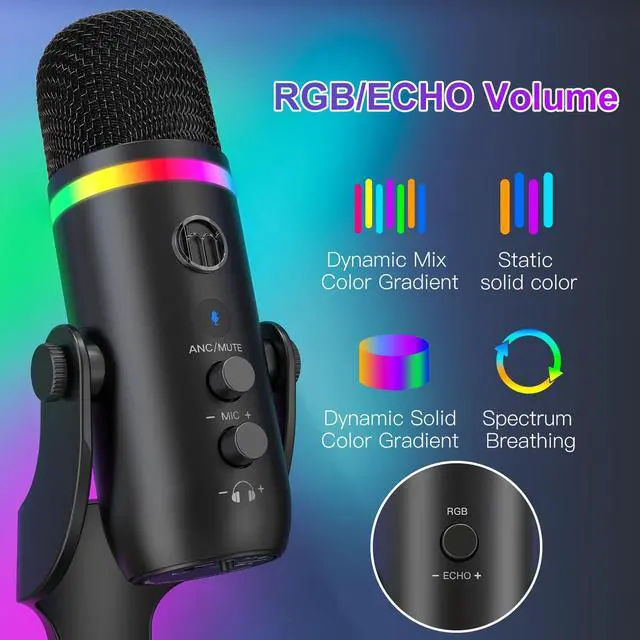
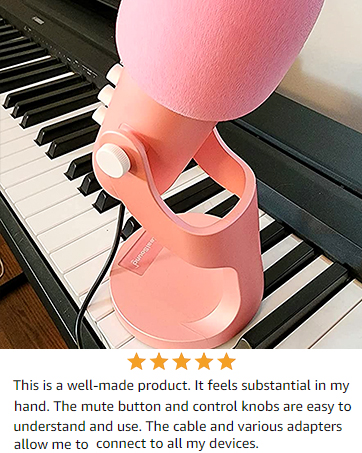
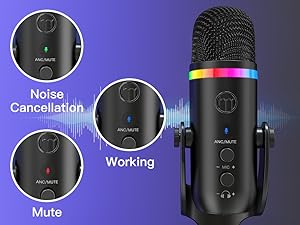
Tap once to mute the microphone; the LED indicator and RGB ring turn red. Press and hold to activate noise cancelling and reduce background noise for clearer audio.
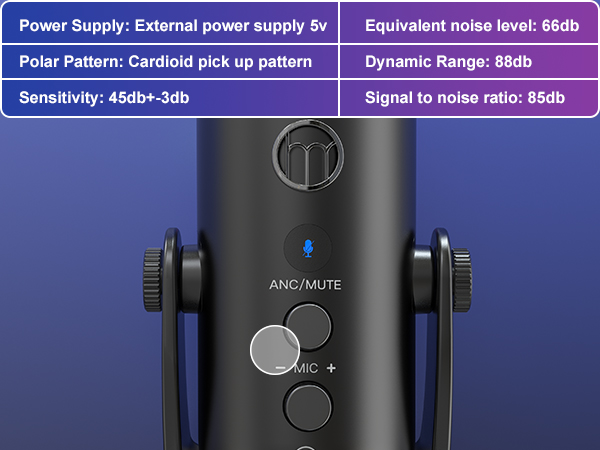
Adjust mic gain easily with the built-in control knob for precise volume levels and clear, balanced voice recording.
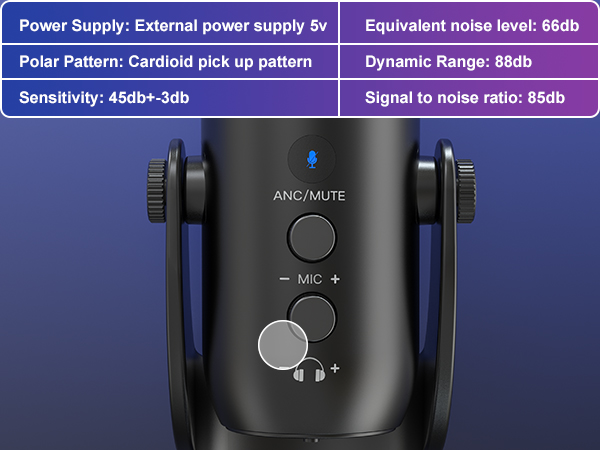
Adjust headphone volume easily using the built-in monitor control. Zero-latency monitoring through the 3.5mm headphone jack lets you hear your voice in real time for accurate, confident recording.
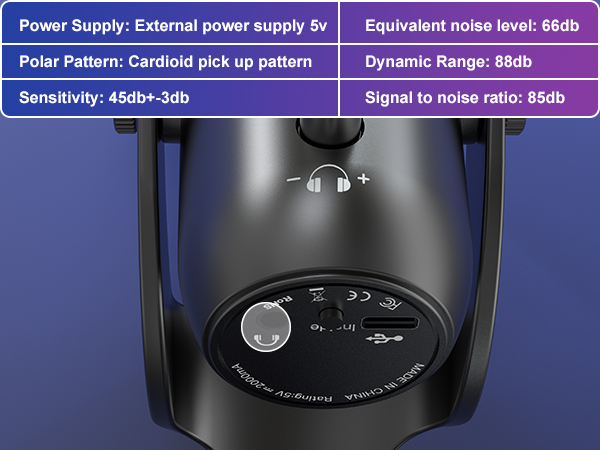
Connect 3.5mm headphones for real-time, zero-latency monitoring, helping you hear your voice clearly and adjust sound while recording.
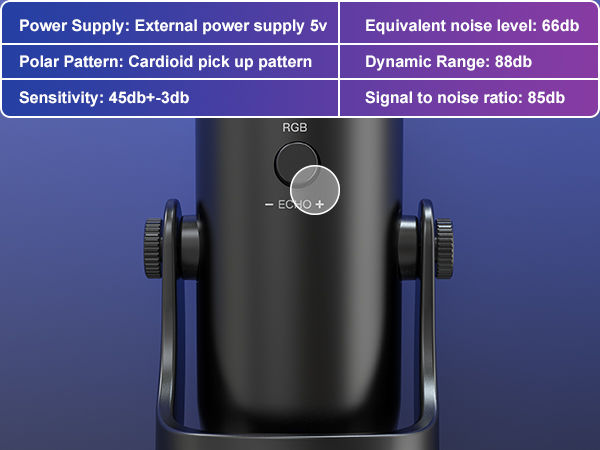
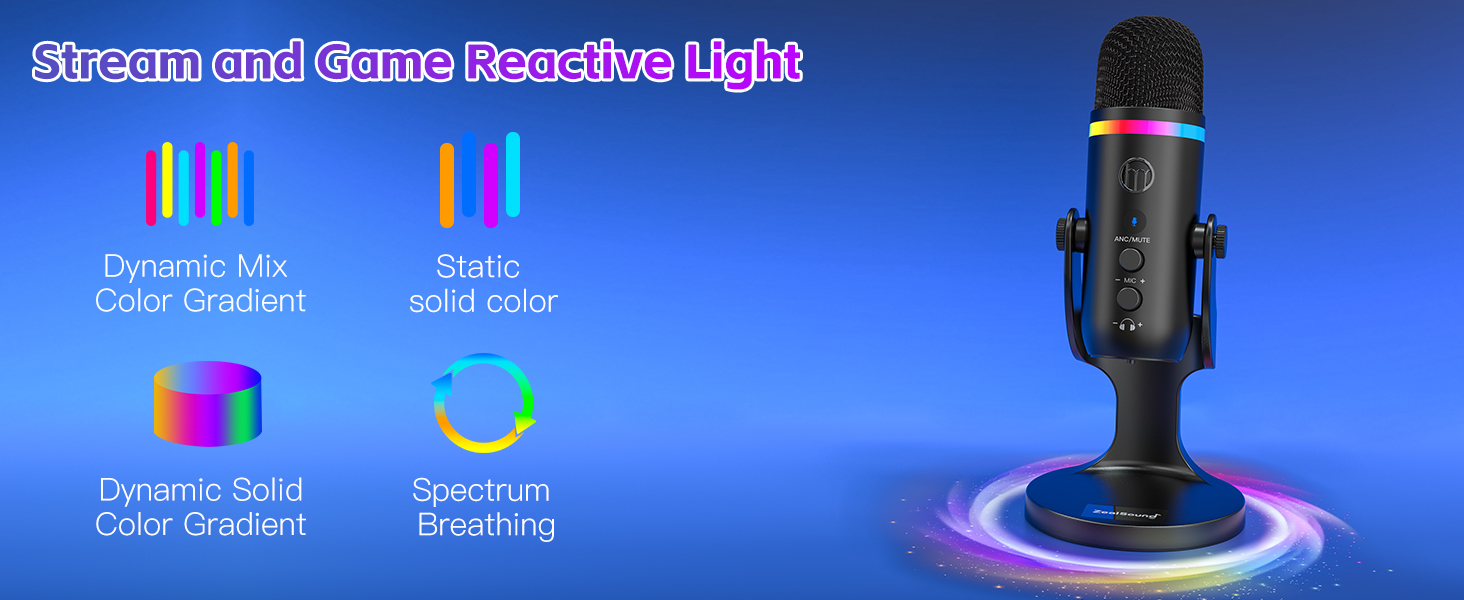
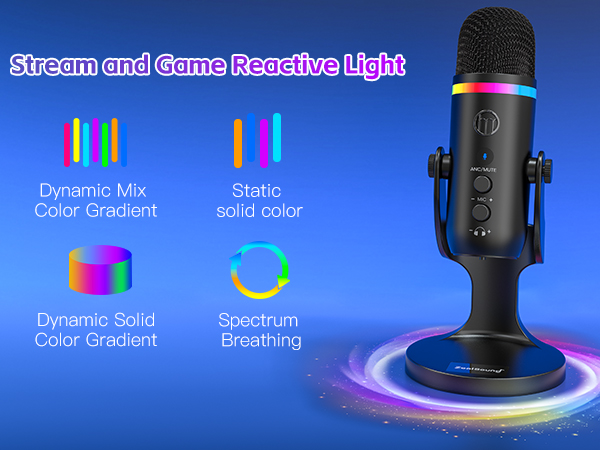
Short press to switch RGB colors or lighting modes, long press to turn lighting off. Rotate the knob to adjust echo level and add depth or warmth to your voice.
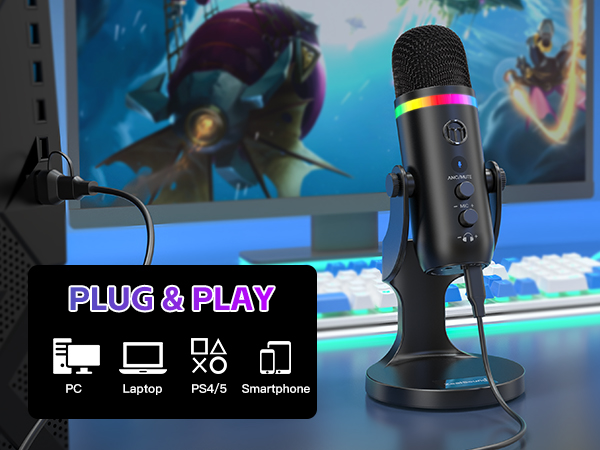
Is this microphone easy to set up for beginners?
Yes. The K66 PRO uses true plug-and-play design. Simply connect it to your device and start recording—no drivers, apps, or technical setup required.
Can I monitor my voice in real time while recording?
Yes. The built-in 3.5mm headphone jack provides zero-latency monitoring, allowing you to hear your voice instantly and adjust sound levels with confidence.
Does the microphone reduce background noise?
es. It features an optional noise cancelling mode that helps reduce keyboard noise, fan sounds, and background chatter for clearer, more focused audio.
What devices is the microphone compatible with?
Compatible with PCs, laptops, PS4/PS5, iPhones, iPads, and smartphones using the included cables and adapters. Works seamlessly with most recording, streaming, and communication software.
What is the recommended distance to keep when using this desktop cardioid microphone?
The recommended distance to keep when using this microphone is generally between 6 to 12 inches from your mouth. But it's best to experiment with different distances to find the optimal one for your needs.
Take your voice to the next level with ZealSound's premium microphones and audio mixers!
ZealSound, founded in 2009, has specialized in high-quality microphones and audio mixers for over 16 years. Trusted in 150+ countries, our products empower creators, gamers, and everyday users. Simple, reliable, and accessible, every mic reflects our mission to make great sound available to all. Thank you for choosing ZealSound—we’re committed to earning your trust with every mic we make.