here!
here!
I’m your shopping assistant for PC builds, upgrades, and everything tech.
Got questions? Ask away!
Start a conversation
here!
I’m your shopping assistant for PC builds, upgrades, and everything tech.
Got questions? Ask away!
Start a conversation
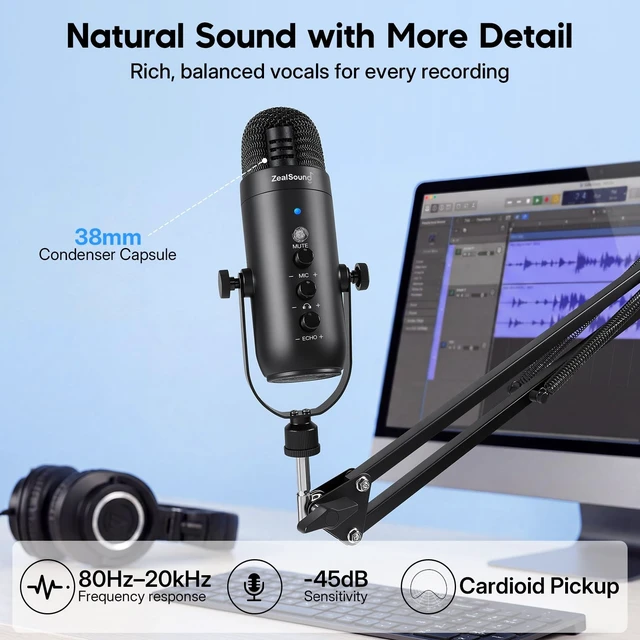
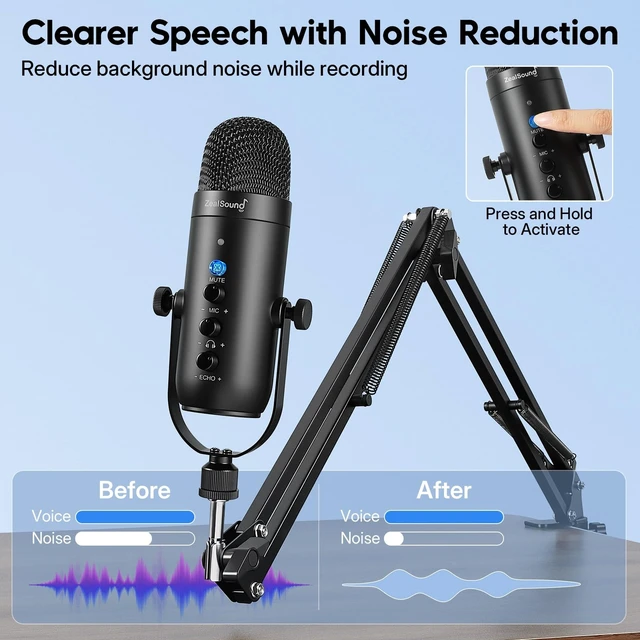
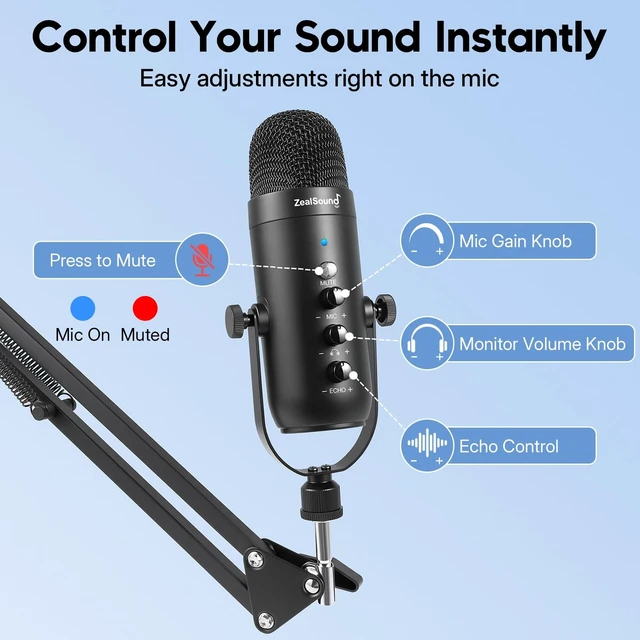
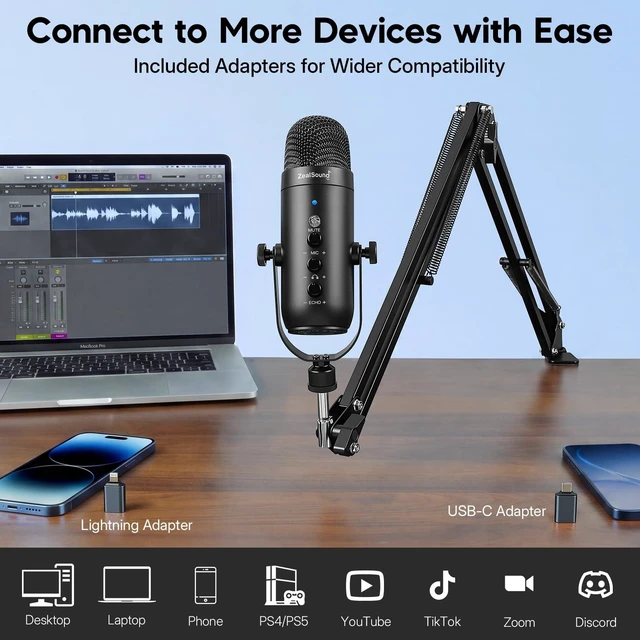



Any questions? Ask CelesteSM will help you find out quickly.
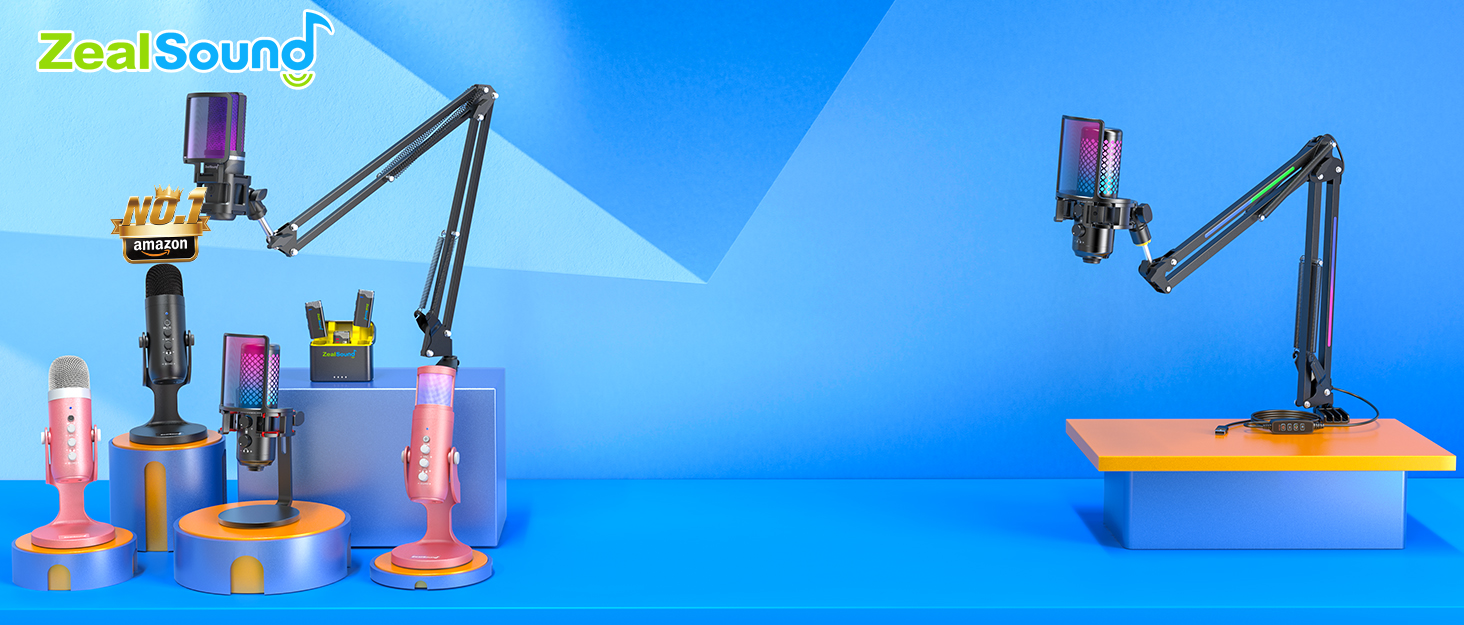
Elevate your sound with ZealSound’s top-tier microphones and audio mixers!

ZealSound, founded in 2009, has been specializing in microphones and audio mixers since day one. With 16 years of operation, we remain committed to providing high-quality audio solutions.
As a top brand in the musical instruments, our 200+ dedicated teams across 3 global factories reflect our commitment to quality control and exceptional support.
Thank you for choosing us. We'll strive to earn your satisfaction.

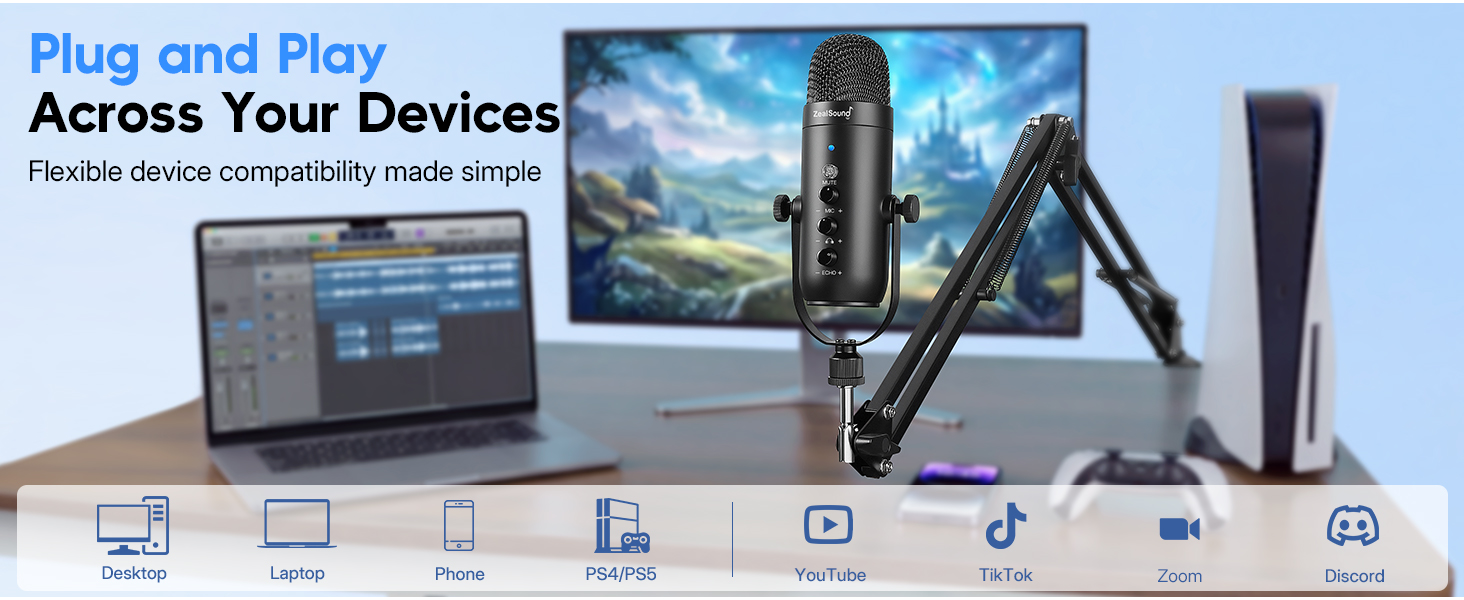
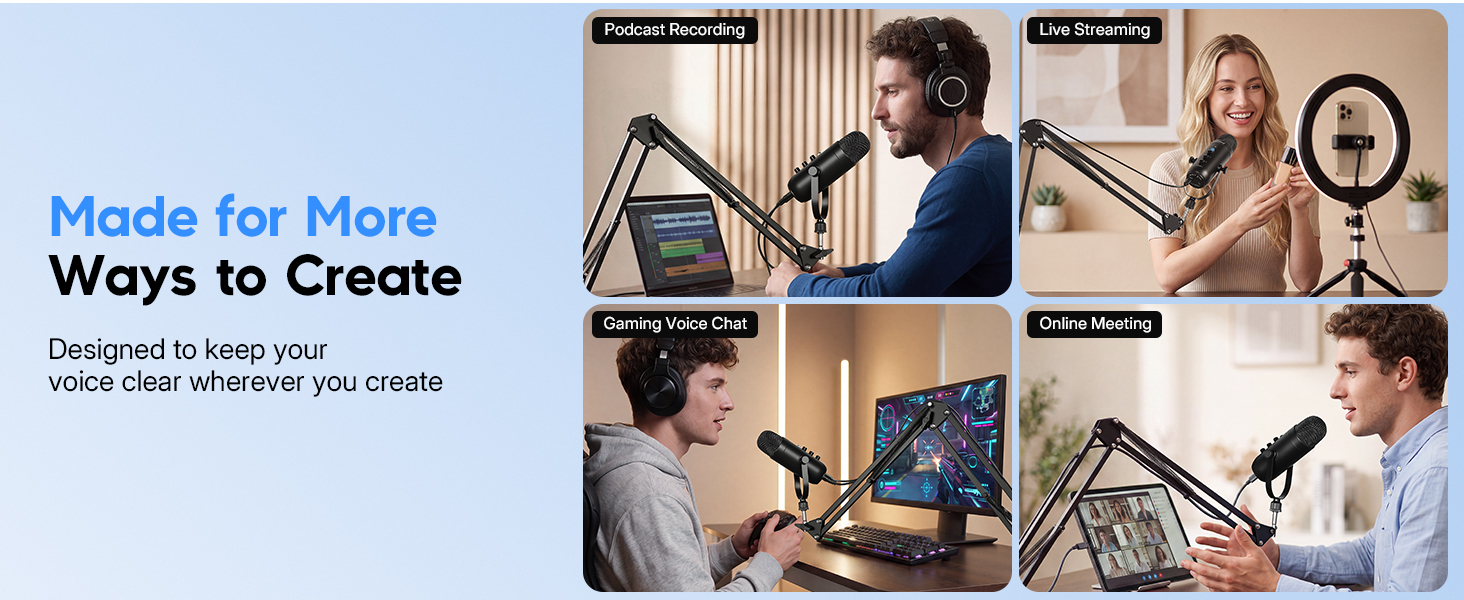
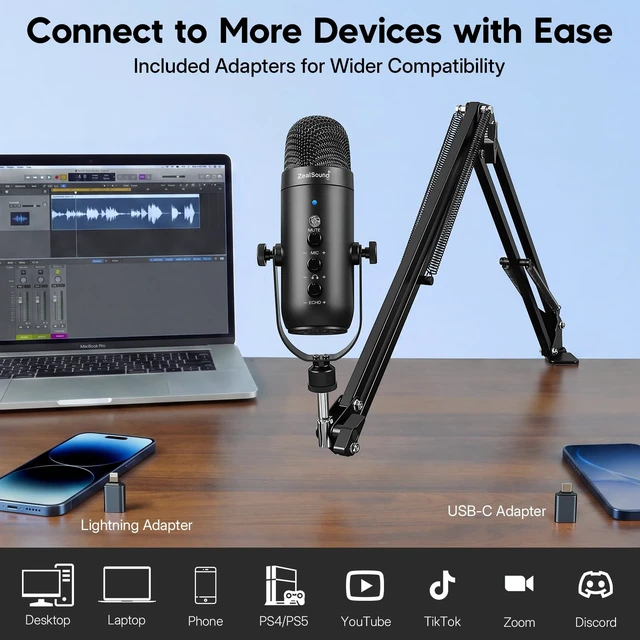
Which devices is this microphone compatible with?
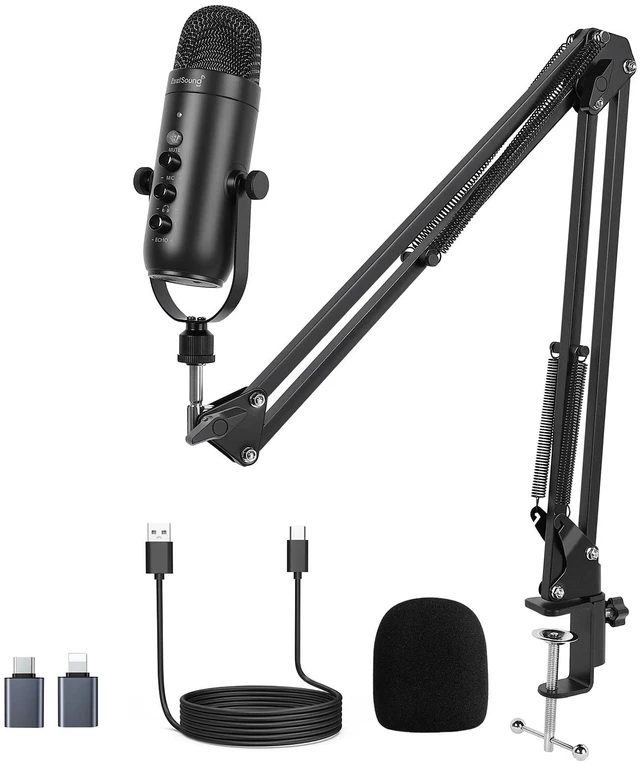
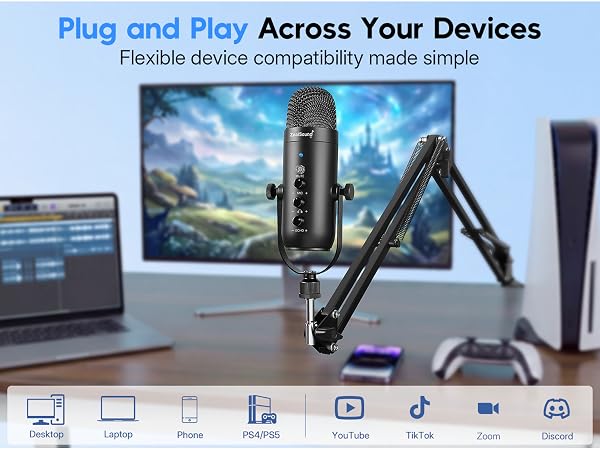
Connect to a PC, laptop, Mac, iPhone, iPad, or Android device using the included USB cable and adapter. It also works with PS4 and PS5 without additional drivers. Android devices must support OTG.
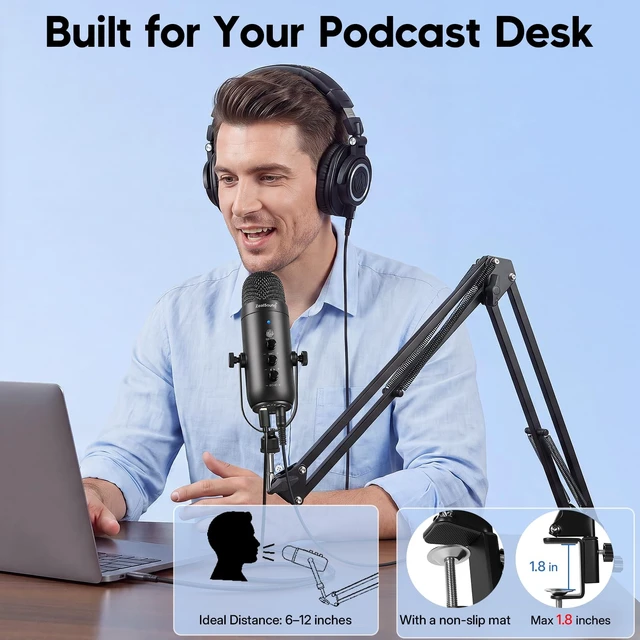
How thick can my desk be for the boom arm clamp?
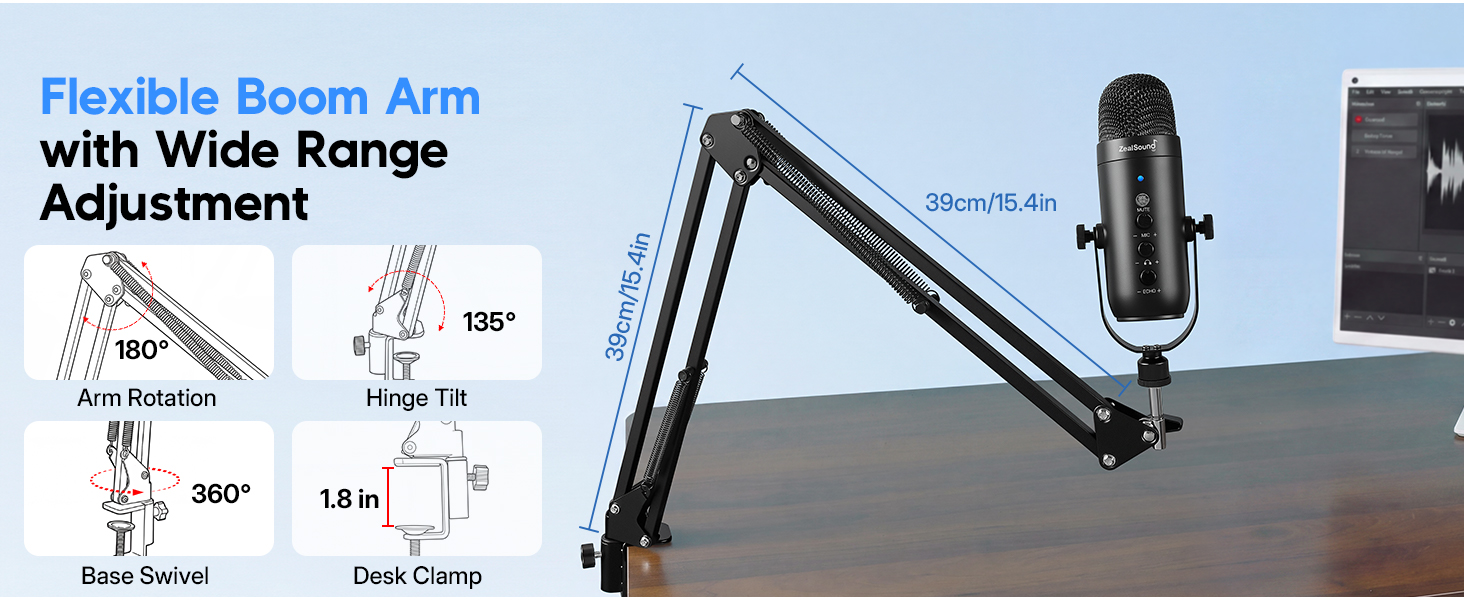
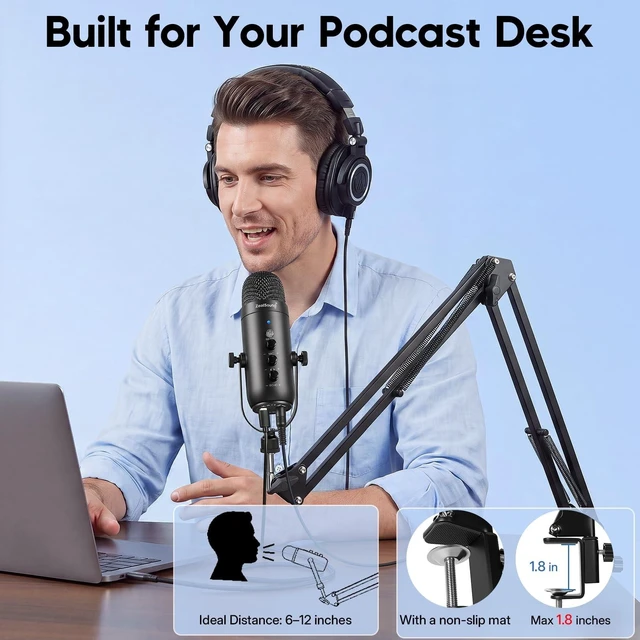
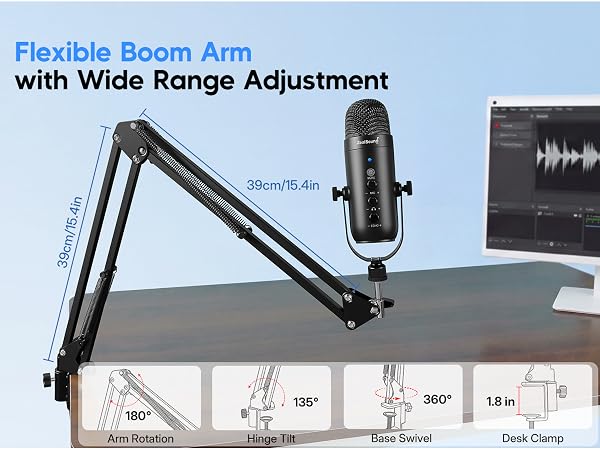
The clamp fits flat desk edges up to 1.8 inches (4.6 cm) thick. Tighten it securely before adjusting the arm. Rounded, sloped, or downward-curved edges are not suitable for installation.
How should I position the microphone for the best sound?
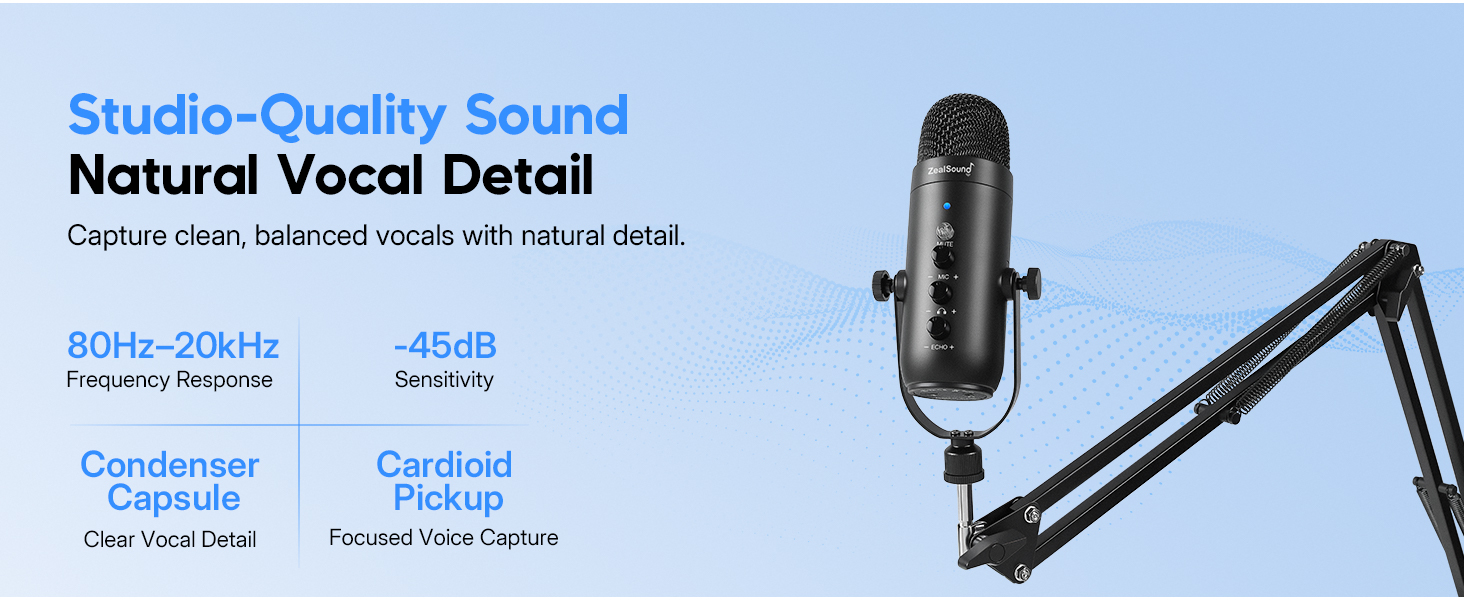
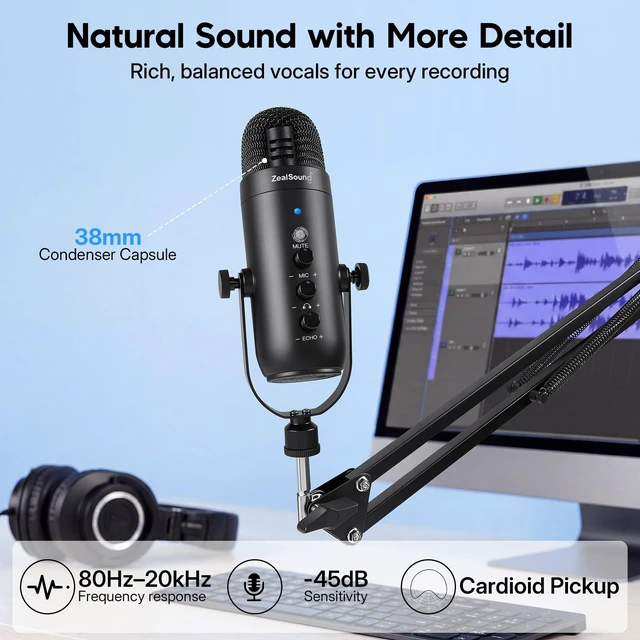
Aim the upper grille toward your mouth and keep the mic 6-12 inches away. Use the boom arm to keep a steady angle and distance, then set the gain knob to a suitable level before recording.
How do mute and noise reduction work?
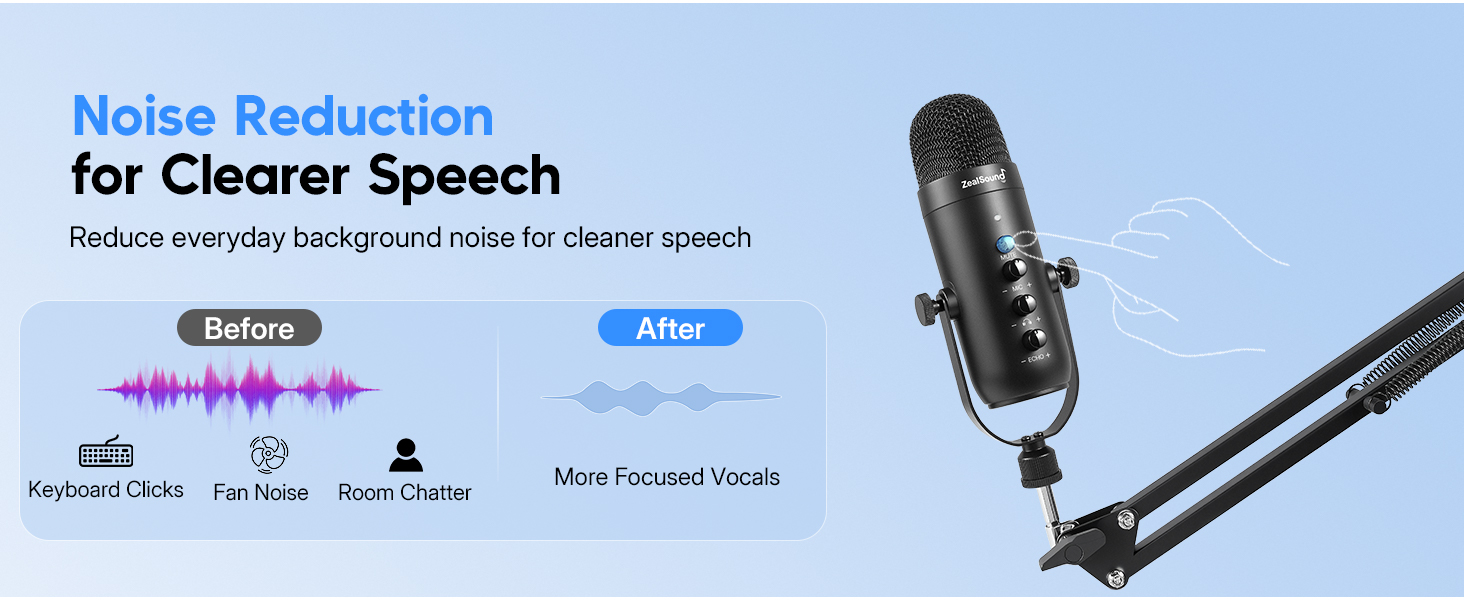
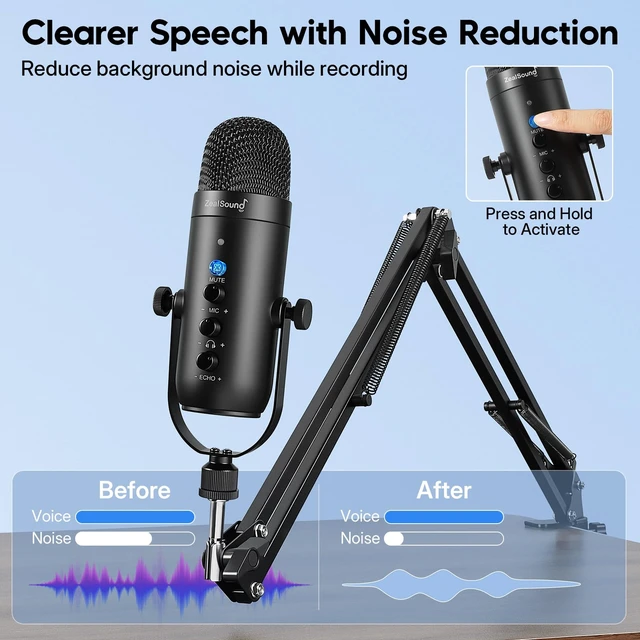
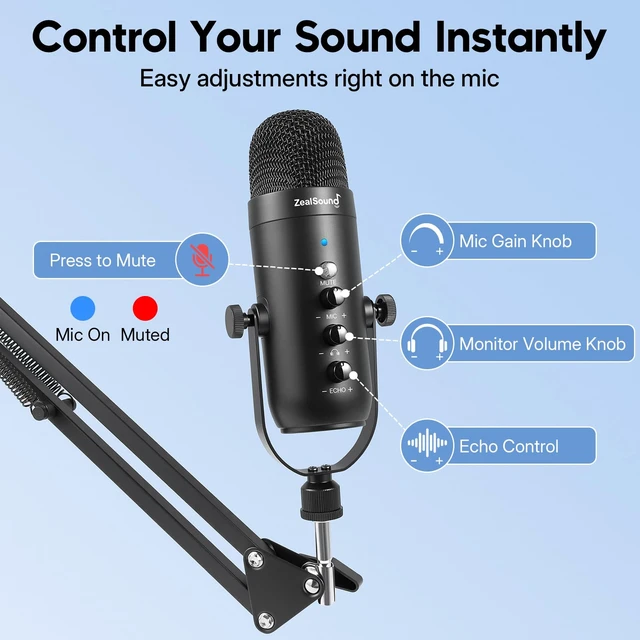
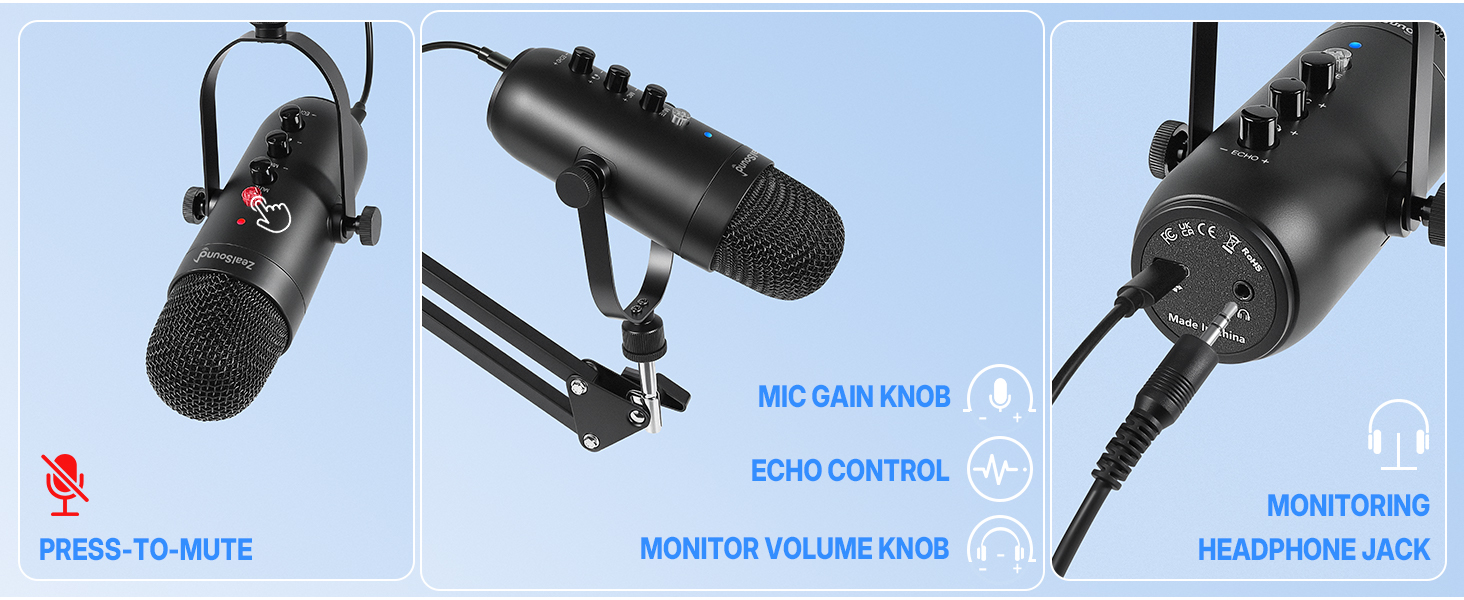
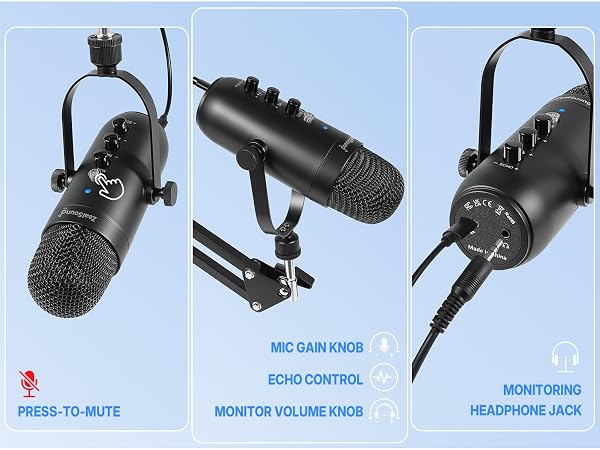
Short-press the mute button to pause or resume microphone pickup. The LED is blue when the mic is active and red when muted. Long-press the same button to switch noise reduction on or off.
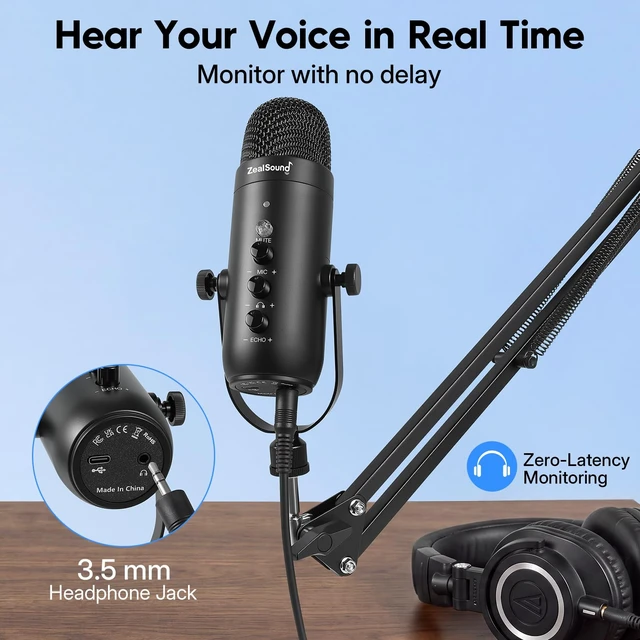
Can I hear and adjust my voice in real time?
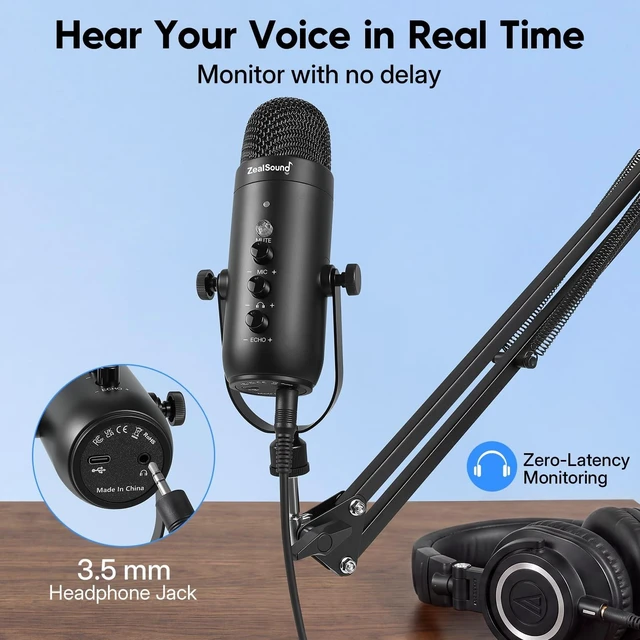
Yes. Connect 3.5 mm headphones for zero-latency monitoring and adjust the headphone volume. Separate knobs control mic volume and echo. Some mobile camera apps may suppress the echo effect.
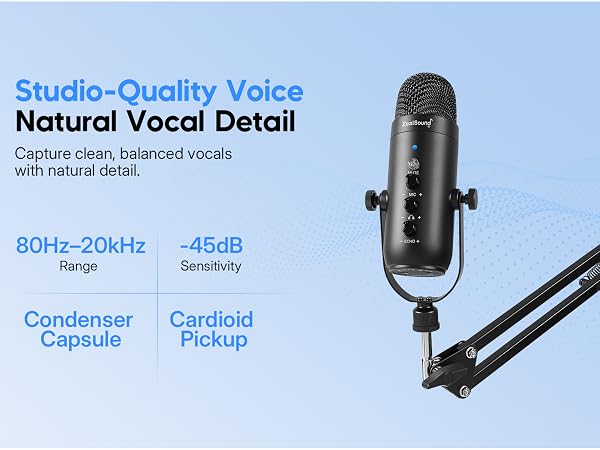
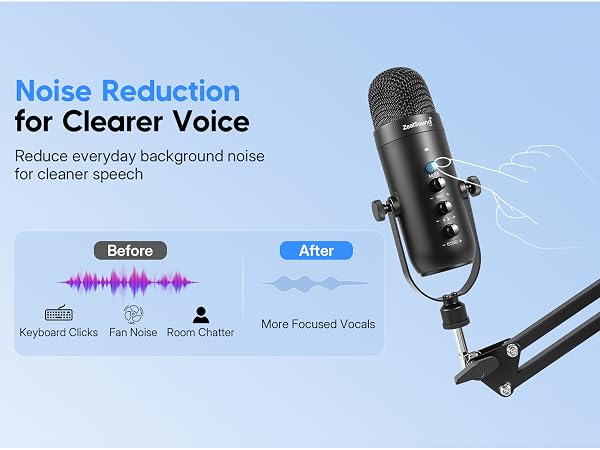
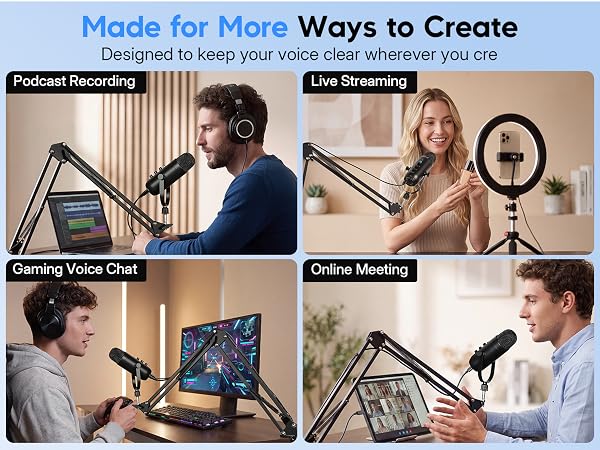
Which devices is this microphone compatible with?
Connect to a PC, laptop, Mac, iPhone, iPad, or Android device using the included USB cable and adapter. It also works with PS4 and PS5 without additional drivers. Android devices must support OTG.
How thick can my desk be for the boom arm clamp?
The clamp fits flat desk edges up to 1.8 inches (4.6 cm) thick. Tighten it securely before adjusting the arm. Rounded, sloped, or downward-curved edges are not suitable for installation.
How should I position the microphone for the best sound?
Aim the upper grille toward your mouth and keep the mic 6-12 inches away. Use the boom arm to keep a steady angle and distance, then set the gain knob to a suitable level before recording.
How do mute and noise reduction work?
Short-press the mute button to pause or resume microphone pickup. The LED is blue when the mic is active and red when muted. Long-press the same button to switch noise reduction on or off.
Can I hear and adjust my voice in real time?
Yes. Connect 3.5 mm headphones for zero-latency monitoring and adjust the headphone volume. Separate knobs control mic volume and echo. Some mobile camera apps may suppress the echo effect.
Elevate your sound with ZealSound’s top-tier microphones and audio mixers!
ZealSound, founded in 2009, has been specializing in microphones and audio mixers since day one. With 16 years of operation, we remain committed to providing high-quality audio solutions.
As a top brand in the musical instruments, our 200+ dedicated teams across 3 global factories reflect our commitment to quality control and exceptional support.
Thank you for choosing us. We'll strive to earn your satisfaction.
| Recommended Uses For Product | Streaming |
| Brand | ZealSound |
| Model Name | k66s series |
| Special Feature | Adjustable Boom Arm, Built-In Noise Reduction, On-Mic Controls, Studio-Quality Audio, Wide Device Compatibility |
| Compatible Devices | Computers, Laptops, Desktops, MacBooks, Chromebooks, PS 4 / PS 5, USB-C Devices, iPhone, iPad, Smartphones, Tablets |
| Color | Black |
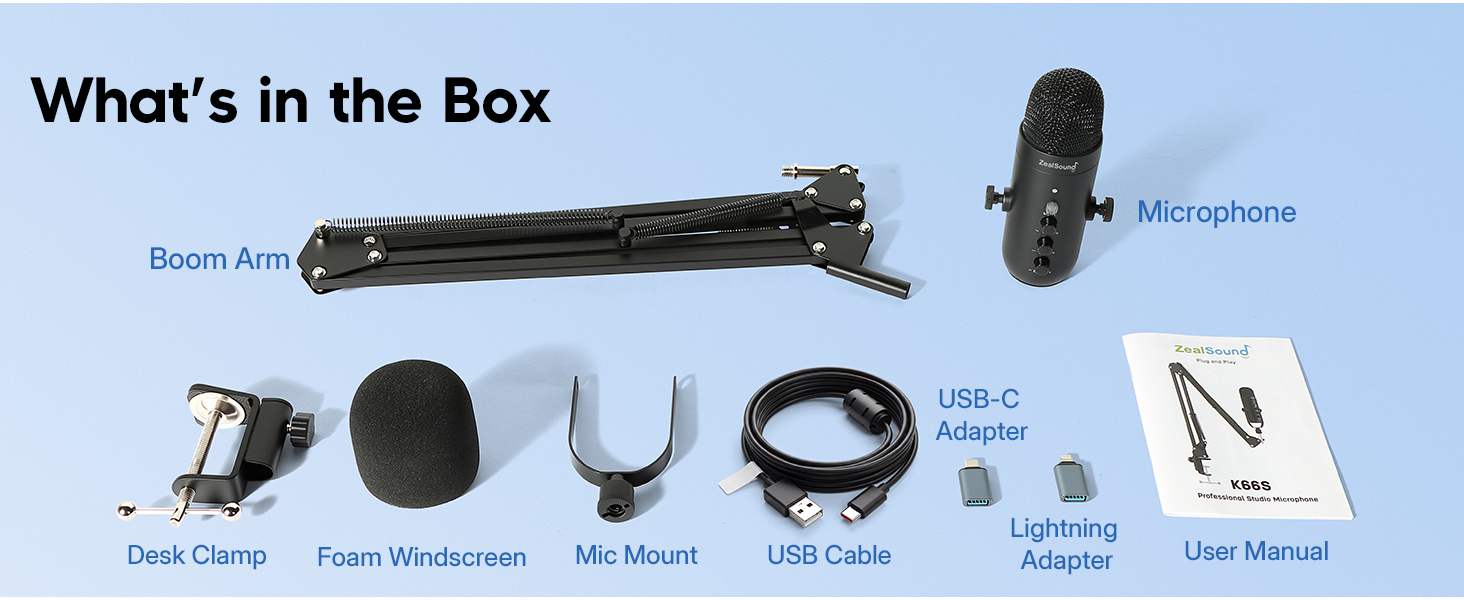
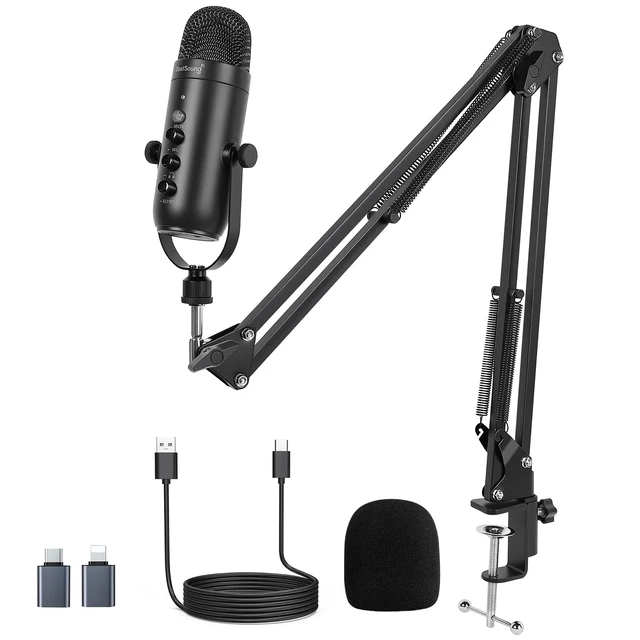
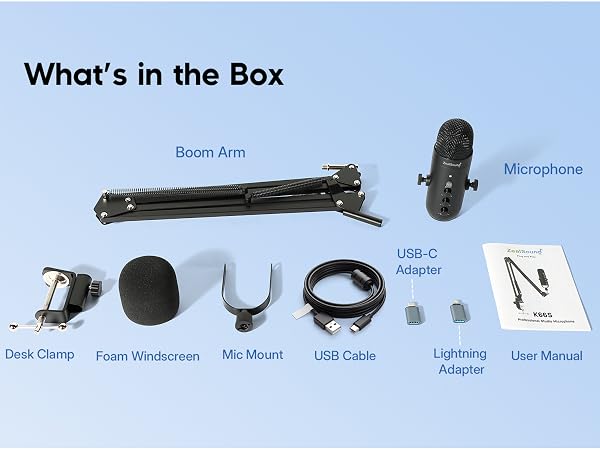
| Included Components | 1 x 70.9 inch Audio Cable & 1 × Foam Cover, 1 x K66 Microphone, 1 x Mic Boom Arm (15.4-inch single-sided support bracket, 30.8-inch total reach), 1 × Desk Clamp (for desks up to 1.8 inches thick), 1 × USB-C Adapter & 1 × Lightning Adapter |
| Audio Sensitivity | 125 db |
| Item Weight | 2.2 pounds |
| Impedance | 2.2 kiloohms |
| Microphone Form Factor | Table Array |
| Signal-to-Noise Ratio | 85 db |
| Number of Channels | 1 |
| Frequency Response | 48 KHz |
| Frequency Range | 48kHz |
| Audible Noise | 66 db |
| Enclosure Material | Metal |
| Item Dimensions | 1.58 x 1.58 x 6.1 inches |
| Antenna Location | Streaming |
| Model Number | k66s series |
| Built-In Media | 1 x 70.9 inch Audio Cable & 1 × Foam Cover, 1 x K66 Microphone, 1 x Mic Boom Arm (15.4-inch single-sided support bracket, 30.8-inch total reach), 1 × Desk Clamp (for desks up to 1.8 inches thick), 1 × USB-C Adapter & 1 × Lightning Adapter |
| Manufacturer | ZealSound |
| Number of Items | 1 |
| UPC | 768924581417 |
| Mfr Part Number | K66 Bundle |
| Warranty Description | Manufacturer warranty for 365 days from date of purchase. |