

Your Browsing History
- Free 30-day Returns
$24.79
Ships from China.


Meet Your Seller

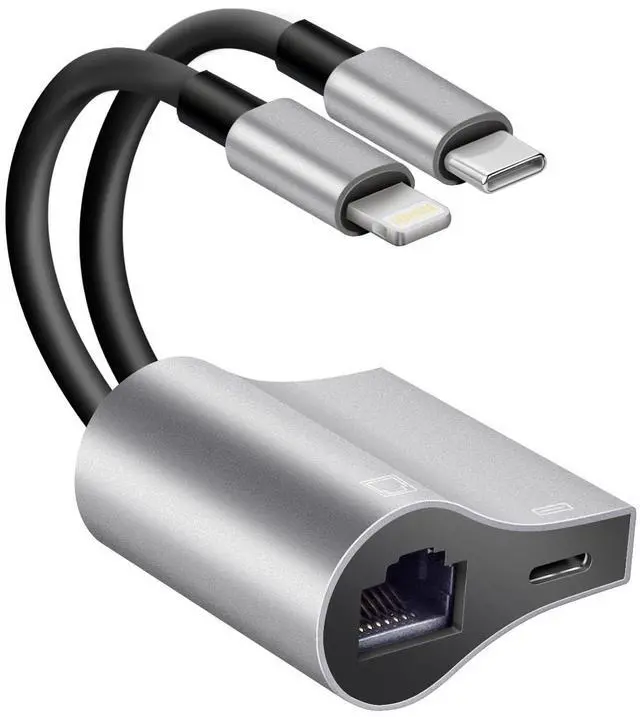
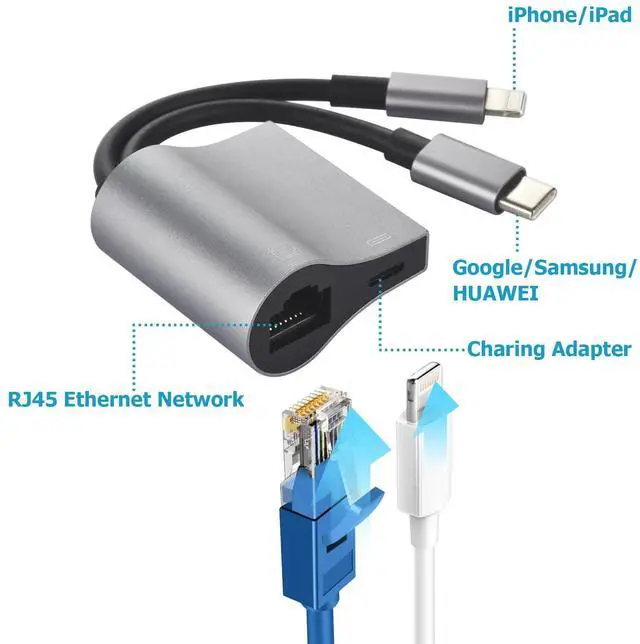
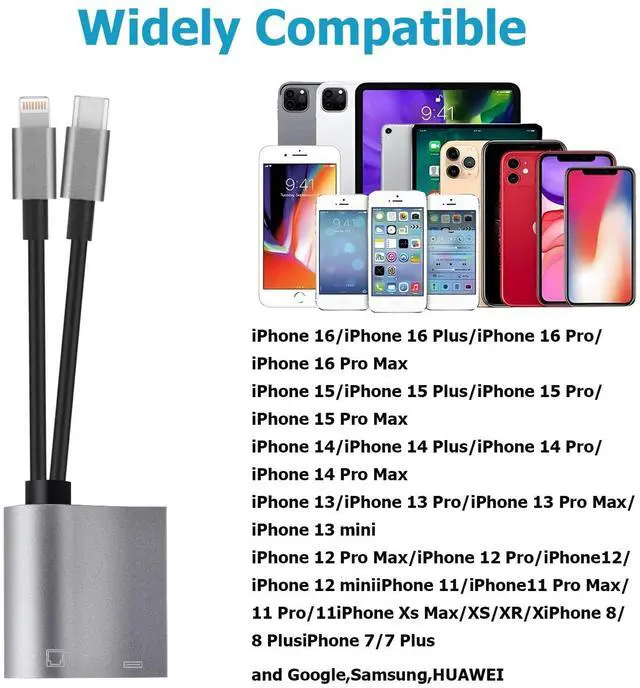


2 in 1 Lightning and Type C to RJ45 Ethernet Adapter Network Adapter,with Charge Port, Plug and Play,Supports 100Mbps Ethernet Network, Compatible with iPhone 14 13 12 11/iPad
- 2 in 1 RJ45 Ethernet AdapterThis Lightning and Usb C to RJ45 Ethernet LAN wired network port + charging port supports Internet access and charging at the same time.You can connect the network cable to your iPhone/iPad and Android devices for wired network access,providing ultra-high-speed Internet access speed.Supports almost all electronic devices.You can use the Ethernet interface alone and the Ethernet port and charging port can also be used at the same time!
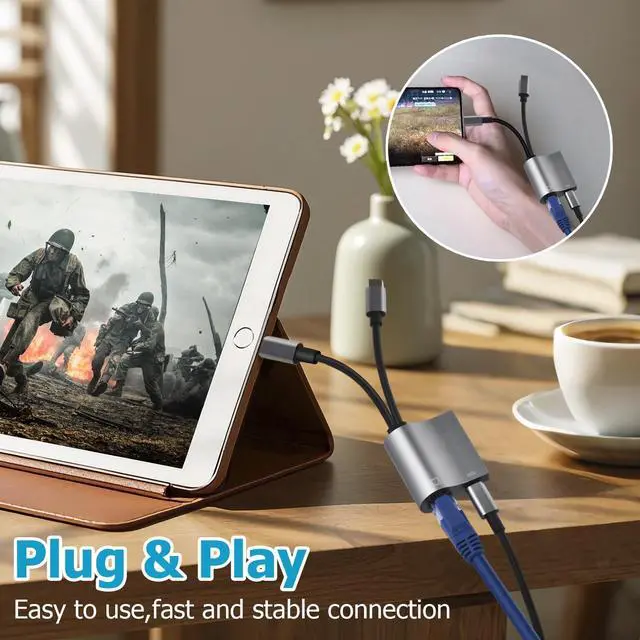
- Plug and PlayJust plug in and enjoy a smooth wired network, no additional Software and Driver needed. This Lightning and USB C to Ethernet Adapter offers a convenient and inexpensive way to extend or replace an RJ45 port for your devices. In addition, it's a perfect choice for a device that is without an network port or network port failure to connect to the wired network.
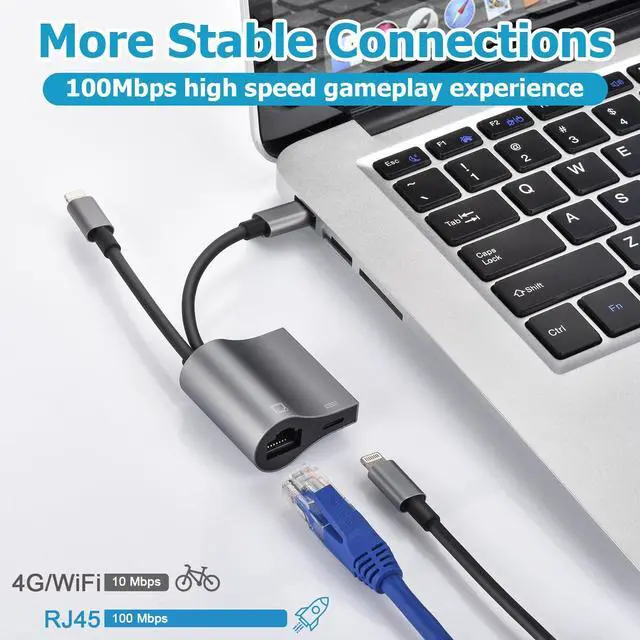
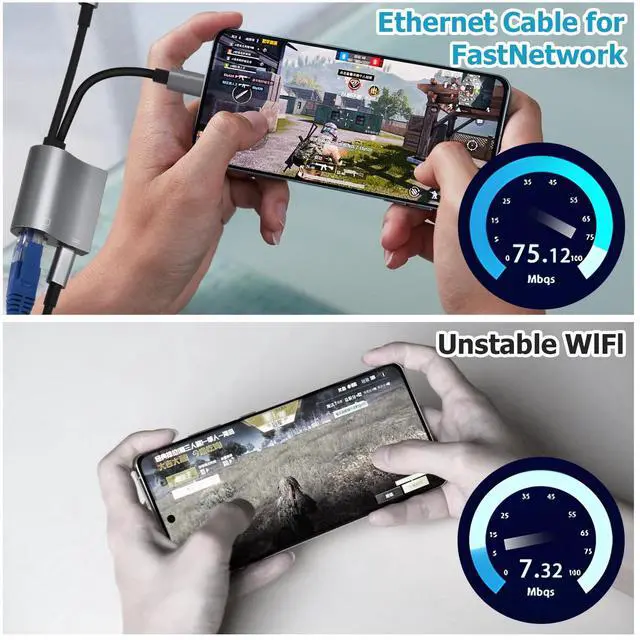
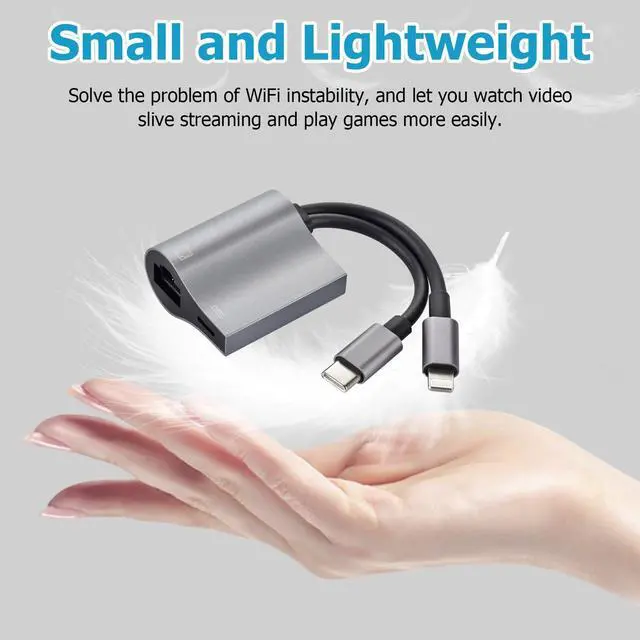
- Unique DesignCompact and lightweight for easier plug and unplug. Premium casing for better heat insulation. Supports fast Internet transmission of up to 10Mbps/100Mbps Ethernet LAN wired network.No longer buffer and disconnect like Wi-Fi or LTE.
- Wide Compatibility Our Ethernet network adapter is Compatible with all USB C devices and Lightning interface devices.
- Best ServiceFor any questions about our products, please feel free to contact us, we will provide you with a satisfactory solution within 24 hours.
+
+
Overview
Specs
Reviews

Any questions? Our AI mode will help you find out quickly.
Try me now
Supports Internet access and charging at the same time
Supports fast Internet transmission of up to 100Mbps Ethernet LAN wired network.
This RJ45 Ethernet adapter is small and portable. Generally, you can carry it with you when you are on a business trip or at work without taking up too much space.
Plug & Play:
No need to install any drivers, just plug and play. Enables computers without an Ethernet port to connect to the network via the lightning to Ethernet adapter.
How to Use :
Turn off WIFI on your iPhone/iPad.
Insert your router-connected Ethernet cable into RJ45 port of our adapter, connect the Adapter to your iPhone/iPad.
Go to "Setting" in your iPhone/iPad and the Ethernet lan wired network settings will show up on your screen.
Click the "Ethernet" to obtain an IP address.
Open Safari and check if the connection is working.
Warranty & Returns
Warranty, Returns, And Additional Information
Warranty
- Please contact the Seller directly for warranty information. Warranty information may also be found on the Manufacturer's website.
- CONTACT
Return Policies
- Return for refund within: 30 days
- Return for replacement within: 30 days
- This item is covered by dazella store Return Policy
Manufacturer Contact Info
- For a directory of all our manufacturers, please click below.
- Manufacturers Directory
LOADING...
LOADING...