• $33.99
  • Price alert

    Shipped by xiuhuishangmao

    Shop it at NeweggBusiness.

    Meet Your Seller

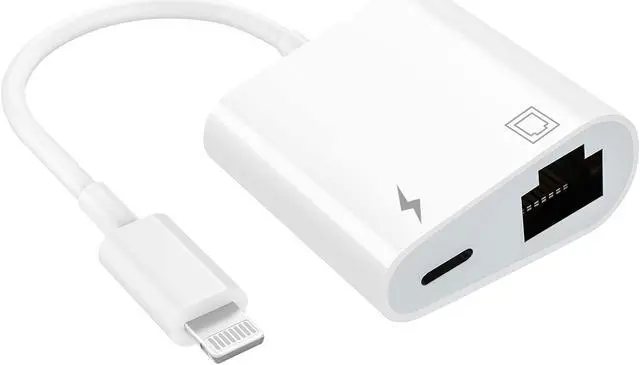
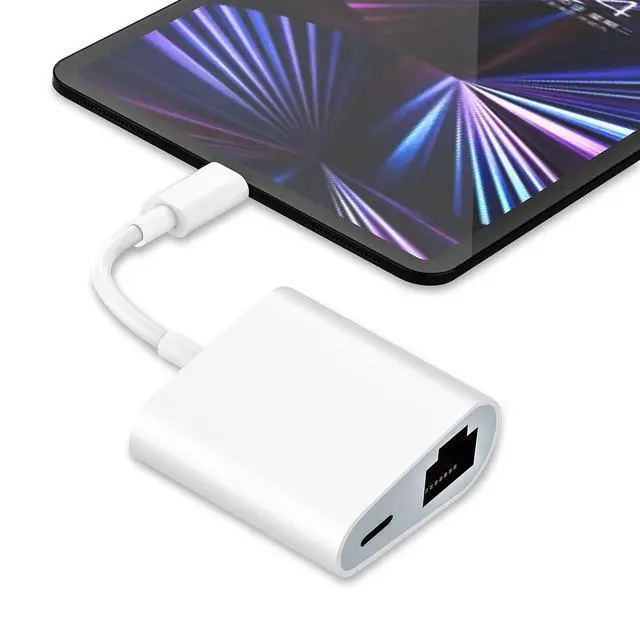
    MFi Certified Lightning to Ethernet Adapter - 2 in 1 RJ45 Ethernet LAN Network Adapter with Charge Port for iPhone/iPad/iPod, Plug and Play, Supports 100Mbps Network

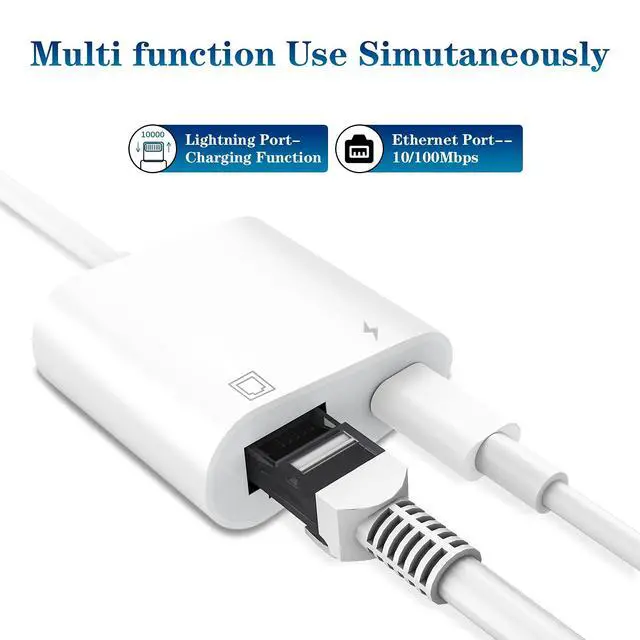
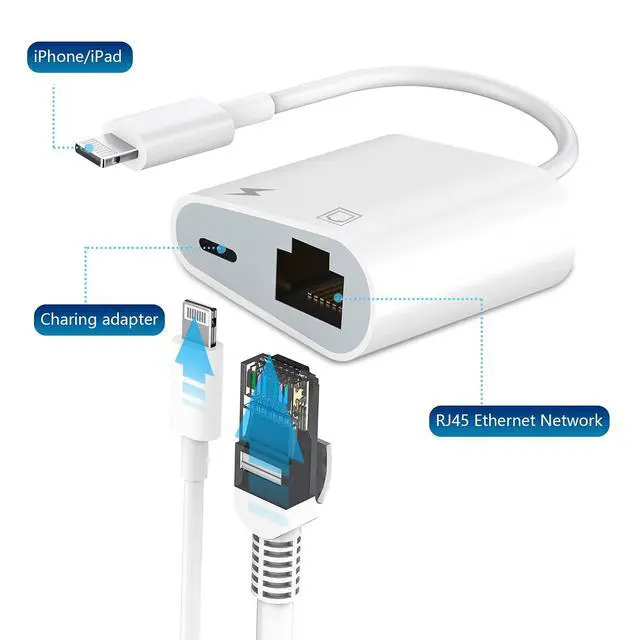
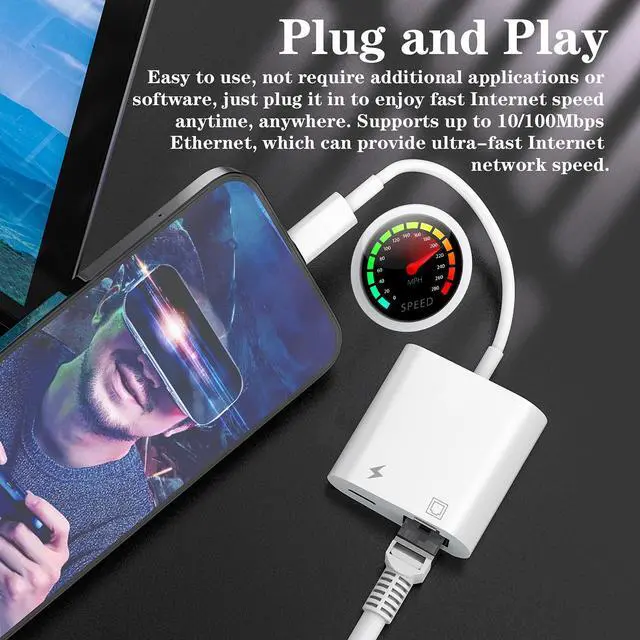
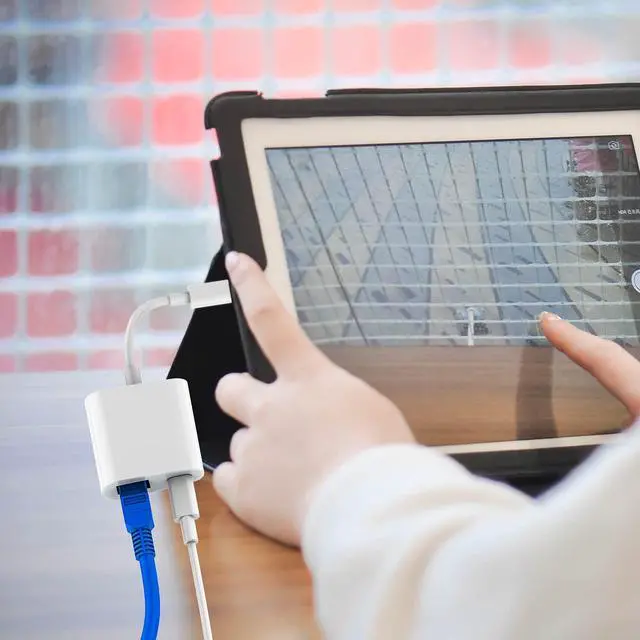
    • [2 in 1 RJ45 Ethernet Adapter]: This Lightning to RJ45 Ethernet LAN wired network port + charging port supports Internet access and charging at the same time. You can connect the network cable to your iPhone/iPad for wired network access, providing ultra-high-speed Internet access speed, allowing you to watch videos, play games or live broadcast connections more smoothly and get a smoother Internet experience.
    • [Fast and Stable Ethernet Network]: Supports fast Internet transmission of up to 10Mbps/100Mbps Ethernet LAN wired network. The Ethernet port can be used alone, or both the Ethernet port and the charging port can be used at the same time! No longer buffer and disconnect like WiFi or LTE.
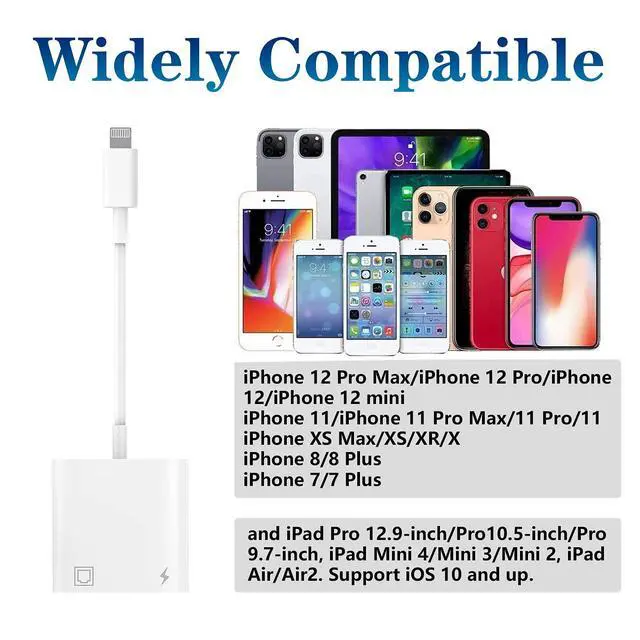
    • [Widely Compatible]: Our Lightning to Ethernet network adapter is compatible with iPhone 14/14 Plus/14 Pro/14 Pro Max/13/13 mini/13 Pro/13 Pro Max/12/12 mini/12 Pro/12 Pro Max/11/11 Pro/X/XS/XS Max/XR/8/8 Plus/7/7 Plus / 6s/6s Plus/6/6 Plus/SE And iPad Air / Mini / Pro are applicable to iOS 10.3 and above(including new iOS 16 or later).
    +
    +
    Overview
    Specs
    Reviews
    avatar

    Any questions? Our AI beta will help you find out quickly.

    2 in 1 Lightning to RJ45 Ethernet Adapter for iPhone/iPad, with Fast Charging Port, Portable Ethernet Adapter Compatible with iPhone, iPad, Plug and Play, Supports fast Internet transmission of up to 100Mbps Ethernet LAN wired network.

    Widely Compatible:

    iPhone 14 / 14 Plus / 14 Pro / 14 Pro Max

    iPhone 13 / 13 mini / 13 Pro / 13 Pro Max

    iPhone 12 / 12 mini / 12 Pro / 12 Pro Max

    iPhone 11/iPhone 11 Pro Max/11 Pro/11

    iPhone XS Max/XS/XR/X

    iPhone 8/8 Plus

    iPhone 7/7 Plus

    and iPad Pro 12.9-inch/Pro10.5-inch/Pro 9.7-inch, iPad Mini 4/Mini 3/Mini 2, iPad Air/Air2. Support iOS 10 and up.

    How to Use?

    1. Turn off Wi-Fi on your iPad or iPhone.

    2. Insert your router-connected Ethernet cable into Ethernet port of adapter, and connect the Iightning end into your iPad or iPhone.

    3. Go to"Setting" in your iPad or iPhone and Click the "Ethernet" to obtain an IP address.

    4. Open Safari and check whether the network can be used normally.

    Please note:

    1. Please make sure your router-connected Ethernet cable is connected to internet.

    2. This adapter can't dial-up internet itself,need your router device provide a IP by DHCP service.

    3. This adapter cannot work with the devices whose system is below iOS10.0. Please upgrade your system to iOS 10.0 or up before using it.

    4.When connected to your mobile phone and network, the blue light will light up and flash, which greatly facilitates your use, so you dont have to worry about whether the adapter is ready to work.

    Packing List:

    1 x 2 in 1 RJ45 Ethernet Adapter for iPhone

    1 x User Manual

    Warranty & Returns

    Warranty, Returns, And Additional Information

    Warranty

    • Please contact the Seller directly for warranty information. Warranty information may also be found on the Manufacturer's website.
    • CONTACT

    Return Policies

    Manufacturer Contact Info

    LOADING...