




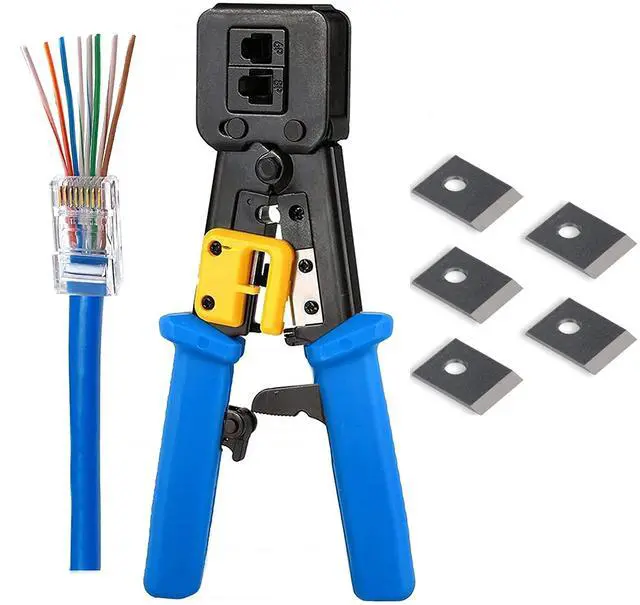
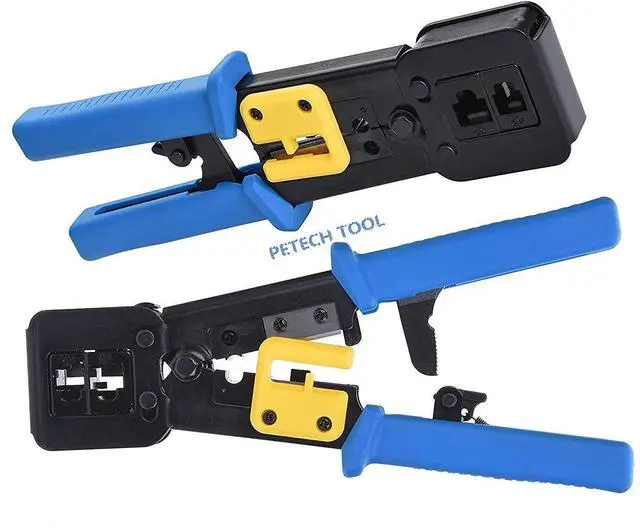
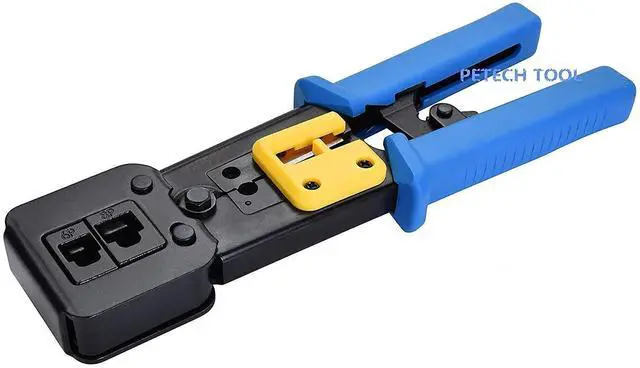
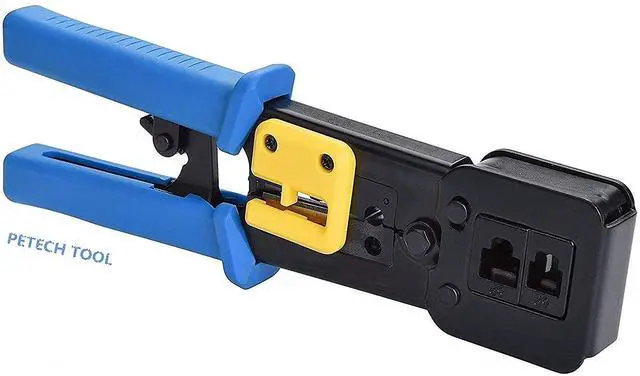
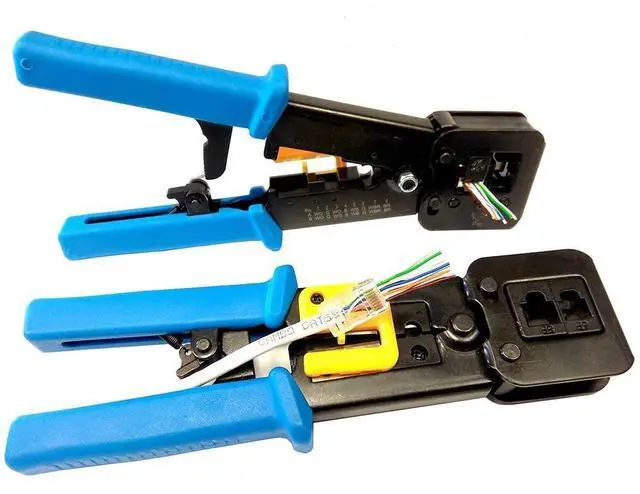


PETECHTOOL Versatile RJ45 Crimp Tool + 5PCS 8Pin Replacement Blades
• Lets you cut, strip and crimp (CAT6, CAT5/5e) and telephone cables, Compatible with all RJ45 CAT6 connectors (including shielded), RJ45 CAT5e connectors, and RJ12 connectors
• Fast, reliable crimp tool with steel body for durability
• Best Tool Kit Ensures Best Value for Money
• Ratchet safety-release and a blade-guard on cutting and stripping knives reduce the risk of injury
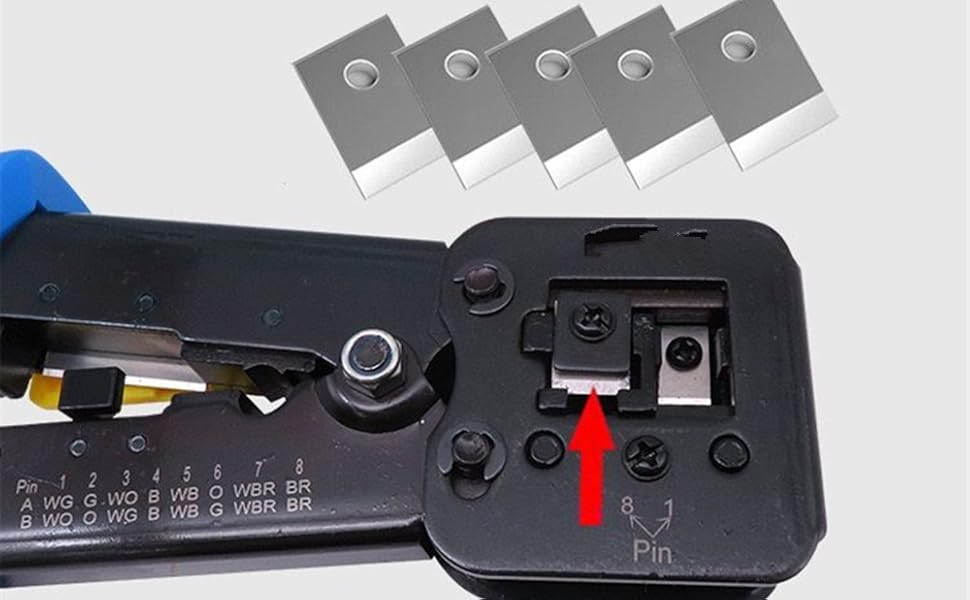
• By Purchasing RJ45 BLUE Crimping tool you can get 5 Crimp Replacement Blades with RJ 45 crimper.(5PCS 8Pin Cavity replacement blades)

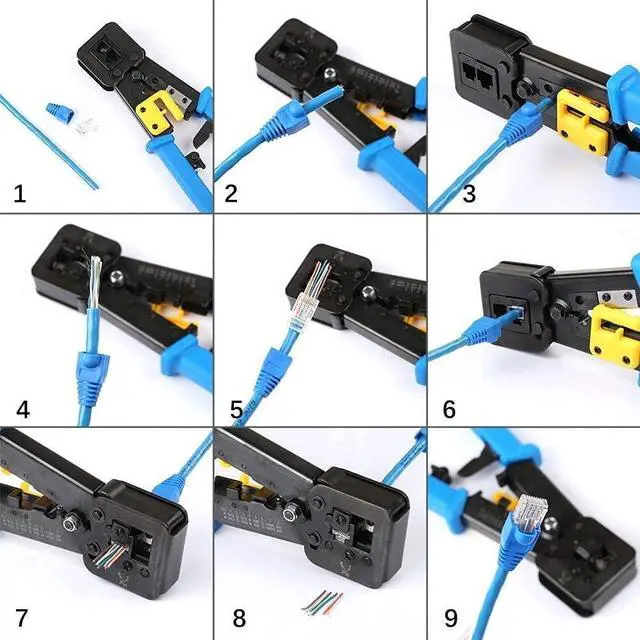
How to make a RJ45 ethernet cable connector
1. Put the cable into the stripping port of the rj45 ethernet crimper.
2. Hold the rj45 ethernet crimper and rotate the cable on 360 degrees to strip the cable. (Note: Don't crimp too much tightly to avoid damaging the internal cable).
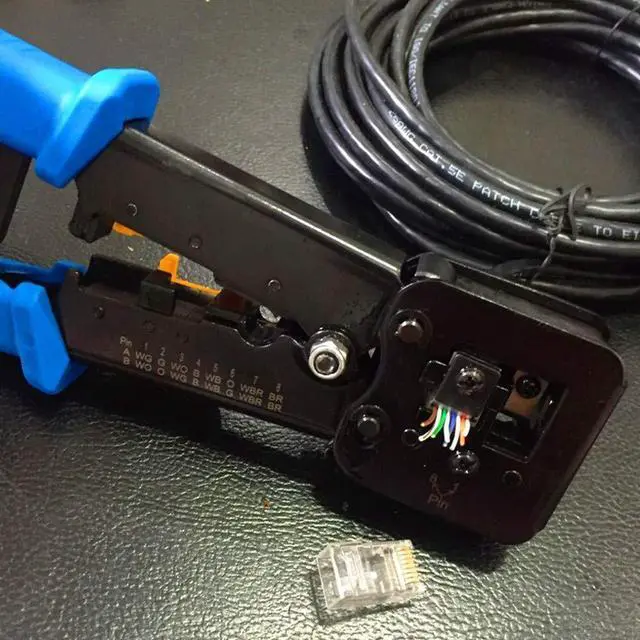
3. Line up the eight colors of the cable according to T568A standard or T568B- (T568B Standard used in home more widely).
4. After line up the eight colors of the cable, you should cut the wires neatly through the cutting port blade of the rj45 ethernet crimper.
5. Please insert the sequential cable into the end of the crystal connector. When inserting the cable into the crystal connector, hold the cable tightly to avoid the wrong sequence.
6 .Insert the network cable with crystal connector into the 8P crimping port.
7. Squeeze the handle hard and release then, pull out the crystal connector.
8. The rj45 Ethernet Cable connector is completed.
Giveaway RJ45 Pass Through Crimping tool (5PCS 8Pin Cavity replacement blades)
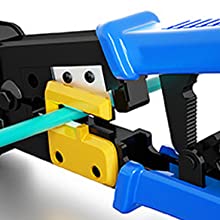
Cutting

Stripping
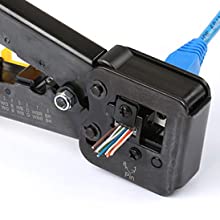
Crimping
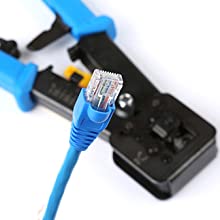
Finished

PETECHTOOL Versatile RJ45 Crimp Tool + 5PCS 8Pin Replacement Blades
• Lets you cut, strip and crimp (CAT6, CAT5/5e) and telephone cables, Compatible with all RJ45 CAT6 connectors (including shielded), RJ45 CAT5e connectors, and RJ12 connectors
• Fast, reliable crimp tool with steel body for durability
• Best Tool Kit Ensures Best Value for Money
• Ratchet safety-release and a blade-guard on cutting and stripping knives reduce the risk of injury
• By Purchasing RJ45 BLUE Crimping tool you can get 5 Crimp Replacement Blades with RJ 45 crimper.(5PCS 8Pin Cavity replacement blades)
How to make a RJ45 ethernet cable connector
1. Put the cable into the stripping port of the rj45 ethernet crimper.
2. Hold the rj45 ethernet crimper and rotate the cable on 360 degrees to strip the cable. (Note: Don't crimp too much tightly to avoid damaging the internal cable).
3. Line up the eight colors of the cable according to T568A standard or T568B- (T568B Standard used in home more widely).
4. After line up the eight colors of the cable, you should cut the wires neatly through the cutting port blade of the rj45 ethernet crimper.
5. Please insert the sequential cable into the end of the crystal connector. When inserting the cable into the crystal connector, hold the cable tightly to avoid the wrong sequence.
6 .Insert the network cable with crystal connector into the 8P crimping port.
7. Squeeze the handle hard and release then, pull out the crystal connector.
8. The rj45 Ethernet Cable connector is completed.
Giveaway RJ45 Pass Through Crimping tool (5PCS 8Pin Cavity replacement blades)
Cutting
Stripping
Crimping
Finished